-
-
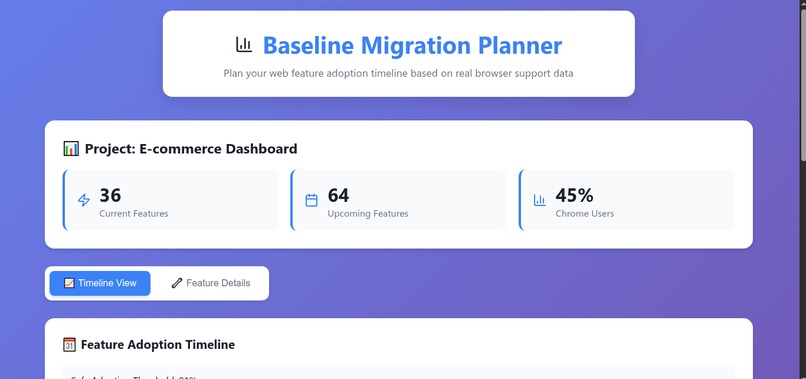
Main page.
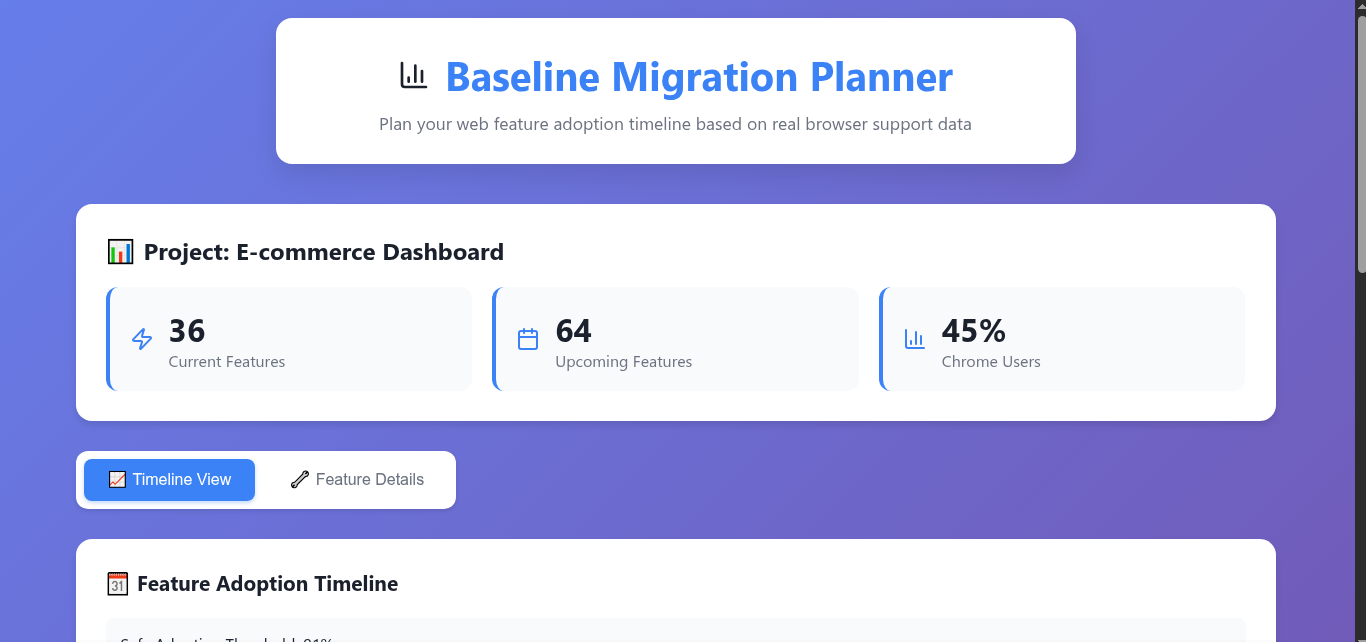
Inspiration
As a web developer, I constantly faced the frustrating question: "When can I safely use this cool new CSS feature?" Existing tools like CanIUse tell you current browser support, but they don't answer the crucial question: "When will this feature be safe for MY users?" I was tired of playing it safe with outdated techniques while watching amazing new web features sit unused. The idea hit me: what if developers could see a visual timeline showing exactly when modern web features would be safe to adopt based on real browser evolution patterns?
What it does
Baseline Migration Planner transforms how developers plan modern web feature adoption. Instead of guessing or avoiding new features entirely, it provides:
- Interactive Timeline Visualization: Shows when web features become safe to use (95% browser support threshold)
- Smart Feature Cards: Display current Baseline status with actionable recommendations ("Safe now" vs "Wait 6 months")
- Project Analysis Dashboard: Simulates codebase scanning to show current vs recommended features
- Predictive Planning: Calculates adoption timelines based on browser version evolution patterns
The tool covers CSS properties, JavaScript features, and Web APIs, giving developers a strategic roadmap for modernizing their projects without breaking user experience.
How we built it
Frontend: React 18 with TypeScript for type safety and component structure
Data Source: MDN Browser Compatibility Data (BCD) npm package
UI/UX: Custom CSS with responsive design and Lucide React icons
Development Environment: GitHub Codespaces
Architecture: Static web application with client-side rendering and mock data simulation
The timeline component uses Recharts LineChart with custom formatting, hover tooltips, and color-coded status indicators. Feature cards calculate adoption recommendations using date arithmetic and display status with conditional styling.
Challenges we ran into
Data Complexity: Browser compatibility data is incredibly complex with nested support matrices. Timeline Visualization: Creating an intuitive chart that shows both current support percentages and future adoption dates required multiple iterations. Balancing information density with clarity was challenging. Responsive Design: Making the timeline charts work smoothly across mobile and desktop while maintaining readability took significant CSS engineering.
Accomplishments that we're proud of
Unique Value Proposition: Created the first tool that provides predictive timeline visualization for web feature adoption - filling a genuine gap in developer tooling. Technical Innovation: Successfully integrated complex browser compatibility data into an intuitive visual format that immediately communicates actionable insights. Practical Impact: Solved a real problem every web developer faces, transforming reactive compatibility checking into proactive strategic planning.
What we learned
Data Visualization Strategy: Learned that effective developer tools need to transform raw data into actionable insights, not just display information differently. User Experience Focus: Discovered that the most powerful technical features are useless if developers can't quickly understand and act on them. Strategic Simplification: Realized that starting with mock data allowed rapid prototyping and concept validation before investing in complex integrations Timeline Management: Experienced how breaking a complex project into small, testable components enables faster iteration and debugging. Developer Empathy: Understood that solving your own pain points often creates solutions that resonate with the broader developer community.
What's next for Baseline Migration Planner
Real Codebase Integration: Implement actual file parsing to analyze existing projects and detect currently used features. Live Browser Data: Replace mock data with real-time integration of MDN Browser Compatibility Data and Web Platform Dashboard APIs. Customizable Thresholds: Add project-specific configuration allowing teams to set custom support thresholds based on their actual user analytics. Team Collaboration: Build multi-user features for shared project analysis, team discussions, and adoption planning workflows. Framework Integration: Create plugins for popular development tools (VS Code extension, webpack plugin, ESLint rules) to provide inline adoption recommendations during development. AI-Powered Recommendations: Develop intelligent suggestions based on project type, existing tech stack, and team velocity to optimize modernization strategies.
Built With
- chart.js
- css3
- custom
- flexbox
- git
- github
- icons)
- javascript
- lucide
- node.js
- react
- recharts
- typescript

Log in or sign up for Devpost to join the conversation.