-
-
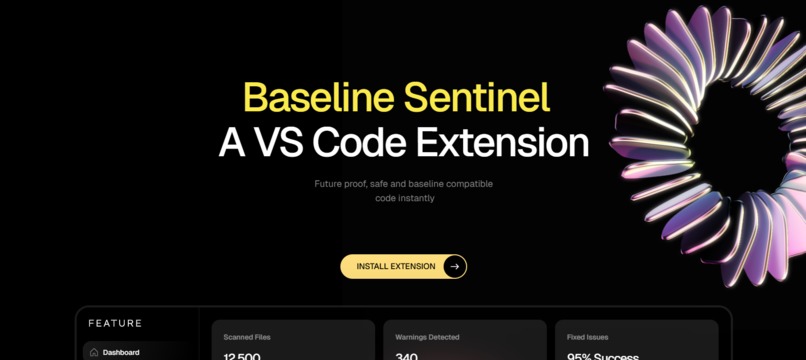
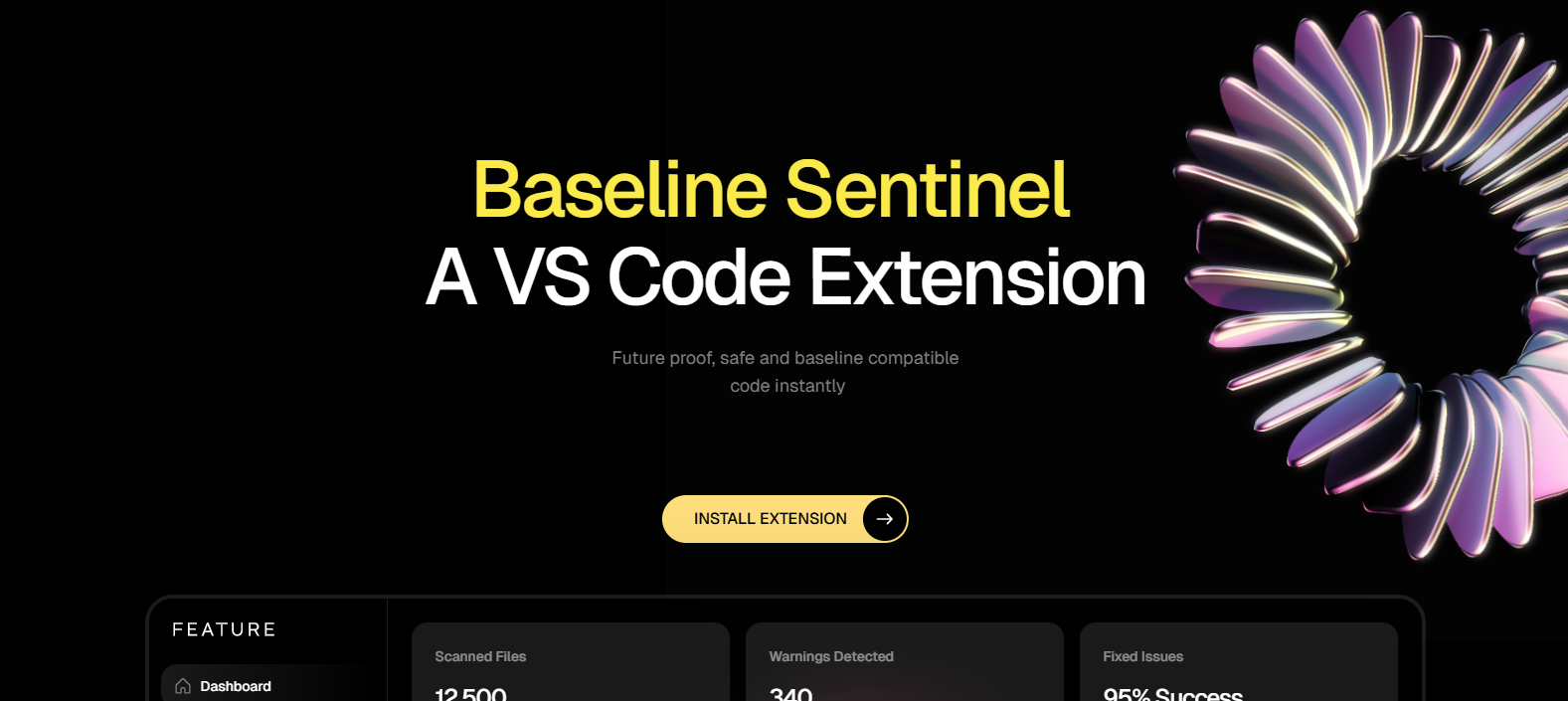
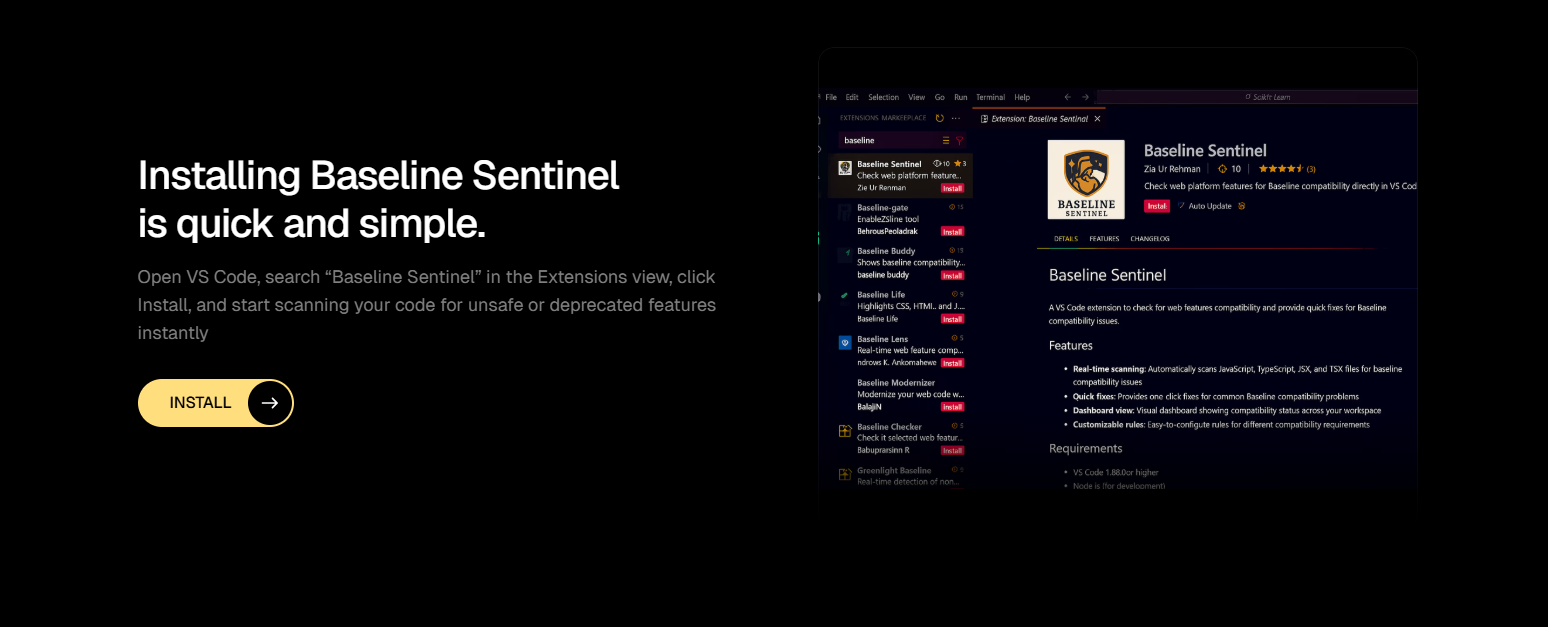
Baseline Sentinel , a VS Code extension that helps you write safer, future-proof code.
-
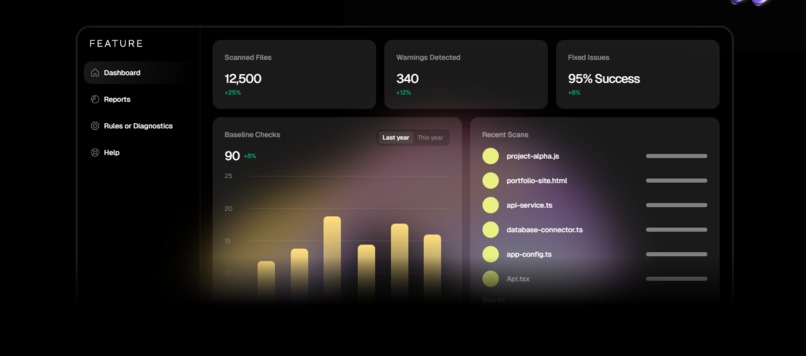
Detect risky patterns, deprecated APIs, non-baseline features.
-
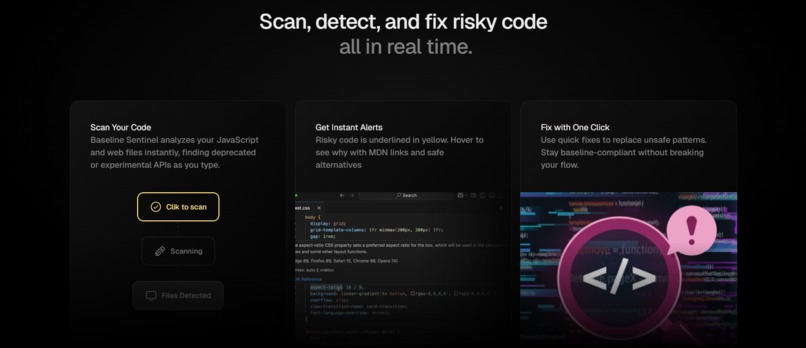
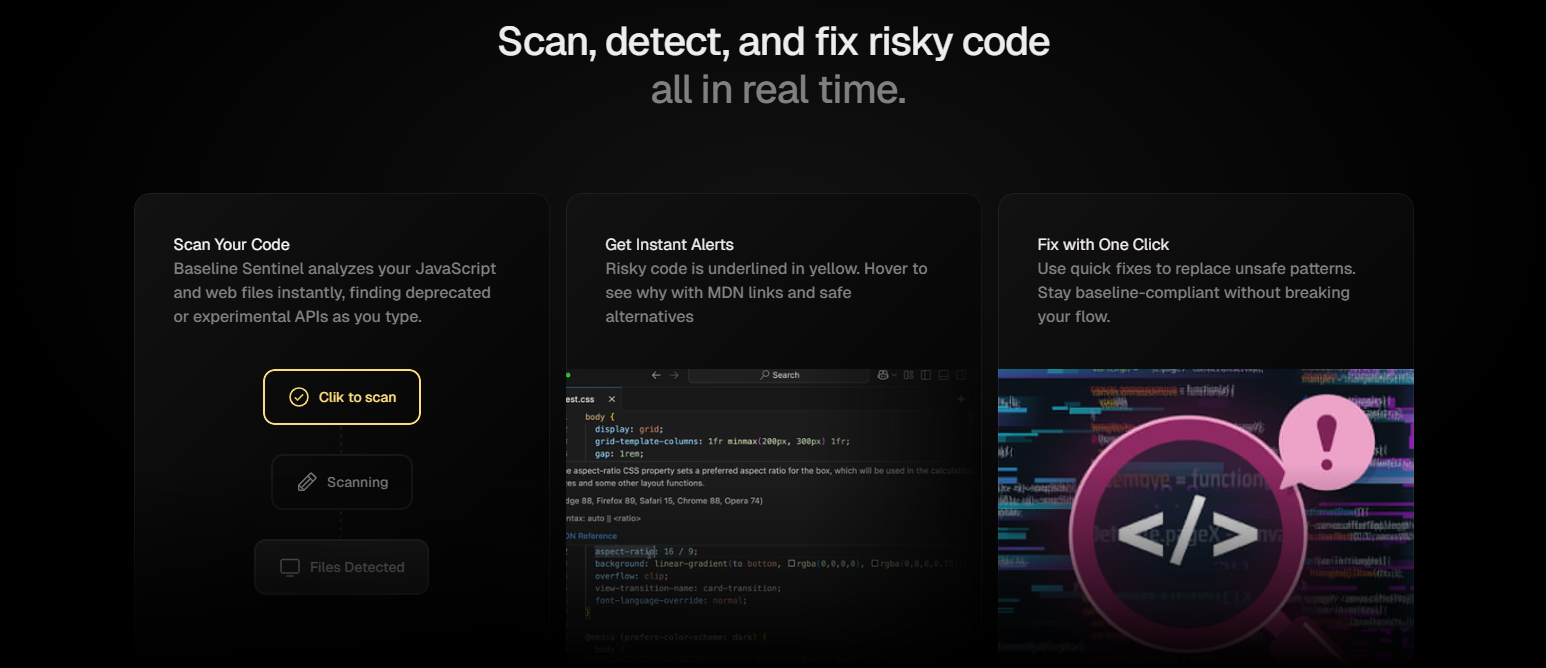
Scan your JavaScript and web files in real time.
-
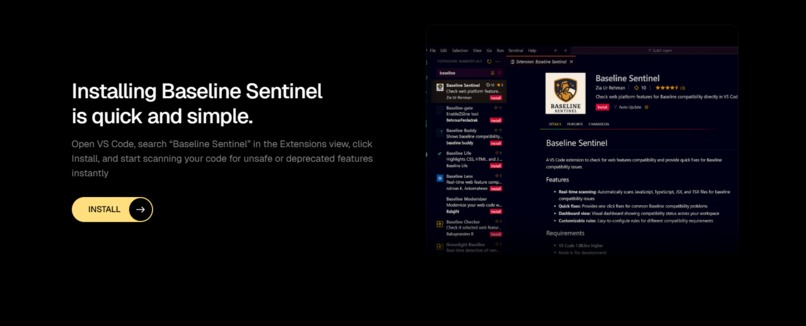
Click Install to set it up instantly.
-
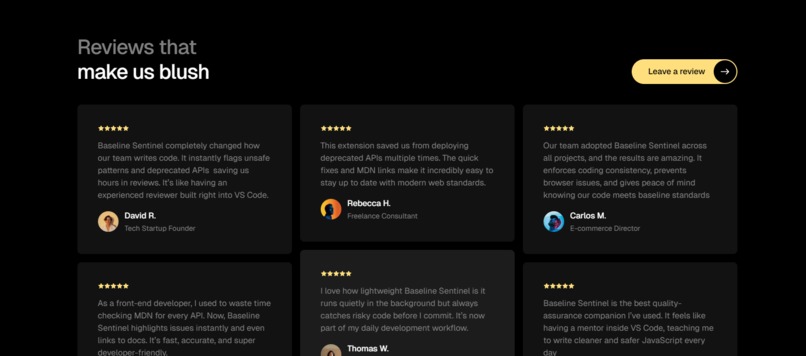
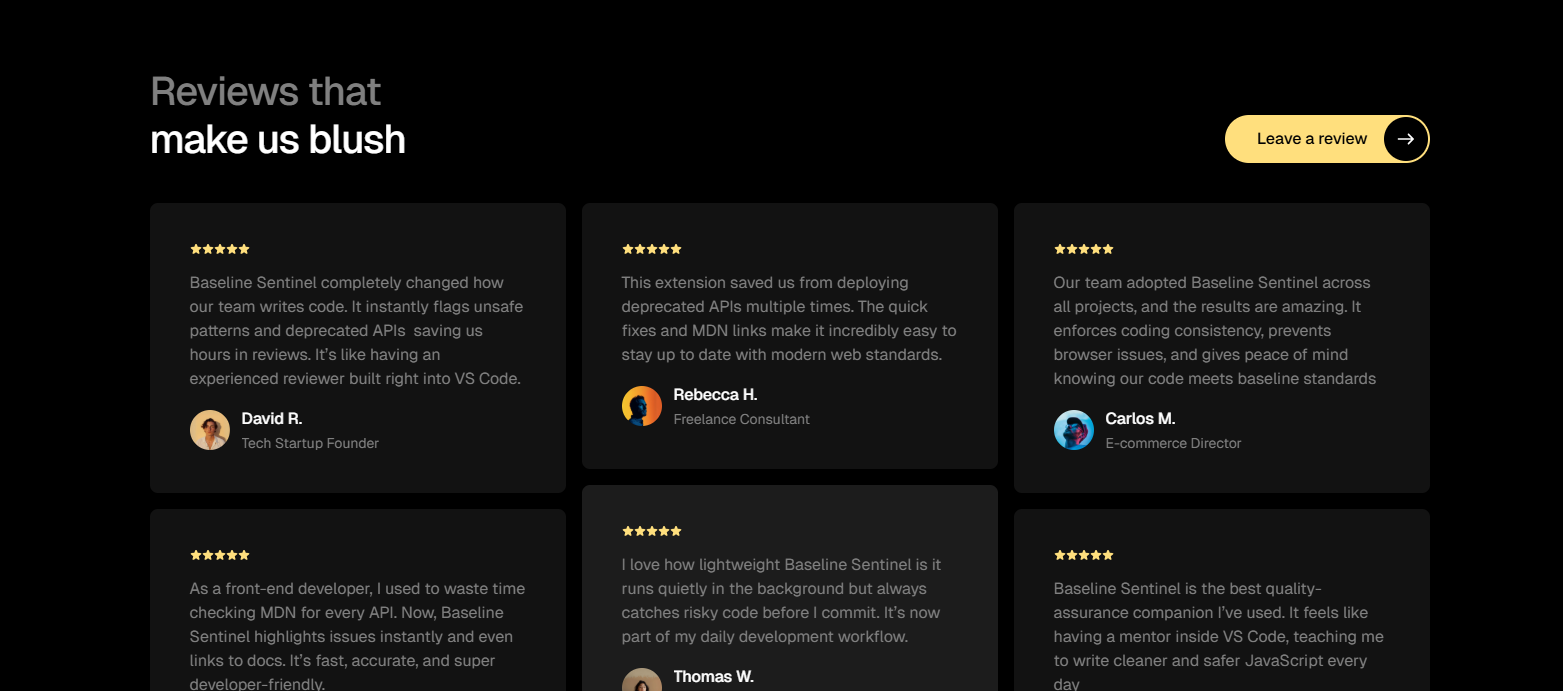
Feedback from the community that’s redefining web reliability.
𝐈𝐧𝐬𝐩𝐢𝐫𝐚𝐭𝐢𝐨𝐧
We’ve all had that “it works on my browser” moment. You build something amazing, test it in Chrome, deploy it… and suddenly, Safari or Firefox decides to ruin your day. During the hackathon, we realized how hard it is to keep up with constantly changing web standards — deprecated APIs, experimental features, and non-baseline quirks that break things when you least expect it. That’s when we thought: what if your editor could protect you before you even hit “Run”?
And that spark became 𝐁𝐚𝐬𝐞𝐥𝐢𝐧𝐞 𝐒𝐞𝐧𝐭𝐢𝐧𝐞𝐥, a real-time 𝗩𝗦 𝗖𝗼𝗱𝗲 𝗲𝘅𝘁𝗲𝗻𝘀𝗶𝗼𝗻 that helps developers write safe, future proof code automatically.
𝐖𝐡𝐚𝐭 𝐈𝐭 𝐃𝐨𝐞𝐬
Baseline Sentinel acts like a quiet guardian inside your editor. It: • Scans your code in real time for deprecated, experimental, or unsafe web APIs. • Highlights risky code with gentle yellow underlines. • Suggests one-click fixes — like turning == into === or replacing innerHTML with textContent. • Links directly to MDN docs so you can see why something is unsafe. • Works entirely offline, using pre-packaged MDN Browser Compatibility Data.
The goal is simple: help you write baseline-safe, future-proof, and browser-compatible code without breaking your flow.
𝐇𝐨𝐰 𝐖𝐞 𝐁𝐮𝐢𝐥𝐭 𝐈𝐭
We built the extension using TypeScript and the VS Code Extension API. Under the hood, it has three main parts:
Rule Engine Parses .𝐣𝐬, .𝐭𝐬, .𝐣𝐬𝐱, .𝐭𝐬𝐱, and .𝐡𝐭𝐦𝐥 files using an AST walker and compares them against curated MDN-based rules. Diagnostics Layer Surfaces warnings, hover messages, and quick-fix options directly inside VS Code. CLI Tool Lets teams run baseline checks in CI/CD pipelines or as part of code reviews. We also bundled MDN Browser Compatibility Data locally so it can work even when you’re offline because no one wants an extension that breaks on bad Wi-Fi.
𝐂𝐡𝐚𝐥𝐥𝐞𝐧𝐠𝐞𝐬 𝐖𝐞 𝐑𝐚𝐧 𝐈𝐧𝐭𝐨
Every hackathon project comes with its “why is this breaking at 2 AM?” moments, and we had plenty:
• Getting real-time analysis to feel instant without slowing VS Code down. • Mapping MDN data accurately to real-world code patterns. • Writing safe auto-fixes that don’t accidentally change logic. • Designing warnings that help, not annoy we wanted to educate, not spam. • Balancing speed, accuracy, and a good developer experience was our biggest test and one we’re proud to have passed.
𝐀𝐜𝐜𝐨𝐦𝐩𝐥𝐢𝐬𝐡𝐦𝐞𝐧𝐭𝐬 𝐓𝐡𝐚𝐭 𝐖𝐞’𝐫𝐞 𝐏𝐫𝐨𝐮𝐝 𝐎𝐟
• Built a fully functional VS Code extension in under a week. • Integrated MDN data directly for real, trusted compatibility insights. • Created instant, one-click fixes for common risky patterns. • Designed a tool that actually fits into developers’ daily workflow without getting in the way. Most of all, we’re proud that it’s something we’d genuinely use in our own projects.
𝐖𝐡𝐚𝐭 𝐖𝐞 𝐋𝐞𝐚𝐫𝐧𝐞𝐝
This project taught us that “future-proof code” isn’t just about using the latest syntax it’s about understanding the baseline of what’s truly safe across browsers. We learned how to: • Work deeply with MDN compatibility data. • Build real-time developer tools using VS Code’s API. • Communicate warnings in a way that feels friendly and helpful. • And yes, we also learned that nothing bonds a team like debugging TypeScript together at 3 AM.
𝐖𝐡𝐚𝐭’𝐬 𝐍𝐞𝐱𝐭 𝐟𝐨𝐫 𝐁𝐚𝐬𝐞𝐥𝐢𝐧𝐞 𝐒𝐞𝐧𝐭𝐢𝐧𝐞𝐥
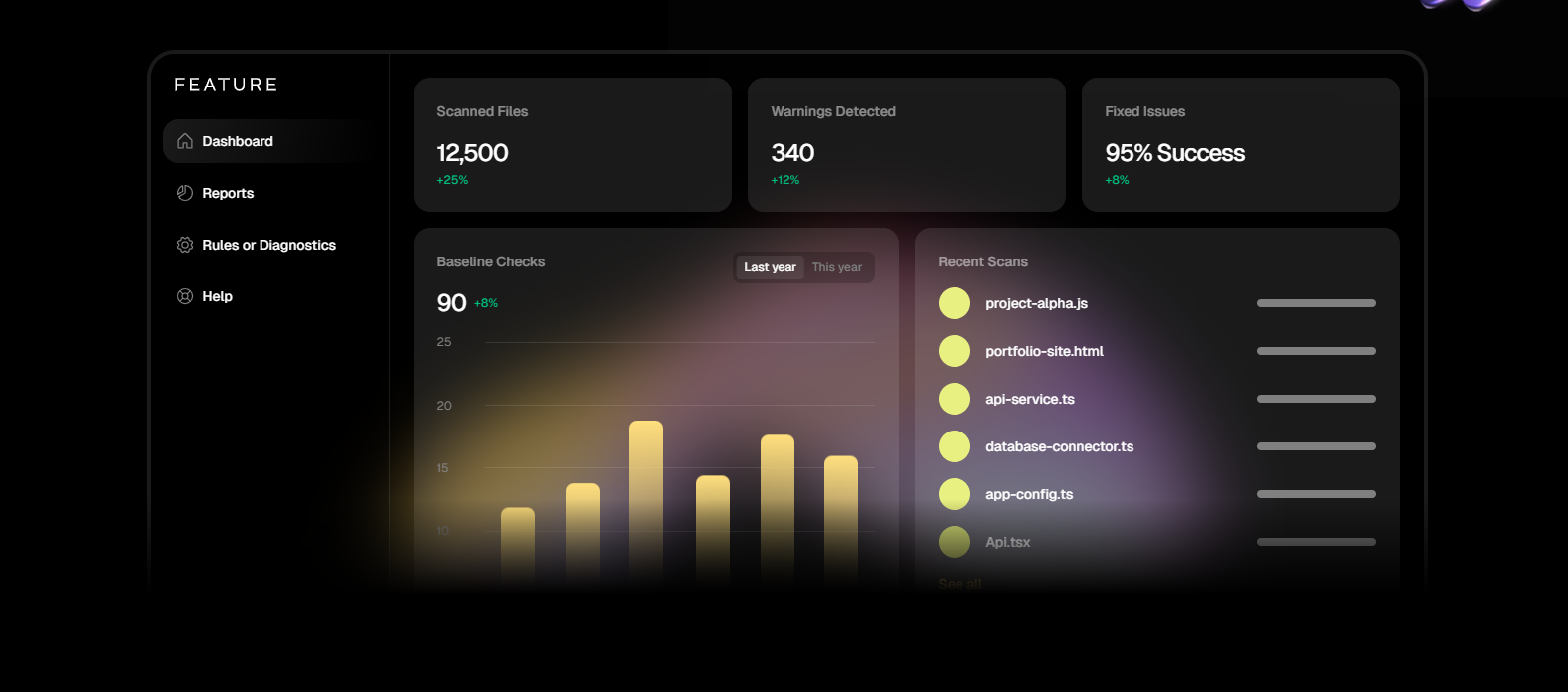
We’re just getting started. Next, we want to: • Add support for CSS and WebAssembly compatibility checks. • Build a GitHub Action for automatic baseline checks on pull requests. • Create team dashboards showing compatibility health across codebases. • Expand to other editors like JetBrains, Sublime, and Neovim.
Our long-term goal? To make Baseline Sentinel the go-to companion for writing safe, baseline-compliant, and future-ready web code, everywhere.
Built With
- ai
- java
- python
- typescript
- vscode

Log in or sign up for Devpost to join the conversation.