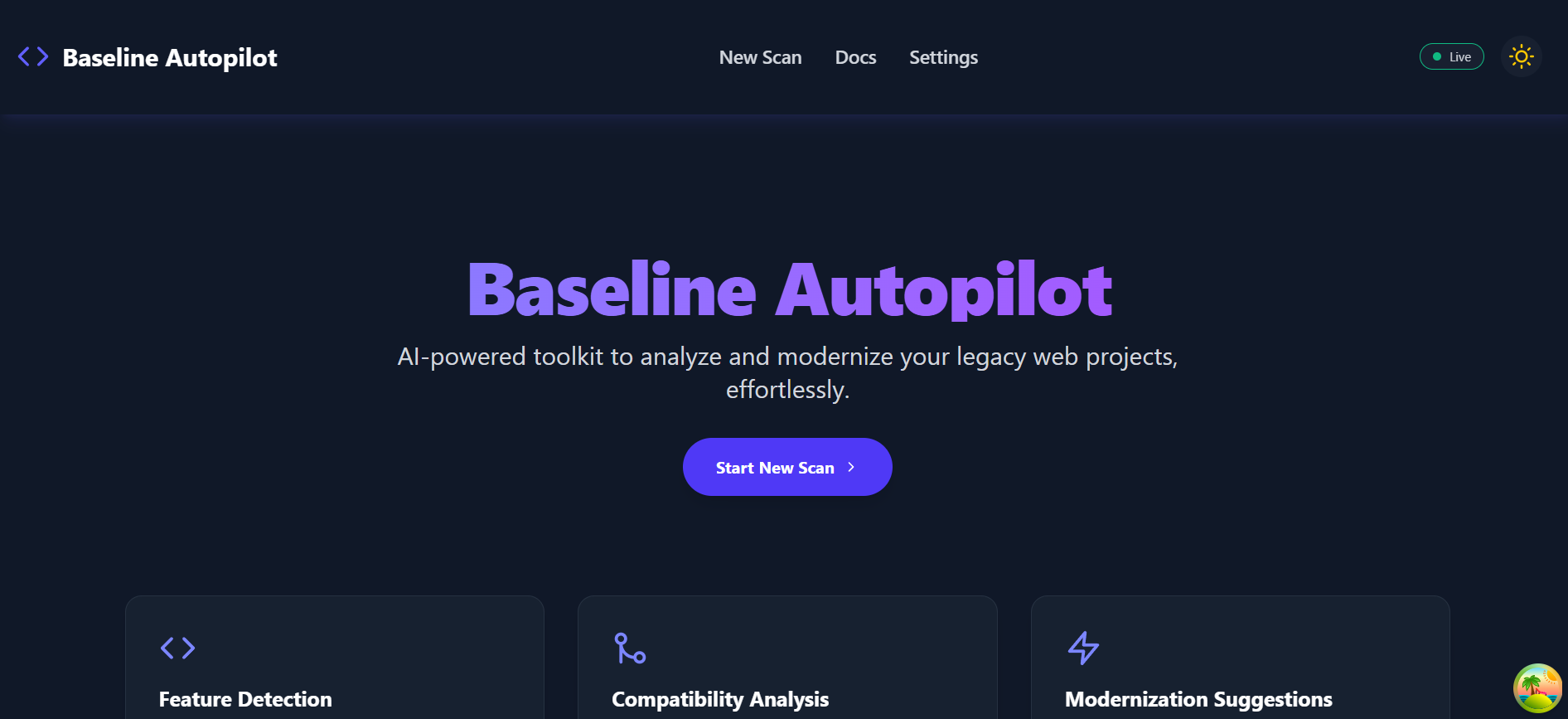
About the Project
Inspiration
The inspiration for the Baseline GitHub Repository Checker came from the recurring need to quickly evaluate the health and quality of a codebase. In many development teams, especially larger ones, ensuring that repositories adhere to certain standards, use up-to-date dependencies, and follow best practices is a constant challenge. Manually checking each repository is tedious and error-prone. I wanted to create a tool that automates this process, providing a clear and actionable "baseline" report for any given GitHub repository. The idea was to build something that could help developers and managers get a snapshot of a project's technical state at a glance.
What I Learned
This project was a great learning experience. Here are some of the key takeaways:
- Full-Stack Development with Modern Tools: I deepened my understanding of building a full-stack application using a modern MERN-like stack. On the frontend, I got to work with Vite for the first time and was impressed by its speed. I also used TanStack Query for managing server state, which was a great way to handle data fetching, caching, and synchronization.
- Real-time Communication: Implementing real-time progress updates with Socket.IO was a fantastic challenge. It taught me a lot about managing WebSocket connections between a React client and a Node.js/Express backend.
- Interacting with External APIs: I gained valuable experience using the GitHub API via the
@octokit/restclient. I learned how to authenticate, fetch repository data, and handle API rate limits. - Asynchronous Job Processing: The backend uses a job queue to handle the repository scanning process asynchronously. This was crucial for preventing long-running tasks from blocking the main thread and for providing a better user experience.
How I Built It
The project is divided into two main parts: a frontend and a backend.
Backend:
- I started by setting up a Node.js server with Express.
- I used Mongoose to define schemas for
ScanandJobmodels and connected to a MongoDB database to store the scan results. - The core of the backend is the
repoAnalyzerservice, which clones a GitHub repository, parses its files, and performs various checks. - I implemented a simple job queue system to handle scan requests asynchronously. When a new scan is requested, a job is added to the queue.
- Socket.IO is used to emit events from the backend to the frontend, providing real-time updates on the scan progress.
// Example of a backend route
app.post('/api/scan', [
    body('repoUrl').isURL().withMessage('A valid repository URL is required.'),
], async (req, res) => {
    // ... validation and job creation logic
});
Frontend:
- The frontend is a single-page application built with React and Vite.
- I used React Router to manage navigation between different pages like the home page, the scan page, and the scan details page.
- Material-UI and Tailwind CSS were used to create a clean and modern user interface.
- TanStack Query handles all the data fetching from the backend API.
- A custom
useSockethook was created to manage the Socket.IO connection and listen for real-time events from the backend.
Challenges I Faced
- Parsing and Analyzing Code: One of the biggest challenges was to write code that could robustly parse different types of source code files to look for specific patterns (e.g., outdated dependencies in
package.json). I used libraries like@babel/parserfor JavaScript, but handling different languages and file formats can be complex. - Handling Large Repositories: Scanning very large repositories can take a significant amount of time and resources. I had to optimize the cloning and analysis process to avoid timeouts and excessive memory usage. The asynchronous job queue helped a lot here.
- Error Handling: Building a resilient system that can gracefully handle errors (e.g., invalid repository URLs, private repositories, API failures) was a key focus. I implemented comprehensive error handling on both the frontend and backend.
- State Management with Real-time Data: Synchronizing the frontend state with the real-time data coming from the backend via WebSockets was tricky. It required careful state management to ensure the UI updated smoothly without unnecessary re-renders. For example, updating a progress bar can be represented with the following equation: $$ \text{progress} = \frac{\text{completed_tasks}}{\text{total_tasks}} \times 100% $$
Built With
- jest
- mern
- octalit

Log in or sign up for Devpost to join the conversation.