-
-
#BA
Inspiration
Building web apps today means constantly worrying whether new features will work for everyone -especially across browsers. I wanted to make it easy for developers to refactor code with confidence, focusing on compatibility and standards. The idea came from seeing teams struggle with browser bugs simply because they used features not yet supported everywhere.
What it does
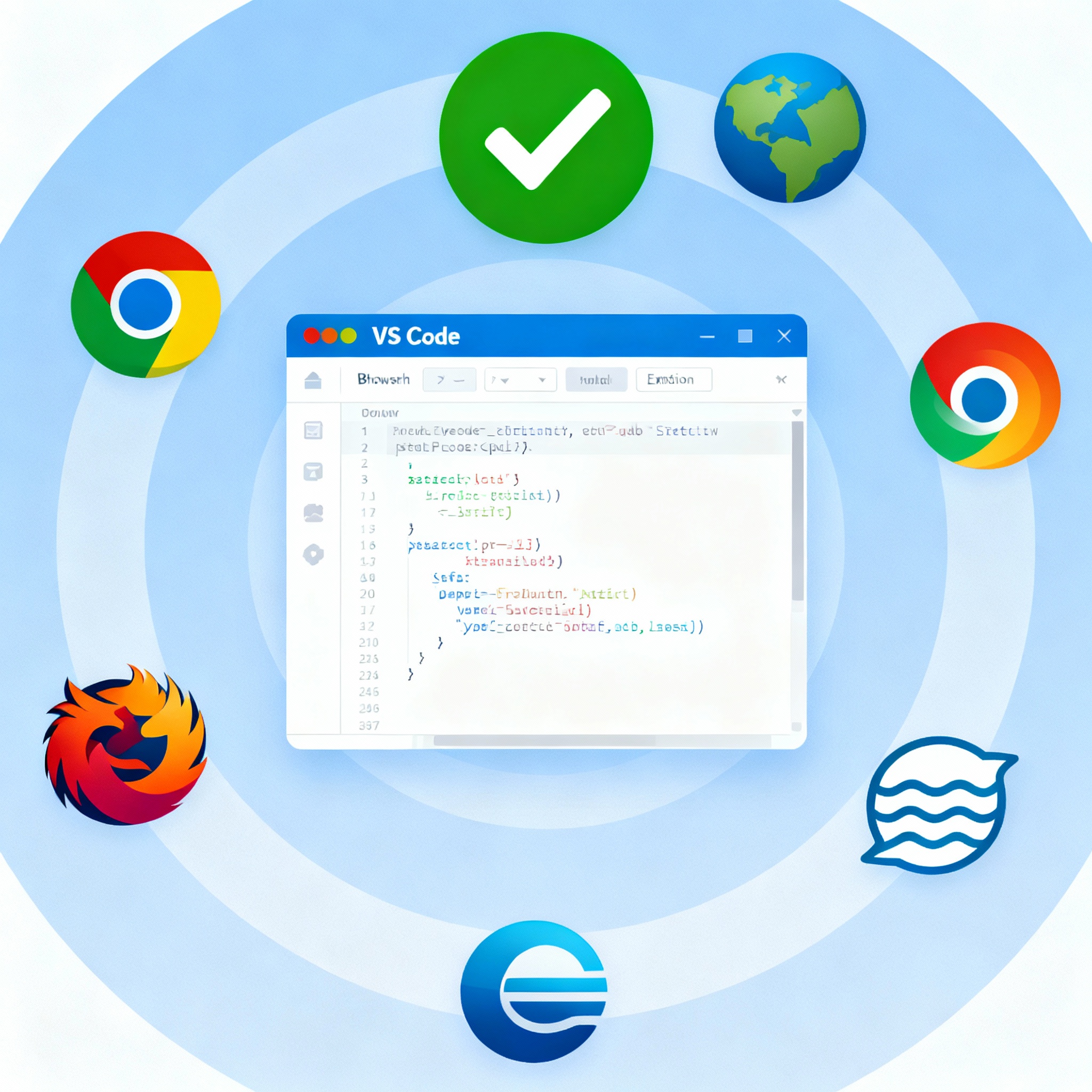
Baseline Refactor Assistant is a Visual Studio Code extension that automatically scans JavaScript, TypeScript, and CSS files for non-Baseline web features. It detects code that might cause browser compatibility issues and provides instant warnings, so developers can refactor before those issues reach production.
How I built it
- The extension was designed in TypeScript for strong type safety.
- Built directly as a VS Code extension using the official API.
- Implements a real-time diagnostic engine that scans open files for specific patterns (e.g.,
.flat(),@container,subgrid) and flags them inline and in the Problems panel. - Released as a convenient
.vsixinstaller, with all source code and installation instructions available on GitHub.
Challenges I ran into
- Identifying the best patterns to catch emerging non-standard features.
- Ensuring fast, real-time feedback without slowing down the editor.
- Packaging for distribution so anyone without technical experience can install and use it instantly.
- Making the extension flexible to add future checks for new web features.
Accomplishments that I'm proud of
- Delivered intuitive, instant warnings directly inside VS Code for maximum developer productivity.
- Created a reliable packaging workflow for easy sharing and installation.
- Wrote clear documentation so even first-time users or non-developers can get started.
- Published successfully to GitHub with both source and compiled installer available.
What I learned
- How to use the VS Code extension API and deploy tools such as VSCE.
- Best practices in diagnosing and displaying browser compatibility issues in code.
- The importance of good user documentation and onboarding, especially for open-source tools.
- How communities benefit from easy-to-use automation for quality control.
What's next for Baseline Refactor Assistant v0.0.1
- Detect more advanced compatibility issues and add new feature checks as standards evolve.
- Provide quick-fix suggestions for the flagged code.
- Gather user feedback to improve scanning accuracy and usability.
- Explore publishing to the official VS Code Marketplace for wider access.
- Integrate with CI/CD pipelines for automated compatibility checks.

Log in or sign up for Devpost to join the conversation.