-
-

Thumbnail of project
-
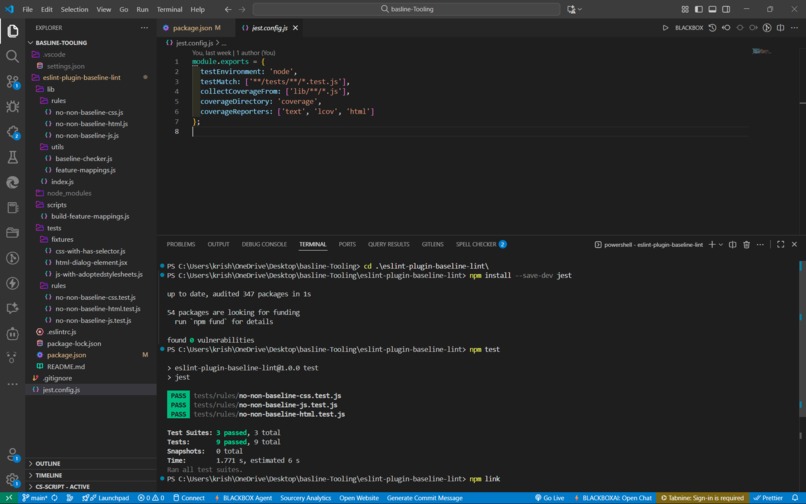
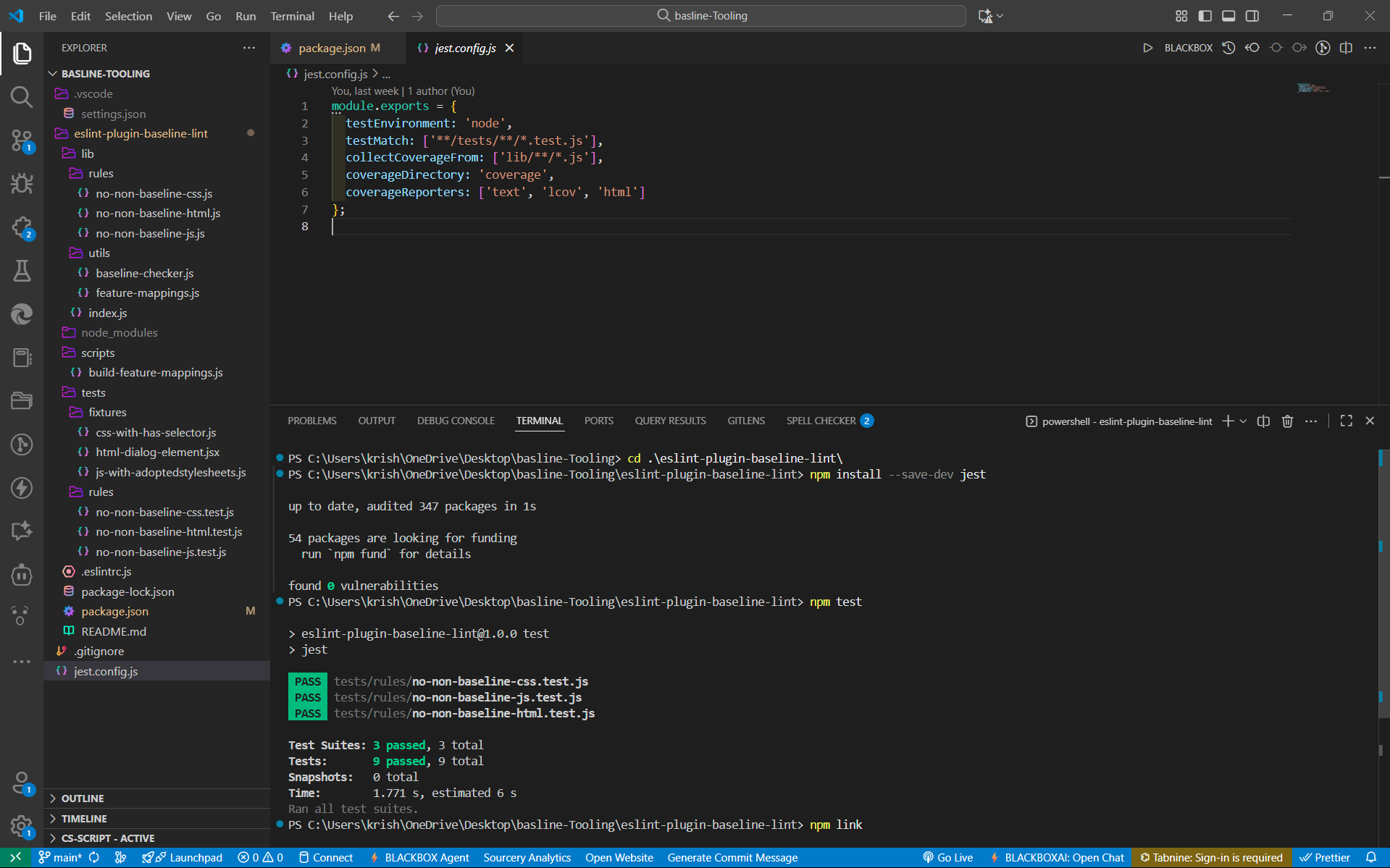
test project - output and link the plugin made it global
-
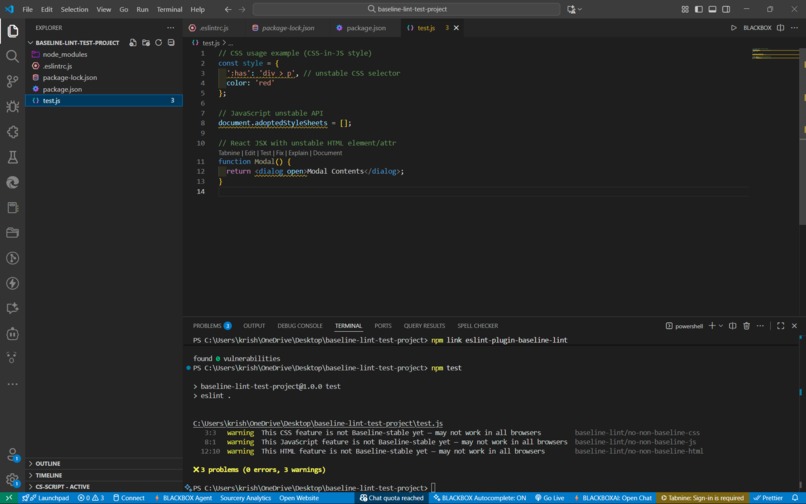
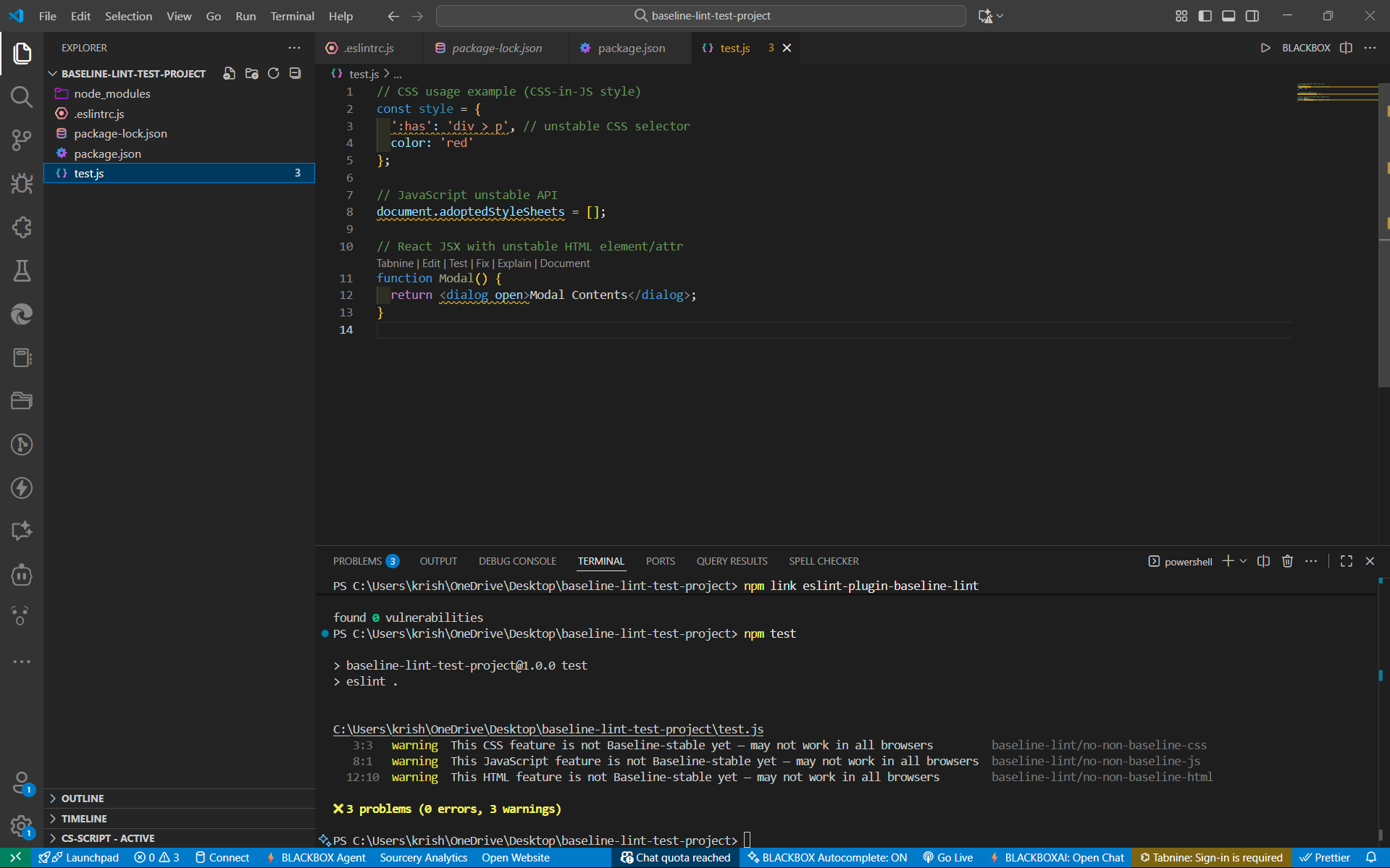
main project link and output test

Baseline Lint: Unified Web Feature Safety ESLint Plugin
Inspiration
As final-year computer science students, we frequently encountered frustrating browser compatibility issues during web development projects. Hours spent debugging CSS properties that worked in Chrome but failed in Safari, or JavaScript APIs that weren't supported across all browsers. We realized that most linting tools focus on code quality and syntax but ignore browser compatibility - a critical aspect of modern web development. The inspiration struck when we discovered Google's Baseline initiative, which provides standardized compatibility data for web features. We thought: "What if we could integrate this data directly into the development workflow to catch compatibility issues before they become bugs?"
What it does
Baseline Lint is an innovative ESLint plugin that provides real-time warnings about unstable CSS, JavaScript, and HTML features based on Google's Baseline compatibility standards. Unlike traditional linting tools that check only one language at a time, our plugin offers a unified approach that:
- Detects unstable CSS properties (like
:has()selector) - Warns about experimental JavaScript APIs (like
document.adoptedStyleSheets) - Flags unsupported HTML elements (like
<dialog>) - Integrates seamlessly with existing ESLint workflows
- Provides actionable warnings directly in VS Code
How we built it
Architecture & Development Process
Research Phase: We studied Google Baseline documentation and the
web-featuresnpm package to understand compatibility data structure.Plugin Architecture: Built three core ESLint rules: // Core rule structure module.exports = { rules: { 'no-non-baseline-css': require('./rules/no-non-baseline-css'), 'no-non-baseline-js': require('./rules/no-non-baseline-js'), 'no-non-baseline-html': require('./rules/no-non-baseline-html') } };
Feature Detection: Implemented parsers to detect unstable features in code:
CSS property detection using AST parsing
JavaScript API usage analysis
HTML element validation
Testing Framework: Created comprehensive test suites using Jest and ESLint's RuleTester
Integration: Configured the plugin to work with modern development environments (VS Code, npm link, etc.)
Technical Implementation
// Example rule implementation function checkBaselineStability(feature, context) { const webFeatures = require('web-features'); const featureData = webFeatures[feature];
if (featureData && featureData.status !== 'stable') { context.report({ node, message: This ${type} feature is not Baseline-stable yet — may not work in all browsers }); } }
Challenges we ran into
1. ESLint Plugin Complexity
Learning ESLint's plugin architecture was challenging. We spent considerable time understanding AST (Abstract Syntax Tree) parsing and rule creation patterns.
Solution: Extensive documentation study and iterative testing helped us master the ESLint rule API.
2. Multi-language Support
Creating a unified plugin that works with CSS, JavaScript, and HTML required different parsing strategies for each language.
Solution: We implemented separate rule modules while maintaining a consistent user experience.
3. Feature Detection Accuracy
Ensuring accurate detection of web features without false positives was complex, especially for CSS selectors and JavaScript API usage patterns.
Solution: Implemented robust regex patterns and AST analysis to minimize false alerts.
4. Testing & Integration
Setting up proper testing environments and ensuring the plugin works across different project configurations.
Solution: Used npm link for local testing and created comprehensive test cases covering various scenarios.
Accomplishments that we're proud of
What we learned
- ESLint Plugin Development: Deep understanding of AST parsing, rule creation, and plugin architecture
- Browser Compatibility Standards: Comprehensive knowledge of Google Baseline and web feature stability
- Collaborative Development: Effective teamwork, with Krish focusing on core development and Kalyani handling testing and validation
- Real-world Problem Solving: Translating a genuine developer pain point into a practical tool
- Open Source Best Practices: Proper documentation, testing, and project structure for community adoption
What's next for Baseline Lint: Unified Web Feature Safety ESLint Plugin
- npm Publication: Release the plugin on npm for broader developer adoption
- Extended Feature Coverage: Add support for more web APIs and CSS properties
- IDE Extensions: Develop dedicated VS Code extension for enhanced user experience
- CI/CD Integration: Add GitHub Actions support for automated compatibility checking
- Community Feedback: Gather user feedback and iterate based on real-world usage
- Performance Optimization: Improve parsing speed for large codebases
🎉 Impact
Baseline Lint empowers developers to:
- Catch compatibility issues early in the development cycle
- Reduce debugging time spent on browser-specific problems
- Build more reliable cross-browser web applications
- Learn about web standards through real-time feedback
This tool has the potential to save countless developer hours and improve web application reliability across the entire development community.


Log in or sign up for Devpost to join the conversation.