-
-
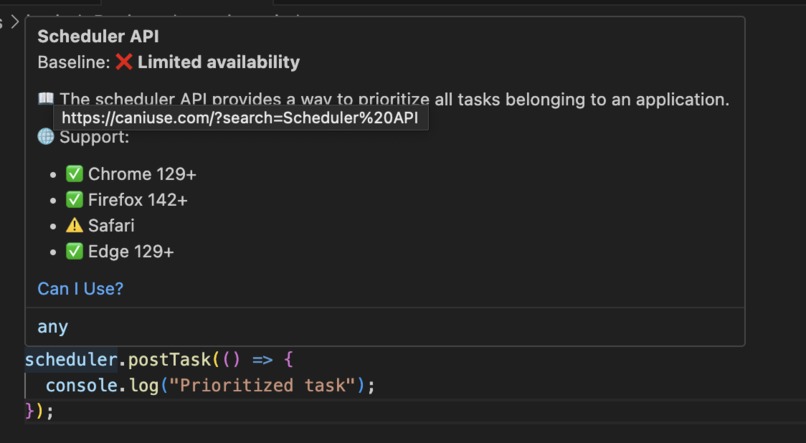
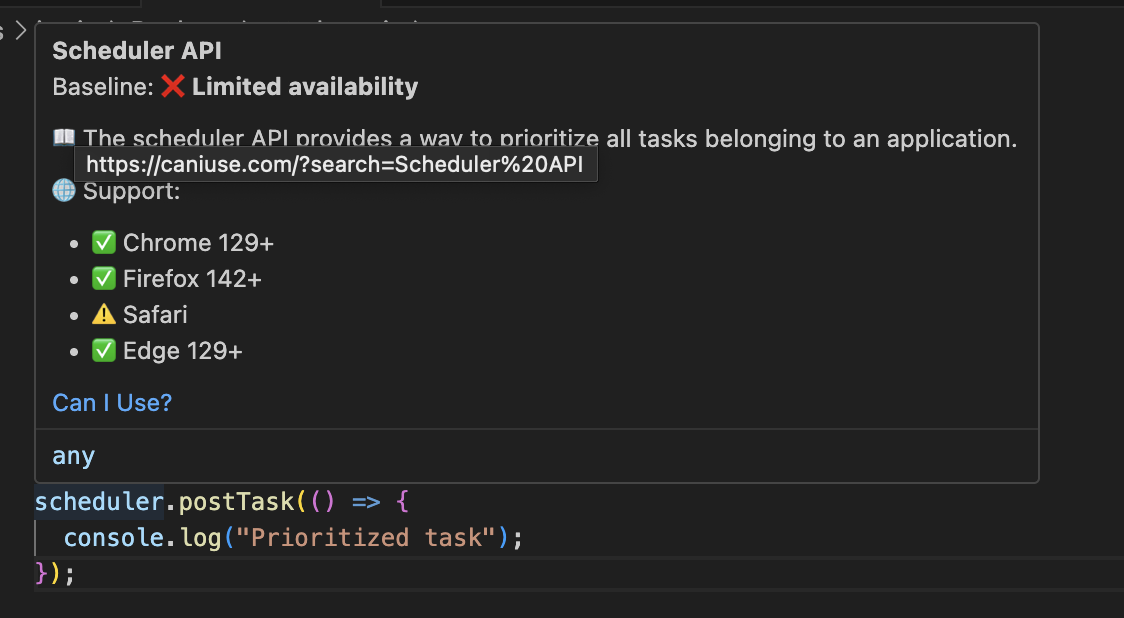
Example of the Hover
-
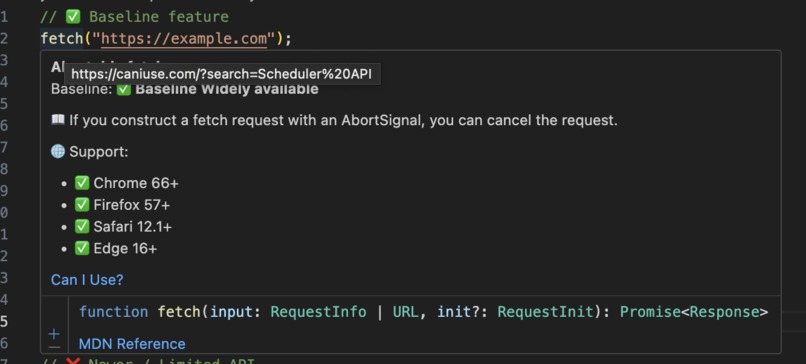
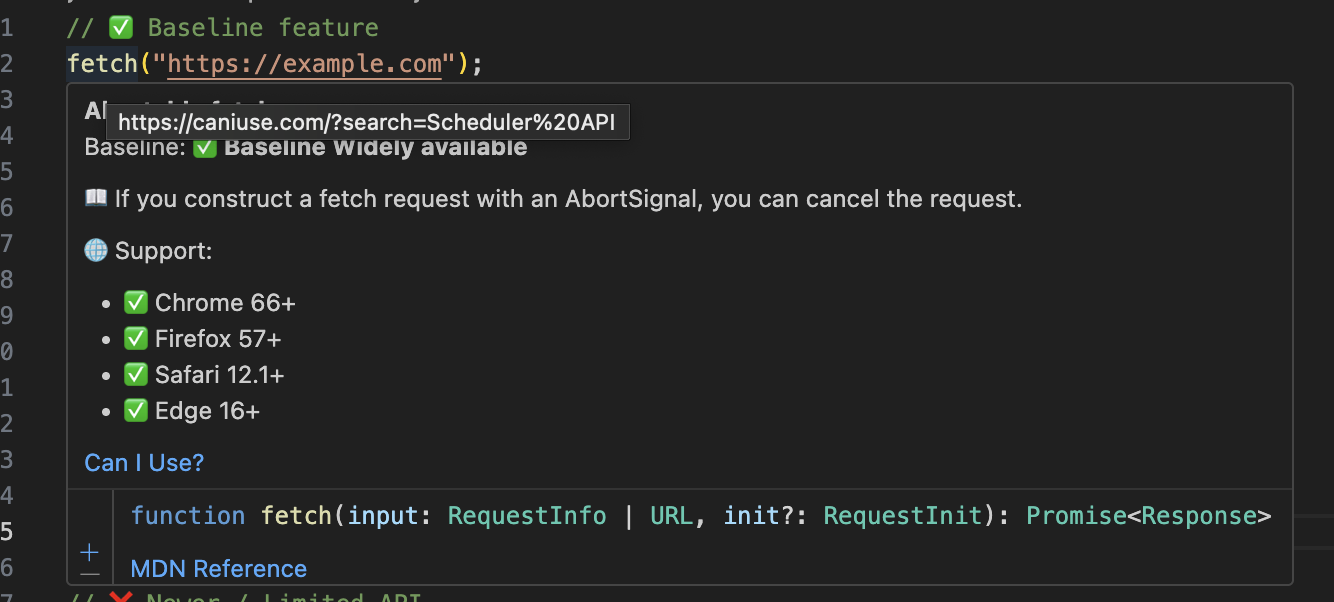
Example of the Hover
Inspiration
Developers often waste time switching between MDN, Can I Use, and blog posts just to check if a web feature is safe to use. We wanted to bring that knowledge directly into the coding workflow, reducing friction and uncertainty.
What it does
Baseline Hover is a VS Code extension that provides instant insights into web features. Hover over an API or feature name in your code to see:
- Baseline status (widely available, newly available, or limited) with clear icons
- Browser support across Chrome, Firefox, Safari, and Edge
- Direct links to MDN Docs and Can I Use
How we built it
We integrated the web-features package to fetch authoritative Baseline and browser support data. Using the VS Code Extension API, we built a hover provider that detects feature names in code and displays relevant Baseline details in Markdown with emojis and links.
Challenges we ran into
- Mapping feature names in code to Baseline feature IDs was tricky; we had to add manual mappings for edge cases.
- Handling inconsistent Baseline JSON structures (string vs. object formats) required careful parsing.
- Displaying information concisely in hover popups while keeping it developer-friendly was a UX challenge.
Accomplishments that we're proud of
- Built a working extension that integrates Baseline data directly into the IDE.
- Created clear, human-readable labels for Baseline statuses (e.g., “Baseline Widely available” vs. just “high”).
- Reduced developer context-switching, letting them make confident decisions without leaving VS Code.
What we learned
We learned how to integrate Baseline data into real tooling, handle JSON structures with evolving schema, and design UX for developer productivity. We also deepened our understanding of the VS Code Extension API.
What's next for Baseline Hover as VS Code Extension
- Expand feature mappings and improve fuzzy matching for APIs.
- Add CI integration so teams can enforce Baseline compliance automatically.
- Support other editors (like JetBrains IDEs or Neovim) using the same Baseline data.
- Provide customization (e.g., warnings in code for non-Baseline features).

Log in or sign up for Devpost to join the conversation.