-
-
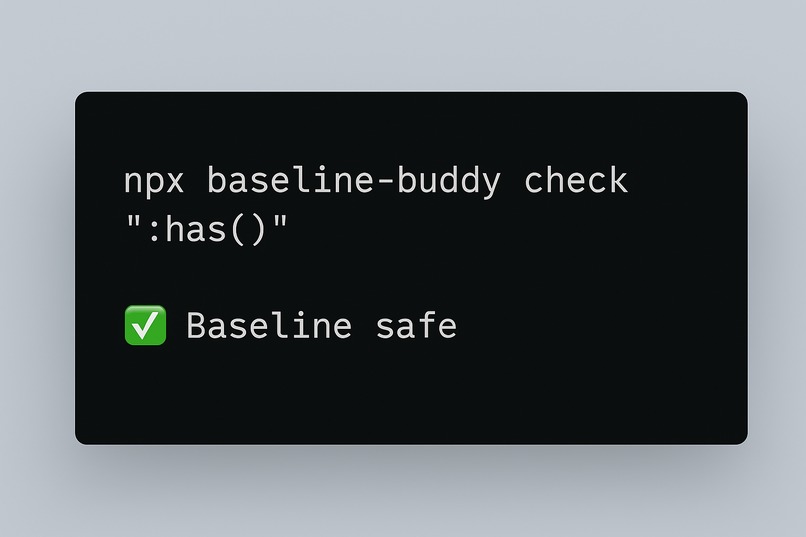
npx baseline-buddy check ":has()"
Inspiration; As a web developer, I often found myself hesitating to use new features. Questions like “Is this supported everywhere yet?” slowed down my workflow. Jumping between MDN, caniuse.com, and various blog posts just to decide if something was safe for production felt like a constant productivity tax.
When I discovered Baseline, it clicked instantly:
What if my tools could just tell me, right inside my editor, linter, or CI pipeline, whether a feature is universally safe?
That idea became the seed for Baseline Buddy — a tool that integrates Baseline compatibility data directly into the places developers already work
What it does; Baseline Buddy gives developers instant answers about feature support:
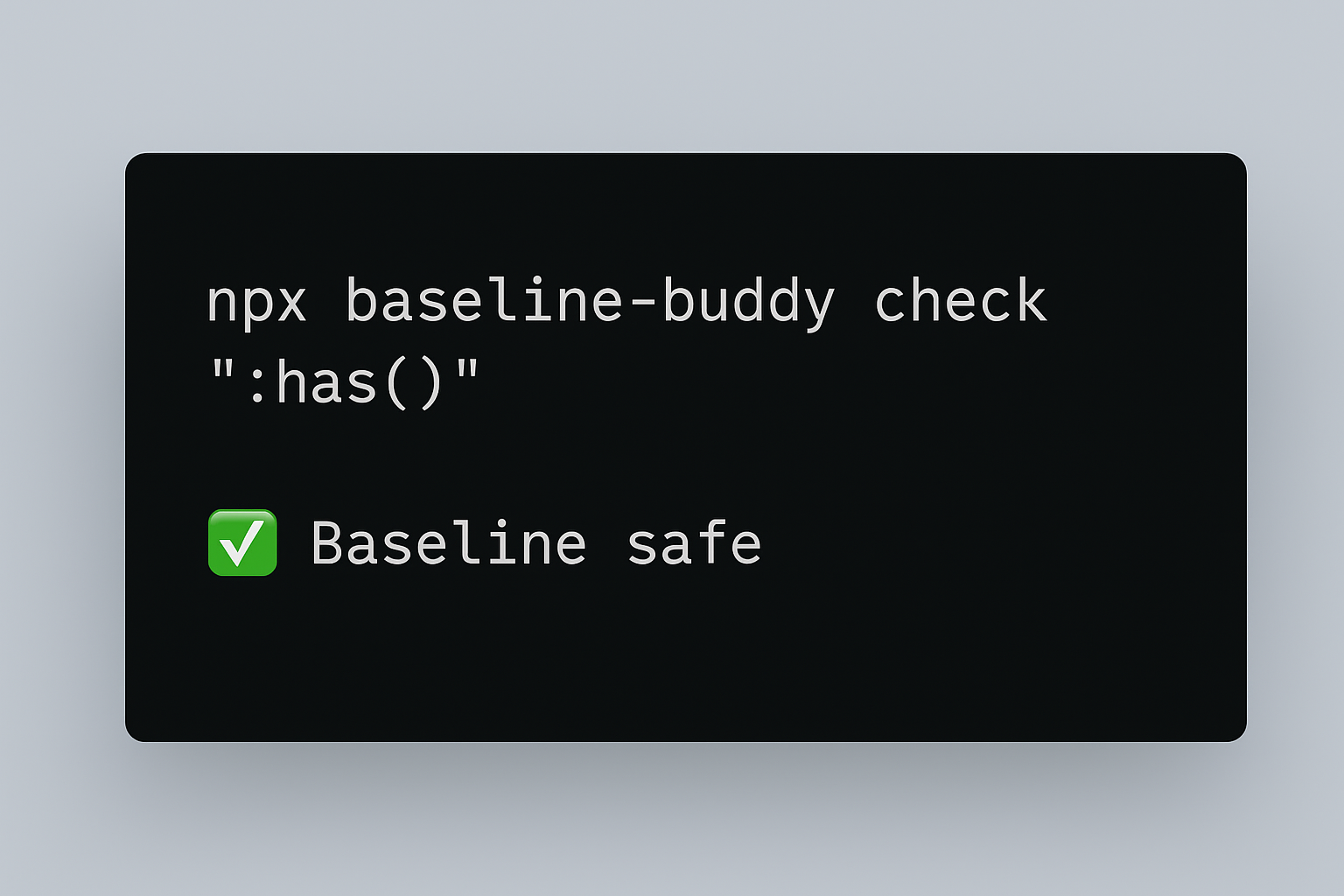
🖥️ CLI Tool – Check if a feature is Baseline safe (npx baseline-buddy check ":has()").
🔍 ESLint Plugin – Warns when unsupported web features are used in code.
🧑💻 VS Code Extension – Hover over a feature to see if it’s Baseline safe.
⚙️ GitHub Action – Blocks pull requests if unsafe features are introduced.
In short: Baseline Buddy eliminates guesswork and ensures compatibility from local dev to CI/CD.
How we built it; Baseline Buddy is structured as a monorepo containing multiple developer tools, all powered by the web-features
package:
CLI Analyzer (cli/)
Written in TypeScript with commander.
Developers can run npx ts-node cli/index.ts check ":has()" to see instantly if a feature is Baseline safe.
ESLint Plugin (eslint-plugin/)
A custom ESLint rule (no-unsafe-features) that flags usage of non-Baseline features.
Helps teams enforce compatibility standards during development.
VS Code Extension (vscode-extension/)
Built with the VS Code API.
Provides hover tooltips: when you hover over a feature, it shows ✅ Baseline safe or ⚠️ Not safe yet.
GitHub Action (github-action/)
Runs Baseline checks automatically in CI pipelines.
Ensures no unsupported features sneak into production code.
All four tools share dependencies from a single package.json, making it easy to maintain.
Challenges we ran into; Challenges I Faced
Learning curve: Figuring out the VS Code extension API and how to hook into hovers quickly.
Data mapping: Matching code identifiers to Baseline feature names wasn’t always straightforward.
Time constraints: Building four separate tools (CLI, ESLint plugin, VS Code extension, GitHub Action) within hackathon time meant focusing on minimal, working prototypes.
Packaging: Making everything run smoothly from a single npm install required careful setup.
Accomplishments that we're proud of; Built four working prototypes (CLI, ESLint plugin, VS Code extension, GitHub Action) in one hackathon project.
Created a monorepo architecture that makes it easy to extend and maintain.
Integrated Baseline data in a way that feels natural in everyday workflows.
Learned and implemented new developer tooling APIs (VS Code + ESLint) within a short timeframe.
Built something that could realistically help developers ship modern, safe, and compatible web apps faster.
What we learned; How Baseline data works under the hood and how powerful it can be when integrated into developer workflows.
Writing a minimal but functional ESLint plugin and VS Code extension.
The value of building a project as a monorepo for faster iteration and shared dependencies.
How important developer experience (DX) is — tools succeed when they fit naturally into everyday workflows.
What's next for BASELINE BUDDY; Baseline Buddy has huge potential:
Adding autofix suggestions in ESLint.
Expanding VS Code integration with inline warnings and quick links to MDN.
Publishing the GitHub Action on the Marketplace for global adoption.
Building integrations for frameworks (React, Vue, Next.js) and transpilers (Babel, SWC).
The vision: a world where every developer instantly knows if the feature they’re about to use is safe for production.
✨ Baseline Buddy turns compatibility guesswork into instant answers, empowering developers to confidently use the modern web.
Built With
- commander
- database.com
- eslint
- github
- node.js
- visual-studio
- web-features

Log in or sign up for Devpost to join the conversation.