-
-
Barky....
Inspiration
I wanted to make learning fun for kids and adults. Instead of a boring text chat, I wanted a cartoon character you could actually talk to.
What it does
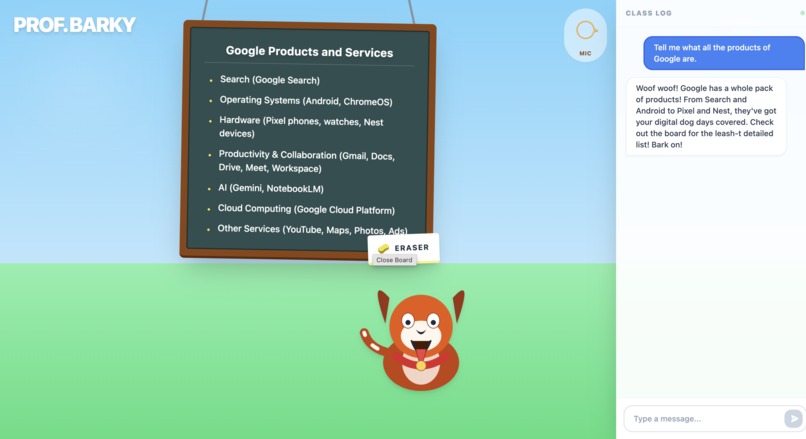
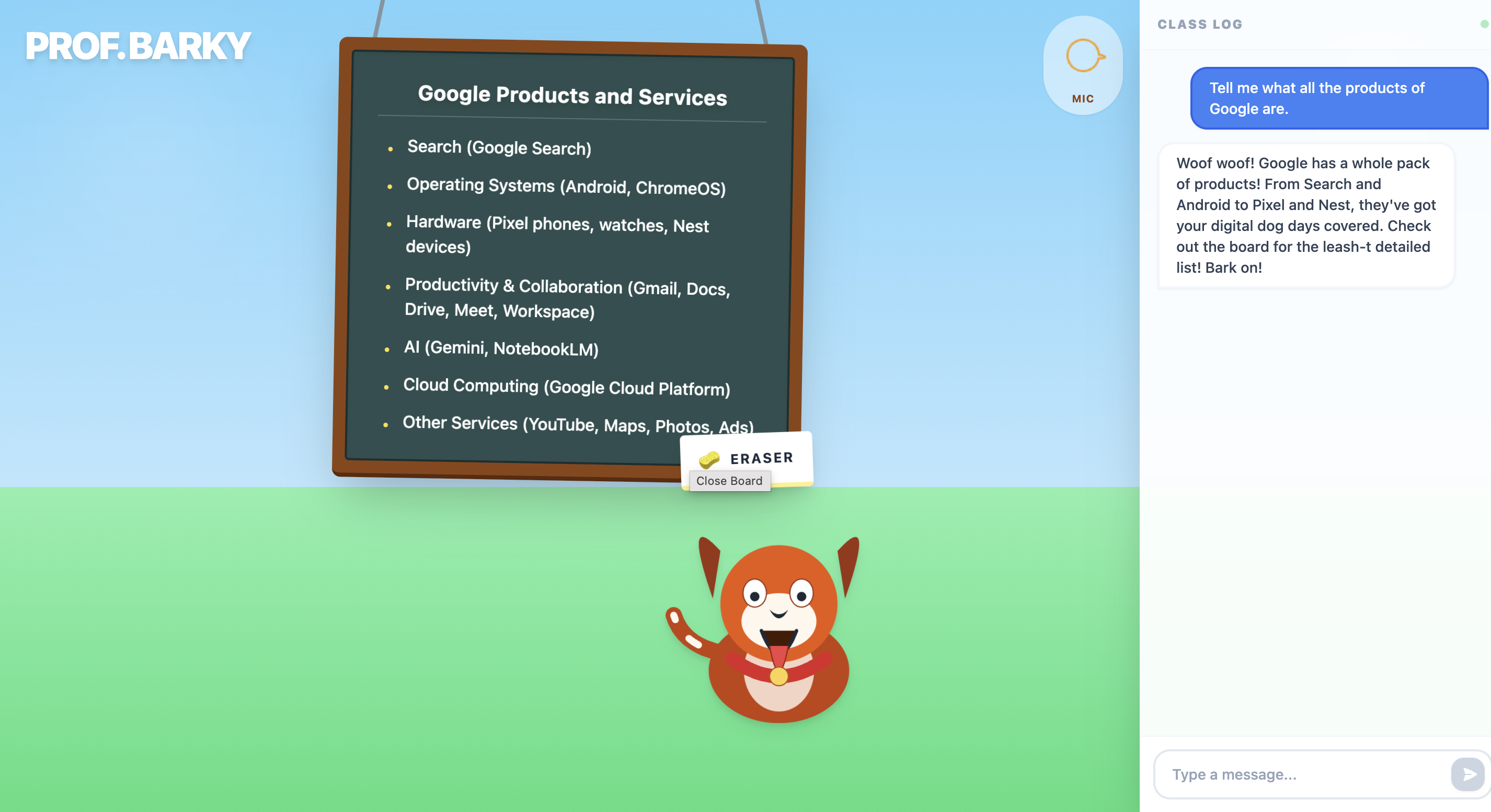
Barky is a "Professor Dog". You speak to him using your microphone, and he responds instantly with a real voice. He Talks: He has a personality, makes dog puns, and reacts to you. He Teaches: If you ask him to explain something, he uses a "Smart Chalkboard" to show you lists, charts, or code snippets. He Reacts: He wags his tail when happy and gets annoyed if you bark at him too much.
How I built it
Google AI Studio: I used Google AI Studio to design the "Professor Barky" persona, test the system instructions, and generate the API keys. Gemini Live API: I used the new Gemini Live API for the real-time audio conversation. It handles the listening and speaking. React: I built the frontend website where the dog lives. Tools: I created a custom tool called updateBoard that allows the AI to draw on the chalkboard when it needs to explain complex topics.
Challenges I faced
Connecting the real-time audio stream from the browser to the AI was tricky. I had to make sure the dog's mouth moved at the exact same time as the audio played so it looked real.
Built With
- google-gemini-api
- react
- tailwind-css
- typescript
- web-audio-api


Log in or sign up for Devpost to join the conversation.