-
-
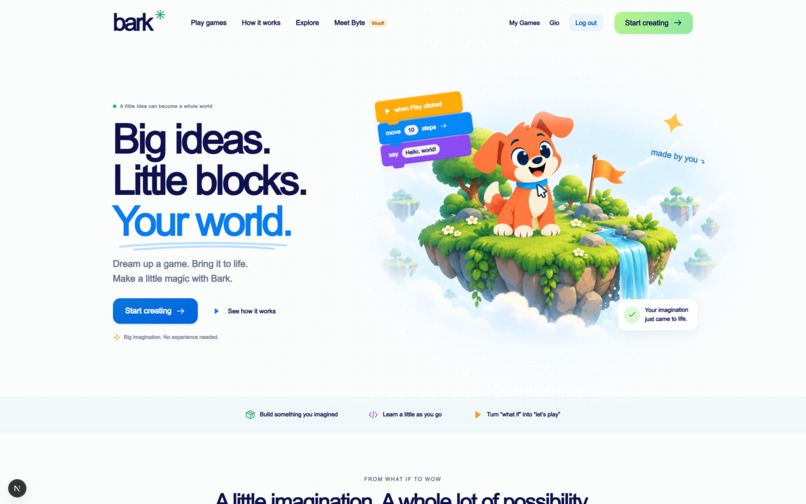
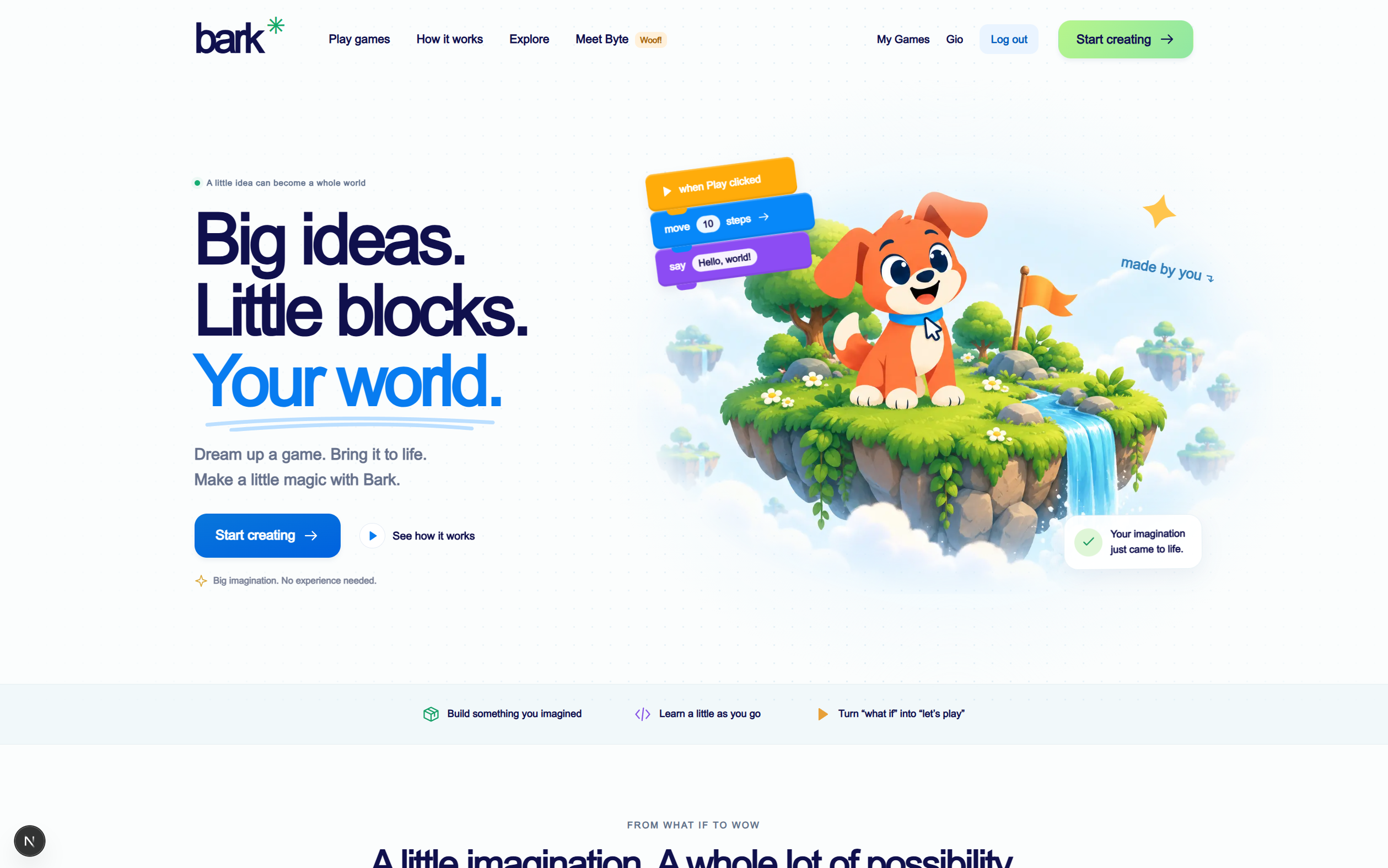
Landing Page
-
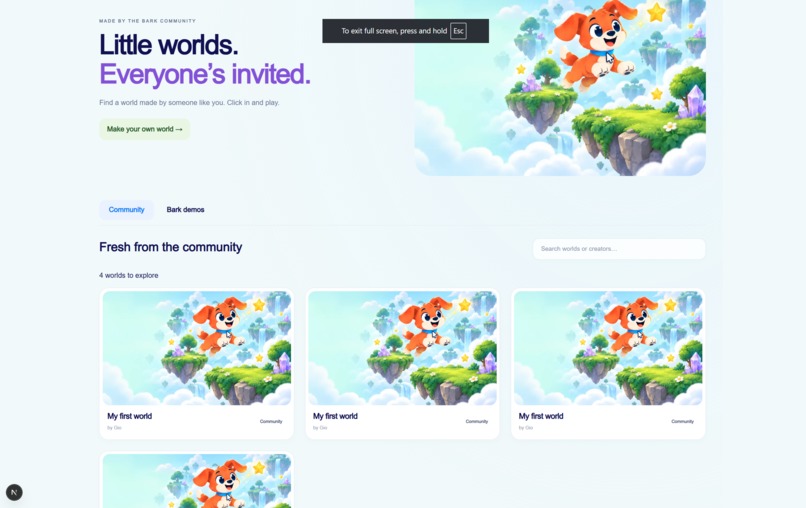
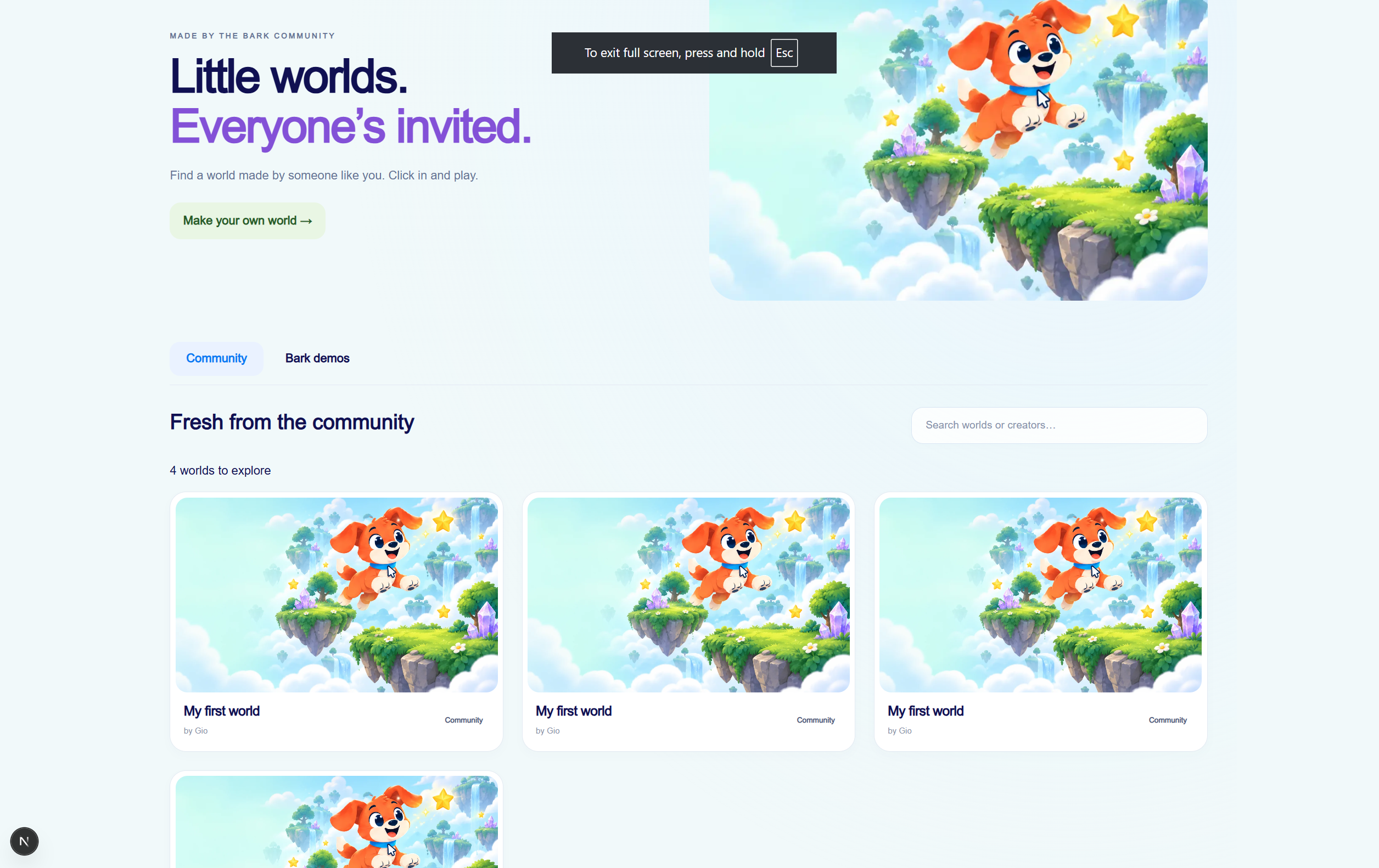
Community Published Games
-
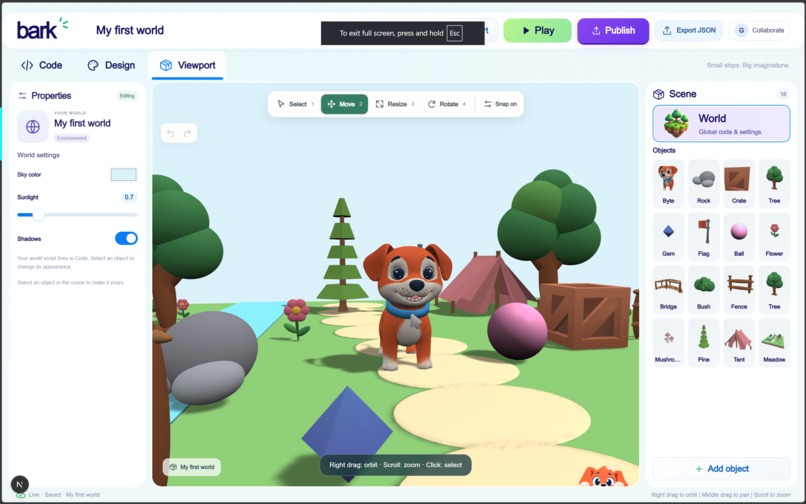
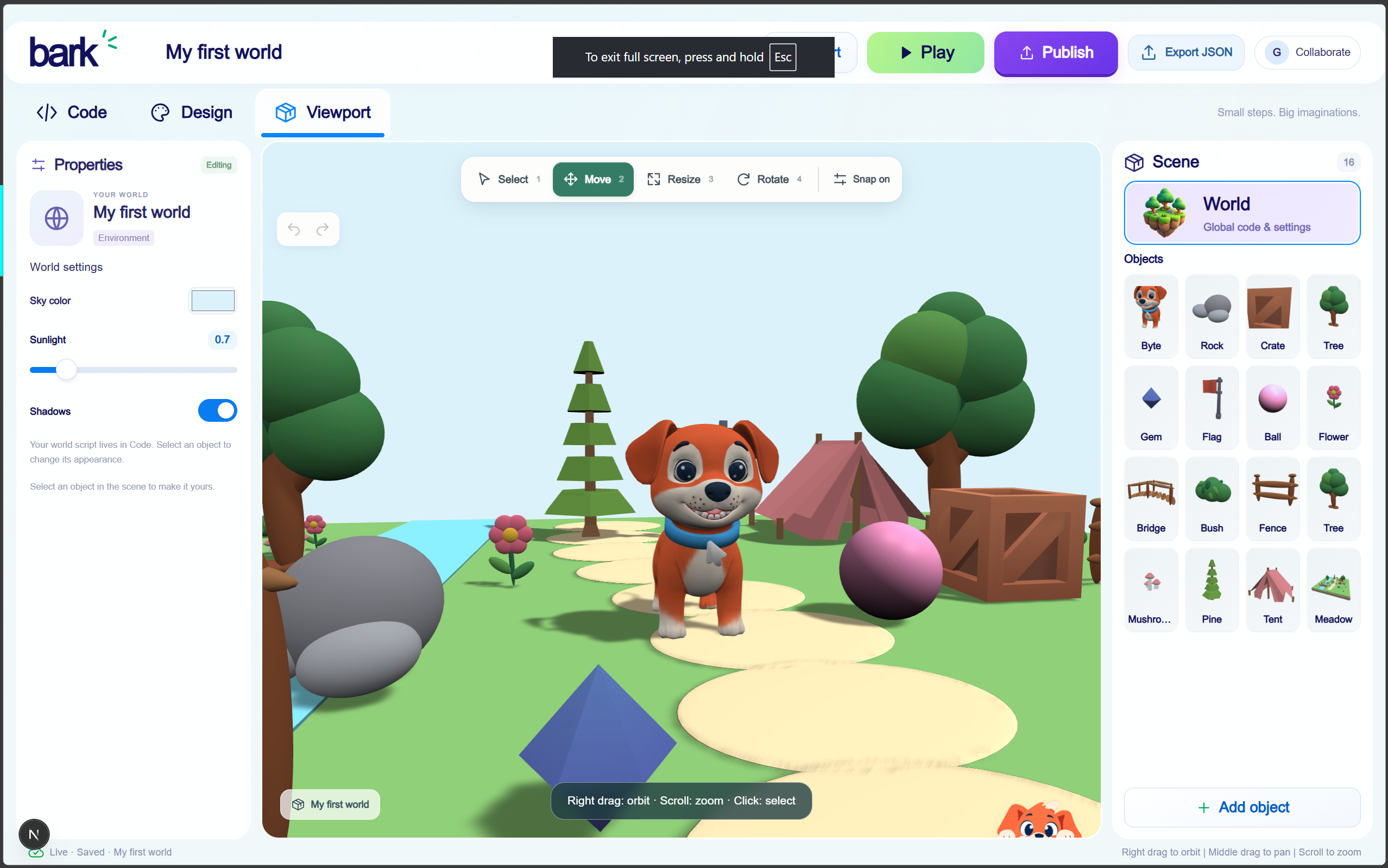
Viewport Editor
-
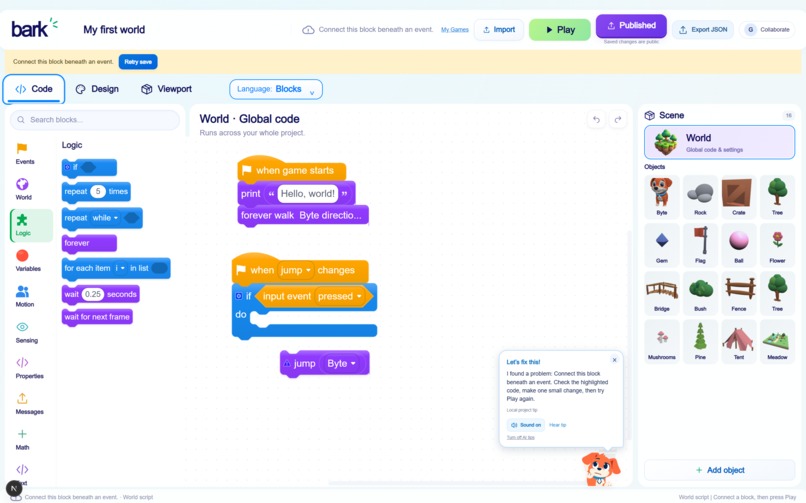
Code Editor
-
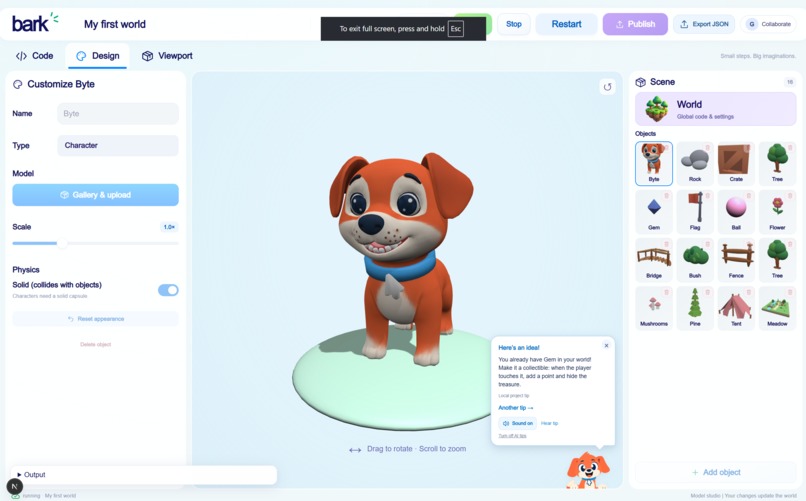
Design Editor
Inspiration
Two of our four teammates have extensive experience teaching children to code with Scratch and Minecraft Education. They saw how excited students became when their code brought something to life—and how quickly that excitement could fade when an idea exceeded the tool’s limits or the interface became another obstacle to learning.
We wanted to give those ideas more room to grow. What if children could start with simple blocks, build a world with their friends, and move into text-based programming without leaving their creations behind?
Bark combines the educational approach of Scratch with the social creativity of Roblox. Our goal is to make coding easy to start, fun to explore, and something children want to return to together.
What it does
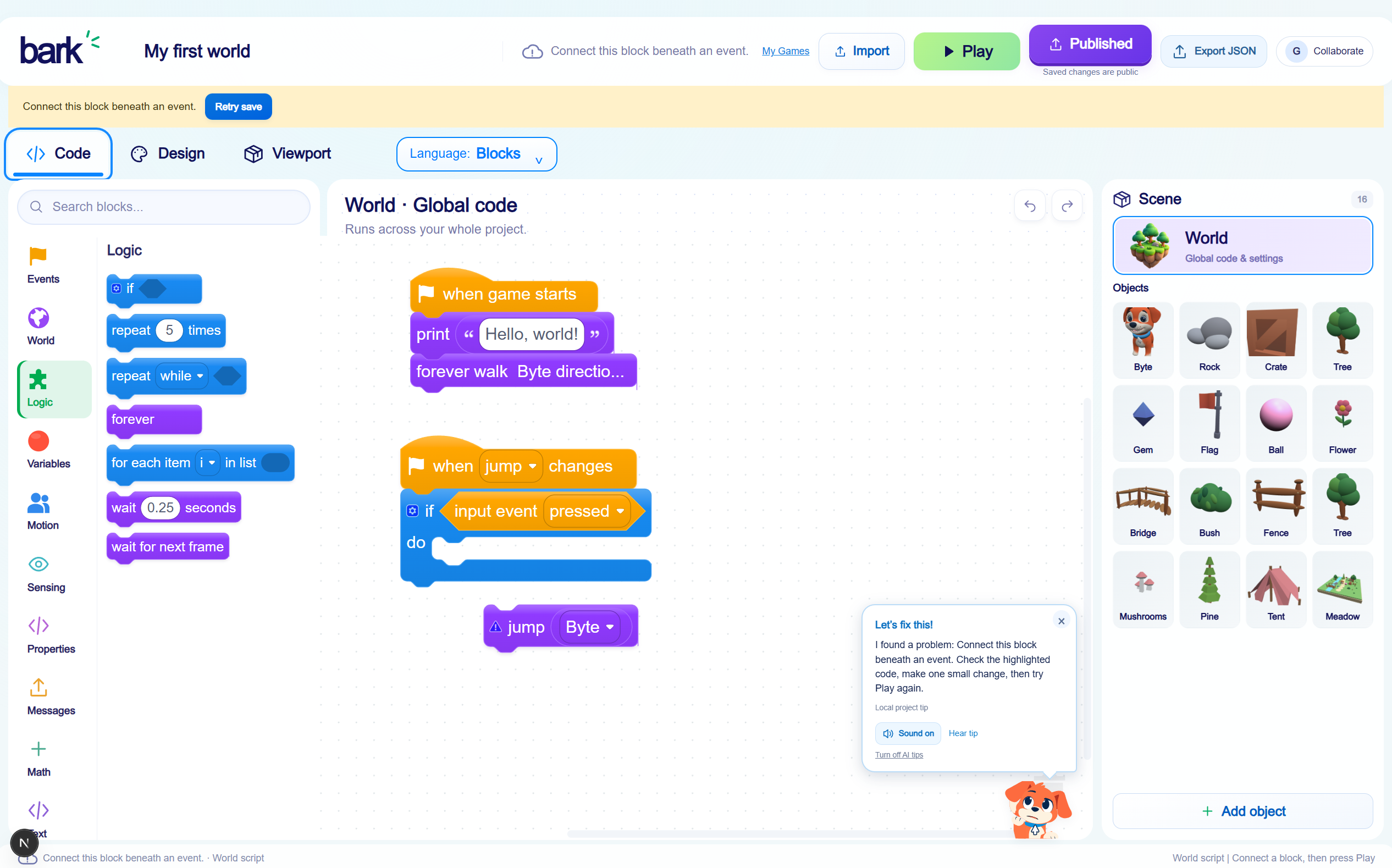
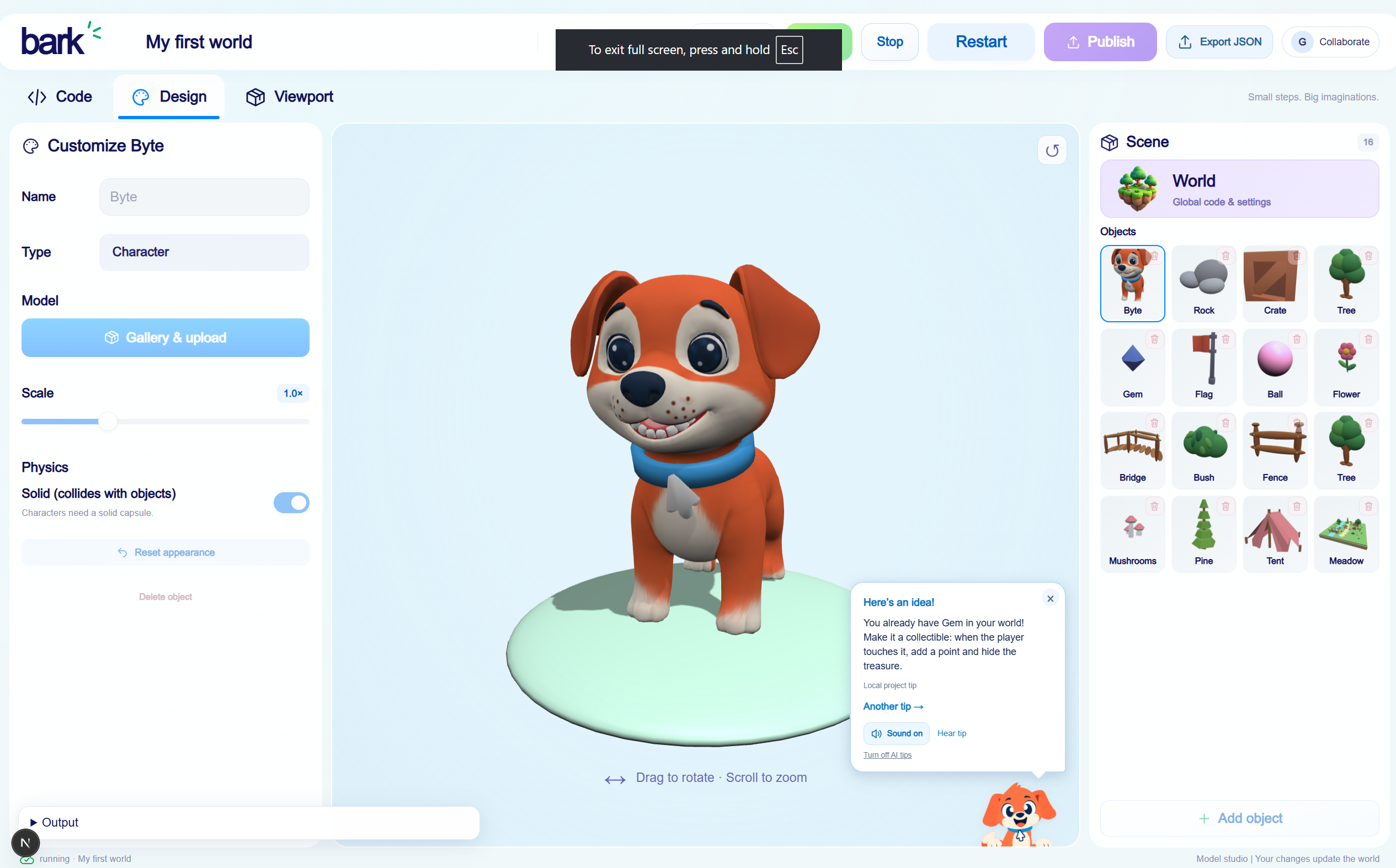
Bark is a browser-based platform where children learn to code by creating and playing in 3D worlds.
Users can build scenes, add characters and objects, and bring them to life with drag-and-drop code. A transpiler lets them switch between blocks and supported text-based languages, connecting familiar visual instructions to the code behind them. Block coding give beginners a starting point, while collaborative editing lets friends build the same project together. Users can share their creations and explore them through gameplay.
Along the way, they meet Byte, our animated AI dog assistant. When code produces an error or could be improved, Byte barks with a short explanation. Clicking him opens the output and error log, where he helps users understand what happened and what to try next. His guidance stays alongside the project, so children can keep their attention on what they are making.
How we built it
We built most of Bark with Next.js, using Babylon.js for the browser-based 3D environment. Django handles user authentication and project management, while a dedicated FastAPI WebSocket service handles real-time communication between clients and the server.
PostgreSQL stores user and project data, and Redis provides caching. We used Rive to animate Byte, giving his guidance a playful presence within the editor.
Our transpiler connects block-based coding with supported text languages, helping users explore different ways to express their project’s logic.
Challenges we ran into
Real-time collaboration was one of our biggest technical challenges. Even a simple WebSocket connection becomes more complicated when multiple people are working on a shared project. We had to work out the simplest useful communication flow before building the collaborative experience around it.
The design process took the most time. Bark brings together coding, scene building, and game sharing, but its audience should not need to understand that complexity to get started. We spent many hours defining the screens and interactions before implementation.
That planning also helped us make difficult scope decisions. We originally wanted users to switch between 2D and 3D projects, but supporting both well was too much for the time available. We focused on 3D for its appeal and the room it gives learners to build increasingly ambitious games.
We also explored support for programming a Makeblock robot car. We set it aside because of time constraints and because we wanted the core experience to be accessible without requiring additional hardware.
Accomplishments that we're proud of
- Byte, our AI coding companion. We made error explanations part of the learning experience, with a friendly character that helps children understand their code.
- Our language transpiler. Connecting blocks and text gives learners a way to explore programming languages through projects they already understand.
- Collaborative editing. Friends can work on a shared creation, making coding a place to exchange ideas, experiment, and learn together.
We are especially proud of bringing these pieces into one experience shaped by our teammates’ time teaching children.
What we learned
We gained practical experience with WebSockets and real-time communication, learned how to build interactive 3D environments with Babylon.js, and strengthened our ability to divide work and coordinate across a connected system.
Our biggest lesson was about planning. The hours spent designing Bark before building it gave us clearer responsibilities, exposed overly ambitious features early, and reduced the number of decisions we had to revisit during implementation. We learned that thoughtful preparation is part of moving quickly.
What's next for Bark
We want to explore physical coding blocks that children can arrange by hand to control their digital creations. This would offer an optional, hands-on way to learn sequencing and logic while keeping the browser experience accessible on its own.
We also plan to expand Bark’s support for more advanced gameplay mechanics and programming logic, giving learners more possibilities as their confidence grows. We want a child’s first small experiment to have room to become the game they once thought was too difficult to build.
Built With
- 3d
- artificial-intelligence
- axios
- babylon.js
- block-based-programming
- css3
- django
- fastapi
- html5
- javascript
- lua
- next.js
- postgresql
- python
- react
- real-time-collaboration
- redis
- rive
- typescript
- websockets


Log in or sign up for Devpost to join the conversation.