-
-
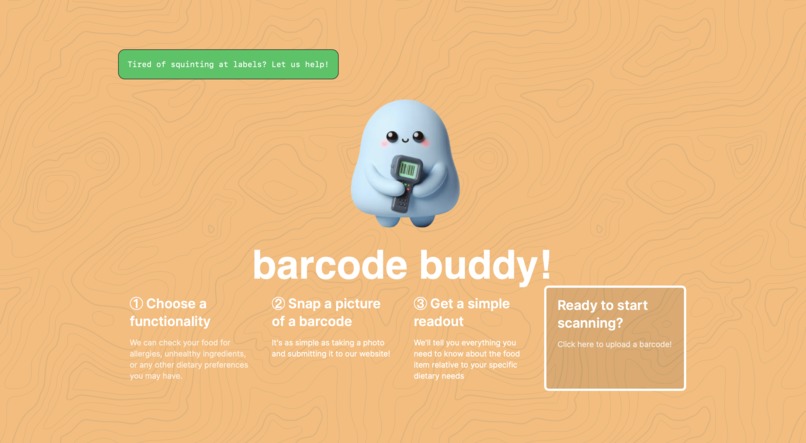
Home Page Desktop
-
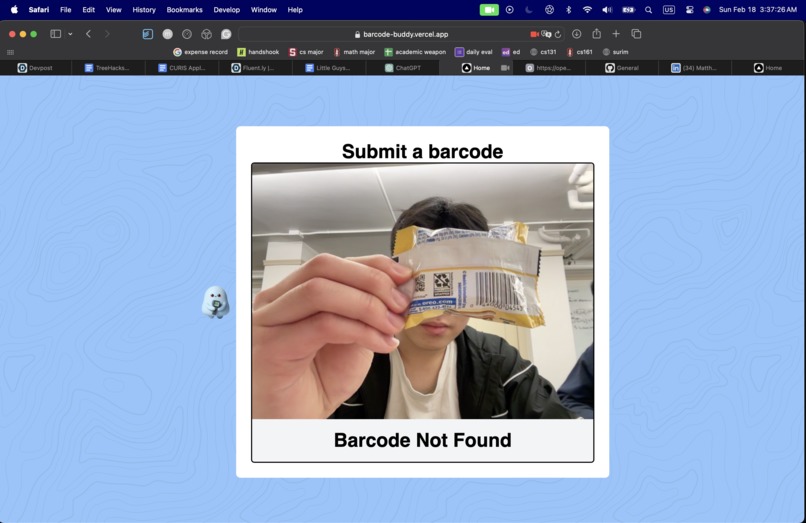
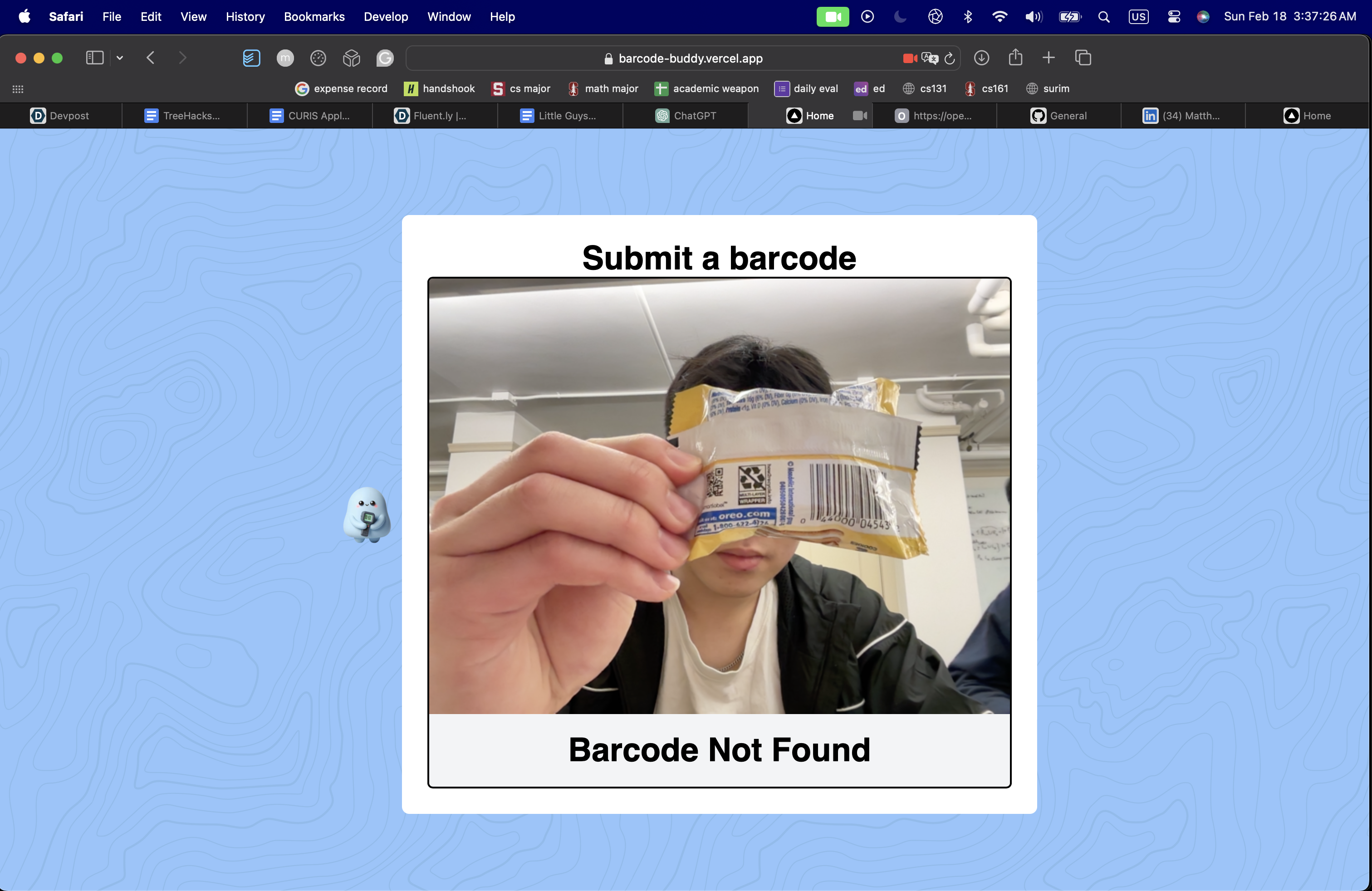
Scanning Desktop
-
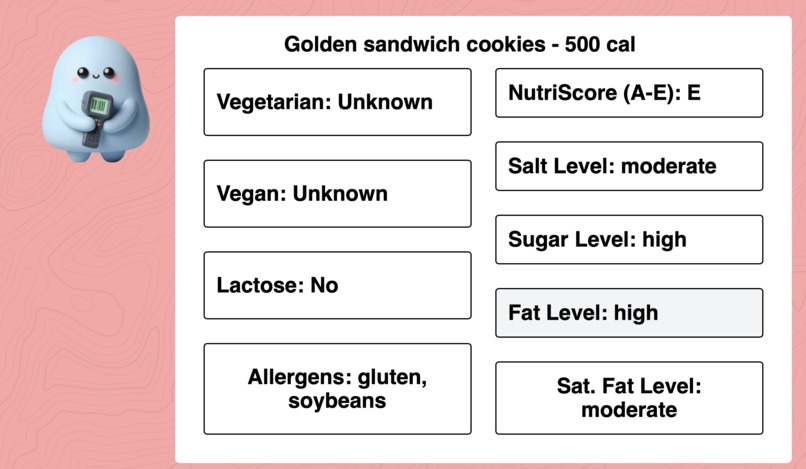
Results Desktop
-
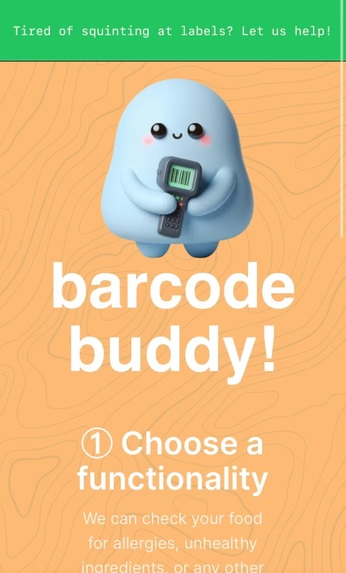
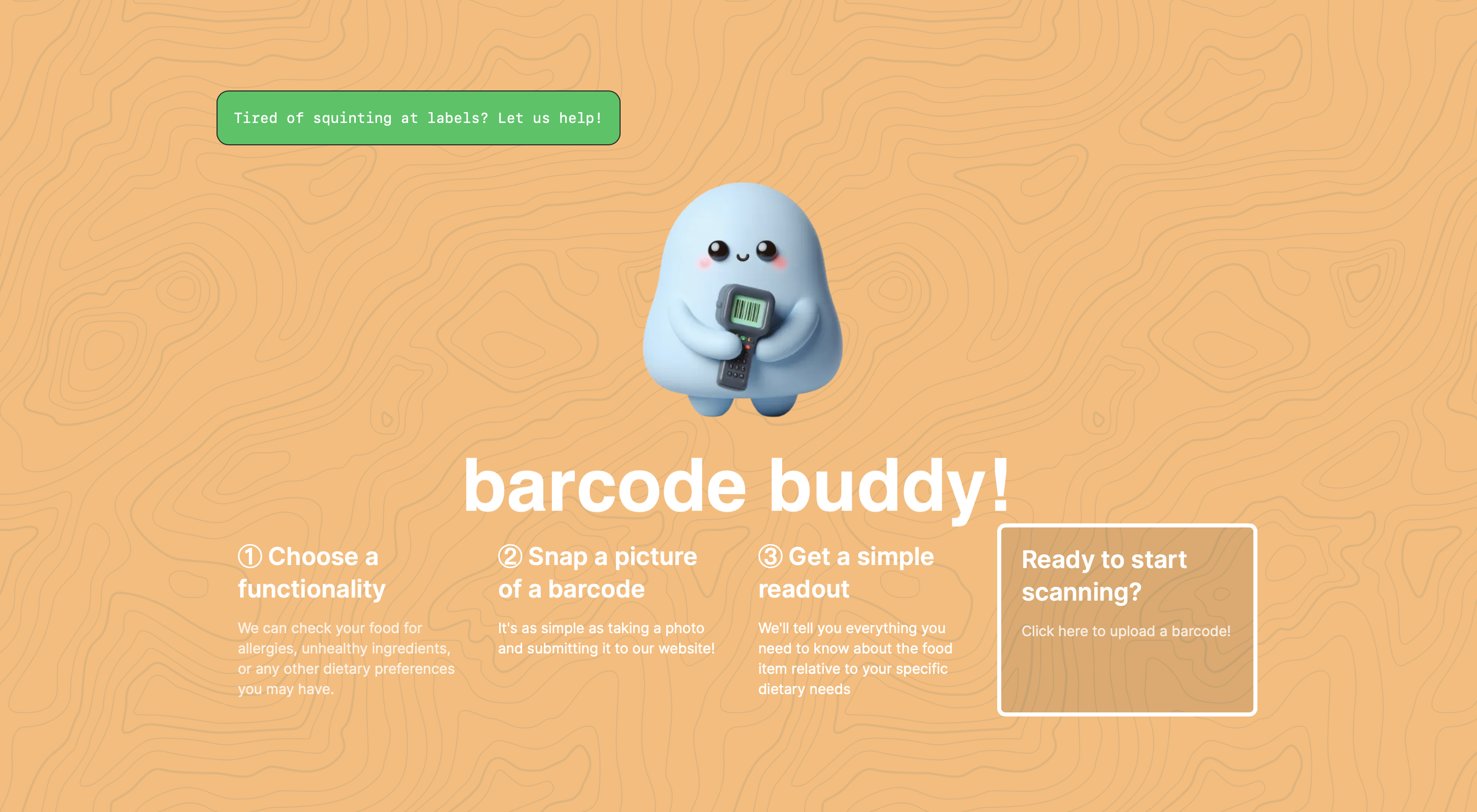
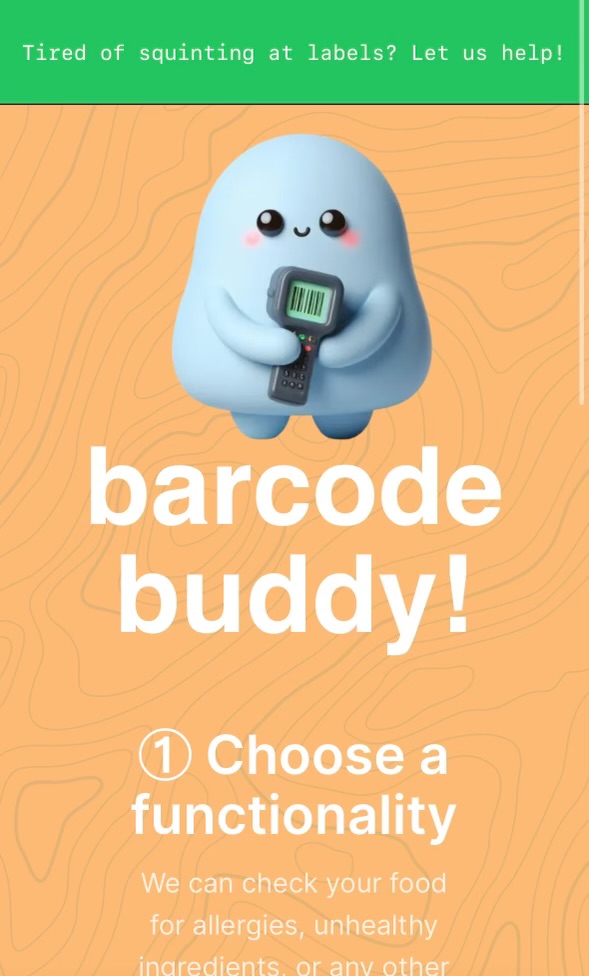
Home Page Mobile
-
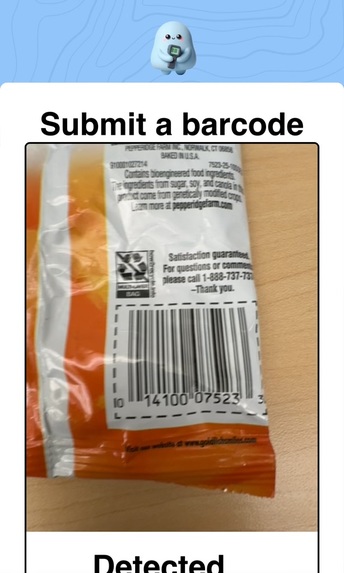
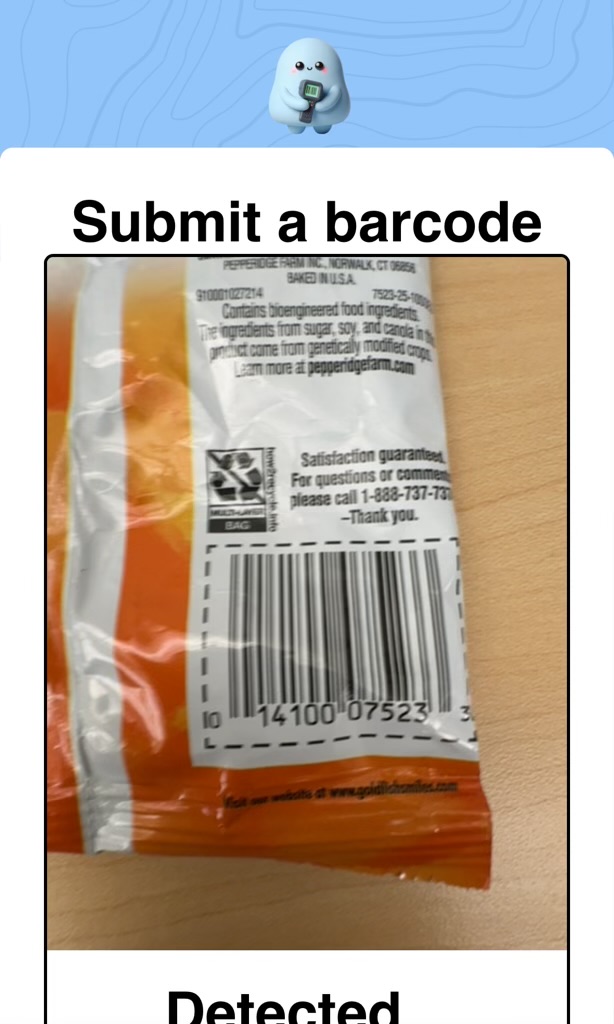
Scanning Mobile
-
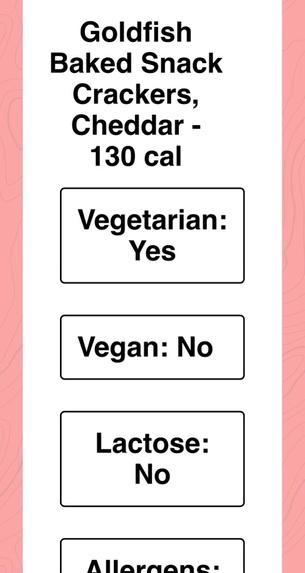
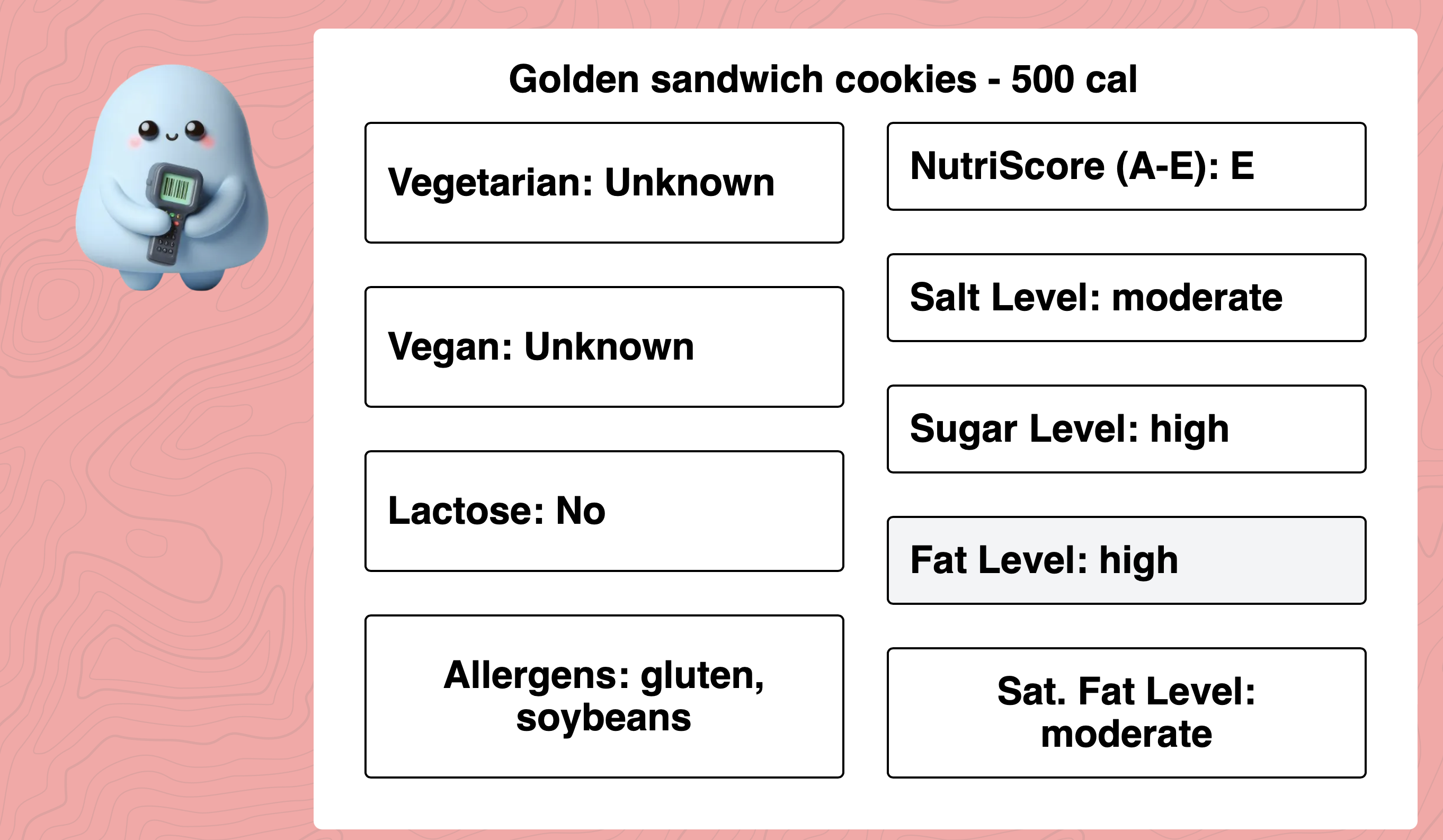
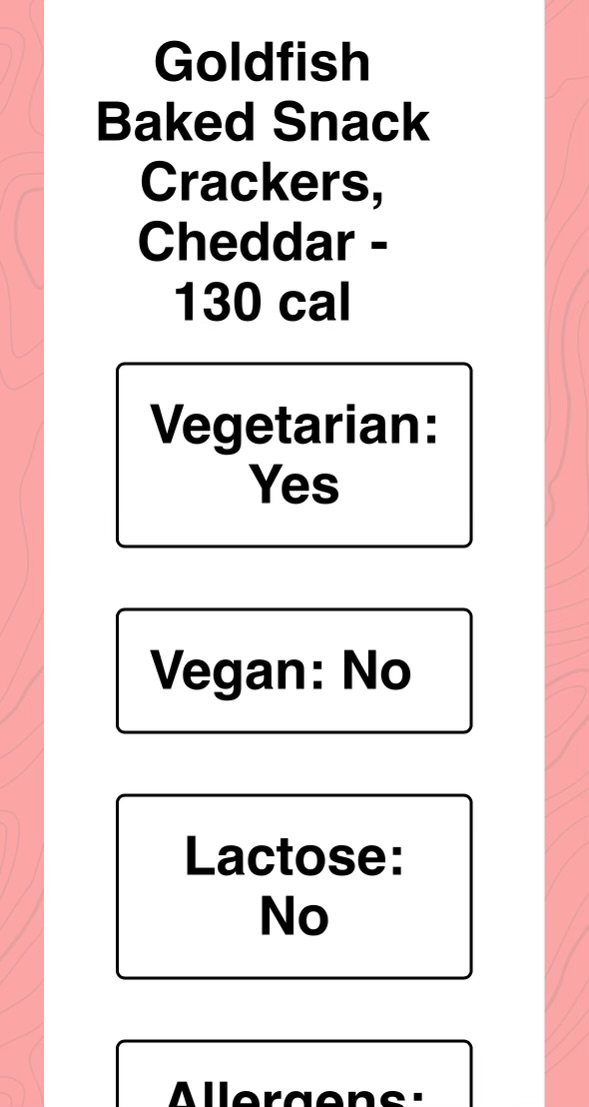
Results Mobile
Inspiration
A few weeks ago, one of our friends was hospitalized because they ate something they were extremely allergic to. Food allergies are inconvenient and unnecessarily complicated to avoid. All three of us either have friends or family with serious allergies and dietary restrictions who spend so much time in supermarkets reading over the nutrition labels, trying to identify if they can eat a given product. Even after reading the label, their first bite of a food is filled with uncertainty––what if they missed something? We also felt that determining how “healthy” a food is should not be as confusing it is. We wanted to create a simple, clean interface for people to have the ability to make informed decisions about purchasing healthy food.
We knew it would be much easier if we created an app where users could scan the barcode of a food item and have an app run tell them if there is anything to be worried about—both in terms of allergies and unhealthy ingredients. Barcode Buddy is quick and useful, providing important information about the food that you are eating in a simple way.
What it does
Using barcode scanning technology in combination with an API, our system examines the barcodes of snacks or beverages and allows users to quickly determine if the food being scanned has any allergens, conforms to specific dietary restrictions (vegan vs. vegetarians), and whether it is healthy or not.
Since we are using barcodes, users are able to use Barcode Buddy in foreign countries, transcending language barriers and allowing them to safely and quickly determine whether a particular food is safe to eat.
Boasting a welcoming and interactive user interface, our system offers a delightful and engaging platform for user interaction.
How we built it
Barcode Buddy utilizes the user’s camera to identify and read a barcode on a wrapper. It then calls an API and parses the large amounts of ingredient and nutritional data returned to identify notable allergens and dietary restriction violations. It then summarizes this data and presents it to the user in a friendly, digestible way. We utilize a Node.js backend and a React frontend and host the website through Vercel.
Challenges we ran into
Throughout this project, we faced a number of hurdles that required some creative problem-solving. Initially, we had to figure out how to read barcodes, which meant finding and integrating the right library for the job on a web interface. We also had to figure out how to use and parse the OpenFoodFacts API, a large dataset, which presented another challenge. Determining allergens and spotting non-vegan ingredients also proved tricky, as labeling conventions are not always standardized. On top of that, we ran into many server-side issues, with package compatibility/dependency errors that needed sorting out. All of us are freshmen with limited hacking experience and two out of the three of us have never been to a hackathon before, making these challenges even more daunting. Despite all this, we managed to pull through with teamwork, perseverance, and a lot of learning along the way.
Accomplishments that we're proud of
Our main accomplishment lies in the fact that two of us were newcomers to hackathons. Despite this, we were able to explore different tracks and ideas until we settled on one that we believed would make a meaningful impact. Additionally, we collectively have extremely limited React experience and one of our members was learning Javascript on-the-fly. Despite these hurdles, we worked hard over two days to develop a functional product with a sleek interface that works without any major issues. Even though it didn’t work out, we were able to leverage MonsterAPI to create and host a custom, fine-tuned LLM that has access to a list of barcodes, associated foods, and nutrition facts. Our goal with the chatbot was to create a friendly persona with which users could ask questions about specific concerns they may have. While the LLM did not respond to our input as planned, we are proud that we were able to get it up and running. We also tried to use Intel Cloud to generate our product’s mascot and, although the images we generated did not look that good and we had to use other services instead, we are proud of our efforts.
What we learned
Throughout our journey in developing Barcode Buddy, we learned a lot about development and programming. For some of us, it marked our first foray into JavaScript, while others delved into React for the very first time. These foundational skills not only empowered us to bring our idea to fruition but also equipped us with the tools to overcome a myriad of technical hurdles. As we grappled with challenges like reading barcodes, parsing extensive datasets, and identifying allergens, each obstacle became an opportunity for growth and problem-solving. Our willingness to experiment with new technologies, such as MonsterAPI and Intel Cloud, reflected our eagerness to learn and our proactive approach to innovation.
Moreover, the hackathon served as a crash course in teamwork, time management, and adaptability. Collaborating effectively as a team, particularly under the pressure of tight deadlines, honed our communication skills and fostered a strong sense of camaraderie. Confronting server-side errors and compatibility issues, we learned the importance of resilience and resourcefulness in the face of adversity. Each setback served as a lesson in perseverance, urging us to explore alternative solutions and think outside the box. In the end, the experience not only enriched our technical prowess but also instilled in us a deeper appreciation for the iterative nature of development and the value of continuous learning.
What's next for Barcode Buddy
Ideally, we would like to expand the data that we collect for the user based on the barcode to provide a deeper insight, including potential ingredients that could be harmful in excess amounts. We would also like to work more on our UI and make it so the user has a better experience while scanning the barcode and viewing the data we provide. Another feature we would like to add is a simple OCR that can read the label of a given food product, if the barcode scanner is not working or is invalid, and return a similar analysis of the product. Another future venture is expanding into medical labels, providing users key insights about what a scanned medicine is for and what the normal dosage is.

Log in or sign up for Devpost to join the conversation.