-
-
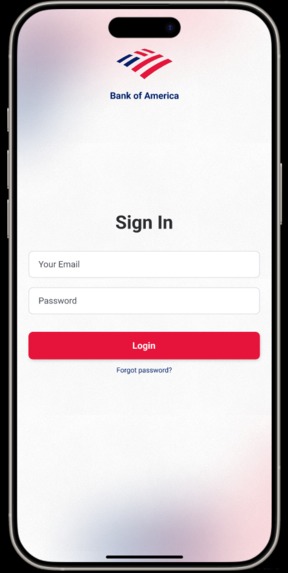
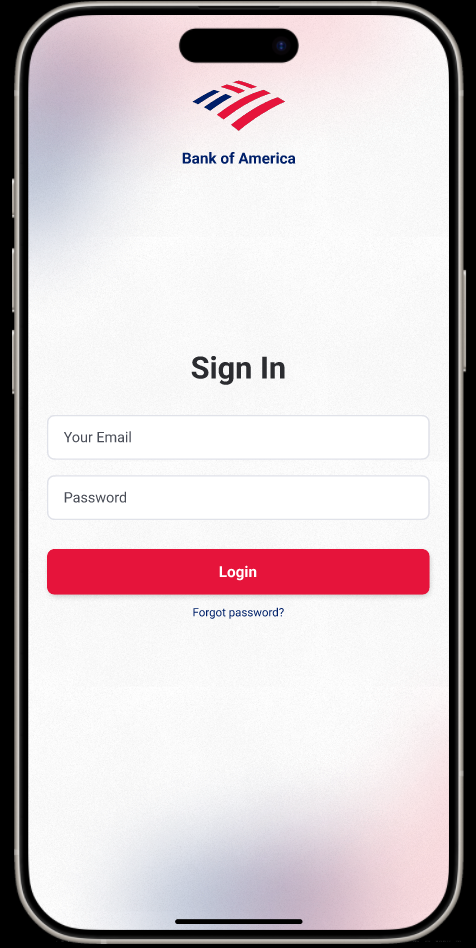
Login Screen with far less infomation on it besides the essentials (seriously the original one was really bad)
-
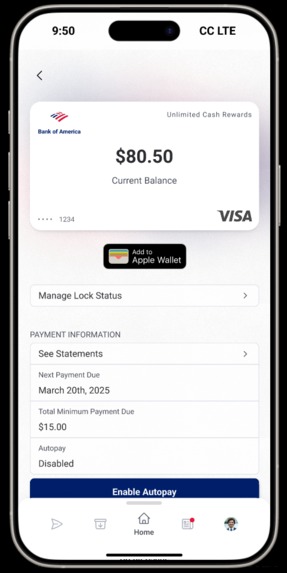
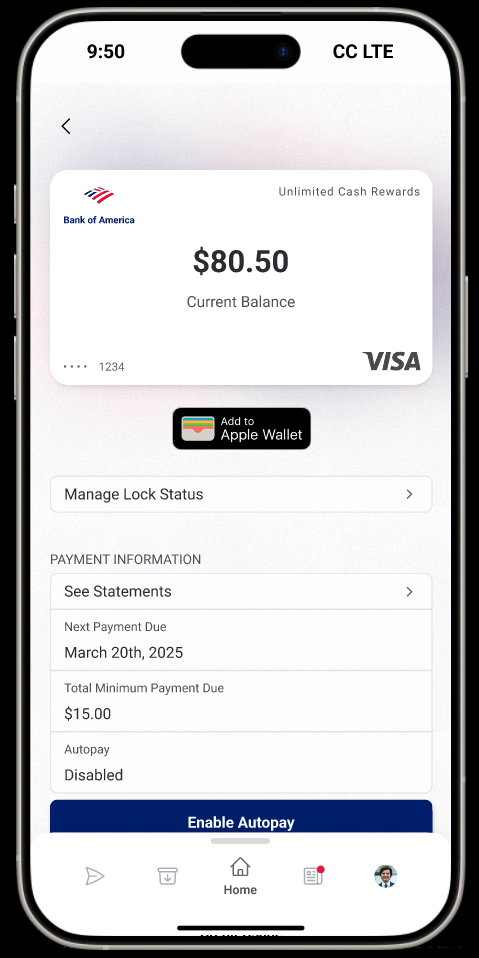
Heavily improved & intuitive new account/credit card viewing screen with helpful information
-
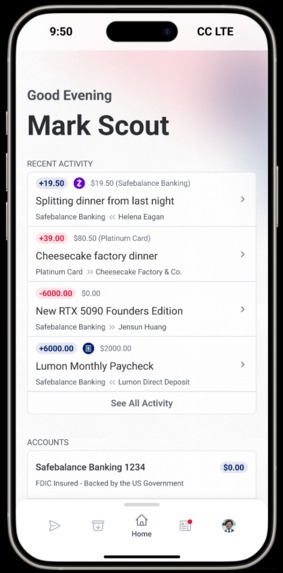
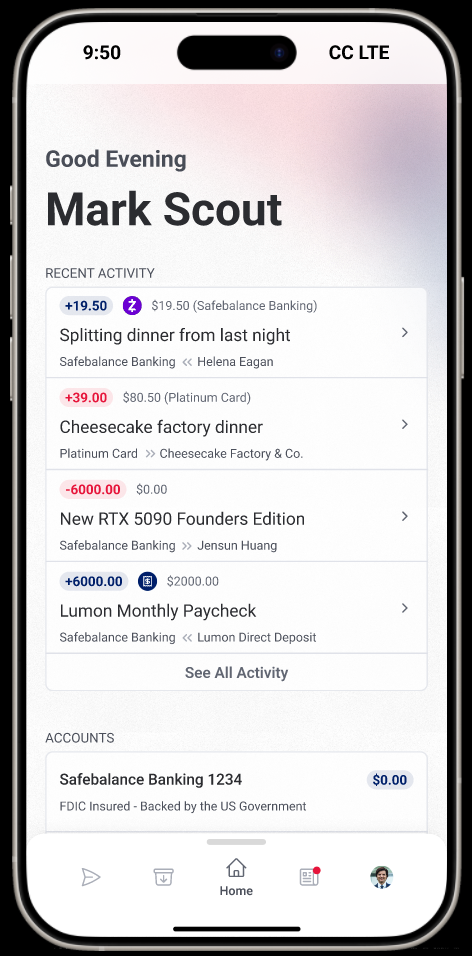
Reimagined homepage that puts important information at a users fingertips
-
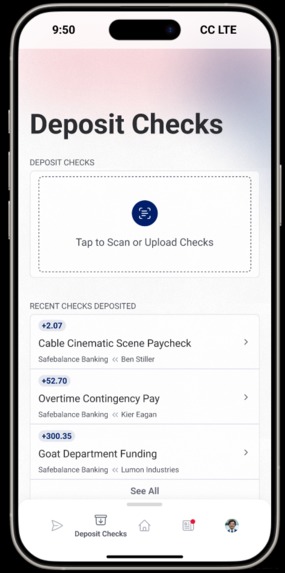
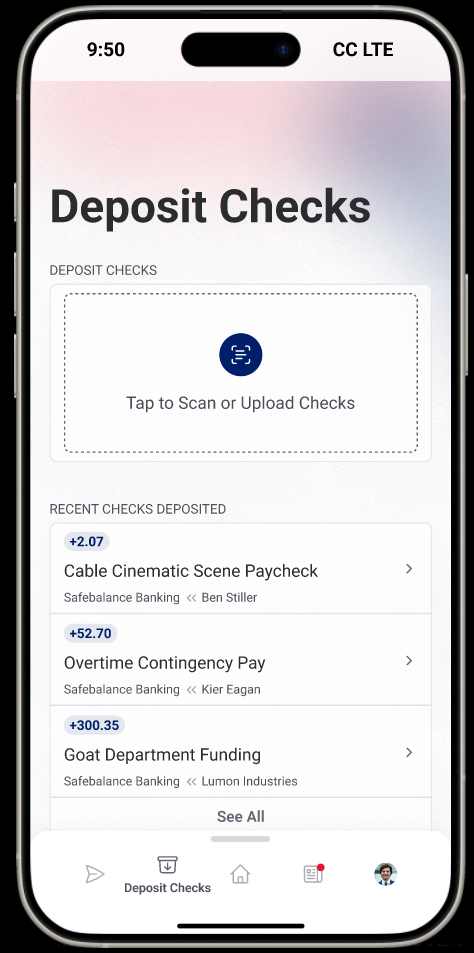
Simplified and redesigned view where users can deposit checks
-
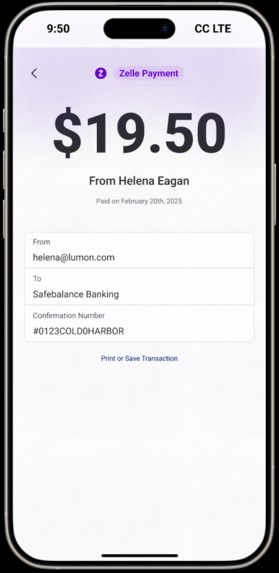
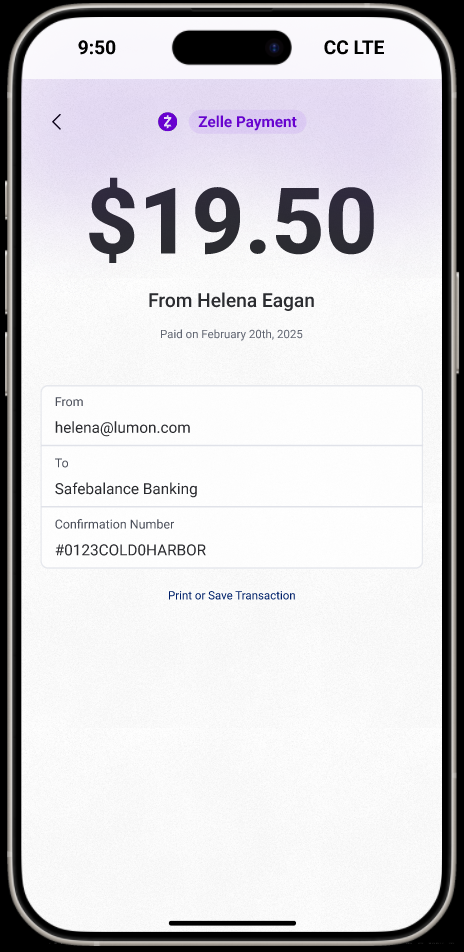
View transaction details in a way that doesn't look like someone slapped a google sheet in there
-
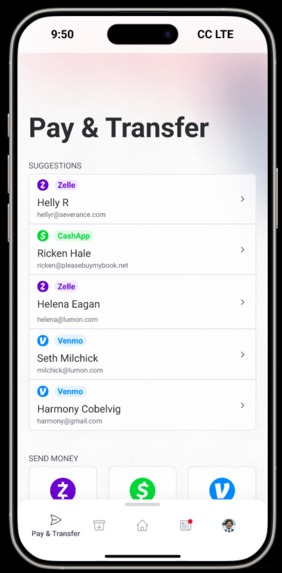
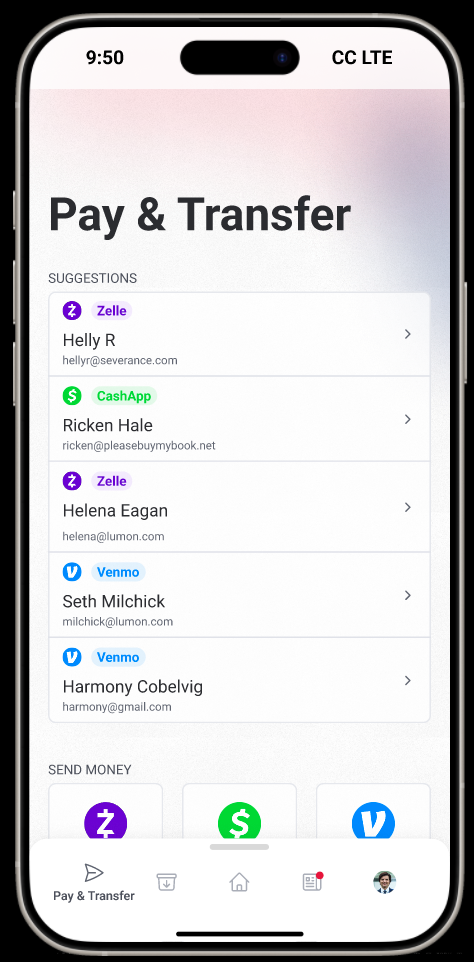
Pay and transfer screen that works across multiple apps and has send recommendations based on the user's transaction history
-
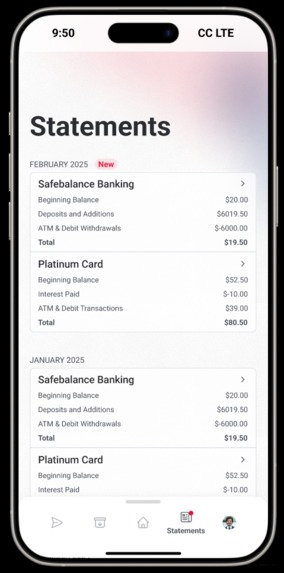
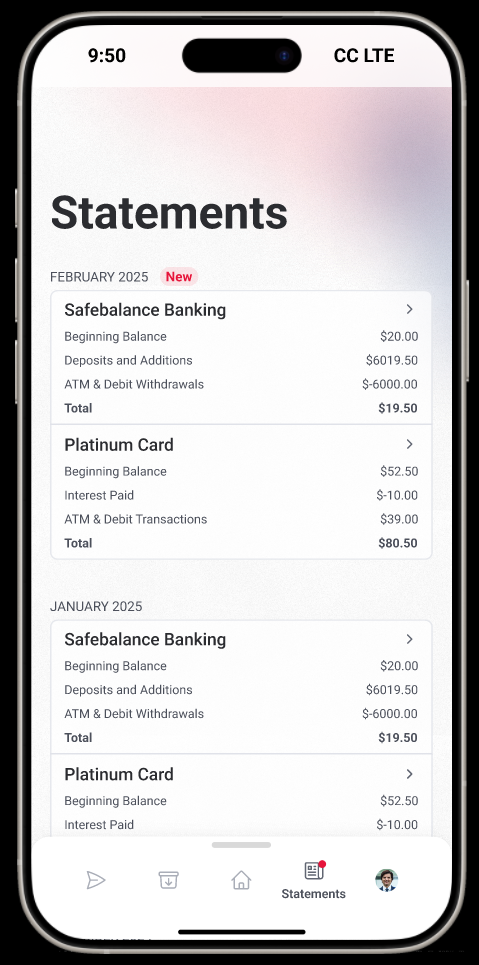
A dense and detailed screen with the users statements intended to give users a high level view of their finances at a glance
-
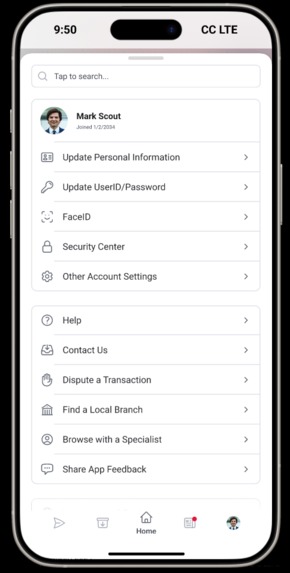
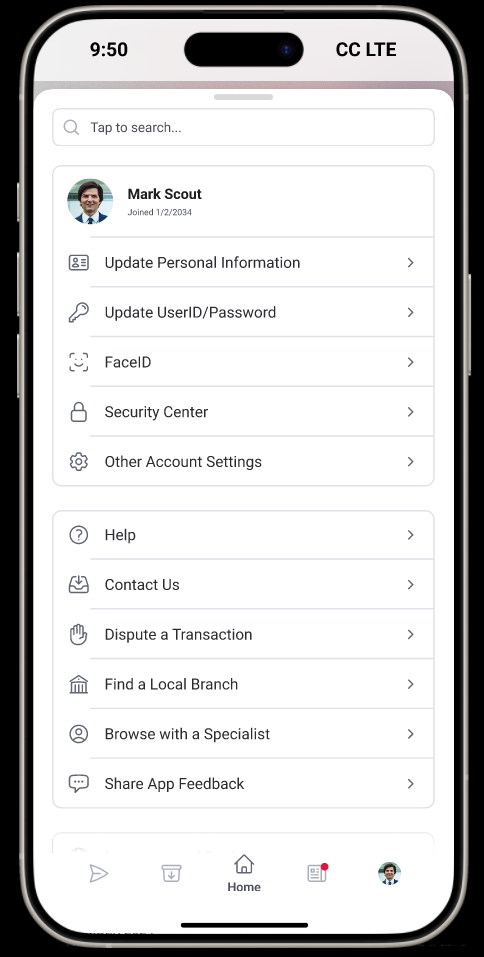
User settings page (drawer in the navbar)
-
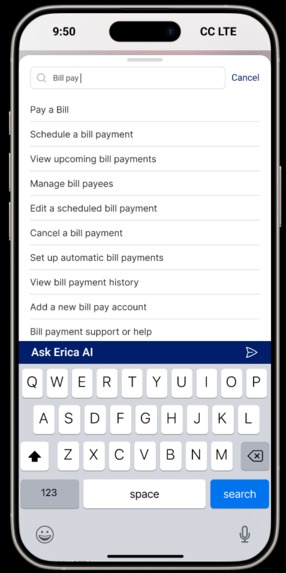
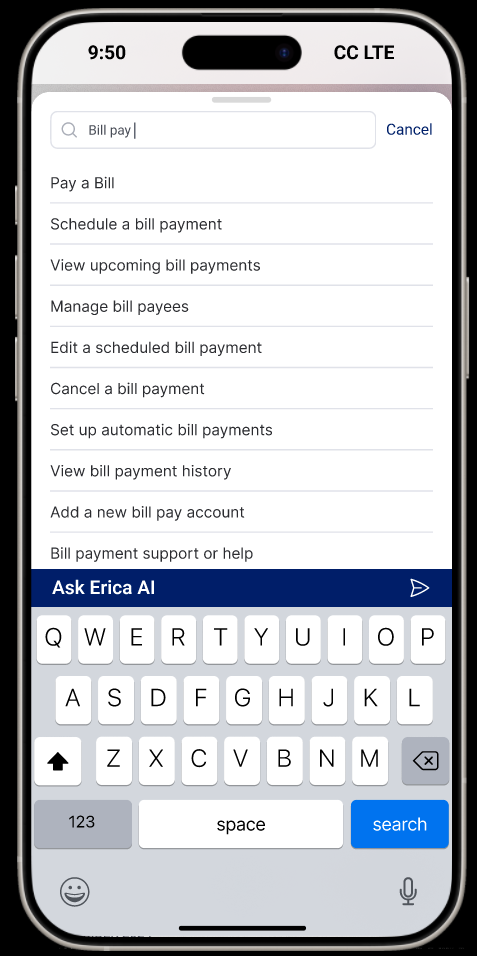
ACTUAL SEARCH BAR!!! AI is now optional and requires the user to select it
-
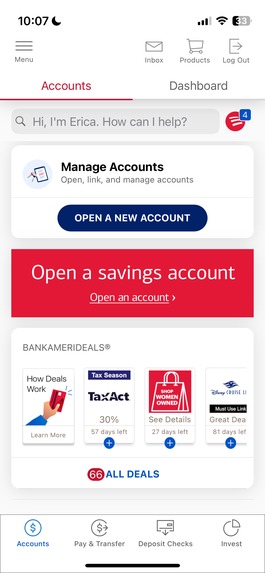
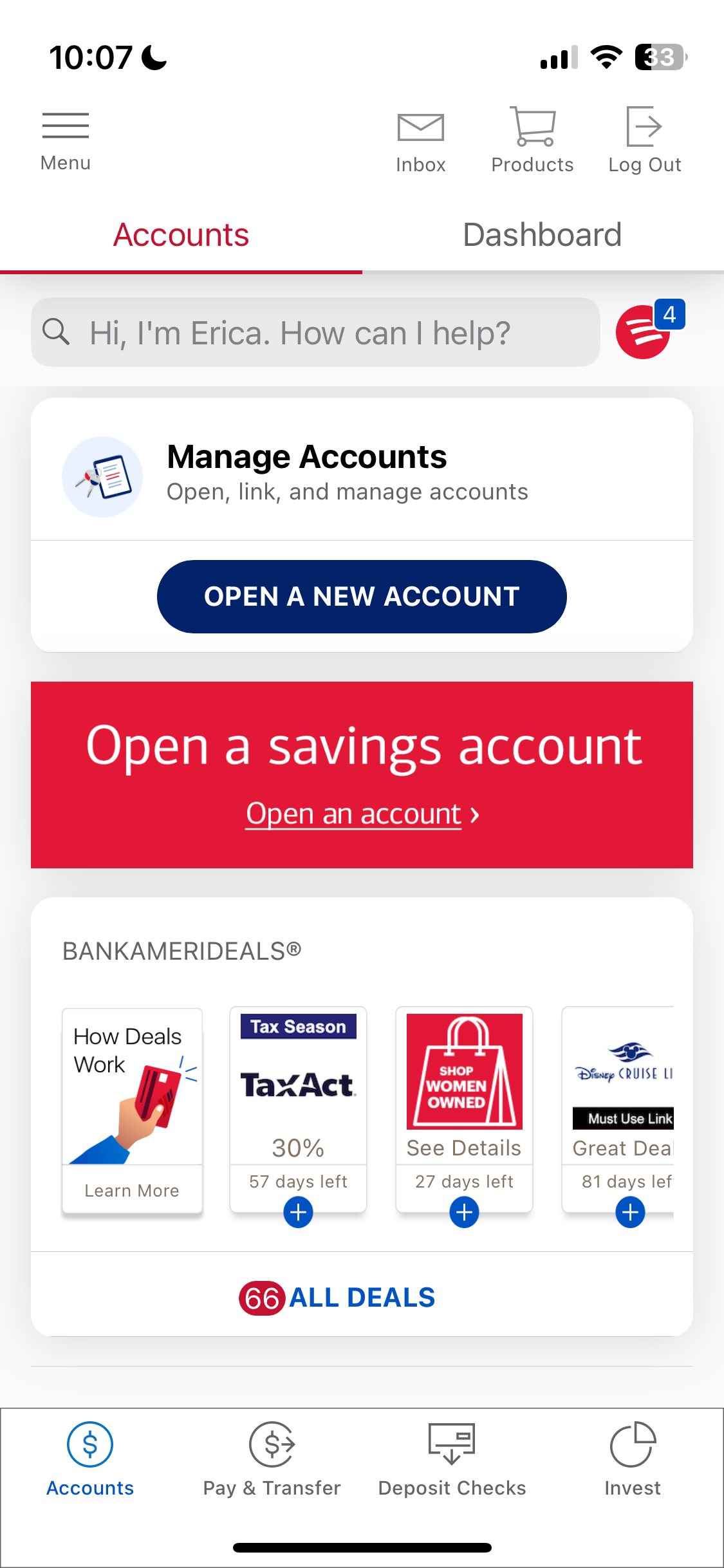
Original App Design - A section of the accounts page on the accounts tab (incredible naming)
-
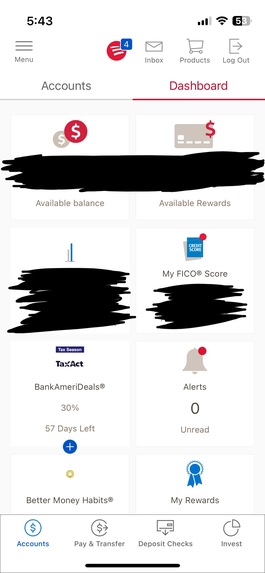
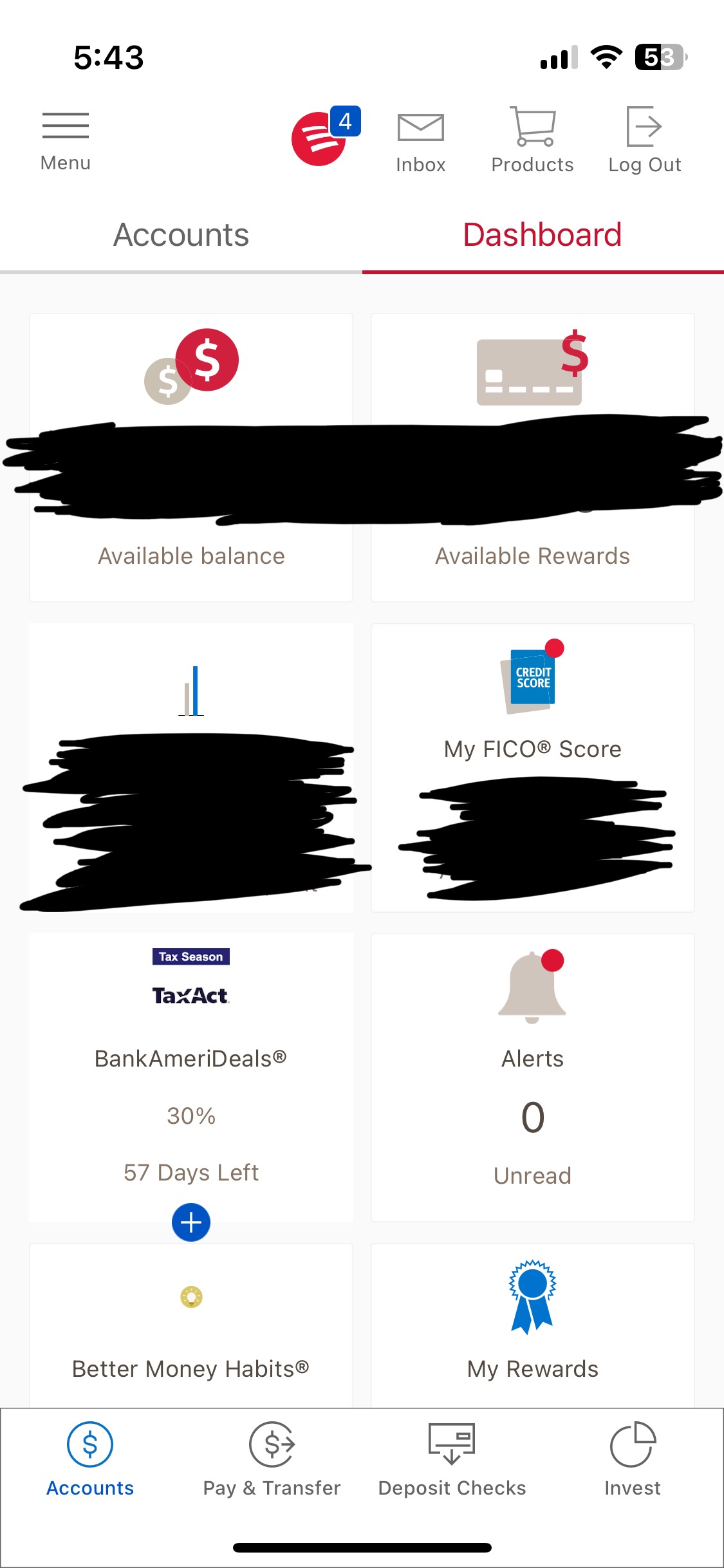
Original App Design - A section of the dashboard page on the accounts tab (merged into my homepage)
-
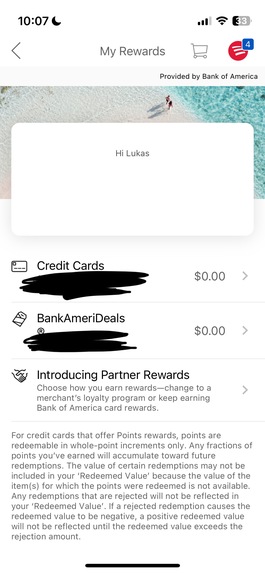
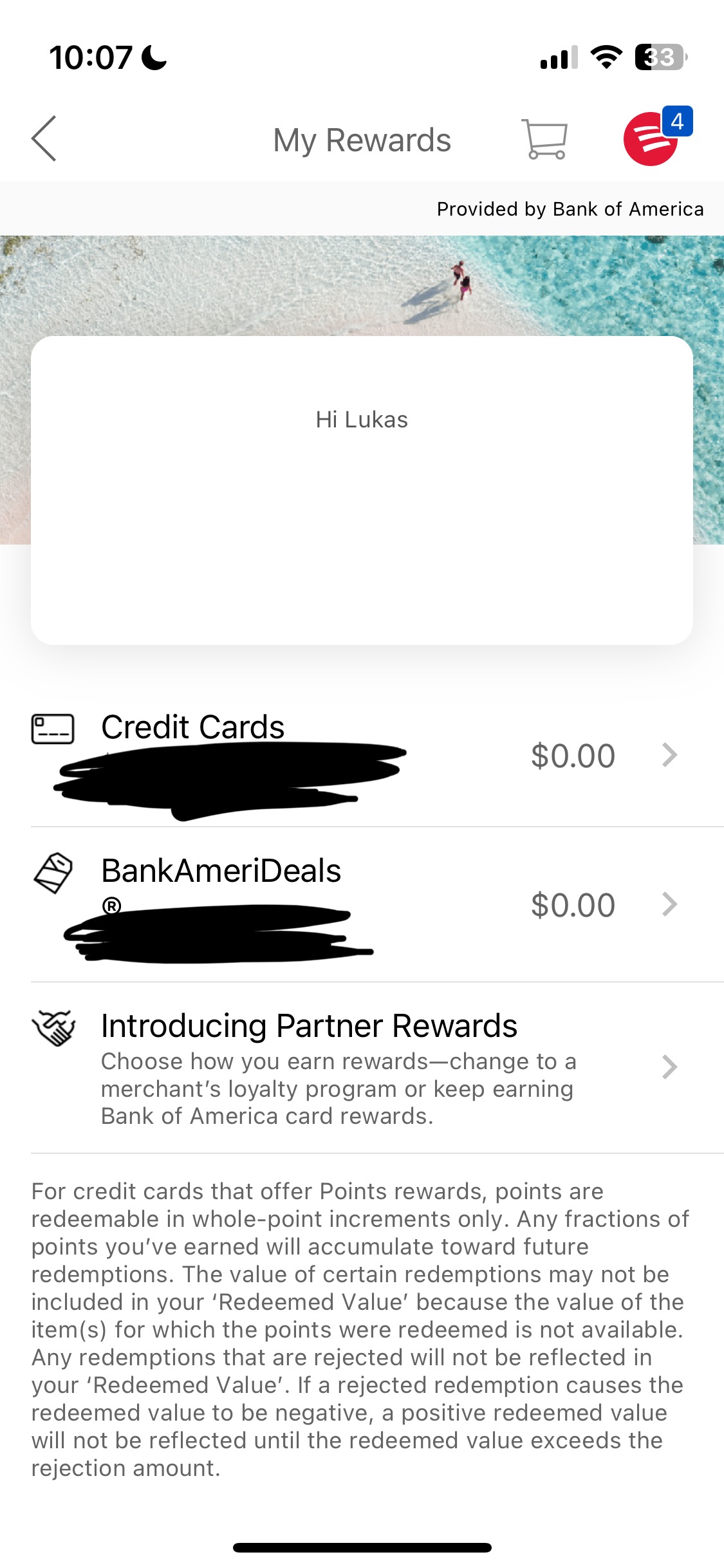
Original App Design - A rewards page that's linked on accounts tab of the accounts page. Honestly an embarrassment a page like this exists.
Inspiration
Bank of America has been my bank of choice for a couple of years now. While their in-person service is great, their mobile app isn't. While somehow better than their website, it has many awful design decisions, help articles that aren't helpful, and an overall lack of cohesiveness.
While there are a million different examples I could use to illustrate this fact, the way search works is one that particularly stands out to me. When a user goes to search something (i.e. "bill pay"), it comes up with a couple of options, the first being "Go to Bill Pay". When clicking that, it opens an AI chatbot which then has to think up a response. After one more round of back-and-forth with their AI chatbot, you'll finally be granted access to what you initially searched for. This takes, on average, 44 seconds (according to their own numbers) for something that thould take just a few.
What it does
My prototype aims to redesign the Bank of America app with familiar colors and styling while drastically improving UI/UX for the end user. Every aspect of the app has been considered and redesigned for simplicity.
How I built it
I first spend a lot of time poking around the actual app. It turns out that there's a ton of really interesting data and information in it, albeit stuffed away in odd corners of the app. I consolidated all of this data into one cohesive new homepage featuring recent transactions, accounts, the user's FICO score, credit usage, and more.
Next, I brought over the old pay/transfer and deposit checks pages while creating a new statements page that encourages users to stay on top of their spending. I also made a bunch of other pages based on the app, that you can see in the screenshots below.
Challenges I ran into
I have never used figma to make a mobile app before, nor have I ever prototyped to this extent before. Normally I use figma to get 80% of the way there, then finish in code. This was a new experience for me, and I genuinely had to learn a decent number of prototyping features to make it work.
I also underestimated the amount of work it would take to build out all of the screens.
Accomplishments that I'm proud of
I'm very proud that I was able to build this app in just (effectively) two school days. Luckily I didn't have too much homework or any tests.
What we learned
I learned a ton about figma and design. While I think I still need to improve my general design skills, I feel like just this short time has helped me level up. One thing I spend a good amount of time with is springs. Those let me make transitions and animations feel smooth and fluid.
What's next for Bank of America App Redesign
I'd genuinely love for BofA to actually adopt this redesign, or at least make some basic changes to their app.
Demo Notes
- Please watch my video too! That goes through all the pages as well..
- To see the settings/search page, swipe up on the navigation. This can be a bit finicky at times, but you can click the gray bar at the top of the navigation as well if that isn't working. Swipe down to close
- To experience the prototype, you can click here or use the link below. The design link is below as well.
Built With
- figma


Log in or sign up for Devpost to join the conversation.