-
-
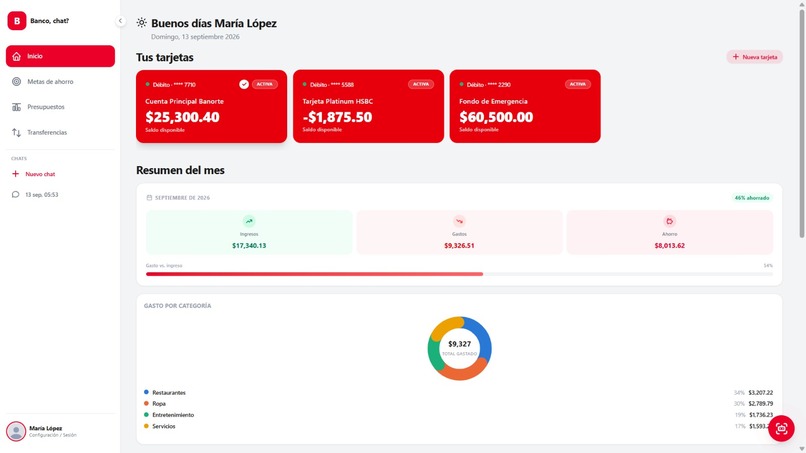
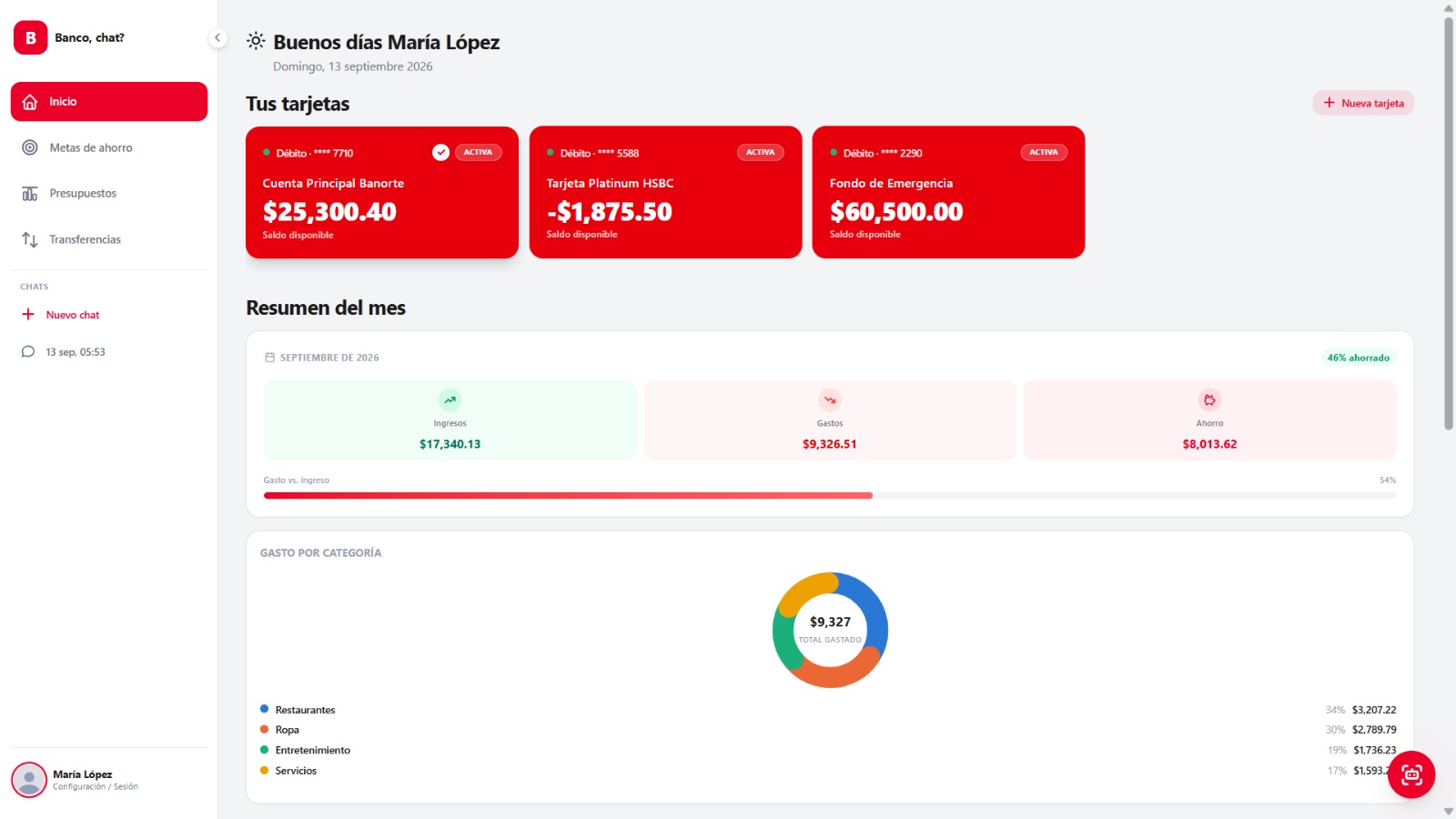
dashboard
-
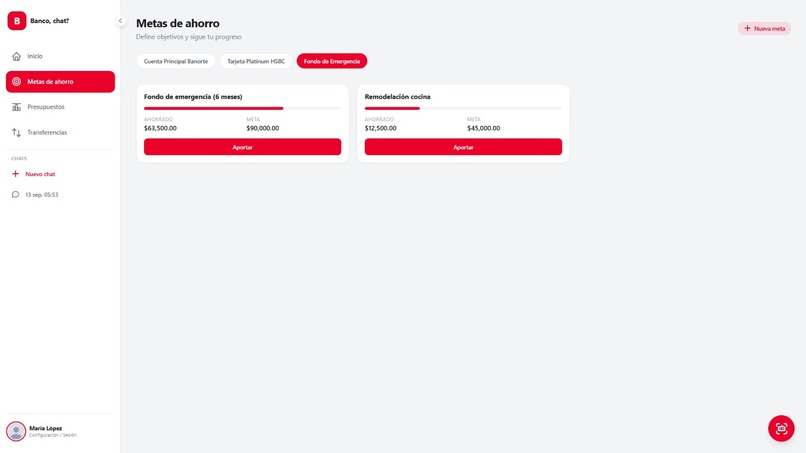
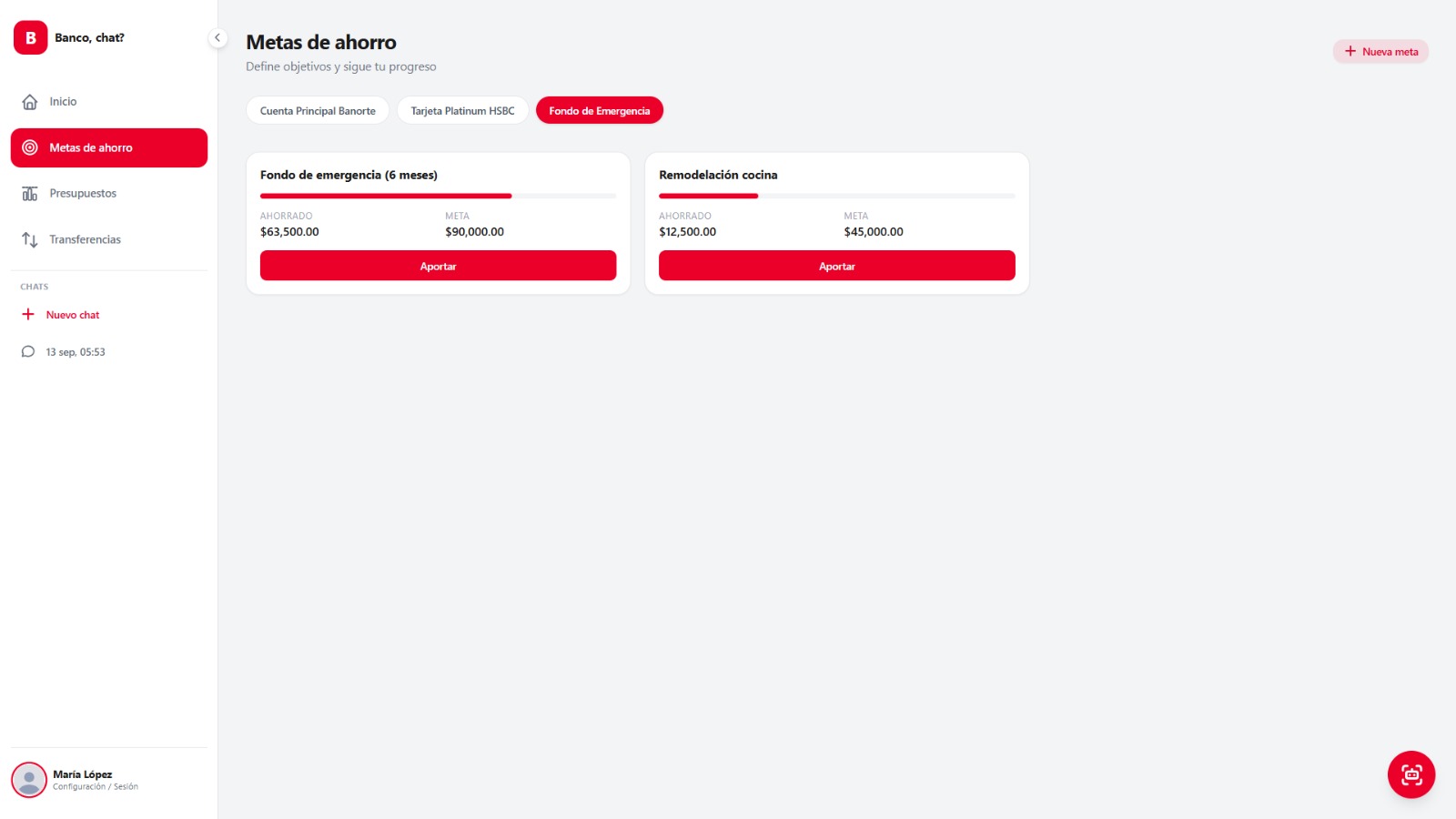
savings goals
-
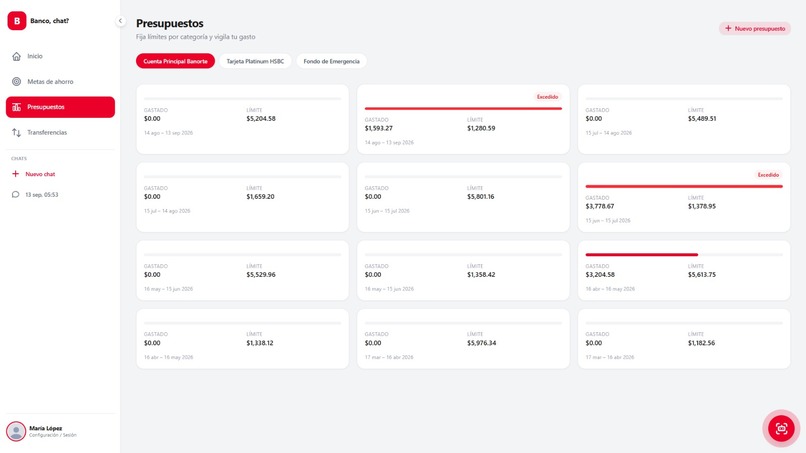
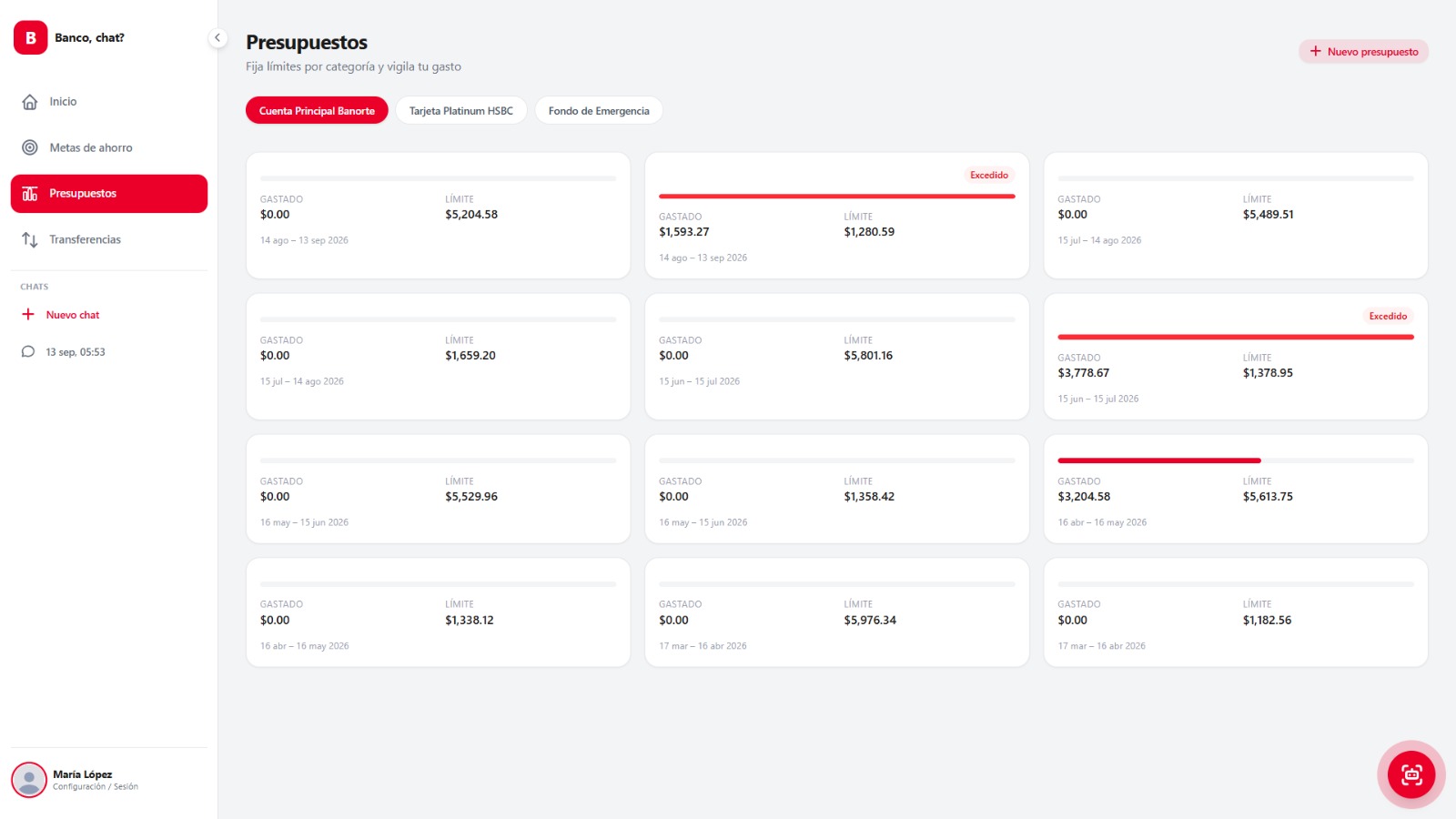
budgets
-
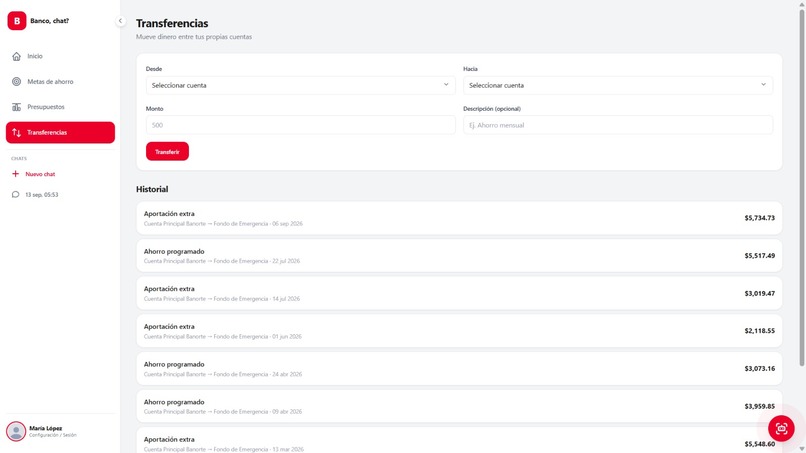
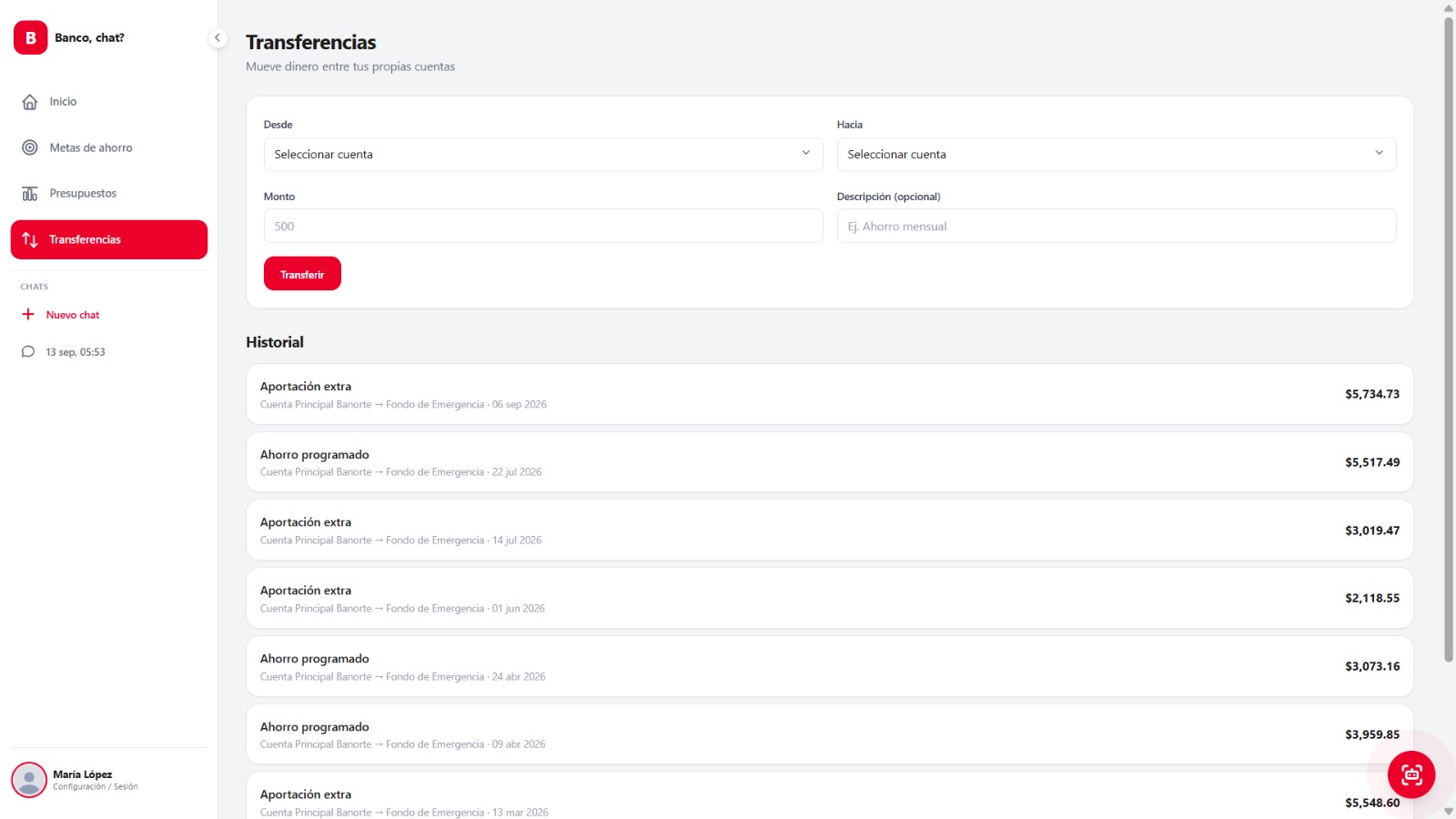
transfer
-
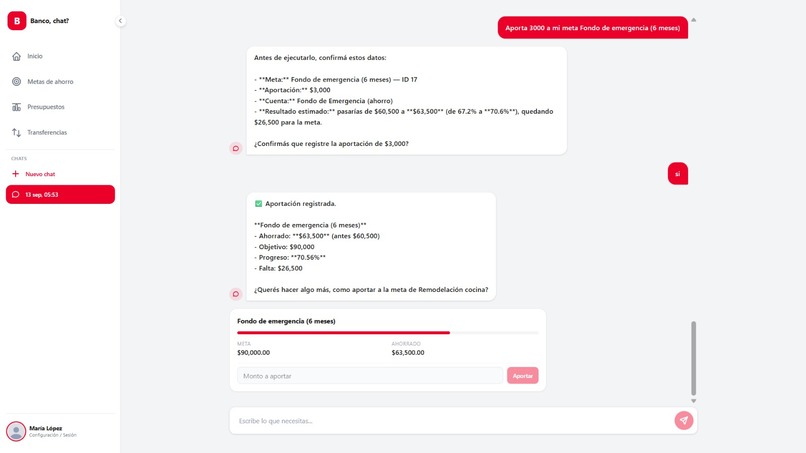
chatbot
Inspiration
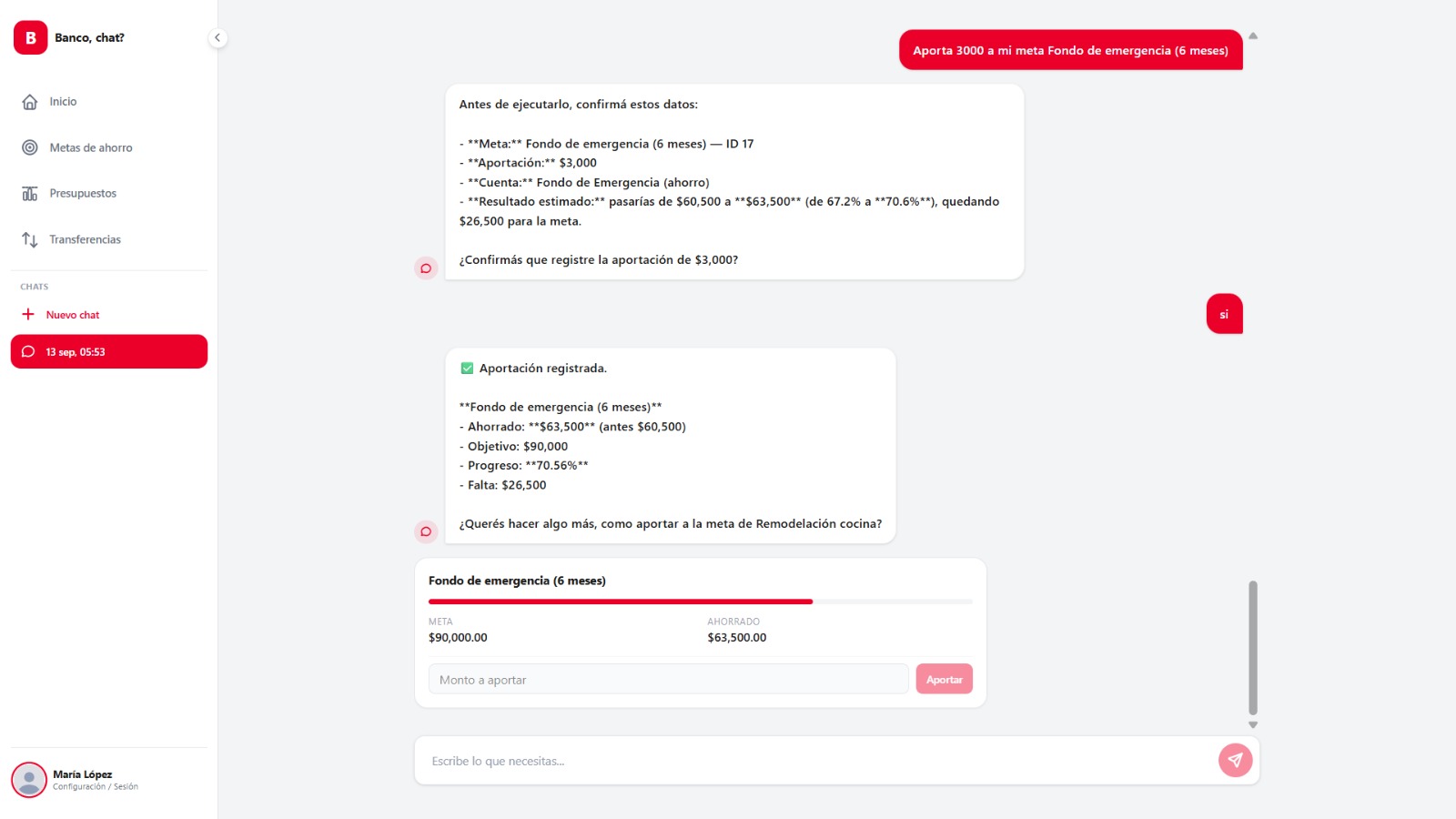
Most banking chatbots only return plain text, forcing the user to jump to another screen to actually act. We wanted the agent itself to decide and generate the right interface (account card, savings simulator, monthly summary, etc.) based on what the user asked for.
What it does
The user chats, and Claude calls real MCP tools across accounts, transactions, budgets, savings goals, and transfers (get_accounts, simulate_savings_plan, create_transfer, get_budget_status, etc.), then responds with text plus an A2UI component (AccountCard, SavingsPlanSimulator, TransactionsList, BudgetStatusCard...) matching the detected intent.
How we built it
Backend in NestJS + Prisma (MySQL/MariaDB), with modules split by domain (accounts, transactions, budgets, savings-goals, transfers, categories). The MCP server (McpServerProvider) registers ~16 tools using the official SDK; McpClientService consumes them over real JSON-RPC (InMemoryTransport). Claude drives the tool-use loop and builds the response using the typed A2UI schema in ui-component.types.ts
Challenges we ran into
Learning the MCP protocol itself as we built none of us had worked with it before
Accomplishments that we're proud of
Seeing the chat generate its own interface in real time — watching a plain message turn into the right UI component on screen, picked by the agent itself, felt like the core idea of the hackathon actually clicking into place.
What we learned
How to model an MCP protocol across multiple banking domains, and how to translate that into typed generative UI that Claude can request predictably.
What's next for Banco, chat?
Move the MCP server out to its own process (StdioServerTransport), and add actionable flows for transfers and budgets similar to the savings one (simulate → confirm → execute).
Built With
- angular.js
- mysql
- nestjs

Log in or sign up for Devpost to join the conversation.