-
BaitZero Draft Image
-
-
-
-
Inspiration
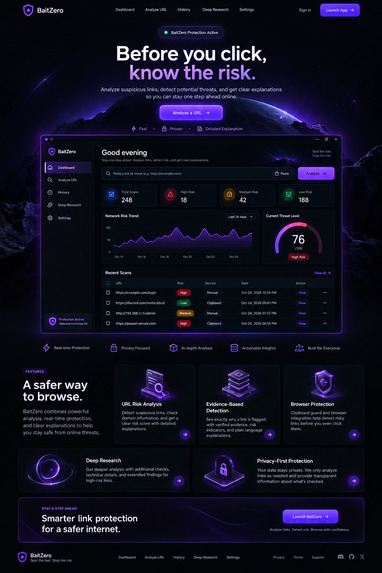
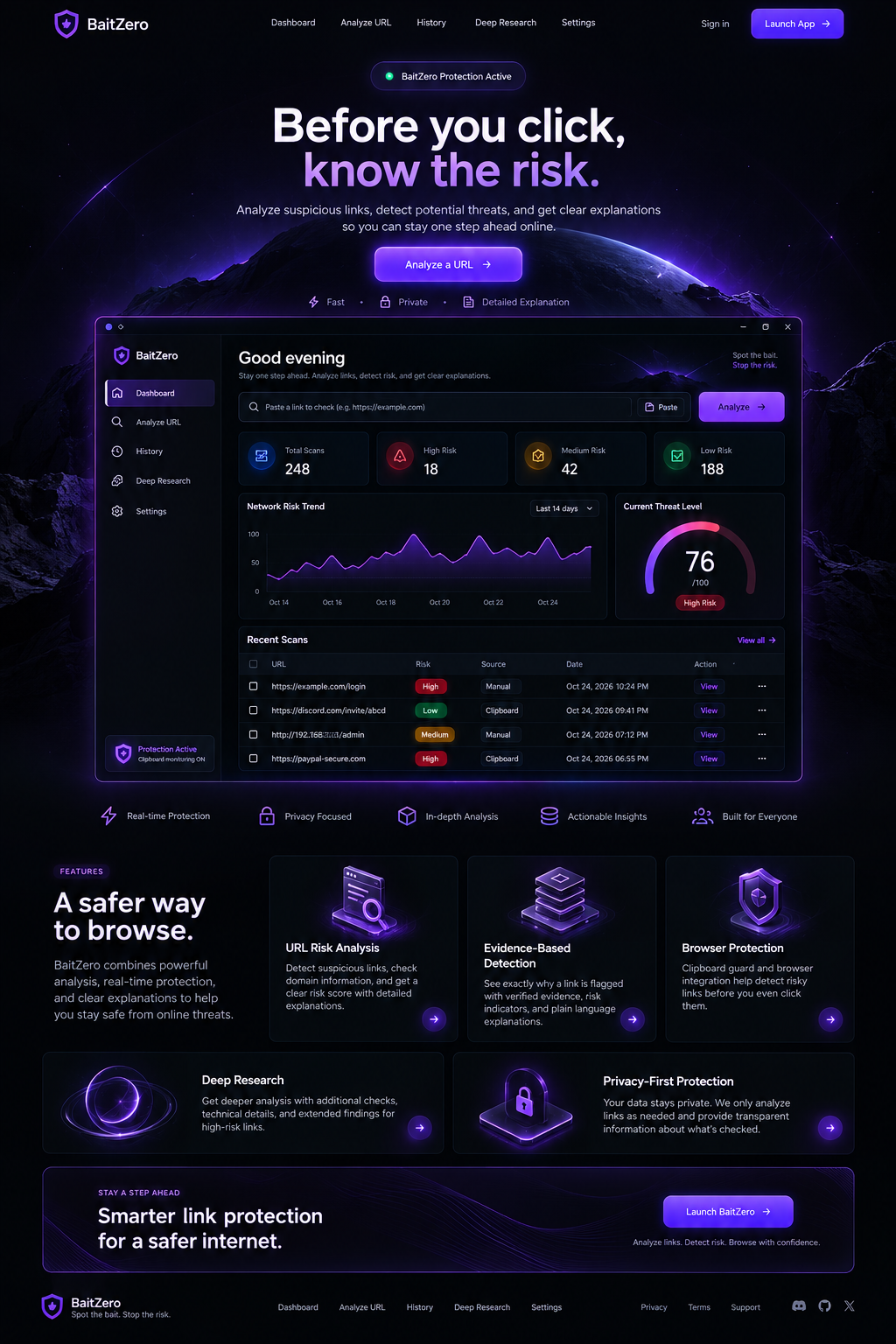
BaitZero started with a simple idea: people should be able to check suspicious links before clicking them. Phishing links and online scams can be difficult to recognize, and many users don't understand why a link might be dangerous.
What I built
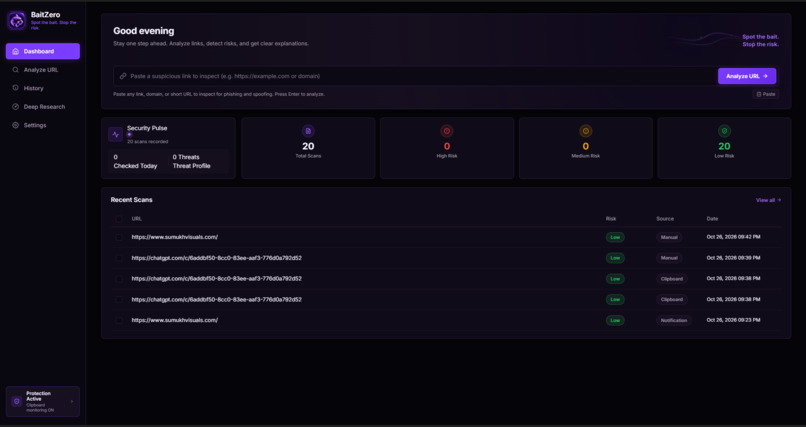
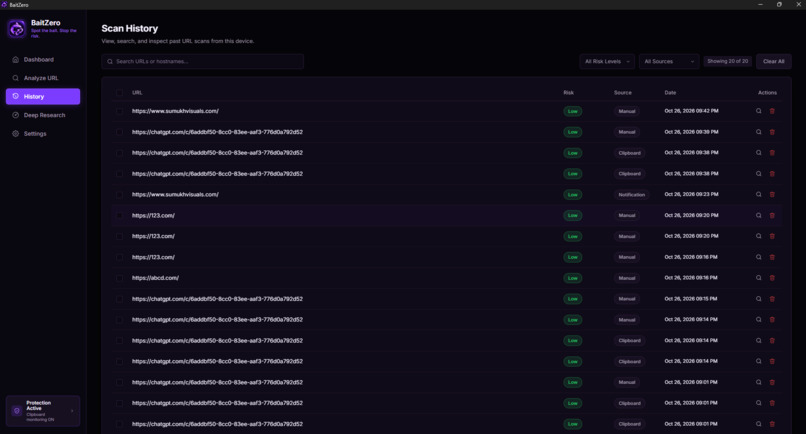
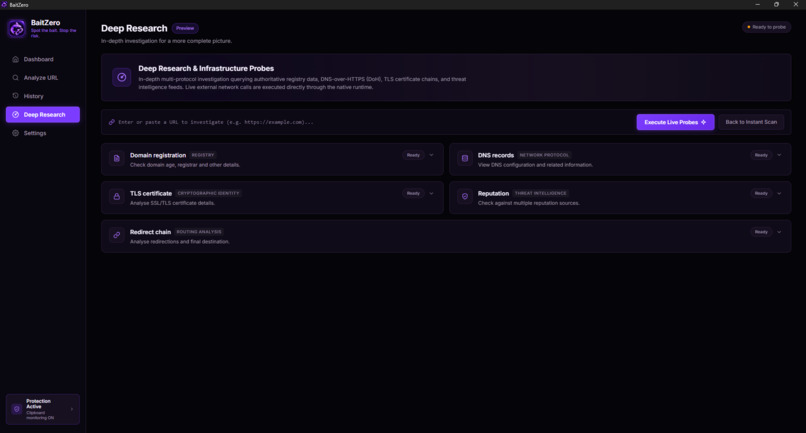
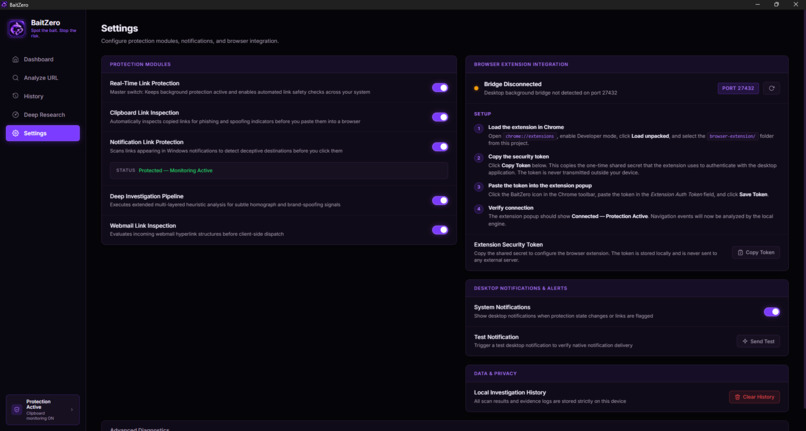
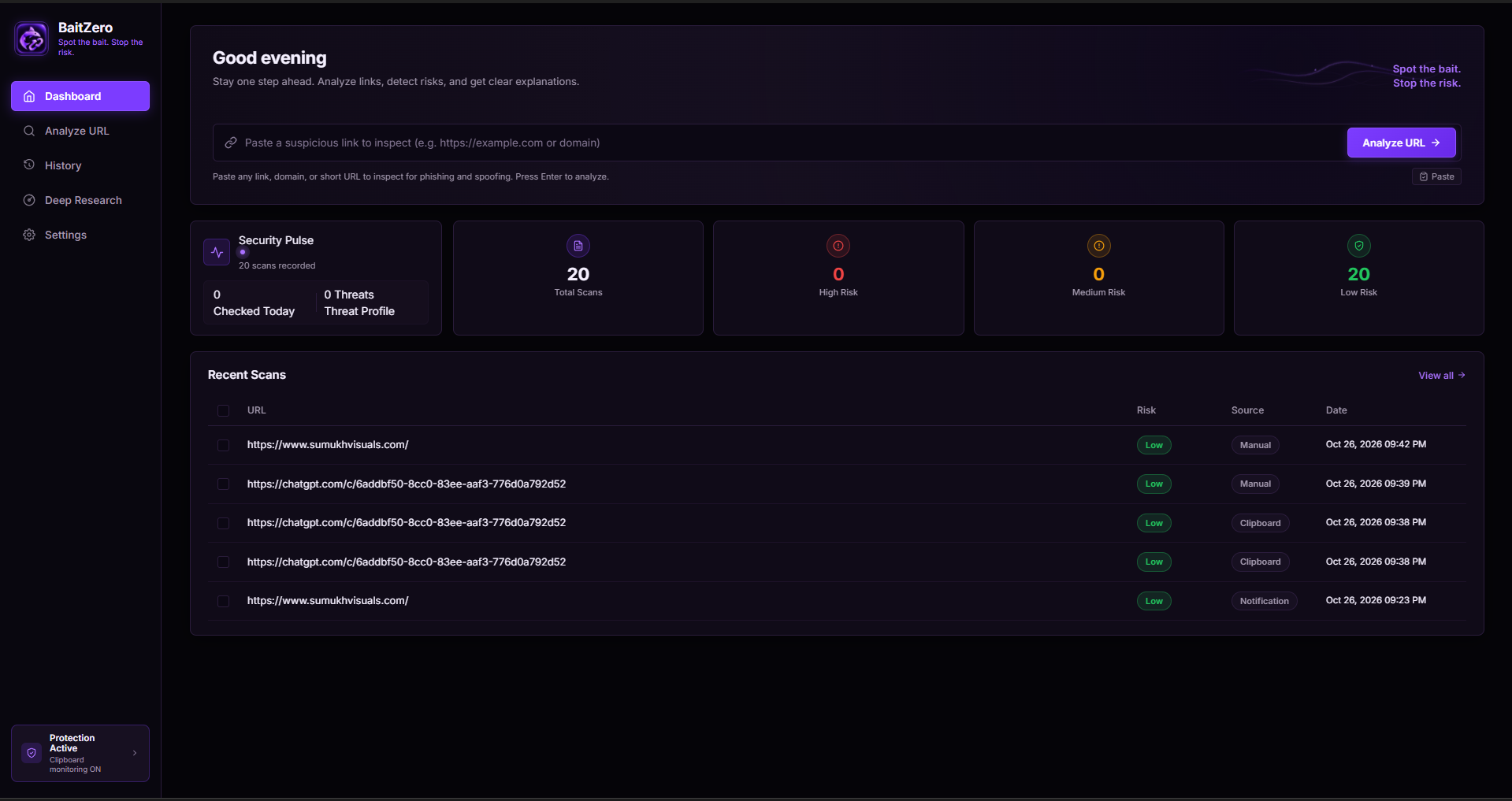
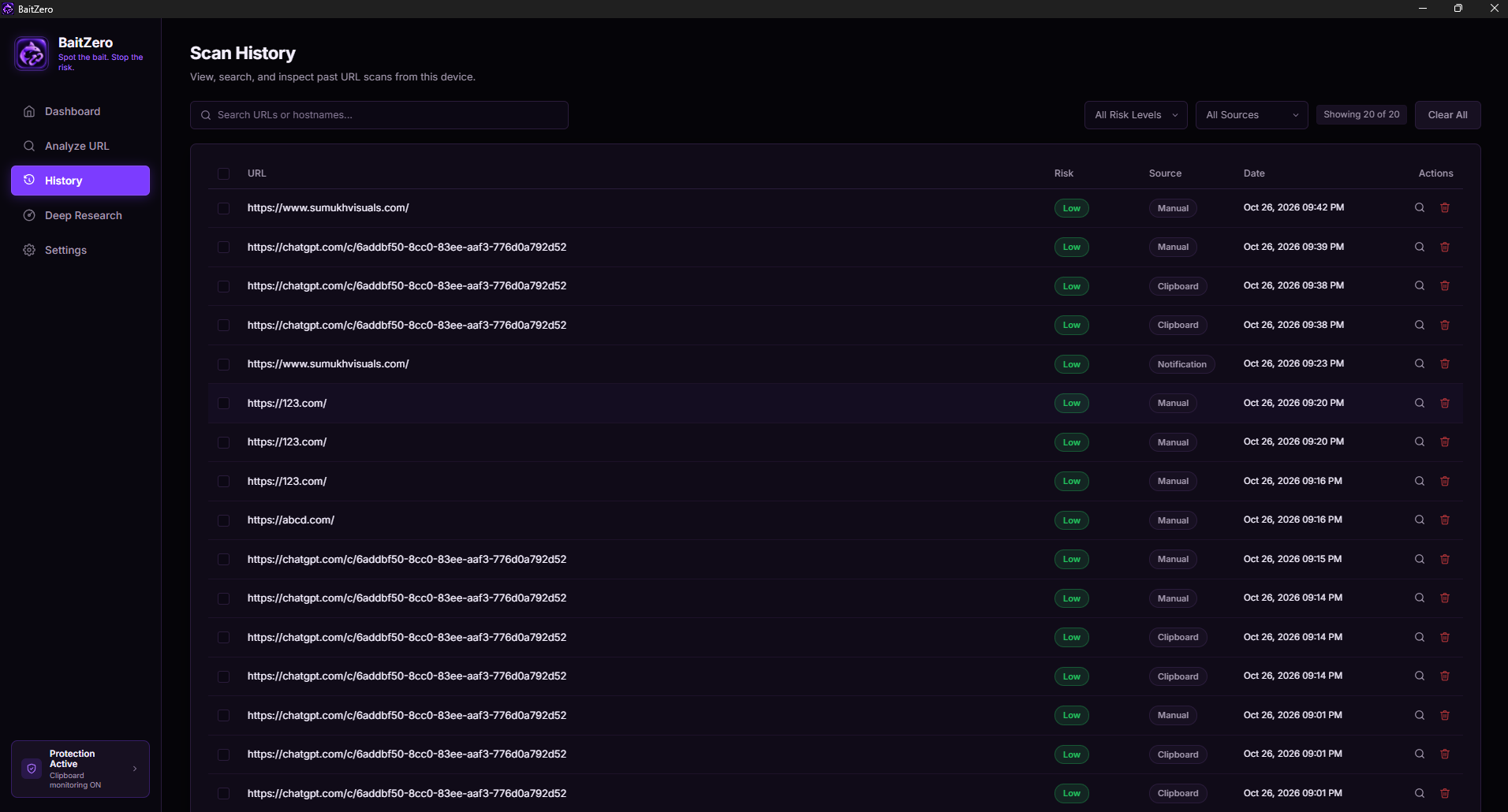
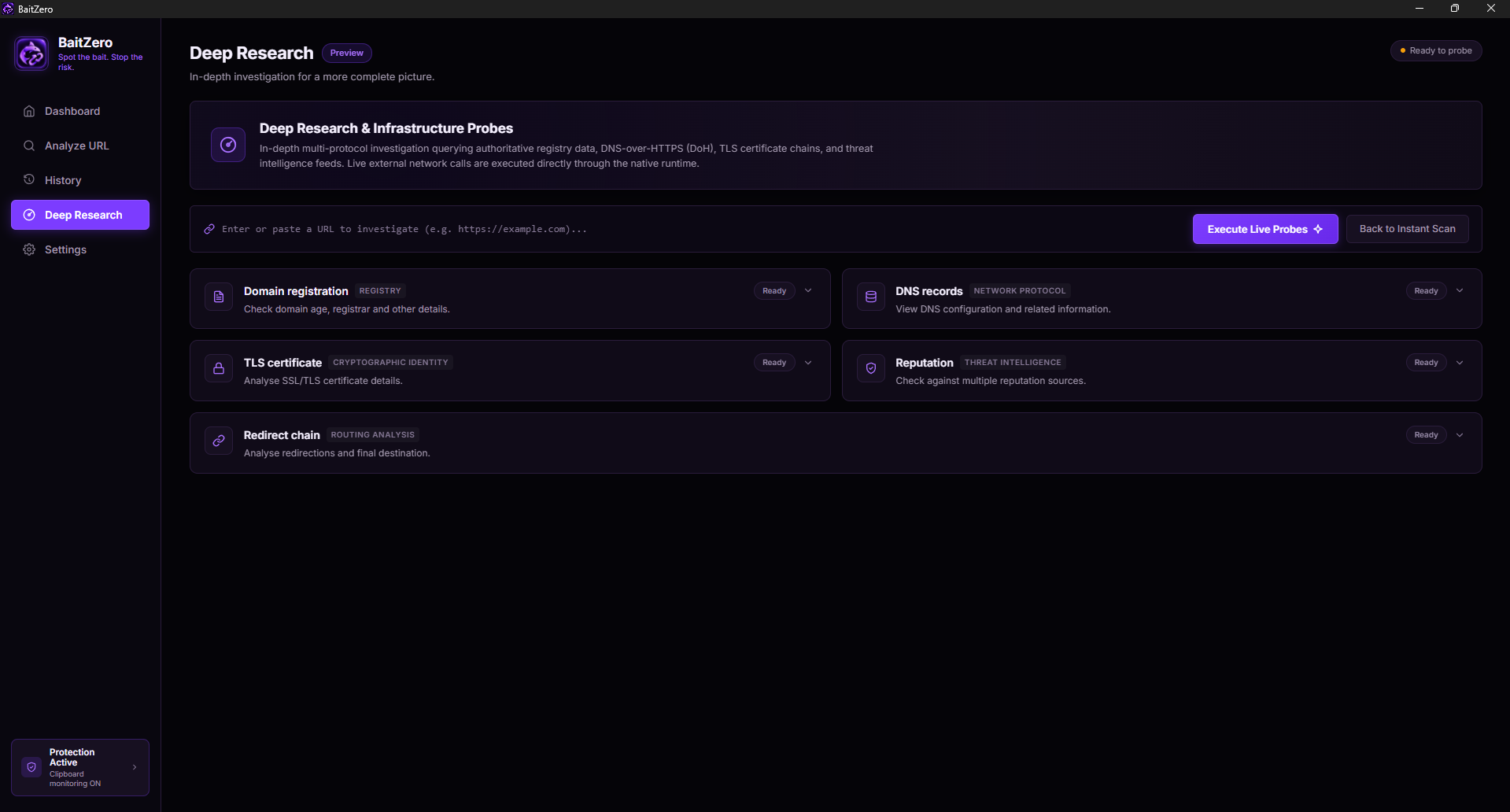
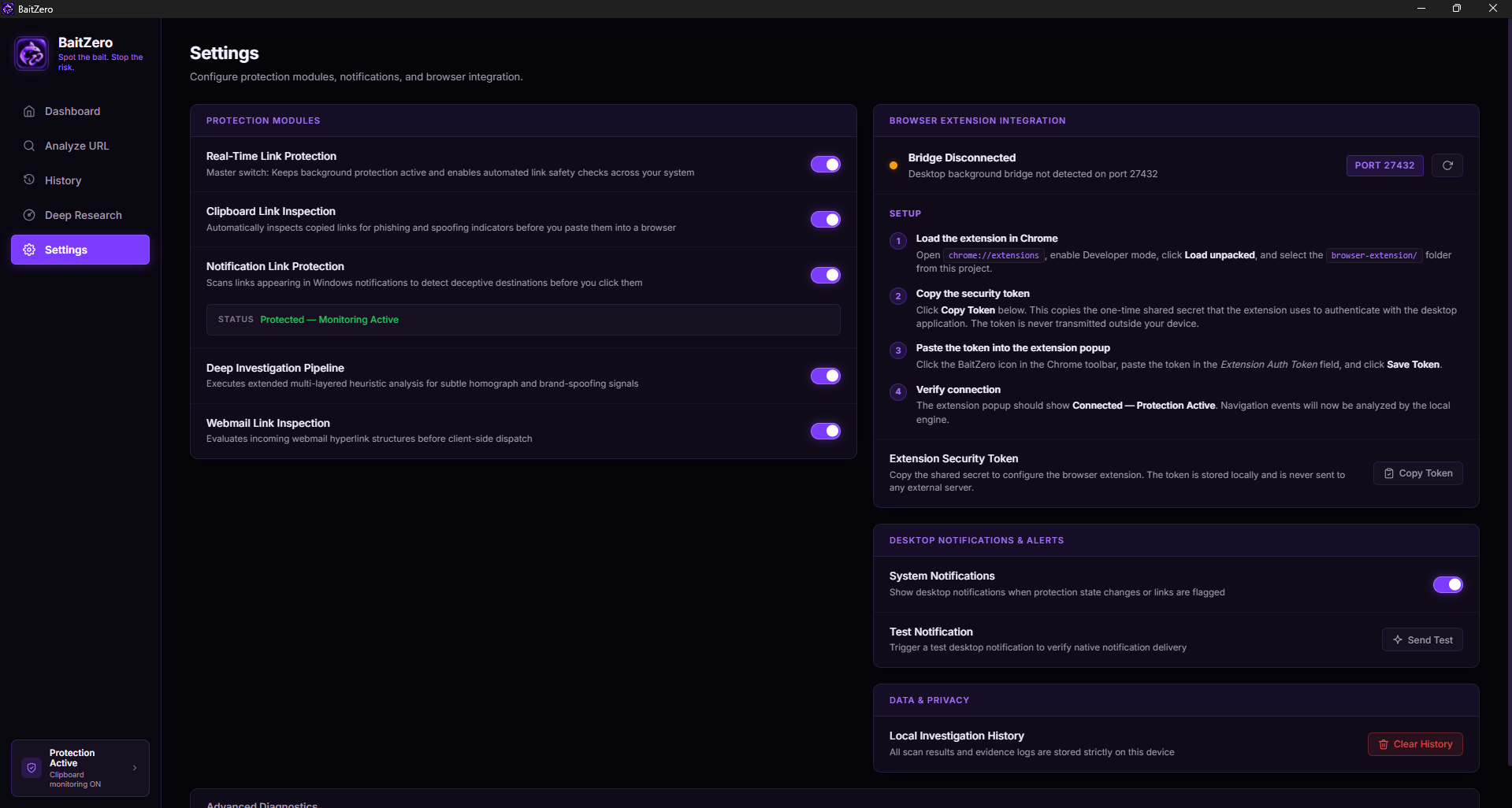
BaitZero is a Windows desktop application that analyzes URLs using heuristic checks, evidence-based analysis, and risk scoring. It aims to help users understand potential threats instead of simply showing a warning. The application also includes clipboard monitoring to help identify links copied by users.
How I built it
I used JavaScript, HTML, CSS, Vite, and Tauri v2 to build the desktop application. I developed a modular analysis pipeline with URL analysis, evidence collection, explanations, and risk assessment. I also worked on native Windows integration, local storage, and desktop notifications.
Challenges and learnings
One of the biggest challenges was integrating web-based functionality with Windows desktop features. Clipboard monitoring, notifications, and package identity requirements required additional testing and troubleshooting. This project taught me the importance of modular architecture, privacy-conscious design, and testing real-world behavior rather than relying only on the interface.
What's next
My priority is to stabilize the desktop application, test its features thoroughly, and improve the reliability of its threat analysis. I want to make BaitZero a practical, understandable, and privacy-conscious tool for everyday link safety.


Log in or sign up for Devpost to join the conversation.