-
-
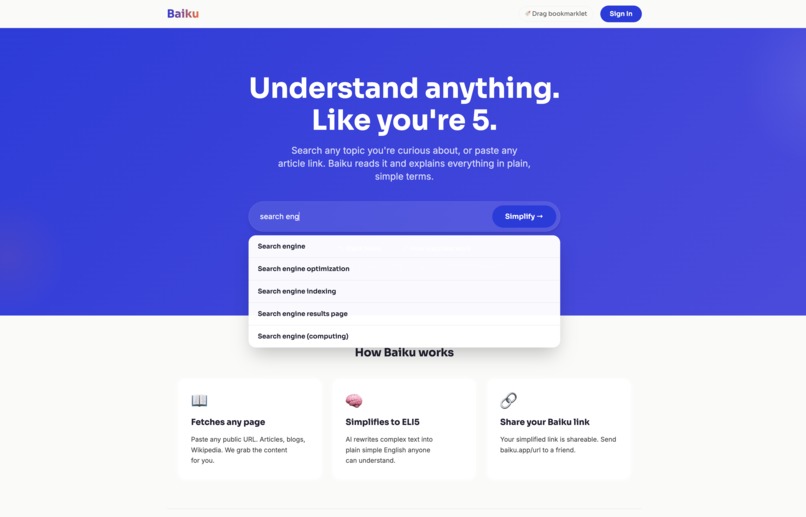
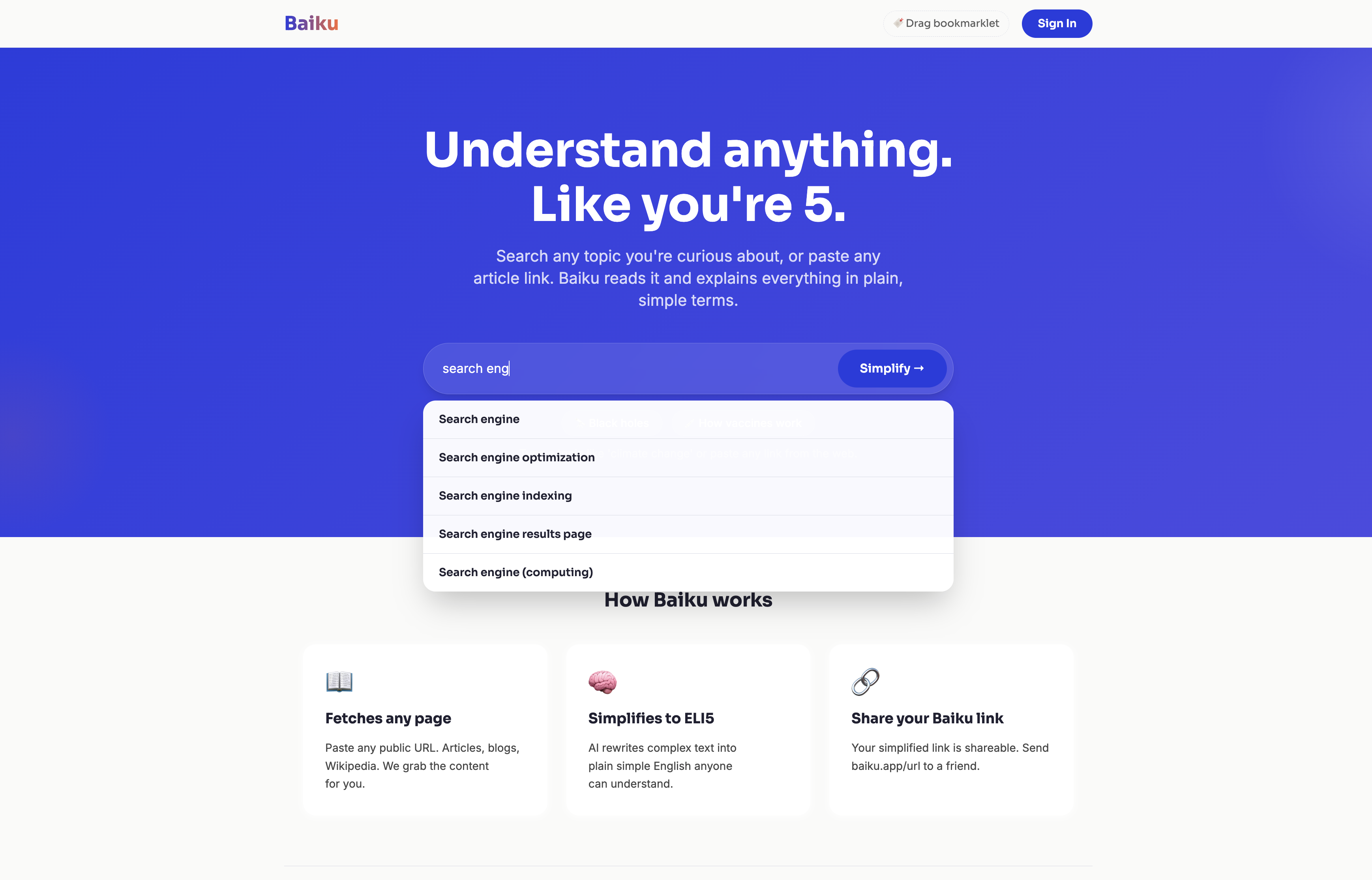
Search any topic or paste any link. Baiku explains everything in plain simple terms with real time Wikipedia suggestions.
-
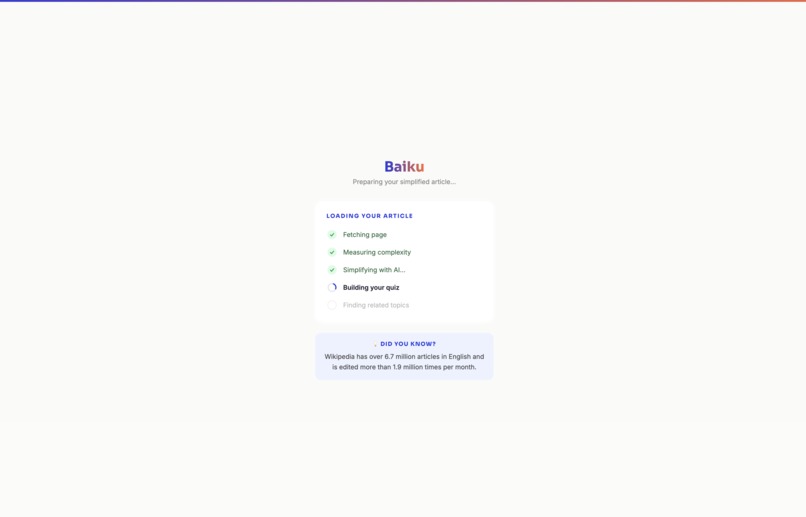
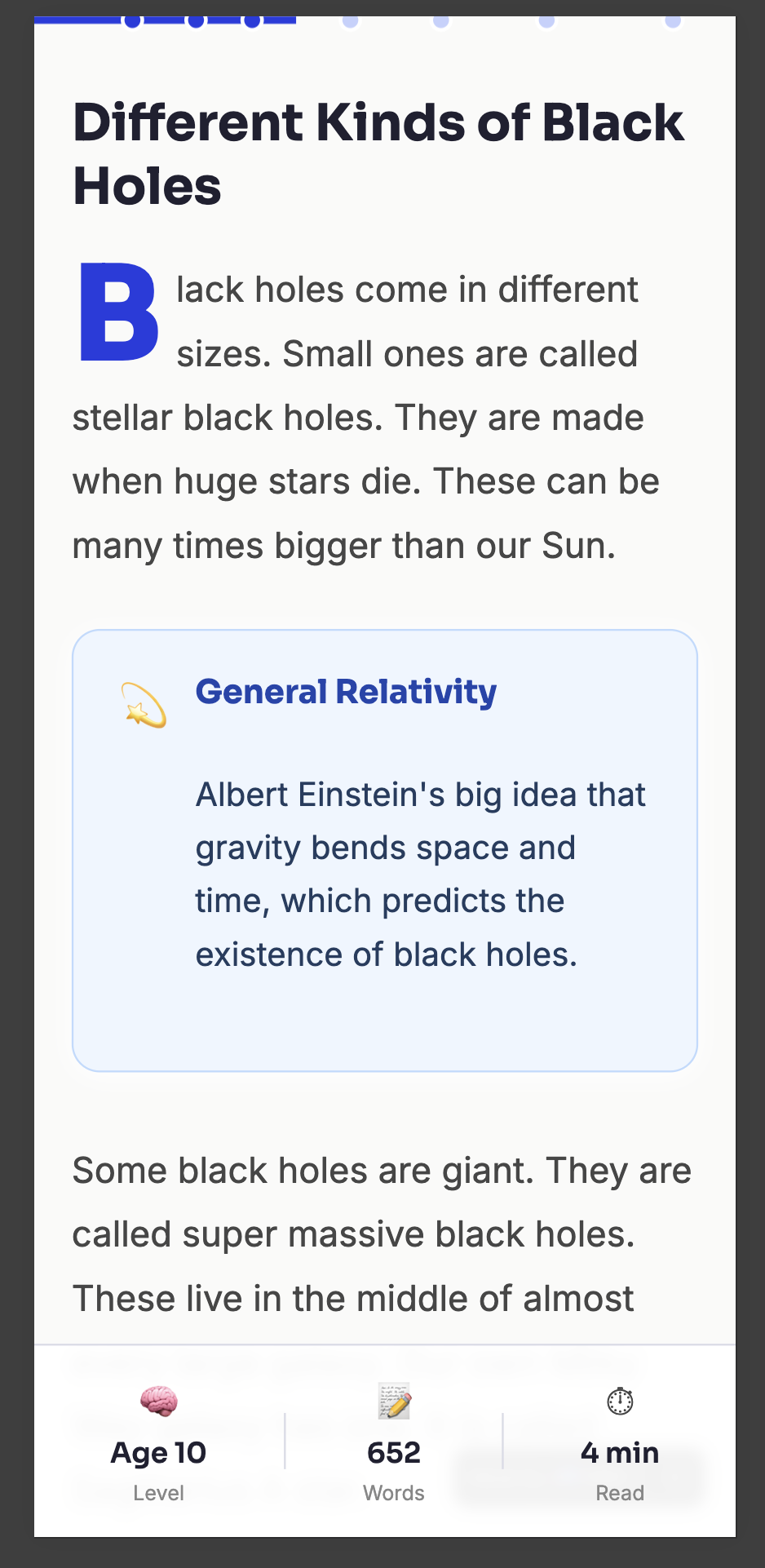
Every article is rewritten at ELI5 level. Drop caps, concept boxes, pull quotes and key terms make complex content easy to read.
-

Baiku pulls the article image, measures complexity out of 100, and shows a one line hook so you know exactly what you are about to learn.
-
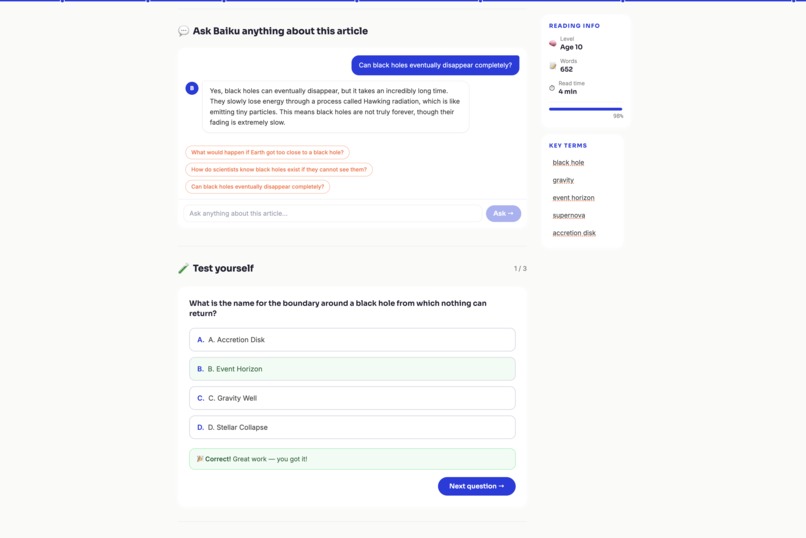
A sticky key terms sidebar, reading level badge, word count and estimated read time keep you oriented as you read through any article.
-

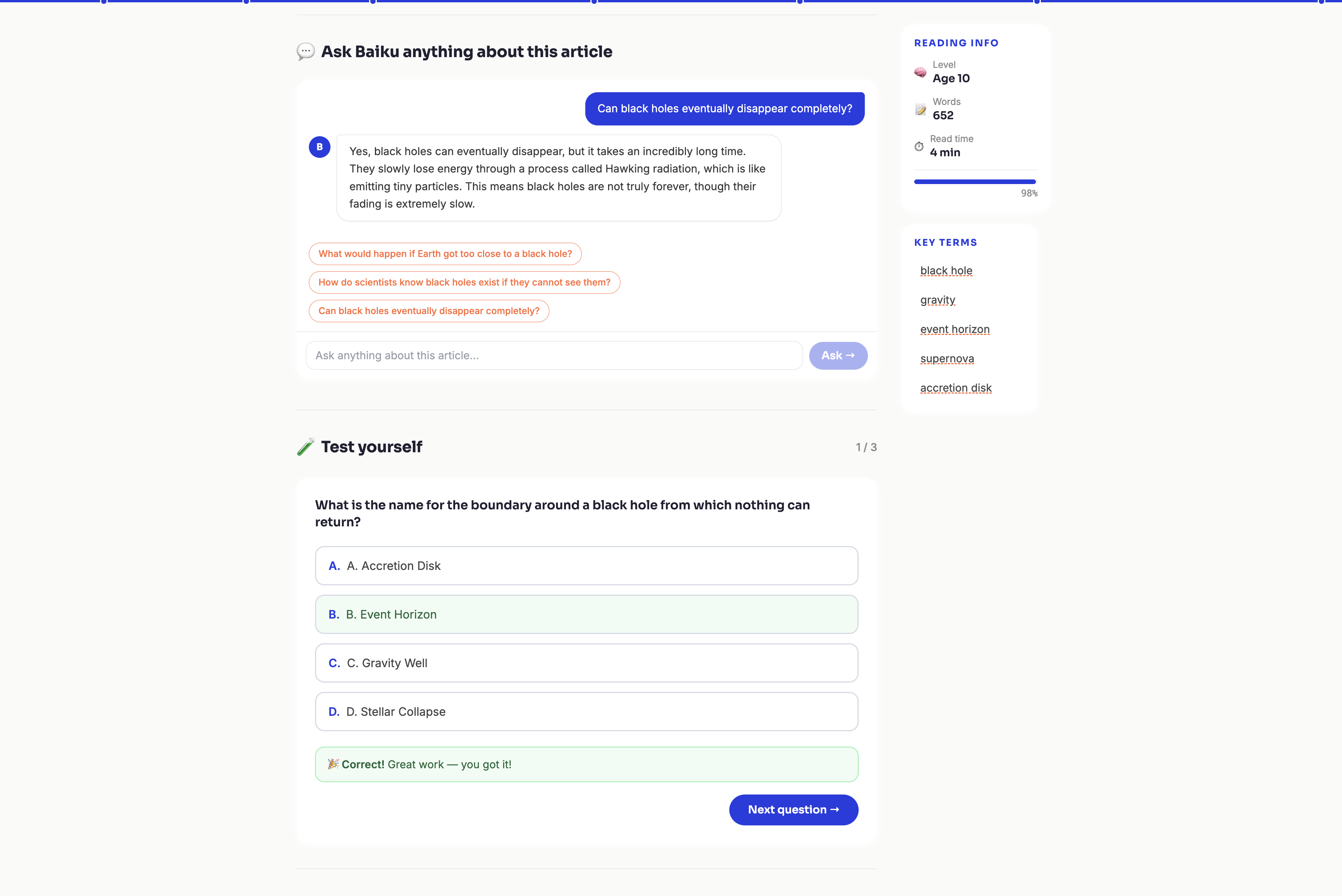
Ask Baiku anything about the article using multi turn chat, then test yourself with an active recall quiz generated from the content.

Inspiration
We all skim. We open an article, read three paragraphs, and close it pretending we understood it. The problem is not attention spans. It is that most content on the web is written for experts, not curious humans.
Baiku started with a simple question: what if any page on the internet could explain itself like a good teacher would? Simple words. Real analogies. No jargon.
What it does
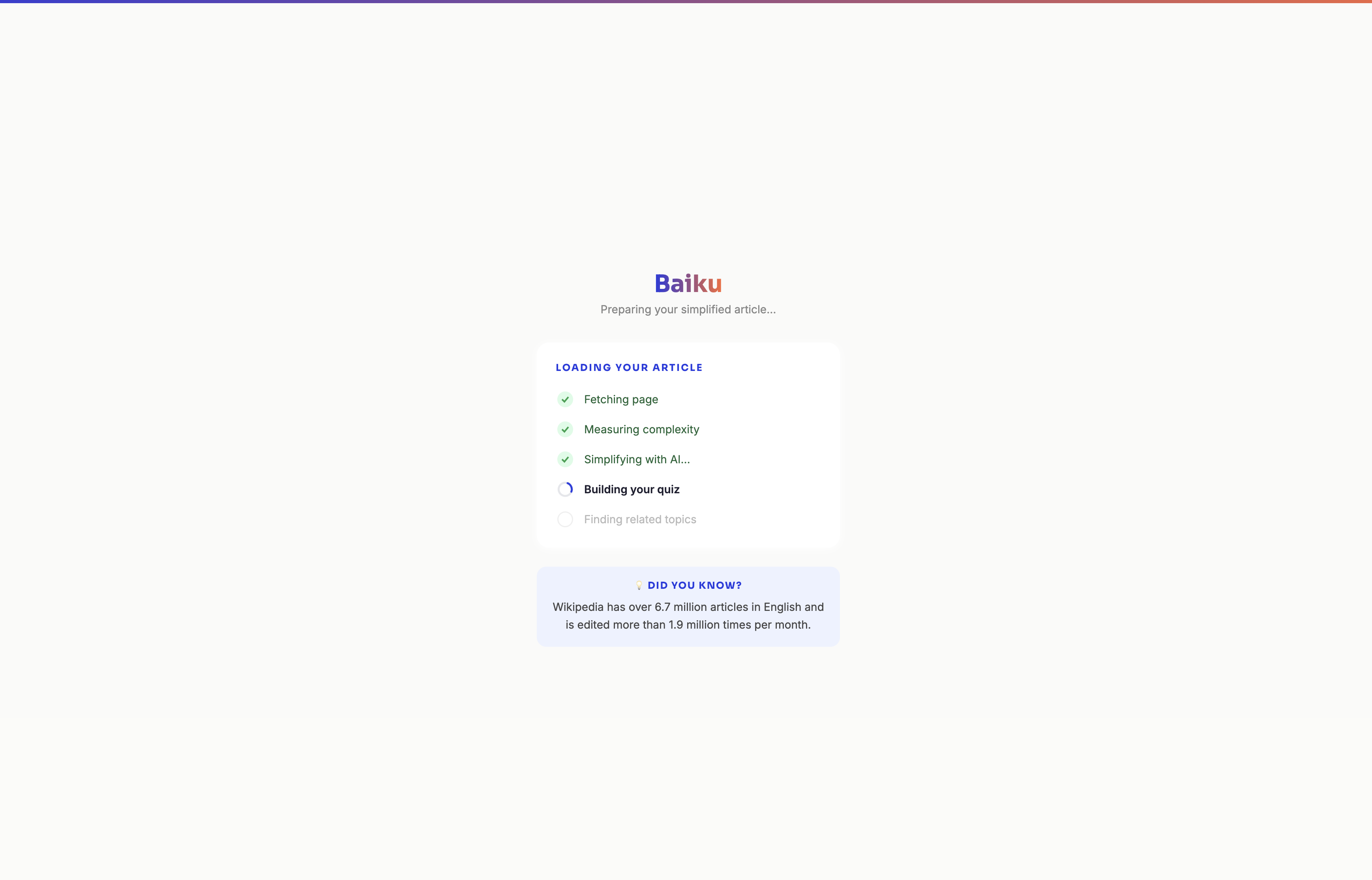
Paste any URL or search any topic. Baiku fetches the content, measures how complex it is, rewrites it at ELI5 level, highlights key terms with plain definitions, shows you a real world analogy to make it stick, then quizzes you to make sure it actually landed.
Every article becomes a mini lesson. Nothing is too complicated to understand.
How we built it
Built entirely with MeDo. We used MeDo's full stack generation to create server side URL fetching, Wikipedia REST API integration for real time topic search and term definitions, multi turn chat for the Ask Baiku feature where users can ask follow up questions about any article, complexity scoring using readability algorithms, AI powered ELI5 simplification, active recall quiz generation, and a complete user library system with collections and reading streaks.
The URL pattern is the core insight: append any link to the Baiku URL and it instantly simplifies that page. We also built a bookmarklet so users can Baiku any page they are already reading with one click.
Challenges
Getting the AI to write like a human and not like an AI was the hardest part. No hyphens. No em dashes. No bullet points masquerading as paragraphs. Real sentences that a 10 year old could follow but an adult would not find patronising.
Server side fetching across paywalls, JavaScript rendered pages, and bot blocked sites required multiple fallback strategies. We also had to stream content progressively so users saw results within seconds rather than waiting for a full response.
What we learned
The best learning tools do not simplify the person. They simplify the content. Baiku respects the reader's intelligence while removing every barrier between them and understanding.
Built With
- api
- browser
- gemini-ai
- javascript
- medo
- react
- supabase
- wikipedia-opensearch-api
- wikipedia-rest-api
Log in or sign up for Devpost to join the conversation.