-
-
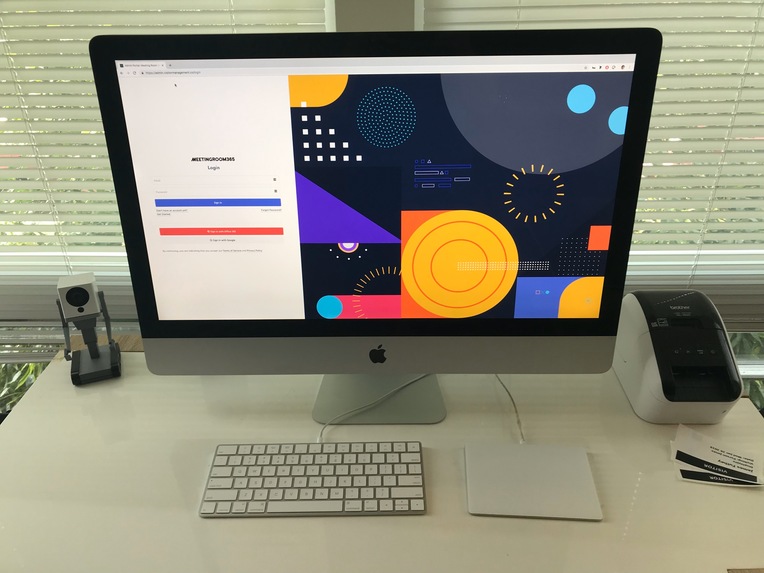
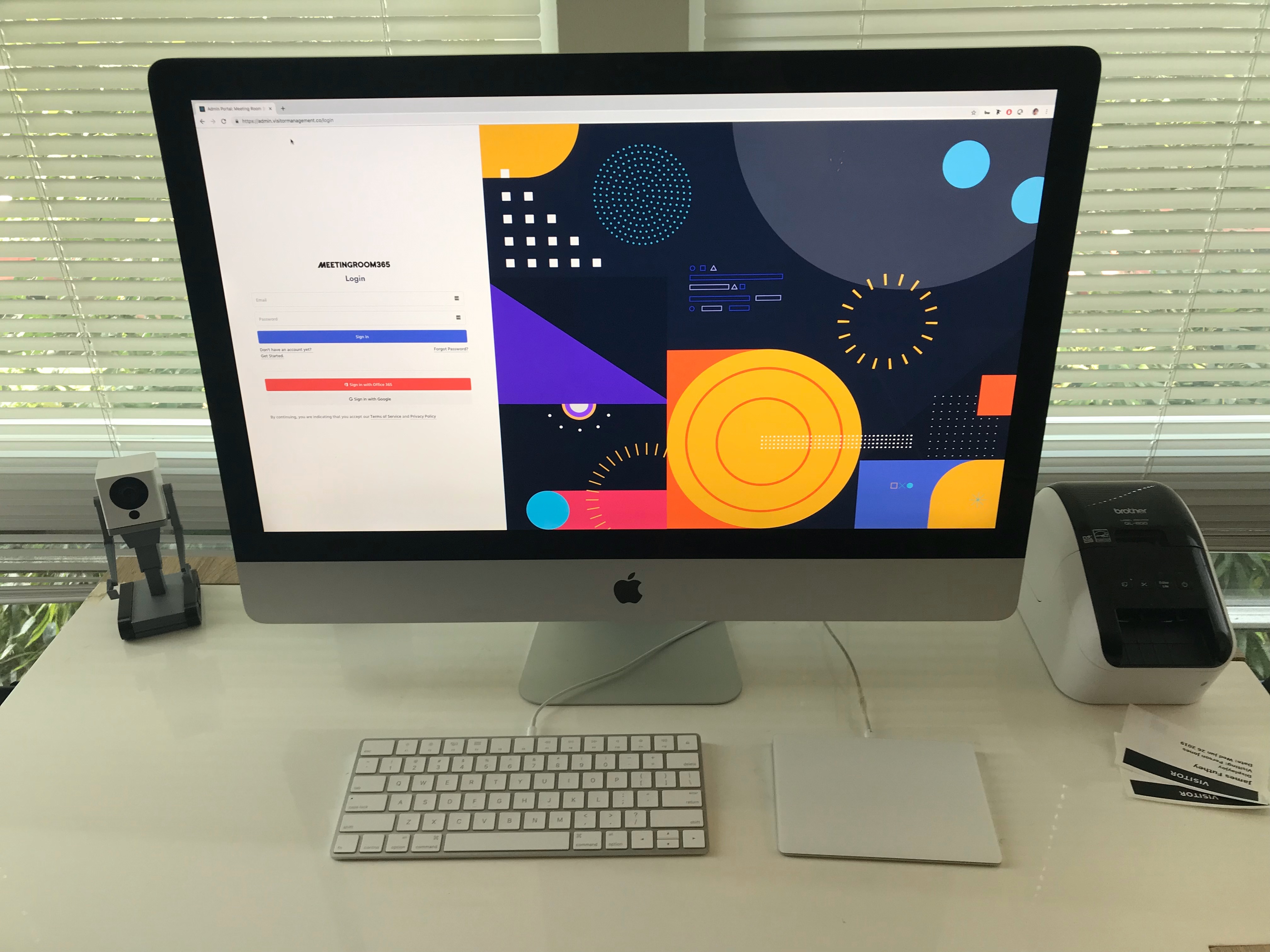
Badge Printing Kiosk
-
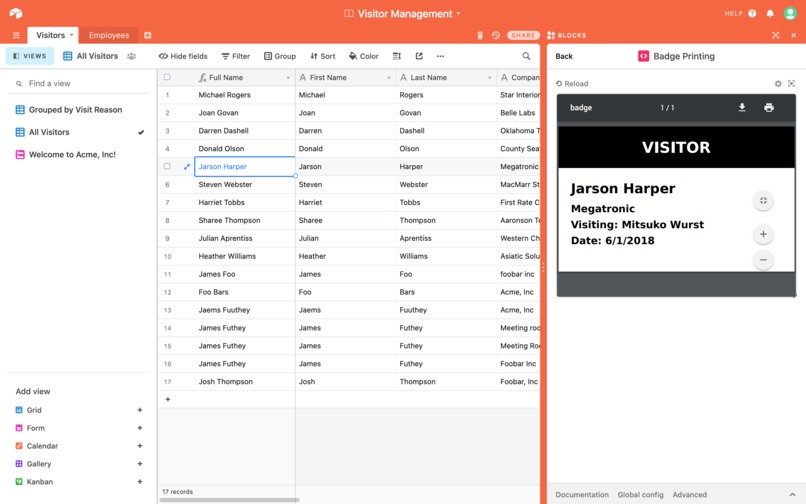
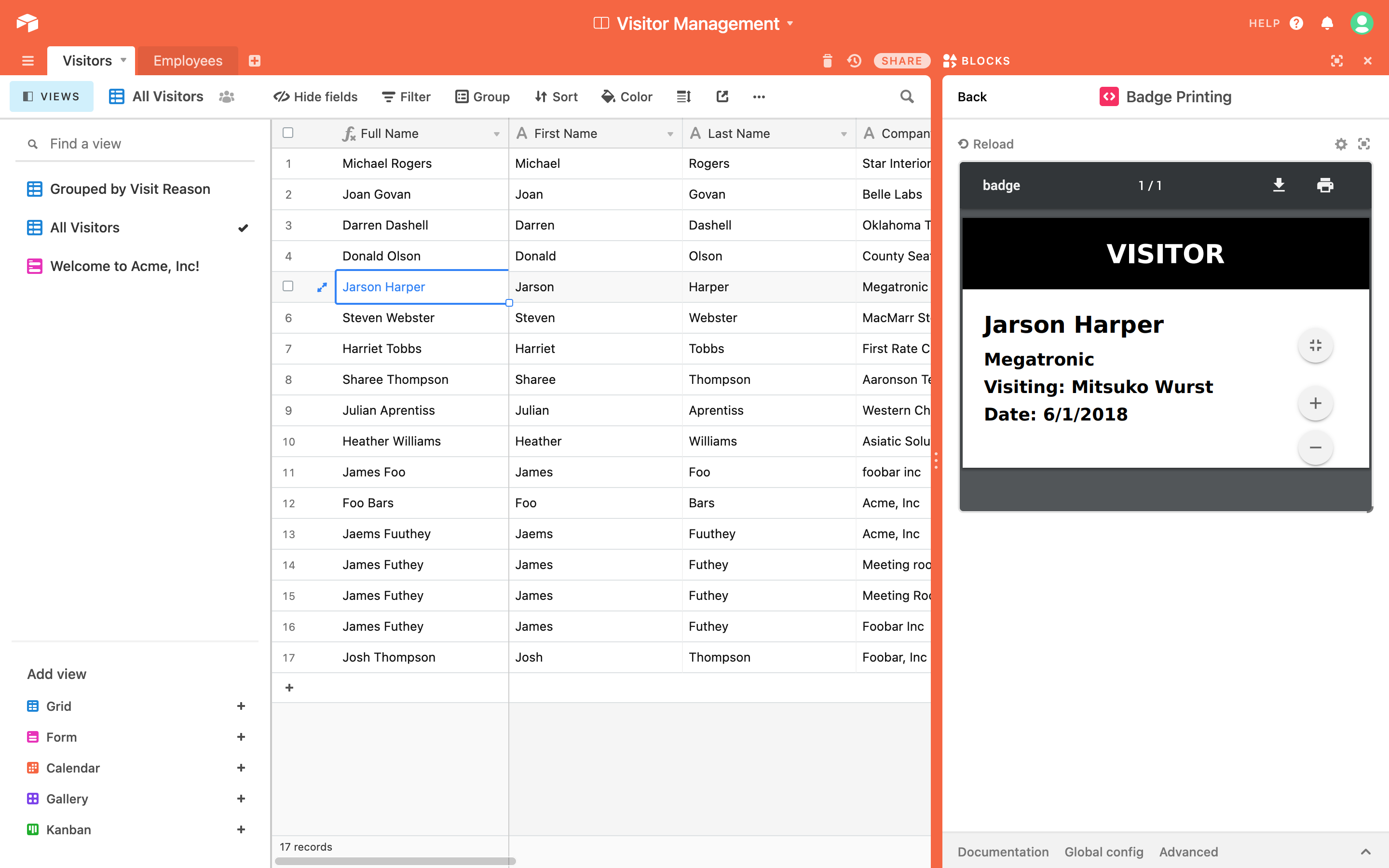
Badge Printing
-
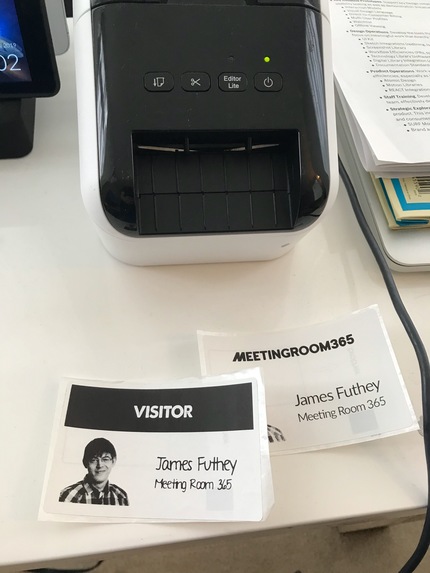
Printed Badges
-
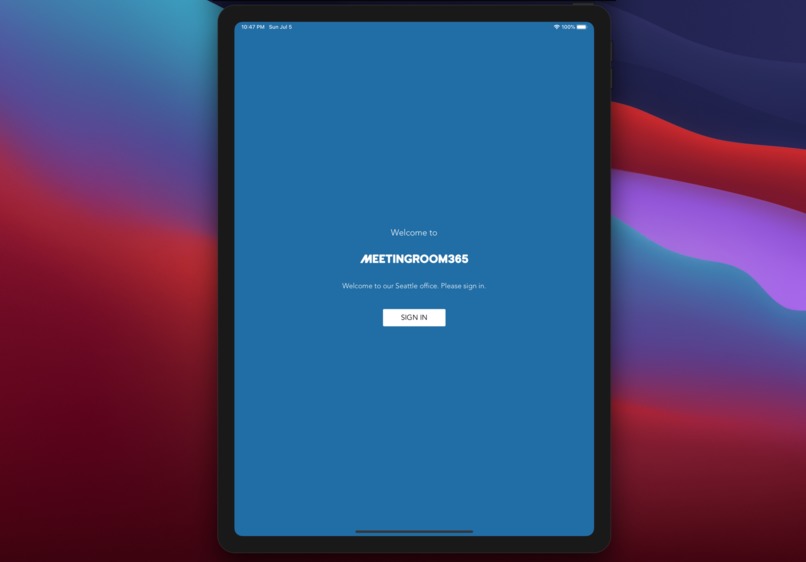
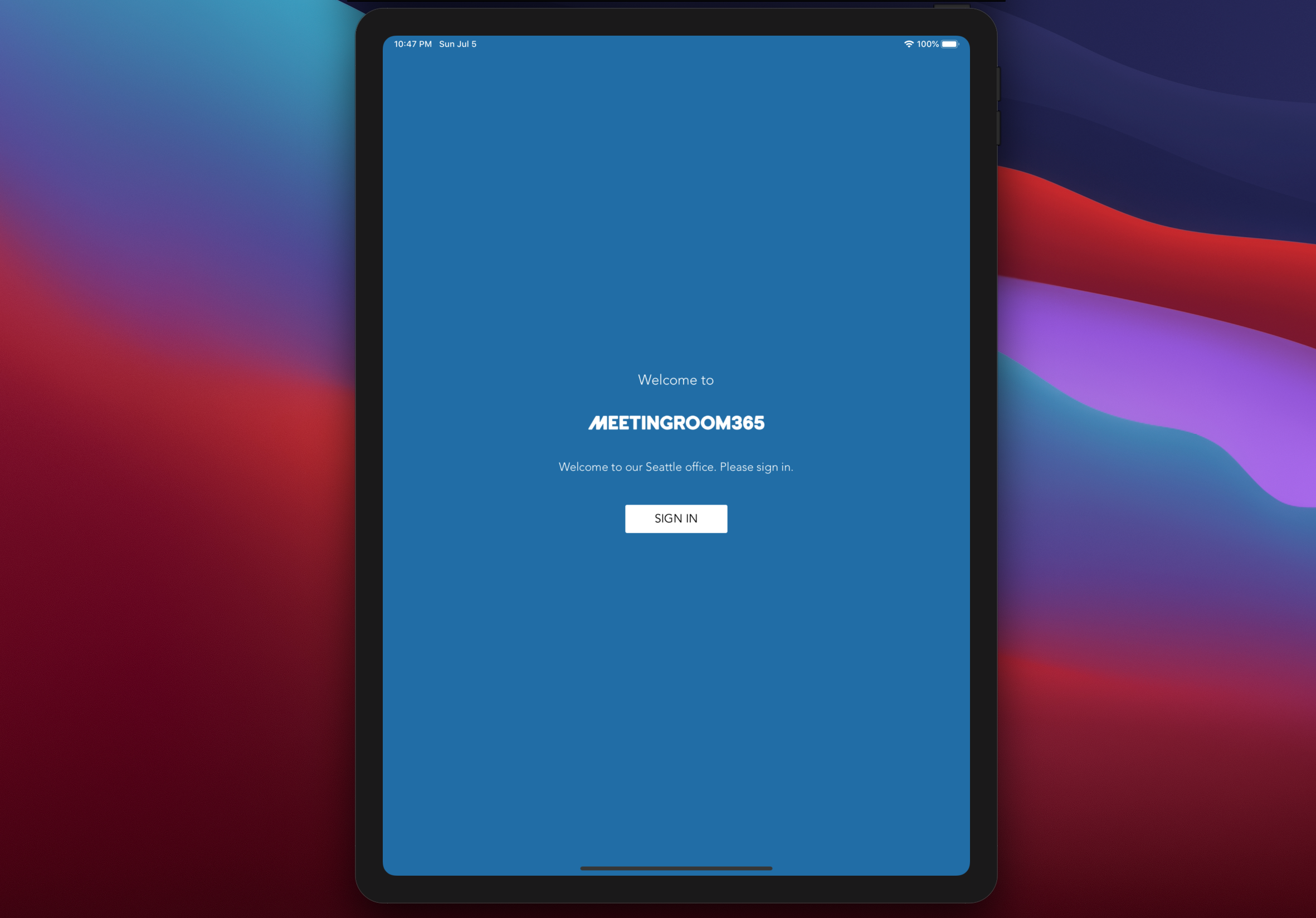
Sign-in Kiosk Splash Page
-
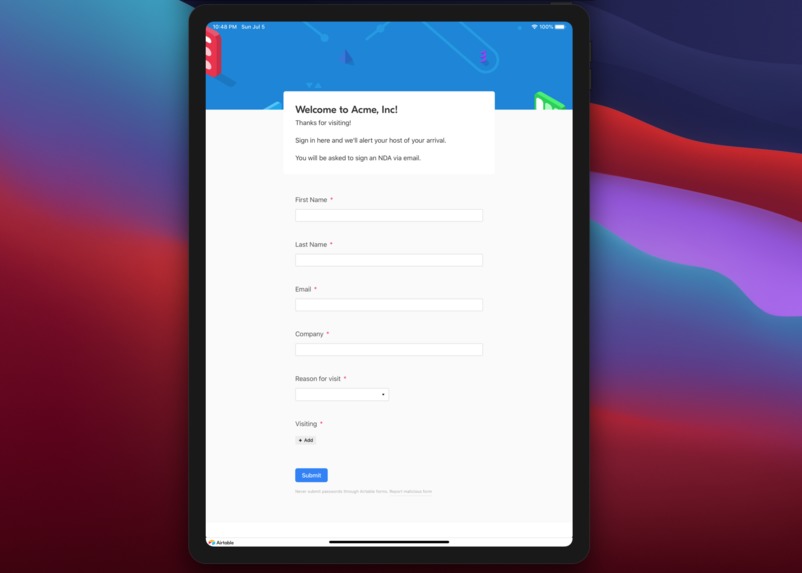
Visitor Sign-in Form
-
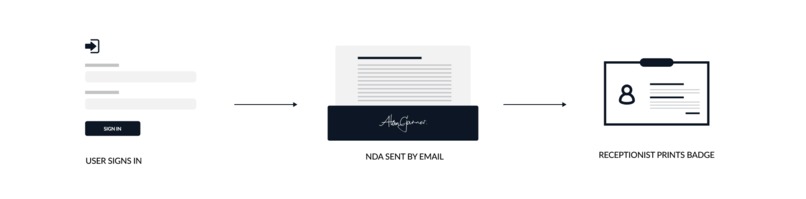
Process
-
-



Inspiration
Inspired by professional badge printing systems from Teem & Envoy, we created a Badge printing block for the Visitor Management template included with AirTable. It uses the information from the visitor sign-in to generate a PDF badge, which can be printed out for each visitor, without leaving AirTable!

Features
- Stylish Splash Screen
- Visitor Sign-in Form
- Badge Printing
- Visitor Notifications
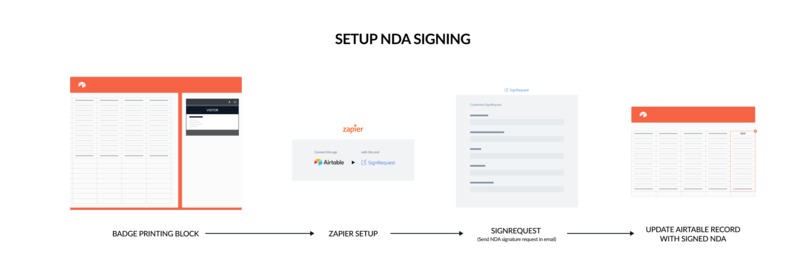
- NDA / Document Signature
- Setup Guide
What it does
The block pulls information from the visitor sign-in form, and uses it to generate a 2.25" x 4" PDF, formatted and optimized for thermal badge label printers, such as the Brother QL series, or Dymo printers.
How we built it
Our frontend is built as an AirTable Block in React, and our backend generates the PDFs using Node.js, Phantomjs, and the html-pdf module on NPM.
Here's a time lapse of us building the kiosk:

Source Code
The AirTable block can be found here:
https://github.com/Meeting-Room-365/AirTable-badge-printing-block
The badge printing backend is located in a separate repository, here:
https://github.com/Meeting-Room-365/badge-printing-backend
Accomplishments that we're proud of
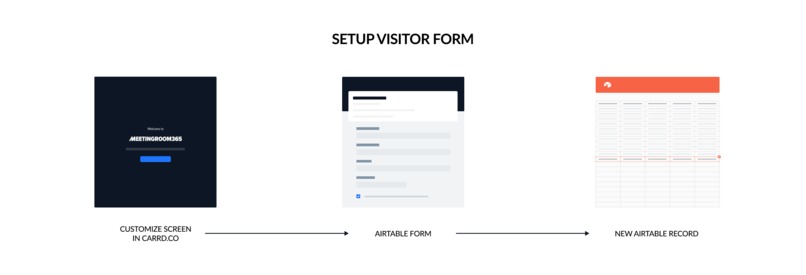
We created a guide for the entire no-code kiosk setup, including integration with other tools like SignRequest and Zapier, to add document signature to the workflow.
Setup Guide
You can view the full guide, here:
What's next for Badge Printing Block for Visitor Sign-in Kiosk
We're working to publish our Badge printing block on the AirTable Block gallery (free).
Meeting Room 365 Team
Bobby, James, Ignacio, and Hari contributed to this project.


Log in or sign up for Devpost to join the conversation.