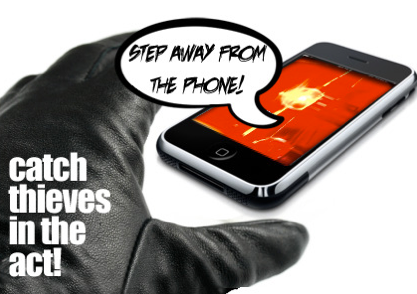
For many people is very important to protect their device (eg smartphone) against unauthorized physical access and to be sure that nobody is using their device when they are absent(eg sms reading etc). Of course you can use default screen lock function but it’s rather interesting to track the attempts of your smartphone unauthorized usage when you are absent in the place your smartphone is located or in the case of your device is stolen to identify the thief, the device location and the new SIM-card number.
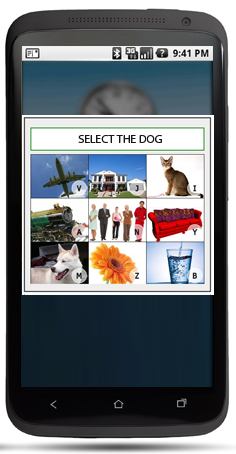
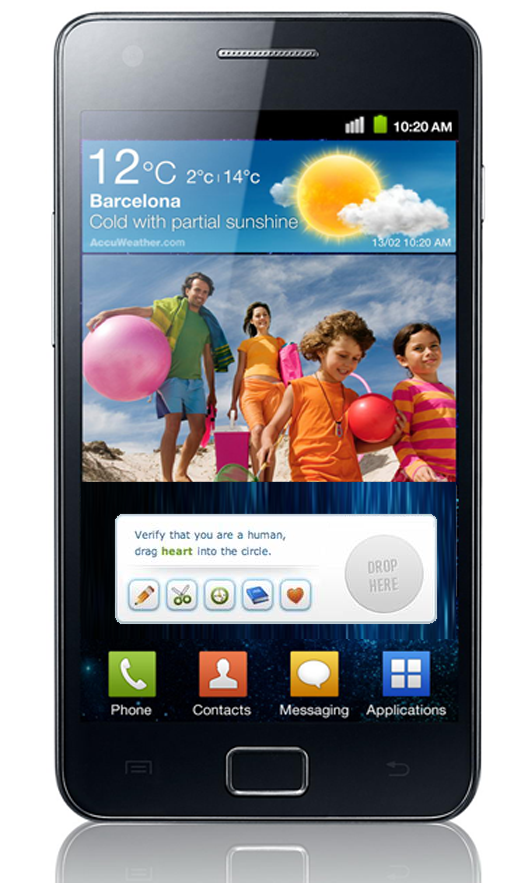
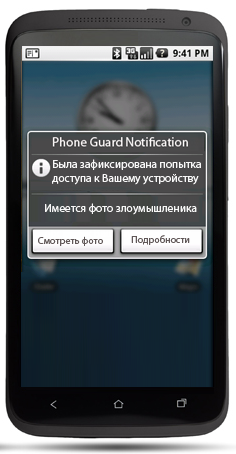
Here are essential functions of our app. You set as screen locker a simple question you have customized in the app settings, eg “Select the Dog taping the dog on the photo”. The answer is obvious but you set as the correct answer your own answer in the settings of the question, eg cat photo taping instead of dog photo taping or taping always the second photo for all questions (The type of the questions and question range could be customized in the app settings). If the verification is failed ( that means that the person who doesn’t know the real answer tries to have access to you phone) the frontal camera makes the photo . When you come back to place your smartphone is located and unlock your device you see the app notification. Than you can see the photo of the person who tried to have access to you device and the time of the attempt . You can use our app with default screen locking option of your device. The app supports the location control function. That means that if the location control function is on and your smartphone was stolen, after the verification was failed by the thief, the app tracks actual location with GPS, makes photo using the frontal camera and sends an sms or web request (as soon as possible, eg when the internet connection is on or when the Sim card is in the device) to our server passing the coordinates of the device and the photo from the frontal camera. You can set this procedure as regular (eg every 10 minute after the verification was failed) . When the information was passed to our server, you can see all photos, device locations and actual sim card number(if it was changed) in your personal account on the web site of our service. That will help you to get back your device.

Log in or sign up for Devpost to join the conversation.