-
-
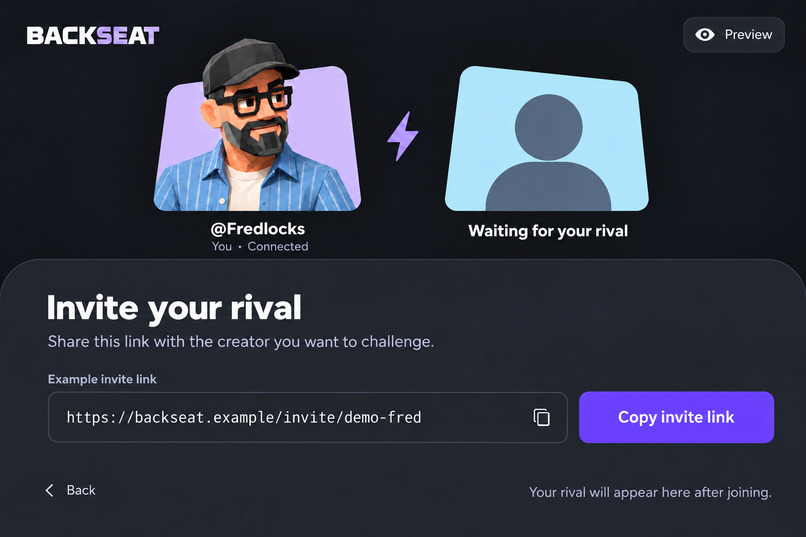
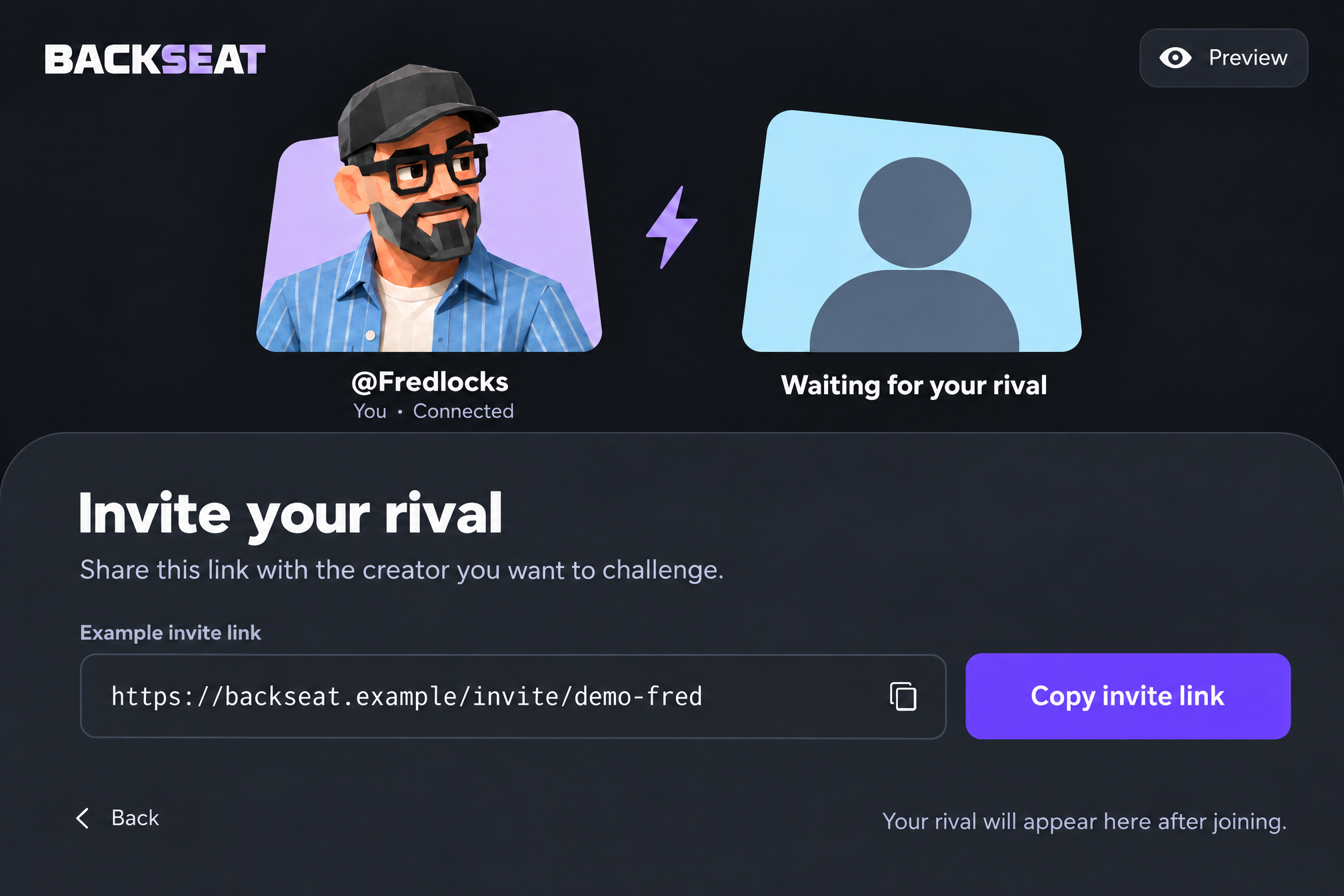
Invite Streamer Page
-
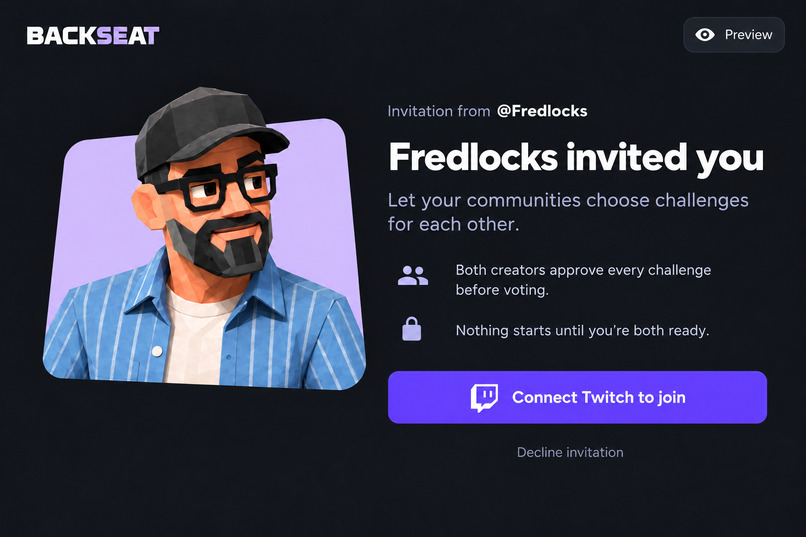
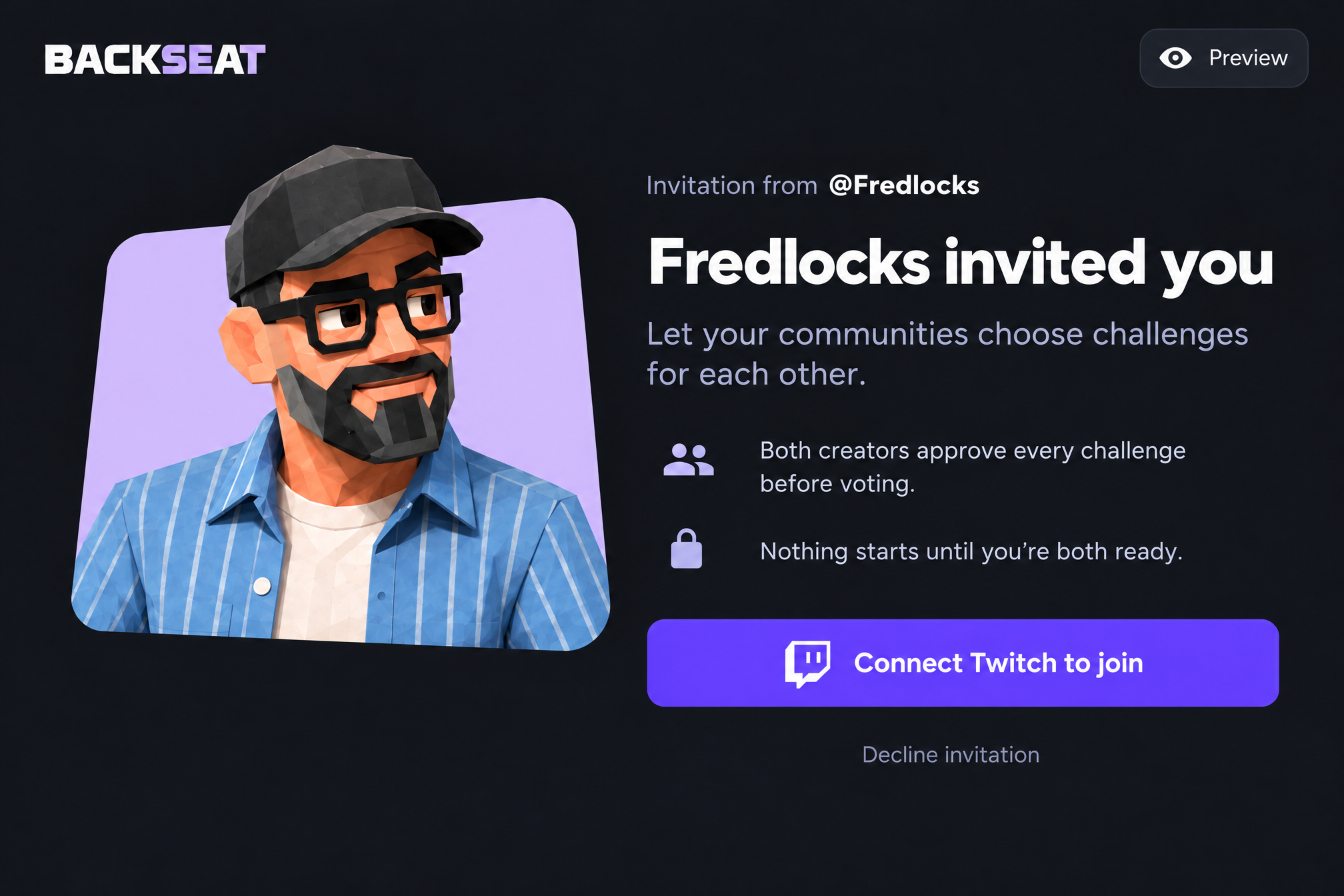
Invitation Page
-
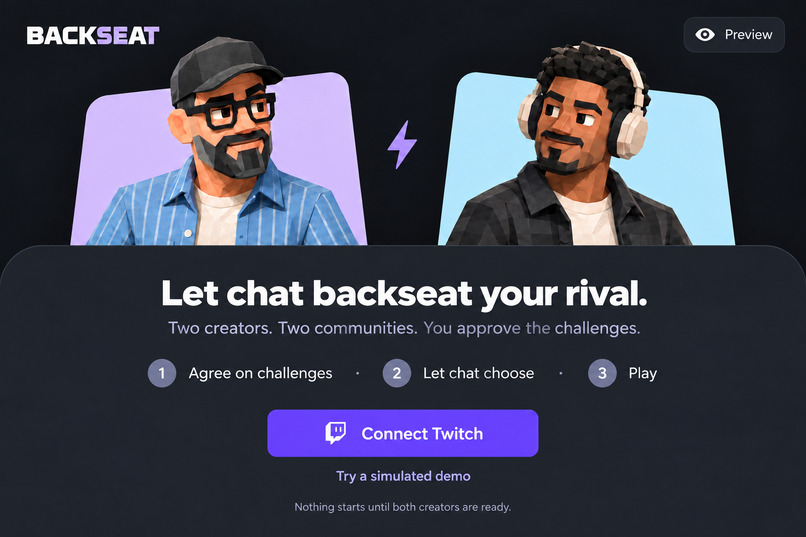
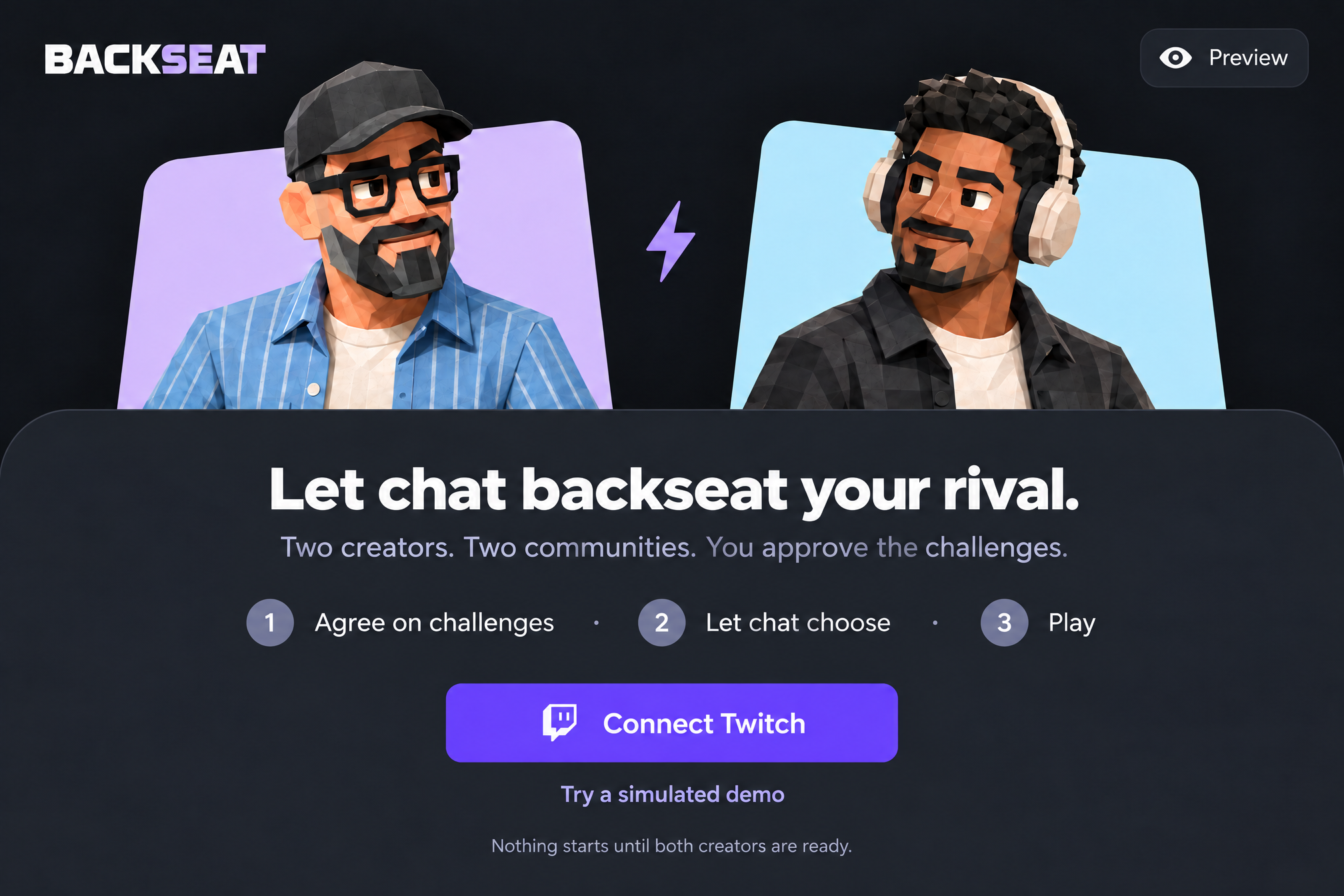
Landing Page
-
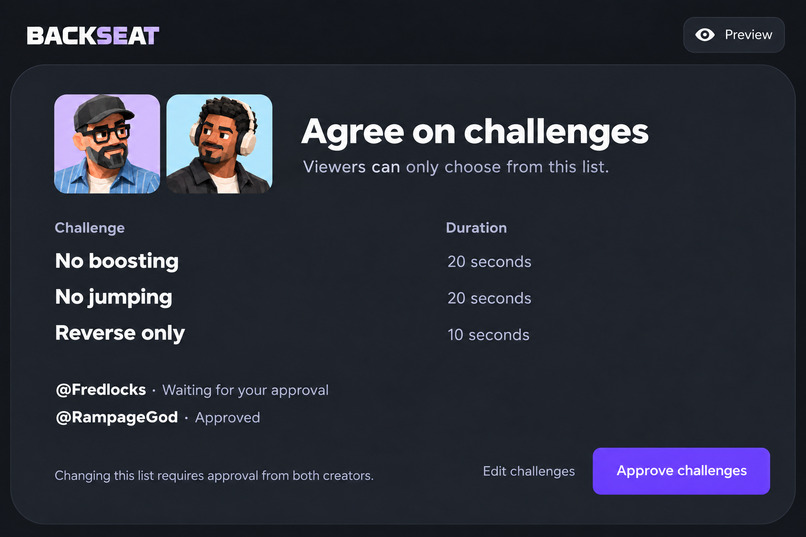
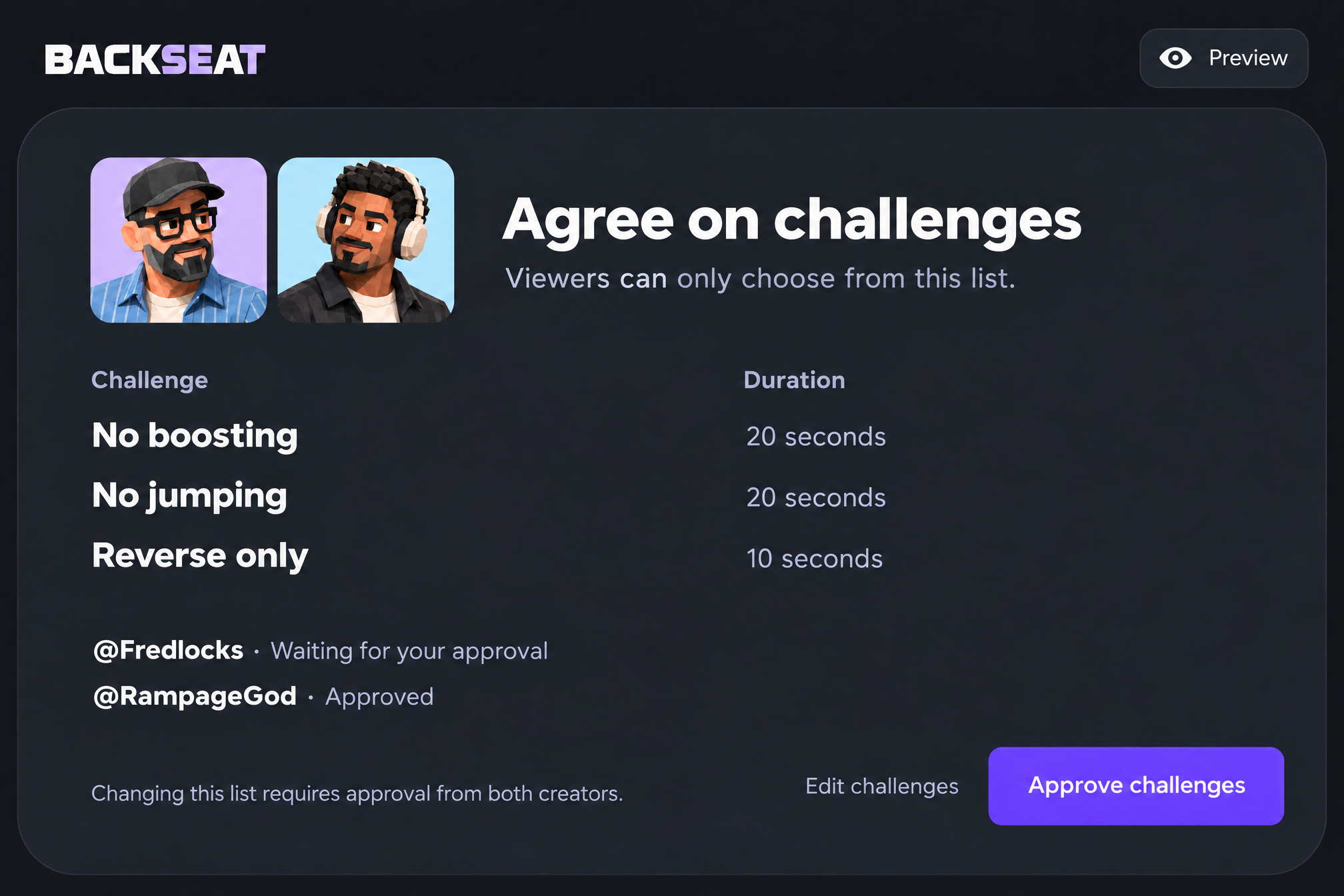
Agree on Challenges Page
-
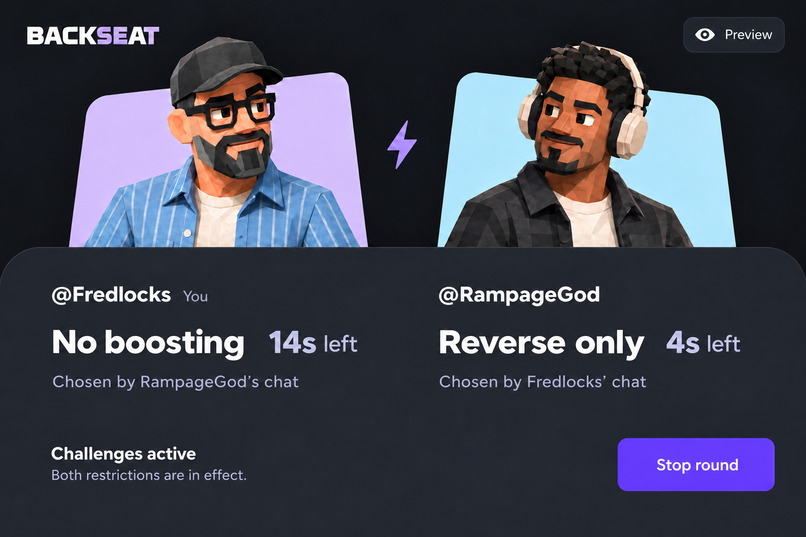
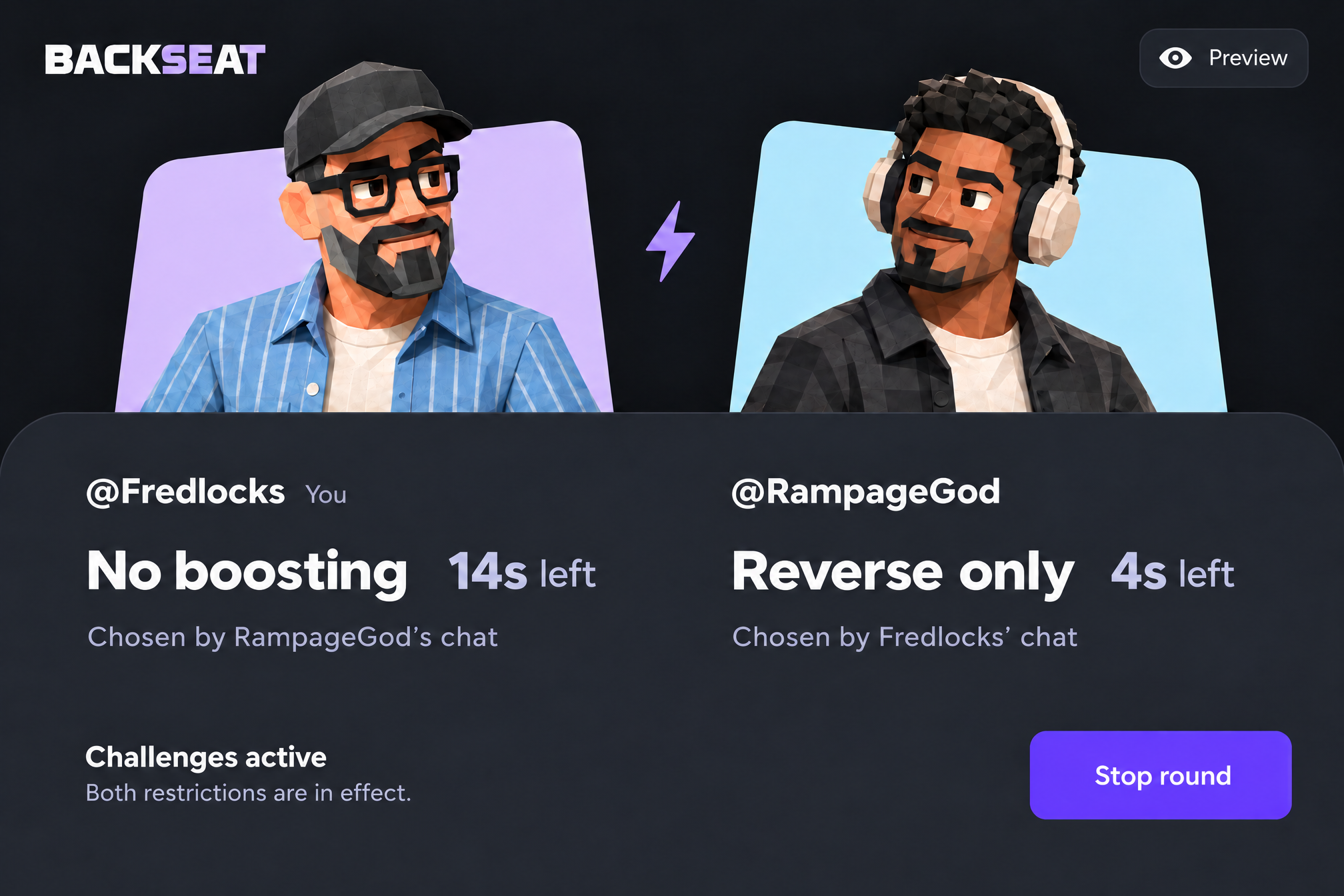
Challenge Round Page
Inspiration
Streamers love playing games with other streamers. But while they're focused on the match, chat can feel left out. Viewers have suggestions, requests and opinions, and streamers can't keep up with every message while playing.
I built Backseat to give that input somewhere to go. Instead of hoping their message gets noticed, viewers vote together on a challenge for the rival streamer. The players get something new to react to, and chat gets to see what happens because of its choice.
What it does
Backseat lets two Twitch streamers go head-to-head without leaving chat out.
Both streamers approve three challenges and their durations before voting opens. Each community then votes in its own Twitch chat using !vote 1, !vote 2 or !vote 3. The difference is where the vote goes: your chat picks a challenge for your opponent, not for you.
For example, one player might have to drive backwards for ten seconds while the other can't jump for fifteen. Both confirm they're ready, a three-second countdown starts, and each challenge ends when its own timer runs out.
The OBS overlay shows the challenges and timers on stream, and either player can stop the round.
Backseat doesn't control the game or check whether players follow the rules. That part is up to the players.
Why this is fun
Chat gets a way to back its streamer by making the rival's game harder. Streamers get a format where viewer choices become part of the match, rather than another conversation happening beside it.
Even when your choice doesn't win, there's still something to follow: will the winning challenge work, or would yours have been better?
How I built it
I built the interface with React, TypeScript, Vite and Tailwind CSS. The backend uses Node.js, Fastify, PostgreSQL, Drizzle and Zod. I used Supabase for the database and Render for hosting.
Twitch OAuth handles creator sign-in. Twitch EventSub delivers chat-message events to the backend, which checks each vote and routes it to the rival. Server-Sent Events send public battle updates to the read-only OBS overlay.
I used OpenAI Codex to turn my product handoff and UI designs into the application. It helped me build the battle flow, private invitations, challenge approvals, vote routing and overlay. It also helped me debug deployment, database migration and timestamp persistence problems, and run type checks, unit tests and production builds to check the changes.
Challenges I ran into
The difficult part wasn't just showing a countdown. It was keeping both streamers, both chats and the overlay on the same round, with the server deciding which actions were allowed.
Votes needed to reach the correct rival without duplicate Twitch deliveries counting twice. Lost chat connections also needed a clear response: invalidate the affected round rather than continue with potentially missing votes.
Getting the hosted app working brought another set of problems, including database migrations and timestamps not saving correctly.
What I learned
A polished interface is only part of a live Twitch app. The important details are who can start a round, what each chat can affect, how interruptions are handled, and what information the public overlay receives.
I also learned to separate a working simulation from a verified Twitch integration. A rehearsal helps test the flow, but real chat delivery and OBS display need their own checks.
What's next
I'd like to test Backseat with more streamers and different games, improve setup based on their feedback, and add creator-facing account disconnection and data deletion controls.
Built With
- drizzle
- drizzle-orm
- fastify
- node.js
- obs-studio
- postgresql
- react
- render
- server-sent-events
- supabase
- tailwind
- tailwind-css
- twitch
- twitch-eventsub
- twitch-oauth
- typescript
- vite
- vitest
- websockets
- zod
- zod-and-vitest-from-your-repo):-openai-codex