-
-
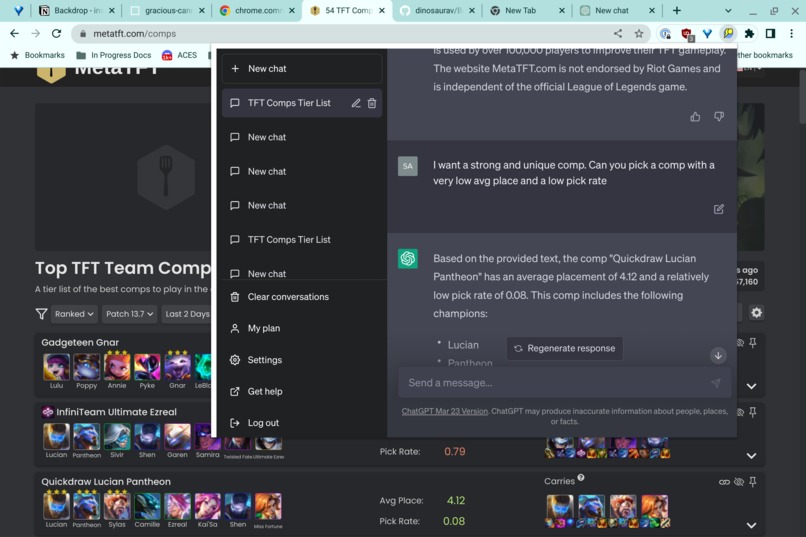
Utilize ChatGPT's reasoning with specific current data from your web page
-
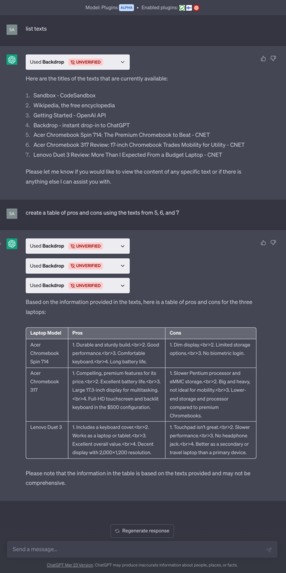
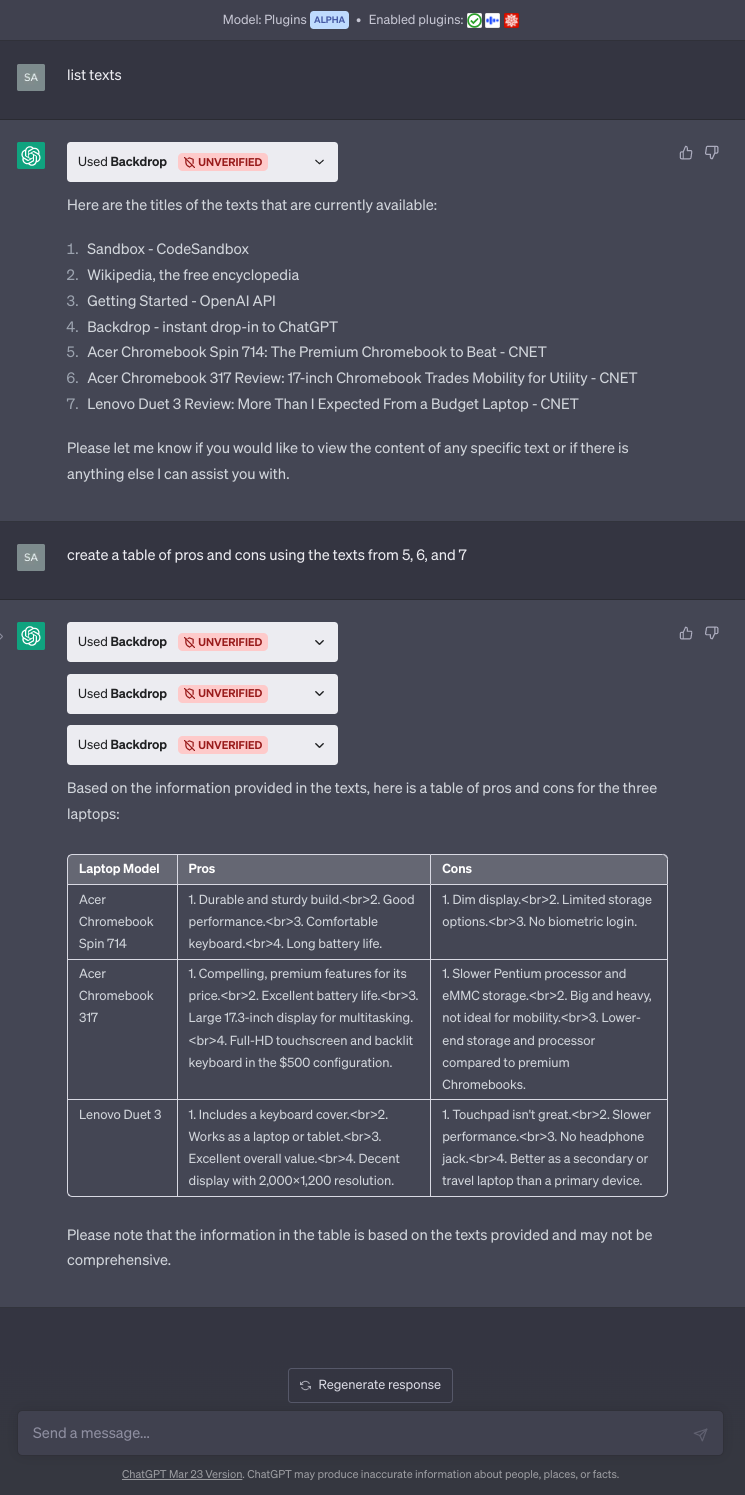
Compare three web pages

Inspiration
There’s a wide range of chatGPT adoption. I’m sure some of you have chatGPT as your homepage and only rarely use Google, but I tend to stick to my old workflows. Occasionally I realize, oh actually this task would’ve been easier in chatGPT. This plugin lets me instantly open chatGPT where I already am, no context switching losses.
What it does
Press CTRL-B or click on the icon to instantly launch a small chatgpt popup window and then use the plugin to interact with information on the current page.
How we built it
There are three parts to this app, a chrome extension, a web server, and the plugin. When you click on the chrome extension (or press CTRL-B), a content script sends information from the current page to a web server and pops up a window with a new ChatGPT conversation. The web server, using FastAPI/Uvicorn with Python, serves the manifest and OpenAPI spec, accepts uploads of web page content from the extension, and allows the plug in to request the web content. The main use-case of the plug in is to easily reference the web page you are currently on. The plug-in keeps track of previously uploaded texts as well and can be used as an easy way to collect notes and compare across web pages.
Challenges we ran into
Debugging CORs requests.
Accomplishments that we're proud of
Building the server mostly with GPT-4.
What we learned
The power of GPT-4. Importance of usability in making AI useful.
What's next for Backdrop
Better prompting for multiple pages. Screenshot uploads when chatgpt accepts multimedia, or additional plugins to process screenshots
Built With
- chatgpt
- extension
- fastapi
- python
- uvicorn


Log in or sign up for Devpost to join the conversation.