-
-
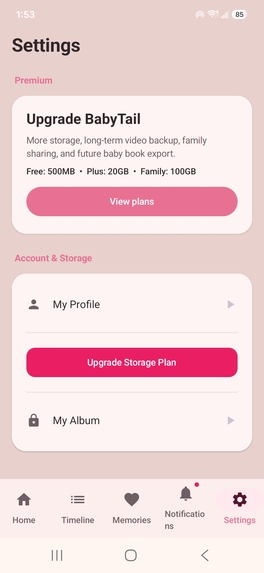
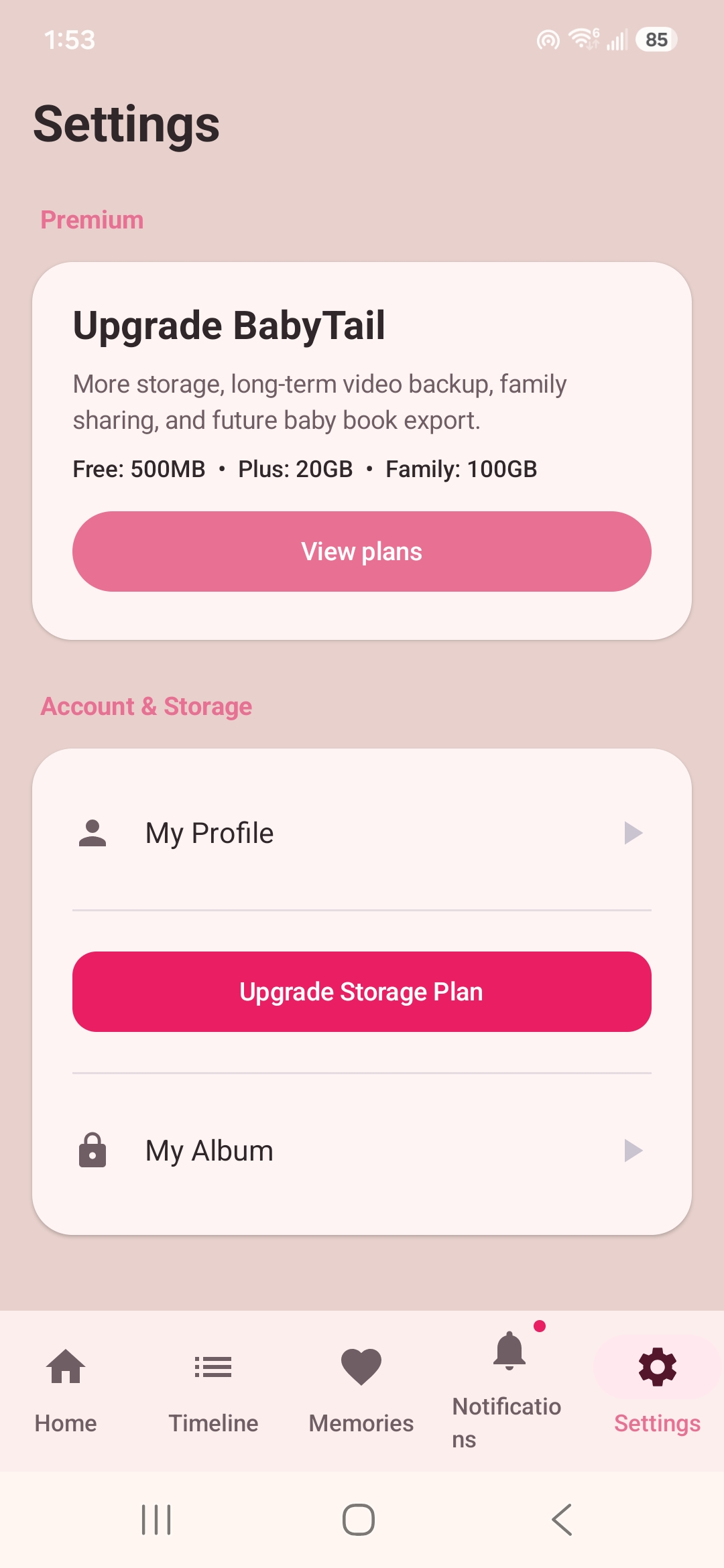
Settings and storage plans `Manage your profile, private album, and storage plan from one simple settings screen.
-
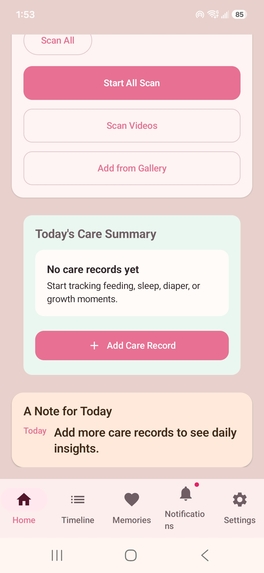
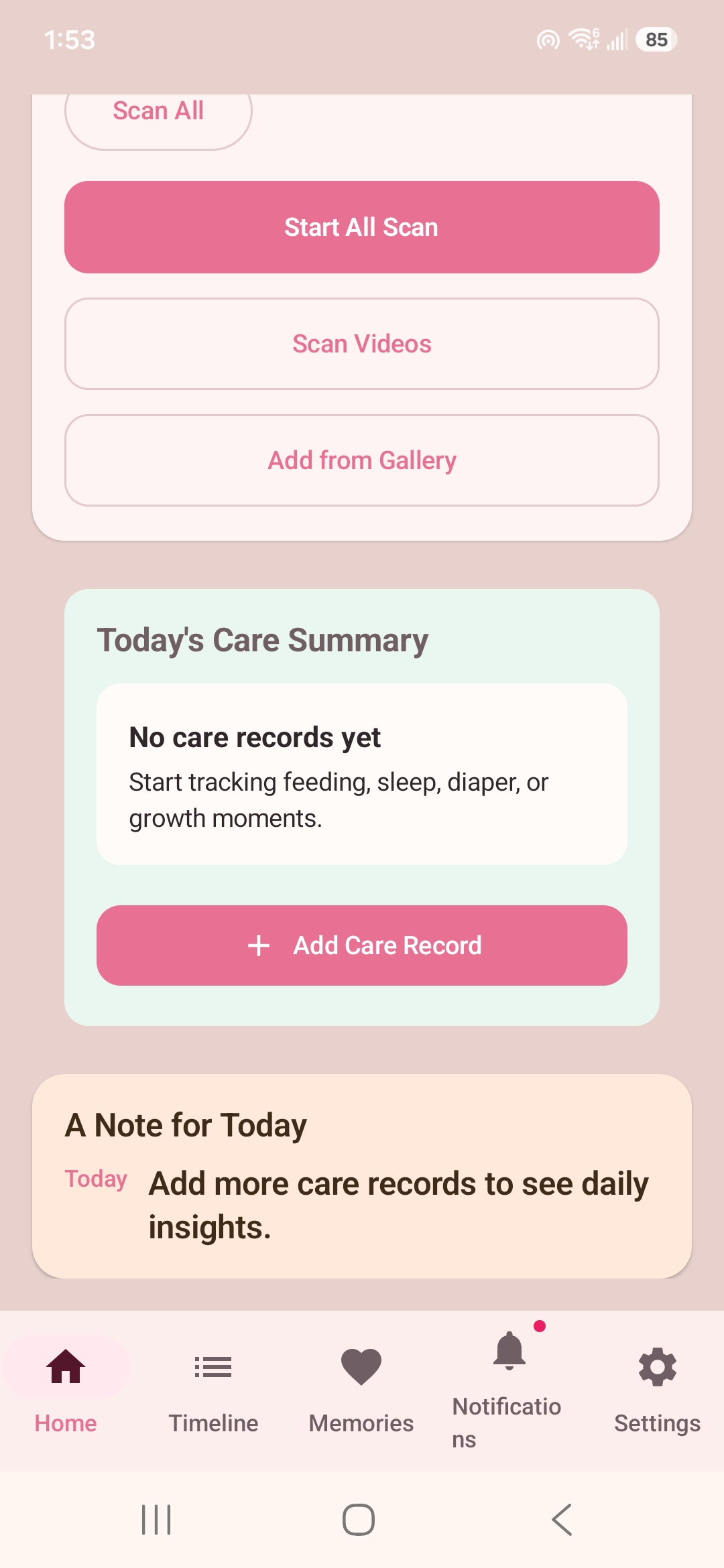
Photo and video scanning `Scan the device for baby photos and videos, add media manually, and track daily care records.`
-
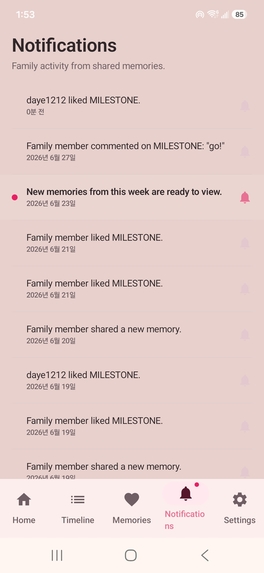
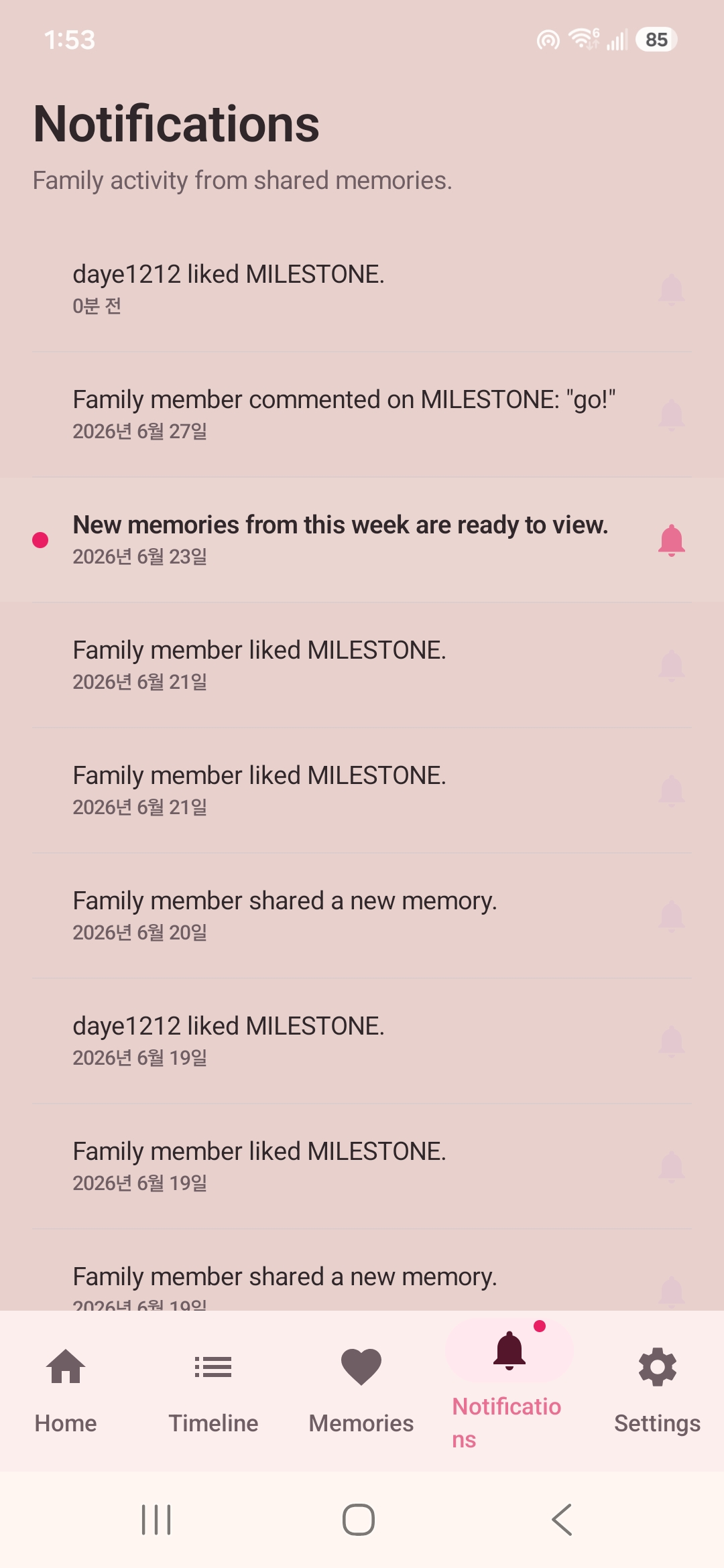
Family notifications `Stay updated when family members share, like, comment on, or save new memories.
-
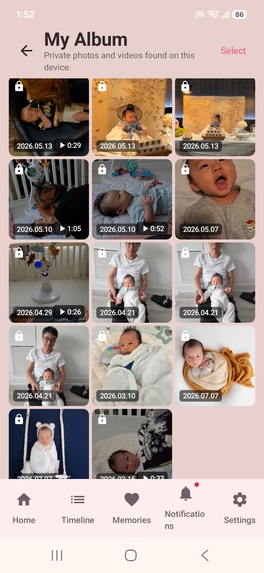
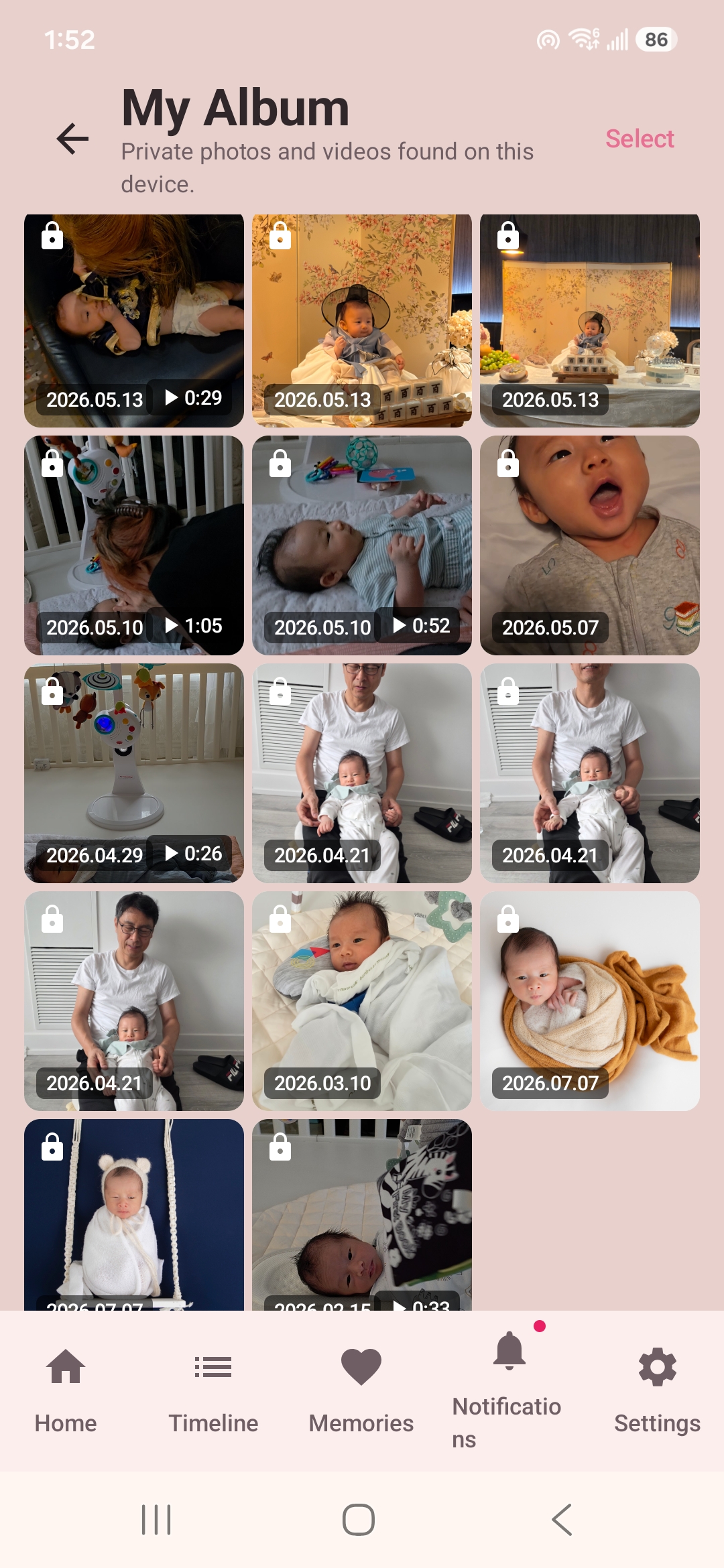
Private My Album `Automatically discovered baby photos and videos remain private in My Album until the user chooses to share them.`
-
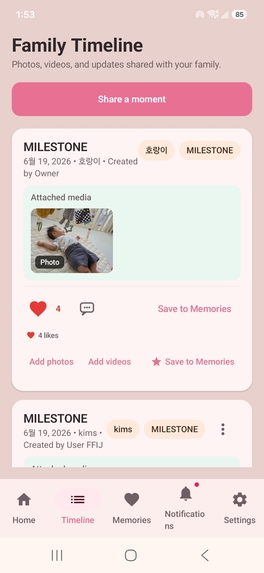
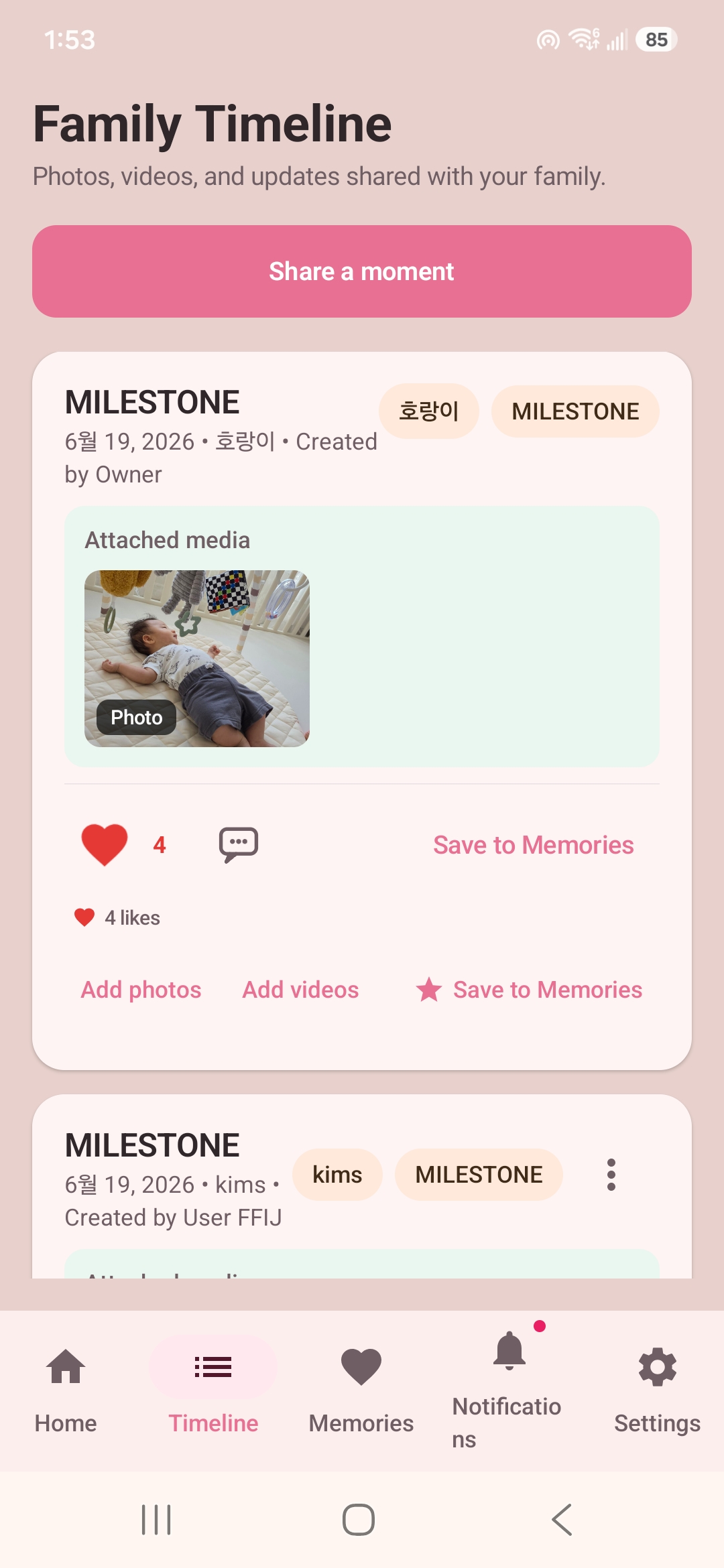
Shared Family Timeline Share selected milestones, photos, and videos with invited family members in a chronological family timeline.
Inspiration
Baby photos add up much faster than people expect. After a while, the important moments are mixed in with screenshots, receipts, duplicate photos, and thousands of everyday pictures.
I wanted a simpler way to find baby photos and videos without manually searching through the entire phone gallery. I also wanted the private album and the family-sharing space to be separate, so nothing would be shared unless the user chose to share it.
That idea became BabyNest Timeline – BabyTale.
What it does
BabyNest Timeline is an Android app that helps parents find and organize baby photos and videos stored on their phones.
A user can register a baby with a few reference photos and then scan the media that the app has permission to access. Likely matches appear in My Album, while uncertain results can be reviewed before they are accepted.
My Album is private. Finding a photo does not automatically upload or share it.
When the user wants to share something, they can select it and add it to the Family Timeline. Invited family members can view the post, leave a comment or reaction, and save important moments to Memories.
The app also includes milestones, notifications, family invitations, and simple care records for things such as feeding, sleep, diapers, and growth.
How I built it
I built the app as a native Android project using Kotlin and Jetpack Compose.
Android MediaStore is used to find accessible photos and videos on the device. WorkManager handles longer-running scan tasks in the background. Firebase is used for Google sign-in, family membership, timeline posts, notifications, and media that the user intentionally chooses to share.
The app already existed before OpenAI Build Week. During Build Week, I focused on improving parts that were unreliable across different Android devices and versions.
I used Codex to follow the scan flow from the buttons in the app to the background workers and MediaStore queries. It helped me compare code that had worked previously with the current behavior and narrow down where the regression had happened.
Some of the work included:
- Fixing cases where the first scan started photo processing but missed video processing
- Separating photo and video permission checks
- Handling differences between Android 10, Android 13, and Android 14+
- Supporting situations where the user grants access to only selected media
- Adding logs for scan requests, permission states, MediaStore results, and worker execution
- Investigating loading problems after Google sign-in
- Testing the same flows on multiple Samsung phones
I tried to keep each Codex task narrow. I did not want a large rewrite or unrelated refactoring while fixing a scan problem.
I also used GPT-5.6 to organize test results from different devices, compare possible fixes, turn the results into focused Codex tasks, and prepare the project documentation and demo.
Challenges I ran into
The hardest part was that Android media permissions do not behave the same way on every Android version.
A scan could work on one phone and return almost nothing on another phone, even though both devices appeared to have granted permission. On newer Android versions, the user may grant full access or access to only selected photos and videos. Photo access and video access can also be different.
This meant that a single permission check was not enough.
Another challenge was deciding how strict the matching should be. If the matching threshold is too strict, the app misses real baby photos. If it is too loose, unrelated photos appear in the review list.
I did not want the app to pretend that every automatic result was correct, so the review step remains an important part of the design.
Video scanning was also more difficult than photo scanning. A video may contain the baby for only a short moment, but processing every frame would be too slow and use too much battery and memory. The app has to sample frames and make a useful decision without examining the entire video frame by frame.
Much of the Build Week work was not a flashy new screen. It was debugging permissions, workers, scan state, and device-specific behavior. However, that reliability work makes a much bigger difference to whether the app is actually usable.
Accomplishments
I am proud that BabyNest Timeline is a working Android product rather than only a design or prototype.
It currently includes:
- Photo and video discovery from the device
- Baby-photo matching and review
- A private My Album
- Selective sharing to a Family Timeline
- Family invitations and roles
- Milestones, comments, reactions, and Memories
- Google account sign-in
- Notifications
- Basic care records
- Compatibility work across different Android versions and devices
I am also proud that the app keeps a clear boundary between finding media and sharing media. A matched photo stays private until the user makes a deliberate choice to share it.
What I learned
I learned that building a mobile AI feature is not only about the matching logic.
Permission state, MediaStore behavior, background execution, battery use, device speed, and Android version differences can determine whether the feature works at all.
I also learned that AI-assisted development works best when I provide a specific problem, real test results, and clear limits on what should not be changed.
Codex was most useful when I asked it to trace one execution path, inspect a small set of files, and explain the evidence before making changes. GPT-5.6 was useful for turning scattered device tests and development notes into a clearer plan.
What's next
My next priority is improving matching accuracy while reducing unrelated review candidates.
I also want to make long scans easier to understand, improve video thumbnail and preview behavior, and organize memories around milestones and stages of a child’s growth.
The long-term goal is to make family memories easier to find and share without taking control away from the person who owns the photos.

Log in or sign up for Devpost to join the conversation.