-
-
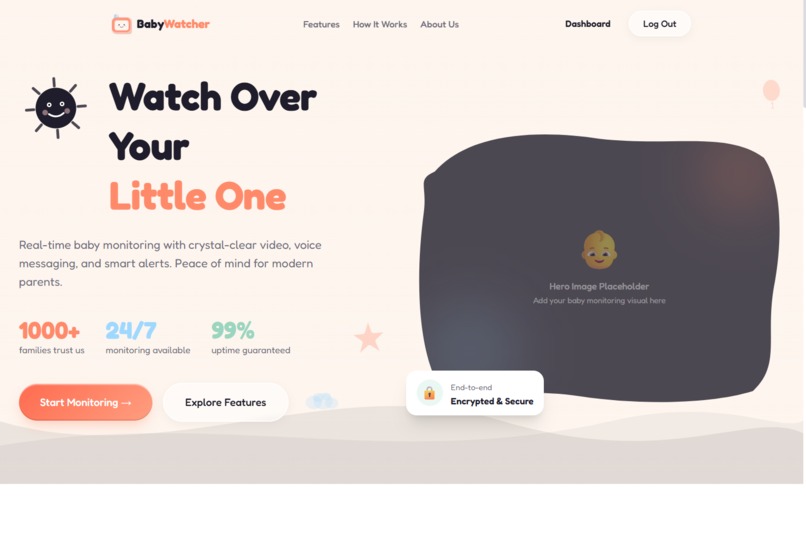
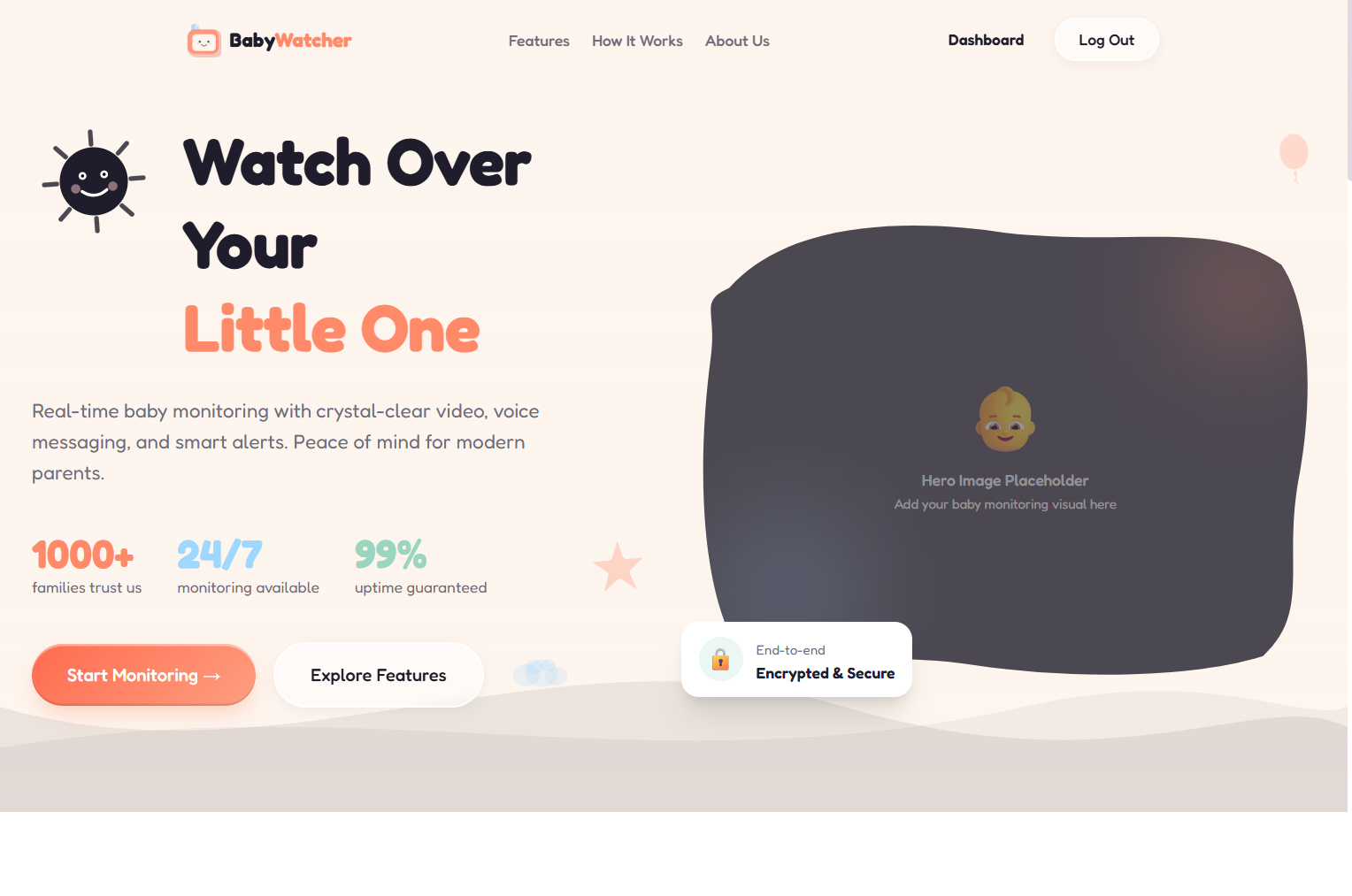
Landing page
-
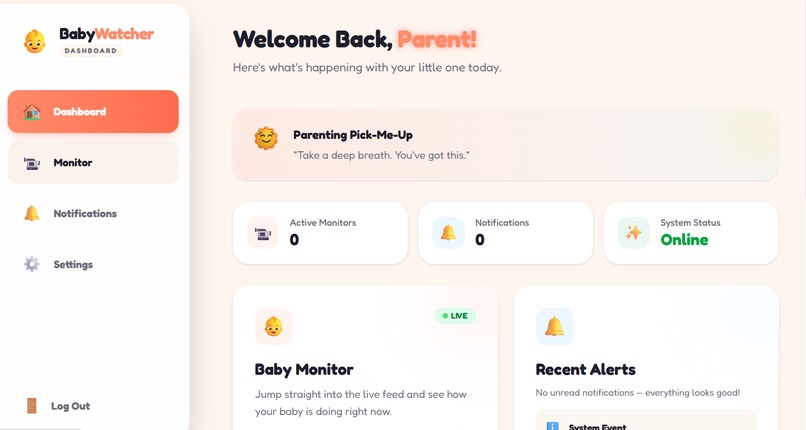
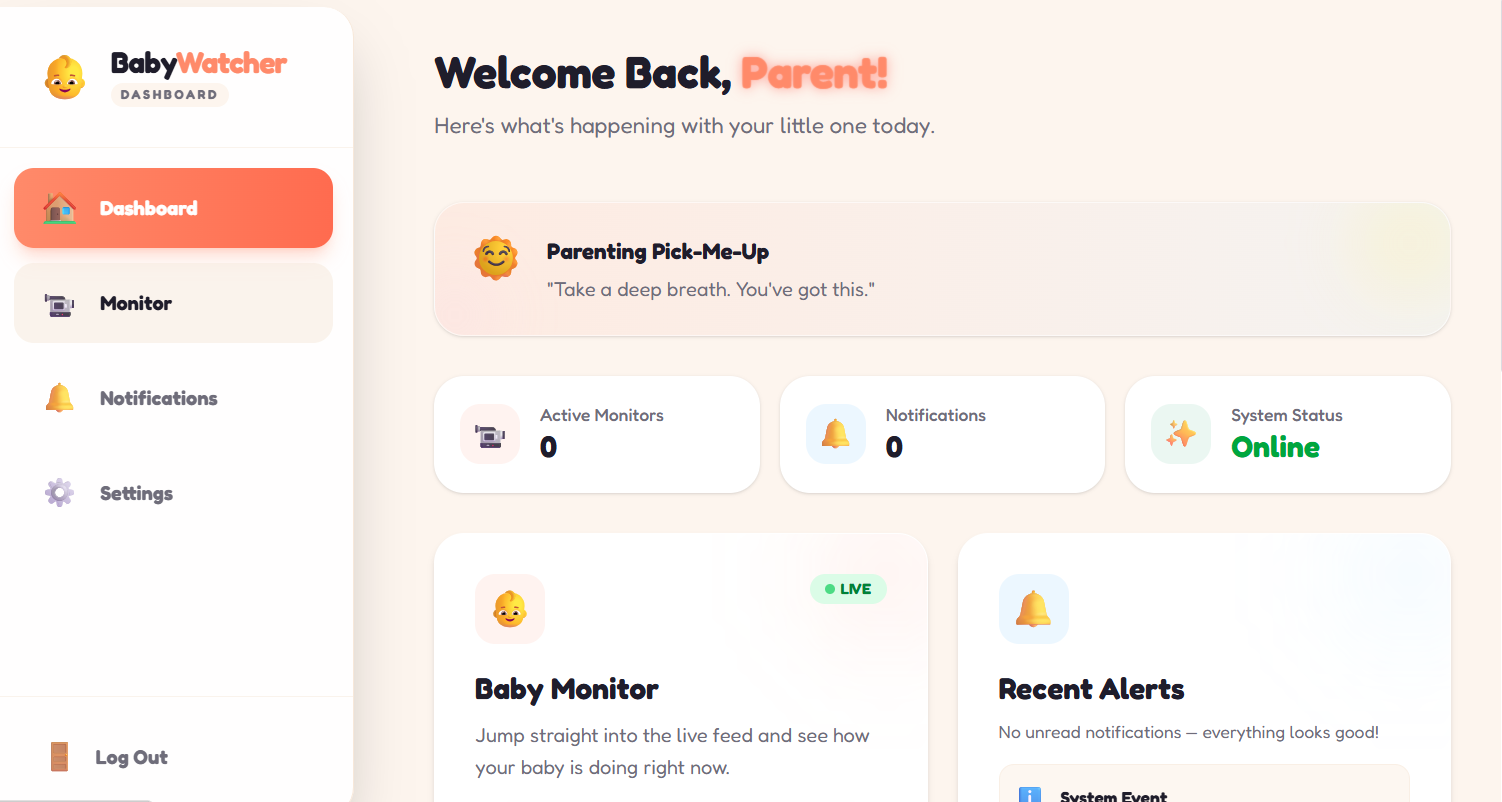
Dashboard
-
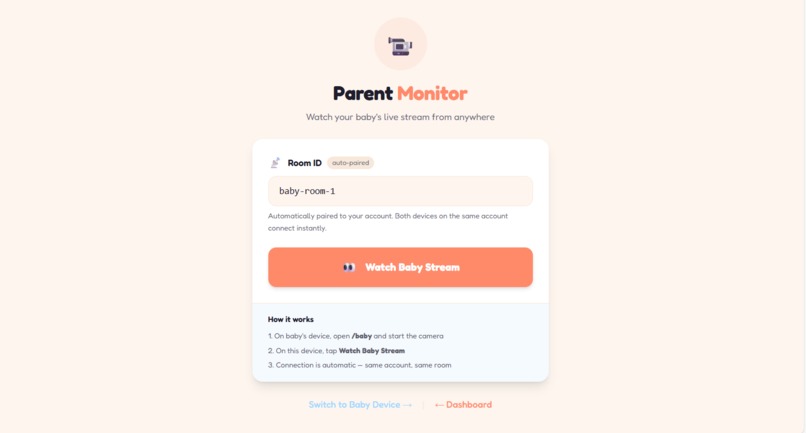
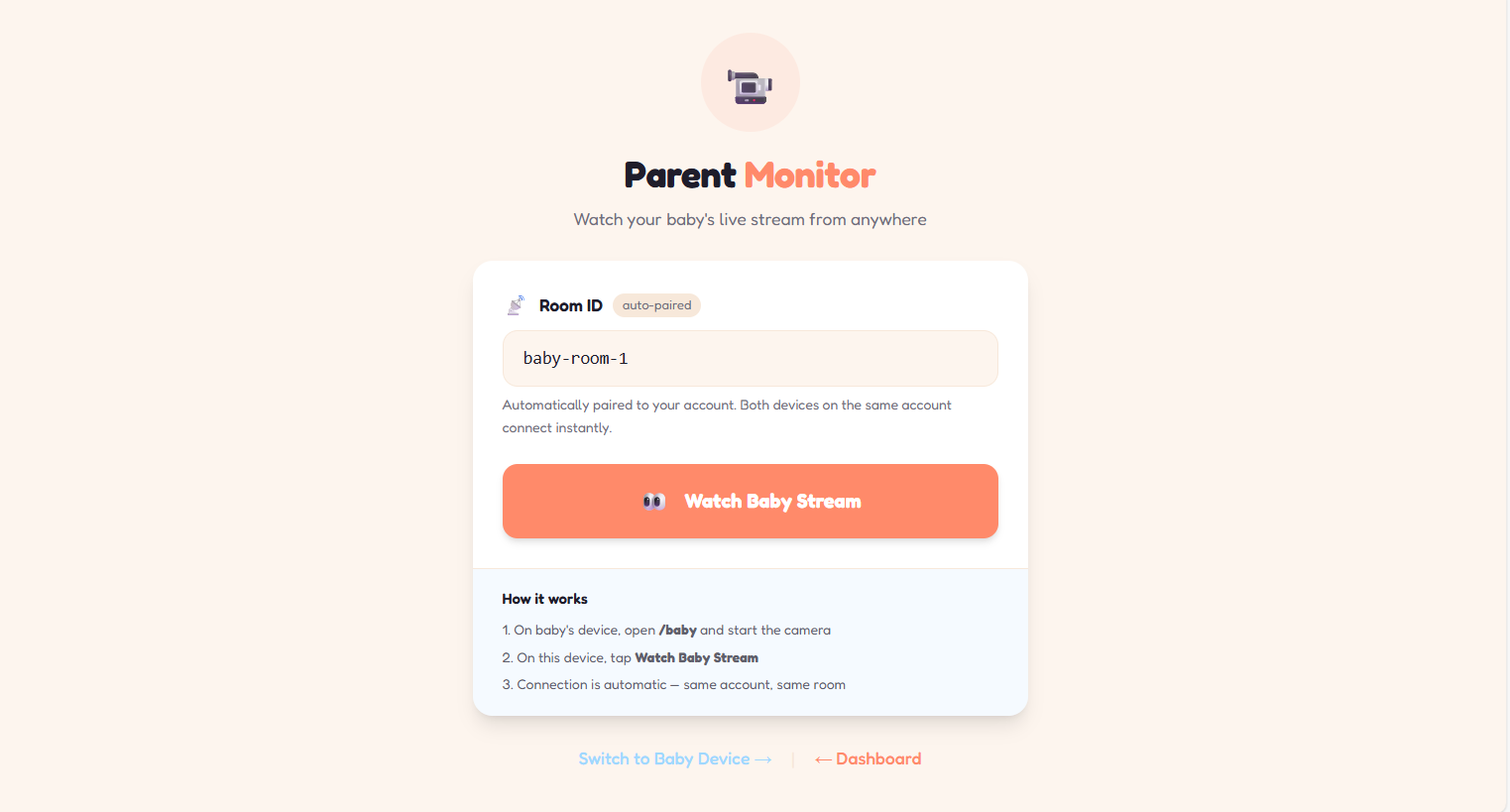
Parent monitoring view
-
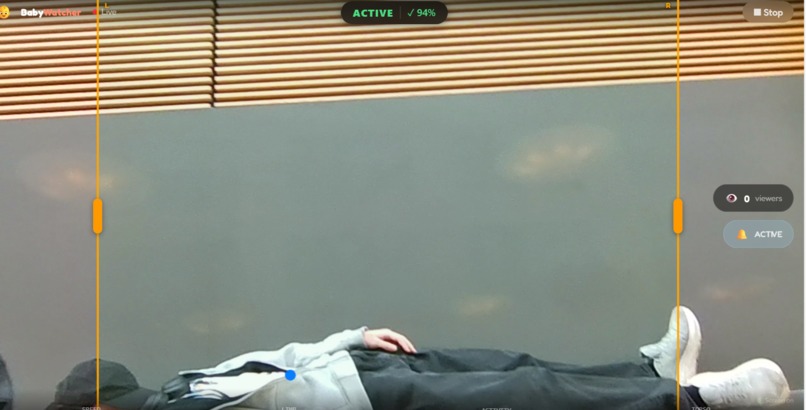
Camera view
-
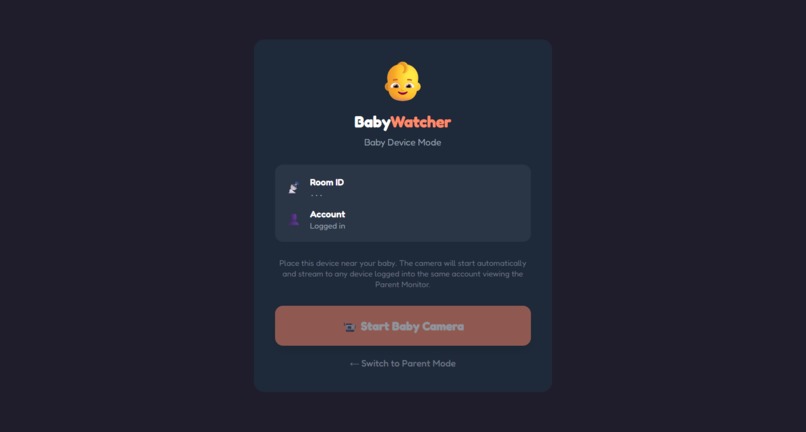
Monitoring start view
Inspiration
Baby monitors are expensive and not always available when parents need them. Many families don’t have the budget for dedicated monitoring hardware, and even those who do may not have it with them in everyday situations—such as visiting family, traveling, or stepping briefly into another room. We also noticed parents using tools like FaceTime as a workaround, which requires constant attention, drains battery quickly, and doesn’t provide alerts if the parent looks away. We wanted to explore whether modern computer vision and real-time communication could turn devices people already own - like old laptops, tablets, or phones - into a temporary, accessible baby monitoring solution.
What it does
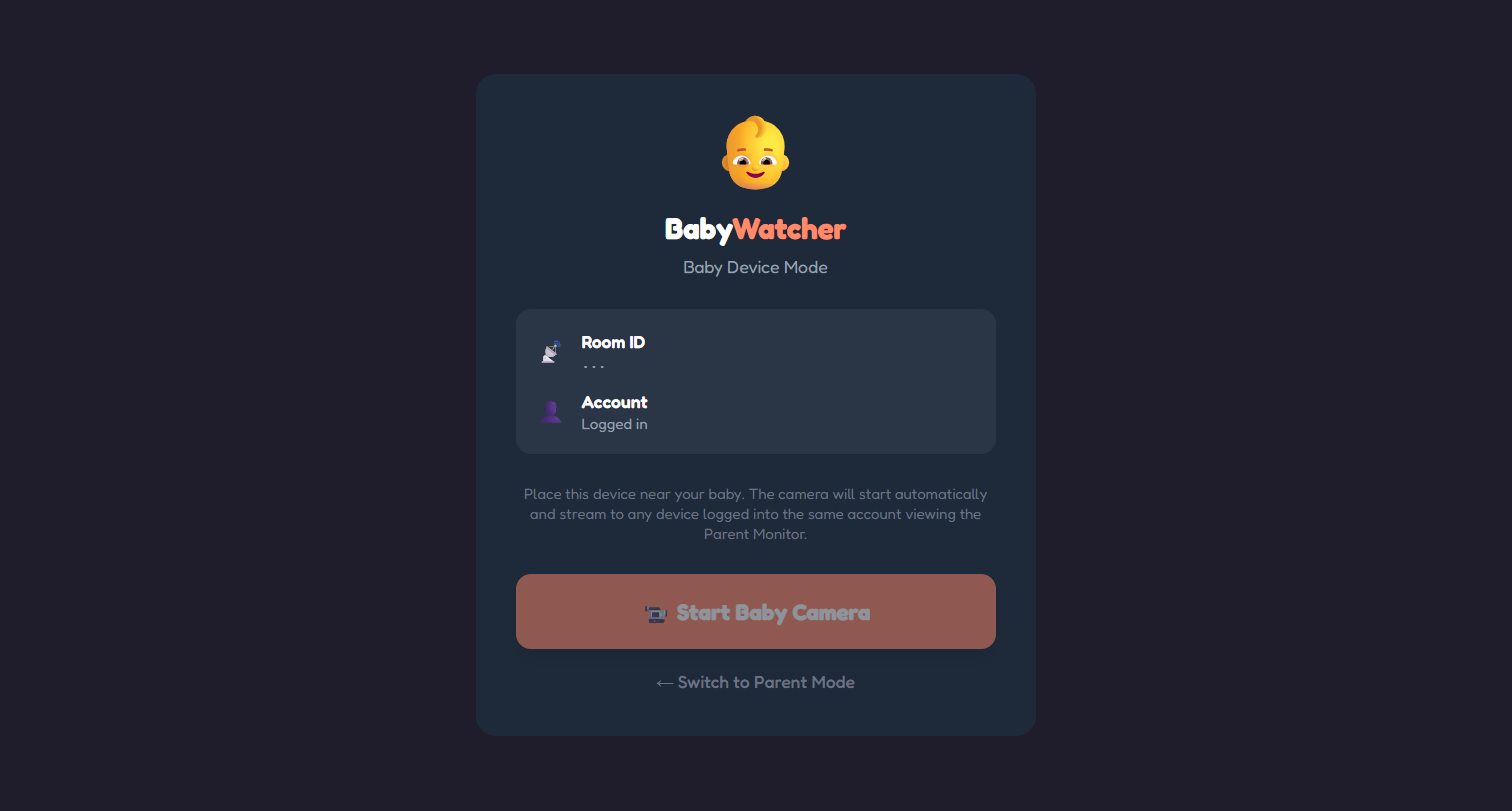
Lullalink turns any spare device into a short-term baby monitor. One device acts as the camera, while another acts as the viewer. Using real-time video and on-device pose estimation, the system detects meaningful movement (such as a baby becoming active or moving outside a user-defined area, like the crib) and sends alerts so caregivers don’t need to watch the screen constantly. The goal is not to replace certified baby monitors, but to provide an accessible, privacy-conscious backup option when dedicated hardware isn’t available.
How we built it
We built Lullalink as a web-based application using TypeScript, with a React + Vite frontend and a Node.js + Express backend. Live video is streamed directly between devices using WebRTC, ensuring that video never passes through or is stored on our servers.
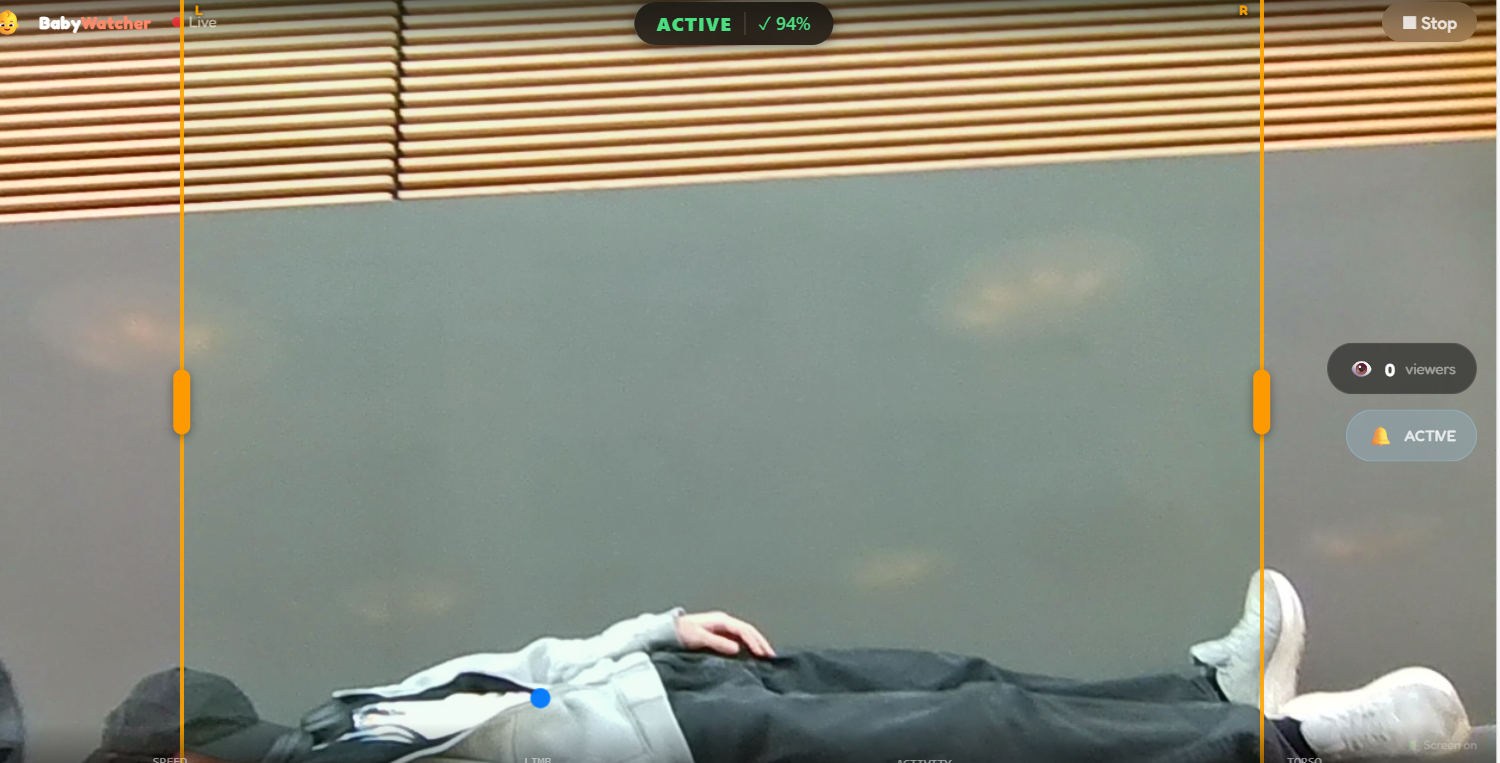
On the camera device, we run real-time pose estimation entirely in the browser using MoveNet via TensorFlow.js. By analyzing movement locally, we can detect when a baby becomes active or moves outside a defined area and trigger alerts without requiring constant attention or cloud-based video processing. We track changes in the baby’s body position over time using pose keypoints, combining centroid displacement with torso-based stability checks to distinguish whole-body movement from isolated limb motion.
Additionally, lullabies and text-to-speech (TTS) can be generated using ElevenLabs API endpoints with given voice samples of parents. These results are able to play on the baby camera's device to calm or relax the baby. There is also the option to use preset voices as well.
Our backend, using MongoDB and Mongoose, manages sessions and notifications while keeping all sensitive video and computer vision processing on-device, prioritizing privacy and accessibility.
Challenges we ran into
Establishing reliable real-time communication between two devices using WebRTC was a major challenge, particularly handling connection setup and reconnection. On the computer vision side, babies are unpredictable: partial visibility, changing camera angles, and limb movement required careful tuning to distinguish meaningful body movement from noise.
Accomplishments that we're proud of
Using movenet, we can track the movement of the baby. This tracking gave us information about whether or not the baby was within the set boundaries and whether the baby was still or moving.
What we learned
- Git conflicts aren't fun
- Manual testing (rolling around on a bench) for computer vision is fun
What's next for Lullalink
Next, we’d like to refine alert customization so caregivers can define different sensitivity levels or zones within the camera view. We also see potential to extend the same approach to other short-term caregiving scenarios, such as temporary check-ins for seniors or other vulnerable individuals, while continuing to prioritize accessibility, privacy, and responsible use.
Built With
- css
- elevenlabs
- express.js
- firebase
- mongodb
- mongoose
- movenet
- node.js
- react
- tailwind
- tensorflow.js
- typescript
- vite
- webrtc


Log in or sign up for Devpost to join the conversation.