-
-
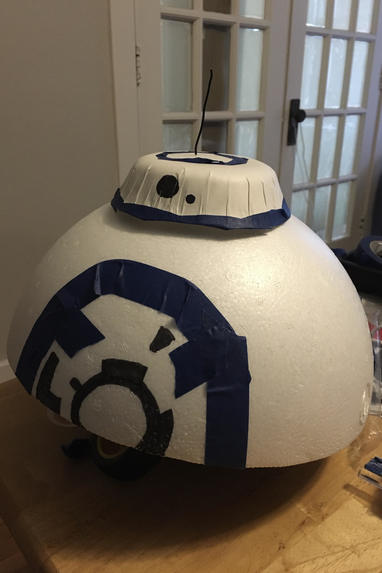
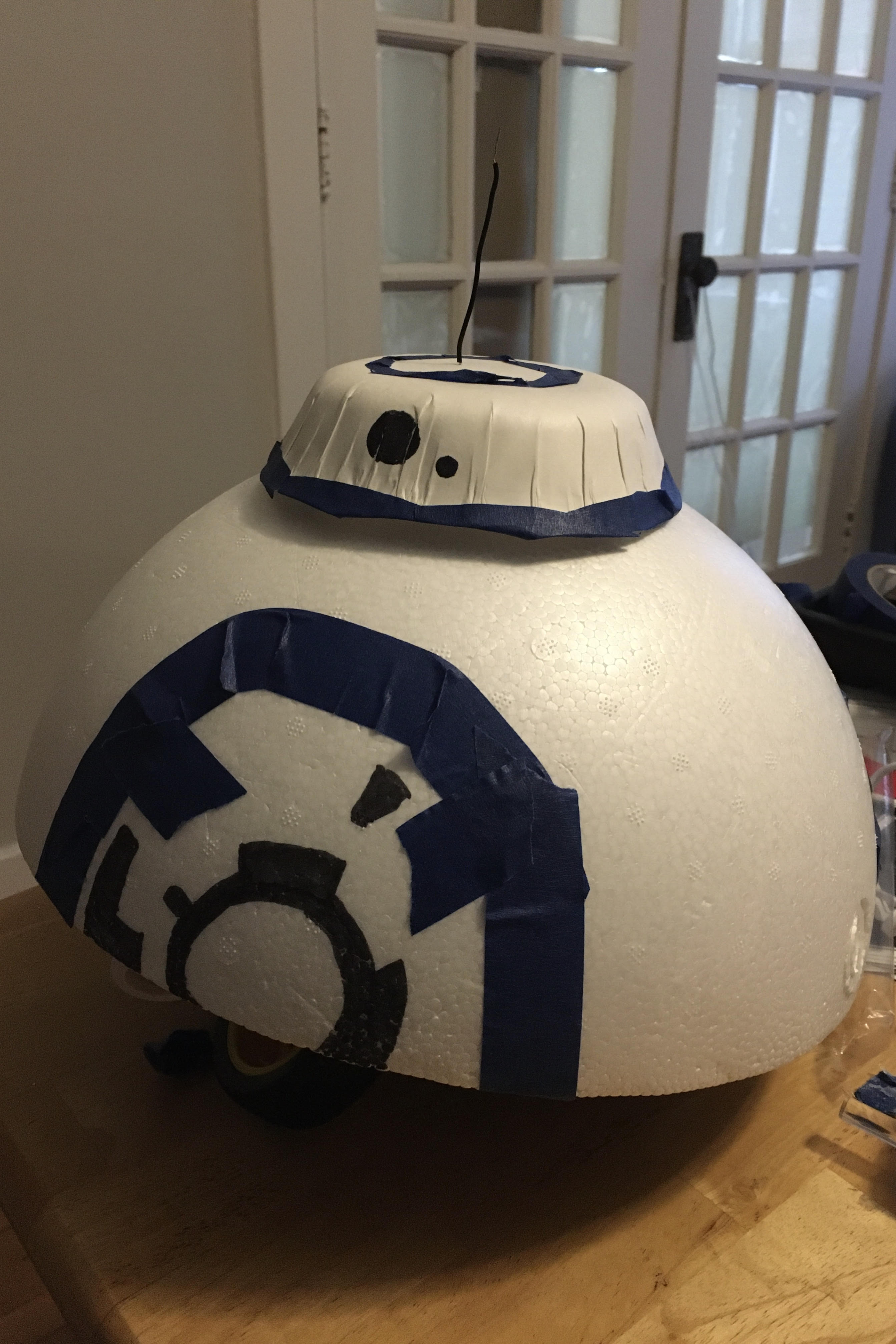
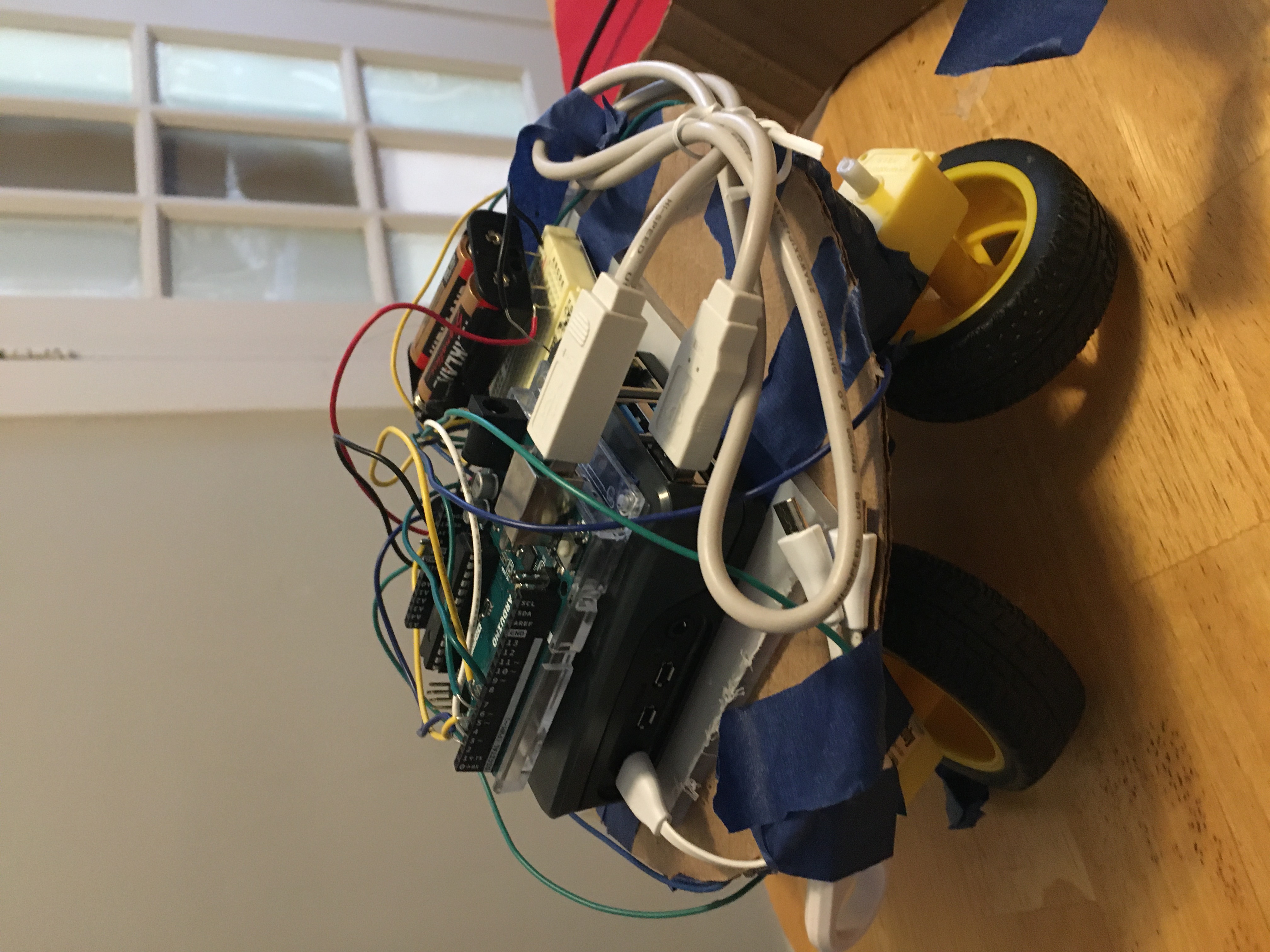
robot
-
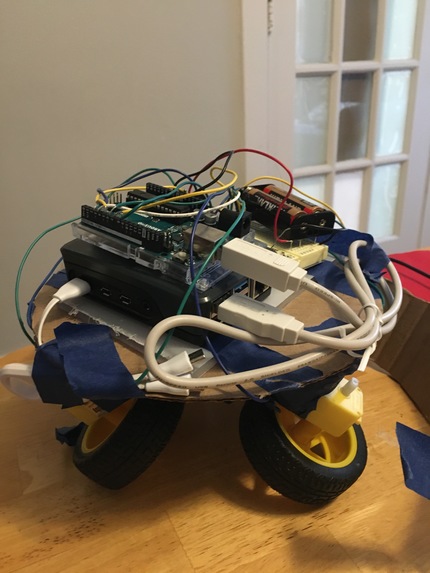
under the hood
-
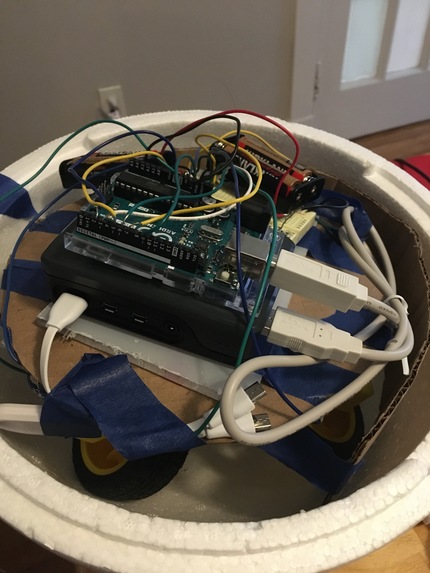
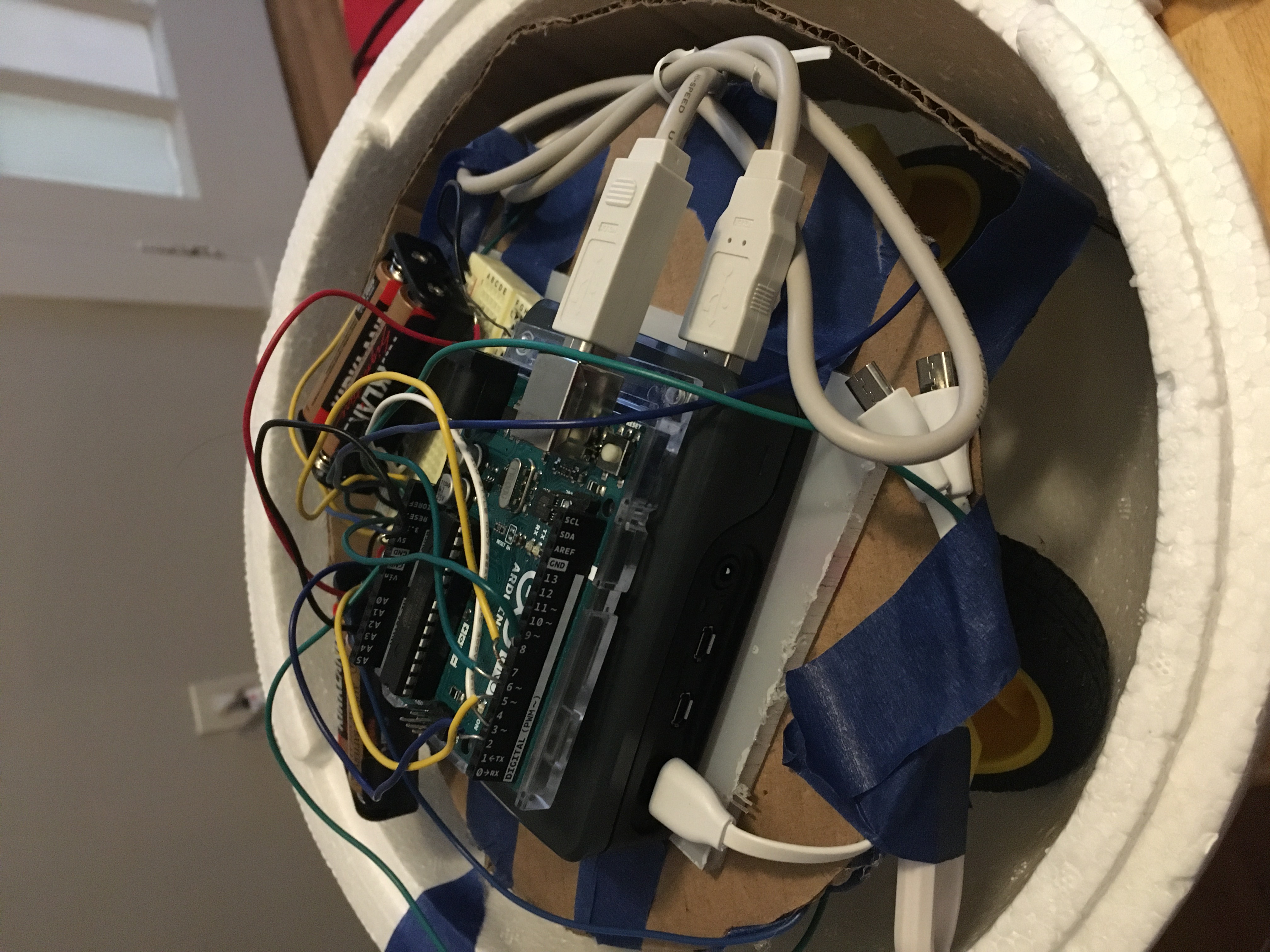
within the half sphere shell
Inspiration
What it does
This robot drives around wirelessly controlled through a simple Python app.
How we built it
There are 4 motors for 4 wheels, with one motor driver. An Arduino directly controls the motors, and Python code on the Raspberry Pi controls the Arduino. Input is received through a tkinter Python app, then sent over a serial port to control the robot's movement.
Challenges we ran into
We spent a while trying to get the Raspberry Pi to directly control a motor, but couldn't get it to work. This eventually led to the workaround where the Arduino controls the motors, and the Pi works to send commands to the Arduino. We also ran out of time to get the robot working inside a full spherical shell because it's center of gravity was high and it kept flipping over inside.
Accomplishments that we're proud of
We have a robot that drives wirelessly and can be remote controlled from our laptops (and from our phones too, if we use an ssh client app). And it's cute.
What we learned
We learned a lot about how to use a Raspberry Pi and just in general how to build our own robots.
What's next for Baby BB-8
We'd try to get it to roll inside of a spherical shell without flipping over, and then attach a magnetic head on the top.
Built With
- arduino
- python
- raspberry-pi
- serial
- tkinter

Log in or sign up for Devpost to join the conversation.