-
-
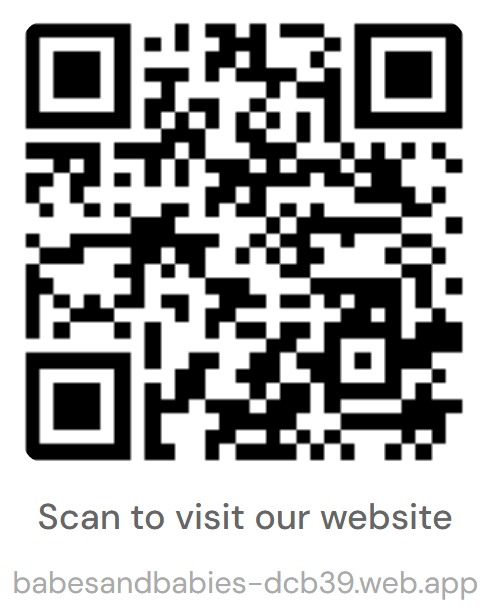
A photo of the QR code
-
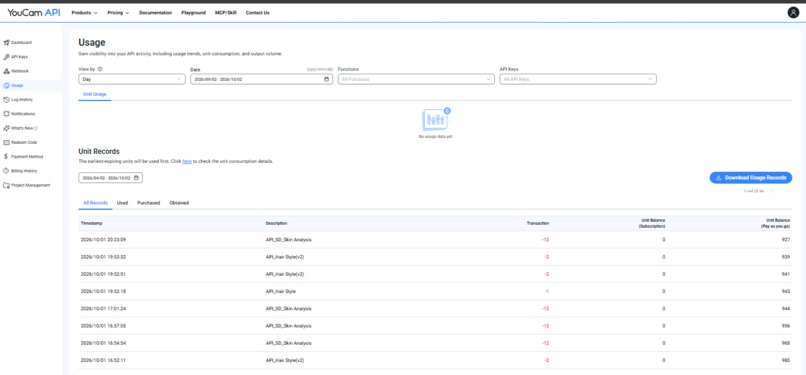
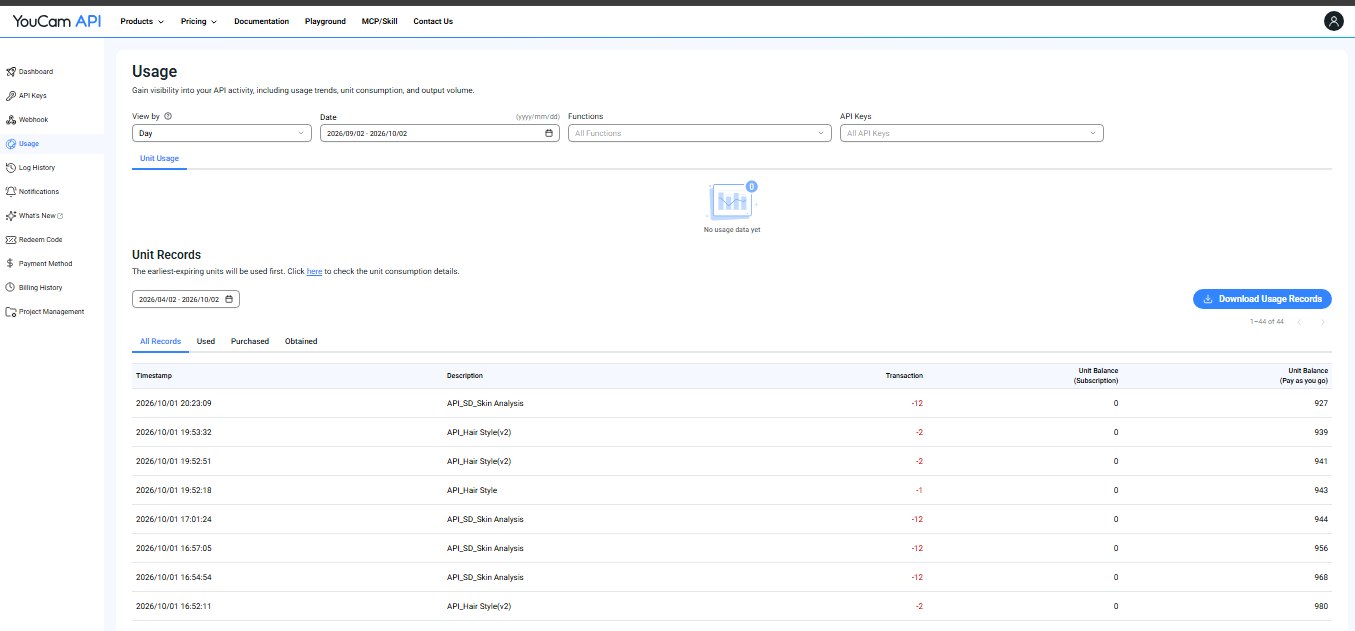
Youcam console usage
-
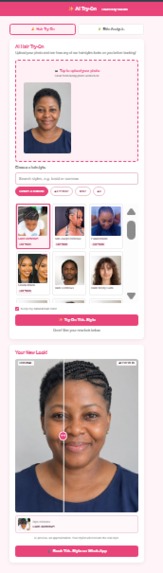
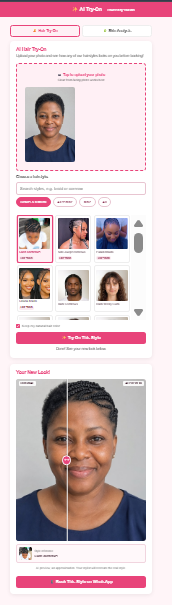
The result with the before/after slider
-
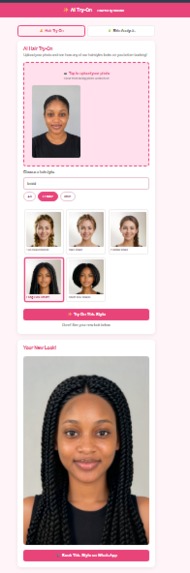
A salon style result (Ghana or Fulani) with the style reference shown
-
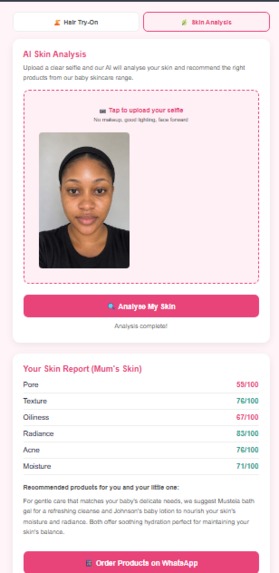
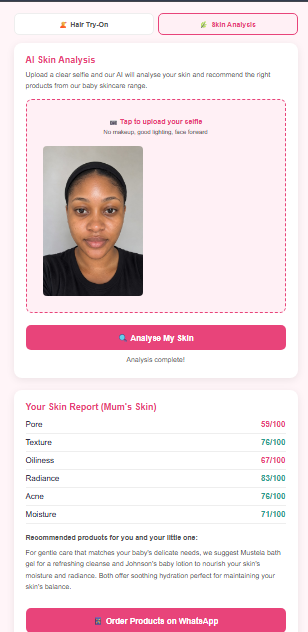
The skin scores and product recommendation
-
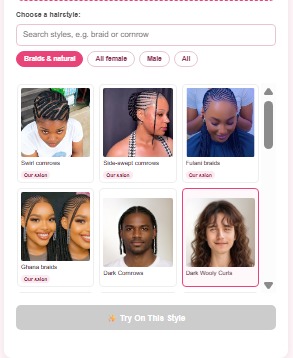
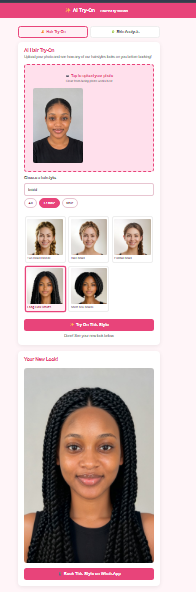
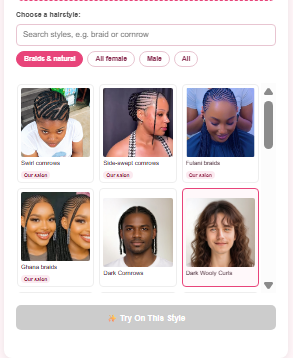
Try-on page with the "Braids & natural" grid
-
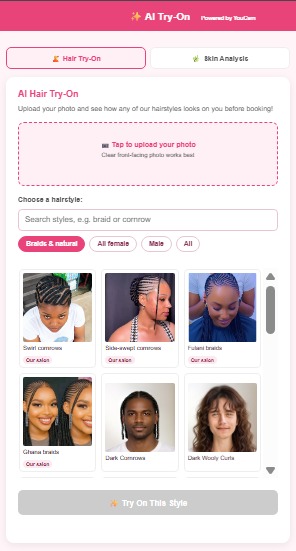
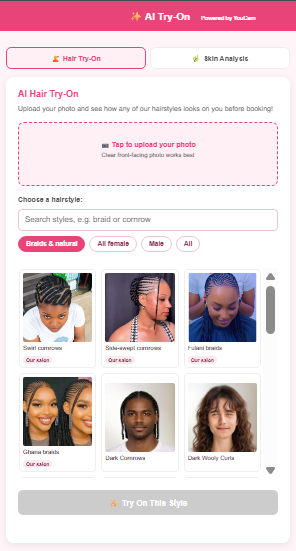
Home page, the "Try before you book" section
-
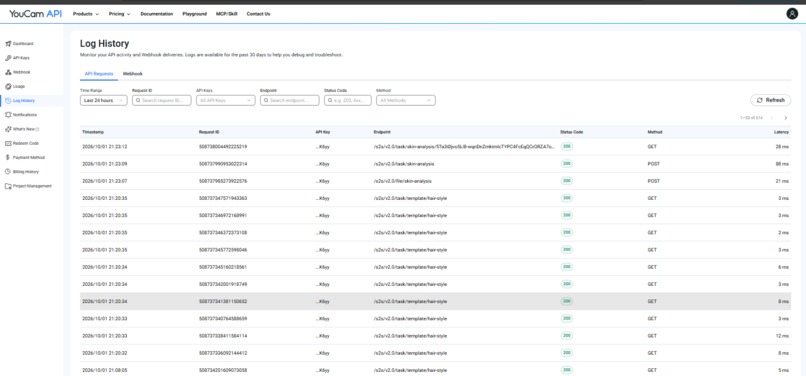
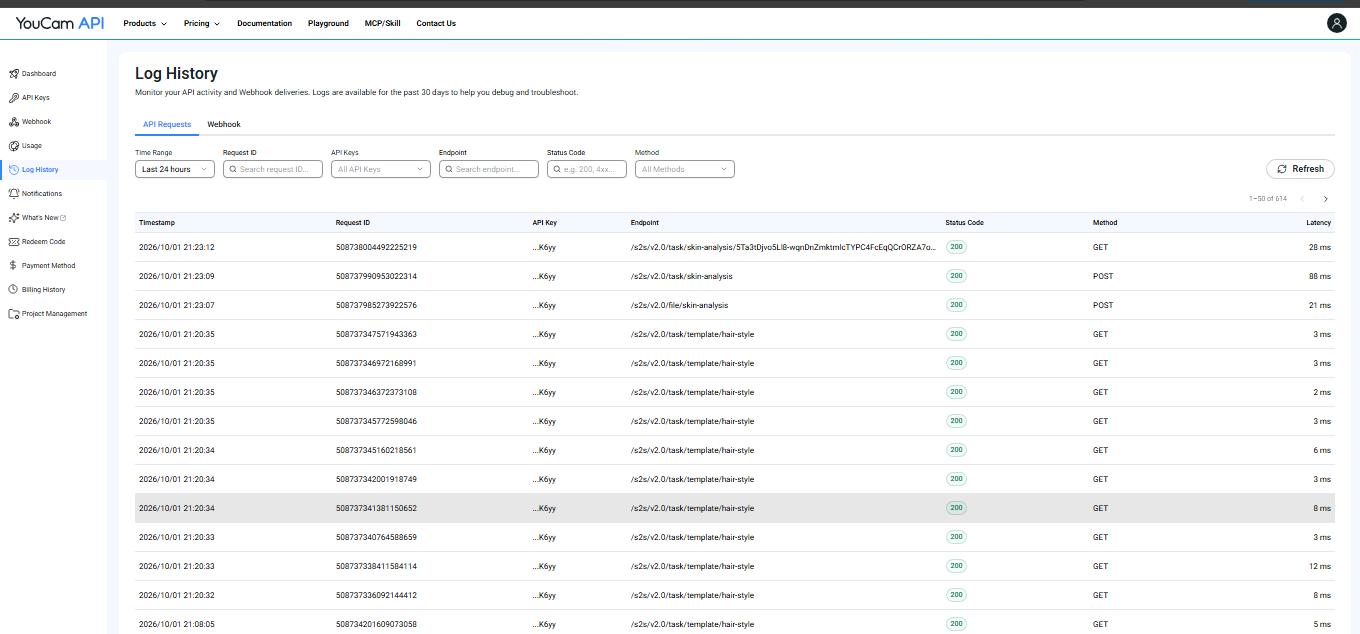
Youcam log history
Inspiration
Babes & Babies is a beauty salon and baby product shop in Akwa Ibom, We serve students, young women and new mothers, and many of them are both our hair customers and our baby shop customers.
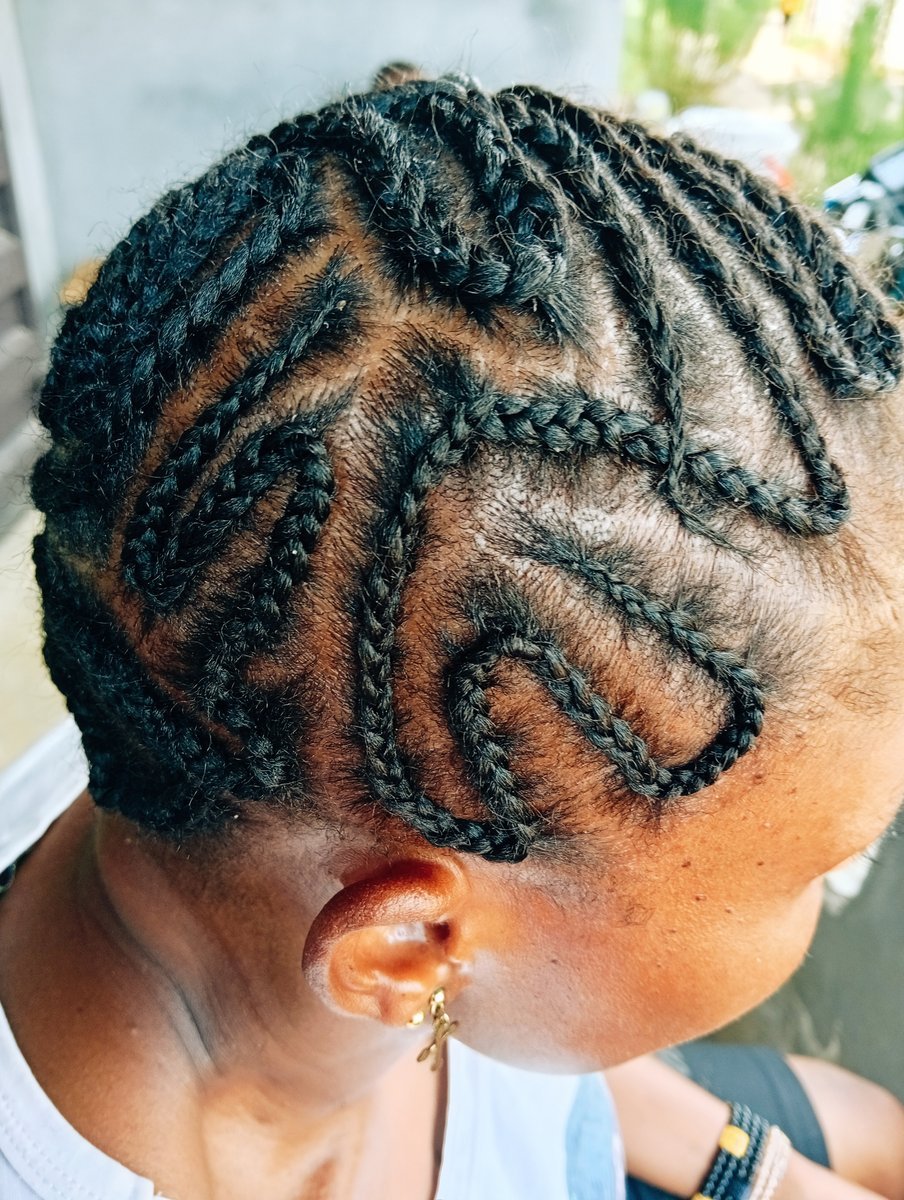 Swirl cornrows, done in our shop.
The hair side has one problem I see almost every week. A customer sits down, shows me a photo of somebody else's head, and says "make am like this." Then we both hope. Braids take hours and cost real money, so when the style doesn't suit her, nobody wins. She is unhappy, and I have spent my day on a look she won't want.
When I saw YouCam's hair and skin APIs, I knew what I wanted to build. Let her see it on her own face before she sits down.
What it does
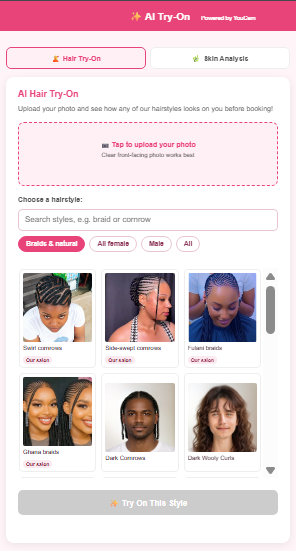
The new "Try before you book" section on our home page.
Hair try-on. The customer uploads a front-facing photo and picks a style. She gets an AI preview of herself in it, with a slider to compare her original photo against the preview. One tap sends the chosen style to us on WhatsApp, so booking happens on the same screen.
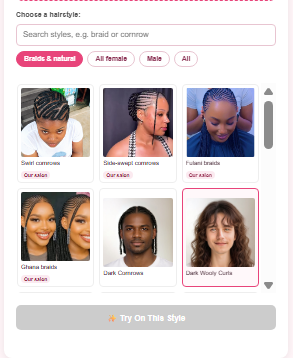
She searches or browses styles that make sense for Nigerian hair.
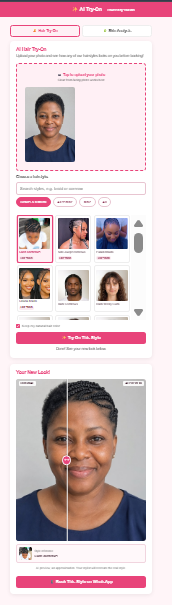
Original on one side, AI preview on the other.
Skin analysis for mum. A selfie gives six scores: radiance, oiliness, texture, pores, acne and moisture. Then she gets a short product suggestion from what we actually stock, gentle enough for her and her baby, and one tap to order on WhatsApp.
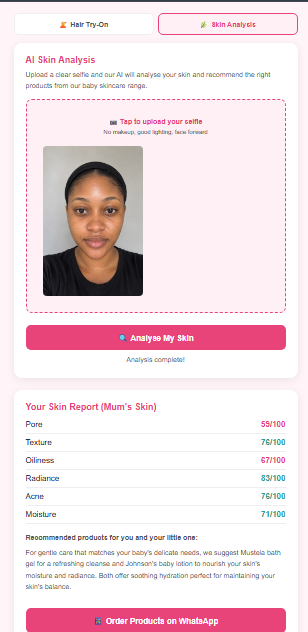
Six scores, then products from our own shelf.
Our own styles. The gallery on our home page runs from one list. Styles that have a front-facing reference photo get a "Try this on" button and go through YouCam's hair transfer, so customers try our actual work and not only YouCam's samples. Right now that works for Ghana braids, Fulani braids and side-swept cornrows.
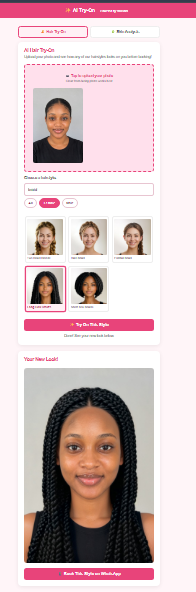
The result sits next to the style it came from.
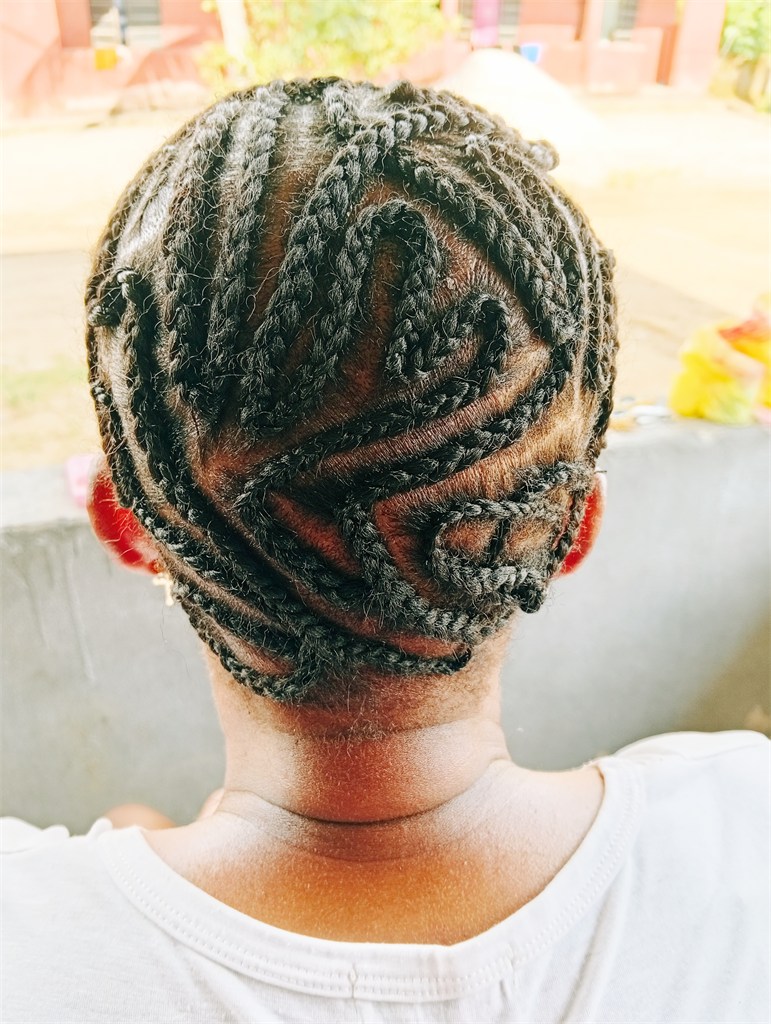
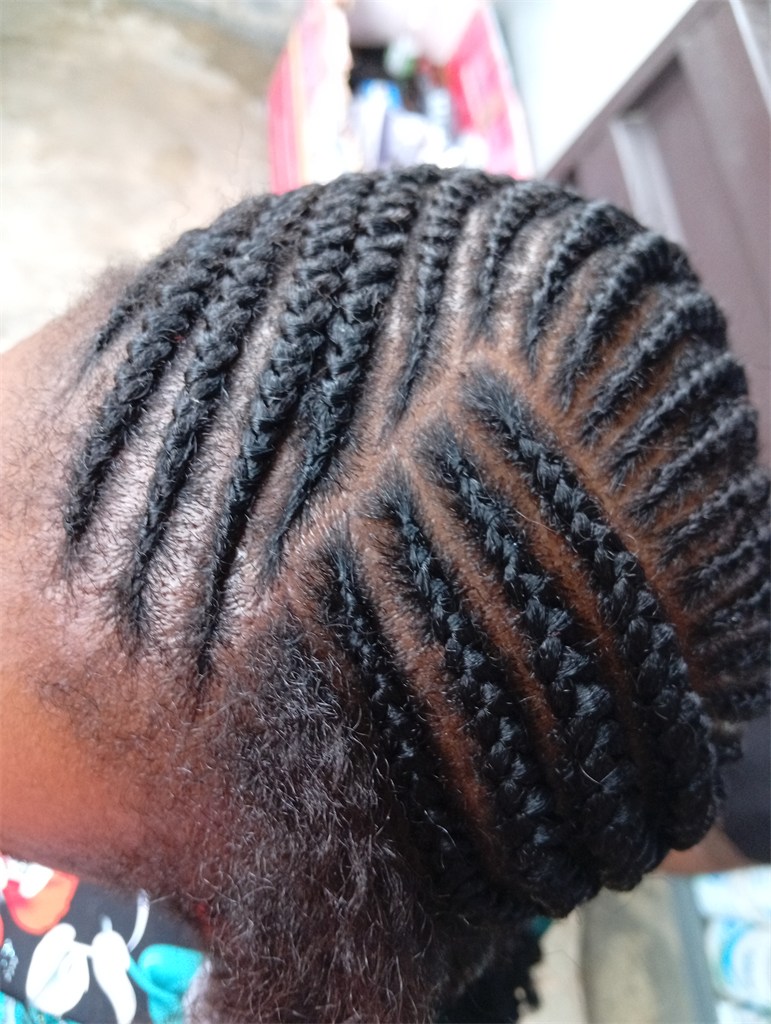
More of our work in the gallery. These are browse-only for now, because they have no visible face.
In the shop, a QR code on the counter opens the try-on page. No app, no sign-up.
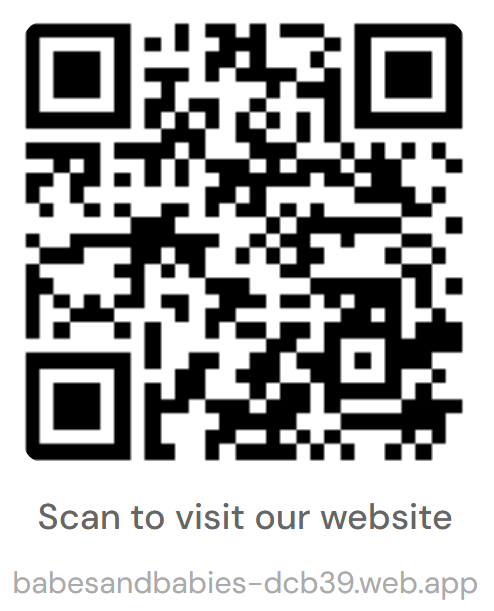
The shop site and its Gemini chat assistants existed before this hackathon. The YouCam try-on, skin analysis, QR flow, gallery system and WhatsApp hand-offs are all new.
How I built it
The site is plain HTML, CSS and JavaScript on Firebase Hosting. Every AI call goes through one Cloudflare Worker, so no API key ever reaches the browser. The Worker runs the full YouCam flow (get an upload URL, upload the photo, create the task, poll for the result) for the Hair Style, Hair Transfer and Skin Analysis APIs.
Gemini writes the product suggestion, and if it fails, a rule-based fallback picks products from the customer's two lowest scores, so she always gets an answer. Photos are resized to JPEG in the browser before upload. GitHub Actions deploys the site on every push, which means I can add a new style from my phone.
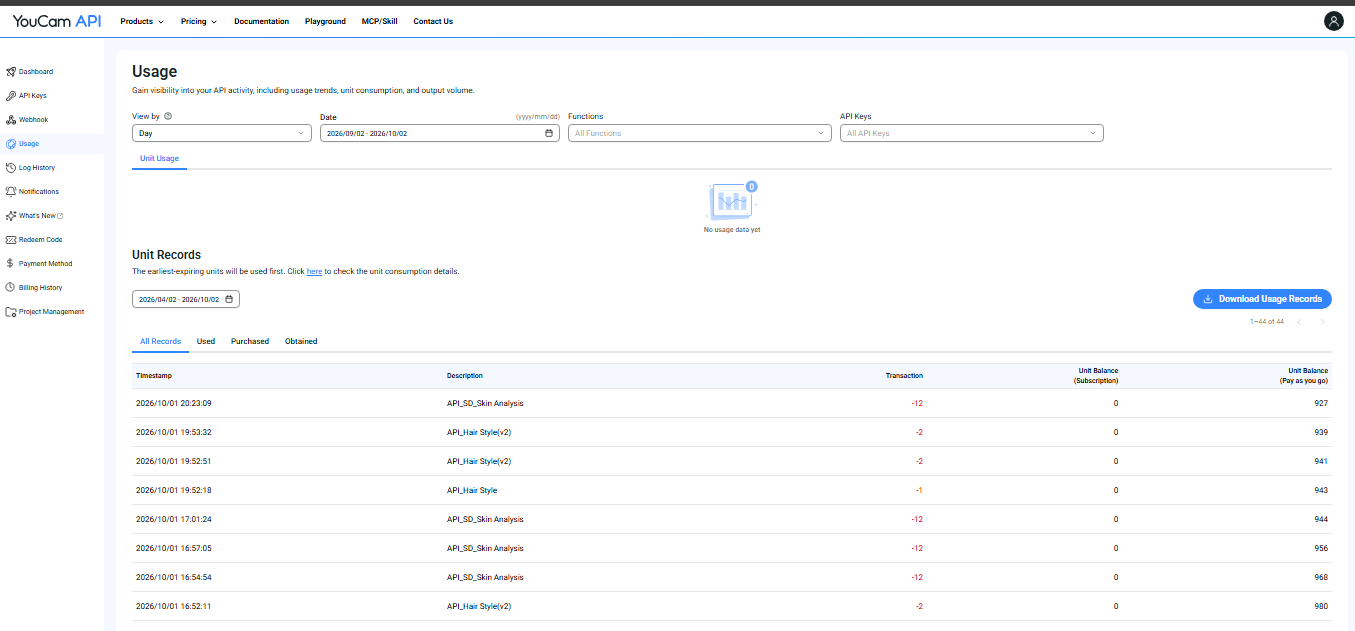 Unit records from my YouCam dashboard: every hair try-on and skin analysis is a real call.
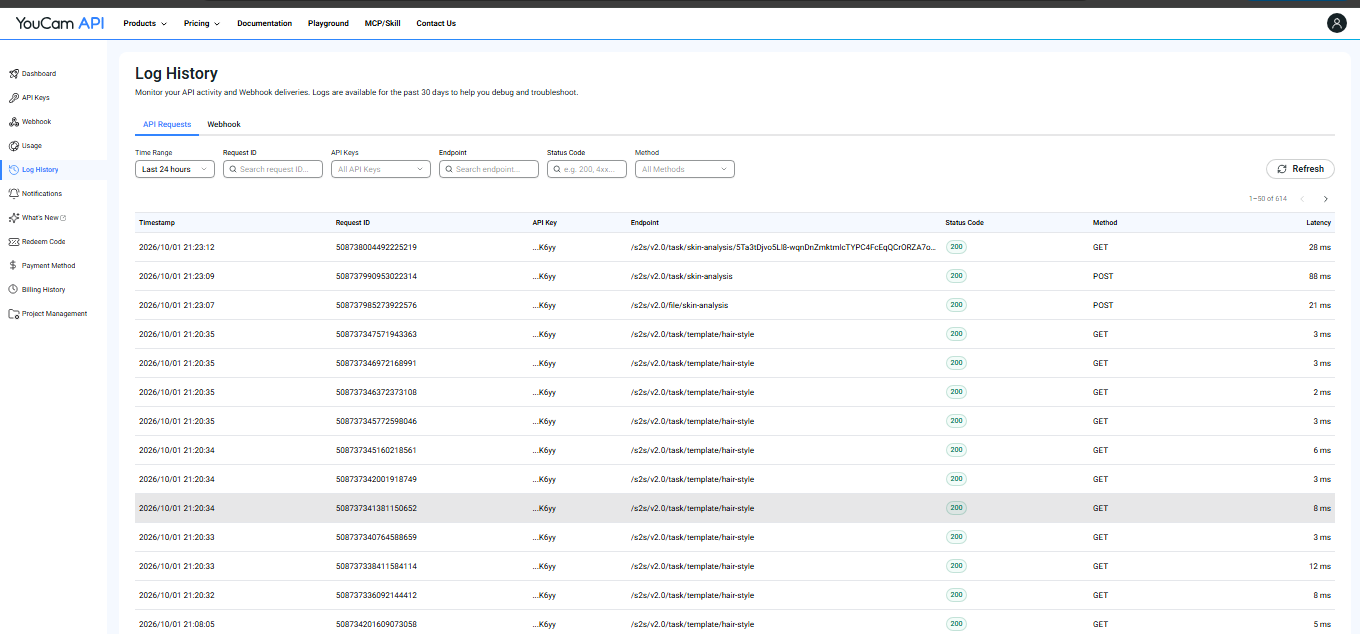 The request log: upload, task and poll calls for skin analysis, and the paginated hair style list, all returning 200.
Challenges
YouCam's sample styles are not made for my customers. Most of the preset hairstyles are bobs, straight cuts and bright colours. I filtered the list down to what makes sense here (box braids, twists, curls, coils) and made that the default, while search still covers everything.
Every style came back as the same blonde bob. My first version quietly fell back to the first template when an ID didn't match. I fixed it by using the real template IDs and making the app fail loudly.
Hair transfer needs a visible face. Seven of the ten gallery photos I first tried were back and top views, and every one of them failed. Only the three with faces worked. The others stay in the gallery to browse, and try-on is switched on only for the ones that work. When a style can't be built, the customer sees a friendly message and not a raw error.
The preview is an approximation. The face can drift a little, and a braid pattern doesn't copy exactly. So I show the original beside it, show the reference style, and label the result "AI preview" instead of pretending it is exact.
Privacy. Some of my customers don't like having their faces photographed. The site has no accounts and no database, and the Worker doesn't save photos. They go to YouCam only to make the result.
Accomplishments
It runs in a real shop. A customer scans a code, sees a style on herself, and books on WhatsApp. The skin analysis ends in an order the same way. Adding a new style takes one photo and one line in a file.
What I learned
The input photo matters more than the code. A clear, front-facing photo gave better results than anything I changed in the Worker. I also learned to be honest about the limits. A preview that says "approximation" is better than one that disappoints her on Saturday.
What's next
- Front-facing reference photos for more of our styles, shot with consenting models
- Connect skin results to our stock list, with add to cart
- Let a customer save her favourite style and send it to her stylist before the appointment
- Offer the same setup to other small shops in Akwa Ibom
Built With
- cloudflare-workers
- css
- firebase
- github-actions
- google-gemini
- html
- javascript
- youcam-api

Log in or sign up for Devpost to join the conversation.