Inspiration
I wanted to find a creative way to protect and share data — not just through passwords or encryption, but by making it invisible. The idea of turning files into images felt both fun and powerful.
What it does
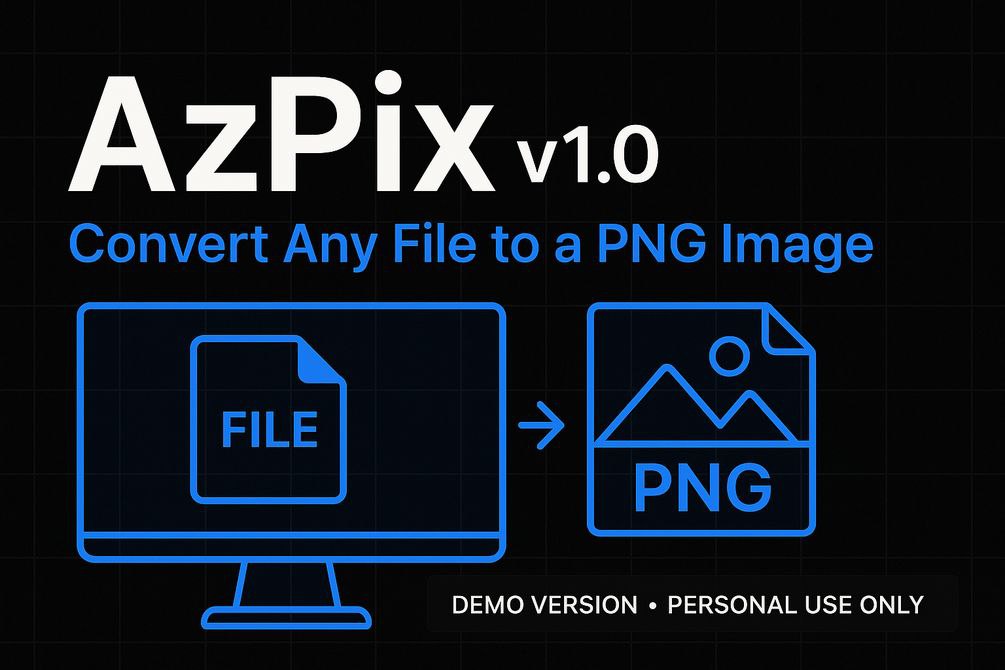
AzPix Pro converts any file or folder into a colorful PNG image. The image looks like digital art, but it secretly stores real, retrievable data. It also restores files back from the image — all offline.
How we built it
The app is built in C# using WinForms. It compresses the input file/folder, encodes it into the pixel data of a PNG image, and supports drag-and-drop. A decoder reverses the process in seconds.
Challenges we ran into
- Keeping image quality while hiding large files
- Ensuring no data loss during encoding/decoding
- Making the interface simple for everyday users
Accomplishments that we're proud of
- Built a working prototype with full cycle: encode → image → decode
- Created visually appealing images that actually store files
- Offline functionality — no internet or server needed
What we learned
- Steganography in practice is tricky but exciting
- User-friendly design matters, especially for non-technical users
- Performance tuning is key when working with files and images
What's next for AzPix Pro
- A web version and Android app
- Optional password protection
- AI-based detection of tampered or fake image files
- More customization for image appearance
Built With
- csharp
- dotnetframework
- offlinetool
- systemdrawing
- windowsapp
- winforms
- zipcompression


Log in or sign up for Devpost to join the conversation.