-
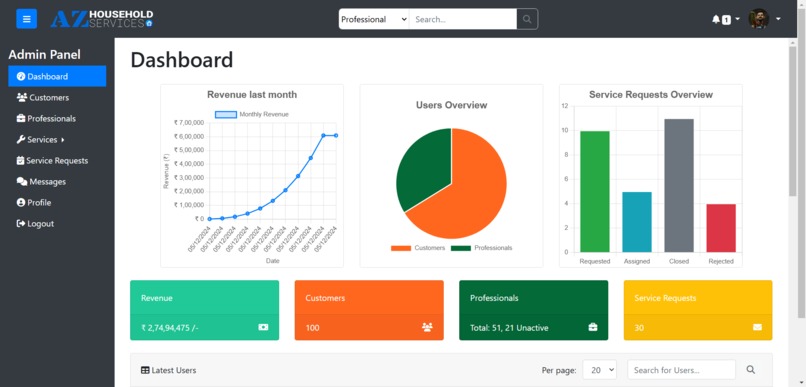
AZ Household Services | Admin Dashboard
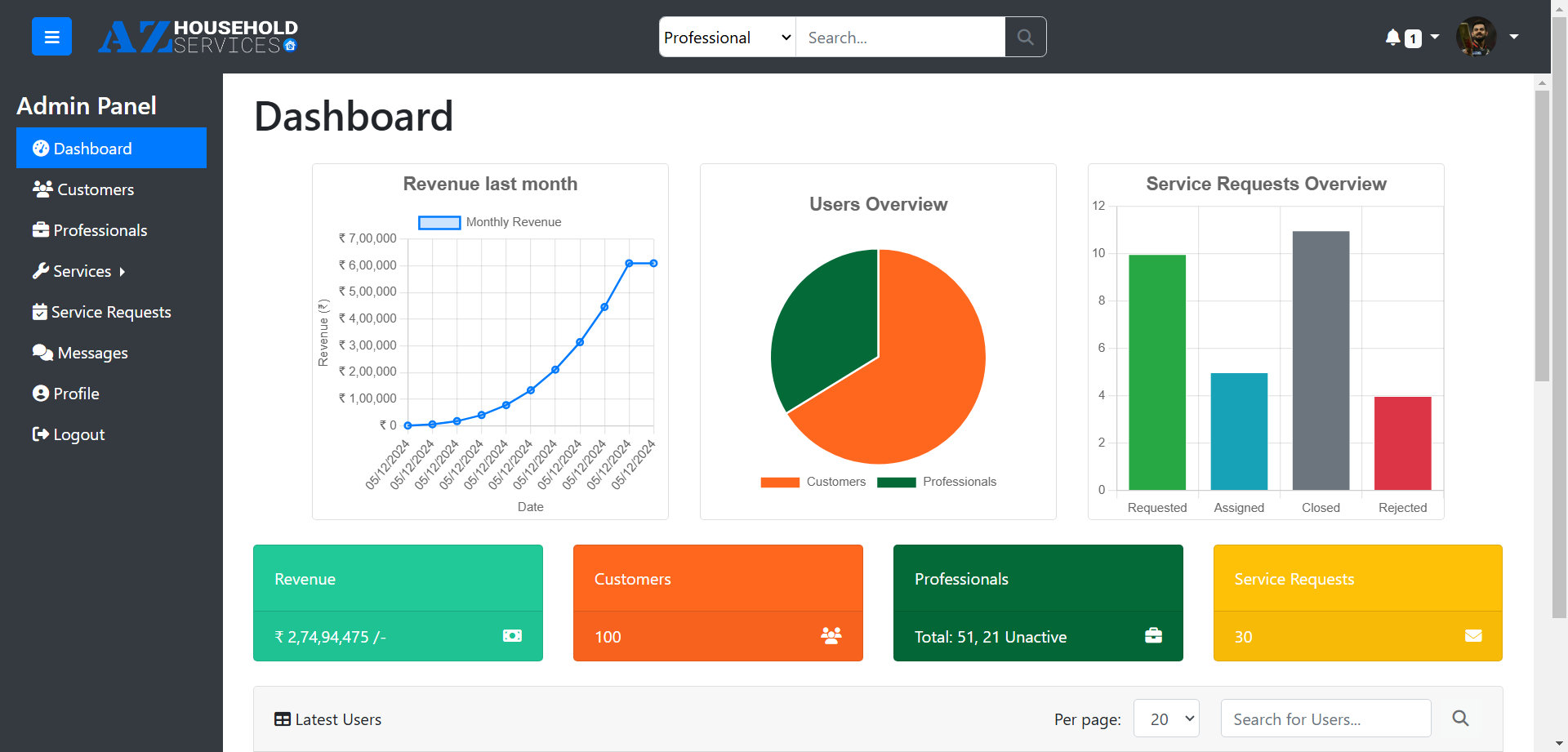
Project Overview
This project is part of the Modern Application Development - I course at IIT Madras and focuses on building a multi-user web application for household services. Verified professionals can provide essential home services such as Electrical, Carpentry, Plumbing, Appliance Repair, etc., to customers.
Screenshots
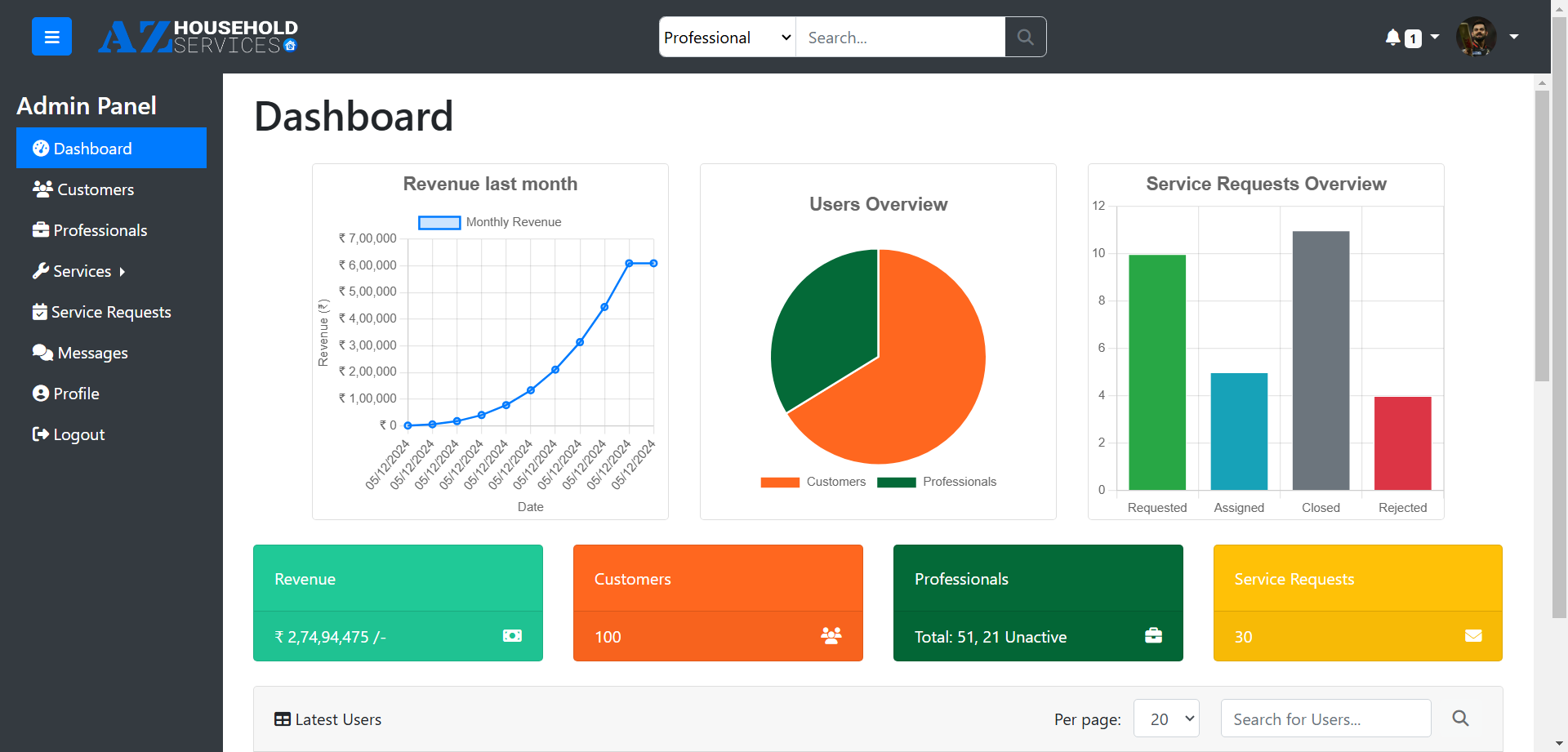 Admin Dashboard Admin Dashboard |
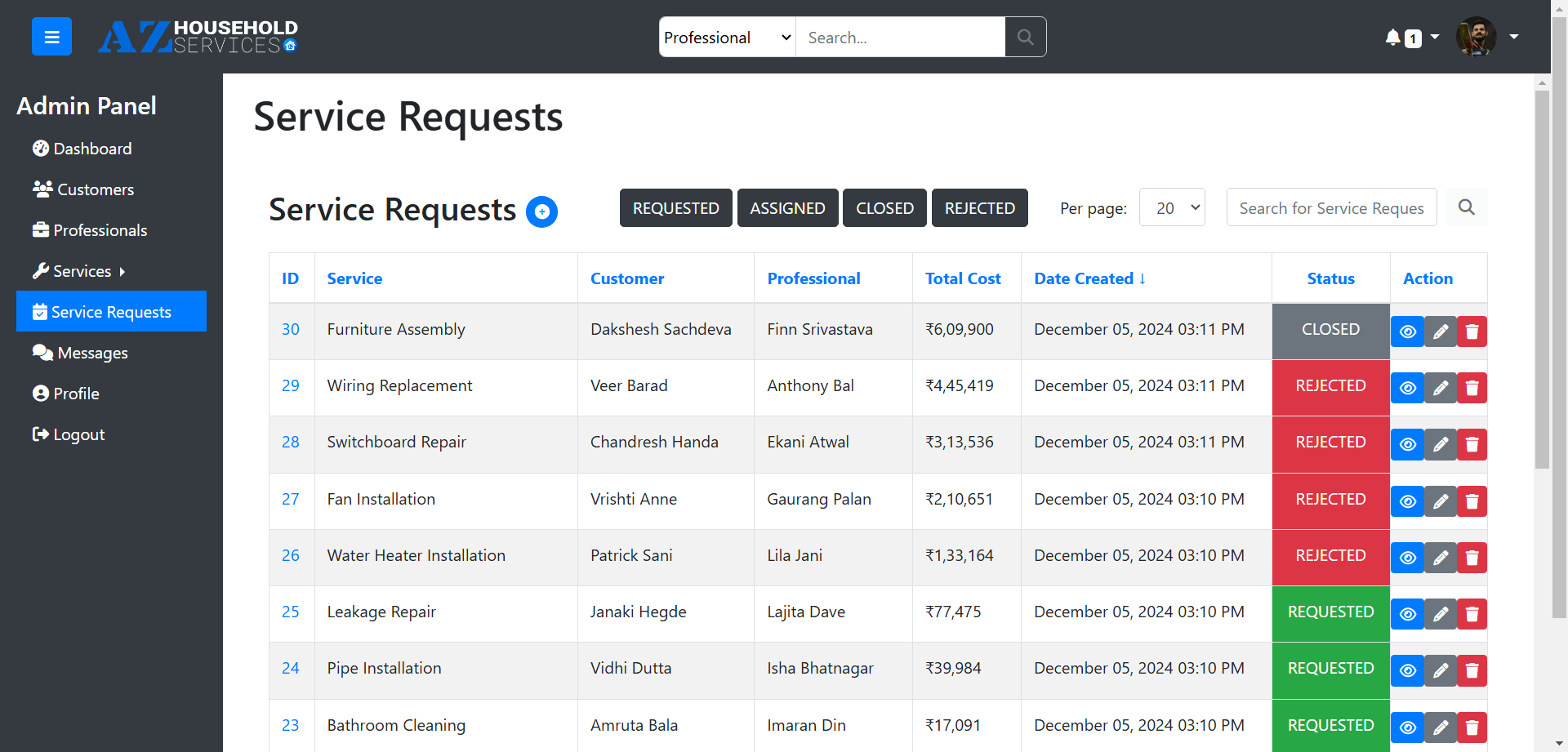 Service Requests Service Requests |
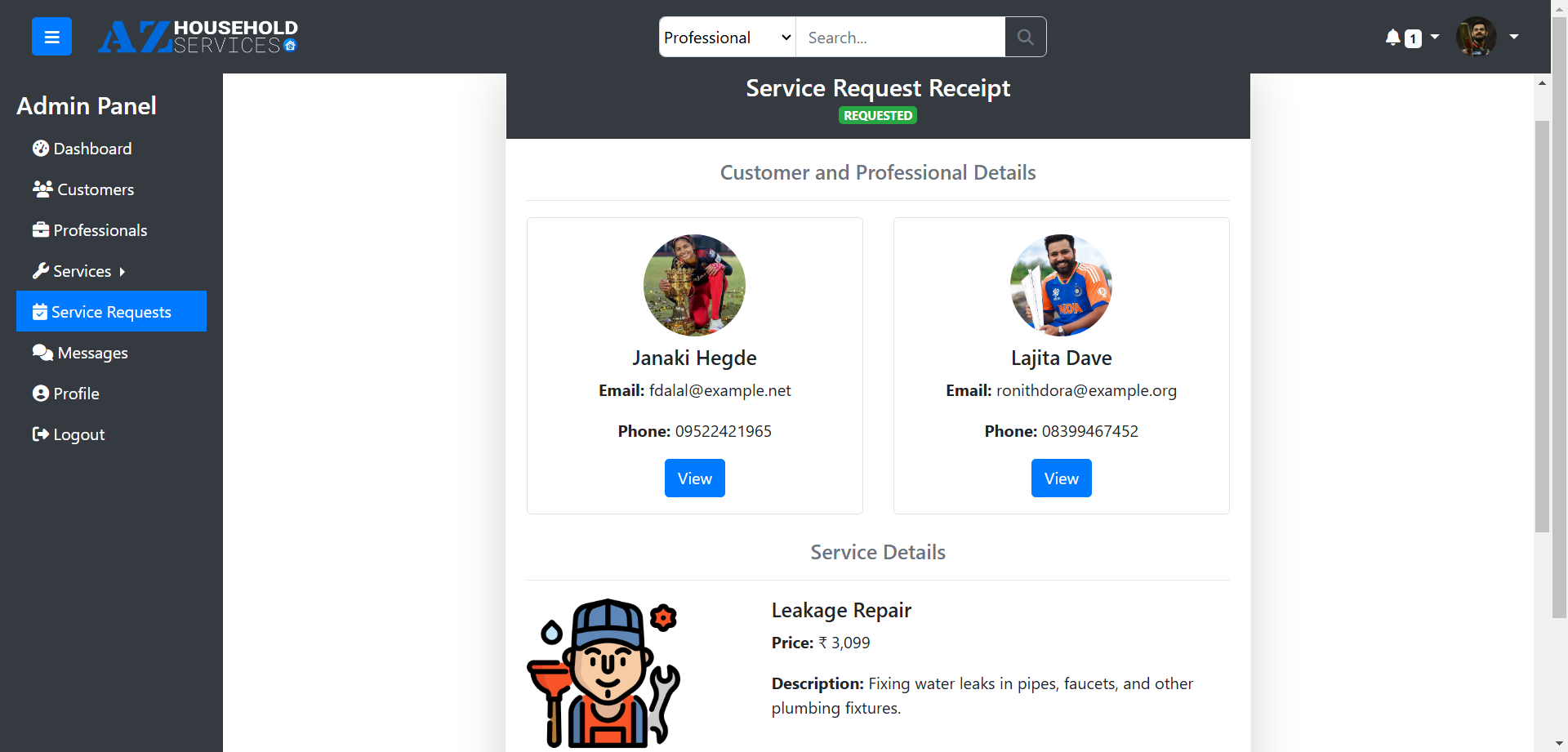 Service Request Receipt Service Request Receipt |
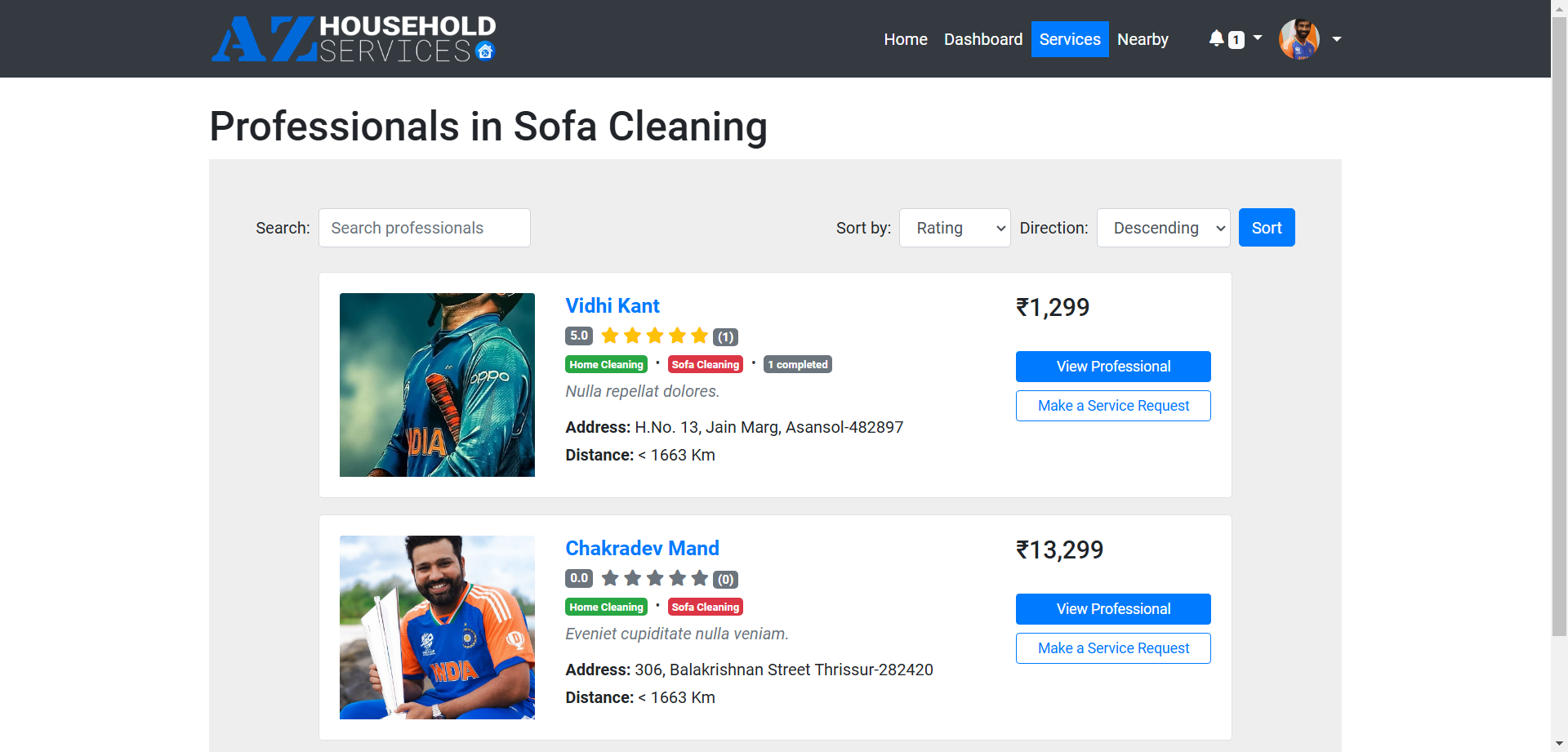 Professionals Professionals |
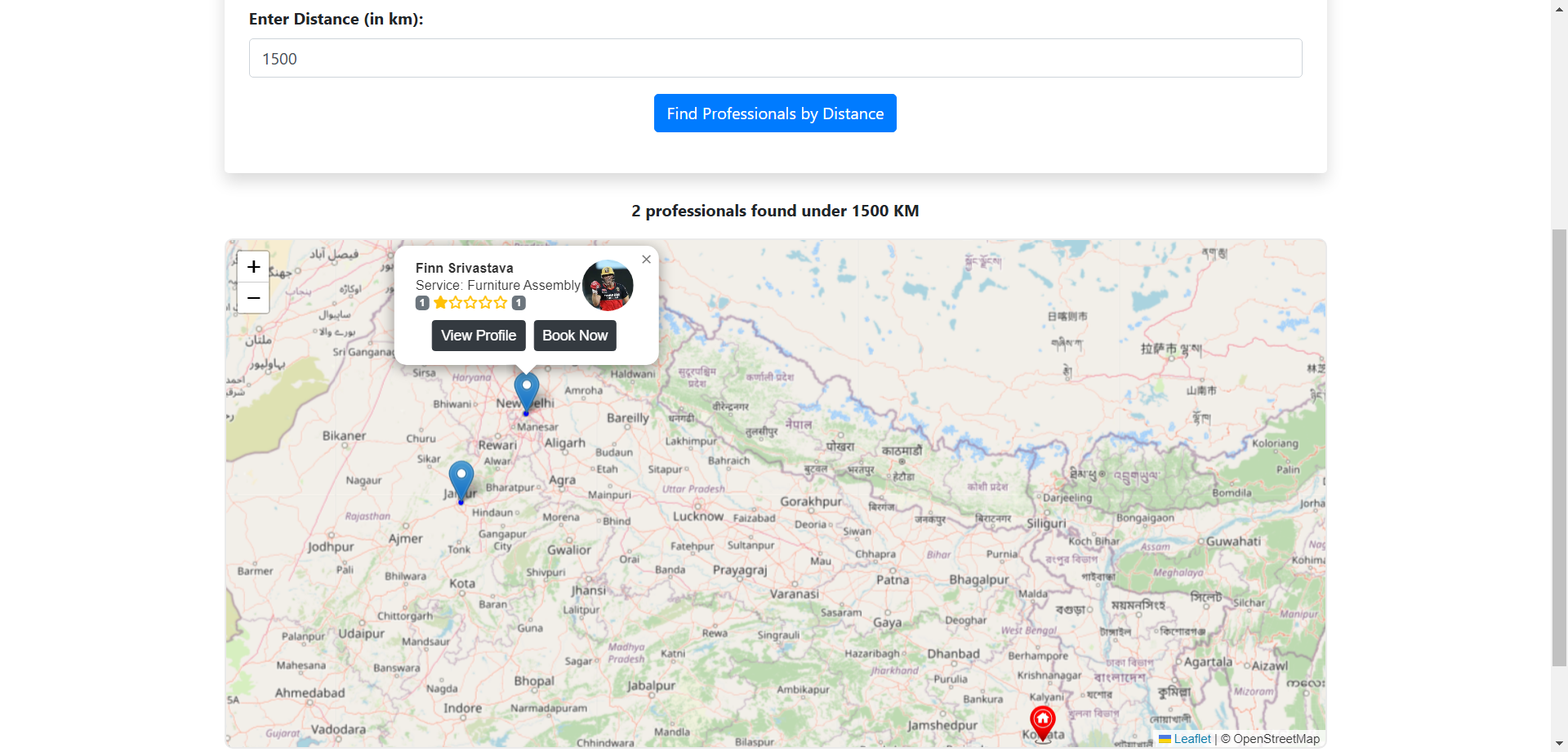 Search by Distance or Pincode Search by Distance or Pincode |
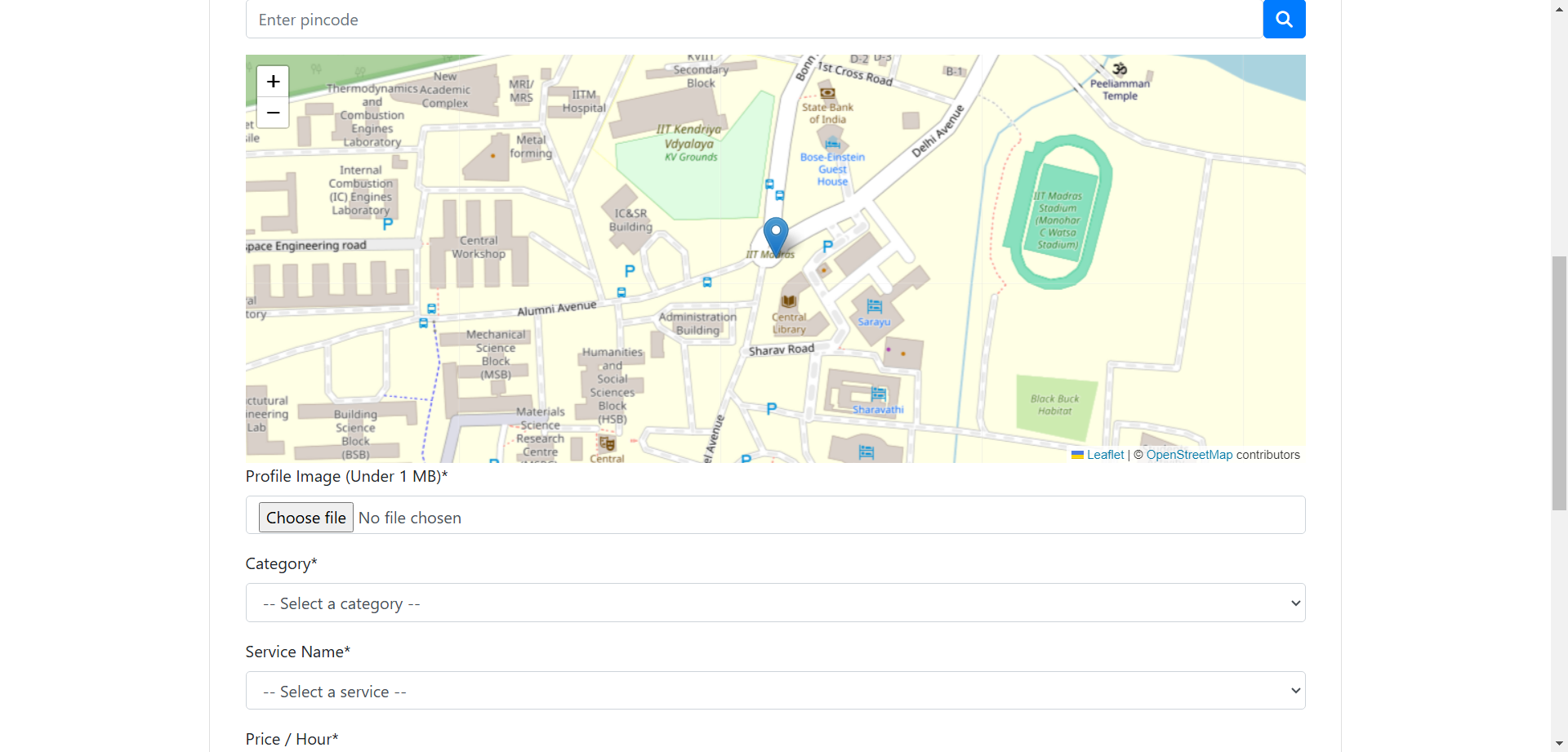 Signup Signup |
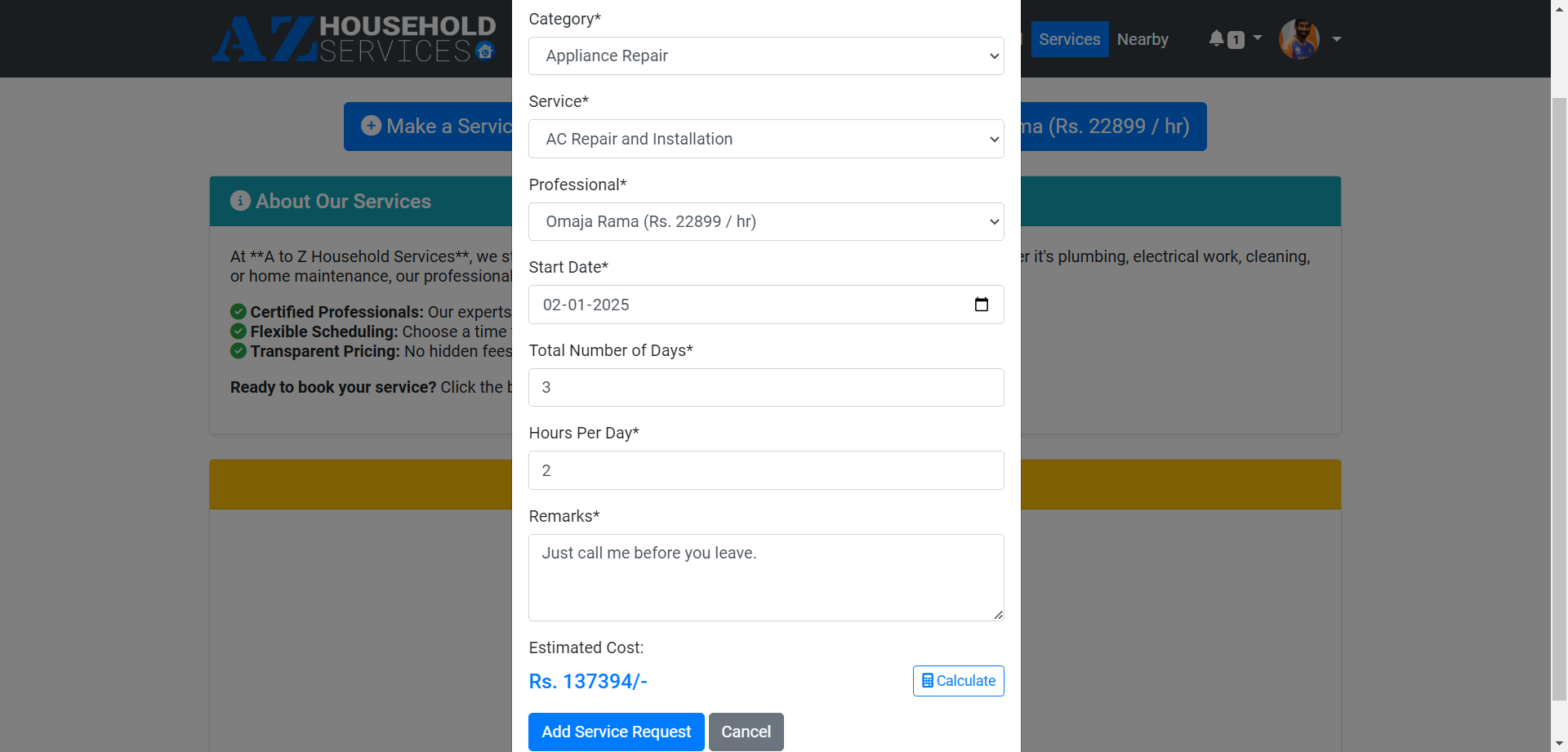
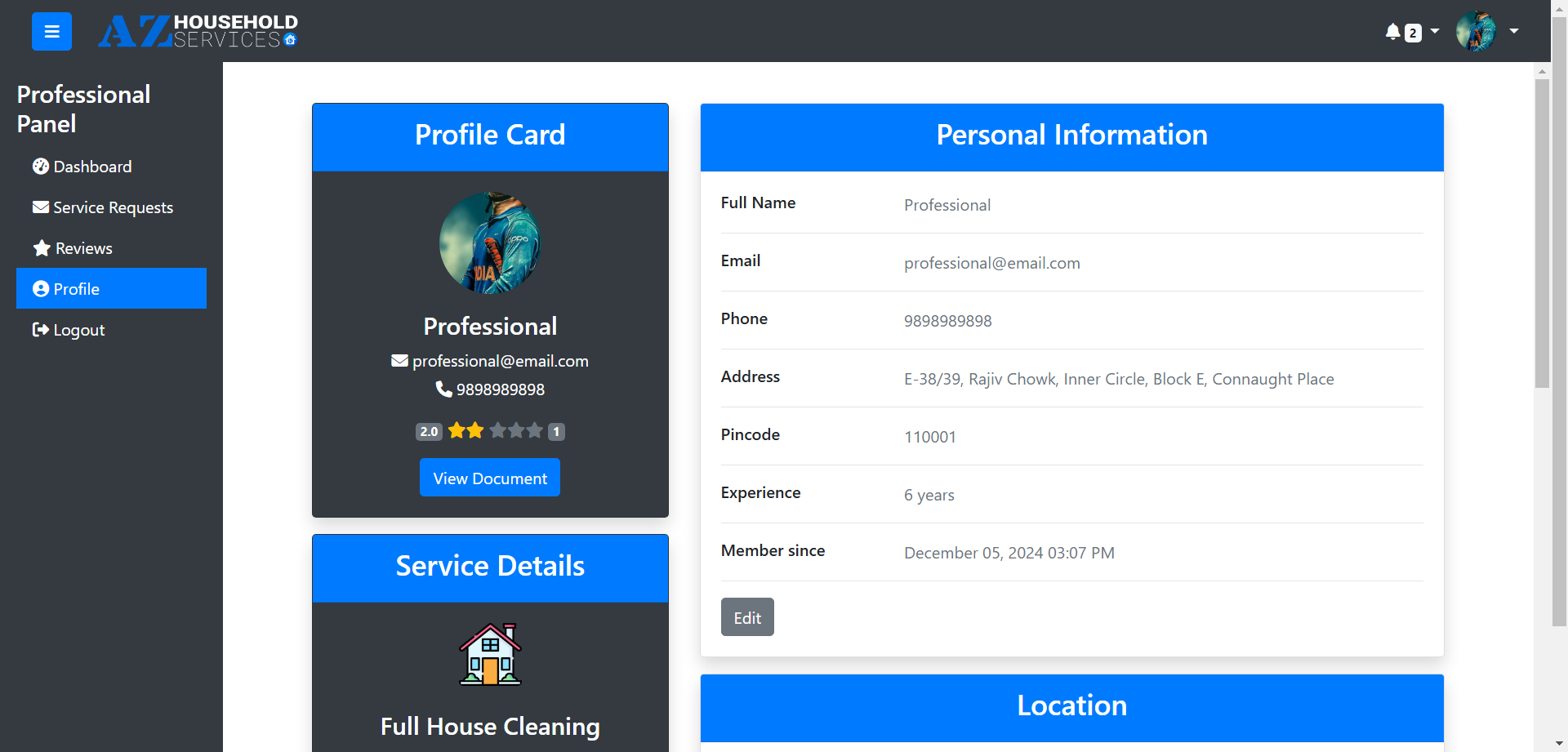
|
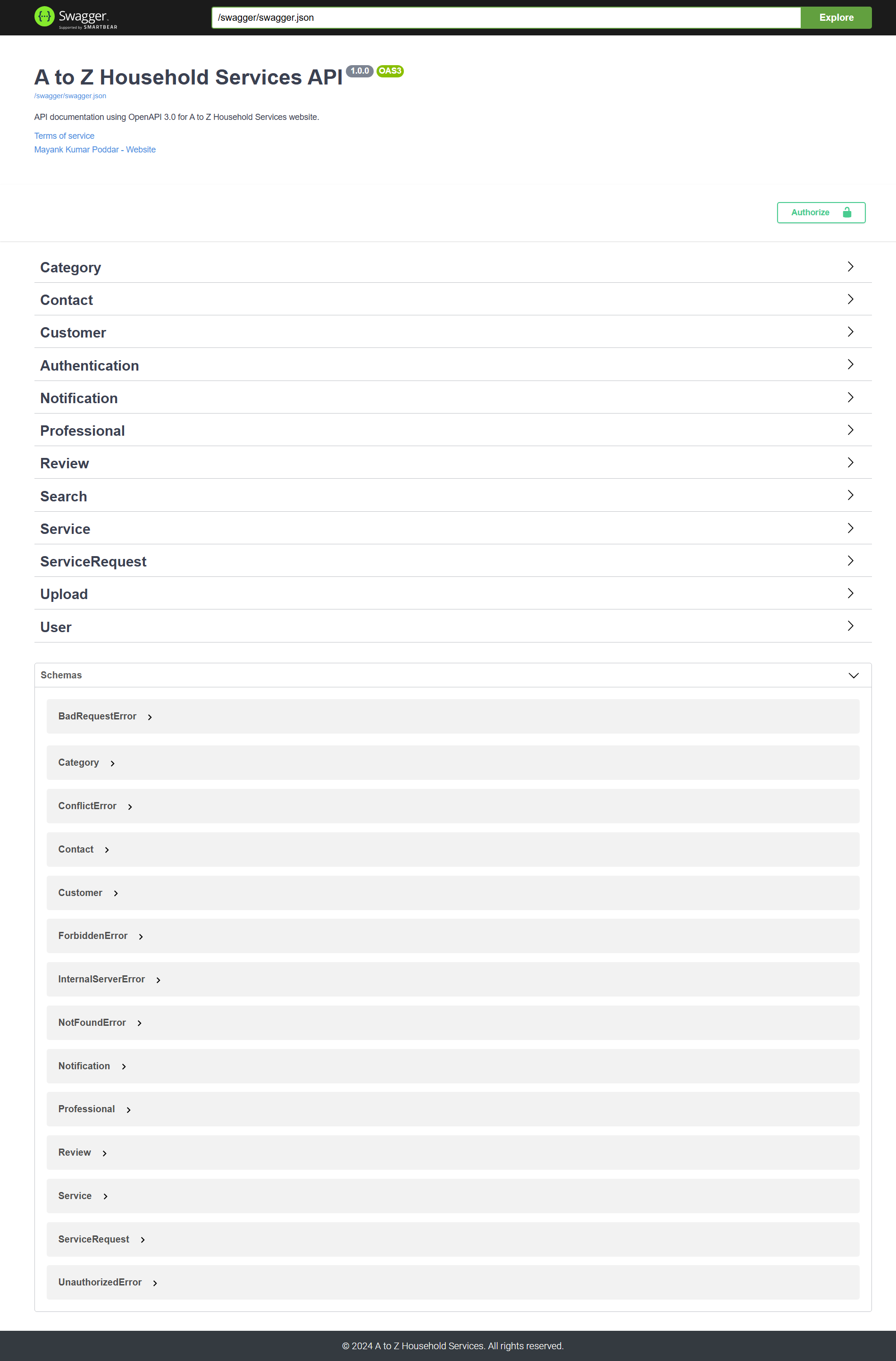
|
Key Features:
- Customers can request services from their chosen professional.
- Professionals can either accept or reject service requests.
- After service completion, customers can mark the request as closed and provide feedback.
- Admins have full control to create services, manage customer/professional profiles, and more.
- The application is extendable and scalable to integrate additional secure features.
Technologies Used
Backend:
- Flask: Core framework for routing, request handling, and template rendering.
- PyJWT: For creating and verifying JWT tokens for secure authentication and user session management.
- WTForms: Prevents CSRF attacks by incorporating CSRF tokens.
- Requests: Simplifies API interaction for data sending and receiving.
- Flask_SQLAlchemy: Provides seamless integration with databases.
- Flasgger: For generating and displaying API documentation via Swagger UI.
Frontend:
- HTML, CSS, JS: Core technologies used for building the frontend of the application.
- Bootstrap 4: For responsive design with pre-styled components and a flexible grid system.
- Chart.js: For creating interactive, customizable data visualizations.
Others:
- Flask_CORS: For enabling Cross-Origin Resource Sharing (CORS).
- Flask_Migrate: For handling database migrations.
- and more...
Database Schema
The application uses a structured database with 9 main models:
- User: Represents a system user (Admin, Professional, Customer).
- Professional: Represents a professional offering services.
- Customer: Represents a customer linked to a User.
- Category: Represents service categories (e.g., Electrical, Appliance Repair).
- Service: Represents specific services offered.
- ServiceRequest: Represents a customer's request for a service.
- Review: Stores customer feedback for services or professionals.
- Notification: Stores user notifications.
- Contact: Stores contact form submissions.
Architecture
The project follows a modular structure for easy maintainability:
app
|-- controllers         Contains all API controllers
|-- decorators          Contains decorators like jwt_required, handle_errors.
|-- errors      Contains custom error handlers
|-- forms       Contains Flask_WTForms
|-- models      Contains 9 Database Models
|-- routes      Contains routes for users and the API
|-- static      Contains images, documents, CSS and JS files
|-- swagger         Contains custom OpenAPI dictionaries for flasgger
|-- templates           Contains HTML files for the website.
|-- utils       Contains helpers and file utils.
|-- __init__.py         Contains flask app, blueprint and other route handlers
|-- config.py           Contains configuration variables
instance        Contains website’s database
migrations          Contains database migration details
venv                Contains virtual environment files
.env                Contains secret keys and other sensitive variables
.gitignore          Contains files to exclude from Git
createdb.py         Contains script to populate the database
README.md           Contains documentation for the website
requirements.txt        Contains required modules and extensions
run.py              Contains the code to initialize the app
schema              Contains the DB schema (dbdiagram)
API Design & Endpoints
This project includes 53 API routes, each designed to handle specific functionality. Swagger UI is integrated using the Flasgger module for easy API documentation and testing. All API endpoints require JWT Bearer key authentication for secure access.
Some of the Key API Routes:
- User Authentication
- Service Request Management
- Professional Profile Management
- Review Submission
- Admin Management (Create/Edit Services)
Authorization:
- Proper authorization is required for accessing features based on user roles (Admin, Customer, Professional).
- JWT-based authentication ensures that only authorized users can perform specific actions.
Installation & Setup
Requirements:
- Python 3.8+
- Flask
- Other dependencies mentioned in
requirements.txt
Setup Instructions:
- Clone the repository:
bash git clone https://github.com/mynkpdr/mad1project.git cd mad1project - Create a virtual environment:
bash python -m venv venv source venv/bin/activate # For Linux/MacOS venv\Scripts\activate # For Windows - Install dependencies:
bash pip install -r requirements.txt - Run the application:
bash
flask run
Sample Data:
To populate the database with sample data for testing, you can use the createdb.py script. This script will insert some sample users, services, and other data into the database.
Note*: You need to make sure API is running because it uses API calls to send POST requests.
Run the following command to populate the database:
python createdb.py
The script will automatically add the following sample data:
- An admin user with full access
- A set of categories.
- A set of services.
- A set of professionals.
- A set of customers.
- A set of contacts.
- A set of service requests.
- A set of notification to admin, professionals and customers.
- A set of reviews
You can modify the createdb.py script to add more sample data as needed.
Login:
Admin:
http://127.0.0.1:5000/auth/login- Email:
[email protected] - Password:
12345678
- Email:
Customer:
http://127.0.0.1:5000/auth/login- Email:
[email protected] - Password:
12345678
- Email:
Professional:
http://127.0.0.1:5000/auth/login- Email:
[email protected] - Password:
12345678
- Email:

Log in or sign up for Devpost to join the conversation.