Inspiration
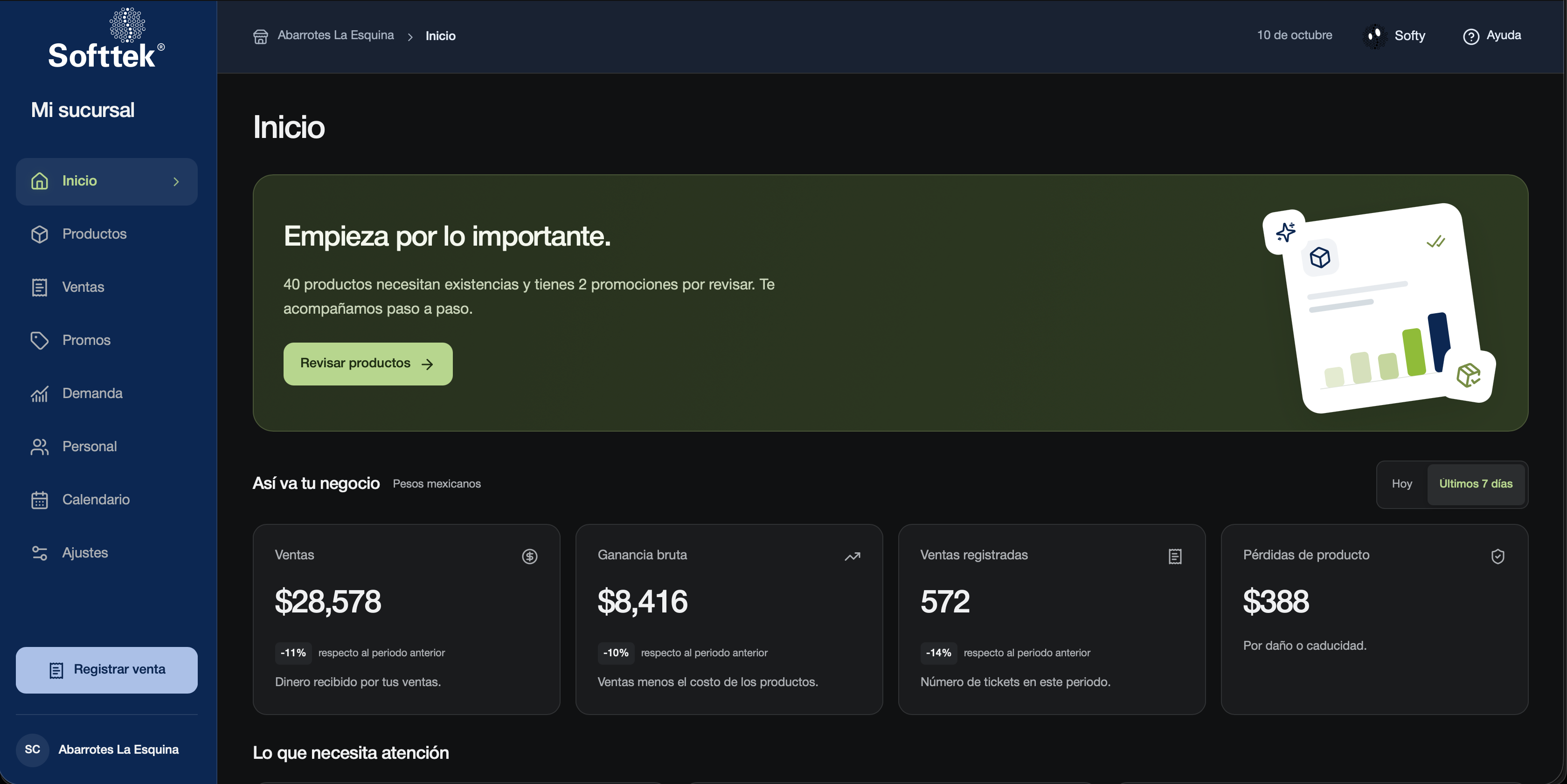
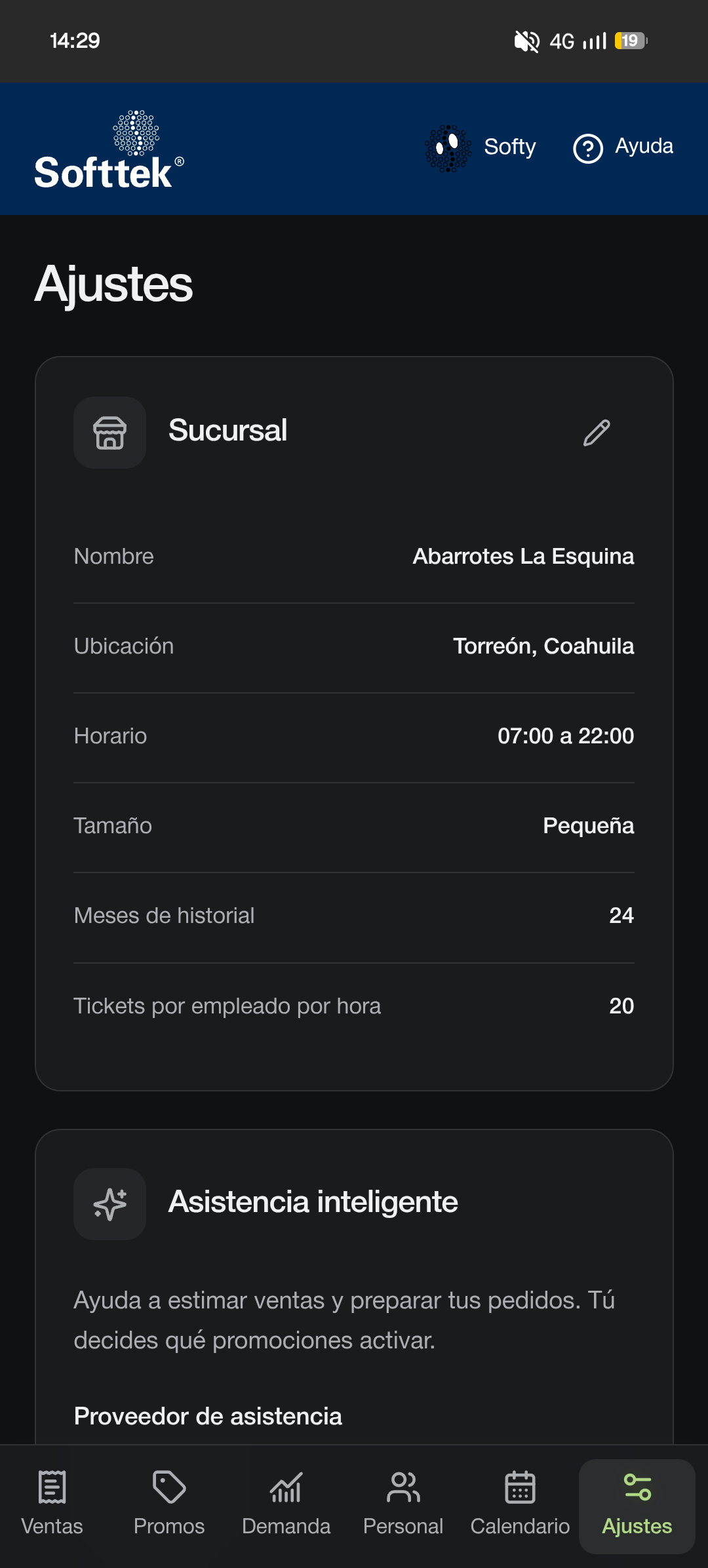
Running a store means making decisions every day: which products to restock, which promotions to activate, and how much staff is needed. Yet the information behind those decisions is often scattered across tables and screens that require experience to interpret. We created Softtek · Mi sucursal to make that information accessible to the people running the business. Our priority was an intuitive interface with plain language and clear actions, especially for users with limited experience using digital tools.
What it does
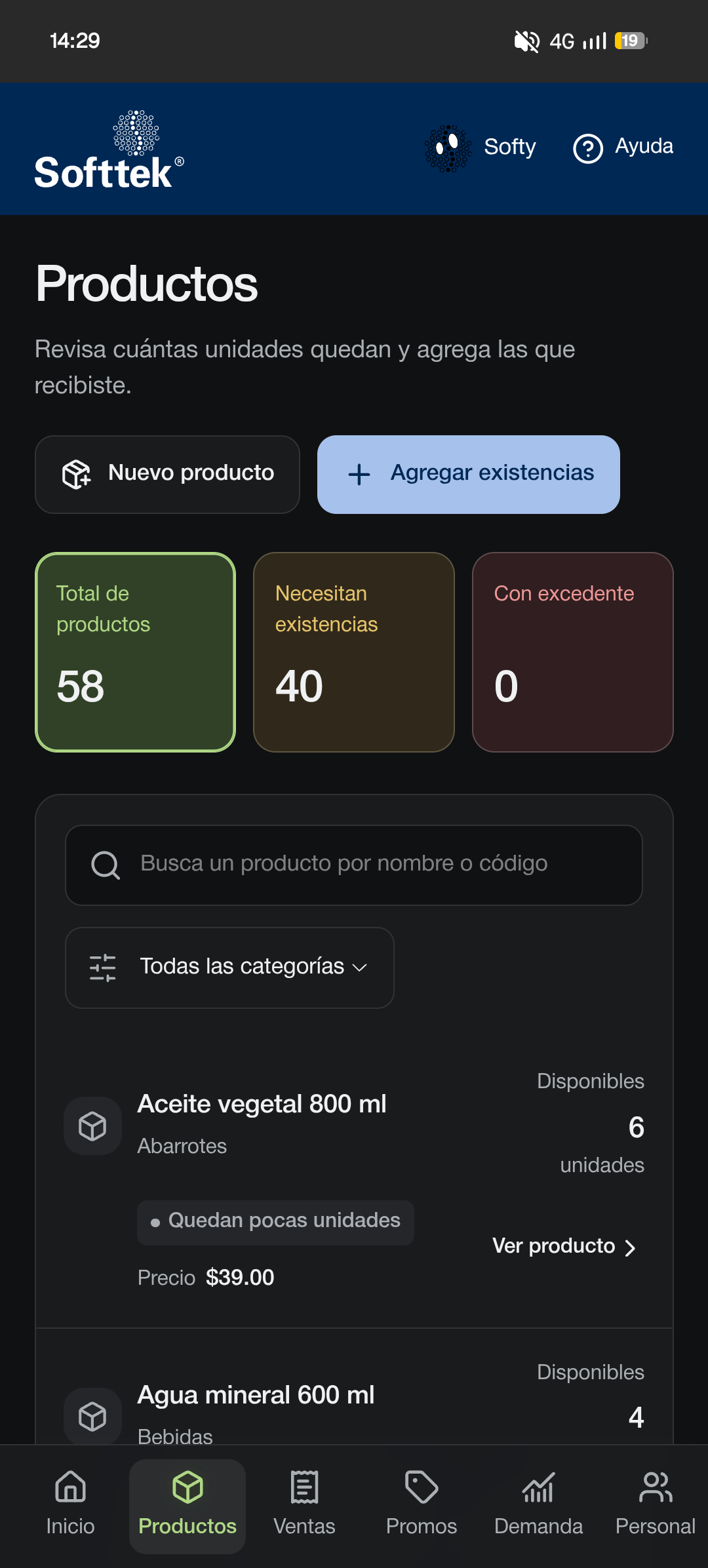
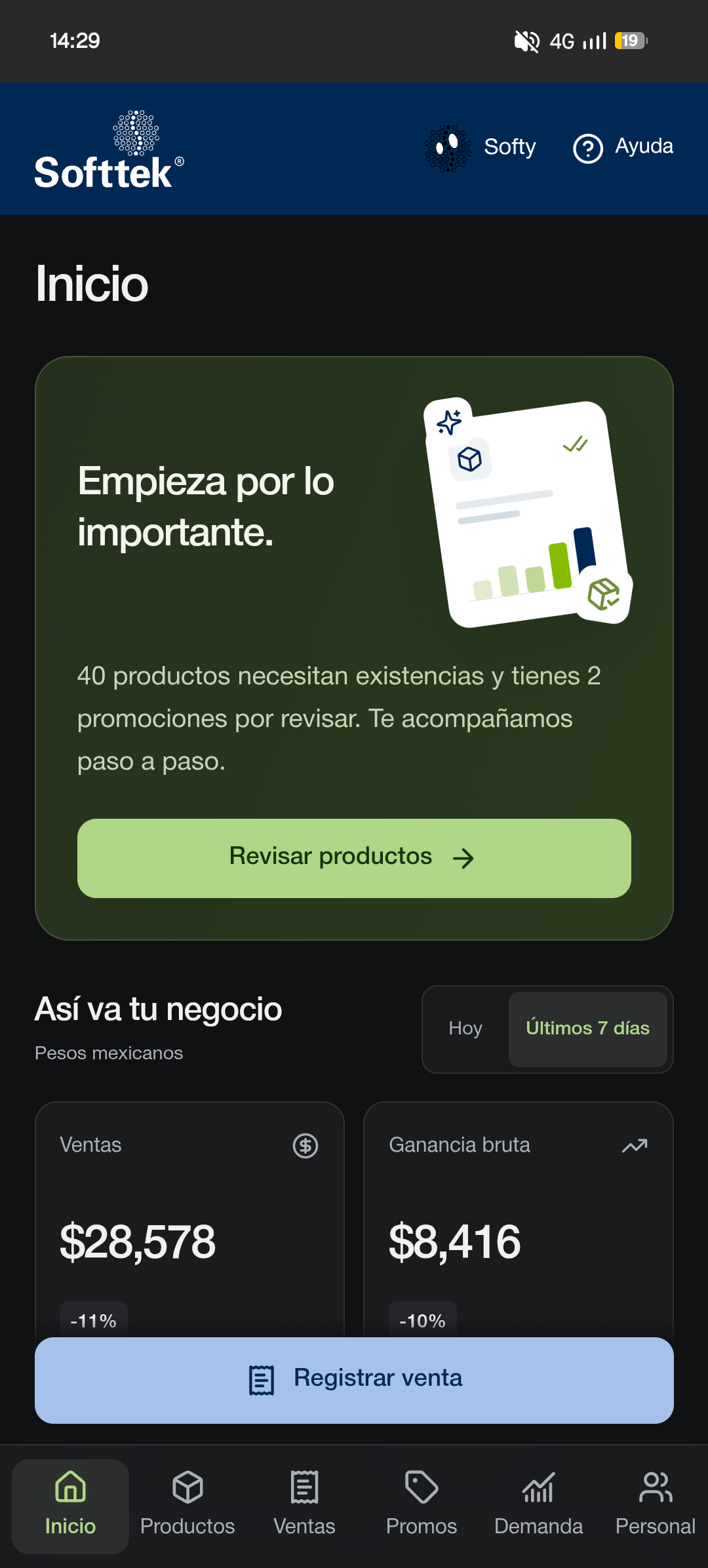
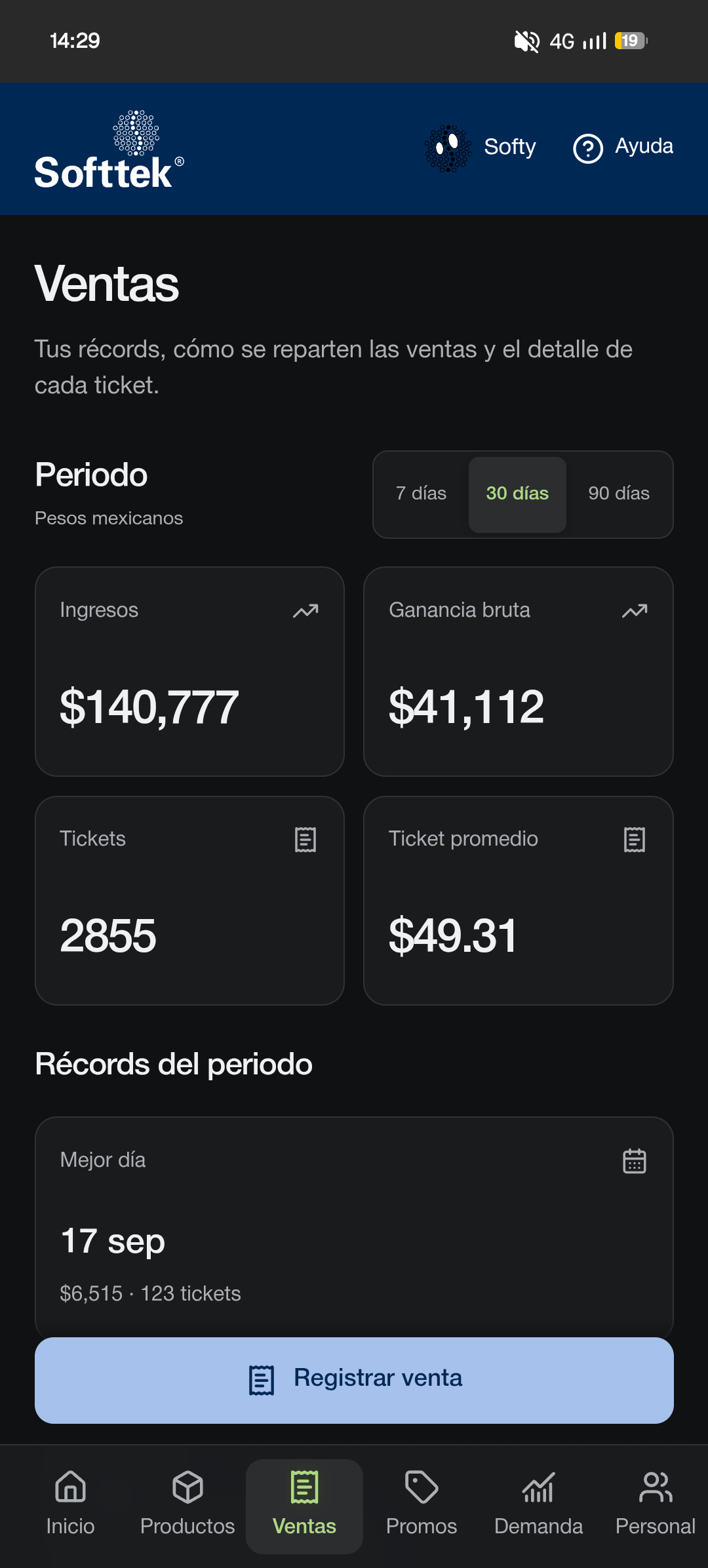
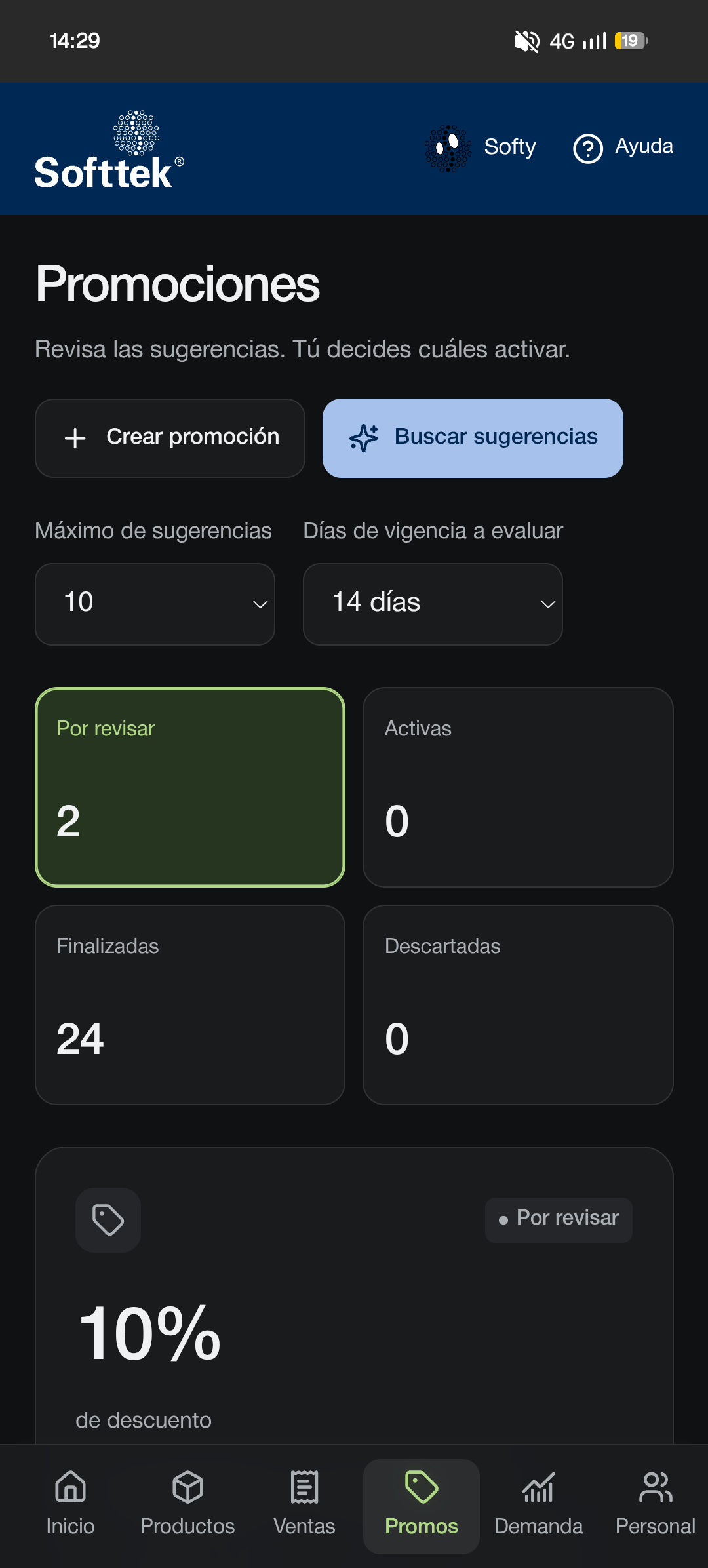
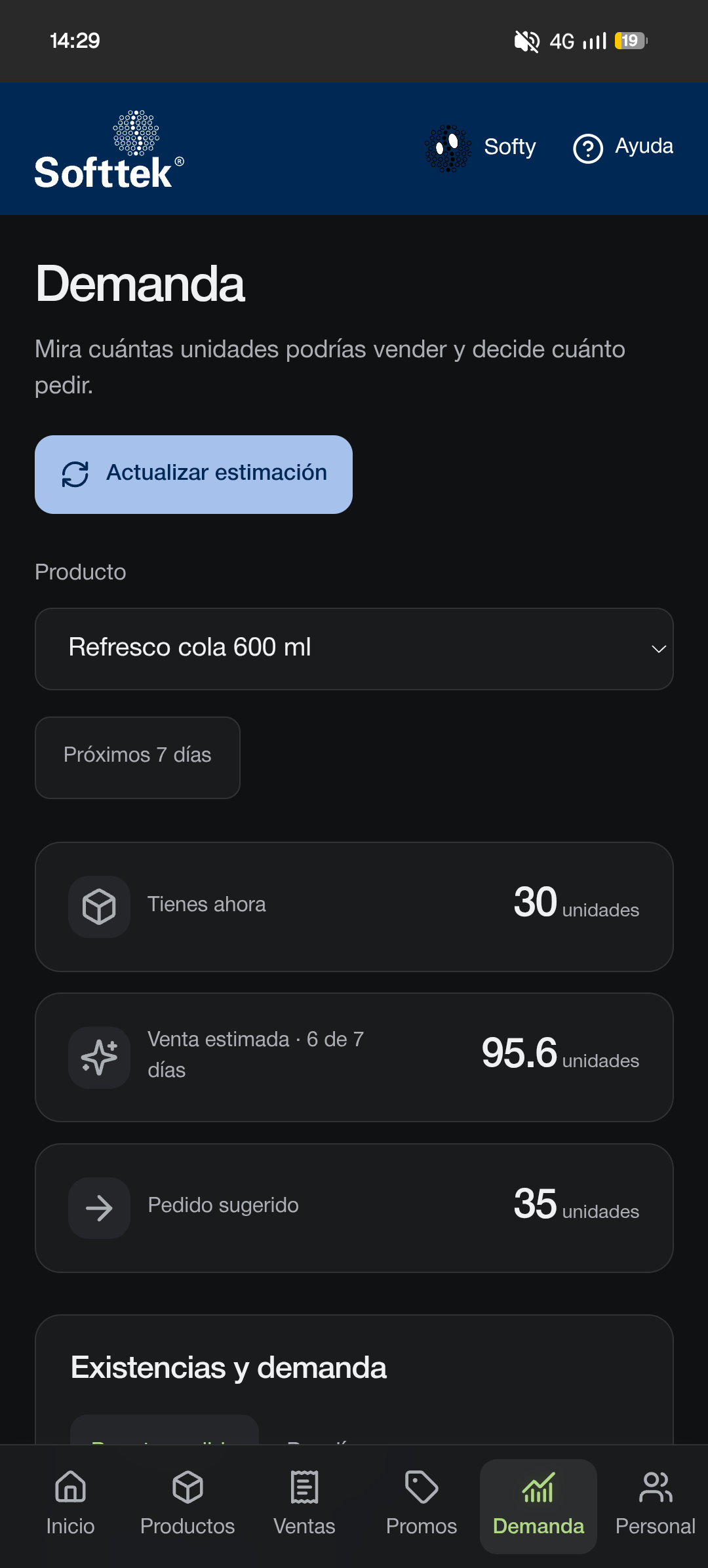
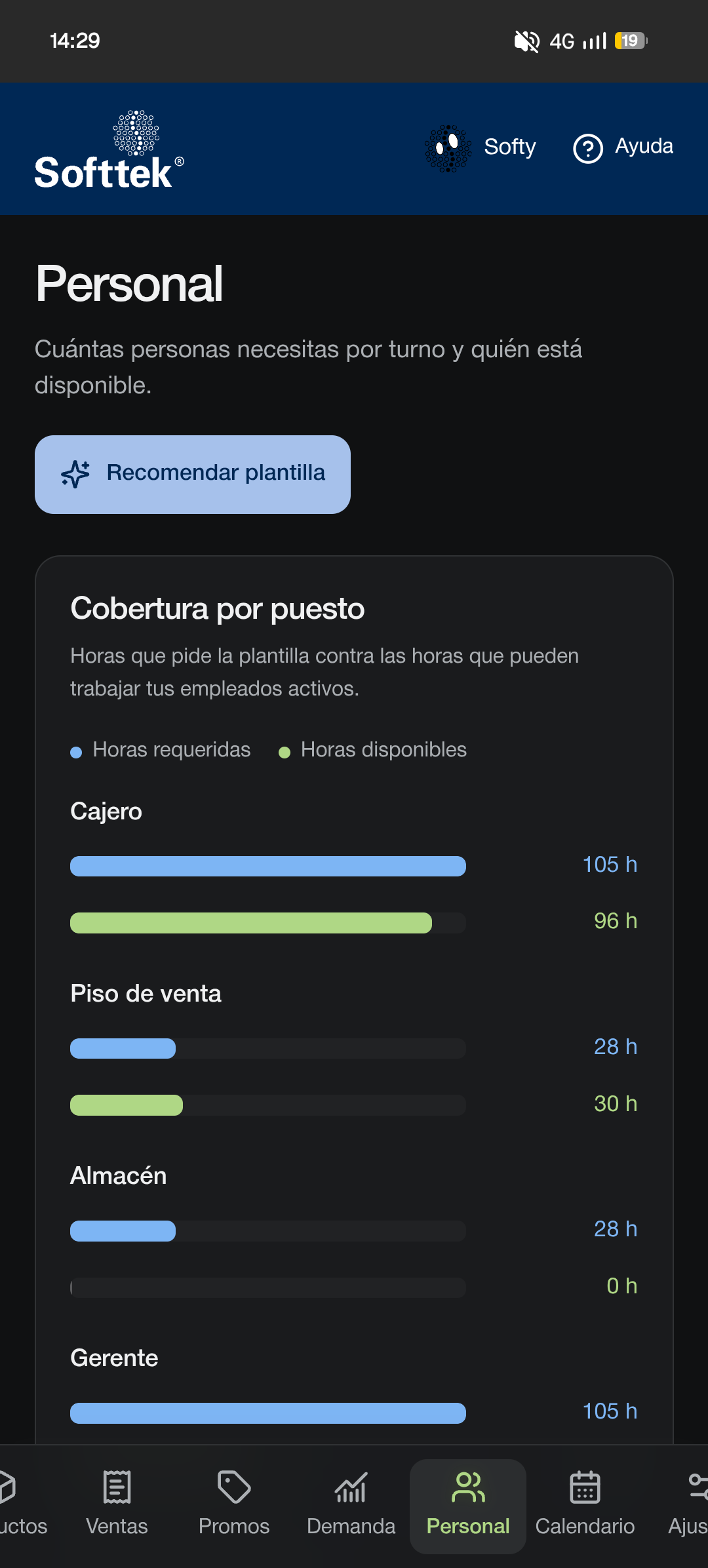
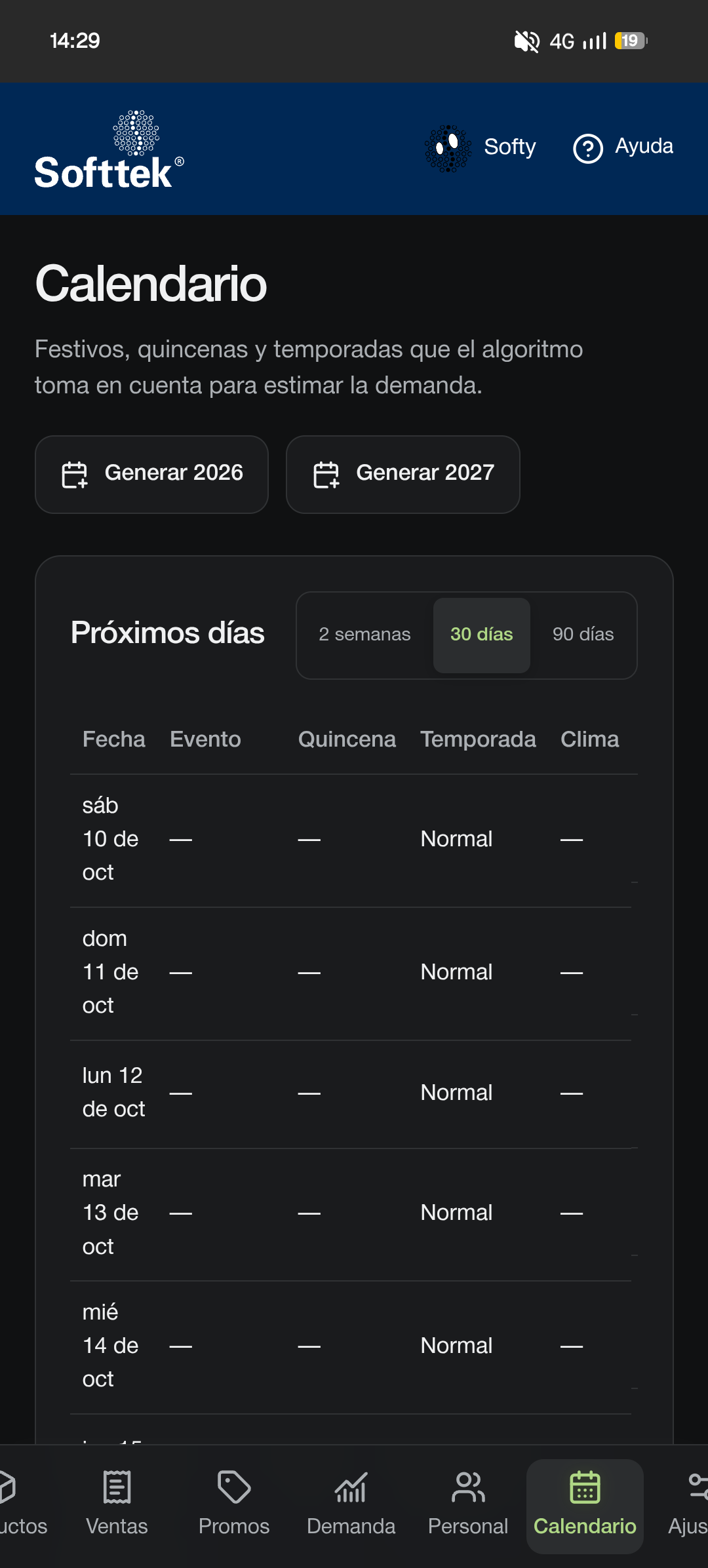
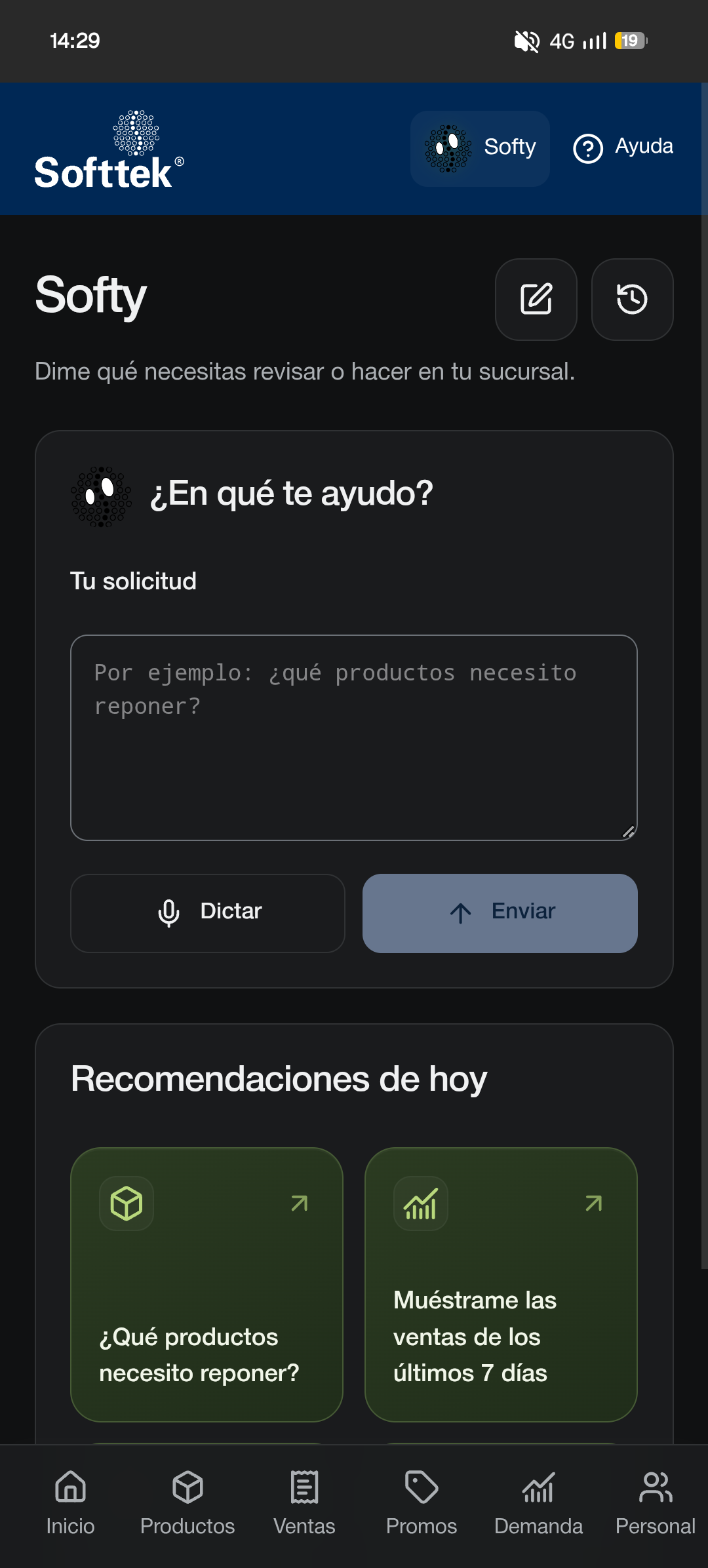
Our application brings together inventory, sales, promotions, demand forecasts, and staffing planning in a responsive interface for desktop and mobile. Its assistant, Softy, uses an A2UI approach—AI-generated user interfaces. Instead of responding only with text, it can present charts, metrics, and forms tailored to the user’s request. Questions such as “Which products should I restock?” or “Show me the products with the highest profit” become interfaces built from store data. Operations that modify information require user review and confirmation.
How we built it
We built the frontend with React, TypeScript, and Vite, and the backend with Spring Boot and a REST API. We worked in separate repositories, coordinating through endpoint contracts. We deployed the frontend on Vercel and connected Softy to Gemma through Ollama Cloud, keeping provider credentials on the server. To generate interfaces, Softy selects data tools and returns a structured response that the application validates and renders using controlled components. The model proposes the presentation; our application controls data access and action execution.
Challenges we ran into
One of our biggest challenges was integrating the frontend and backend while both were evolving. We had to adapt contracts, responses, and error handling while maintaining a consistent user experience. We initially tested the model locally, but response times were too slow for a smooth interaction. Moving to a cloud provider improved the experience for our demonstration. On the design side, we balanced simplicity with useful guidance: removing unnecessary text without losing explanations that help users make decisions. We also refined charts, tables, and navigation for smaller screens. Another challenge was keeping the assistant focused on store operations. We implemented allowed tools and actions, argument validation, and confirmation for changes. We recognize that a low temperature alone cannot eliminate hallucinations or guarantee complete protection against prompt injection.
Accomplishments that we're proud of
We connected the application to real backend data and verified Softy queries using the cloud provider. Our local test suite reached 100 automated tests, alongside successful builds and responsive layout checks.
What we learned
We learned that an AI application needs more than a good prompt. It needs reliable data, clear boundaries, and server-side validation. We also learned that useful interface generation depends on preserving the meaning of the data. Sales, profit, current stock, and suggested orders are different concepts and must be presented clearly. Working in separate repositories reinforced the importance of defining API contracts and testing integrations early.
What's next for Ayax
Next, we want to expand the visualizations, evaluate more assistant requests, and improve the experience through feedback from store users.
Built With
- flyway
- hibernate
- java
- jpa
- postgresql
- react
- springboot
- tailwind
- typescript
- vercel
- vite
