-
-
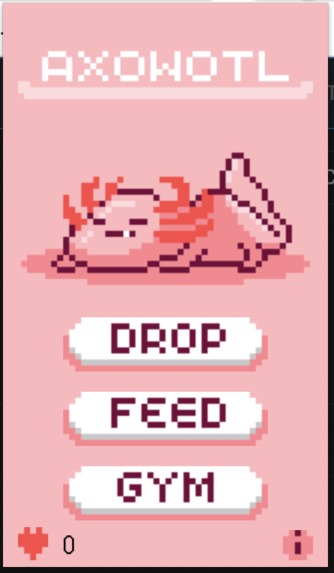
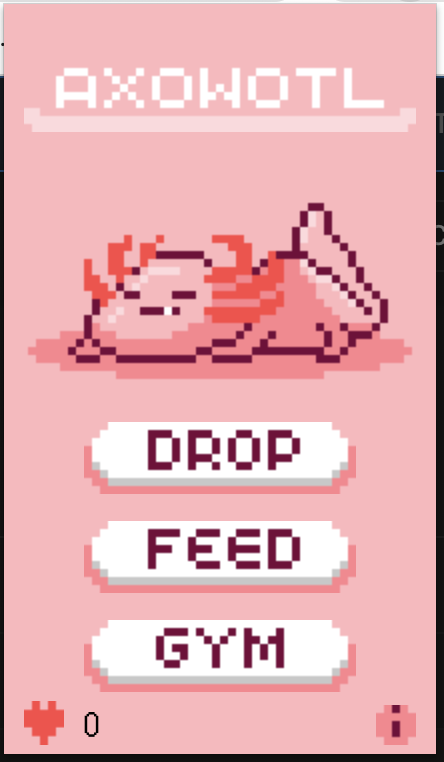
Extension Pop up
-
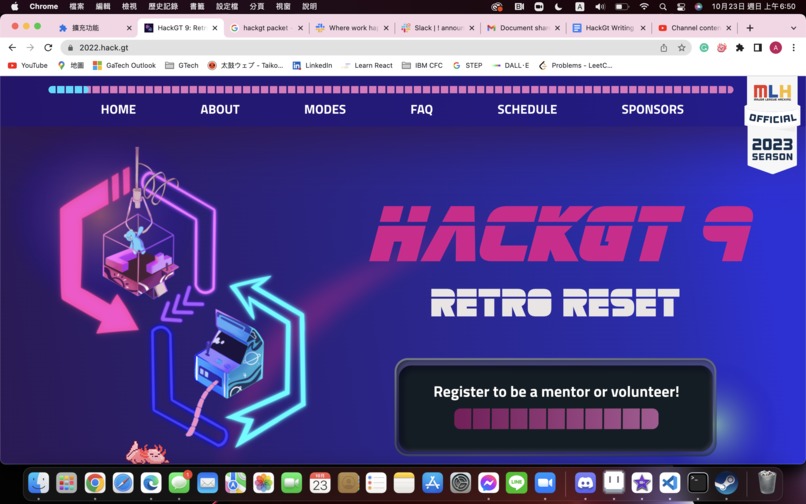
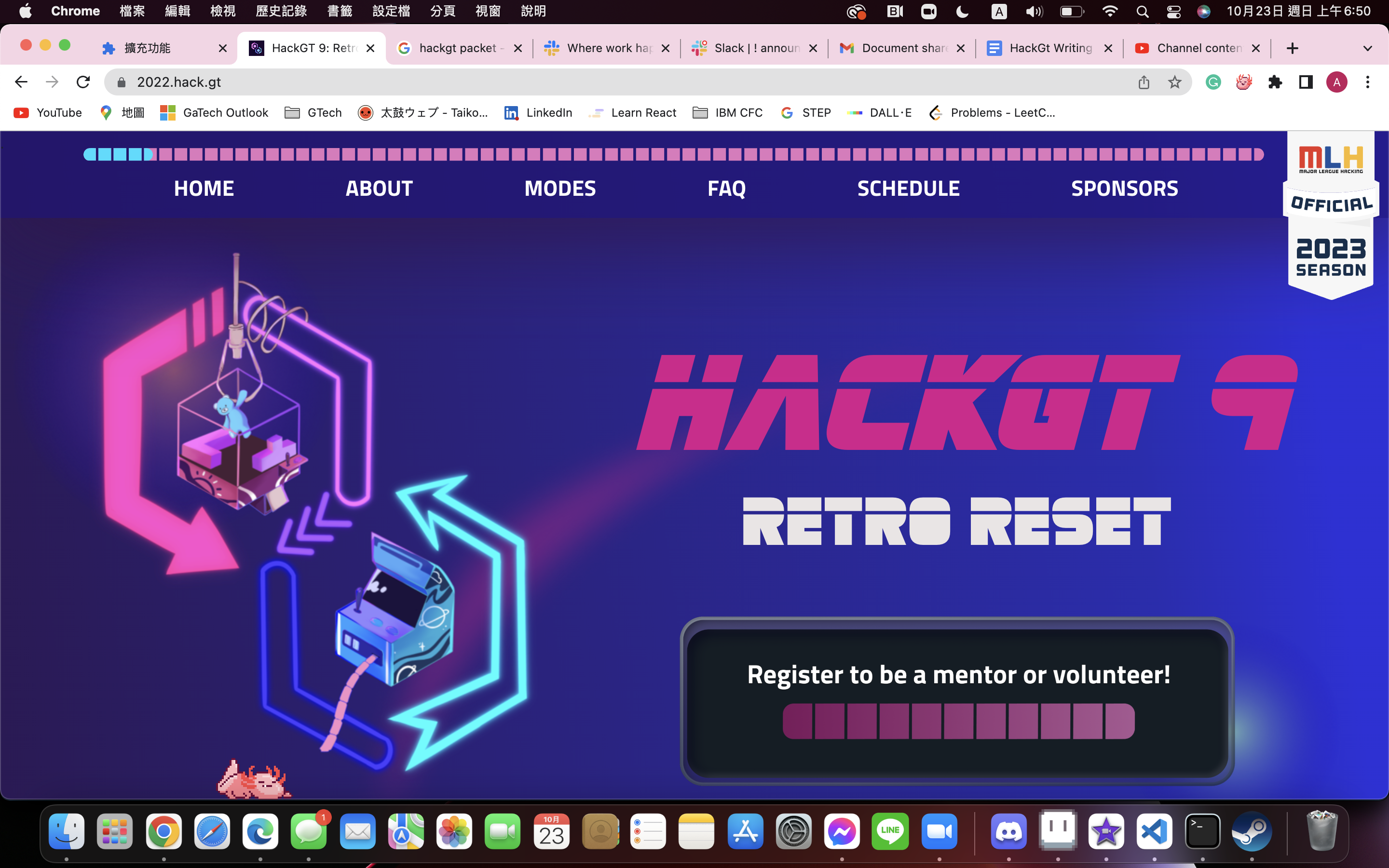
Extension in browser
Features
Setup and Usage
Axowotl
A Google Chrome extension that displays an animated cartoon pet axolotl on your screen as you surf the web! Inspired by retro Tamagotchi games, Axowotl provides you the ultimate experience to take care of your new pet!
General Information
- Perfect combination of nostalgia, aesthetically pleasing designs and animations, and boredom curing fun!
- Aimed to add a playful companion to your searching adventures!
Features
- Feed the Axowotl delicious carrots!
- Keep the Axowotl in prime shape by watching its workout!
- Beware of its calories! Neglecting its health may cause it to pass away!
- Transform your mouse into a carrot!
- Search bar GUI
Setup and Usage
- Download through Google Chrome
- Once downloaded, launch the Axowotl extension by navigating to the extension icon in the Google Search toolbar at the top of one’s screen and selecting the respective icon
- Setup Complete! Play around with the various buttons and features with ease!
- Use the Search bar GUI by clicking the search bar at the top of the webpage and typing “axl” and clicking the “AXOWTL” search button and then type of the desired commands: “carrot”, “drop”, or “gym”


Log in or sign up for Devpost to join the conversation.