-
-
header photo for Axon, the service making computers easy for everyone
-
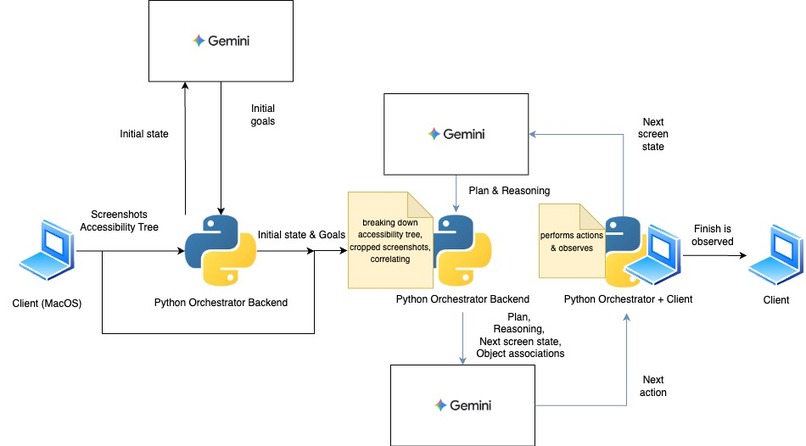
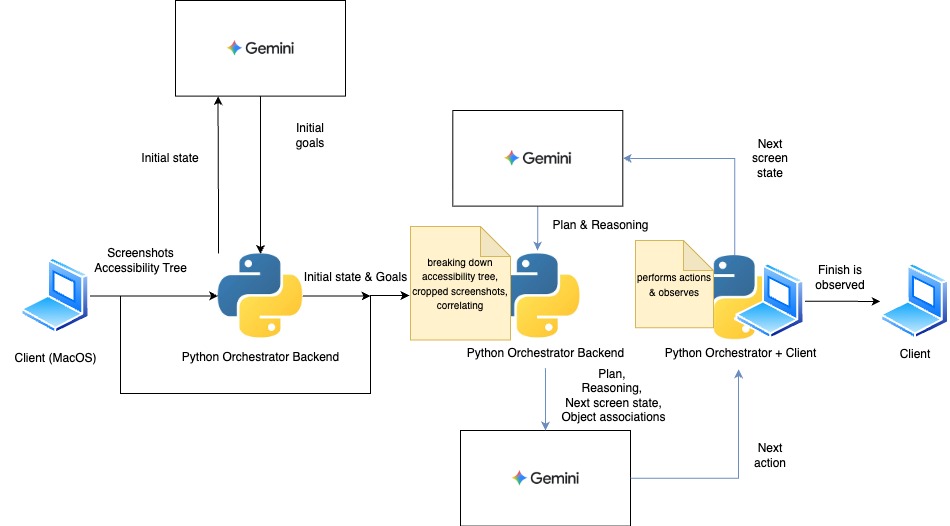
Simplified technical drawing of Axon's systems
-
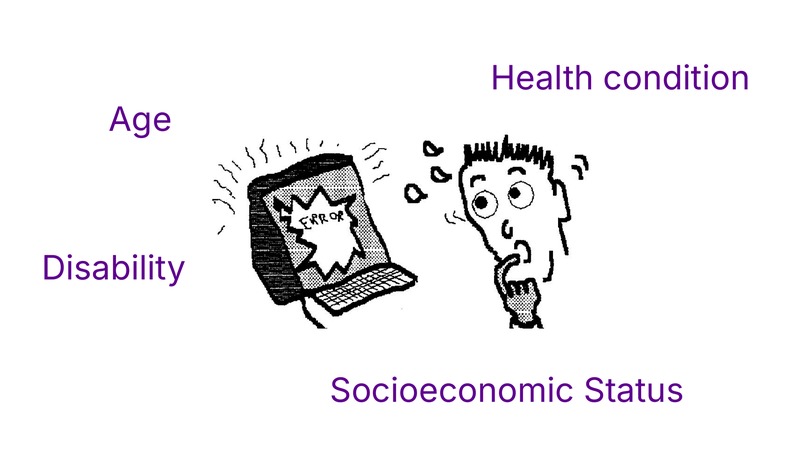
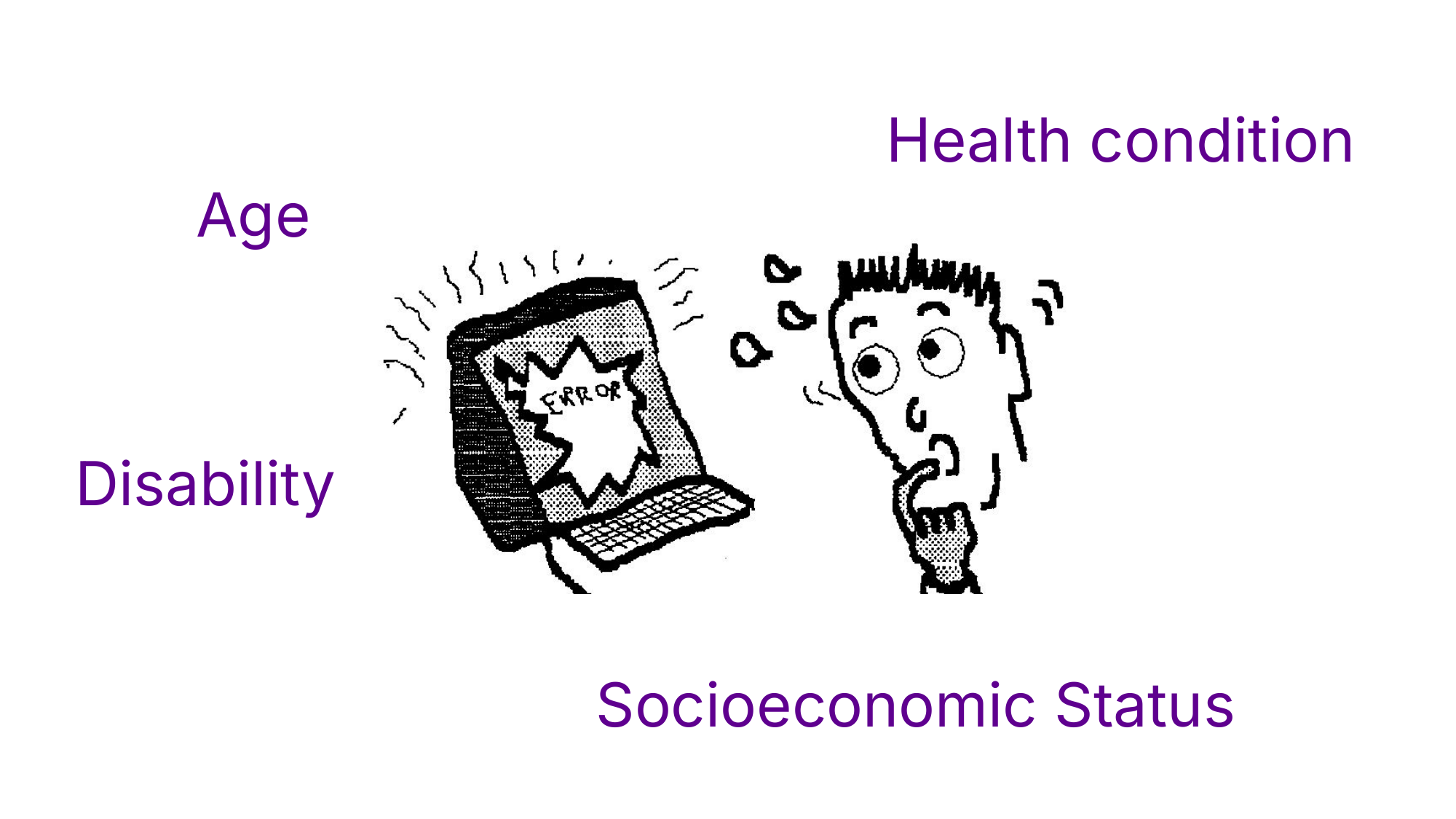
image showing inspiration behind axon; that is, being different being a disadvantage
-
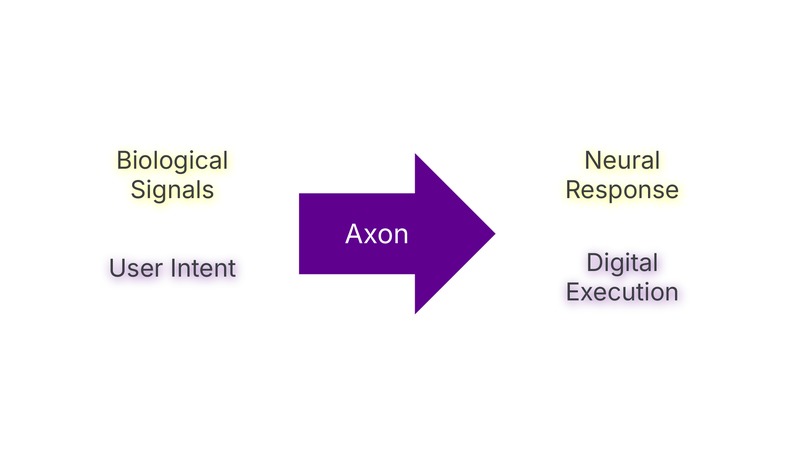
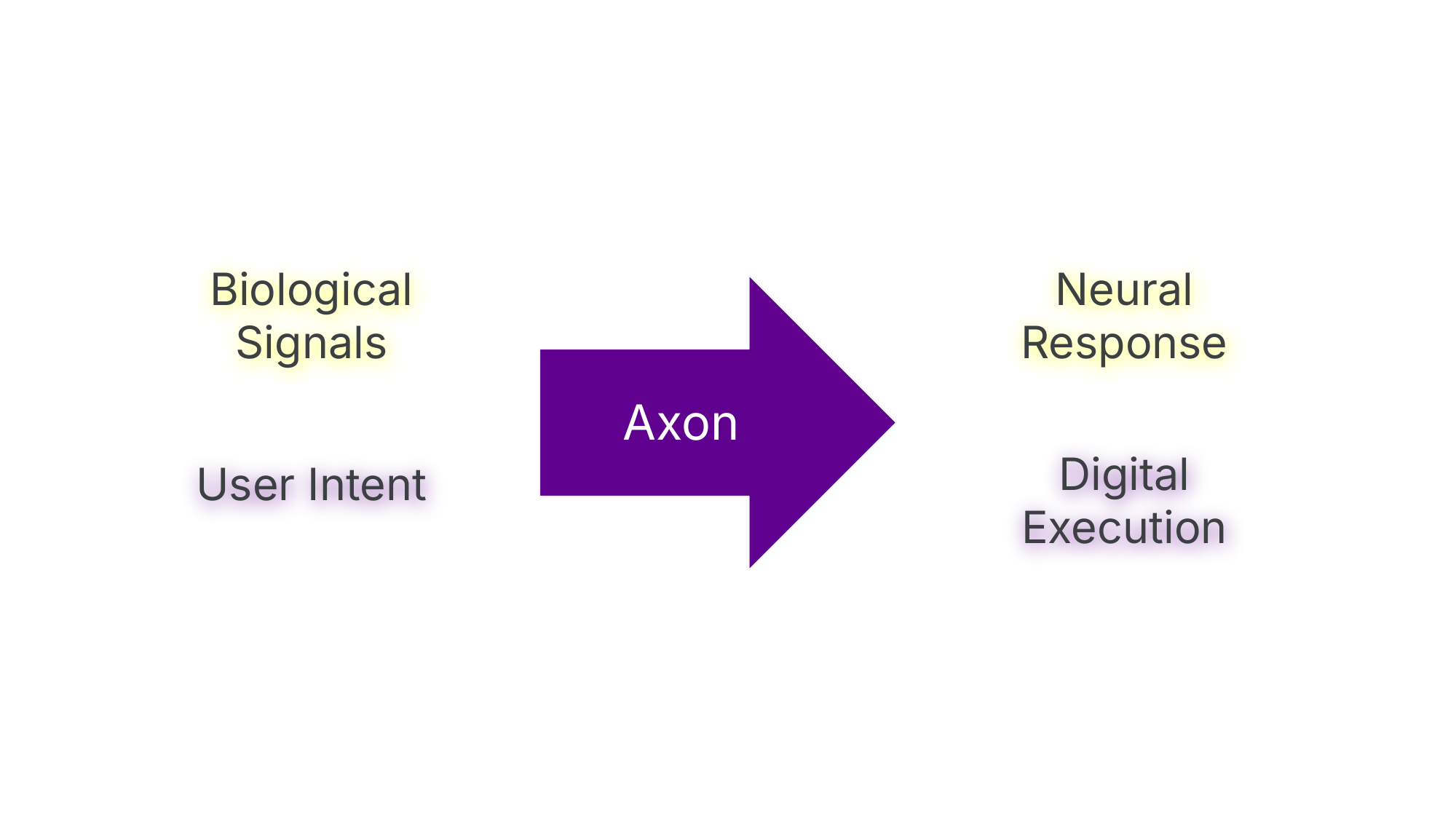
image justifying Why we chose the name "Axon"?,
-
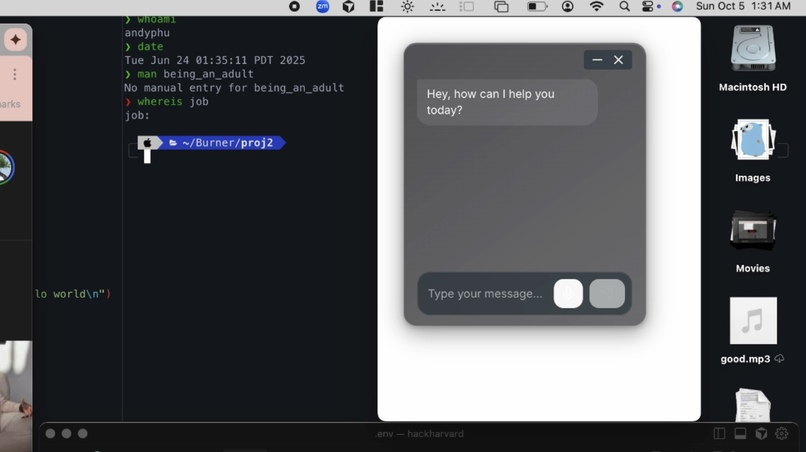
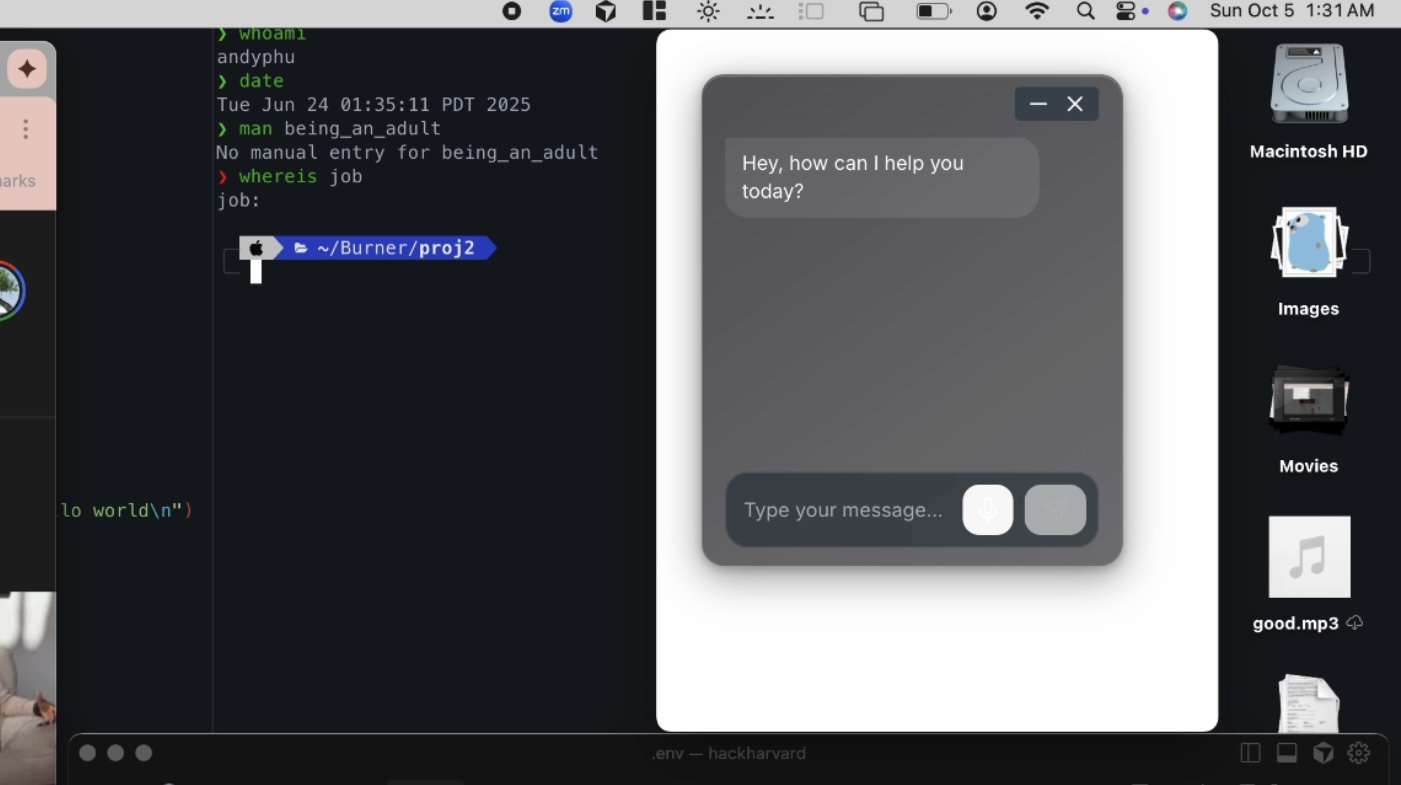
image of axon being prompted
-
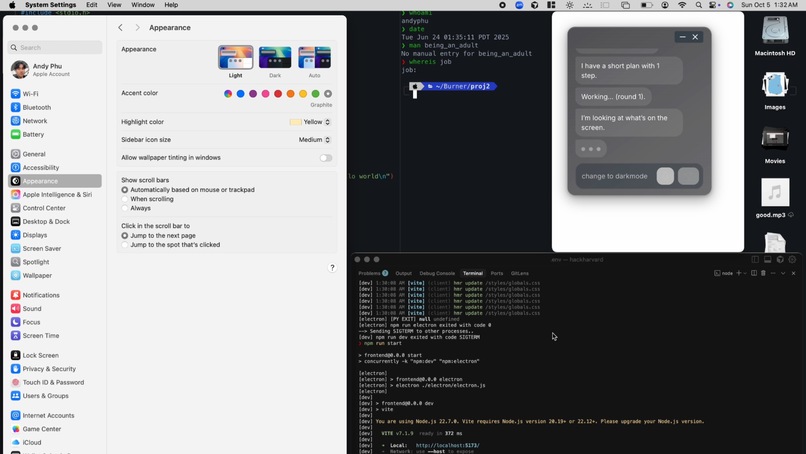
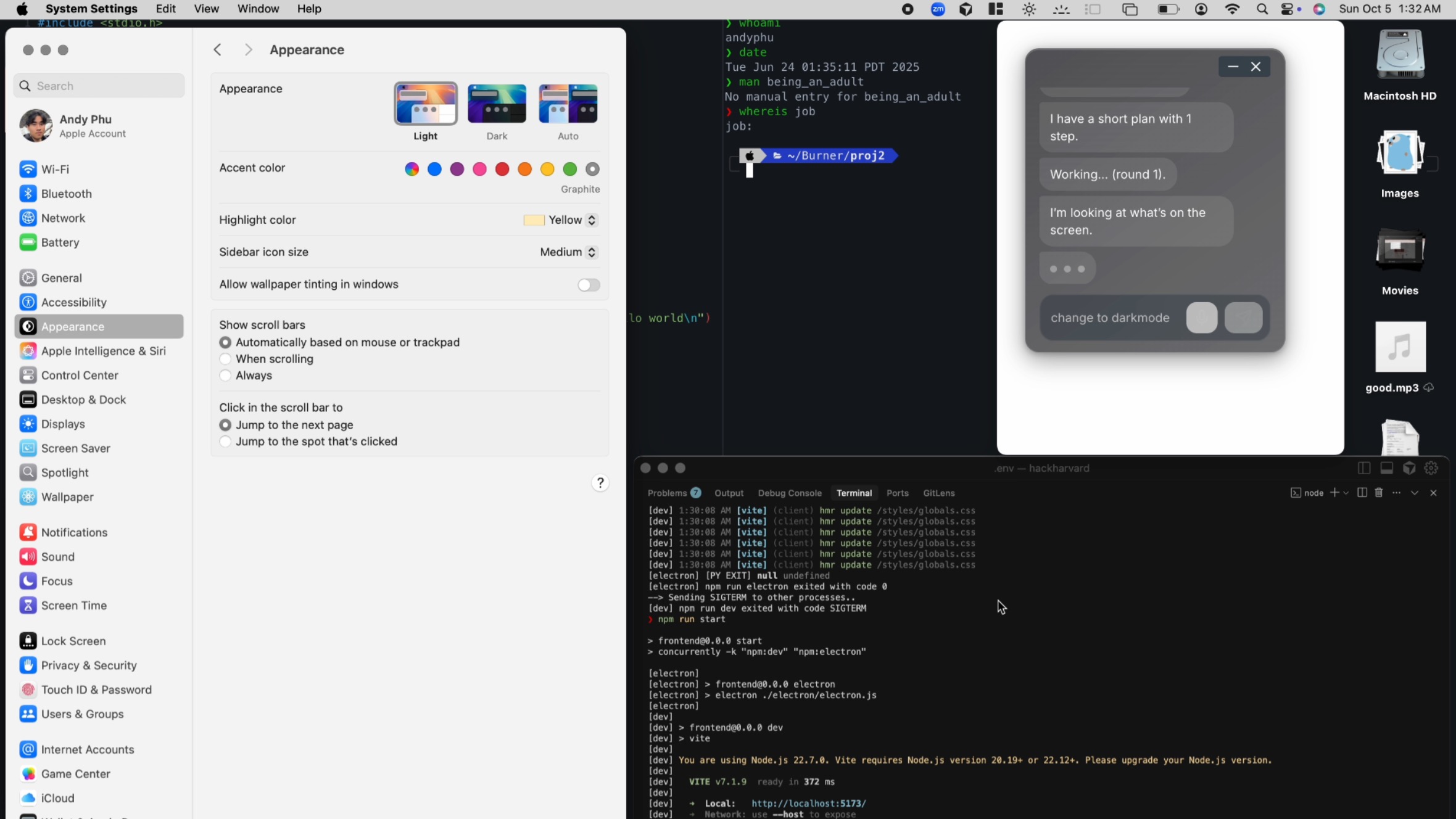
image of axon describing what it sees
-
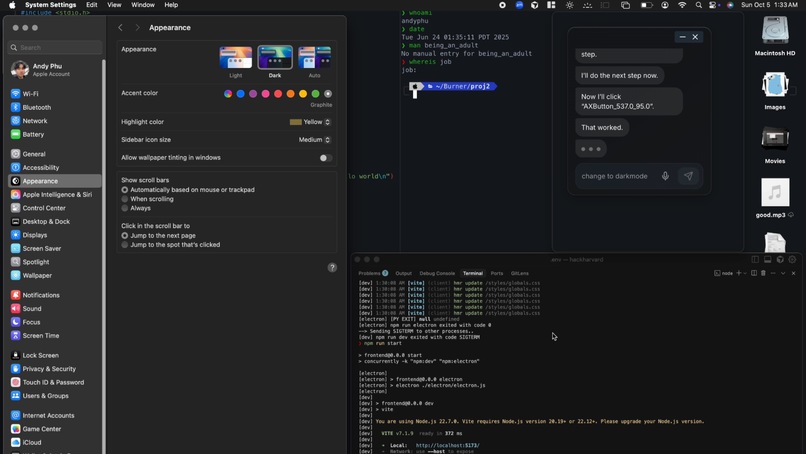
image of app working in action, showing the server logs of Axon running
-
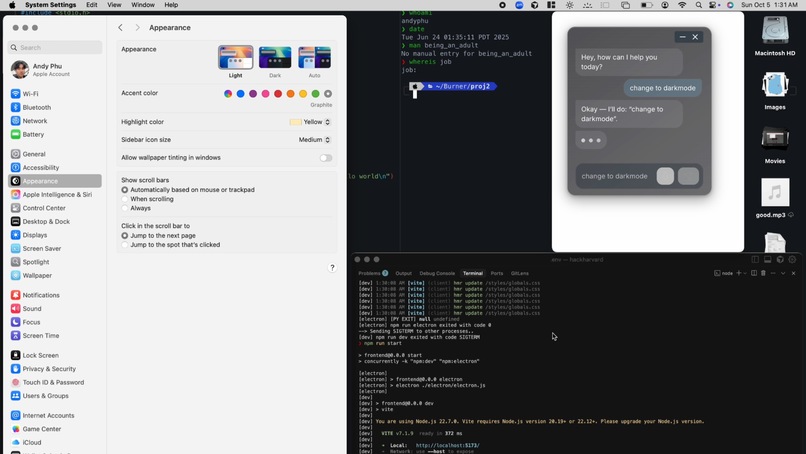
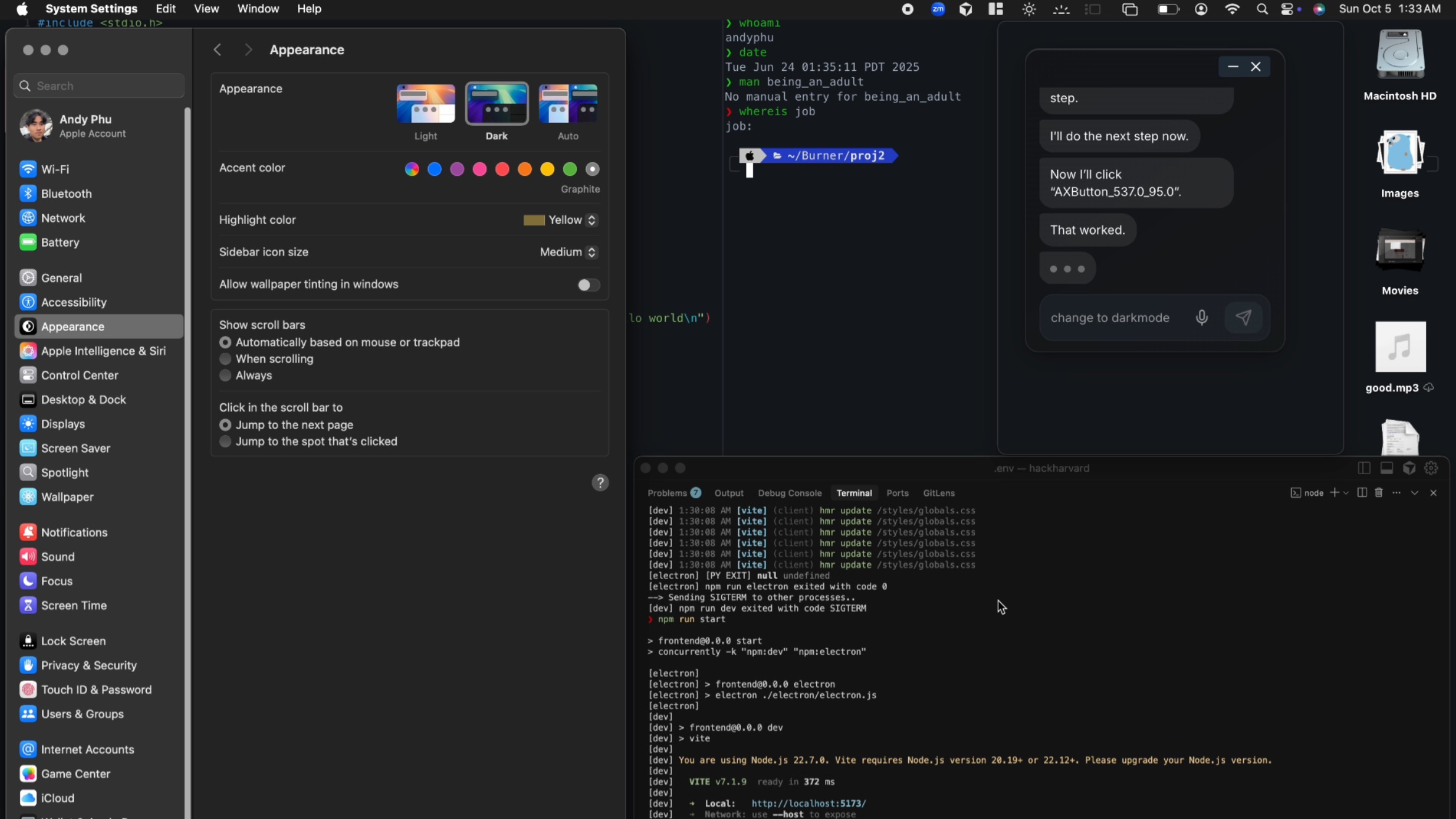
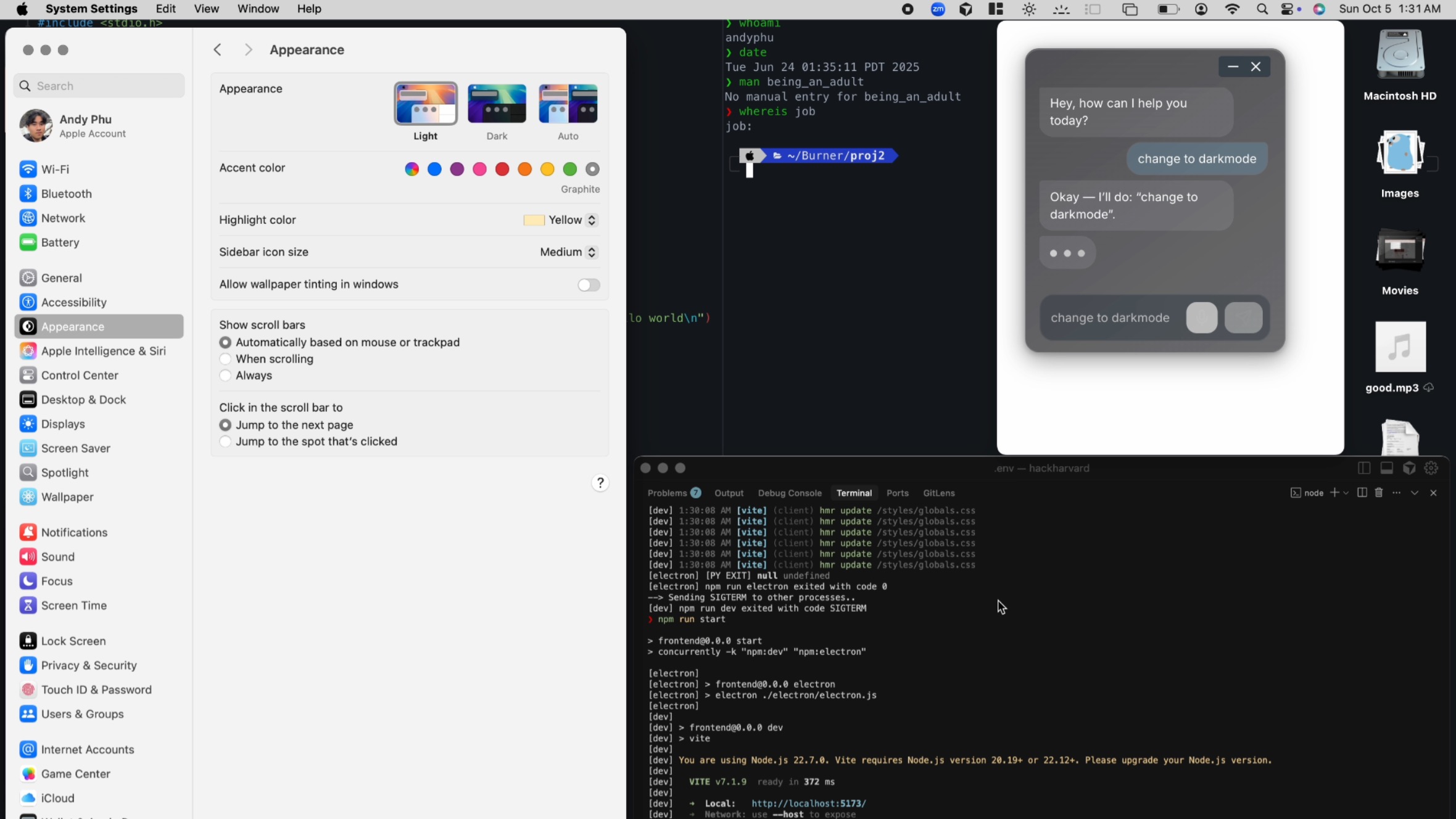
image of Axon in action changing device light mode
Inspiration
Our inspiration for Axon came from something deeply personal and universal: the shared experience of helping our parents or grandparents use technology. Nadine spent an entire summer teaching her grandma how to use YouTube, while Nat helped her mom navigate through apps just to pay a simple bill. Shayer helped his mom configure her monitor’s software for extended display, and Andy helped his mom figure out video calling. These experiences made us realize that the real problem isn’t intelligence; it’s an interface that has left people behind.
Digital inaccessibility affects many people, including those with visual impairment, dyslexia, dementia, and other neurological or movemental disorders. Recognizing that today’s technology isn’t designed for everyone, we set out to create Axon: a solution that bridges this gap, making digital systems more inclusive to all levels of tech literacy.
Namesake
An "Axon" is the part of a neuron responsible for transmitting information from one neuron to another neuron, muscle, or gland.
What it does
Axon acts as an intelligent interface that bridges what users want to do with what actually happens on the screen.
- Voice Command: The user issues a natural language command, such as “Open YouTube and search for cooking videos.”
- Context Capture: Axon captures the current screen context through macOS APIs, taking a visual snapshot of what’s on screen.
- AI Interpretation: The visual snapshot and the user’s command are sent to Google Gemini, which performs multimodal interpretation. Spatial analysis, and arrangement based element deduction.
- Action Generation: Gemini generates a structured, step-by-step plan representing the intended user interaction. Axon’s execution engine reads this plan and translates each step into macOS actions, such as focusing windows or clicking buttons.
- Validation & Feedback: After execution, Axon compares the updated screen state to the intended goal, provides confirmation feedback to the user. Repeating back to step 2 if the original goal was not achieved.
How we built it
Axon's stack consists of Python, JavaScript, and Gemini API, combining local macOS automation with cloud-based visual language processing, natural language processing, and reasoning to create a simple, interface that bridges natural speech and digital actions.
Frontend Technologies
- Frameworks: React and Electron were used to create a desktop app that integrates directly with macOS.
- Design: Figma was used for UI prototyping and UX design, ensuring accessibility and intuitive user flow.
- Editor & Collaboration: We learned to use Cursor IDE for the first time, and that enabled rapid learning, design, iteration, and debugging.
Backend & Core Engine
- Python Runtime: Orchestrates agents and OS-level control and sensing logic.
- Gemini API (Google): Uses the macOS accessibility API for screen-readers and well timed, cropped screenshots to ground Gemini models in current screen state to make accurate real-time choices in the interest of user goals.
- ElevenLabs API: Handles speech recognition as input for the reasoning & acting agent.
Challenges we ran into
One of the biggest challenges we faced was that accessibility often isn’t prioritized in mainstream technology. Even major platforms like macOS have gaps in disability support. It was difficult to make existing, non-accessible interfaces accessible using the tools available to us.
For example, some buttons in macOS's System Settings aren't labeled for what they do even via Apple's own AXtree api, so we tried to use gemini 2.5 pro's multimodal abilities to associate what we saw on the screen to the unlabeled buttons we were getting, and though we tried many different techniques such as cursor-reference based positioning, screenshots cropped to each button and then performing inference, and recursive quadrant partitioning to as LLM prompts, we saw that many of these techniques contributed performance drags without justifiable efficacy gains. We wanted to highlight this problem as the missing link to establish a more complete version of Axon, and a potential research area. (SeeClick, ICLR 2024)
We also wanted to highlight the challenges of working together with such fast paced AI development tools since for most of us it was the first time touching cursor (some it was our first hackathon) and we had to deal with many merge conflicts and strange git issues.
Accomplishments that we're proud of
Despite these challenges, we successfully developed a working prototype capable of interpreting natural language commands and performing real-time on-screen actions. We demonstrated that AI-driven accessibility tools can dynamically understand visual layouts, execute user intent, and provide adaptive feedback. Building Axon showed us that it’s possible to make existing systems more inclusive, not by redesigning them, but by reimagining how users interact with them.
What we learned
Throughout the hackathon, we came to rethink how humans and computers communicate. While macOS provides accessibility features, its controls are often rigid and limited to apps that are already accessibility-compliant. This means that many everyday interfaces remain inaccessible to people who require simpler ways to interact.
We realized how much freedom can come from simplifying the input without complicating the interface. We also learned how challenging it is to synchronize visual reasoning, speech input, and real-time execution, but how rewarding it is to see them work together. Building Axon showed us that accessibility isn’t just a feature you add to a system, but rather a philosophy about giving everyone the same freedom to use technology effortlessly.
What's next for Axon
Moving forward, we plan to expand Axon’s capabilities beyond macOS to support other operating systems and devices, making accessibility not a matter of access to certain operating systems. We aim to integrate more advanced multimodal reasoning so the system can better understand complex on-screen layouts, gestures, and dynamic content.
We also aim to make Axon faster than human input, so it can not only assist users with interacting with complex interfaces, but also boost productivity across everyday digital tasks. Our long-term goal is to build an open API that allows developers to make their own applications more accessible through Axon’s framework that helps augment the human experience, bridge the digital divide, and re-define technology.
Built With
- cursor
- electron
- figma
- gemini
- javascript
- macos-accessibility-api
- python
- react


Log in or sign up for Devpost to join the conversation.