-
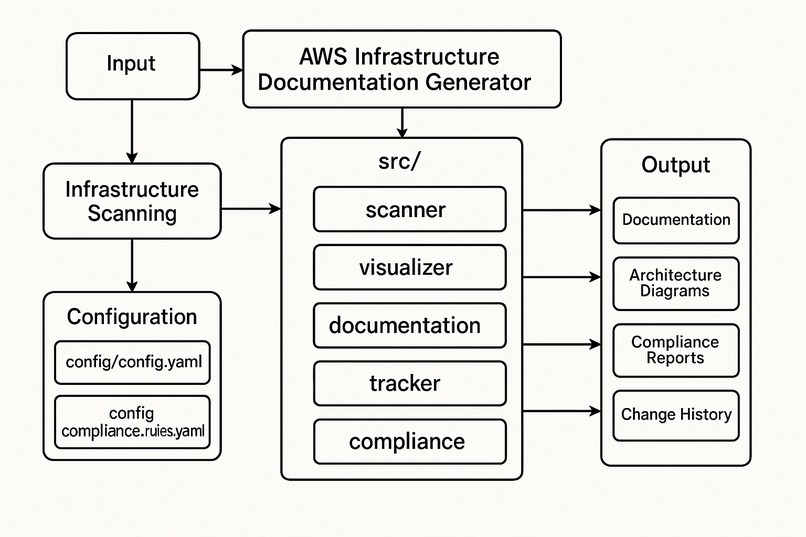
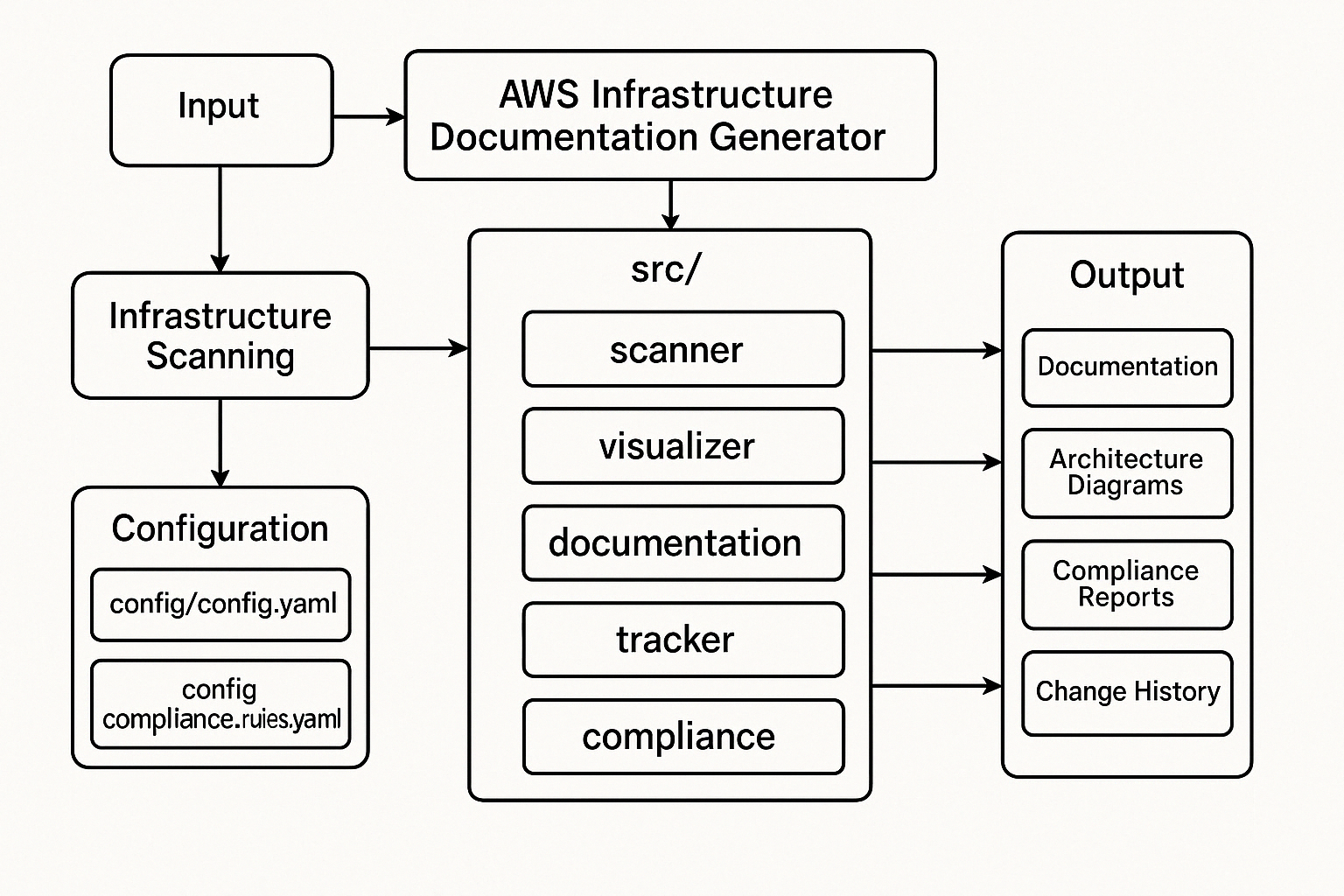
System Design — AWS InfraDoc Generator
-
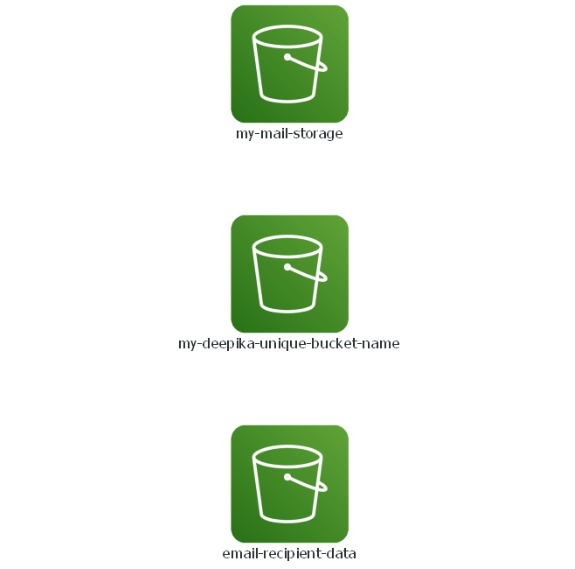
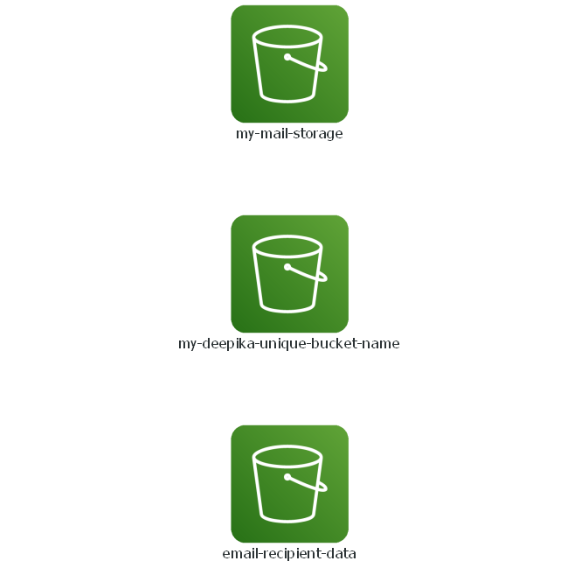
S3 Buckets Scanned during Project Development
-
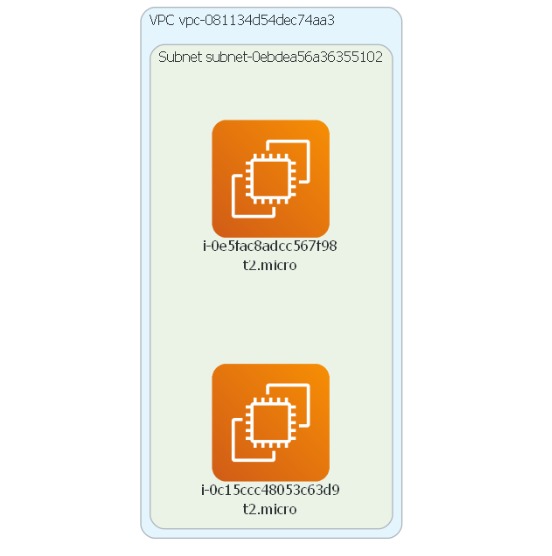
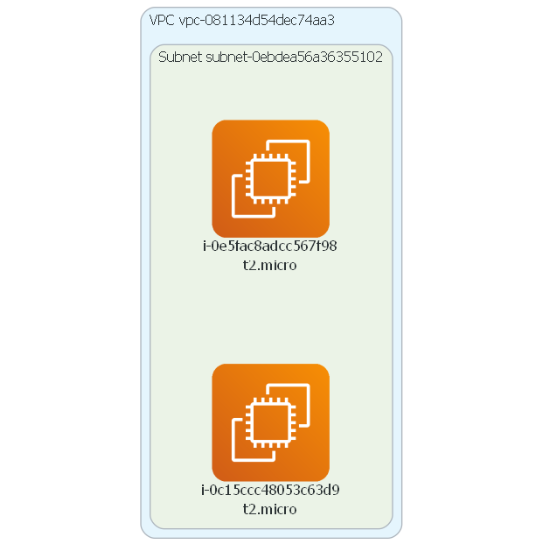
Ec2 Instance Scanned during Project Development
-
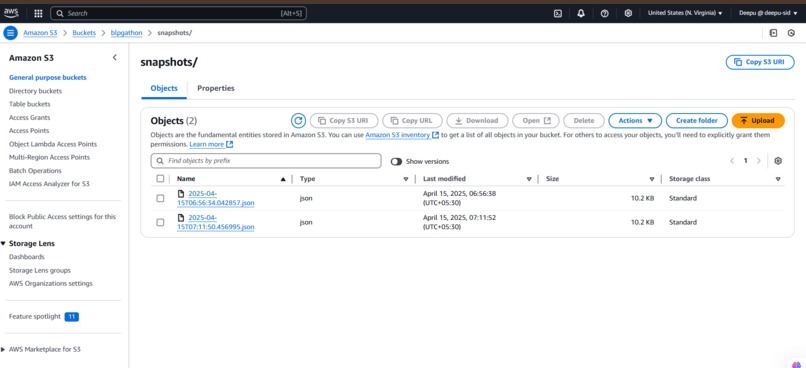
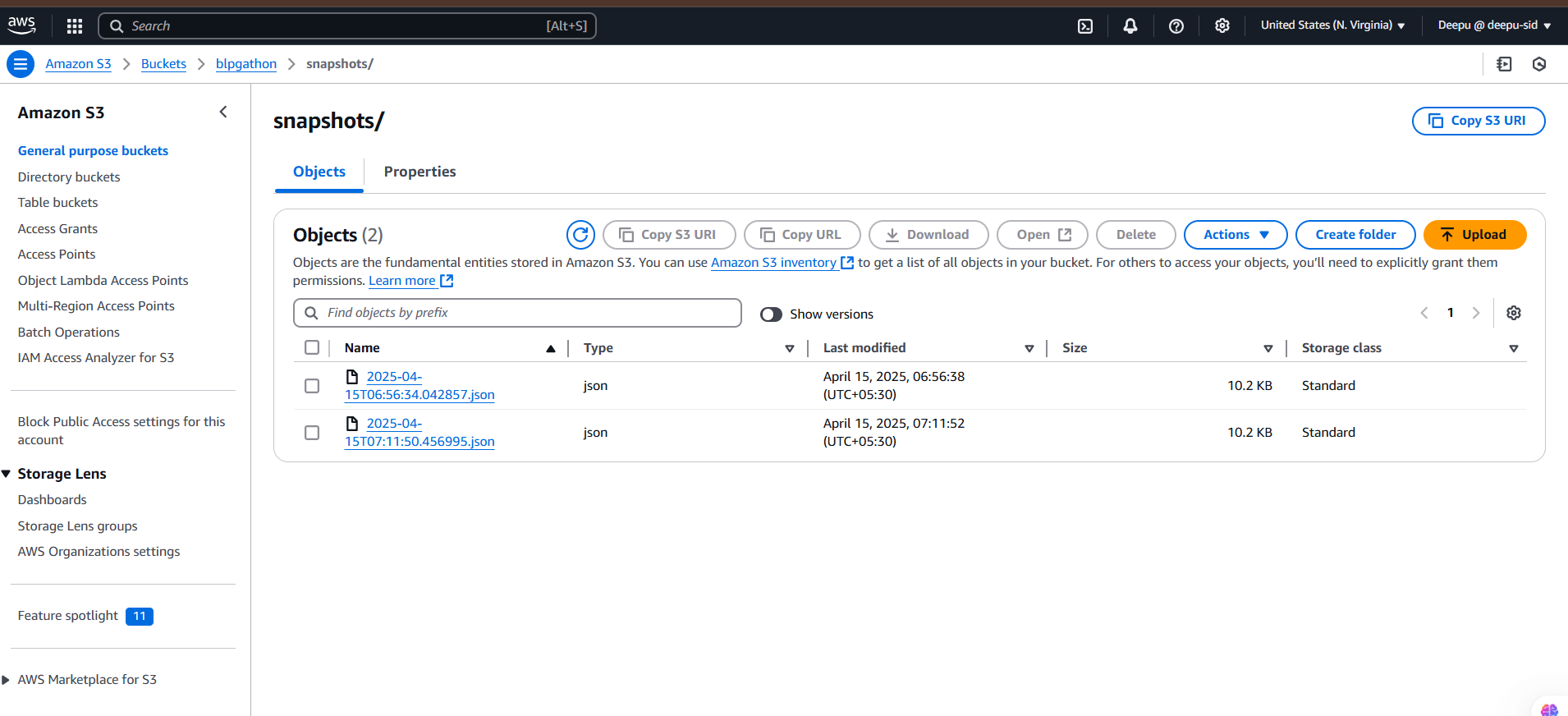
Snapshots Stored in S3 Bucket
Inspiration from My Experience with the AWS Infrastructure Documentation Generator:
I was motivated to create the AWS Infrastructure Documentation Generator because cloud infrastructure management may easily become too much to handle, particularly when resources get more complicated. I discovered there was a better approach to automate these processes after observing that teams frequently had trouble manually maintaining and documenting their AWS deployments. The objective was to streamline cloud administration, enhance teamwork, and facilitate adherence to security best practices.
What I Implemented:
- Real-Time AWS Resource Scanning: I implemented functionality to automatically scan and discover AWS resources such as EC2 instances, S3 buckets, RDS databases, Lambda functions, and more. Using AWS SDKs like Boto3, the tool connects to an AWS account and fetches metadata, including configurations, tags, relationships, and usage data for each resource.
- Dynamic Architecture Diagrams: I used tools like PlantUML and Graphviz to generate dynamic architecture diagrams based on the discovered infrastructure. These diagrams automatically update whenever there are changes to the environment, making it easy for teams to visualize the architecture in real-time.
- Human-Readable Documentation: I created a system to generate well-structured, human-readable documentation in formats like HTML, PDF, and Markdown. This documentation includes details such as resource configurations, IAM roles, security settings, and networking configurations, ensuring that the team has up-to-date and accessible information at all times.
- Tracking Infrastructure Changes: I implemented a change-tracking system that captures snapshots of the infrastructure and compares them over time. This helps identify any configuration changes, additions, or removals. The snapshots are stored in S3 for versioning, and teams can easily trace when and what changed in the environment.
- Automated Compliance Reports: I integrated automated compliance checks to validate resources against predefined security rules, such as encryption enforcement, public access blocking, and IAM policy correctness. The tool generates compliance reports in PDF or JSON formats, highlighting any vulnerabilities and helping ensure that the infrastructure adheres to security standards.
- Cost Optimization Features: I added features that detect unused or underutilized resources, suggest right-sizing for instances based on usage patterns, and facilitate the cleanup of orphaned resources. The tool also tracks changes that could affect costs, helping teams keep their cloud environment optimized and cost-effective.

Log in or sign up for Devpost to join the conversation.