-
-
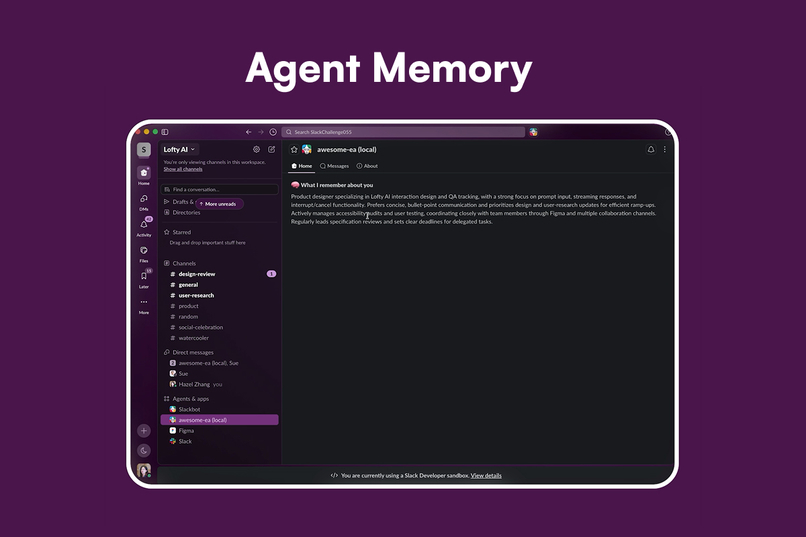
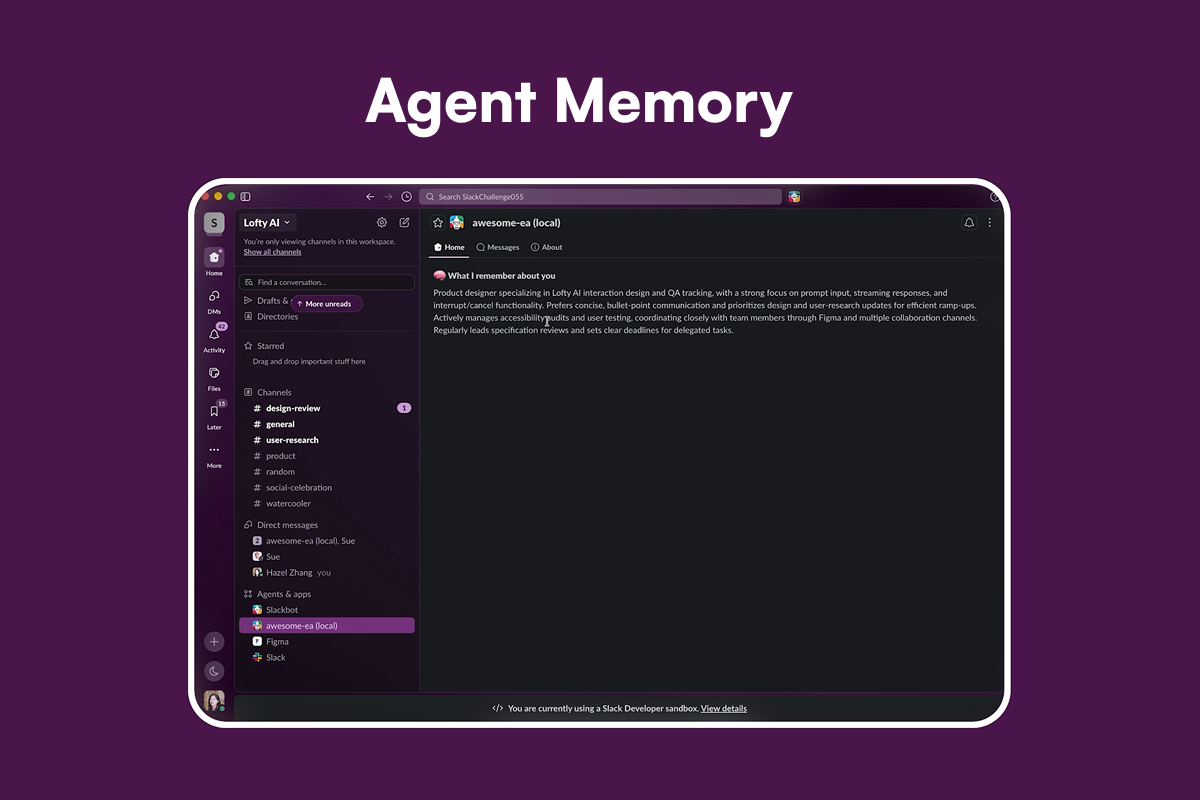
Agent Memory
-
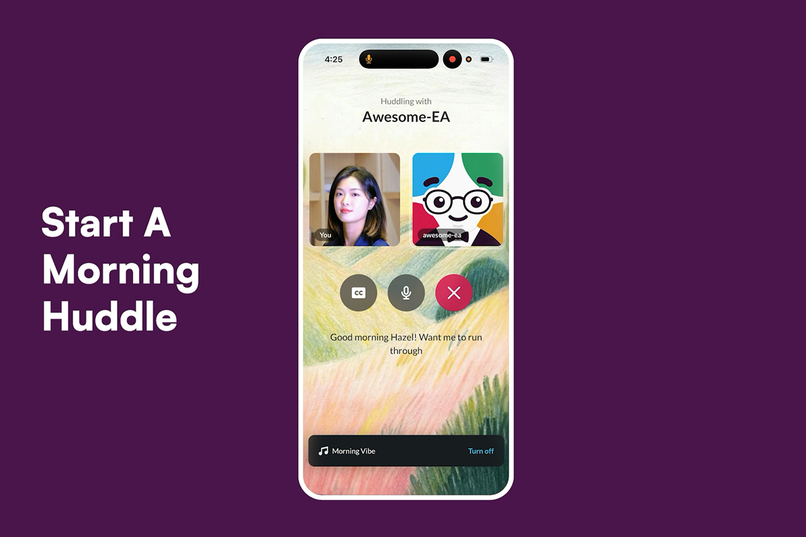
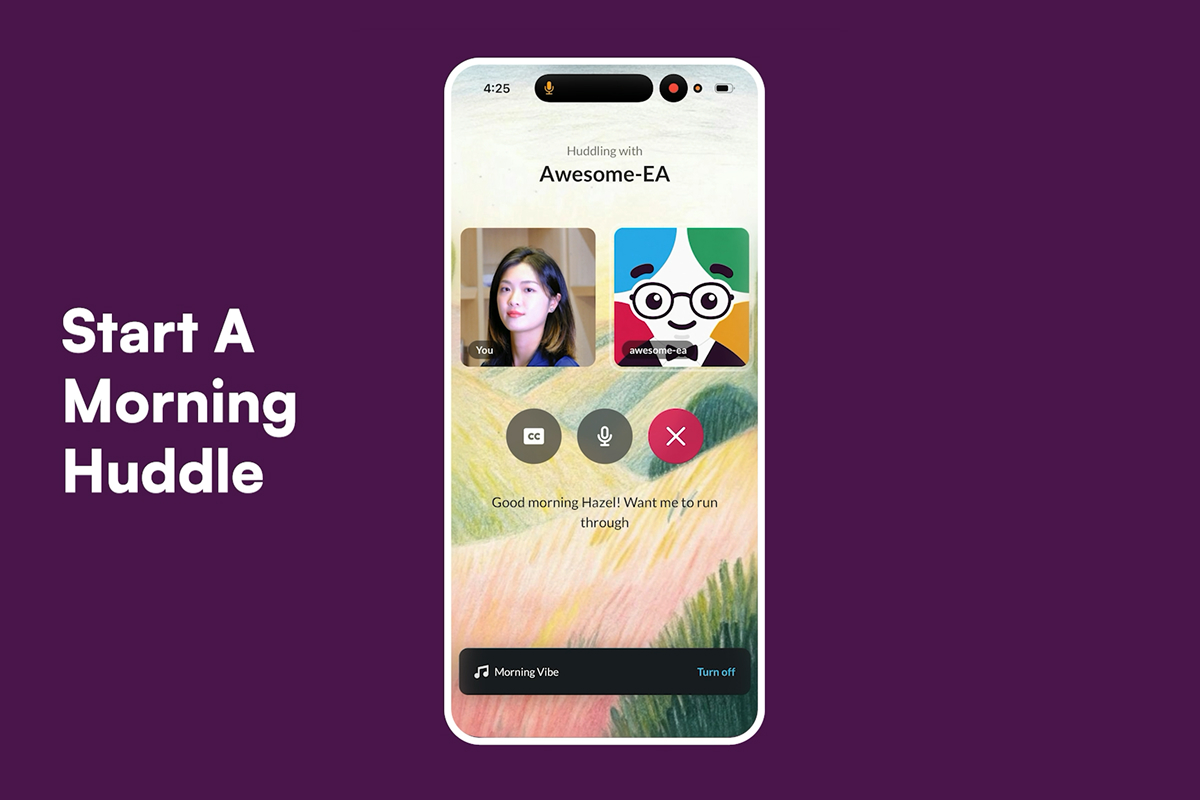
Start A Morning Huddle
-
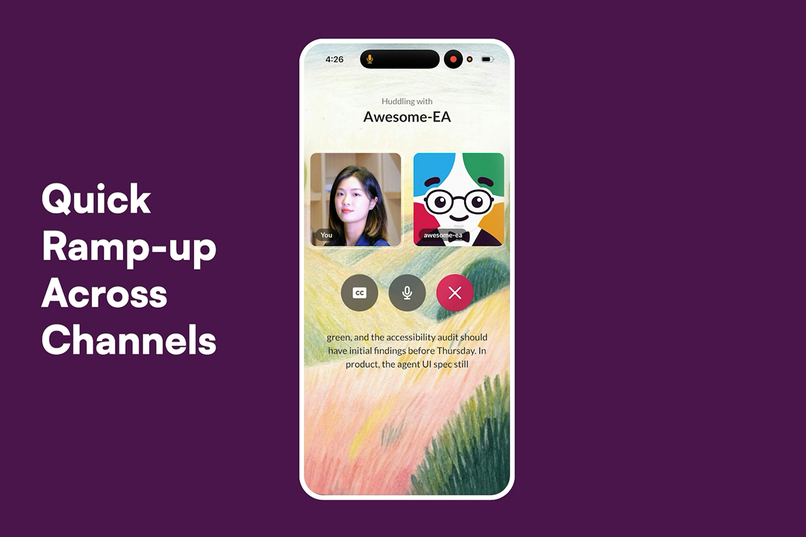
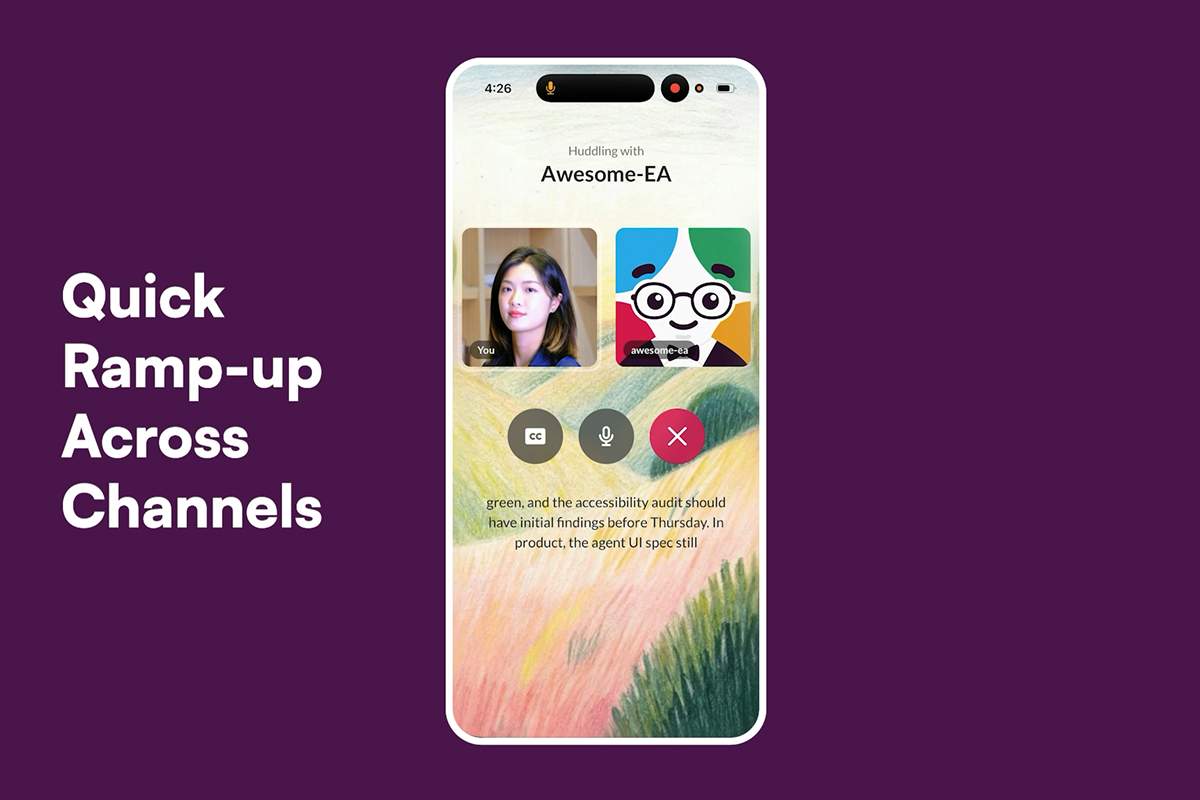
Quick Ramp-up Across Channels
-
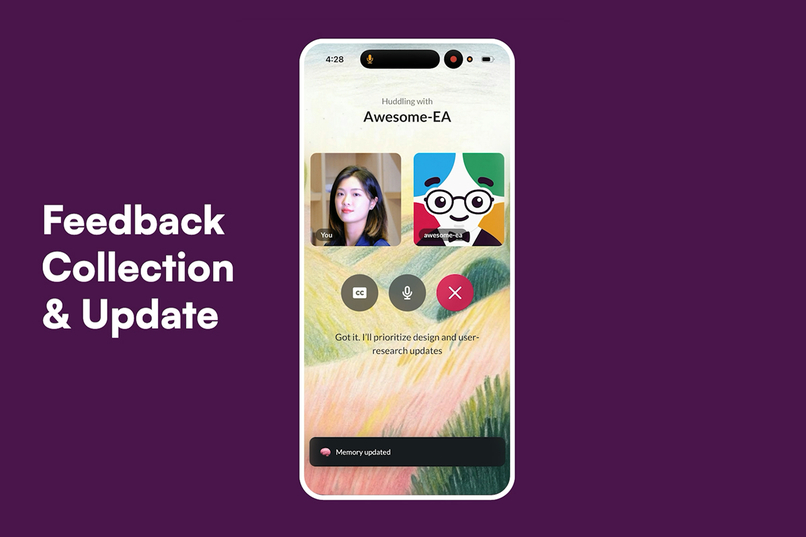
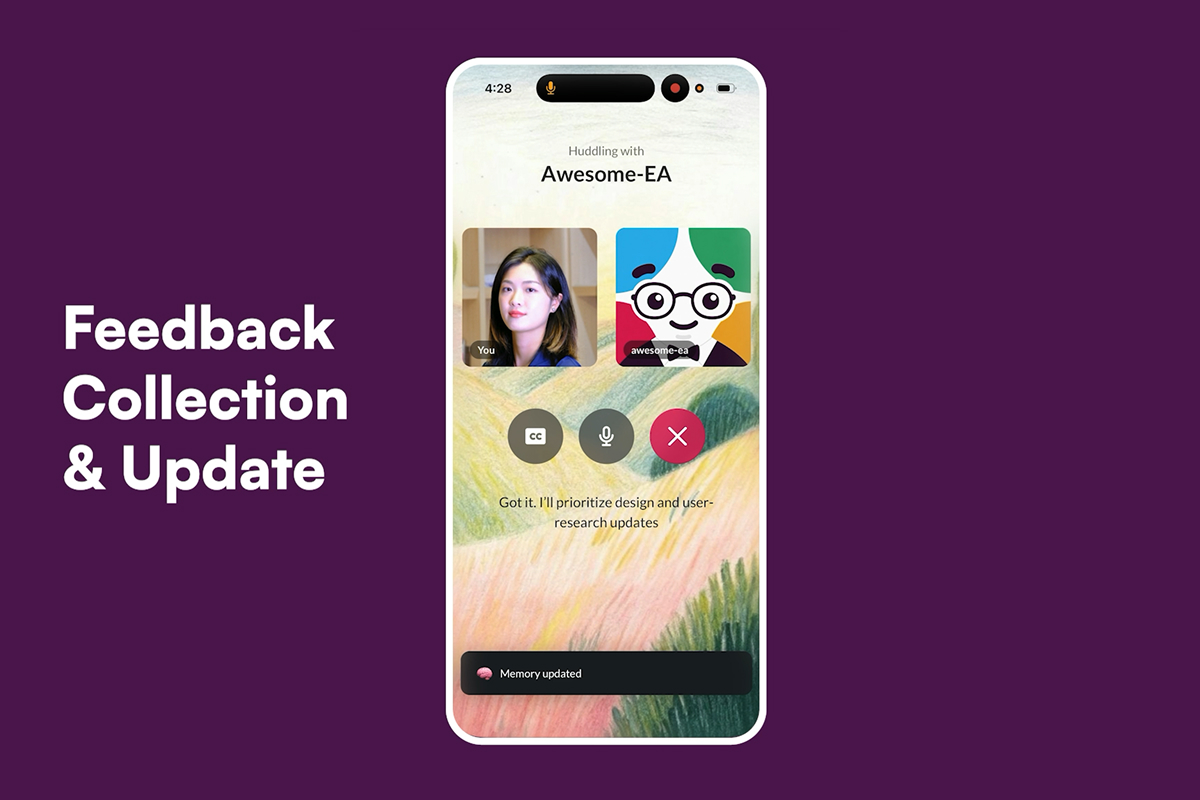
Feedback Collection & Update
-
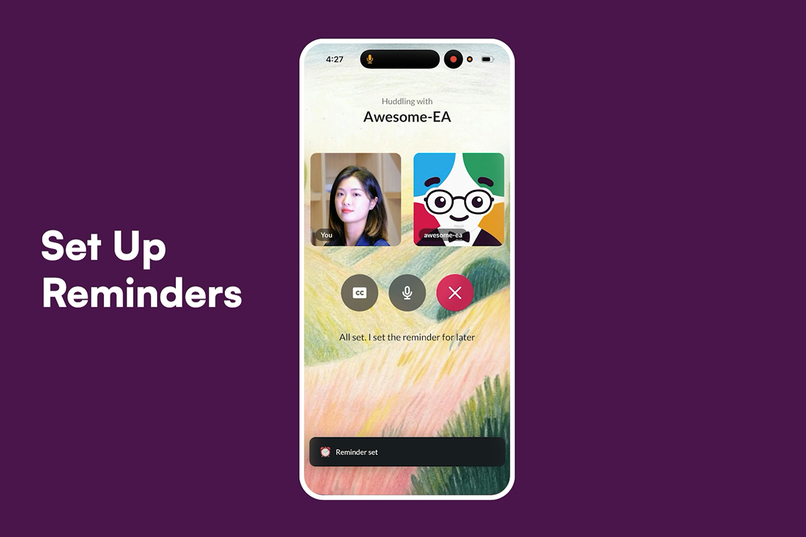
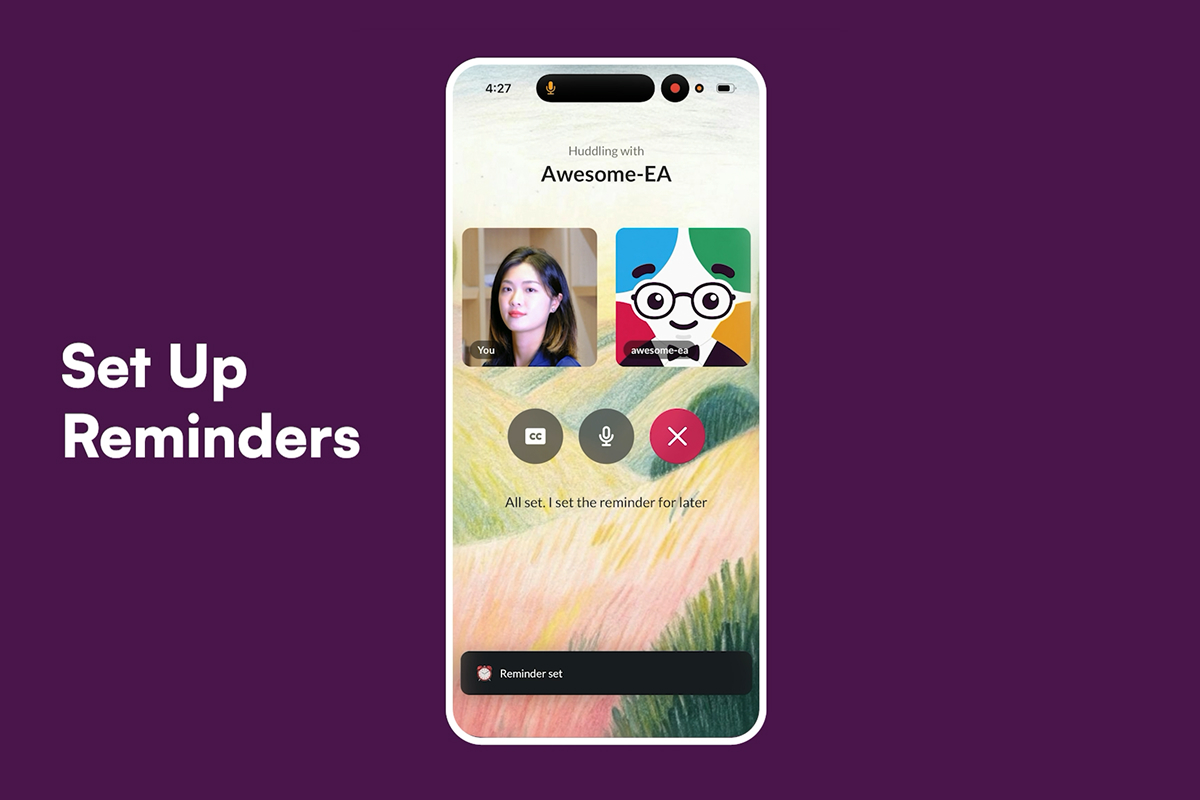
Set Up Reminders
-
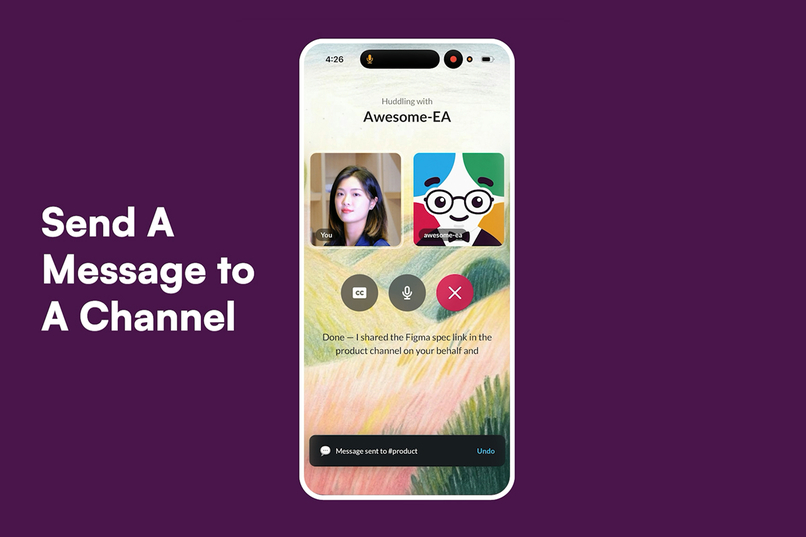
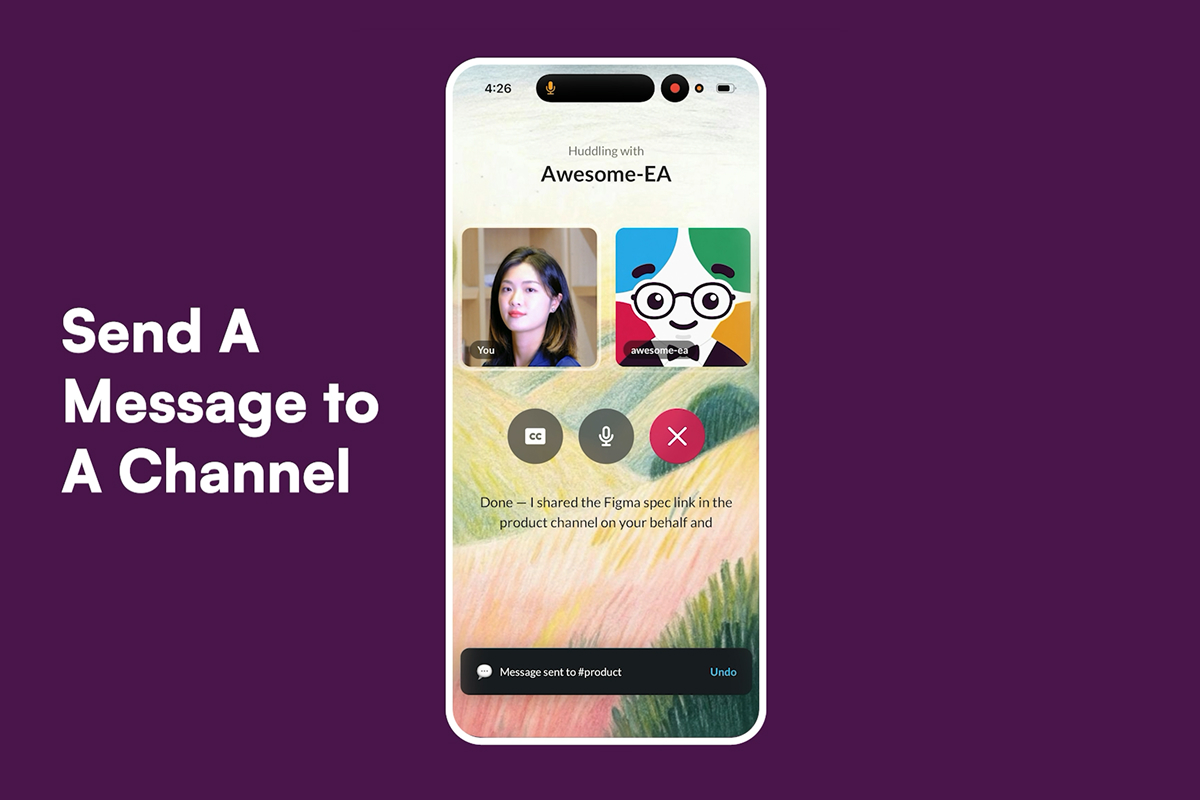
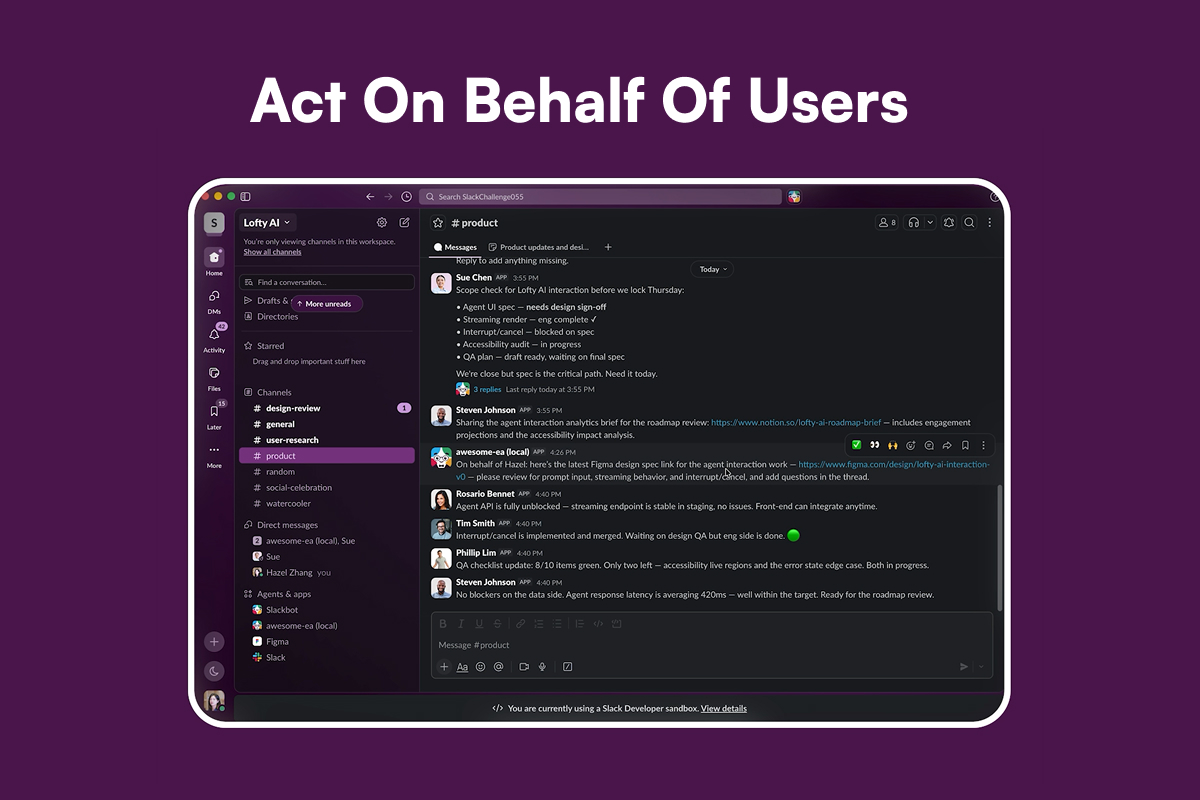
Send A Message to A Channel
-
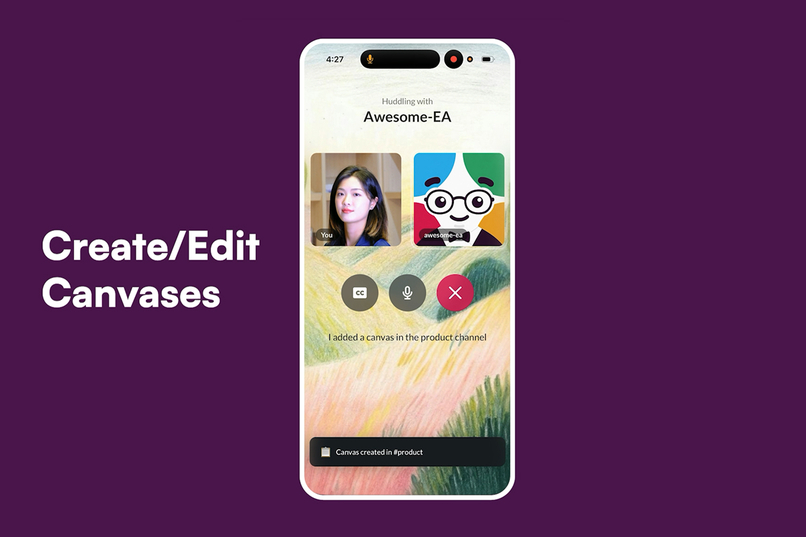
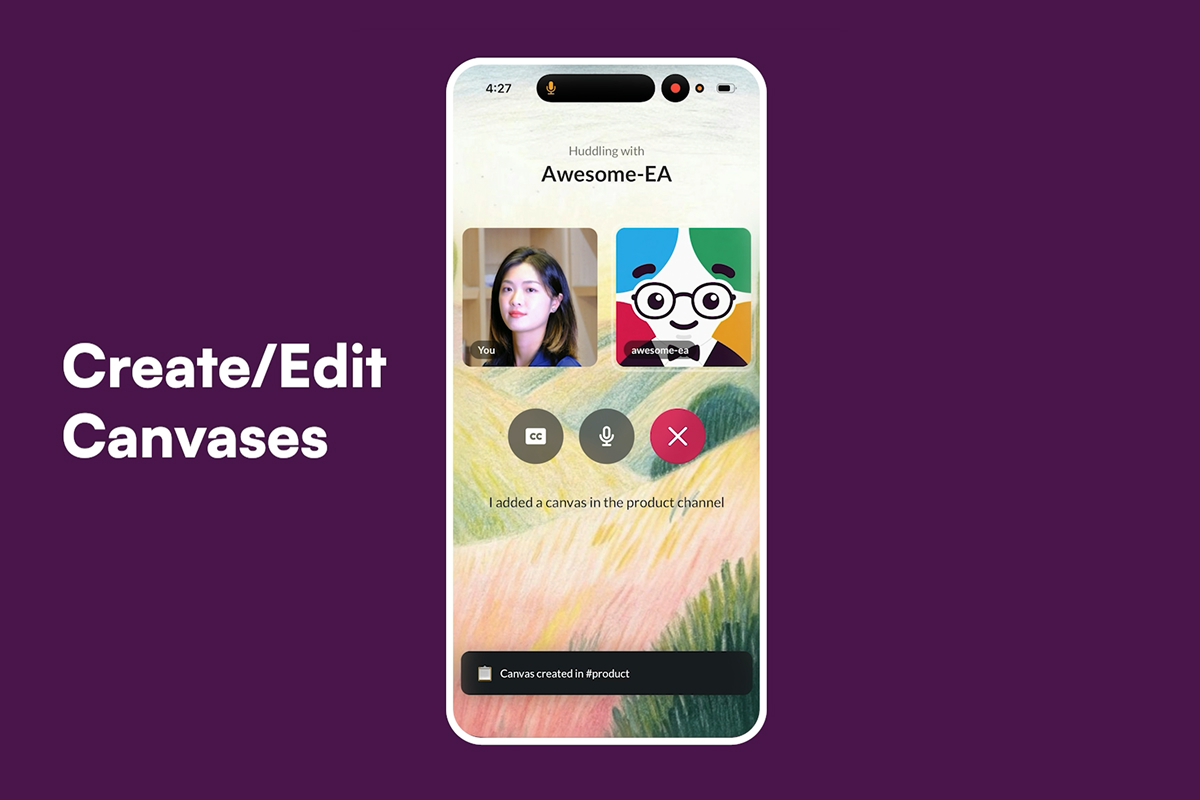
Create/Edit Canvases
-
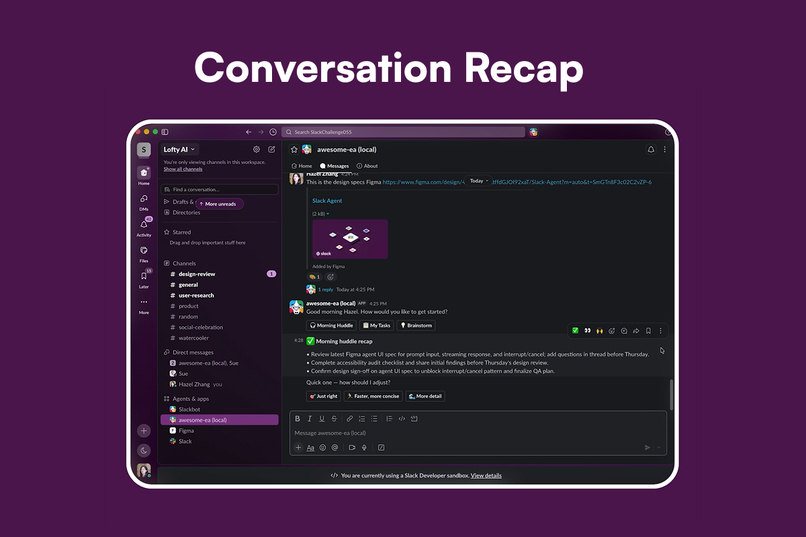
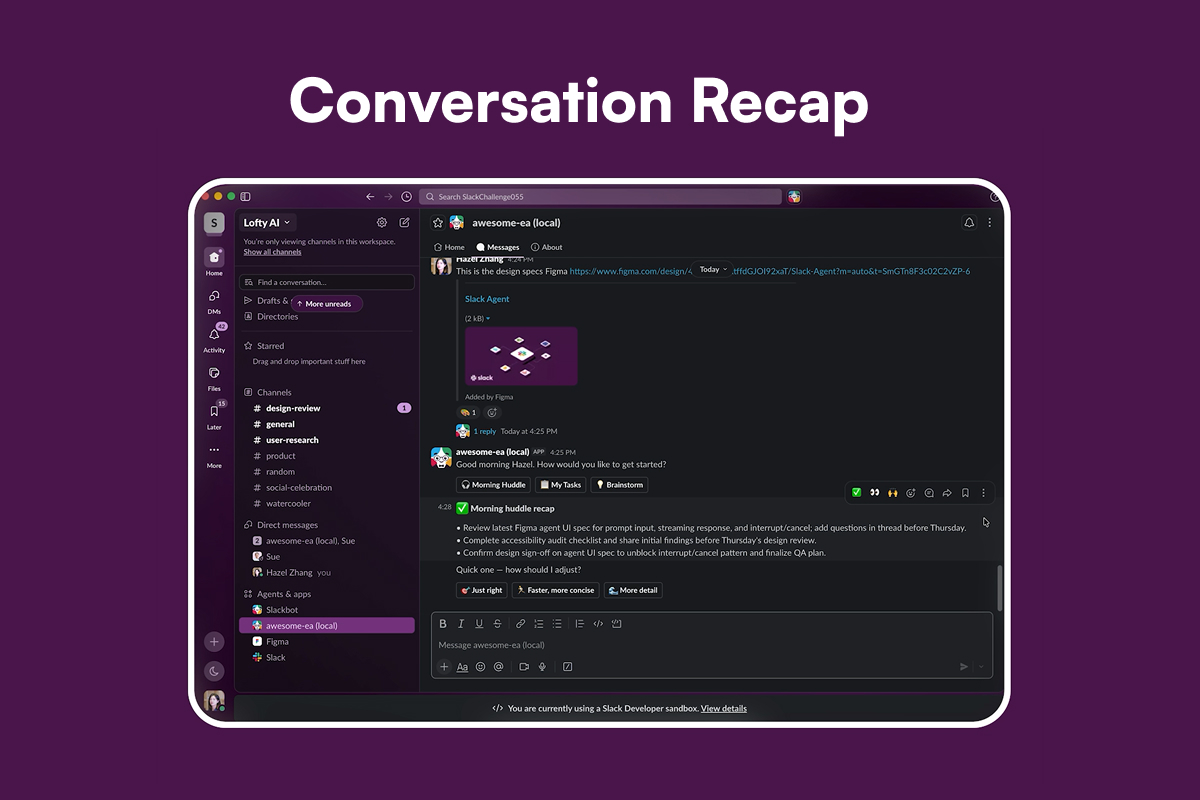
Conversation Recap
-
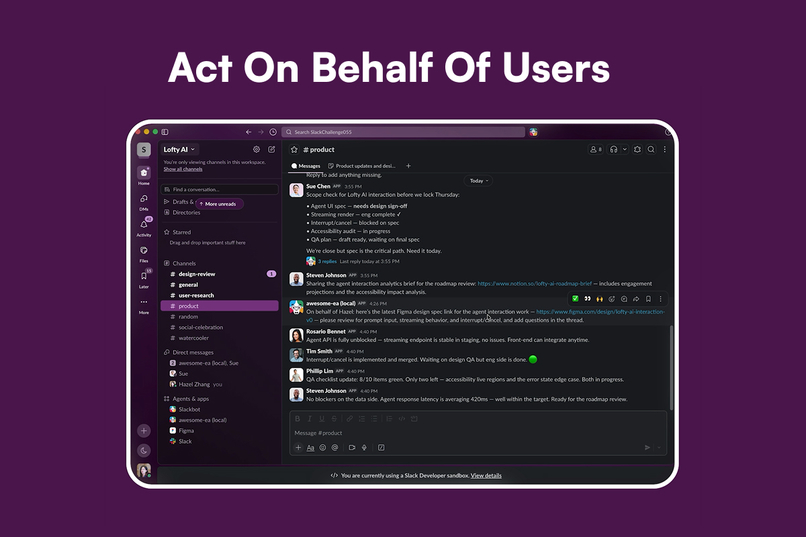
Act On Behalf of Users
Inspiration
Every morning I wake up to a flood of Slack messages. I work with teammates across time zones, so overnight there's always a backlog to catch up on: decisions made, questions waiting, people blocked on something I owe them.
But mornings are exactly when I have the least capacity to deal with it. I'm commuting, getting ready, handling life. So I end up scanning Slack in fragments, and always feel anxious about what I'm missing, sometimes even replying at red lights, which is genuinely dangerous.
Then it struck me: executives don't live like this. They have an assistant who catches them up, handles the small stuff, and clears the path. So their energy goes to decisions, not logistics.
And a lot of what fills a morning in Slack is exactly that "small stuff" — low-cognitive-load communication. Confirming a deadline. Sending a doc someone's waiting on. Setting a reminder. If an assistant could handle that layer before I sit down, I'd arrive at my desk already unblocked, energy intact, ready for the work that actually needs me. And I'd have unblocked my teammates along the way.
Voice felt like the natural interface. Executives talk to their assistants. And with how good real-time voice models have gotten, "just call your assistant on the way to work" is finally possible. So I built one: an AI executive assistant you call, living inside Slack for everyone on the team, not just the corner office.
What it does
You start a morning huddle with Awesome-EA and simply talk:
- Catch up — it ramps you up on what happened across your key channels overnight
- Act on your behalf — send messages, set reminders, create and curate canvases, all by voice
- Prep what needs your eyes — it collects the links and docs you should review into a canvas, waiting for you when you reach your desk
- Remember you — it learns your preferences over time and surfaces them in your App Home
Everything happens through natural conversation. No typing, hands-free — you can do it while commuting, walking, or making coffee.
How we built it
- Voice: a WebRTC real-time conversation powered by the OpenAI Realtime API, served through a lightweight Flask app and a browser-based huddle UI
- Slack integration: a Bolt for Python app over Socket Mode handles events, actions, and the App Home
- Discovery: Slack's Real-Time Search API powers the open-ended "catch me up on everything" — searching across the whole workspace, not just one named channel
- Actions: a set of tools (
post_message,ramp_up, reminders, canvas create/edit) that the voice agent calls mid-conversation, all landing in real Slack primitives - Memory & trust: an in-session action log drives a post-call recap, and a feedback loop writes learned preferences back to the App Home
Challenges we ran into
The biggest surprise: a Slack bot can't join a Huddle. There's no API for third-party audio in Slack's native call surface. That reshaped the whole architecture — instead of building the voice experience natively in Slack, I built a companion call interface on the OpenAI Realtime API and wired it back into Slack through the tool layer. It's the same pattern real Slack AI partners use — but I wish calling your agent could one day happen natively inside Slack.
The other hard problem was trust. People don't extend blind trust to an agent acting on their behalf — so I designed for that:
- Visibility into what the agent is doing during the call
- An undo path for actions
- A recap after every session
- A feedback loop so the agent visibly learns, rather than acting as a black box
Accomplishments that we're proud of
Legible by design. The hardest part of a voice agent isn't taking actions. It's communicating clearly without overwhelming the user. Awesome-EA keeps the conversation light and digestible, tells you what it's doing as it does it, and never buries you in detail. It behaves like a considerate teammate, not a firehose.
Built for trust, not just capability. Every action the agent takes on your behalf is visible, undoable, and recapped afterward. That combination (visibility, undo, and a post-call summary) turns "an AI did something in my workspace" into "I know exactly what happened and I stayed in control."
A genuinely hands-free experience. From the morning greeting to sending messages, setting reminders, and prepping a canvas, the entire loop works by voice, on the go.
It gets to know you. The feedback loop and preference memory mean the agent can grown. It visibly learns how you work and improves over time, which is what makes it feel like your assistant rather than a generic tool.
Grounded in a real workspace. Rather than demoing against toy data, I staged a full, realistic team sandbox, which forced every design decision to answer a real question: is this actually useful at the start of someone's workday?
What we learned
Building this taught me how much an agent can actually do inside Slack: the breadth of scopes and real actions available is far beyond what I expected going in.
Standing up a Slack sandbox and staging a realistic workspace forced me to ground every design decision in real context: what's genuinely useful at the start of a workday, and how to make an agent feel trustworthy rather than just capable. The trust work: visibility, undo, recap, memory, ended up mattering as much as the features themselves.
What's next for Awesome-EA
From personal assistant to team optimizer. Today, Awesome-EA works on one person's behalf. Next is the team level: spotting repeated questions, surfacing bottlenecks before they block a launch, and keeping everyone in sync.
Native in-Slack calling. If the platform ever opens up huddle audio, you can call your agent without leaving Slack.
Deeper, longer memory. Memory spans projects and teammates, not just recent sessions.
Proactive outreach. Instead of waiting to be called, the agent notices when something needs you and reaches out first.
Built With
- javascript
- ngrok
- openai-realtime
- python
- slack-api
- slack-bolt
- slack-cli
- slack-platform
- slack-real-time-search
- webrtc

Log in or sign up for Devpost to join the conversation.