-
-
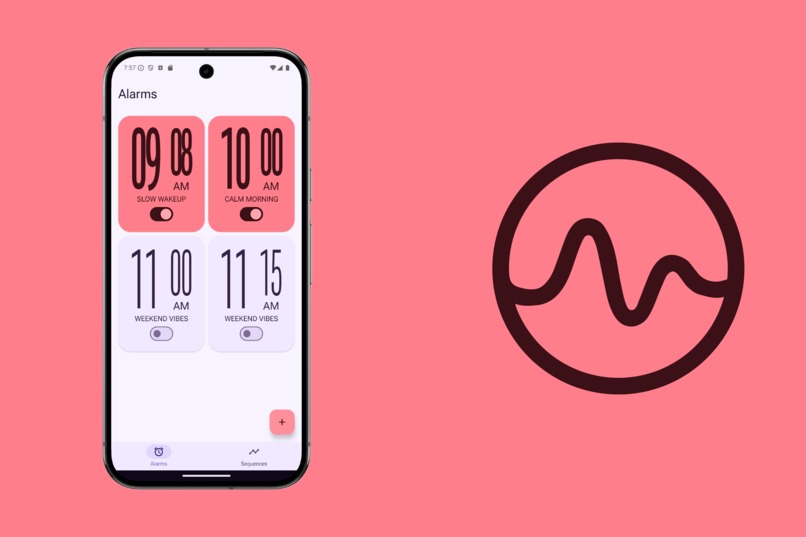
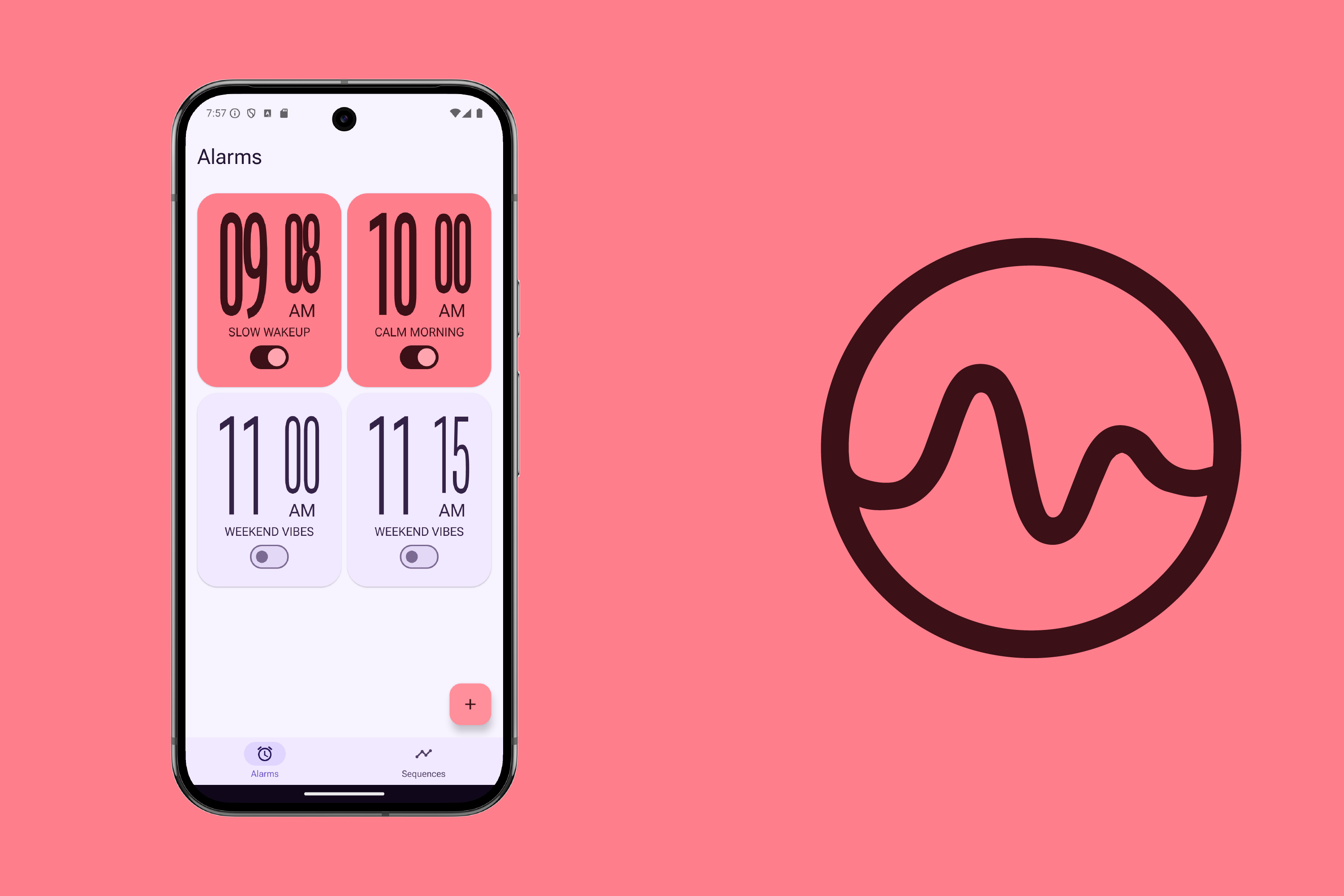
Alarm Page
-
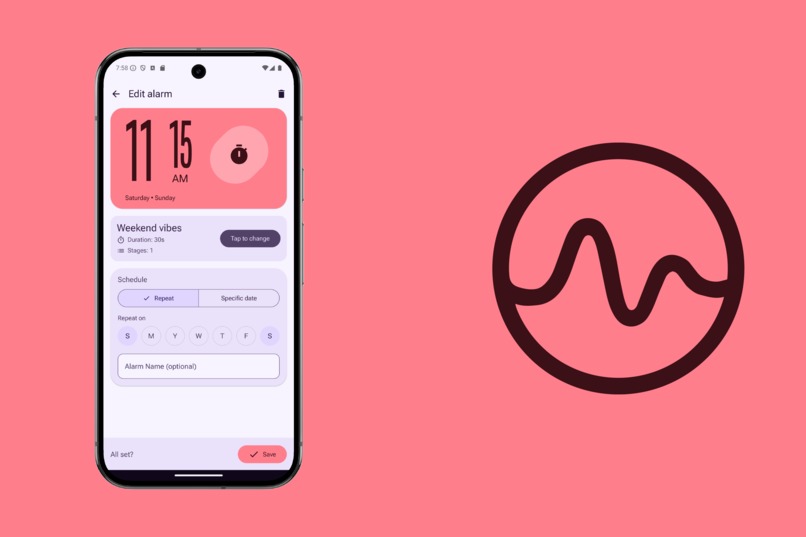
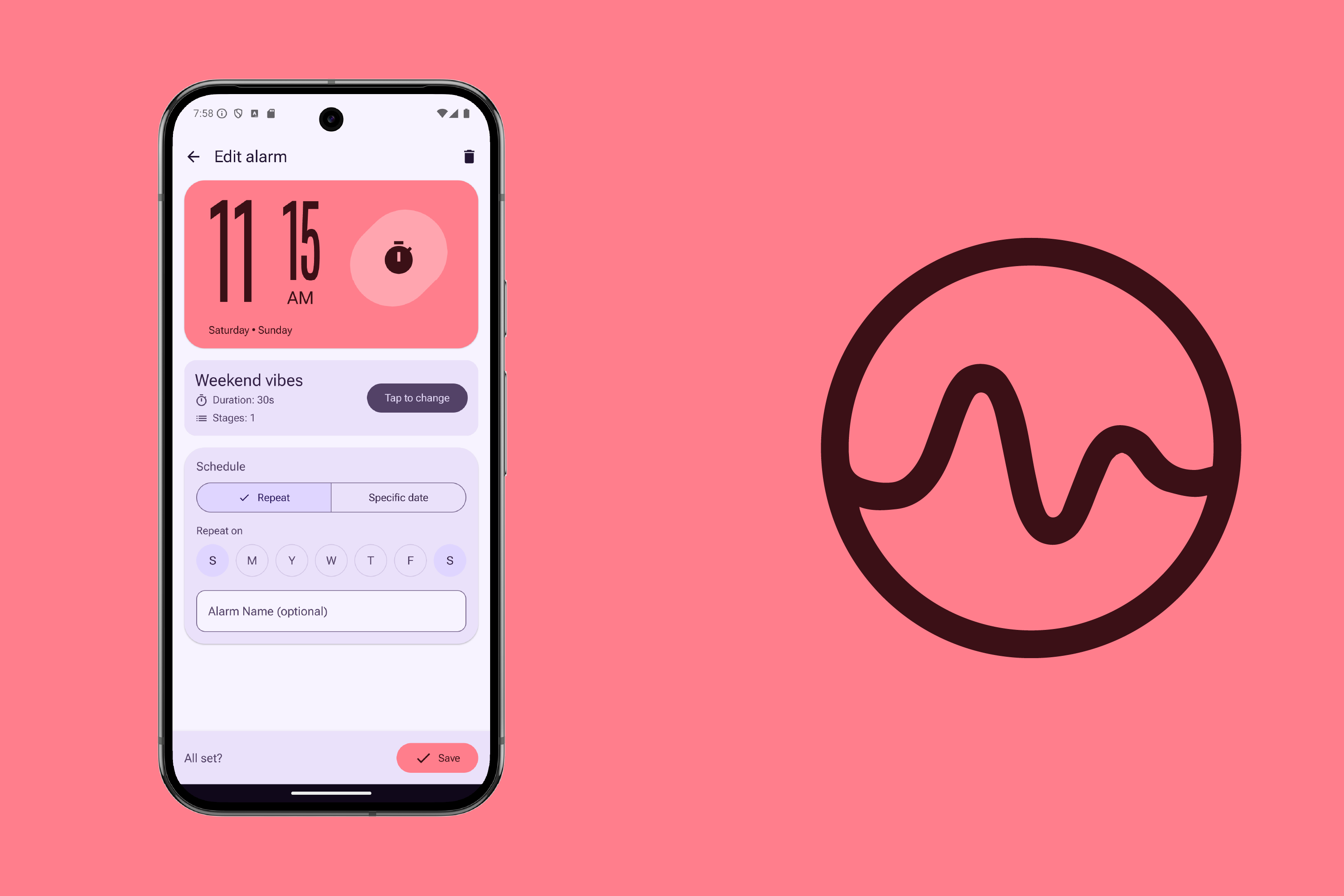
Create Alarm Page
-
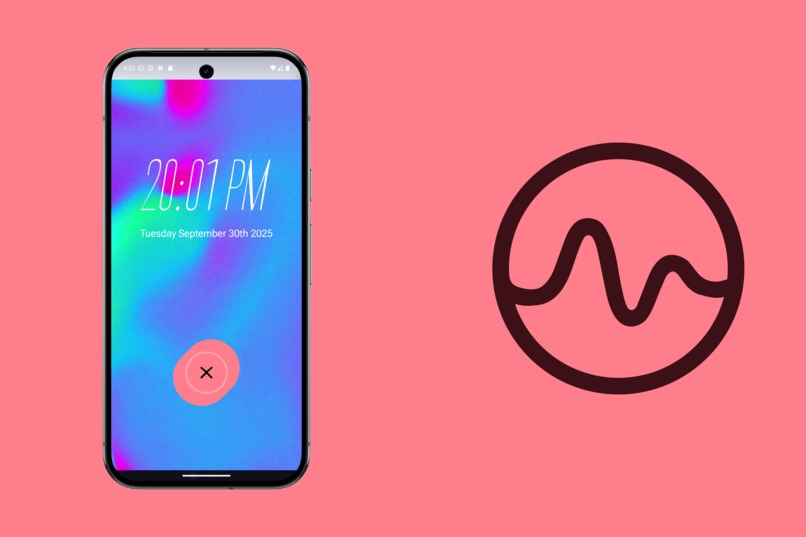
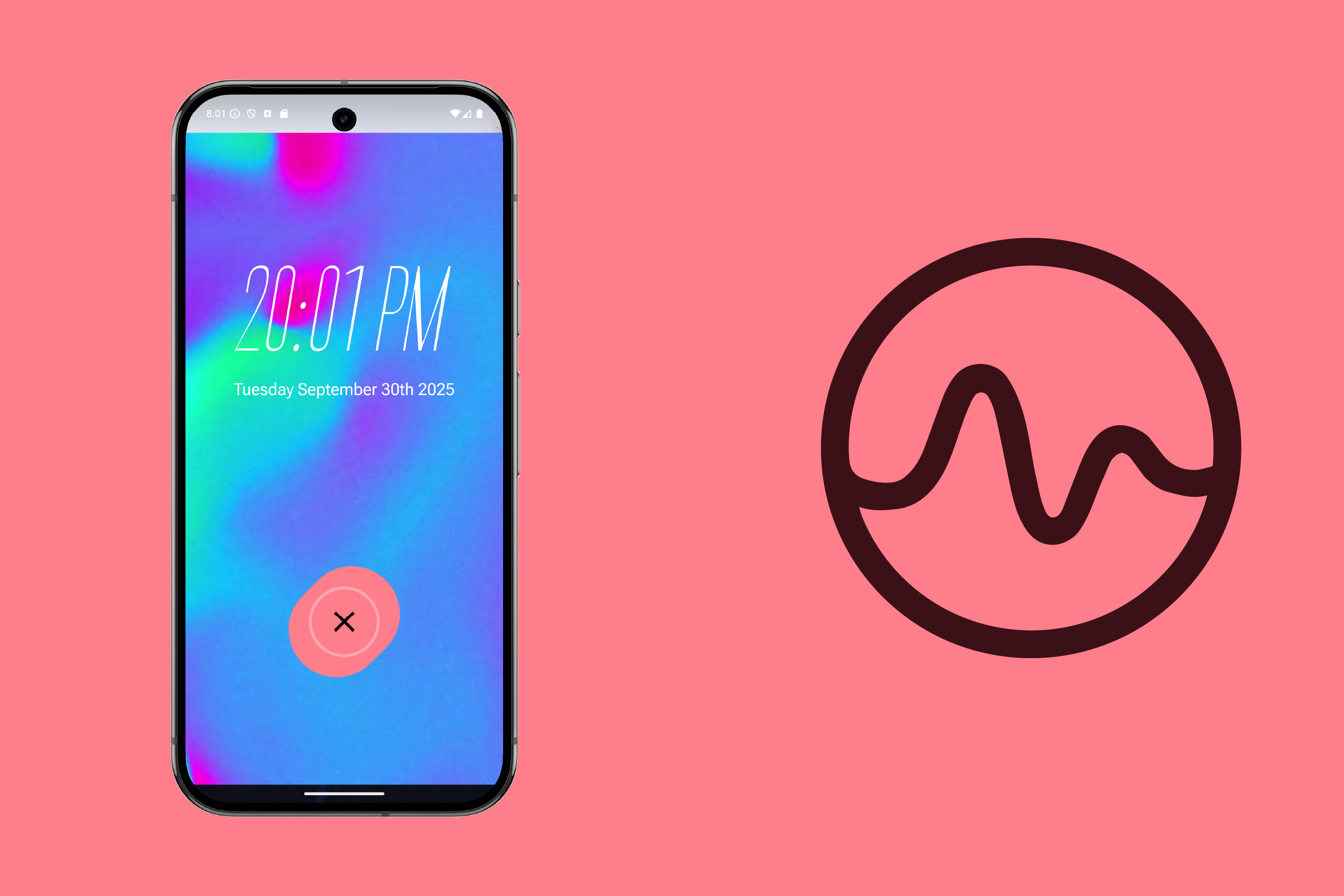
Animated Alarm
Inspiration
I’ve always struggled with alarms because I’m a very light sleeper—traditional alarms startle me and ruin my mornings. At the same time, most alarm apps lack the level of customization I need.
For example, on weekends I’d like to wake up semi-early but more gradually. Ideally, the alarm could start with a simple vibration and only later introduce tones or ambient sounds if I don’t wake up. That way I get the calm, gentle wake-up I prefer, while still having a fallback for days when I sleep more heavily.
This frustration with the lack of flexible, sensory-based alarm options is what inspired me to build Awakio.
What it does
Awakio is a customizable alarm app that lets you design your wake-up experience around your senses and needs. Instead of a single jarring sound, you can create alarm sequences that combine gentle or strong vibrations, ambient sounds, tones, and sunrise-inspired visuals.
Each alarm is built from a sequence of stages. Every stage has its own duration and unique mix of stimuli, and they play out one after another. This allows you to orchestrate a gradual wake-up journey, starting softly and building up over time, so you can wake calmly, yet still have a reliable fallback if you don’t respond to the earlier stages.
Awakio offers a Pro lifetime version, that offers unlimitd alarms, and extra custimization options for ambient sounds and sunrise animations.
By layering these elements, Awakio gives you control over how you want to wake up. The result is a wake-up that feels personal, balanced, and refreshing every time.
How we built it
We built Awakio with native Android development tools—Android Studio, Kotlin, and Jetpack Compose, with a strong focus on the Material Design 3 Expressive components and guidelines.
For monetization and subscription management we integrated RevenueCat, which made it easy to handle entitlements and unlock premium features.
We also leveraged AI tools like ChatGPT to boost productivity throughout the process: from brainstorming features and refining ideas, to generating code snippets and improving design decisions.
Challenges we ran into
Although RevenueCat is straightforward to use, this was our first time setting up in-app purchases, so there was definitely a learning curve in understanding entitlements and subscriptions.
For the app itself, one challenge was design: there aren’t many references for apps using Material Design 3 Expressive, so we had to experiment and create our own interpretations.
Another challenge was the alarm functionality. Handling permissions, background behavior, and media playback across different Android versions required extra effort to ensure the app worked reliably for all users.
Accomplishments that we're proud of
We’re proud that Awakio feels right at home in the customization niche of Android apps. It takes a feature that has always existed (alarms) and pushes it further with deep personalization options.
One of our biggest accomplishments is the idea of alarm sequences with stages. From our research, we couldn’t find another app that lets you orchestrate an alarm as a series of well-defined steps, almost like composing a song. Creating something original, even if simple, makes us proud of our creative process.
We’re also proud of the UI and overall user experience. The animations, colors, and layouts follow the new Material 3 Expressive design language, making the app feel vibrant, energetic, and modern.
What we learned
We learned a lot while building Awakio. We got to try out Material 3 Expressive and see how it can make an app feel more vibrant and modern.
It was our first time working with RevenueCat and in-app purchases, so figuring out how entitlements and subscriptions work was a big part of the process.
We also had to learn the ins and outs of alarm implementations on Android—things like permissions, background behavior, and media playback can get tricky across different versions.
Along the way, we found some really helpful resources for UX and UI design, especially around color palettes and component inspiration.
What's next for Awakio
Next, we’d like to focus more on premium features and expanding what the app can do. One idea is integrating with smartwatches so that the first stage of an alarm can trigger on the watch. This could be especially helpful for partners who sleep together, making wake-ups more personal and less disruptive.
We also want to explore syncing alarms across devices, adding smoother and more immersive animations to the alarm screen, and offering even deeper customization options for both free and pro users (max volume settings for Tones, max brightness setting for sunrise animations, integration with Spotify, Alarm widget).
Built With
- android-studio
- compose
- kotlin
- materialdesign
- revenuecat
- room
- sqlite

Log in or sign up for Devpost to join the conversation.