About the project
What inspired us
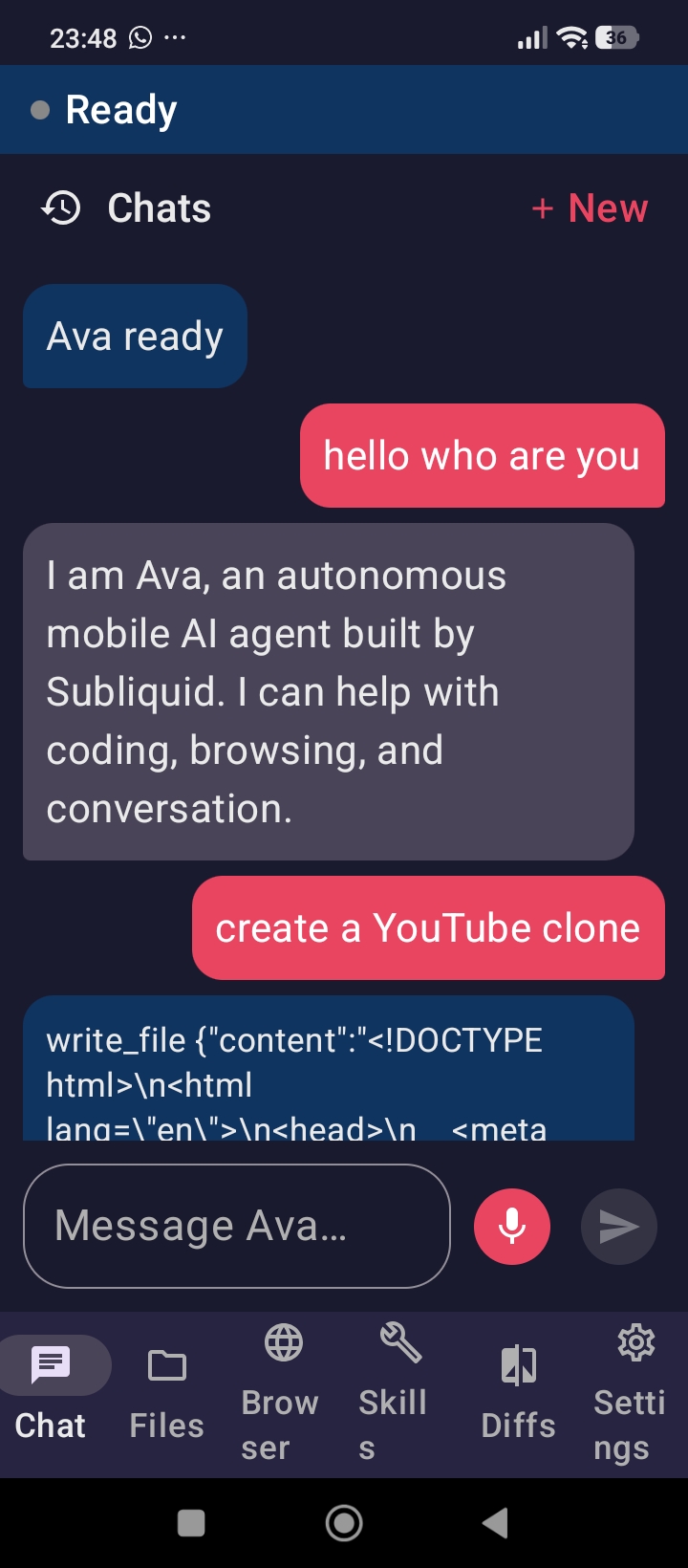
We wanted an AI agent that lives on the phone, not only in a browser or laptop terminal. Most “agents” still assume a desktop, a big context window, and a single API key. On mobile, the interesting problems are different: limited screen space, intermittent network, real files on device, voice as a first-class input, and the need to see and control what the agent does (files, diffs, browser).
Ava was inspired by that gap—and by the idea that an agent should feel like a capable teammate you can talk to while coding, browsing, or following a skill pack, without leaving your pocket.
How we built it
Ava is a native Android app (Kotlin, Jetpack Compose, Material 3). The core is an agent loop: user message → model → tool call or final answer → observation → continue.
Architecture (high level):
- AgentOrchestrator — multi-step tool loop with context and skill injection
- ToolRegistry — sandbox coding tools (
list_dir,read_file,search_files,write_file,apply_patch) plus browser tools - SkillRegistry — reusable skill packs (built-in + user-created)
- Multi-provider LLM layer — OpenAI-compatible HTTP APIs, priority order, failover on rate limits/errors, optional Best Model routing by task type
- Speech — Android SpeechRecognizer + TextToSpeech
- Browser — WebView harness shared with the agent
- Local path — device profiling, GGUF download, JNI bridge toward on-device inference
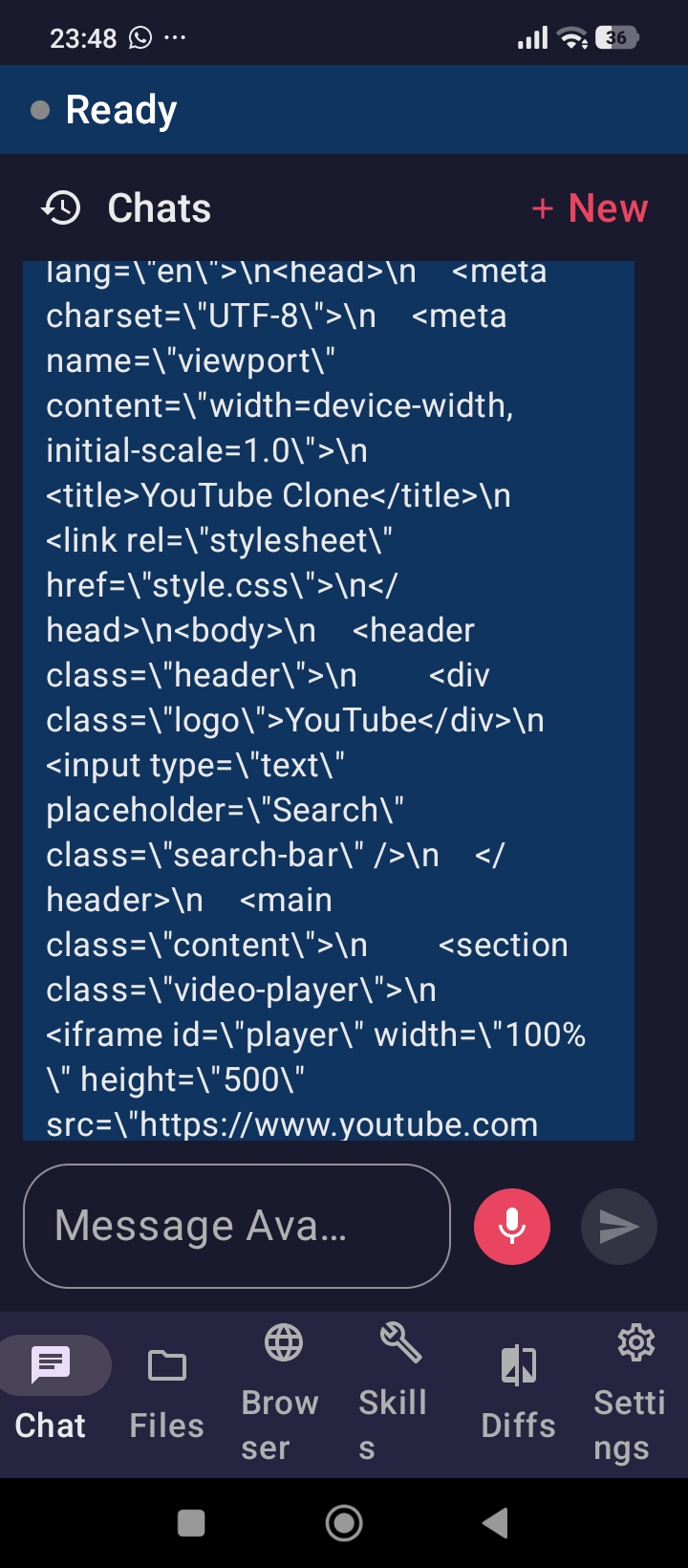
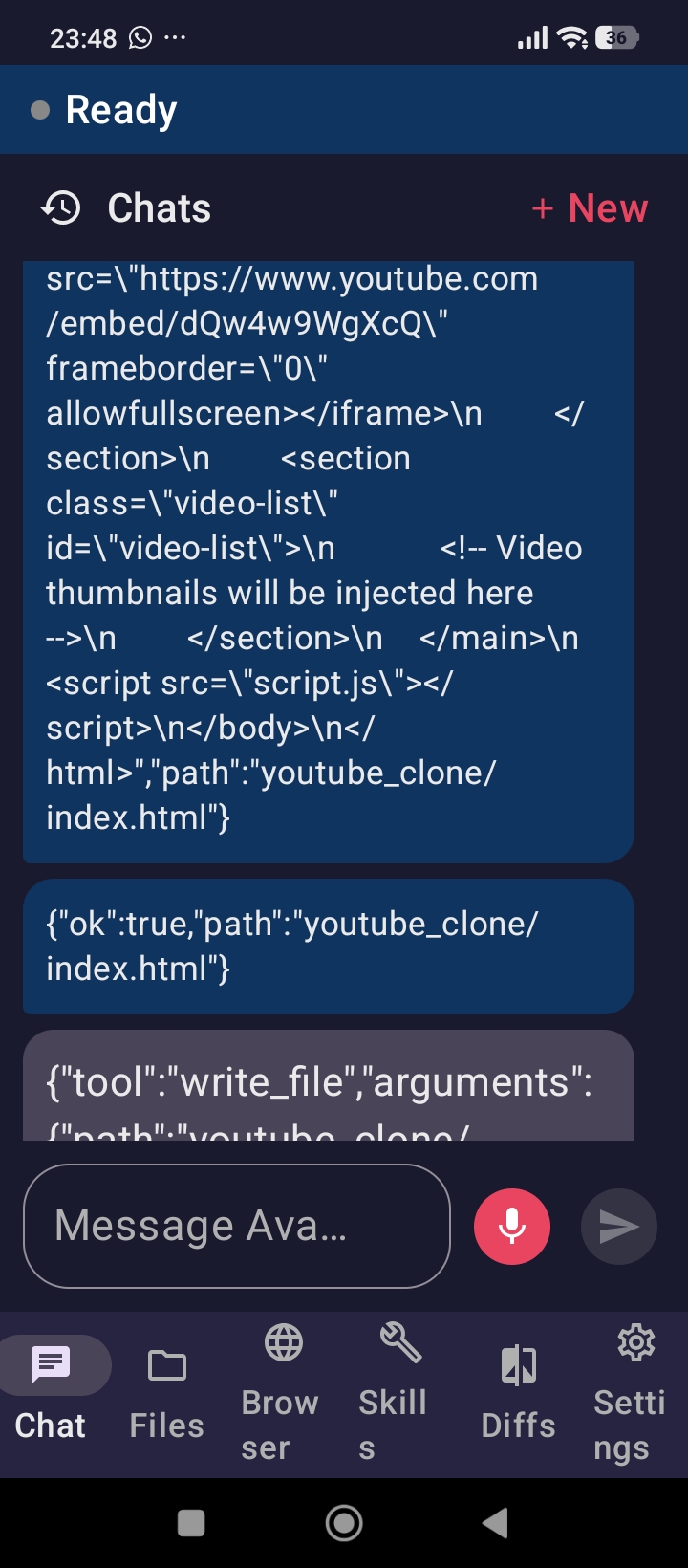
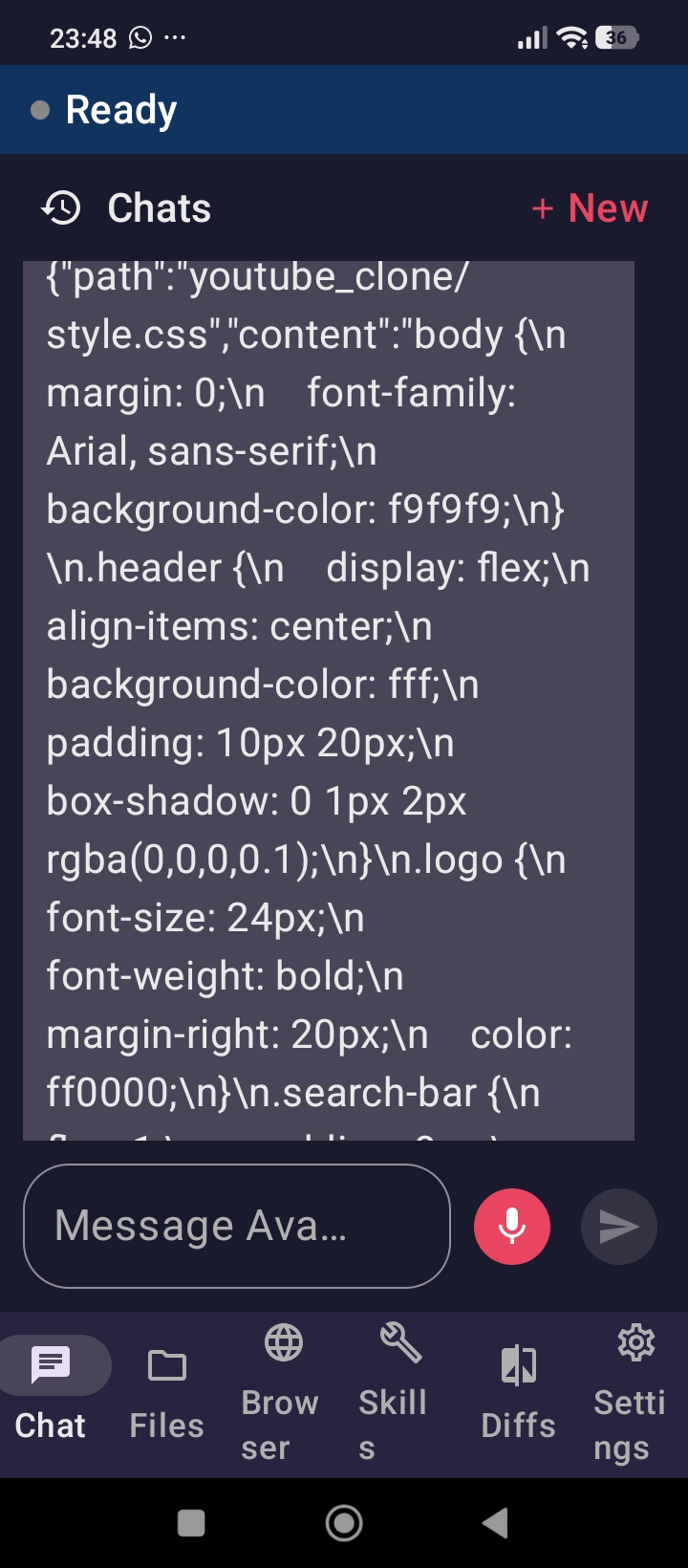
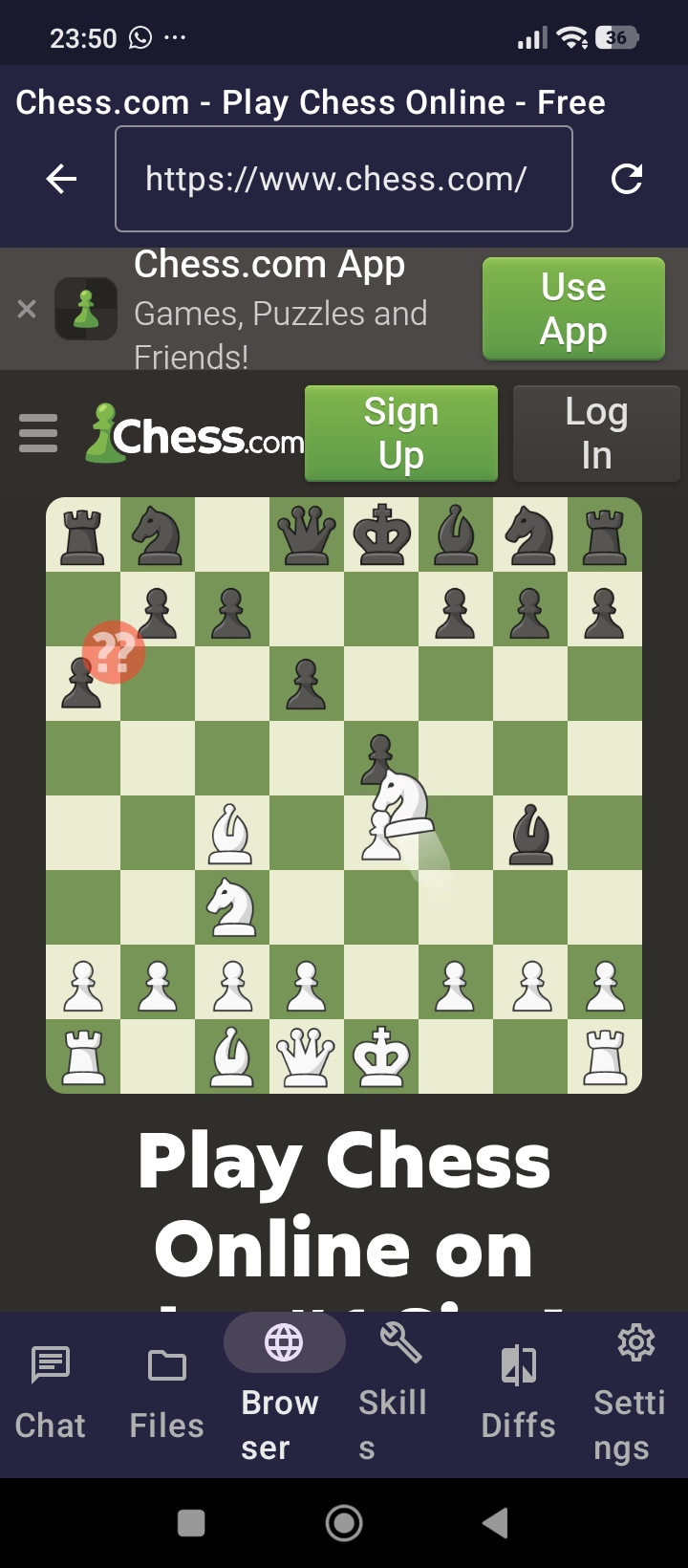
UI is organized around clear surfaces: Chat, Files, Browser, Skills, Diffs, and Settings, so every agent side-effect is visible and reviewable (including code preview after writes).
What we learned
- Agents need a product shell, not only a model: history, file tree, diffs, and settings matter as much as the prompt.
- Tool protocols differ across providers (text JSON vs native
tool_calls); supporting both reduced hard failures. - Failover and priority turn flaky rate limits into a recoverable path instead of a dead end.
- Mobile constraints force clarity: plain-language replies, silent refresh after writes, and explicit “demo vs ready” status.
- On-device LLM is a pipeline (weights + native engine + routing), not a single toggle—shipping the installer and JNI bridge taught us where the real integration boundary is.
Challenges we faced
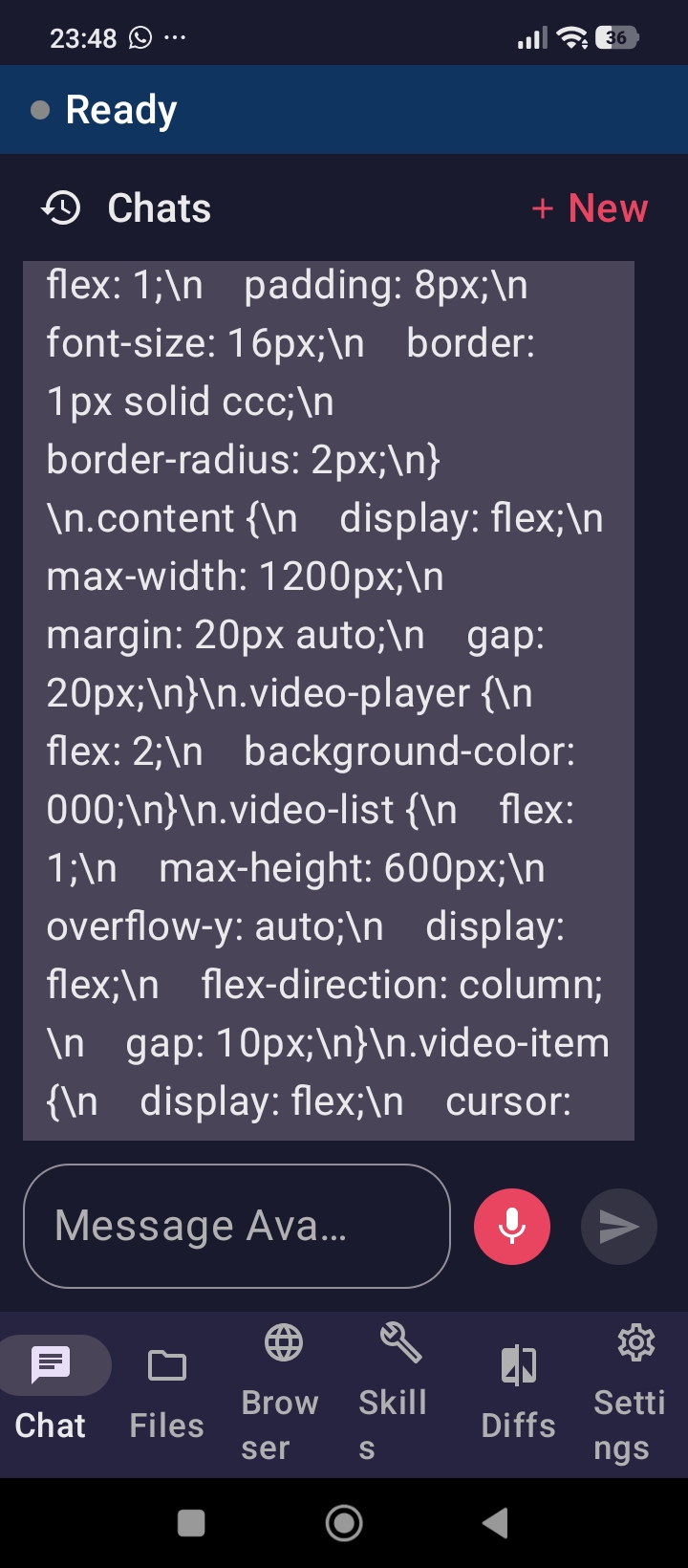
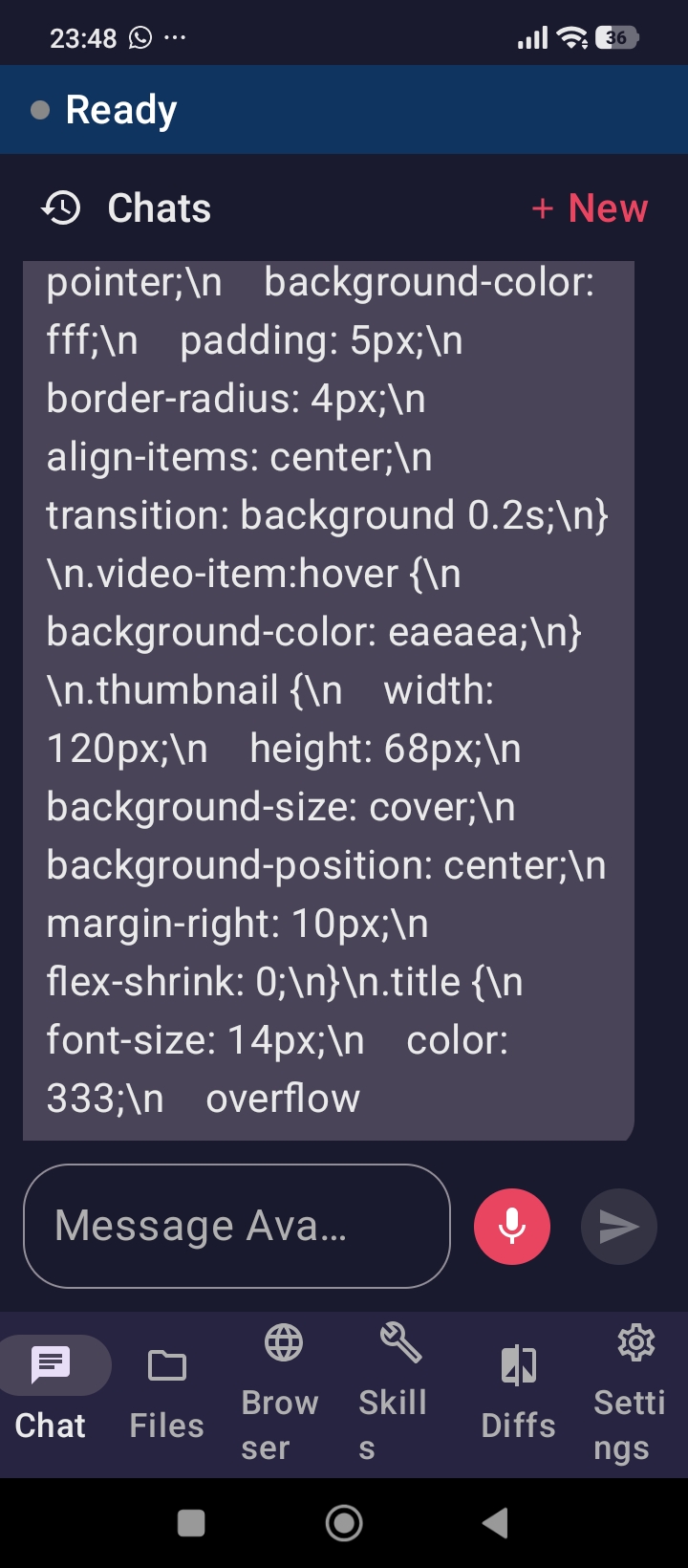
- Simulation vs production — Early demos used patterned responses; wiring real OpenAI-compatible APIs exposed tool-calling and rate-limit edge cases we had to handle explicitly.
- Repeated tool loops — Models would call the same tool twice; we tightened guards so identical tool+args stop, while multi-file work (e.g. a small site) can still run many different writes.
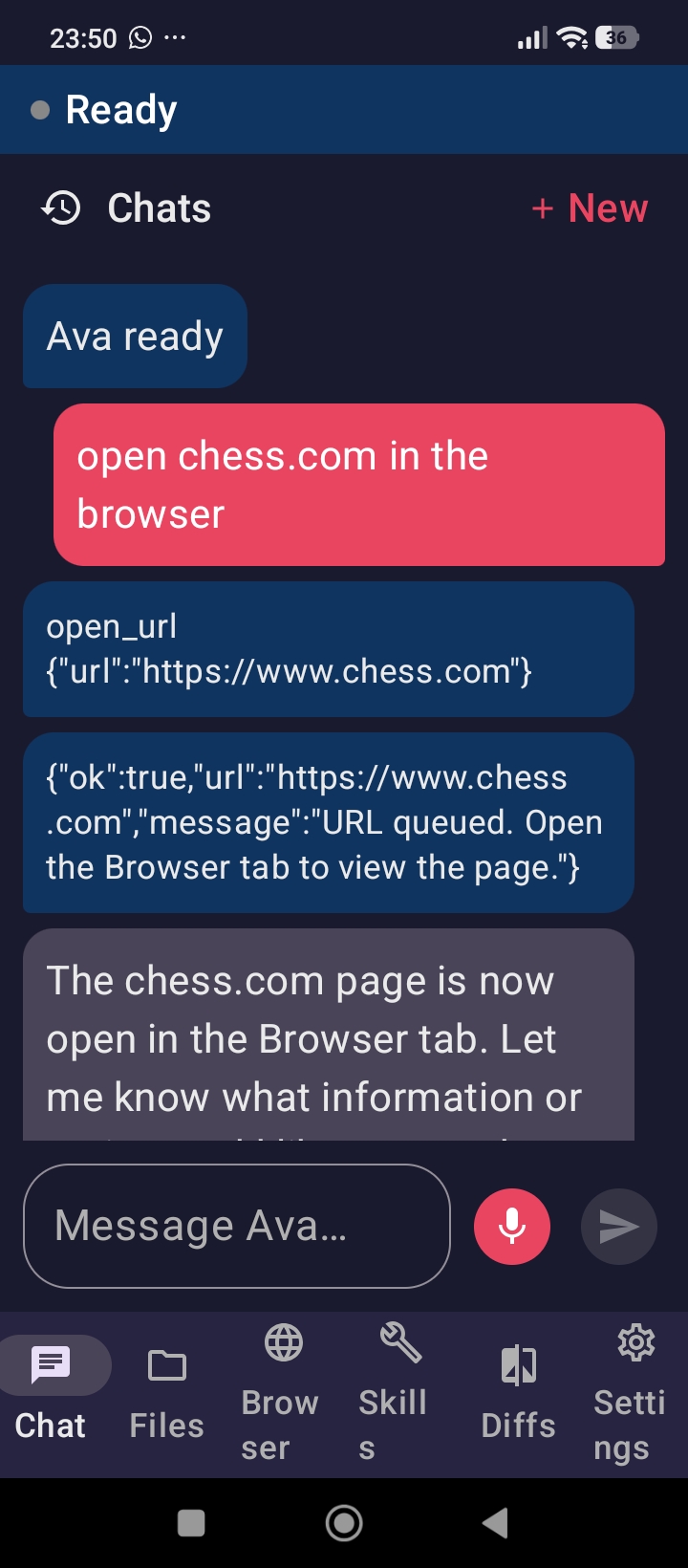
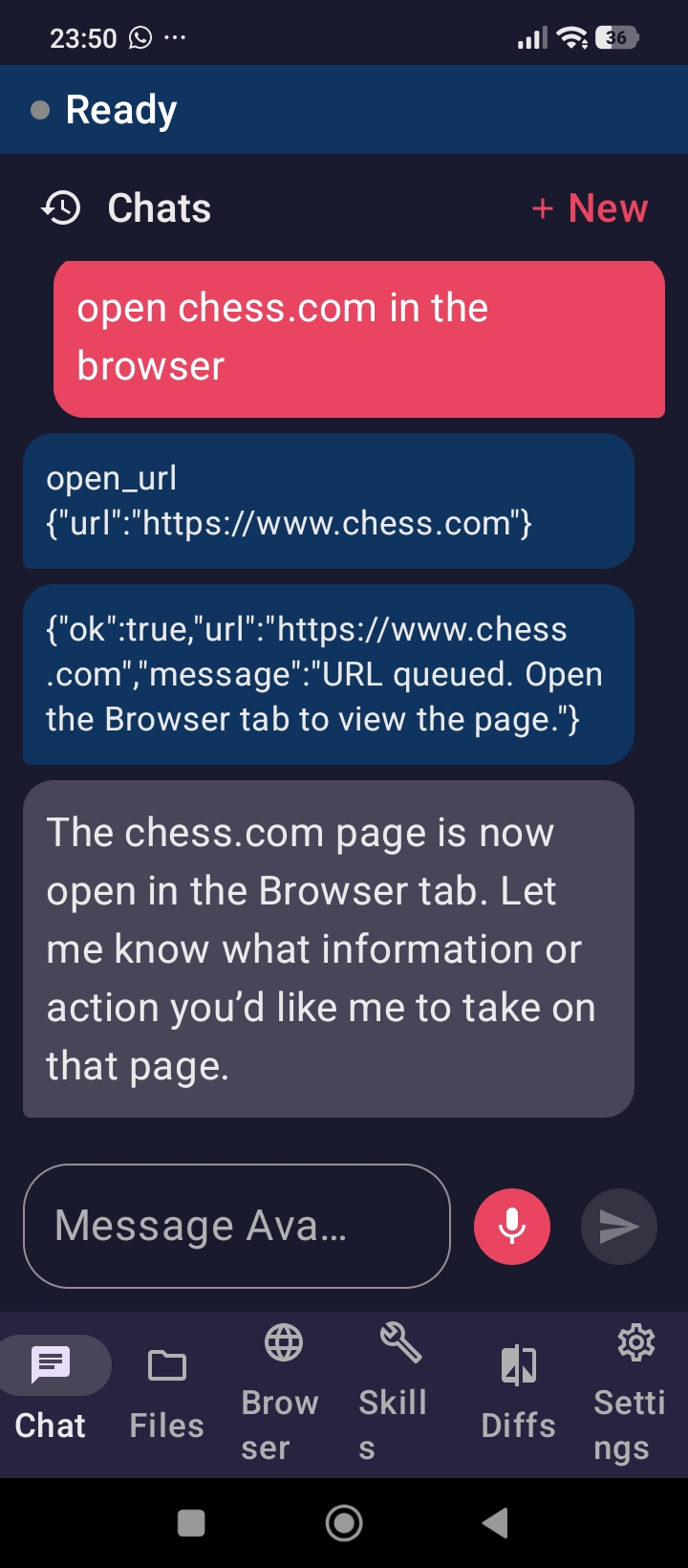
- Browser tools before the Browser tab — Registration was tied to UI lifecycle; we moved to a shared browser session so
open_urlworks from chat. - Markdown noise in voice and chat — Models love
*and#; we strip them for display and TTS and instruct plain language in the system prompt. - Local inference — Downloading a GGUF and loading JNI is only part of the story; full decoder linkage (llama.cpp in the native library) remains the hard production step, so cloud failover stays essential.
- Hackathon packaging — Turning a working agent into a public repo, demo video, and documentation without losing the product story.
Closing
Ava is our answer to “what if the agent ran where you already are?”—on Android, with tools you can see, providers you can order and fail over, and a path from cloud-backed demos to local models. Built by Subliquid, under the PolyForm Noncommercial License 1.0.0.

Log in or sign up for Devpost to join the conversation.