-
-
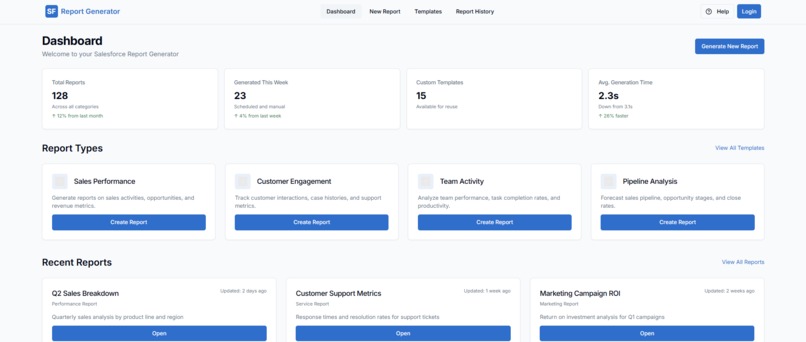
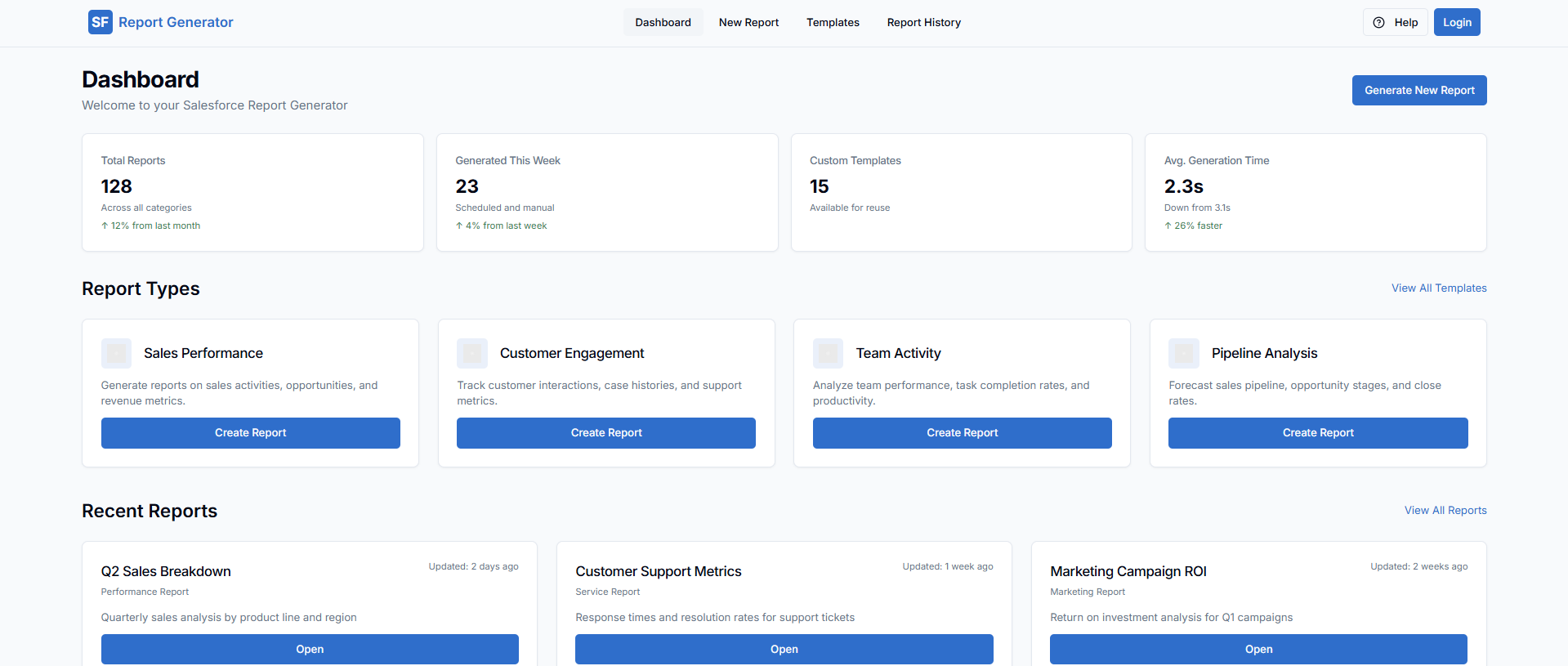
Dashboard
-
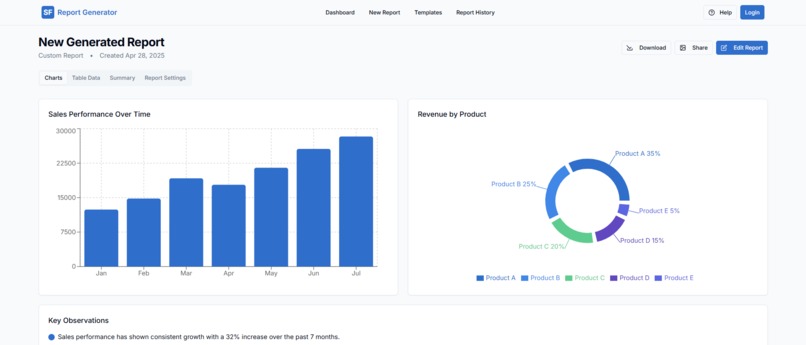
Report
-
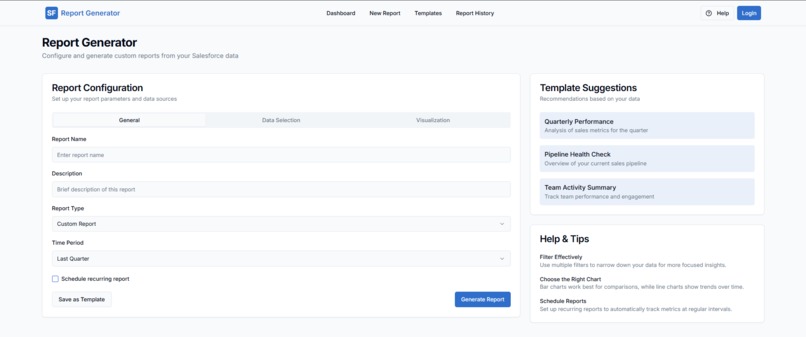
New Report
✨ Inspiration
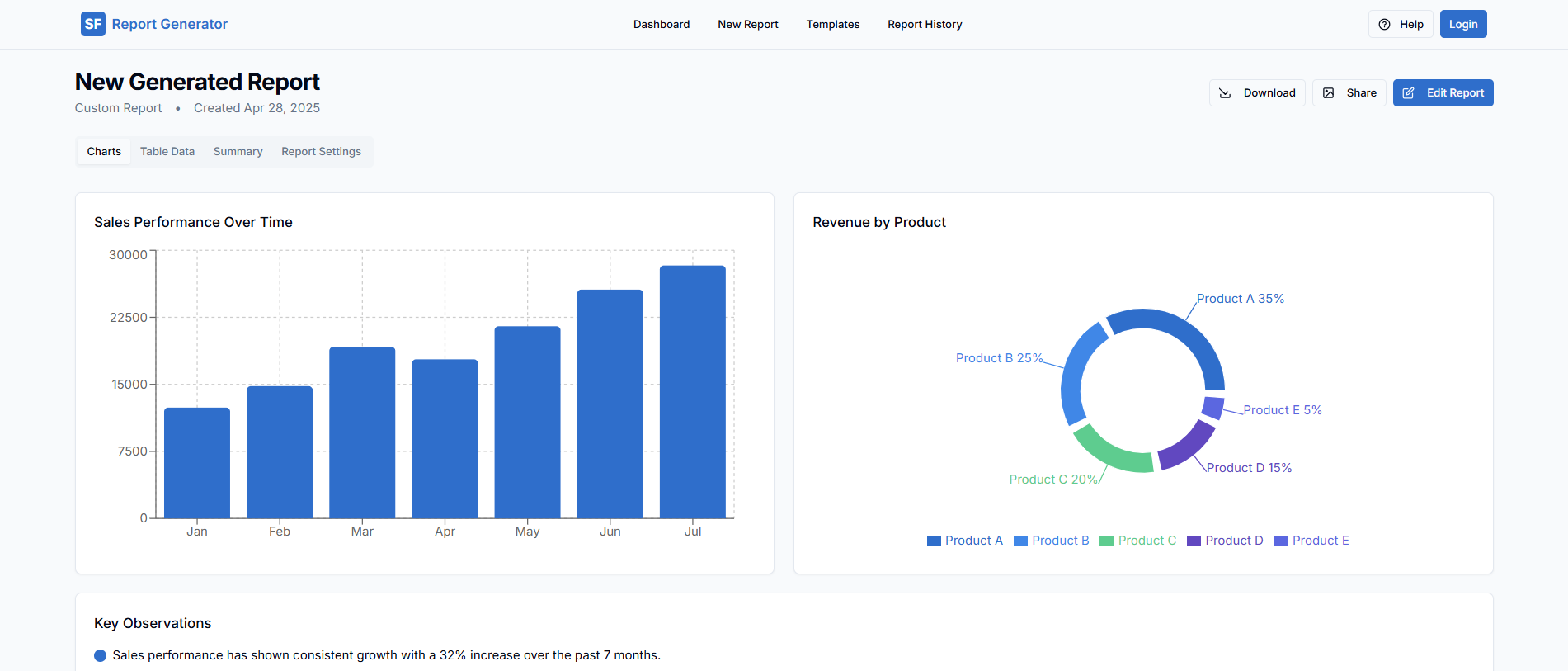
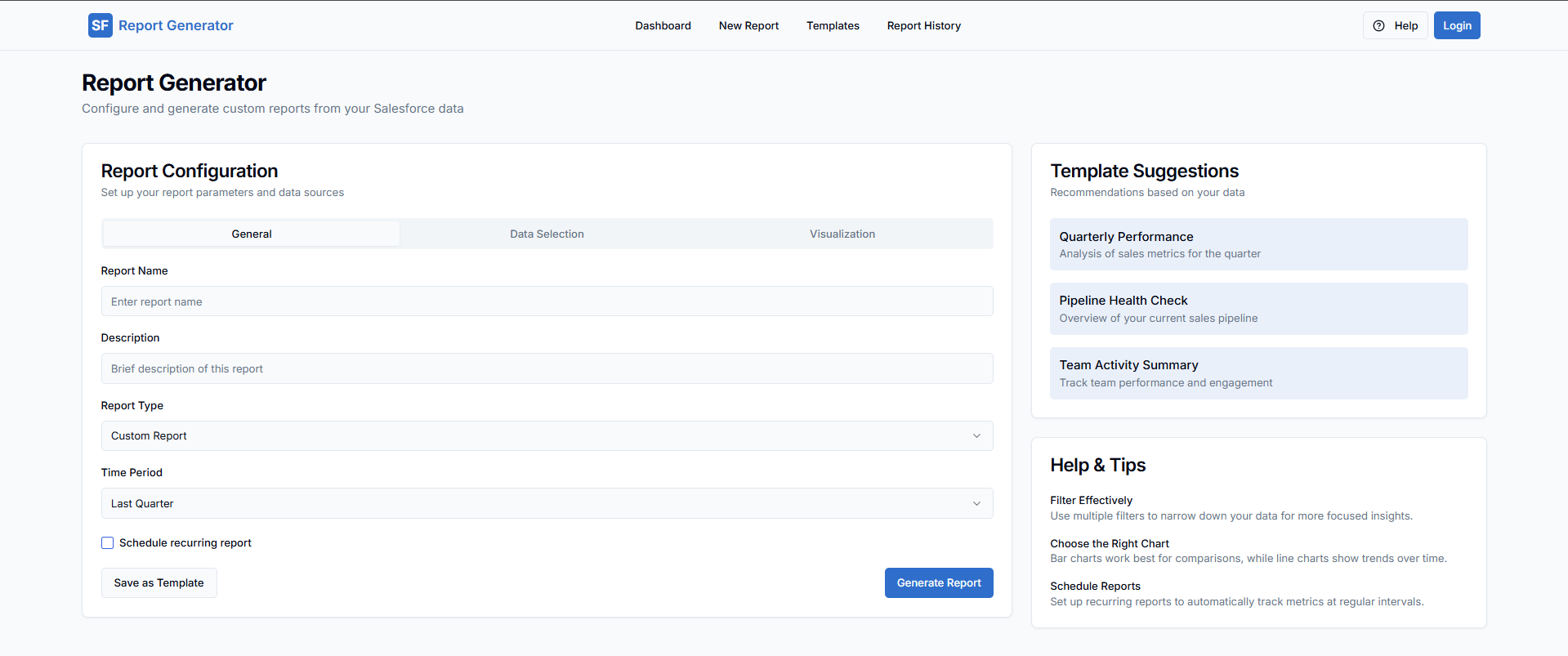
While working with sales and marketing teams, I noticed that downloading Salesforce reports manually every day was repetitive, time-consuming, and prone to human error. I wanted to build a simple tool that could automate this process and deliver fresh reports automatically, helping teams focus more on analysis and decision-making rather than manual tasks.
🧠 What I Learned
Through this project, I deepened my understanding of:
Salesforce’s REST API and how to authenticate securely.
Automating workflows using Python.
Scheduling tasks using cron jobs and Python's schedule library.
Handling data export into formats like CSV and Excel.
🛠 How I Built It
Backend: Built using Python with the simple-salesforce library to connect to Salesforce.
Data Handling: Used pandas to organize and export data cleanly into CSV files.
Automation: Implemented scheduling so reports are generated and saved automatically at set times.
Error Handling: Added retries and logging to manage API limits and failures.
🚧 Challenges I Faced
Authentication: Setting up OAuth 2.0 authentication with Salesforce was initially complex and required careful handling of tokens.
API Limits: Salesforce has API call limits per day, so I had to optimize the script to make as few calls as possible.
Dynamic Reports: Salesforce report structures can change. I had to make the report generator flexible enough to adapt to different field names and formats.
Built With
- css
- fastapi
- github
- javascript
- lovable
- openai
- python
- streamlit
- typescript

Log in or sign up for Devpost to join the conversation.