-
-
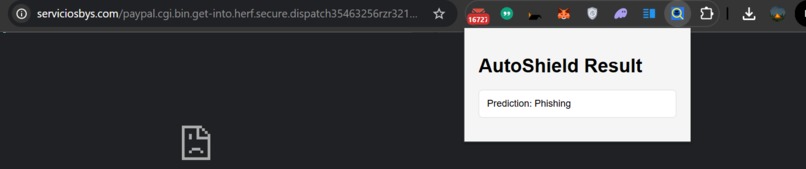
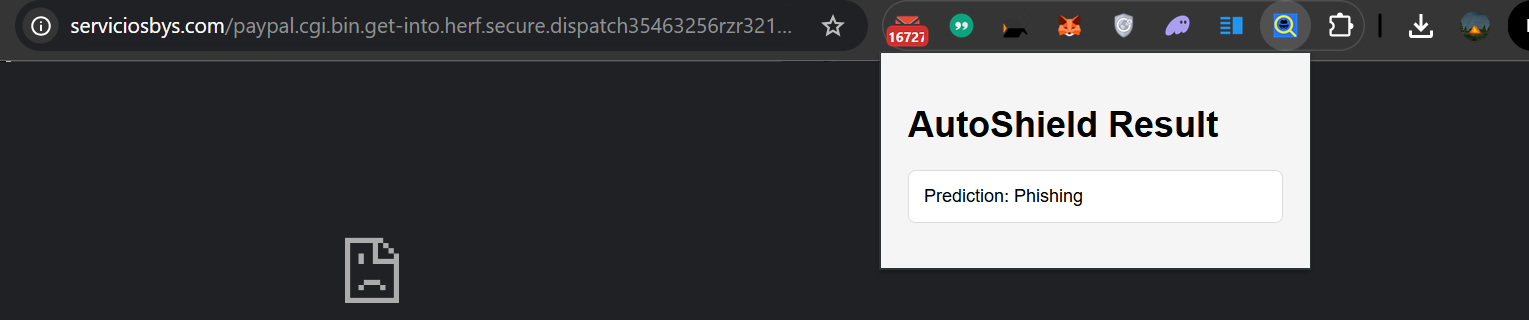
when website is phishing
-
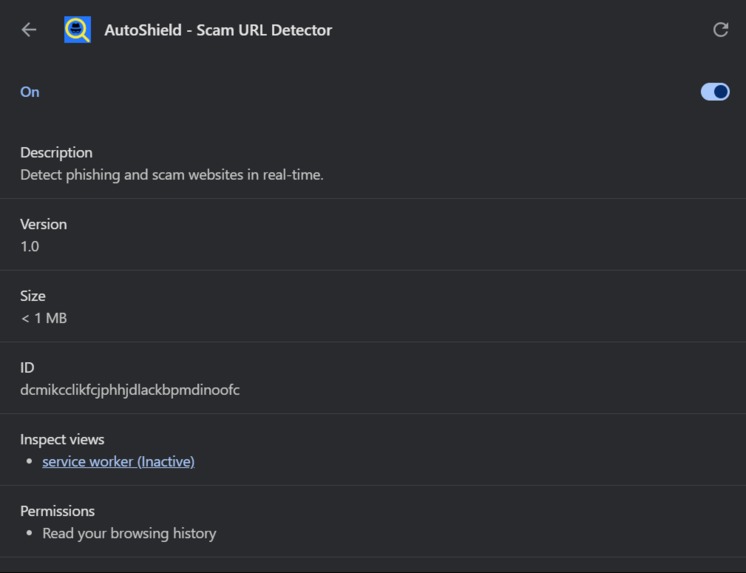
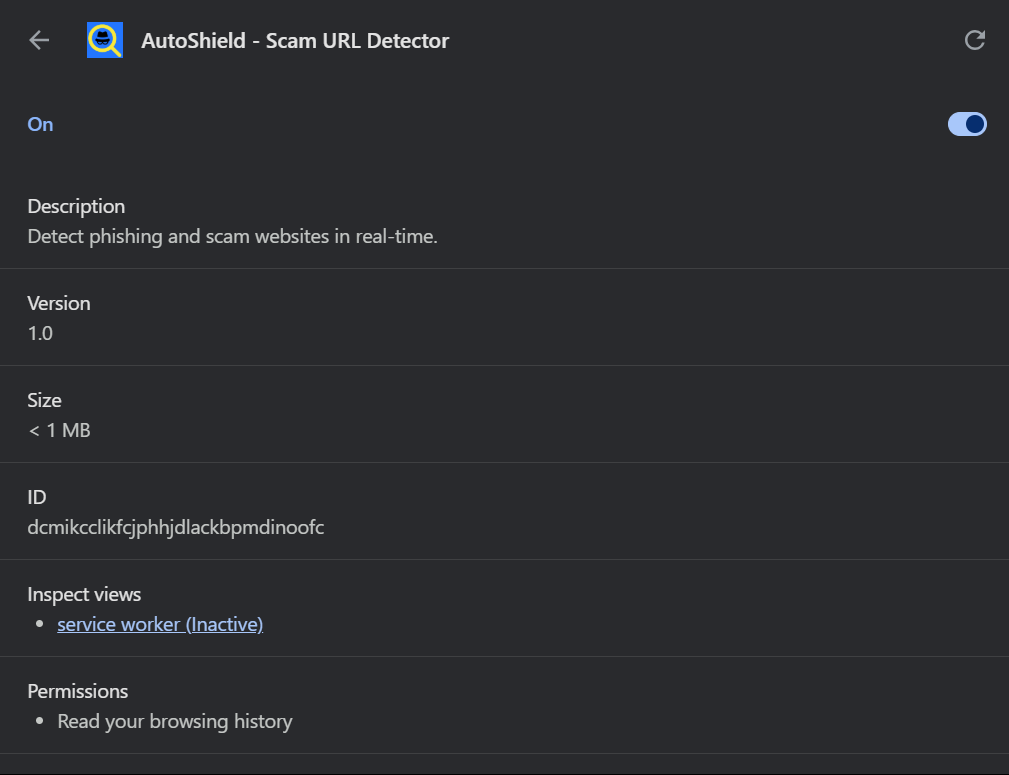
Extension profile
-
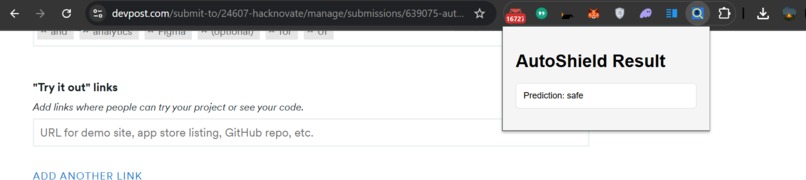
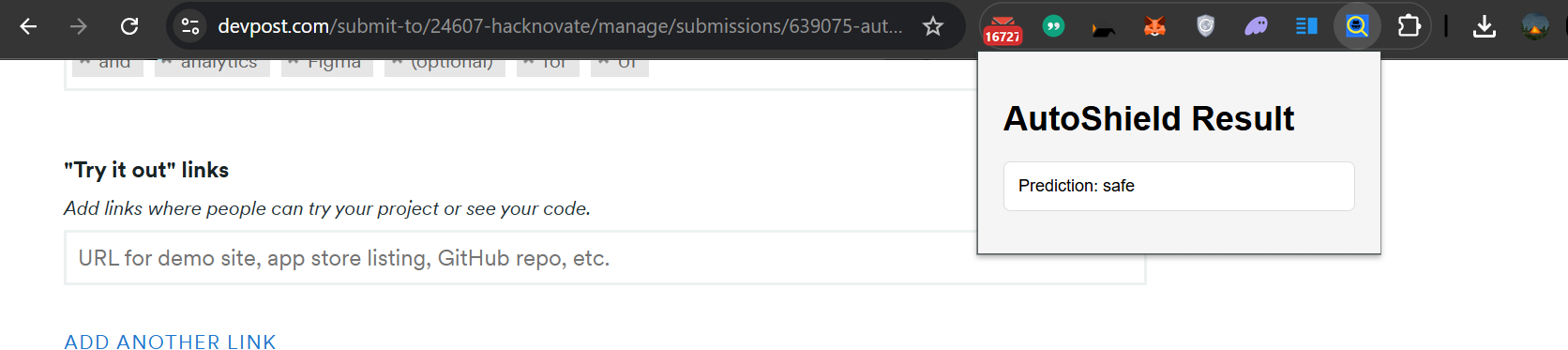
when website is safe
-
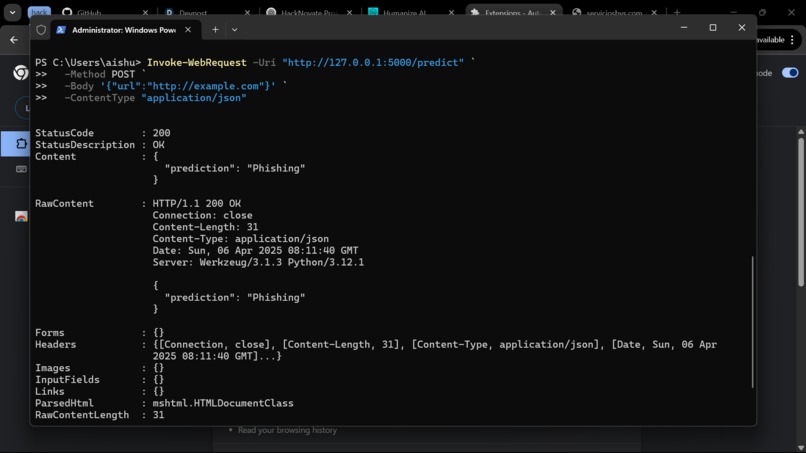
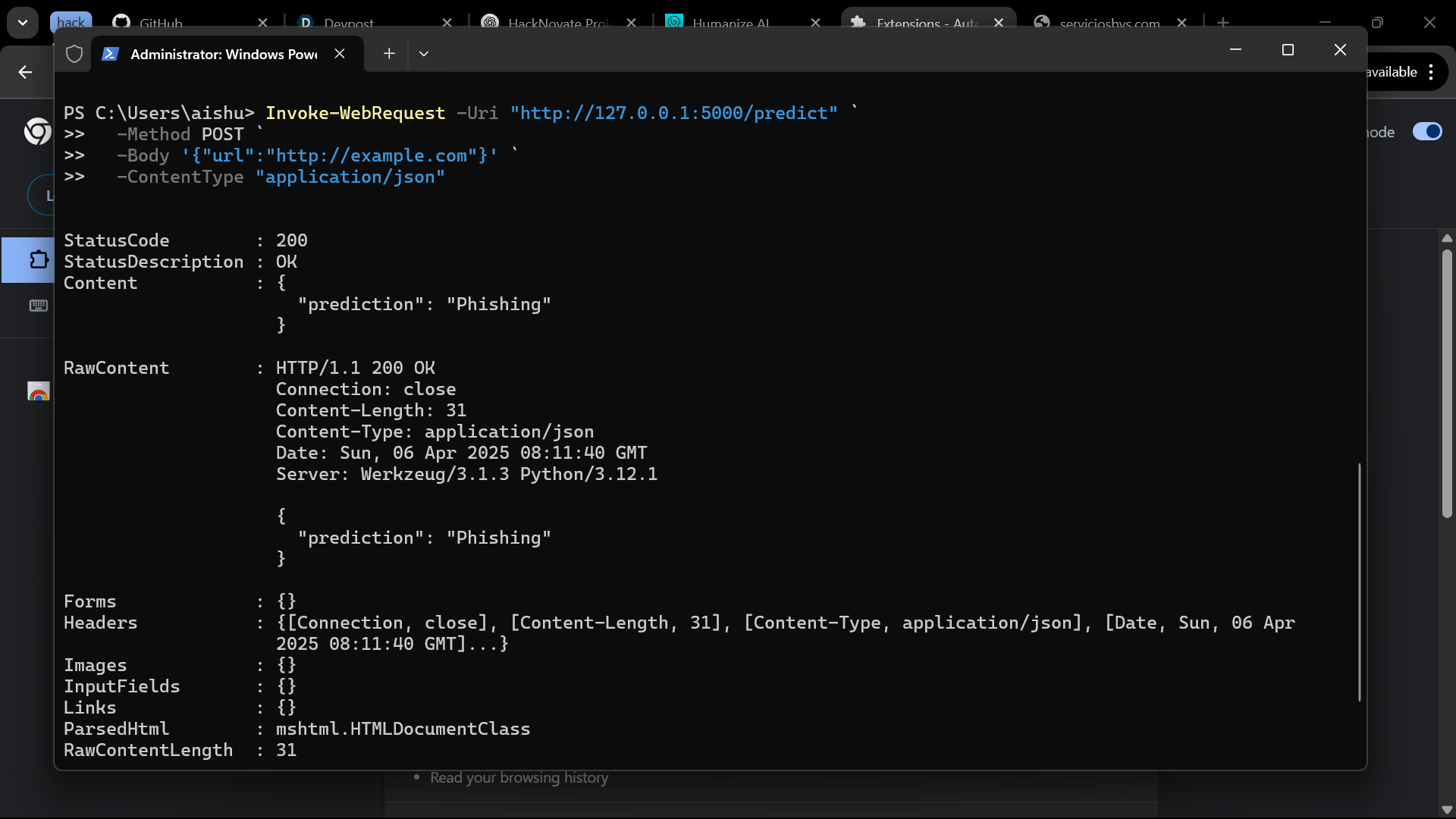
API results
🛡️ AutoShield – Real-time Scam & Fraud Detector
AutoShield is a real-time browser-based phishing and scam detection tool powered by machine learning. It helps users avoid dangerous websites by instantly classifying them as Phishing or Safe using a custom-trained ML model.
🚀 Inspiration
The internet is a minefield of scammy links, phishing websites, and malicious domains waiting to steal user data. While many security tools exist, they’re often reactive or complex. We wanted to build something lightweight, proactive, and user-friendly — especially for everyday internet users. That’s how AutoShield was born: a real-time scam and phishing link detector that empowers users to browse safely.
🔍 What it does
- Detects phishing/scam URLs in real-time while browsing.
- Communicates with a Flask API that uses a trained ML model.
- Displays result instantly inside the Chrome browser popup.
- Protects users from frauds with no manual effort.
🛠️ How we built it
Tech stack:
- Python (Flask, Scikit-learn)
- HTML/CSS/JS for the extension UI
- Chrome Extension (Manifest v3)
- Machine Learning: Logistic Regression
Project structure: AutoShield/ ├── backend/ │ ├── app.py ← Flask API │ ├── train_model.py ← ML training script │ ├── model.pkl ← Trained ML model │ ├── vectorizer.pkl ← Fitted vectorizer │ └── phishing_dataset.csv │ ├── extension/ │ ├── manifest.json │ ├── popup.html │ ├── popup.js │ ├── background.js │ └── style.css
🧗 Challenges we ran into
- Getting a clean, balanced dataset with both phishing and legitimate links.
- Dealing with class imbalance during training.
- Handling URL encoding and variations in real-time.
- Integrating backend predictions with the Chrome extension popup cleanly.
🏆 Accomplishments that we're proud of
- Complete end-to-end product with real-time detection.
- Smooth communication between the browser extension and Flask API.
- Successfully trained and deployed a machine learning model for cybersecurity use case.
- Fast prediction time and simple UI for non-technical users.
📚 What we learned
- Hands-on experience with deploying machine learning models.
- Understanding phishing techniques and how to identify malicious patterns.
- Working with browser extension APIs.
- Building secure and real-time APIs with Flask.
🚀 What's next for AutoShield – Real-time Scam & Fraud Detector
- Train on more diverse and multilingual phishing datasets.
- Add threat levels or prediction confidence scores.
- Extend support to Firefox and Microsoft Edge.
- Publish extension to Chrome Web Store.
- Add content inspection of HTML/JS on the page itself for deeper scanning.
- Cloud deployment for real-time usage by all users.

Log in or sign up for Devpost to join the conversation.