Inspiration
I absolutely love everything about building projects - the initial spark of an idea, brainstorming features late into the night, watching websites come to life one component at a time from absolutely nothing. There's something magical about testing new features, diving deep into sections, tackling those stubborn bugs that make you question everything, then finally seeing it click. I love adding functionality piece by piece, gathering feedback from users, iterating based on their needs, perfecting the user interface until every pixel feels right, crafting content that resonates.
But then comes the README. And suddenly, all that excitement just... dies.
It's not the most time-consuming, but it's a tedious part of the development process. I find myself constantly switching back & forth between my codebase and my documentation draft, cross-referencing dependencies, making sure I haven't missed any installation steps, trying to explain complex features in simple terms, ensuring the tech stack section is accurate. It's this endless cycle of checking and double-checking, and honestly, it's the one task I would absolutely love to delegate but never could.
That's when it hit me - what if I could build something that handles this pain point for every developer? Something that understands code structure, recognizes the purpose behind projects,& generates documentation that actually matches the quality of the code itself. So I built AutoReadme, because every developer deserves to spend their time creating amazing things, and not being burdened by needing to explaining them in markdown.
What it does
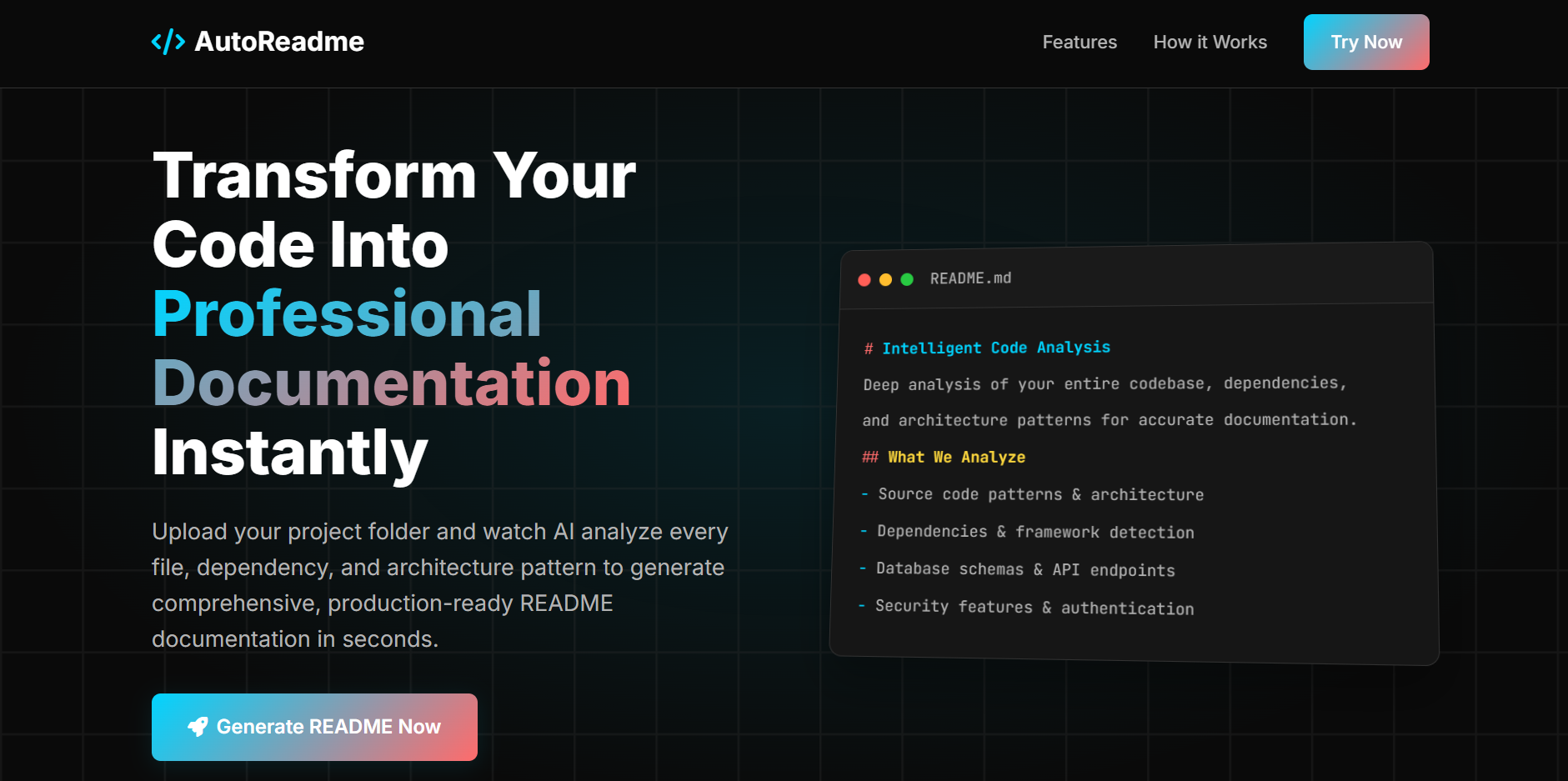
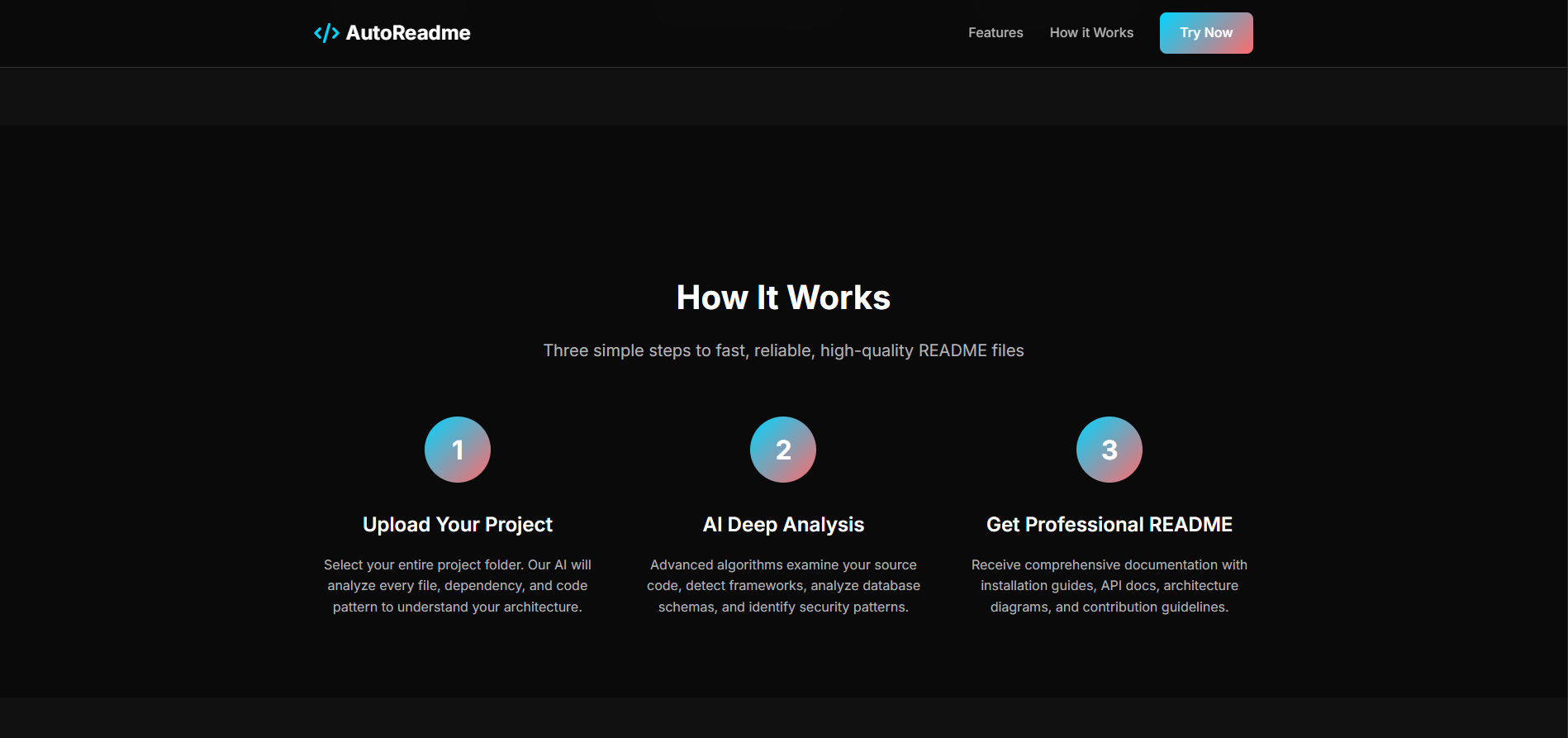
AutoReadme completely transforms my dreaded part of development into a lightning-fast, 30-sec experience. Here's how it works: developers upload their entire project folder through a simple drag-and-drop interface. The system immediately analyzes the codebase, detecting languages, frameworks, dependencies, project structure, and even the overall architecture pattern.
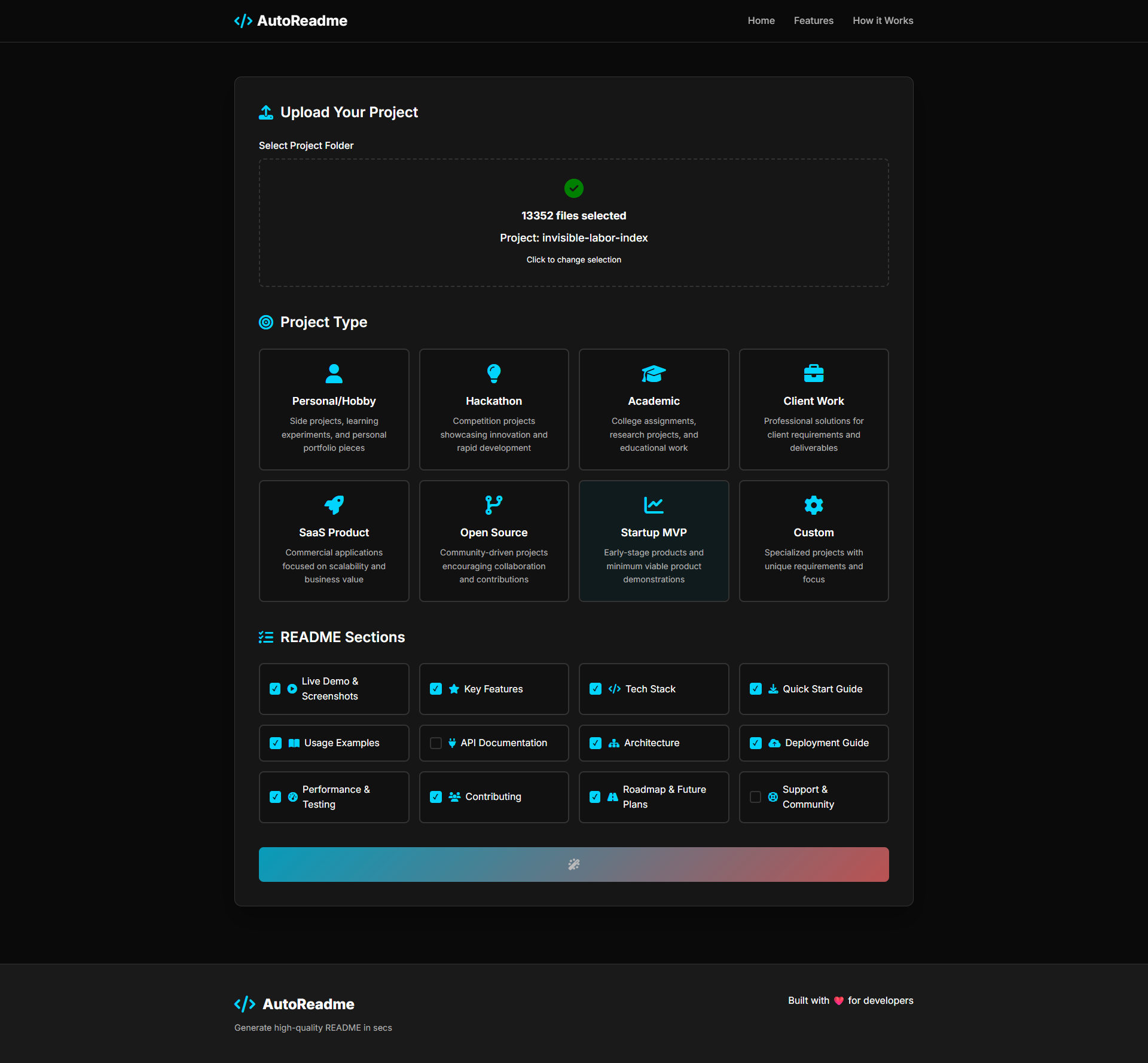
Users then choose their project's purpose - whether it's a SaaS application, open-source library, academic research, personal portfolio piece, or an enterprise tool. This choice fundamentally shapes the tone, structure, and focus of the generated documentation. Next, they select exactly which sections they want included: installation guides, usage examples, API documentation, contribution guidelines, tech stack breakdowns, feature lists, or deployment instructions.
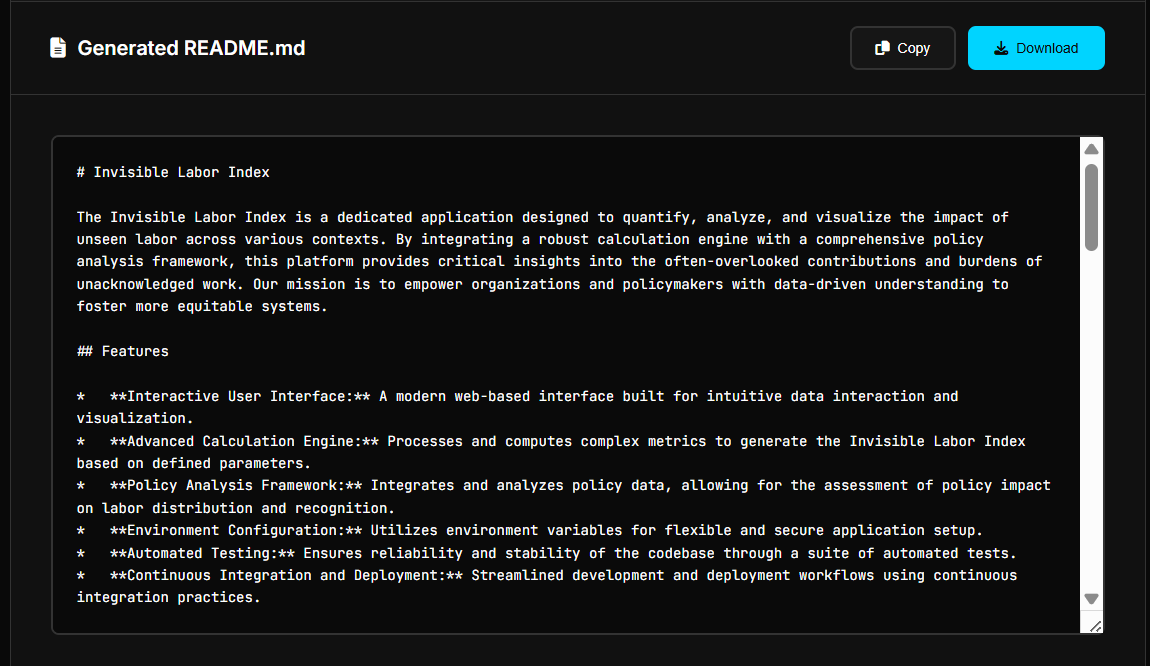
Within 30 secs, they receive a professionally crafted, comprehensive README that reads like it was written by a technical writer who actually understands their project. Users can then add their live site links, screenshots, demo videos, and other visual assets. The entire review and customization process takes just 5-10 mins maximum. What used to be atleast a couple hrs of tedious back-and-forth documentation work becomes a quick, satisfying final step in the development process.
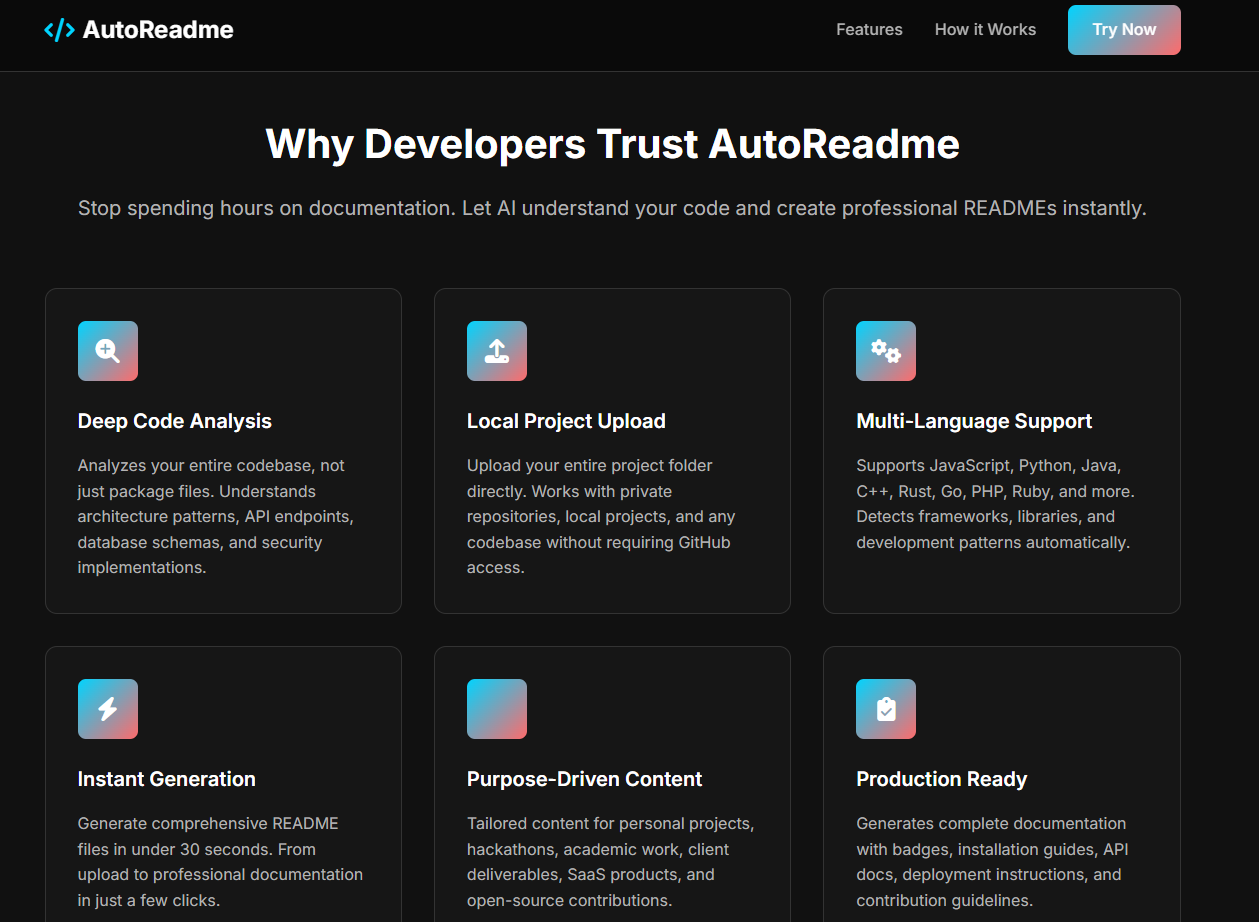
The generated documentation isn't some generic template text - it's contextually aware, technically accurate, and tailored to the specific project type and audience. It includes proper installation commands for the detected package manager, relevant code examples using the actual technologies found in the project, and deployment instructions that match the project's configuration.
How I built it
It's built entirely with vanilla JS, chosen specifically for maximum performance and zero dependency overhead. This decision ensures the application loads instantly and runs smoothly across all devices and browsers without any framework bloat.
The core intelligence comes from deep integration with Google's Gemini API, but the real magic happens in the custom prompt engineering. I spent hrs crafting purpose-driven prompts that adapt not just content, but tone, structure, and technical depth based on the project type. A SaaS product gets marketing-focused language with user benefits, while an open-source library gets developer-focused technical documentation with contribution guidelines.
File analysis happens entirely client-side through the modern File API, ensuring user privacy while maintaining functionality. The system parses package.json files for Node.js projects, requirements.txt for Python, Cargo.toml for Rust, and dozens of other configuration files to understand project dependencies, scripts, and architecture. It analyzes directory structure to identify frontend/backend separation, documentation folders, test directories, and deployment configurations.
The user interface leverages CSS Grid and Flexbox for a responsive, professional design that works seamlessly across desktop and mobile devices. Font Awesome provides consistent, professional iconography throughout the interface, while Google Fonts (Inter for UI text, JetBrains Mono for code) ensure excellent readability and technical authenticity.
Deployment was done through Netlify's platform with automated build optimization and environment variable management for secure API key handling. The entire application is optimized for performance with lazy loading, efficient DOM manipulation, and minimal HTTP requests.
Challenges I ran into
The biggest technical challenge was creating AI prompts that consistently generates high-quality, contextually appropriate documentation across vastly different project types. A React e-commerce application needs completely different sections, tone, and technical depth compared to a Python ML library or a DevOps automation tool. I spent countless hours refining my prompt, testing with dozens of different project types, and iterating based on output quality.
File parsing presented another significant hurdle. Different programming languages, package managers, and project structures required building a robust detection and analysis system. Handling edge cases like monorepos, multi-language projects, and unconventional directory structures took extensive testing and refinement.
Privacy was absolutely crucial from day one. Implementing client-side processing while maintaining fast performance required careful optimization. I had to balance comprehensive analysis with browser limitations, ensuring large codebases could be processed without memory issues or performance degradation.
The user experience challenge was finding the sweet spot between customization and simplicity. Developers want control over their documentation, but they also want the process to be effortless. Creating an interface that provides granular section control while maintaining the "30-sec generation" promise required multiple design iterations.
Quality consistency was perhaps the most subtle but important challenge. Ensuring the generated documentation feels authentic and matches each project's actual functionality, rather than producing generic template text, required extensive prompt refinement and output validation.
Accomplishments that I'm proud of
I'm incredibly proud that AutoReadme genuinely solves a universal developer problem that affects everyone from junior developers to senior engineers. The 30-sec generation time isn't just a marketing claim - it's consistently faster than manually writing even a single comprehensive paragraph of documentation.
The purpose-driven template system produces documentation that looks and reads like it was crafted by a professional technical writer who spent hours understanding the project.
The privacy-first approach means sensitive codebases never leave the user's machine, making it viable for enterprise and proprietary projects. This was crucial for adoption among professional developers who work with confidential code.
What I learned
Documentation quality has a direct, measurable impact on project adoption and developer career growth. Even brilliant, innovative code gets ignored without proper explanation and setup instructions. The barrier isn't technical writing ability - most developers can write well when they need to. The real barriers are time, structure, and knowing what information to include.
Prompt engineering is genuinely as much art as science. It requires deep understanding of both technical writing principles and developer psychology. The most effective prompts don't just request information - they provide context, examples, and clear expectations for tone and structure.
Client-side AI processing is not only possible but incredibly powerful when implemented thoughtfully. It opens up possibilities for privacy-sensitive applications while maintaining the intelligence and capability of cloud-based AI services.
Most developers genuinely want to create good documentation but lack the time and systematic approach. When you provide both the structure and the speed, it transforms documentation from a dreaded chore into a satisfying completion step.
The feedback loop between documentation quality and project success is much stronger than I initially realized. Better documentation leads to more users, more contributors, better feedback, and ultimately better projects.
What's next for AutoReadme - Turn your Code Repository to Docs, Instantly
Right now, AutoReadme handles general web applications beautifully, but I'm excited about the potential to expand into more specialized project types. Mobile applications, data science projects, DevOps tools, game development, and blockchain applications - each have unique documentation needs and technical considerations that would be fascinating to tackle.
I've been thinking about how powerful it would be to have deep integrations with platforms like GitHub, GitLab, and Bitbucket - imagine automatic README updates when your project structure or dependencies change. A VS Code extension could make this part of the seamless development workflow that developers already know and love.
There's also huge potential in multi-language support for international developer communities. Ensuring developers worldwide can generate documentation in their preferred language while maintaining technical accuracy would democratize good documentation globally.
The bigger vision I'm exploring is moving beyond just READMEs toward comprehensive project documentation ecosystems - API documentation, contributing guidelines, deployment guides, and user manuals. The dream is making professional documentation as automatic and effortless as code formatting, so every project gets the documentation quality it deserves without adding any developer overhead.
But for now, I'm focused on perfecting the core experience and making sure AutoReadme solves the immediate README problem flawlessly for every developer who uses it.
Built With
- css3
- file-api
- google-gemini-api
- html5
- javascript


Log in or sign up for Devpost to join the conversation.