-
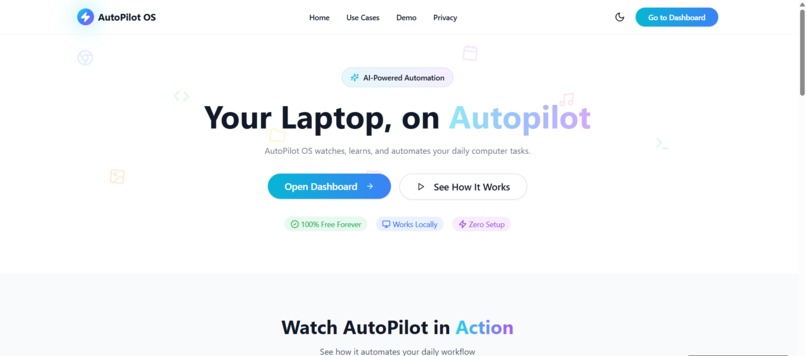
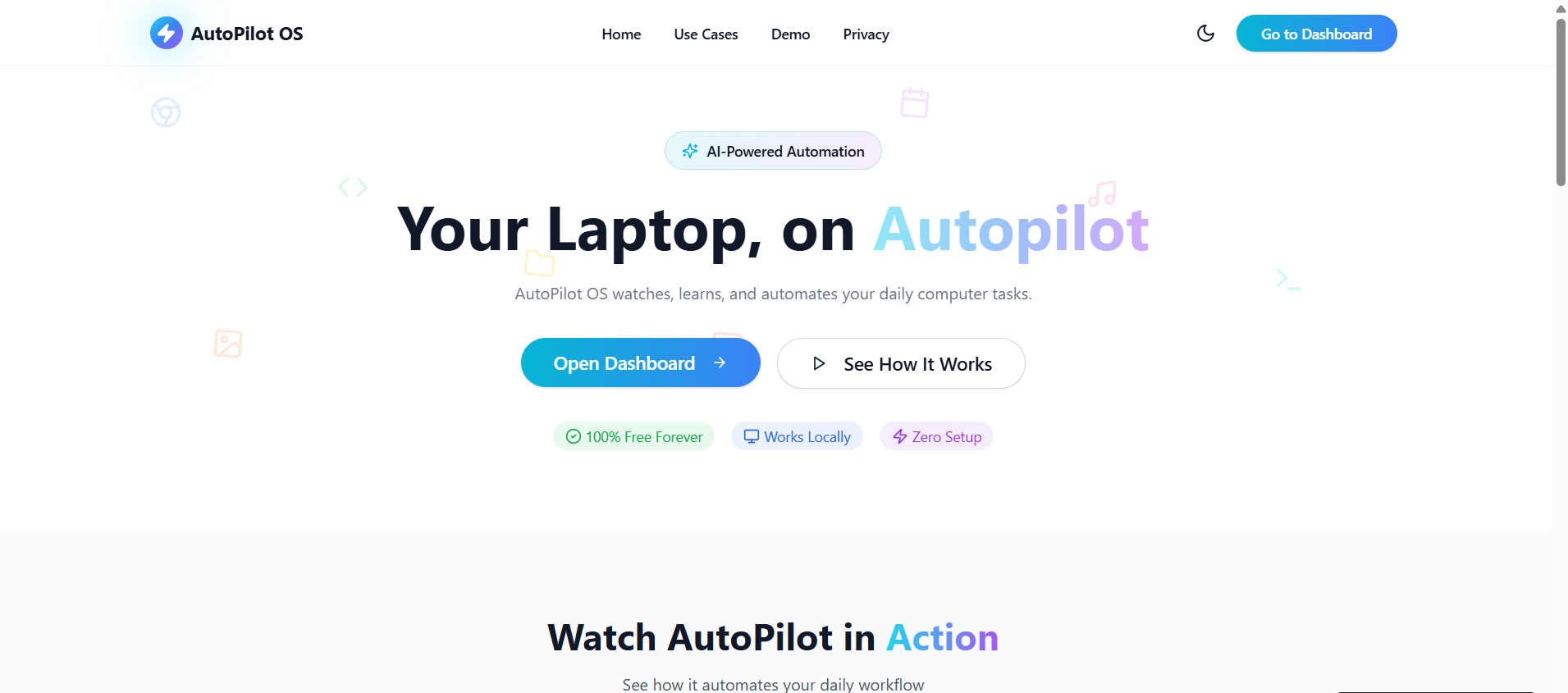
This is the Homepage.
-
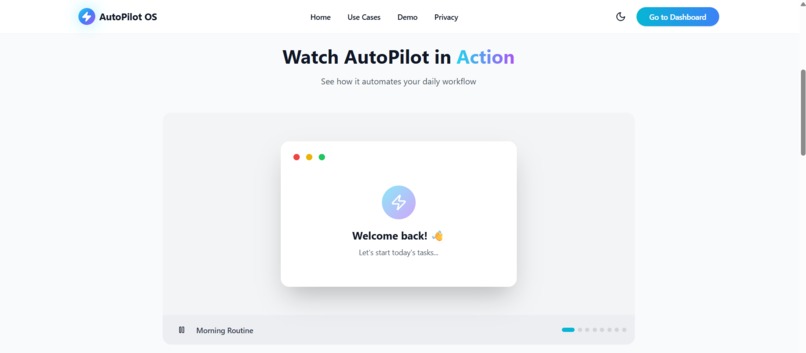
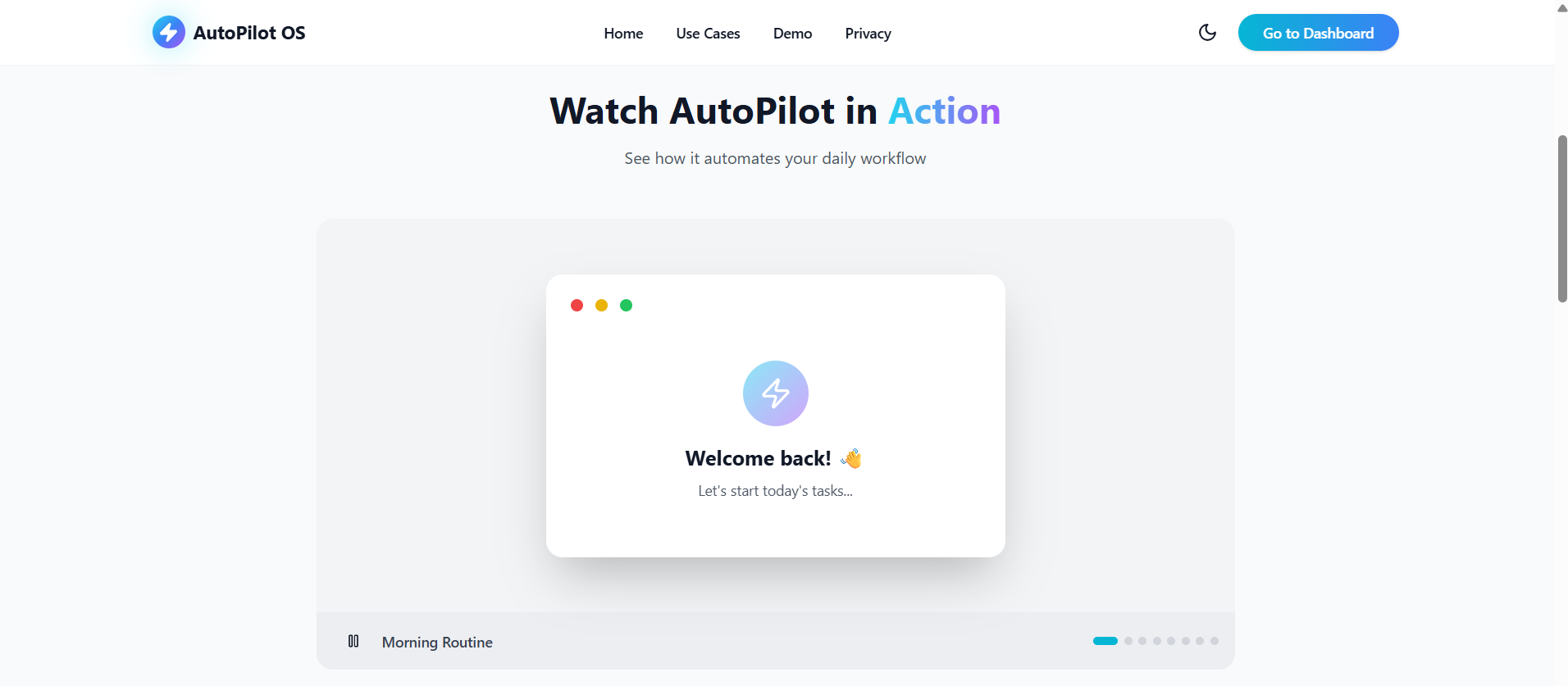
This is the demo present at Homepage which shows it's few features.
-
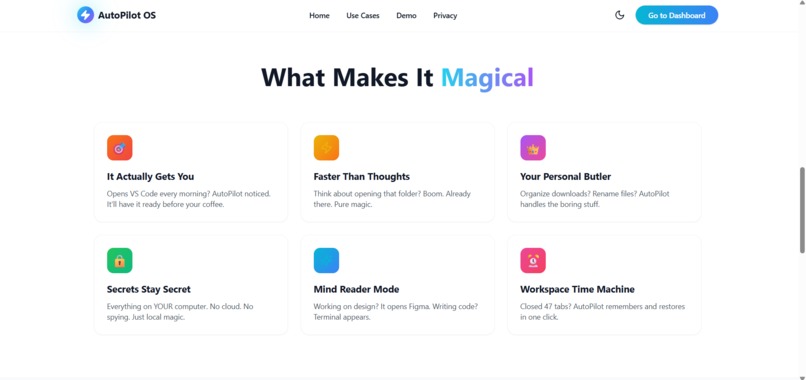
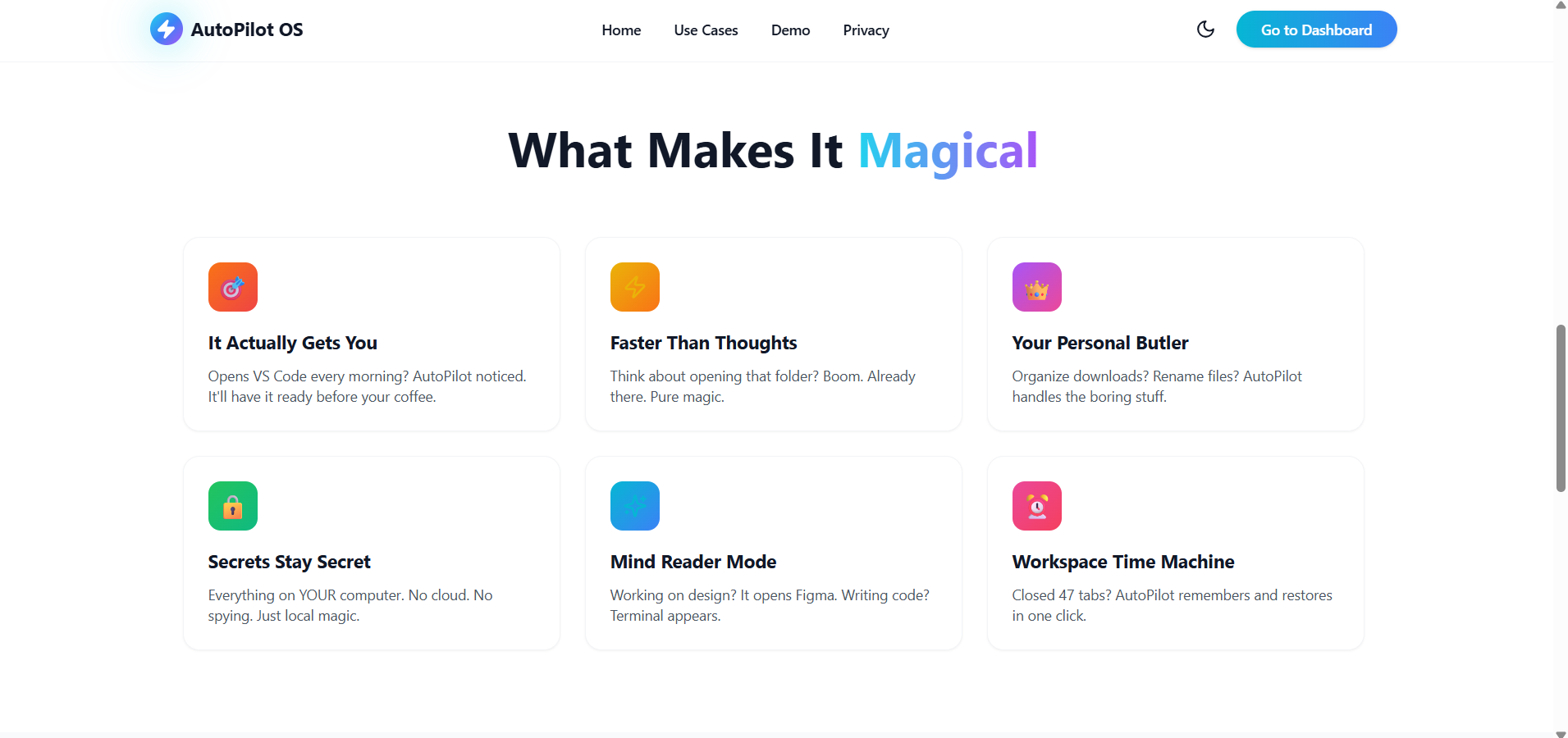
This section shows how it is useful.
-
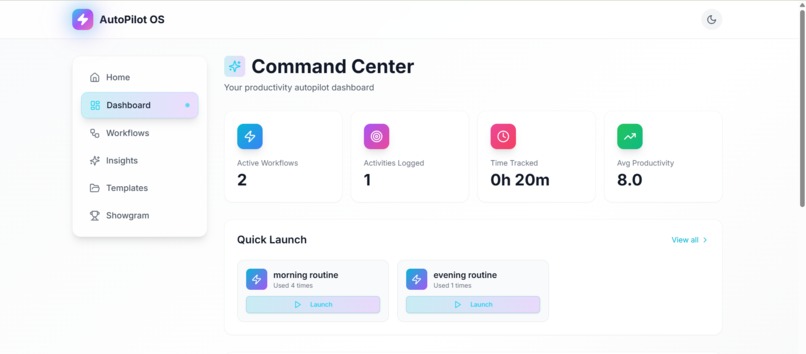
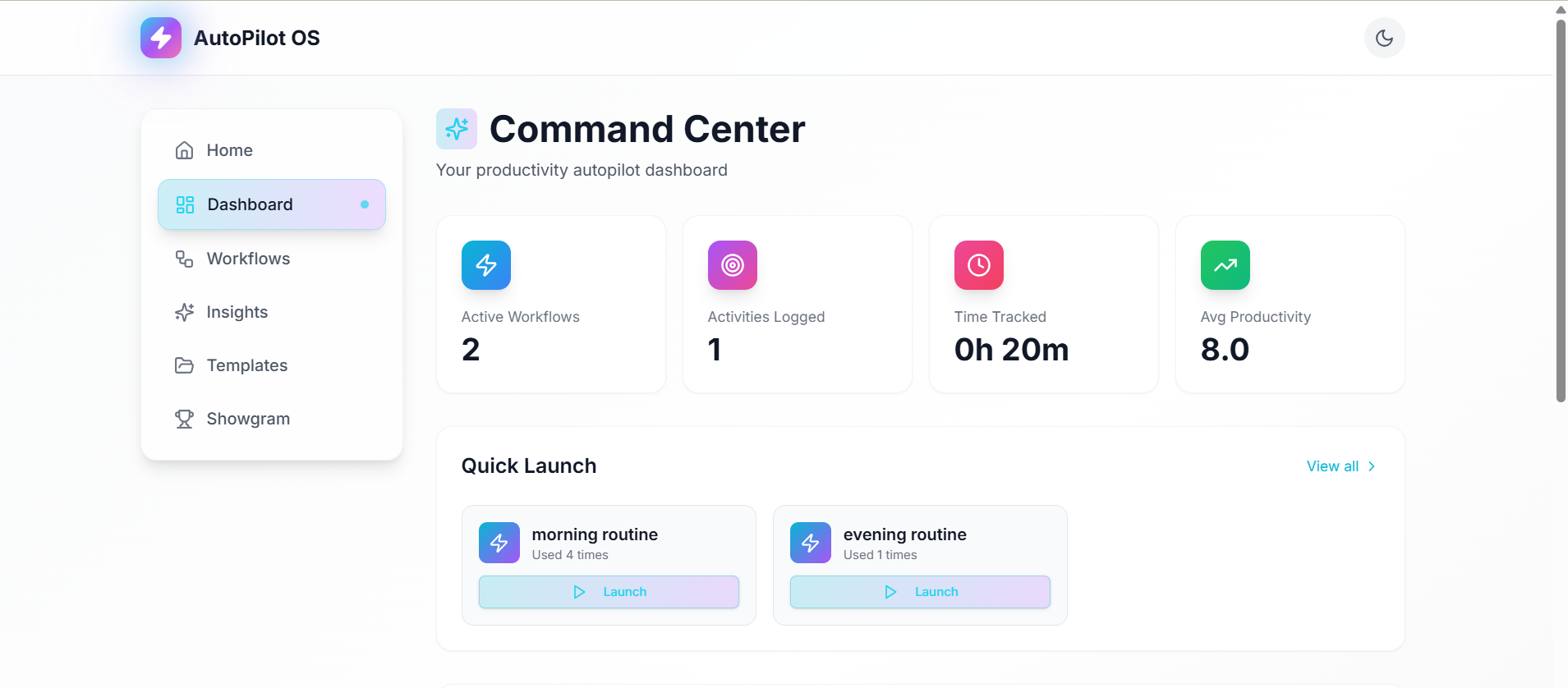
It provides a quick overview of your productivity, including active workflows, logged activities, time tracked, and average productivity.
-
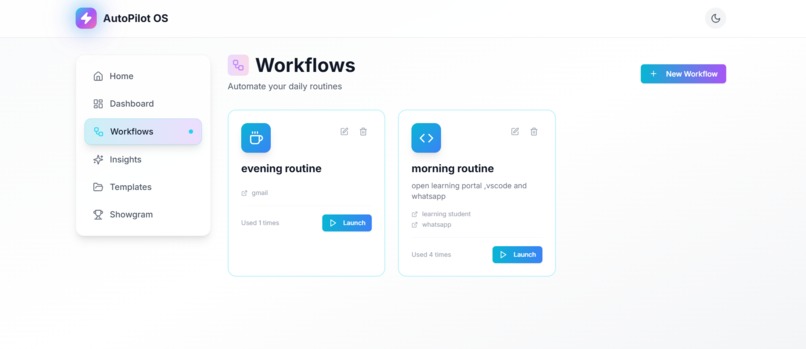
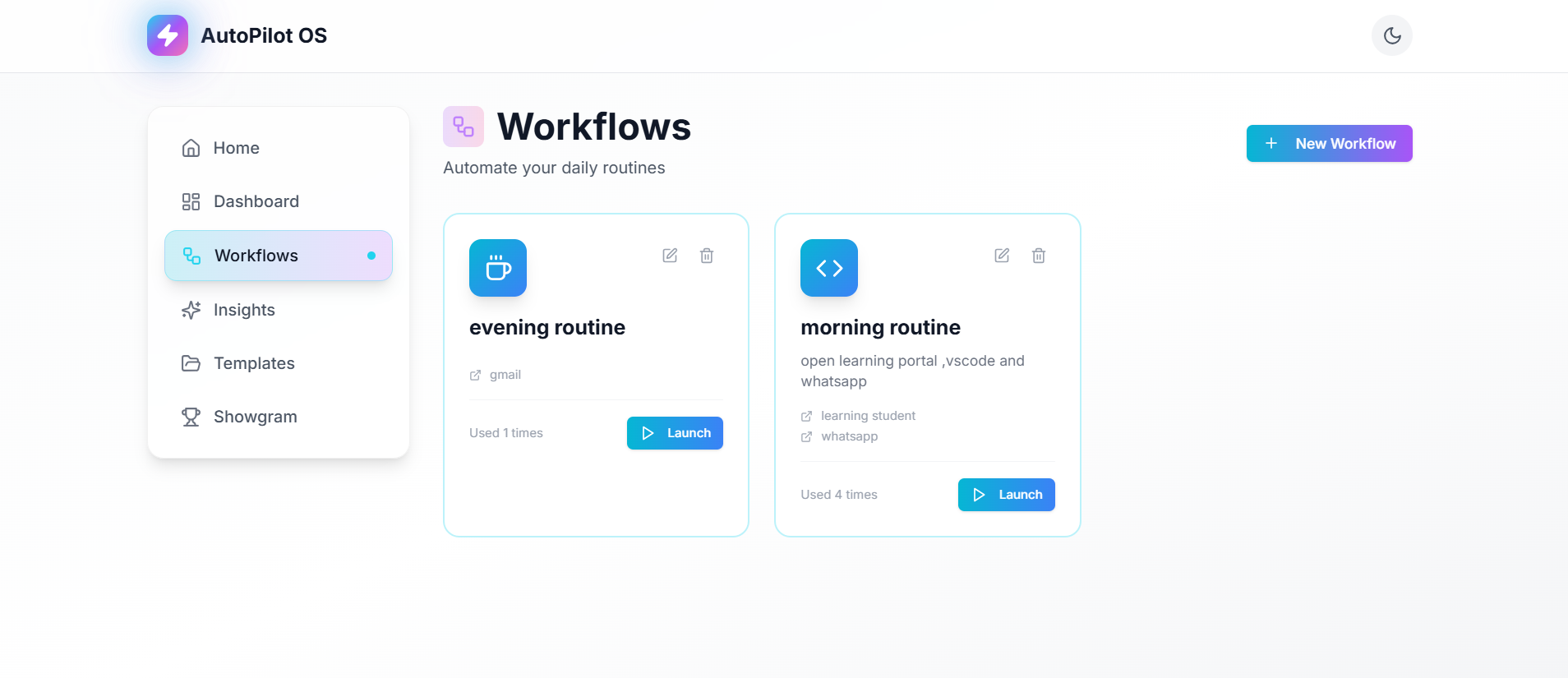
The Workflows page is where you define and manage your automated routines.
-
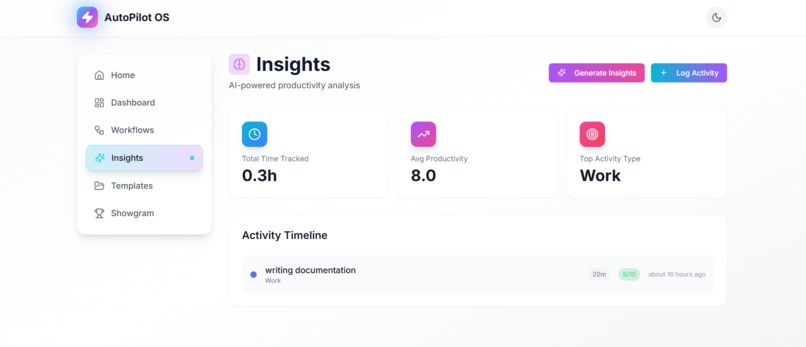
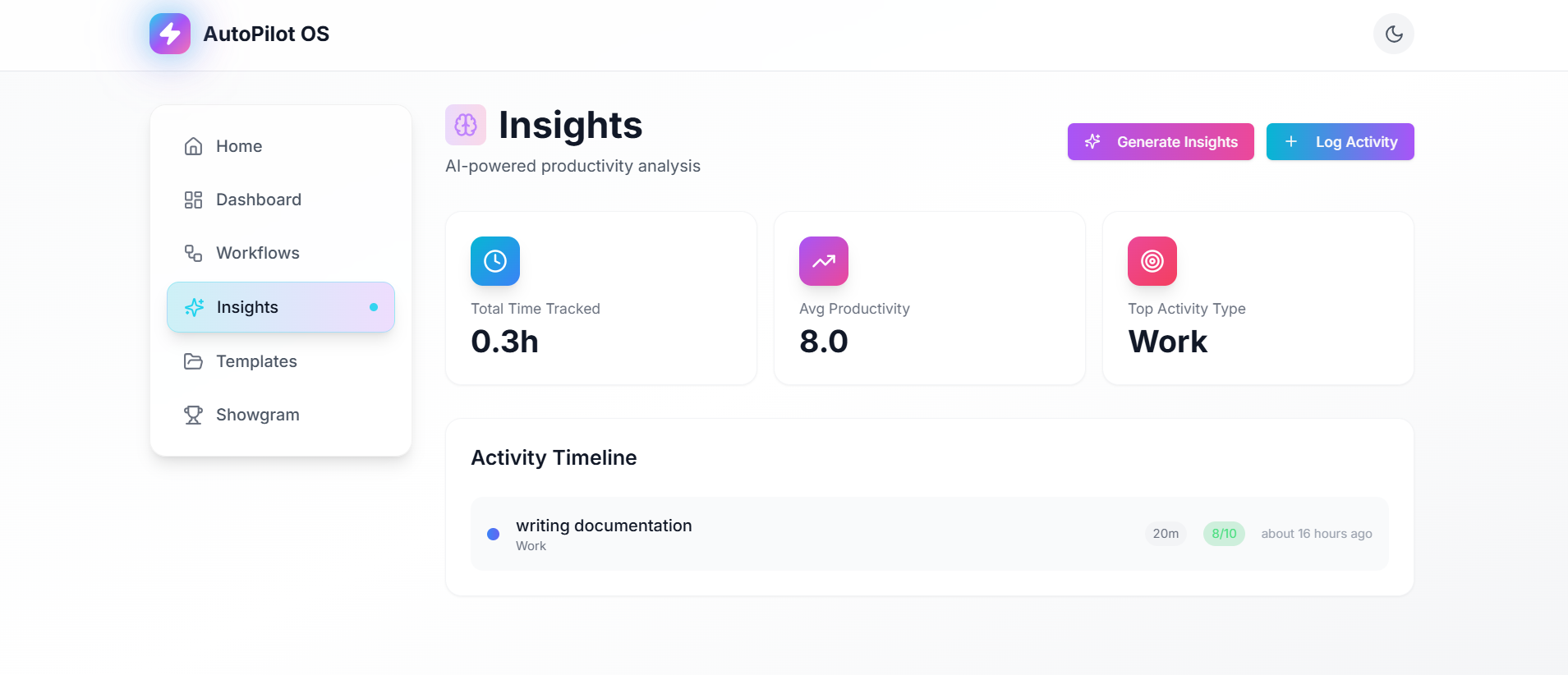
The Insights page is where you log your daily activities, track your time, and get AI-powered analysis of your productivity.
-
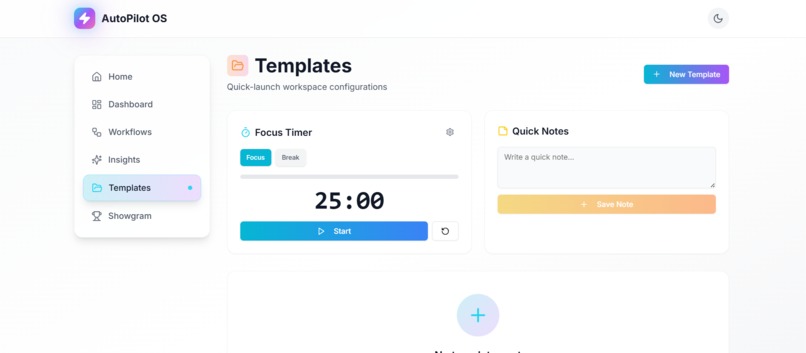
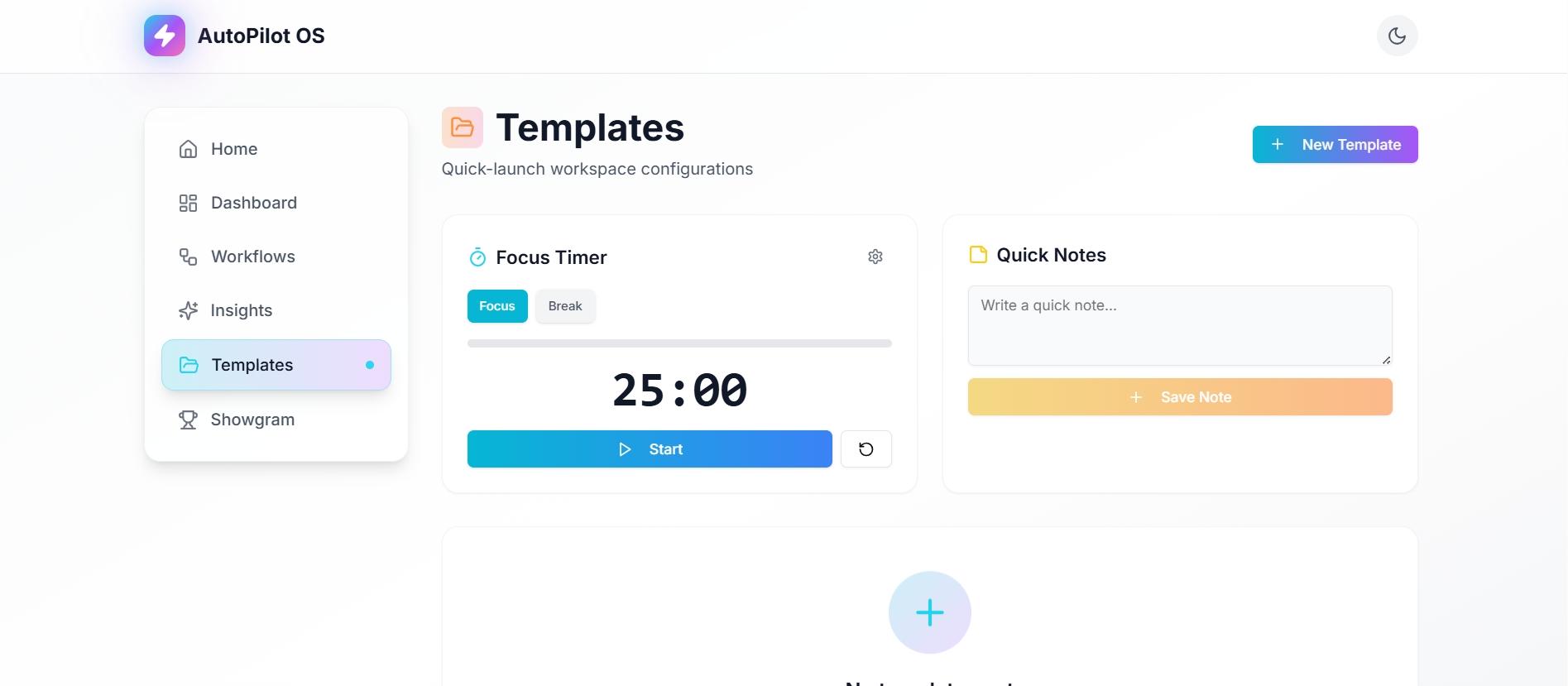
The Templates page allows you to create, manage, and launch predefined sets of links. It also integrates a focus timer and a notes taker.
-
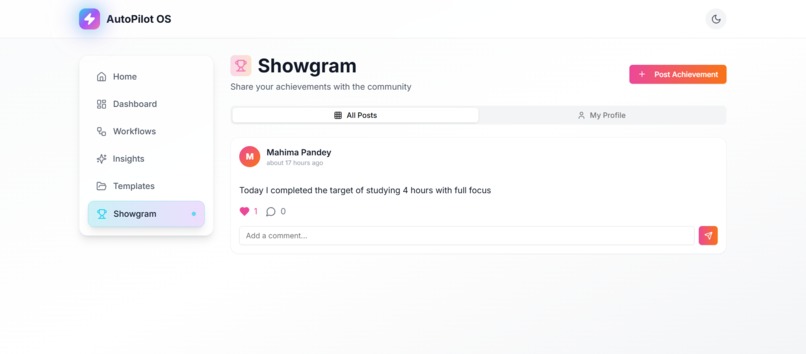
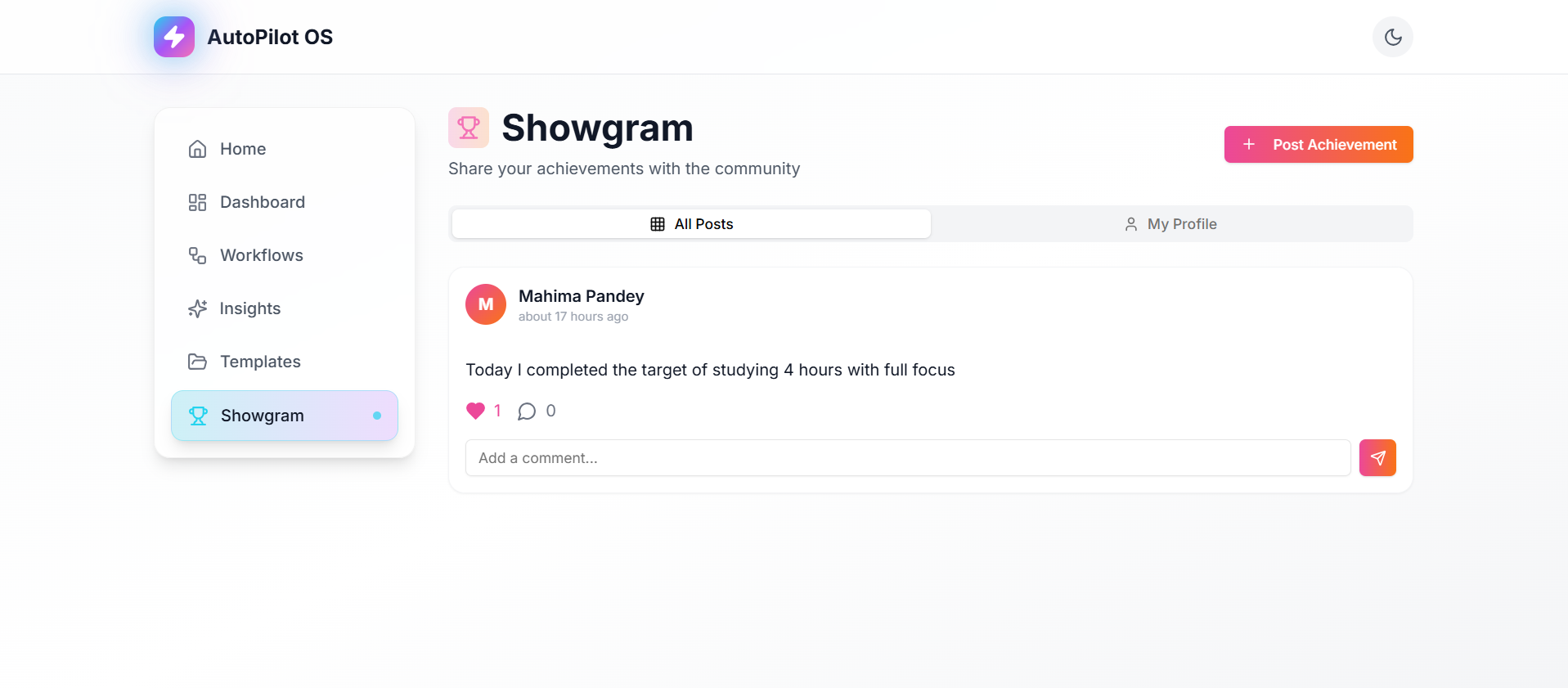
It's where you can share your achievements, view posts from others, like and comment on them, and follow other users.
Inspiration
We live in a world where cars can drive themselves and AI solves complex problems — yet our laptops still rely on endless manual clicks. Opening the same apps every day, organizing files repeatedly, rebuilding yesterday’s workspace. That inspired us to imagine a computer that learns and anticipates your workflow automatically. And that’s how AutoPilot OS was born.
What it does
AutoPilot OS automates everyday desktop tasks using intelligent pattern recognition. It predicts your next action, auto-launches your workflow apps, organizes files, restores your workspace, and offers smart suggestions — all locally, privately, and seamlessly. It’s basically Tesla Autopilot, but for your laptop.
How we built it
We built AutoPilot OS using Base44 — a no-code, prompt-driven platform. Instead of writing code, we described every feature, flow, and UI in natural language. Base44 generated screens, logic, automation steps, and interactions. Our workflow looked like:
Break idea → into simple feature prompts
Generate UI + logic → with Base44
Test → refine prompt → test again
Export prototype demo
It was like having an “AI engineering team” that built whatever we imagined.
Challenges we ran into
Designing a futuristic UI without overcomplicating it
Figuring out how to express technical features using simple prompts
Avoiding prompt overload — learning to be clear but concise
Getting Base44 to interpret automation logic the way we intended
Staying MVP-focused instead of building every “cool idea” at once
Accomplishments that we're proud of
Building a working prototype without writing a single line of code
Turning a complex automation idea into a clean, simple interface
Creating a futuristic, neon-accented theme that feels truly “next-gen”
Learning how to translate big ideas into structured prompts
Achieving a demo-ready product in surprisingly little time
What we learned
No-code can also build powerful, real products if prompts are well-structured
Good automation comes from understanding user behavior, not heavy coding
An MVP is about impact, not number of features
Simplifying a complex idea is often harder than building it
Prompt engineering is basically the new “debugging”
What's next for AutoPilot OS
Adding deeper pattern prediction using local ML models
Building an onboarding wizard that personalizes automations instantly
Creating more automation templates (coding workflows, design workflows, student workflows, etc.)
Adding customizable shortcuts and user-defined triggers
Making it and us better with time.
Built With
- base44


Log in or sign up for Devpost to join the conversation.