-
-
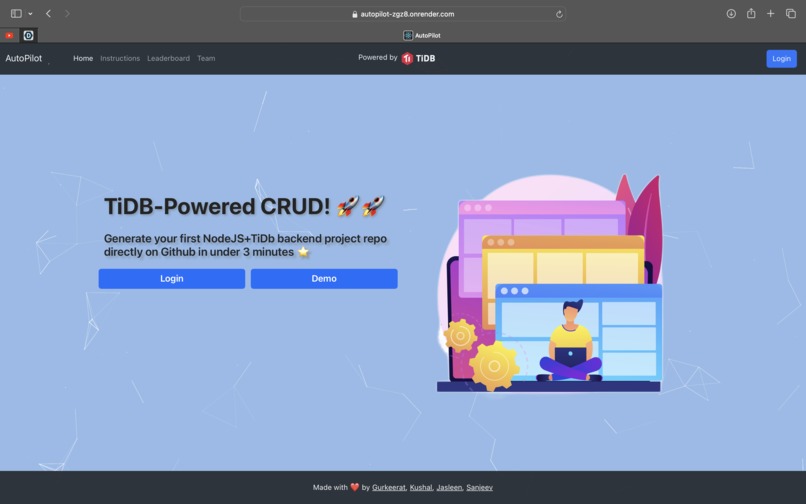
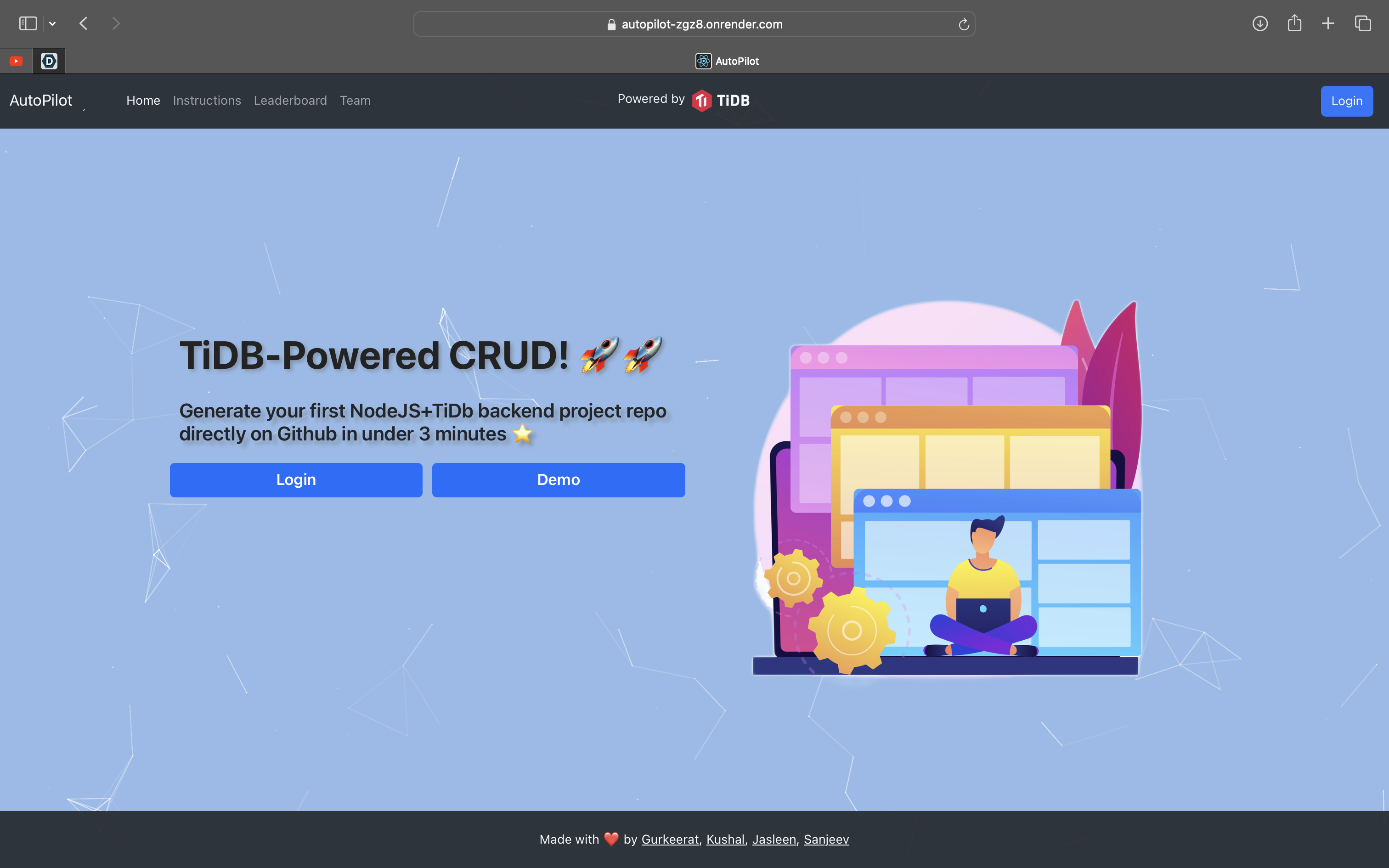
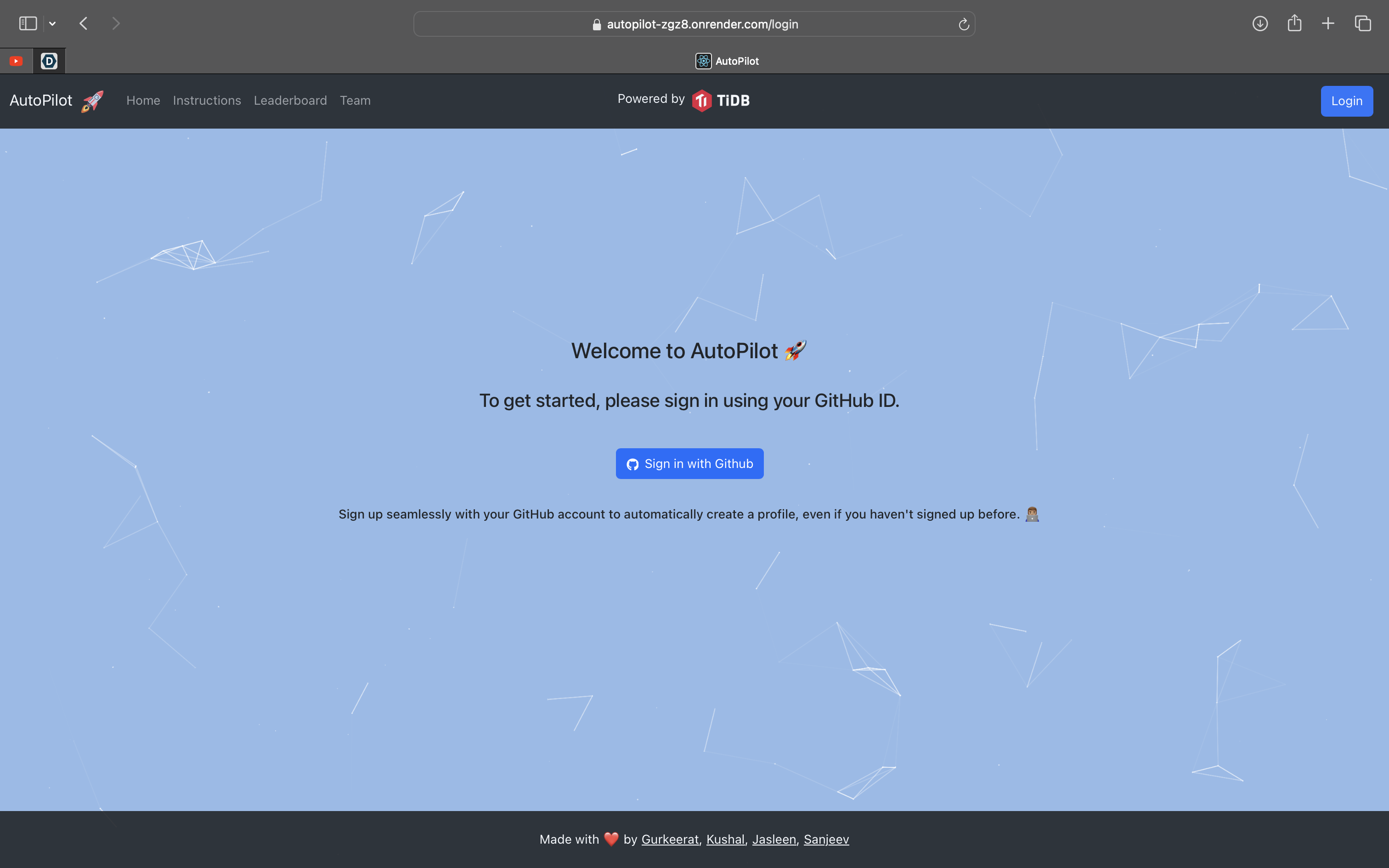
Homepage
-
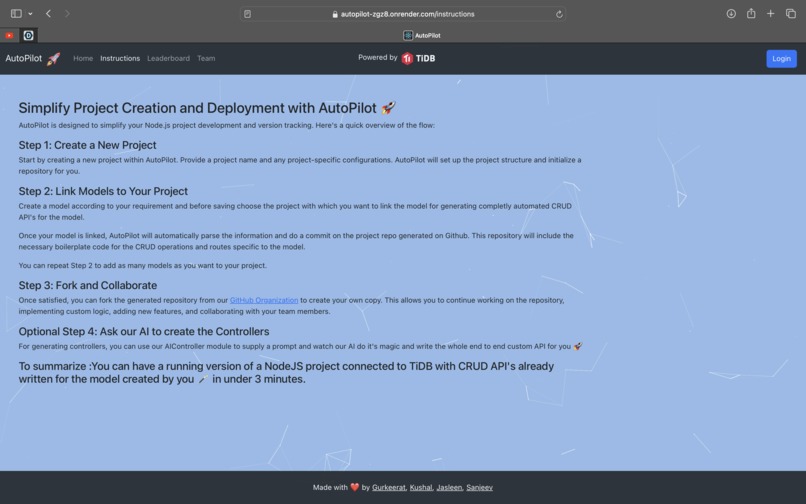
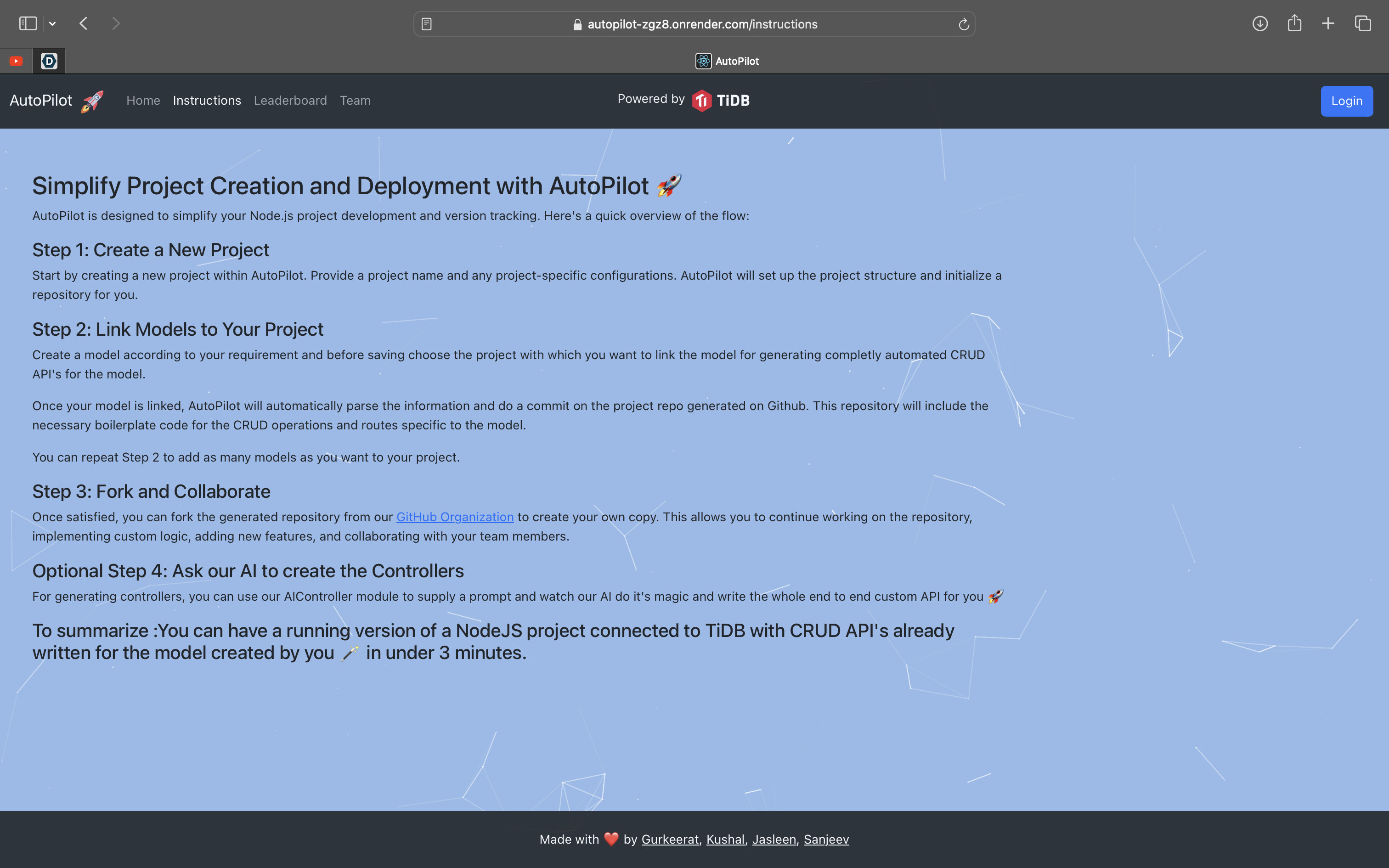
Instructions
-
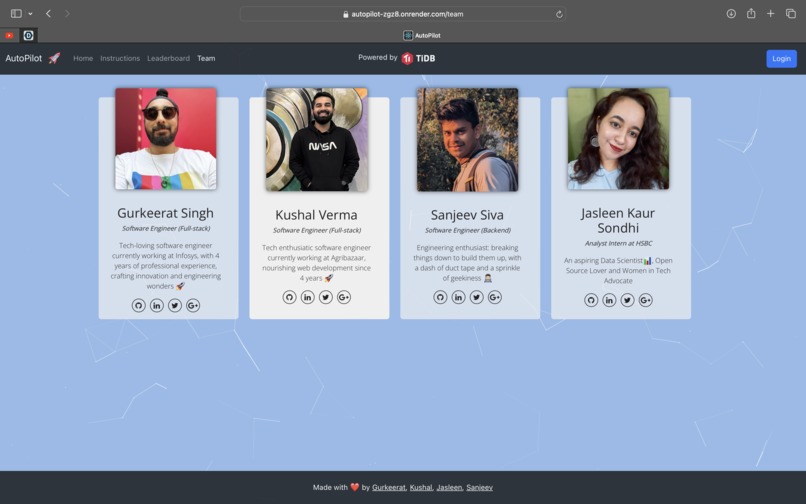
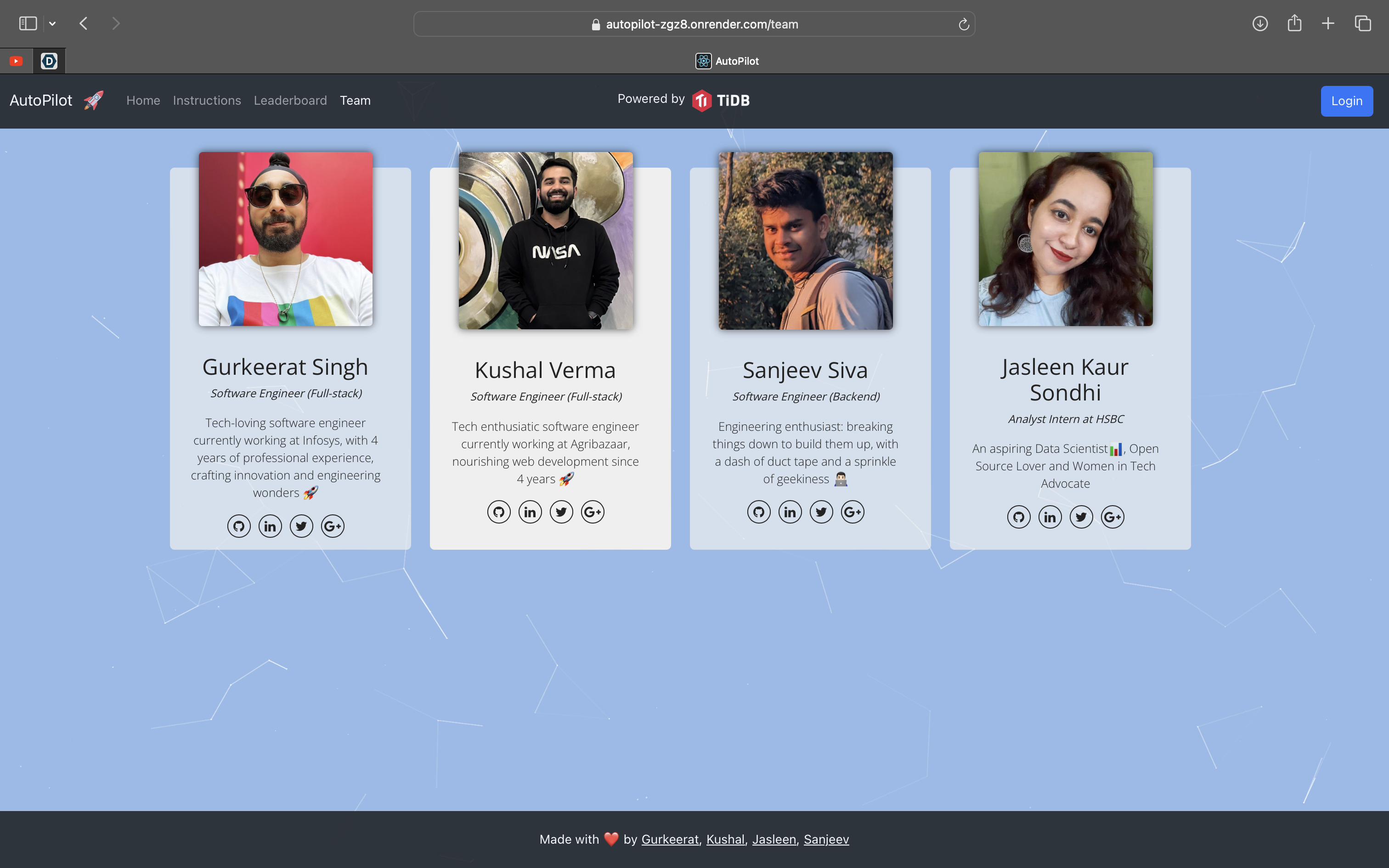
Team
-
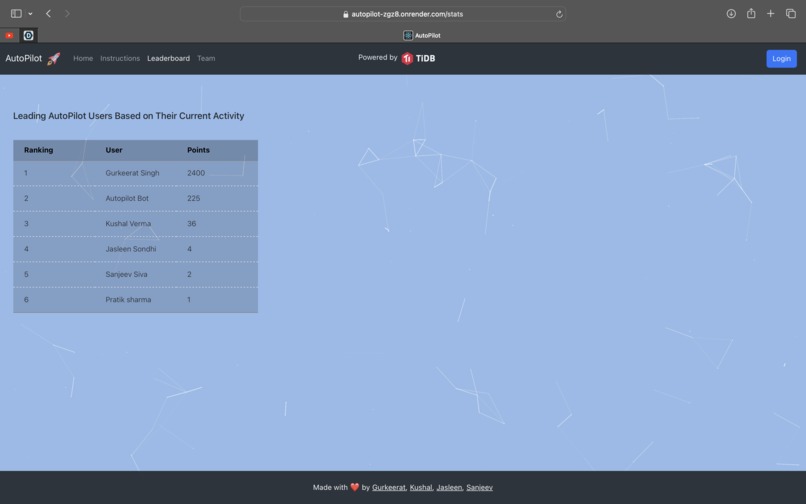
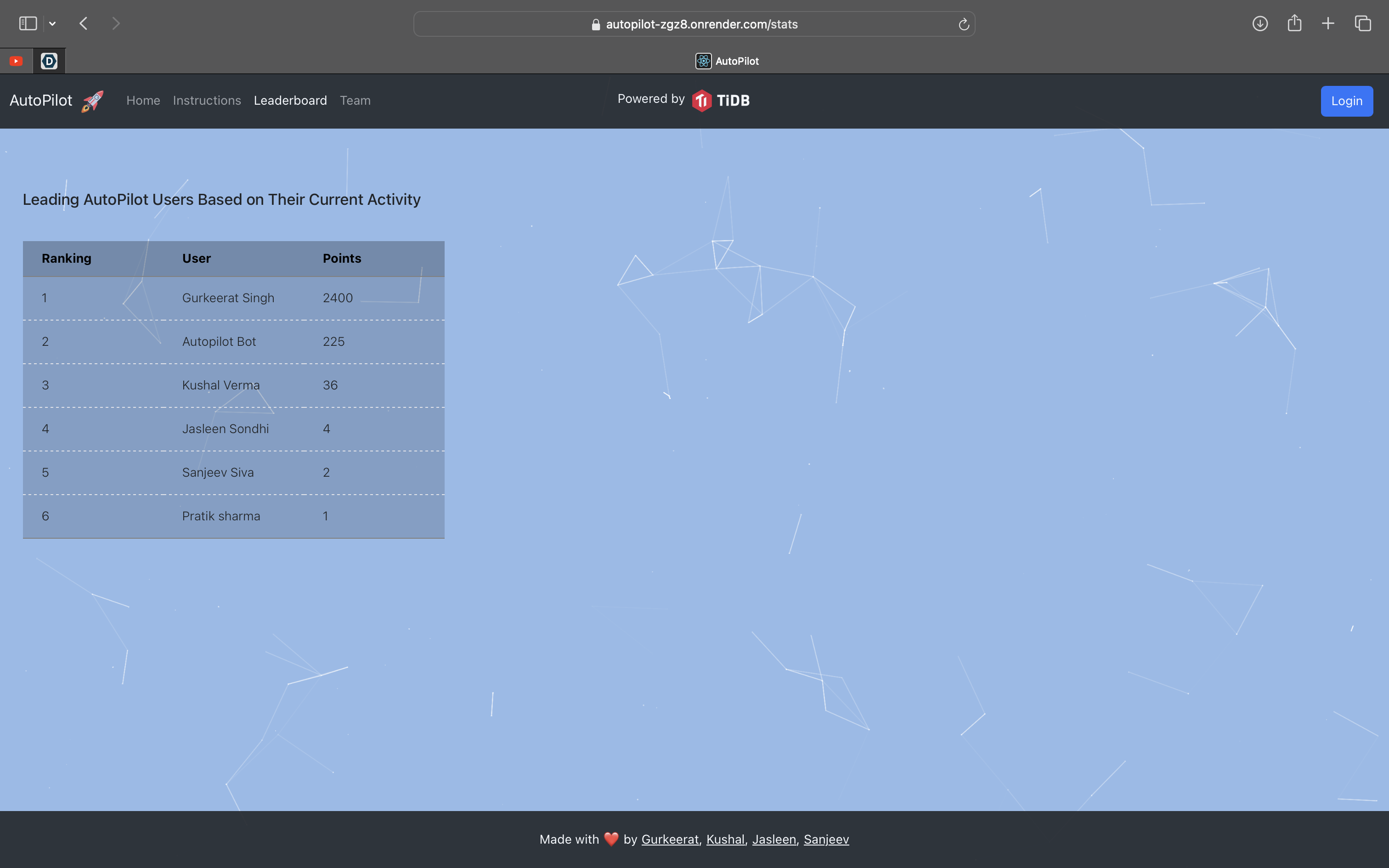
Leaderboard
-
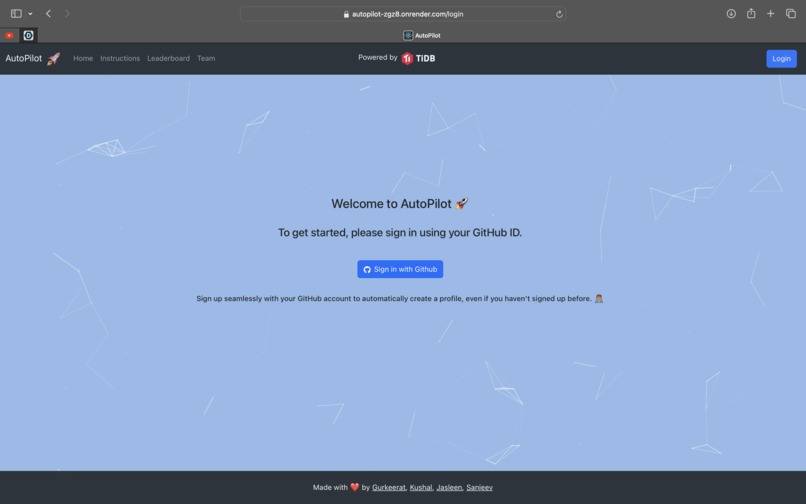
Login/Signup
-
Loader
-
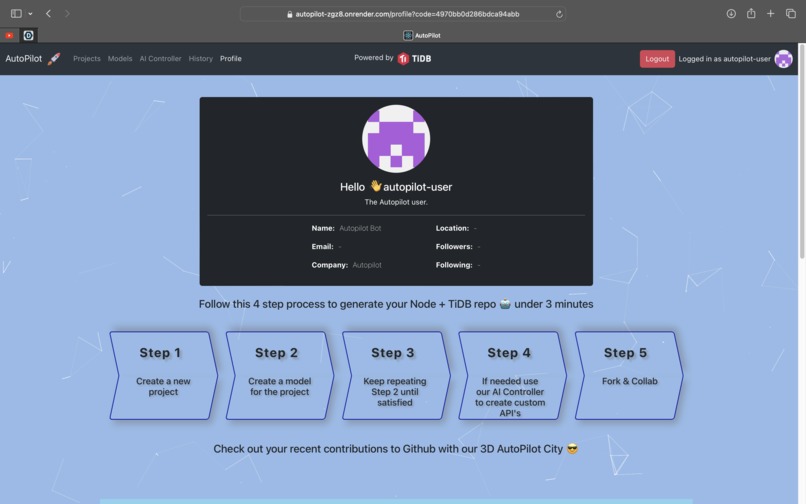
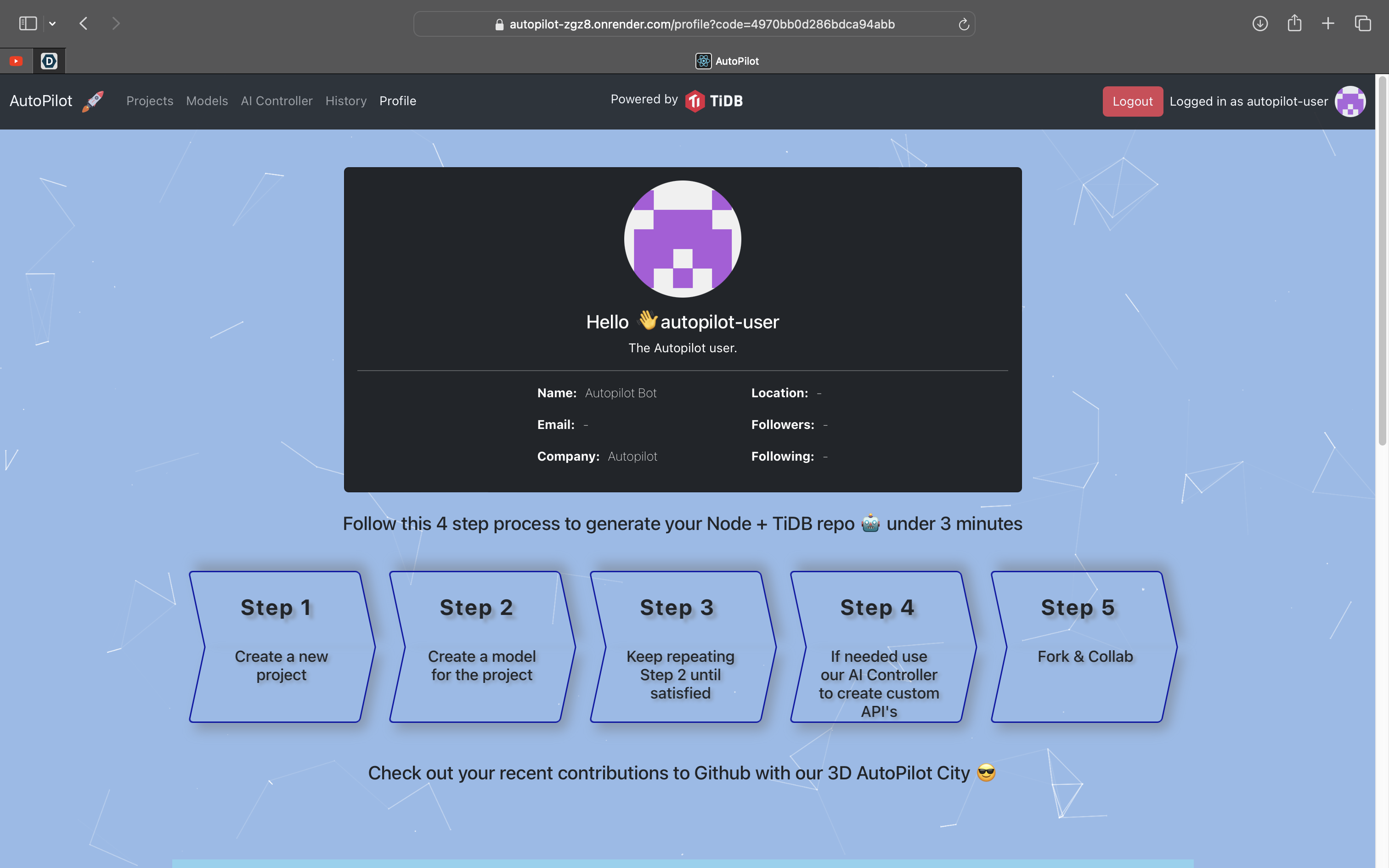
My Profile
-
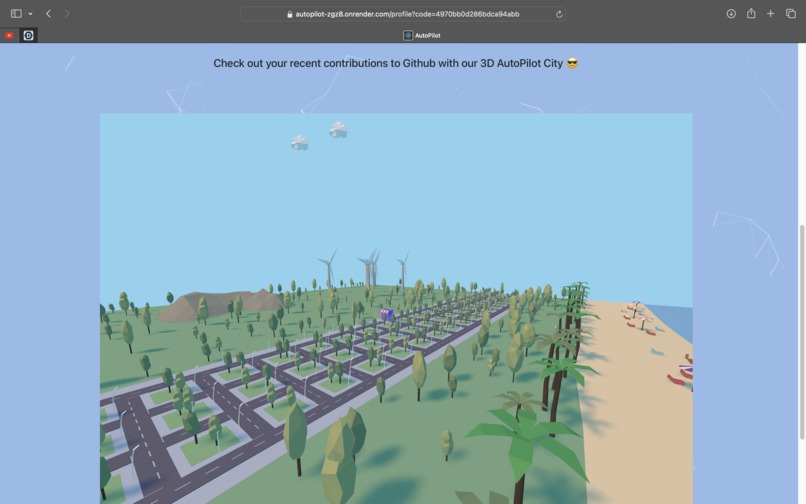
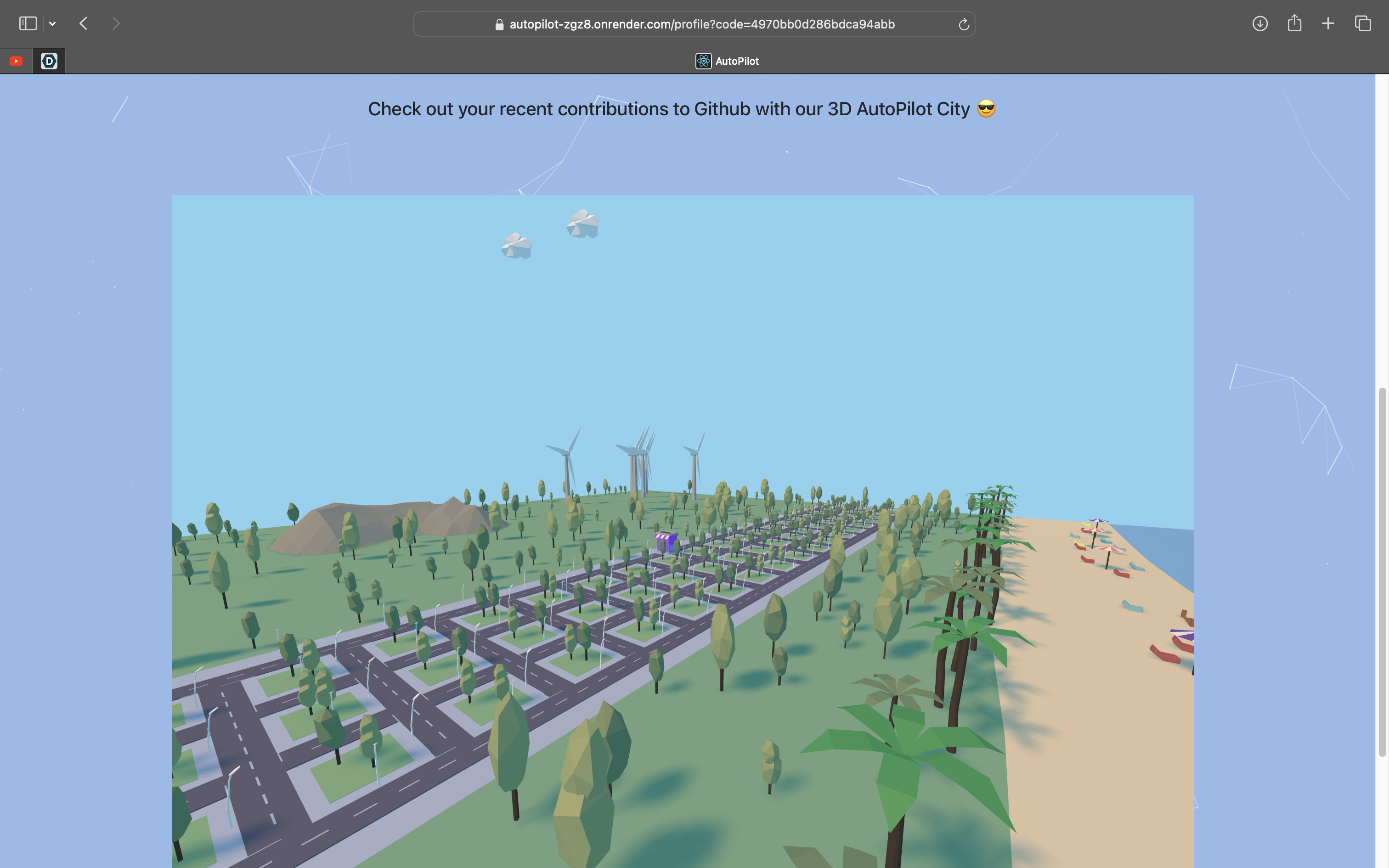
Github City
-
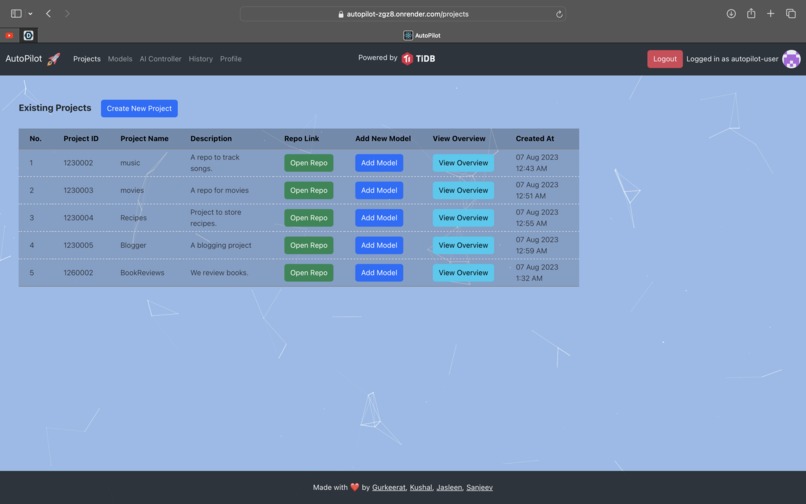
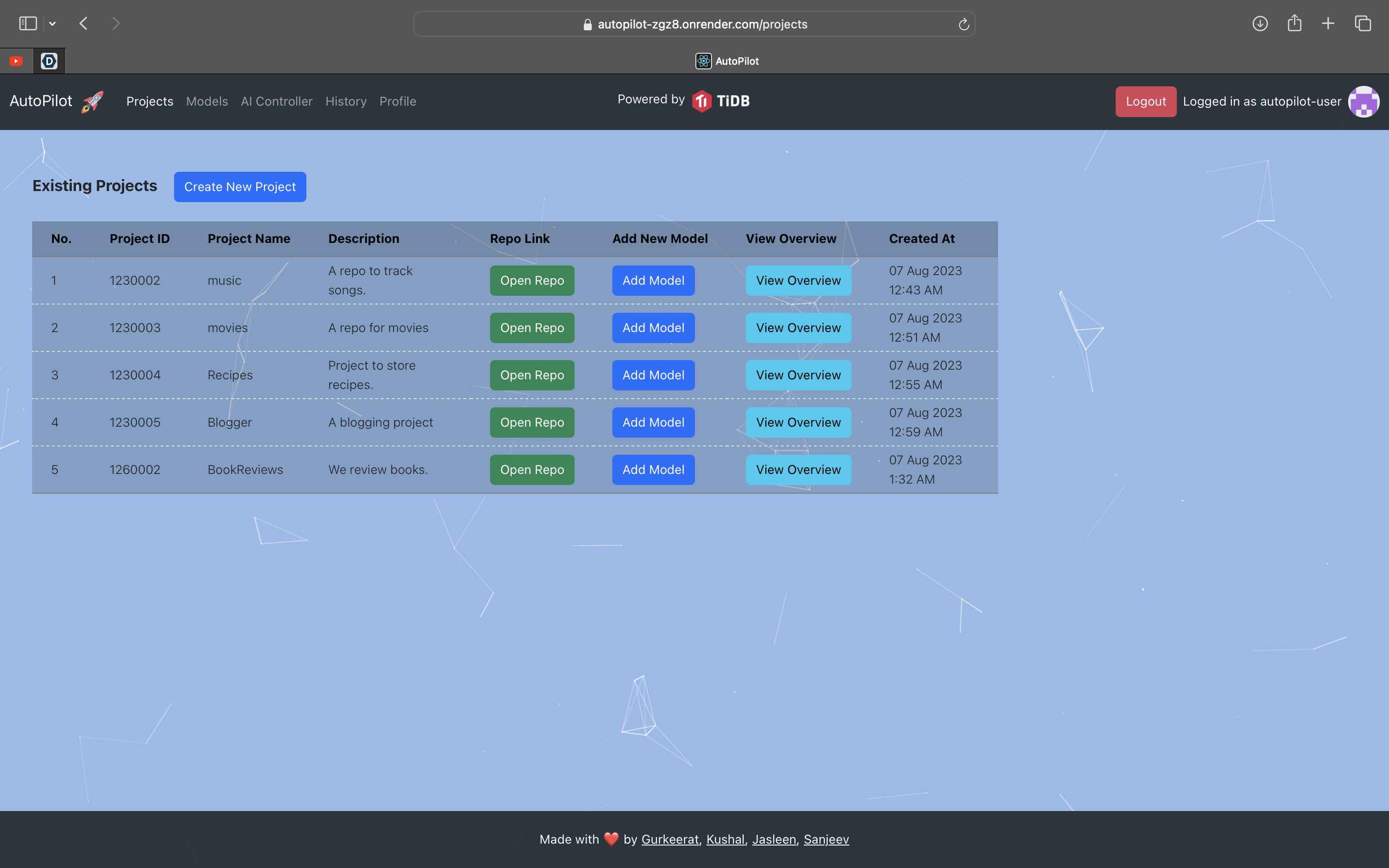
My Projects
-
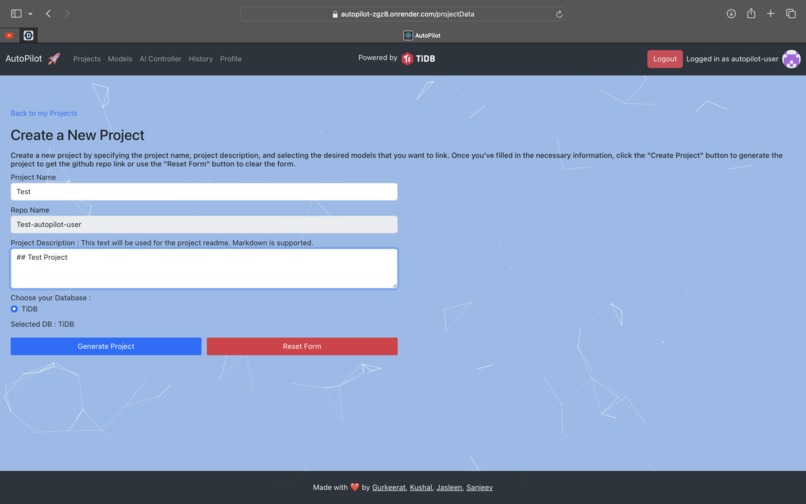
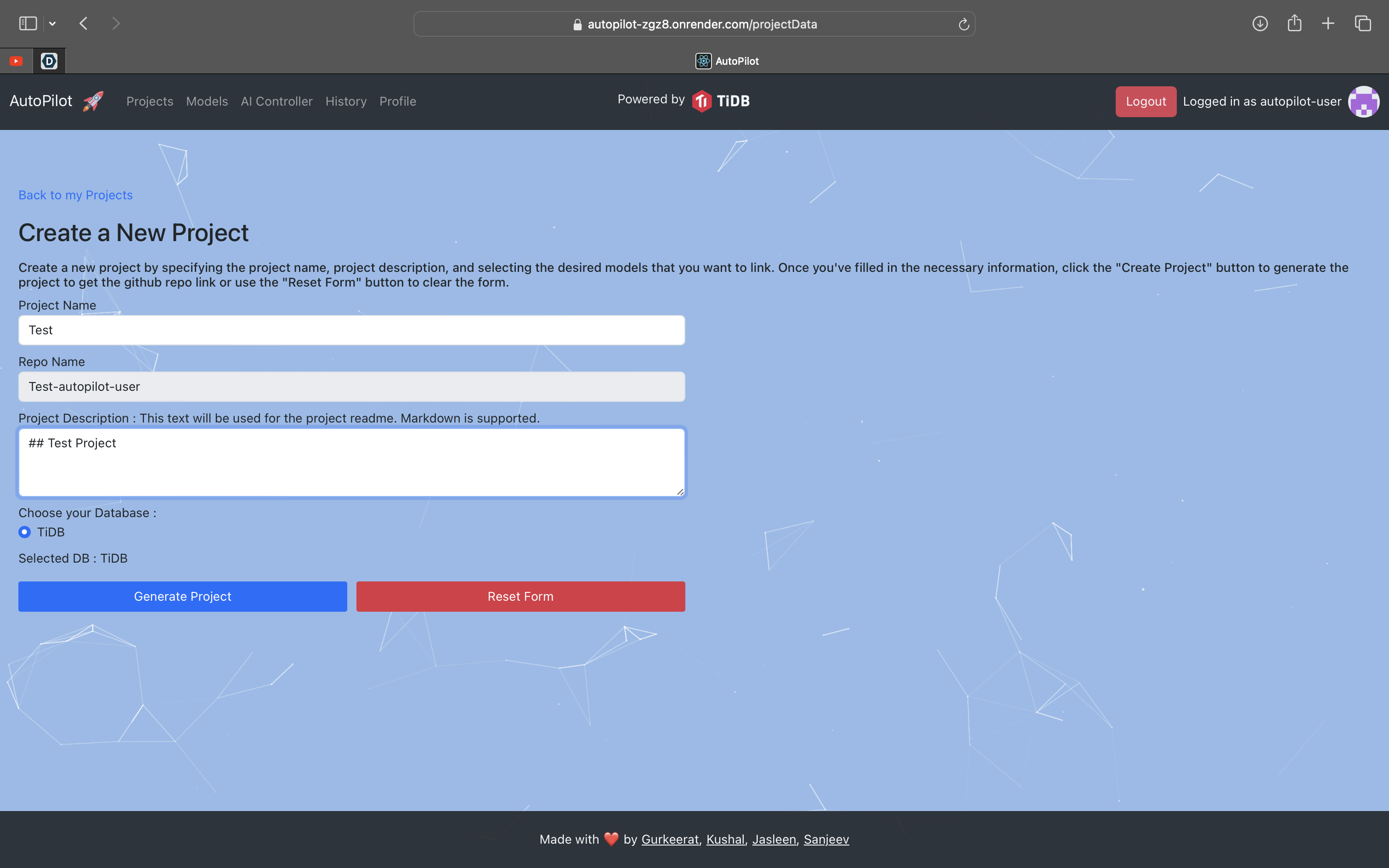
Create a new project
-
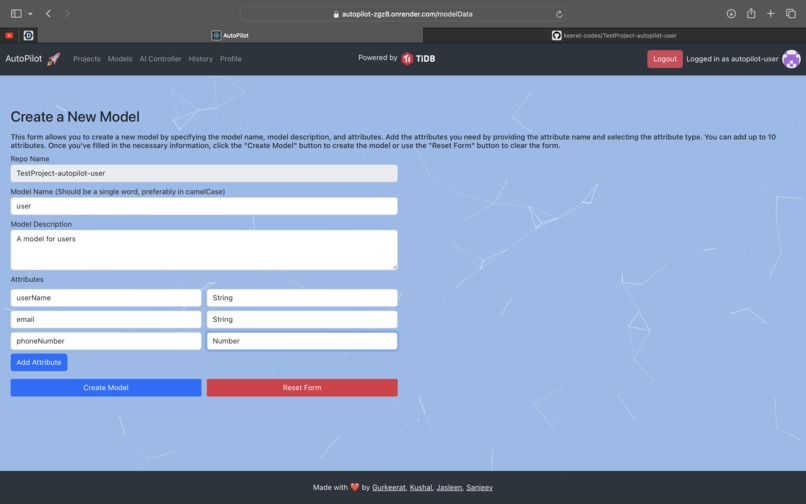
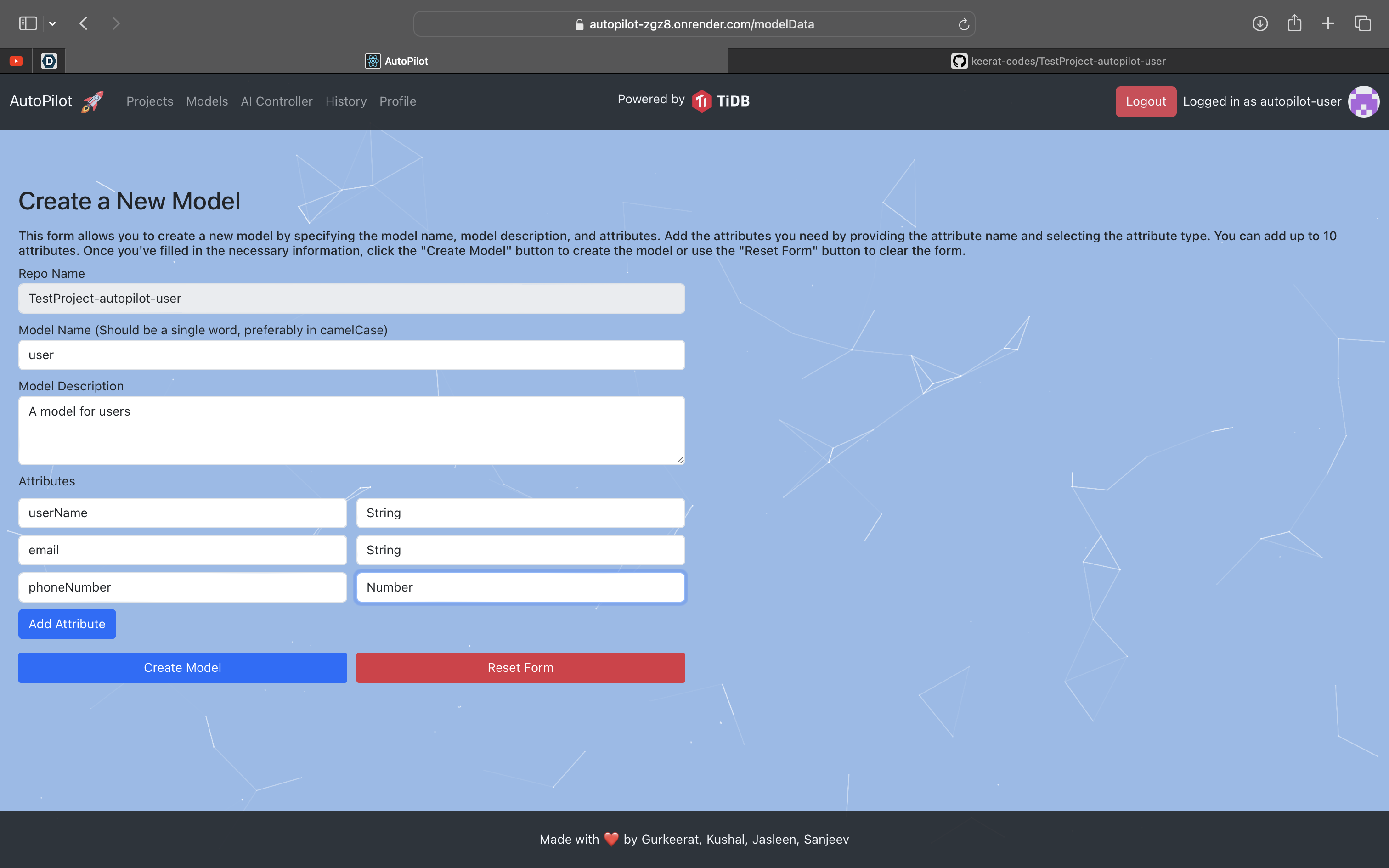
Create a new Model
-
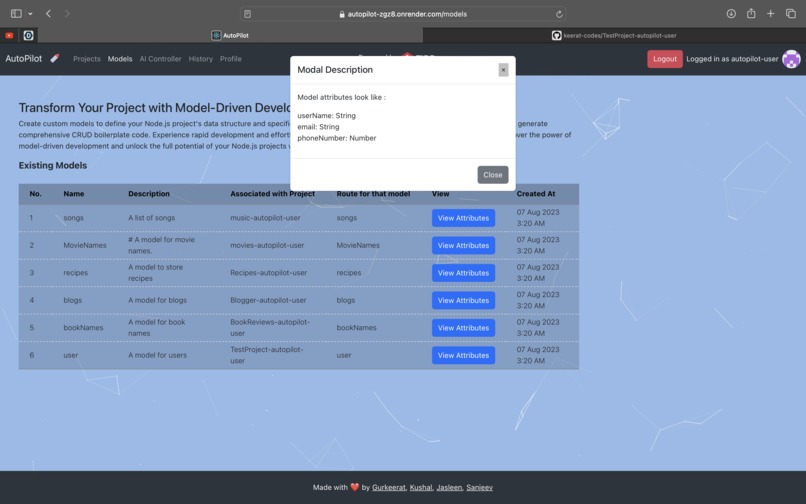
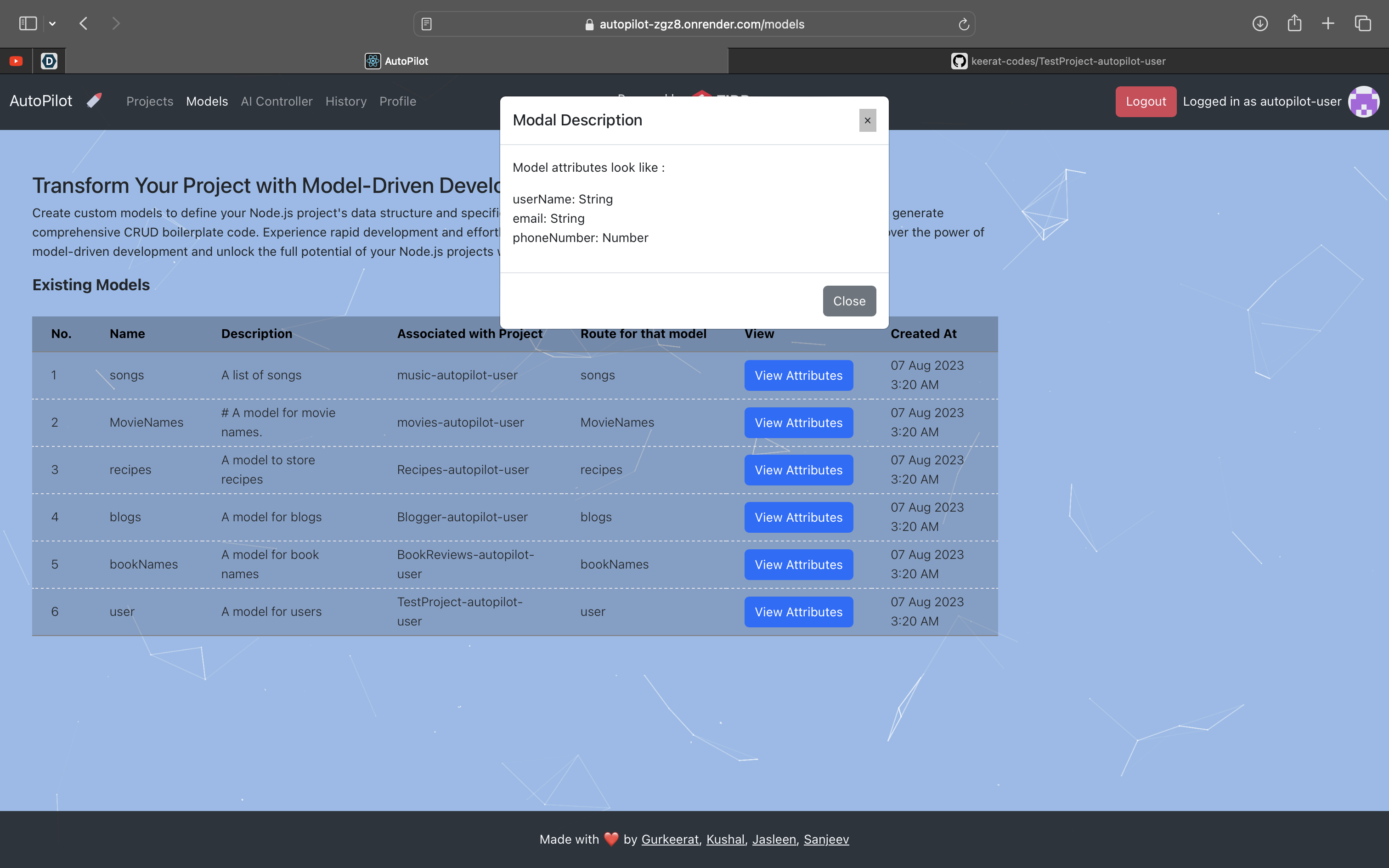
Model Attributes
-
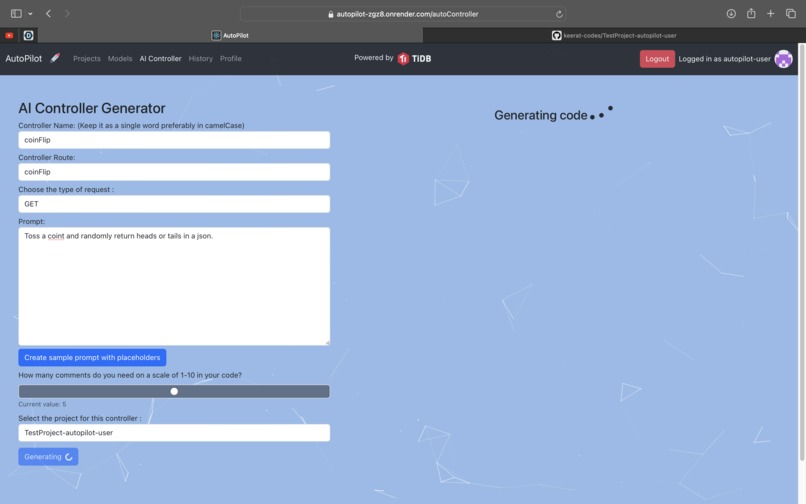
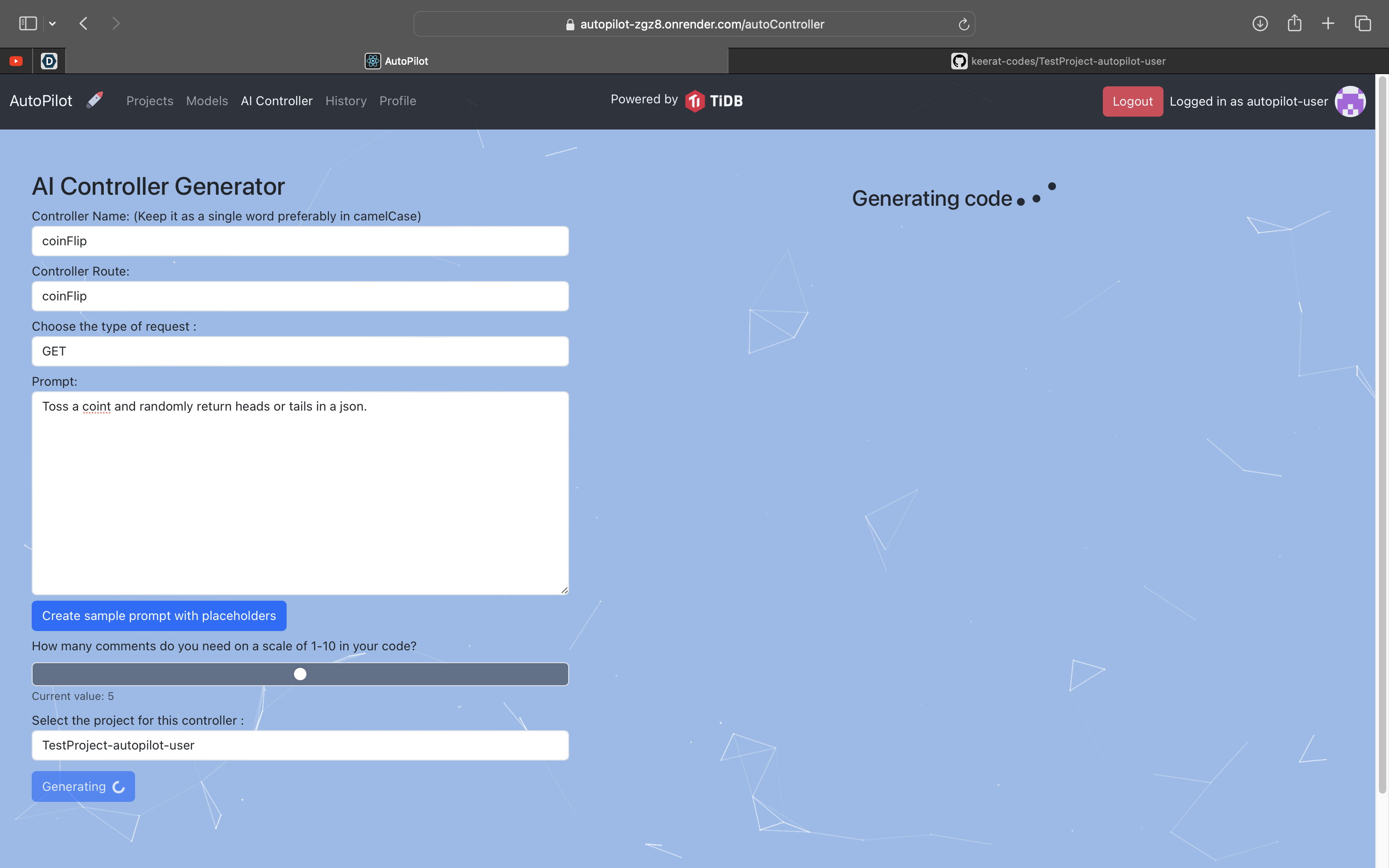
AI Controller
-
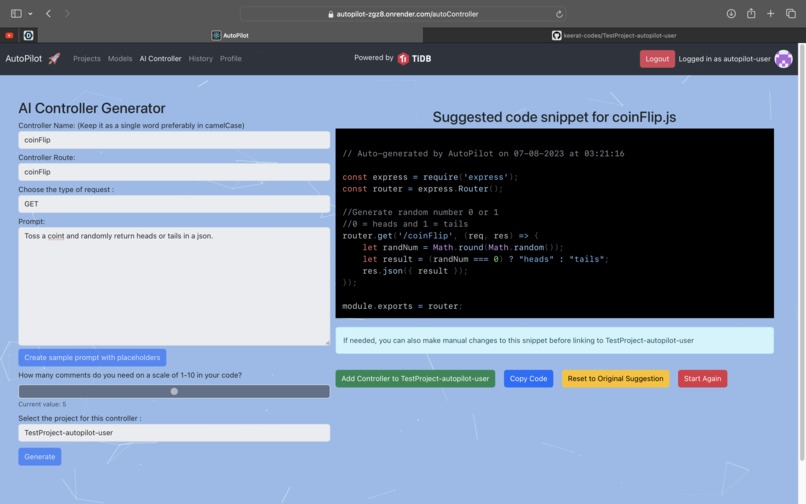
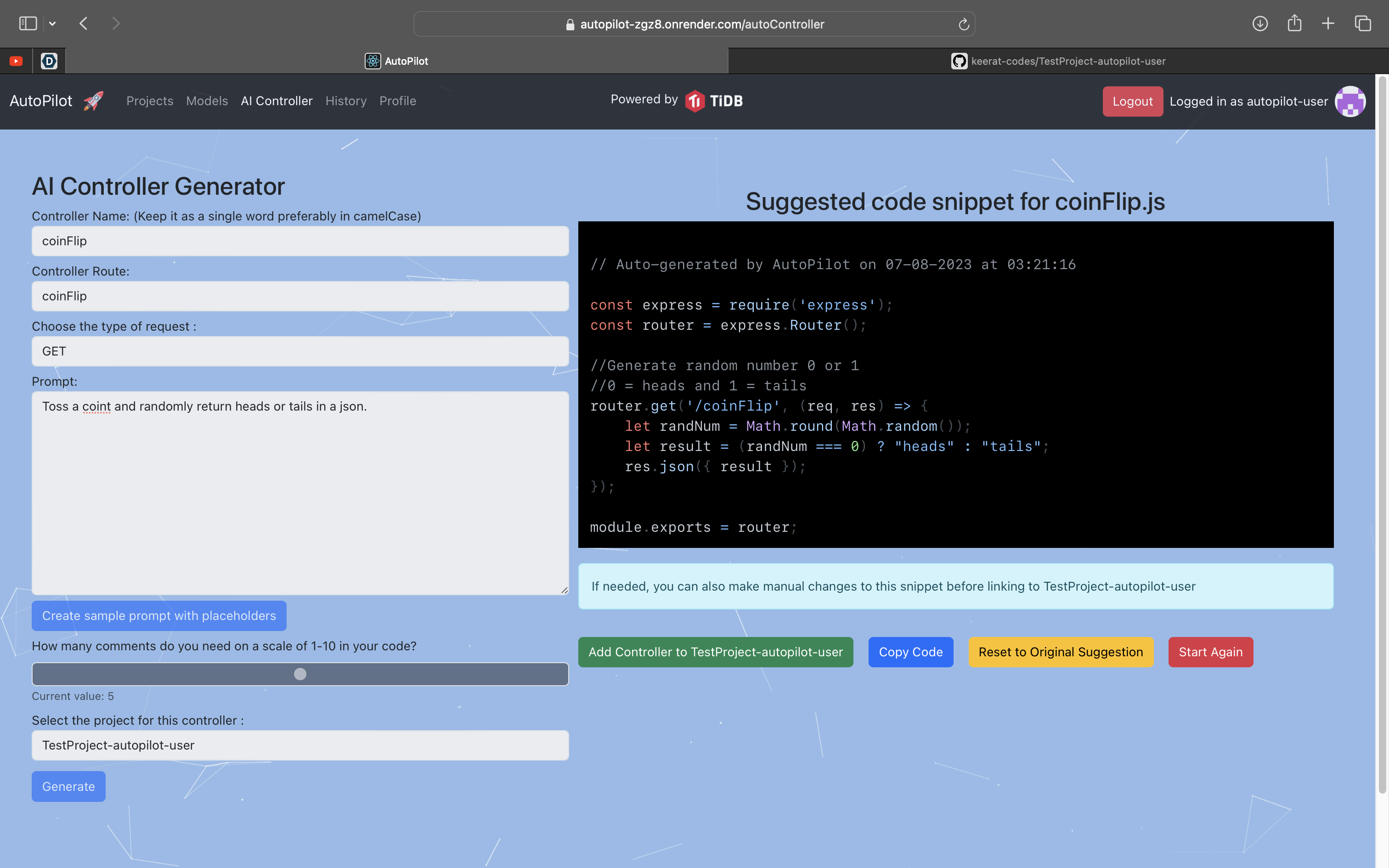
Heads Tails Controller
-
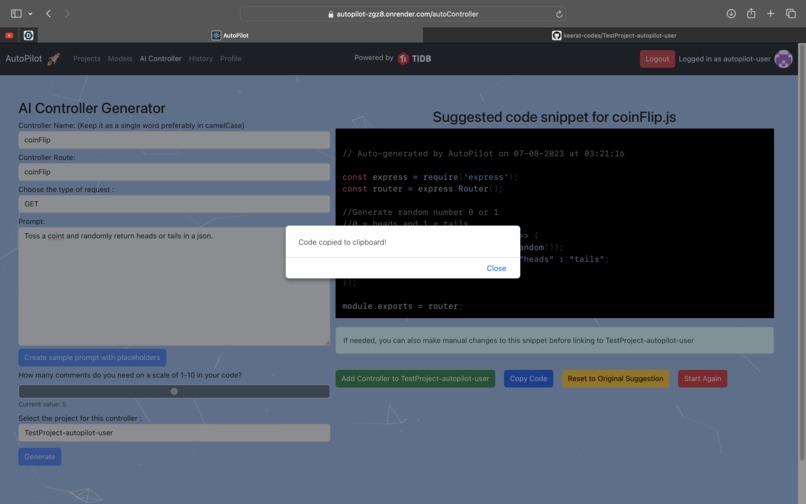
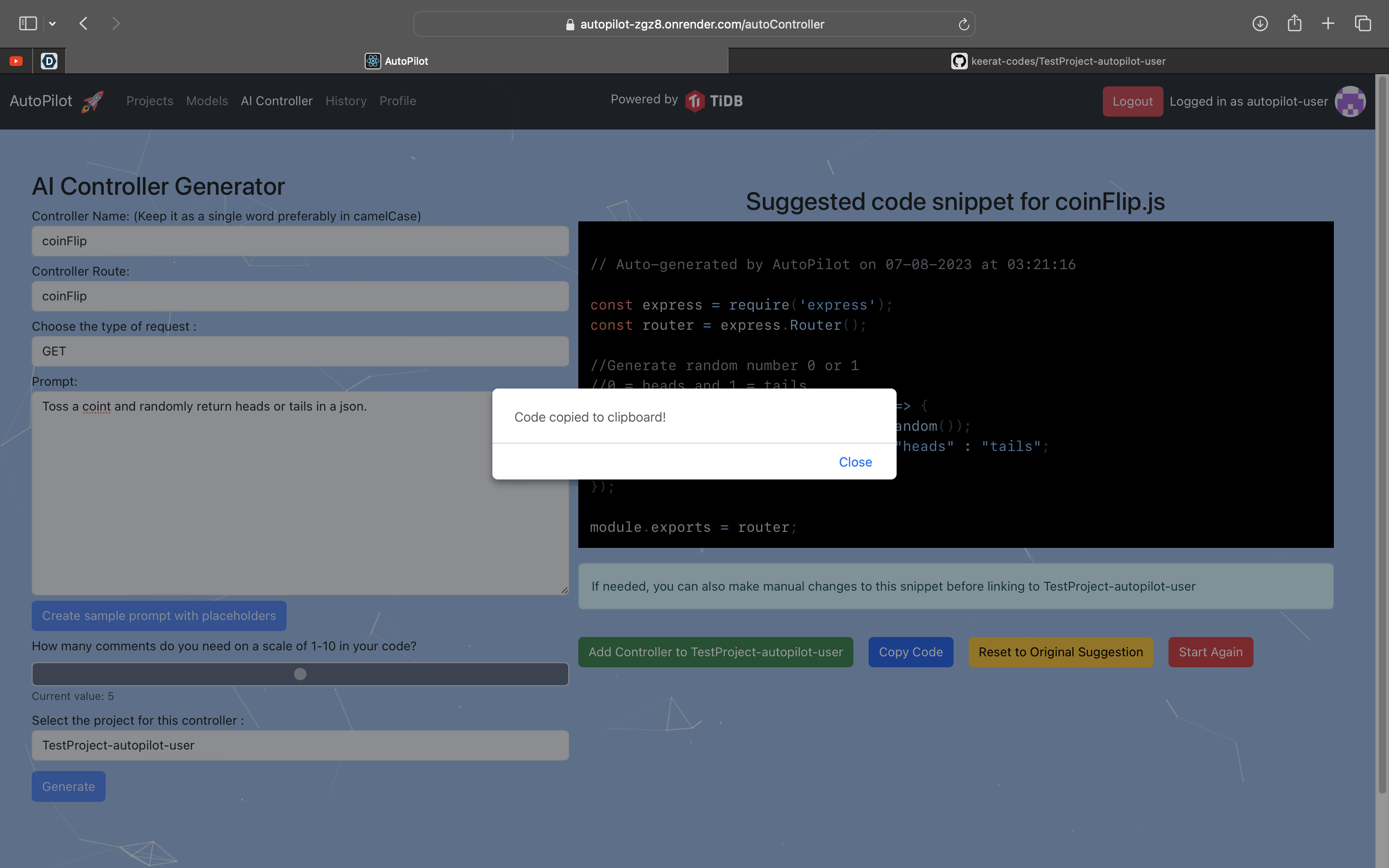
Copying Code
-
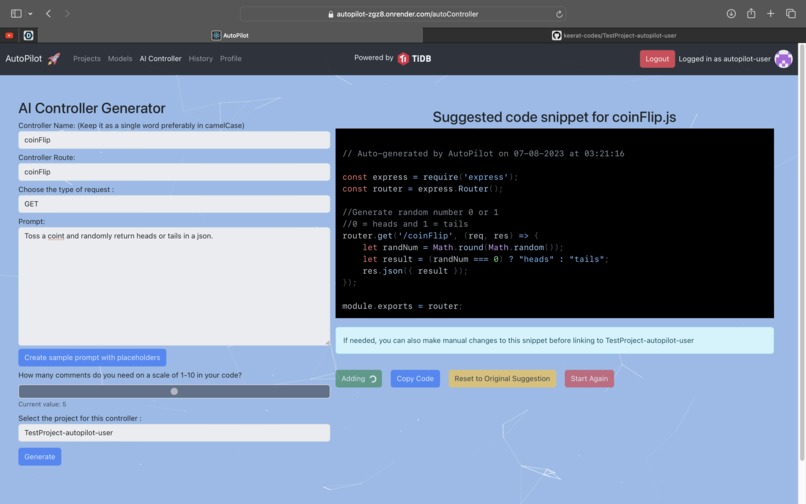
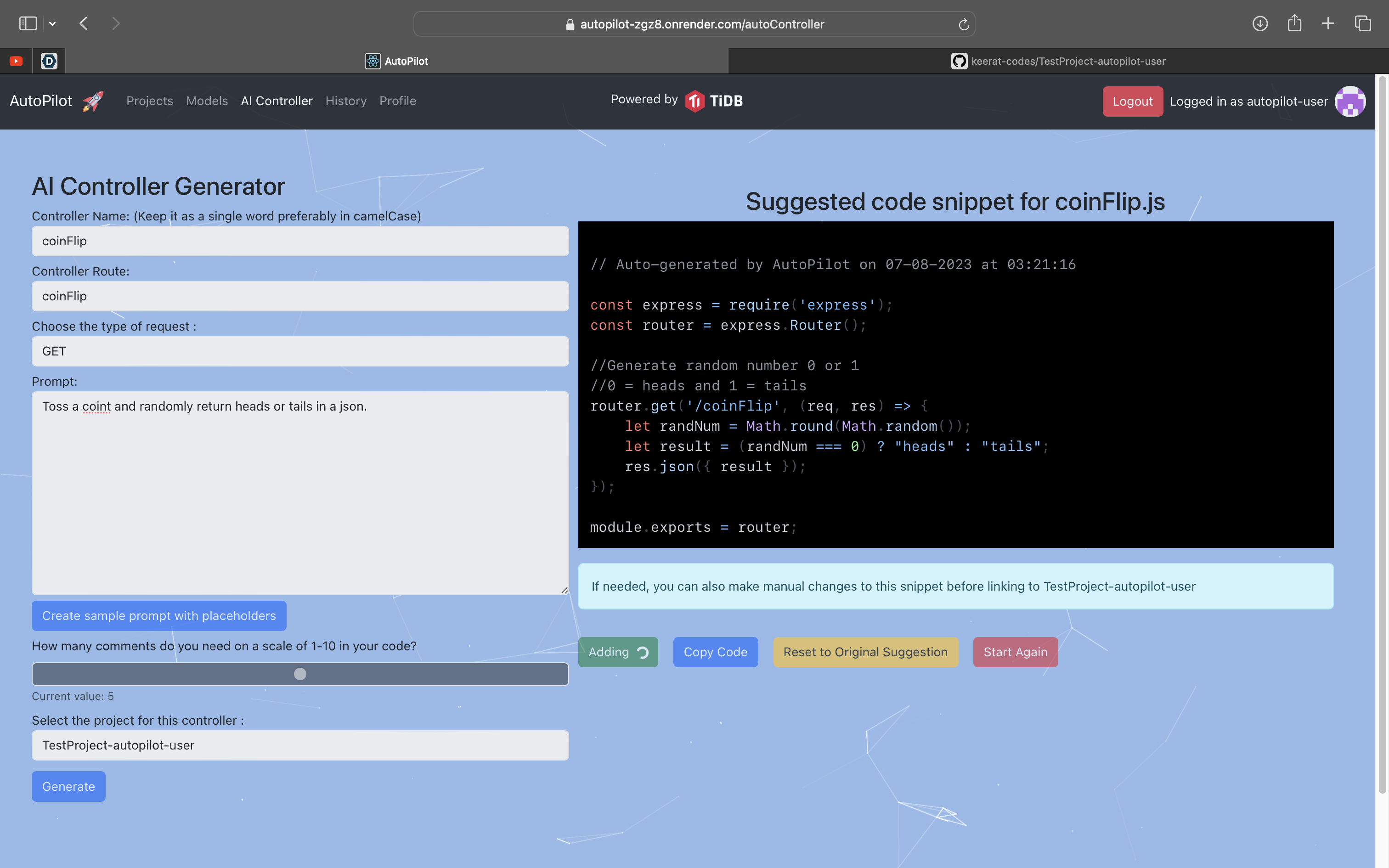
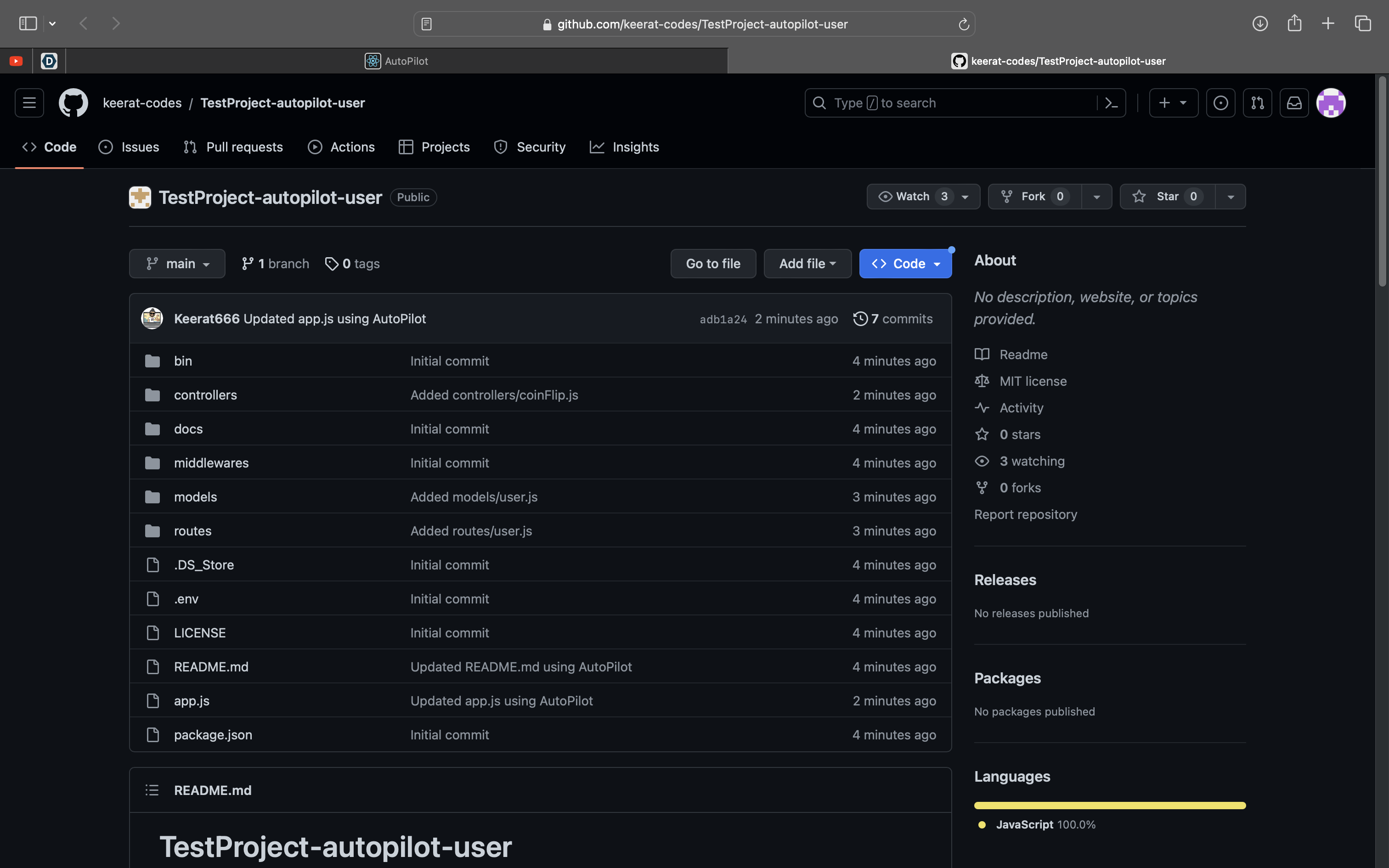
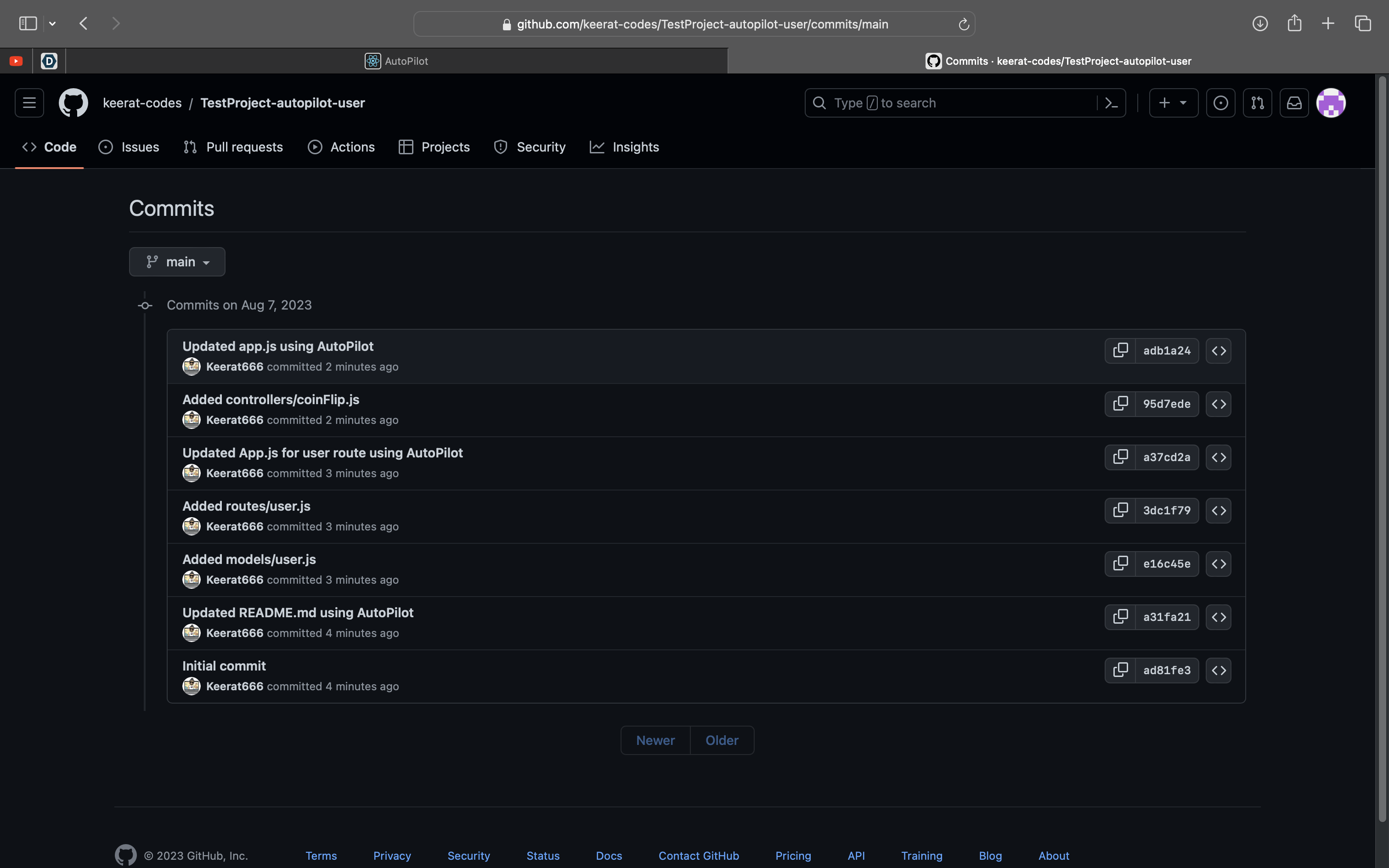
AI pushing Code to Github
-
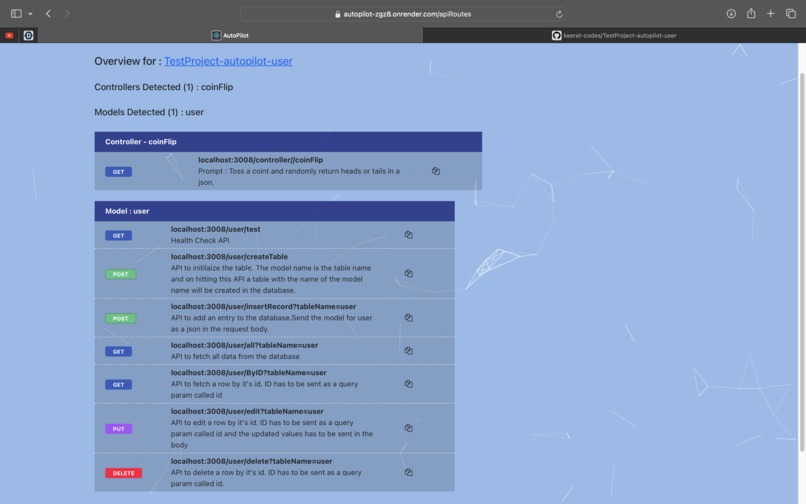
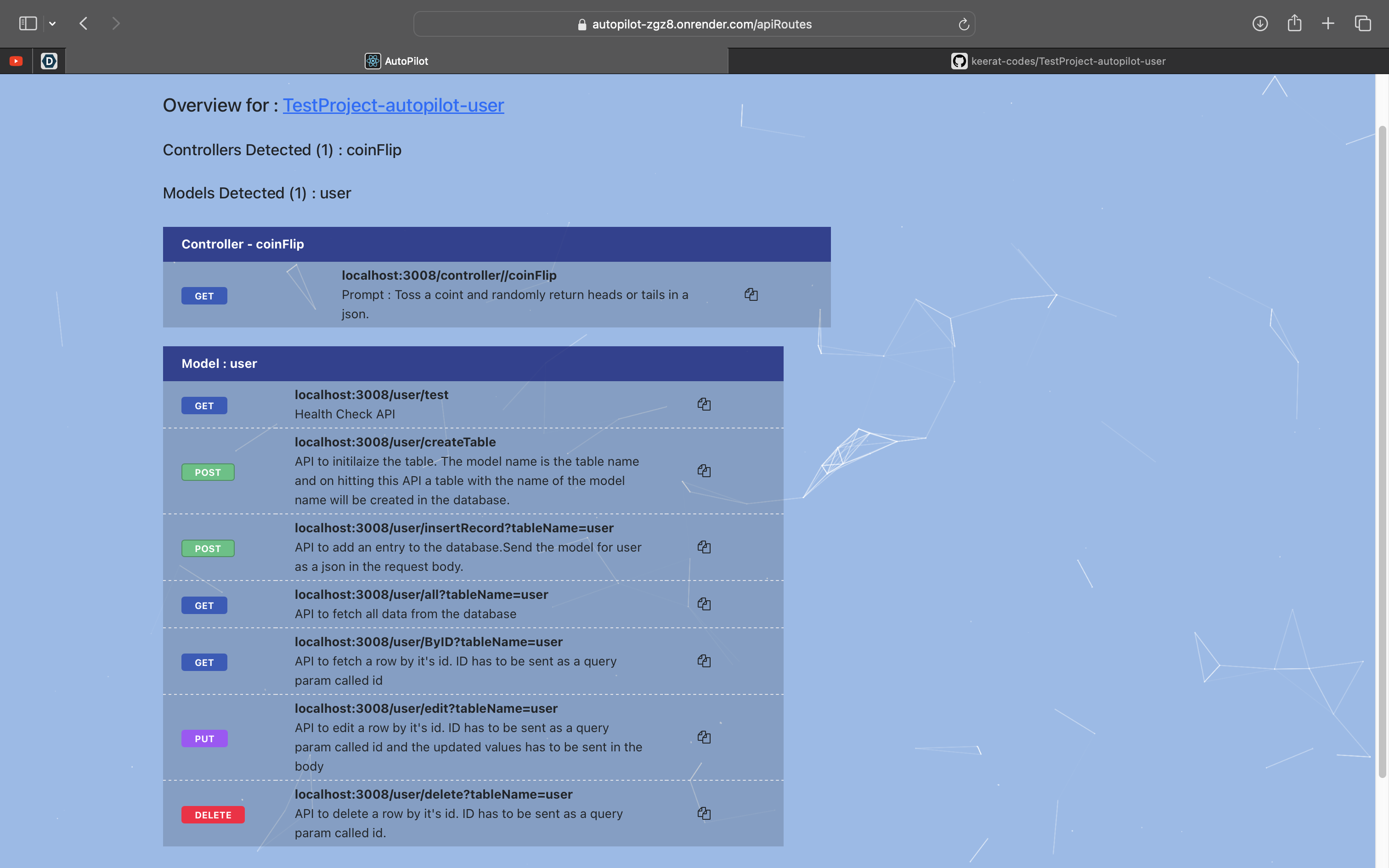
Project Overview
-
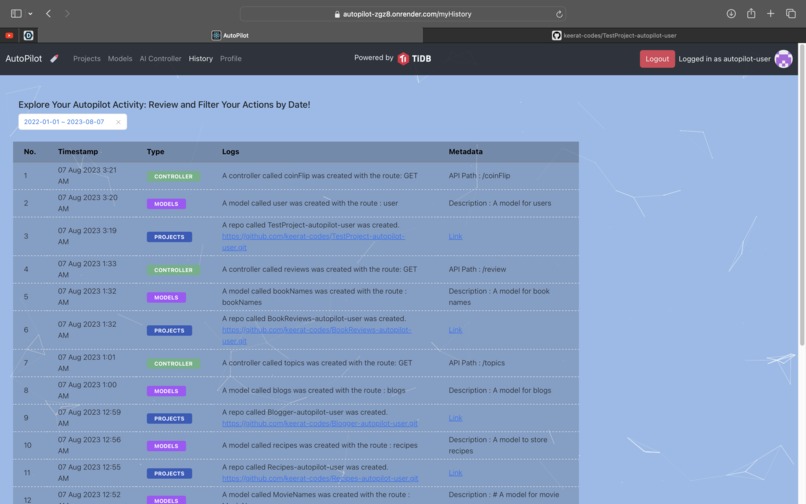
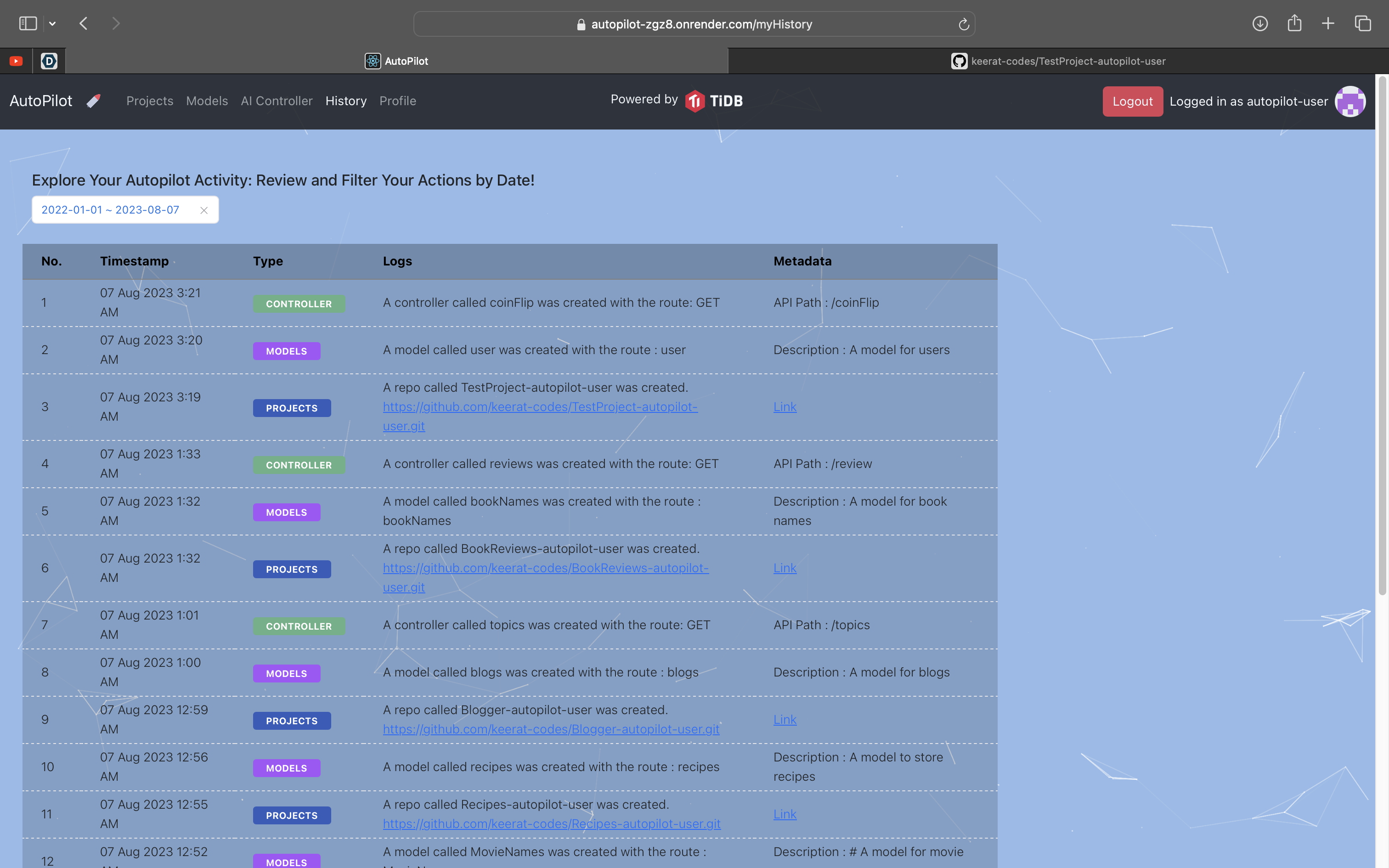
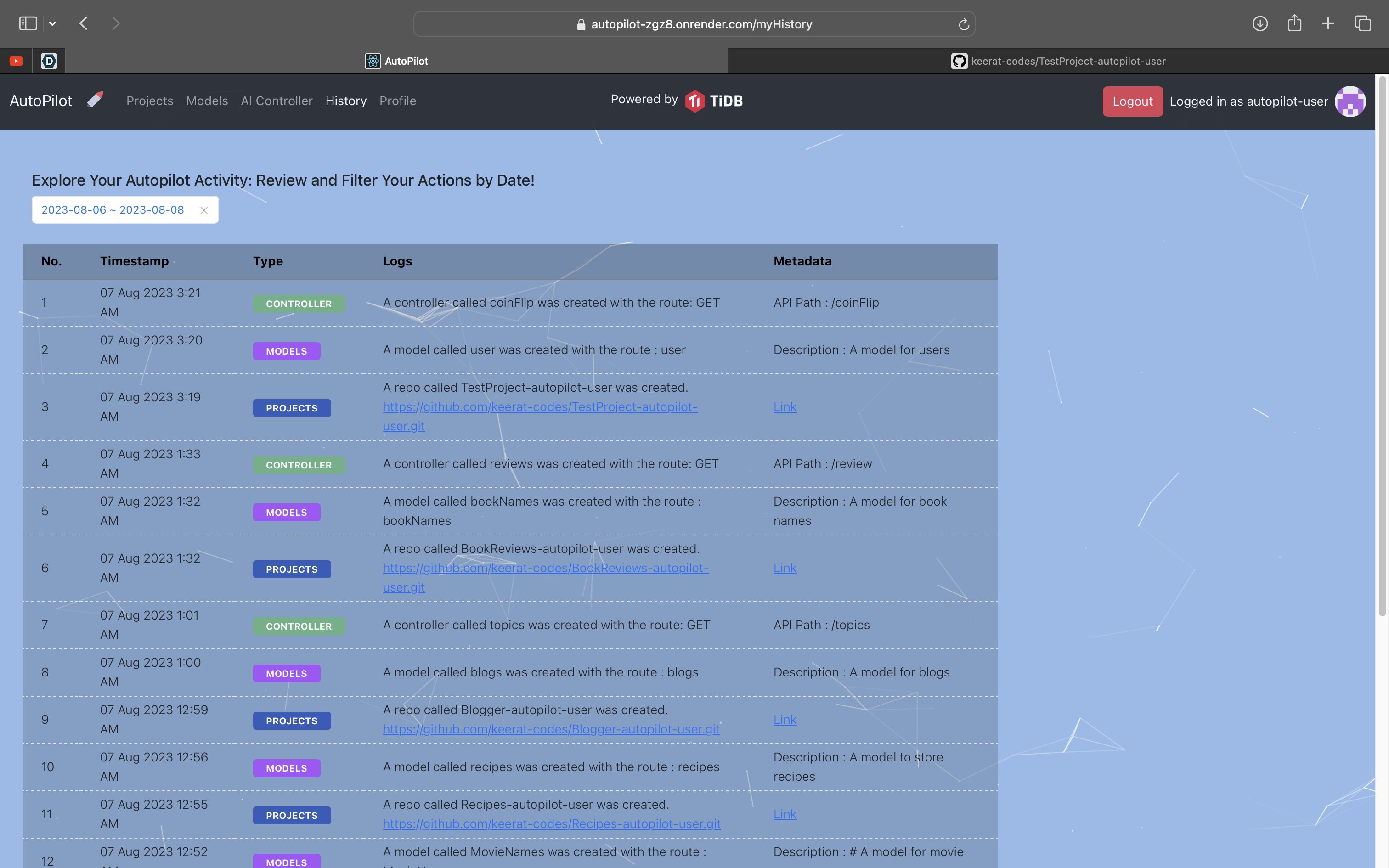
User History
-
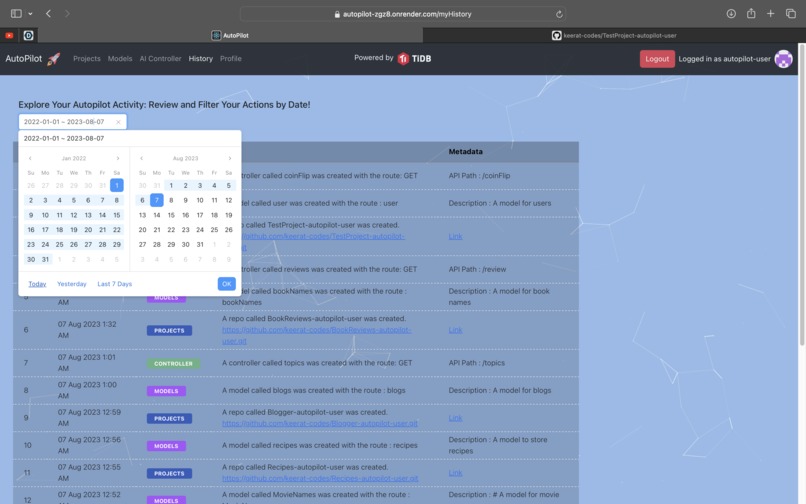
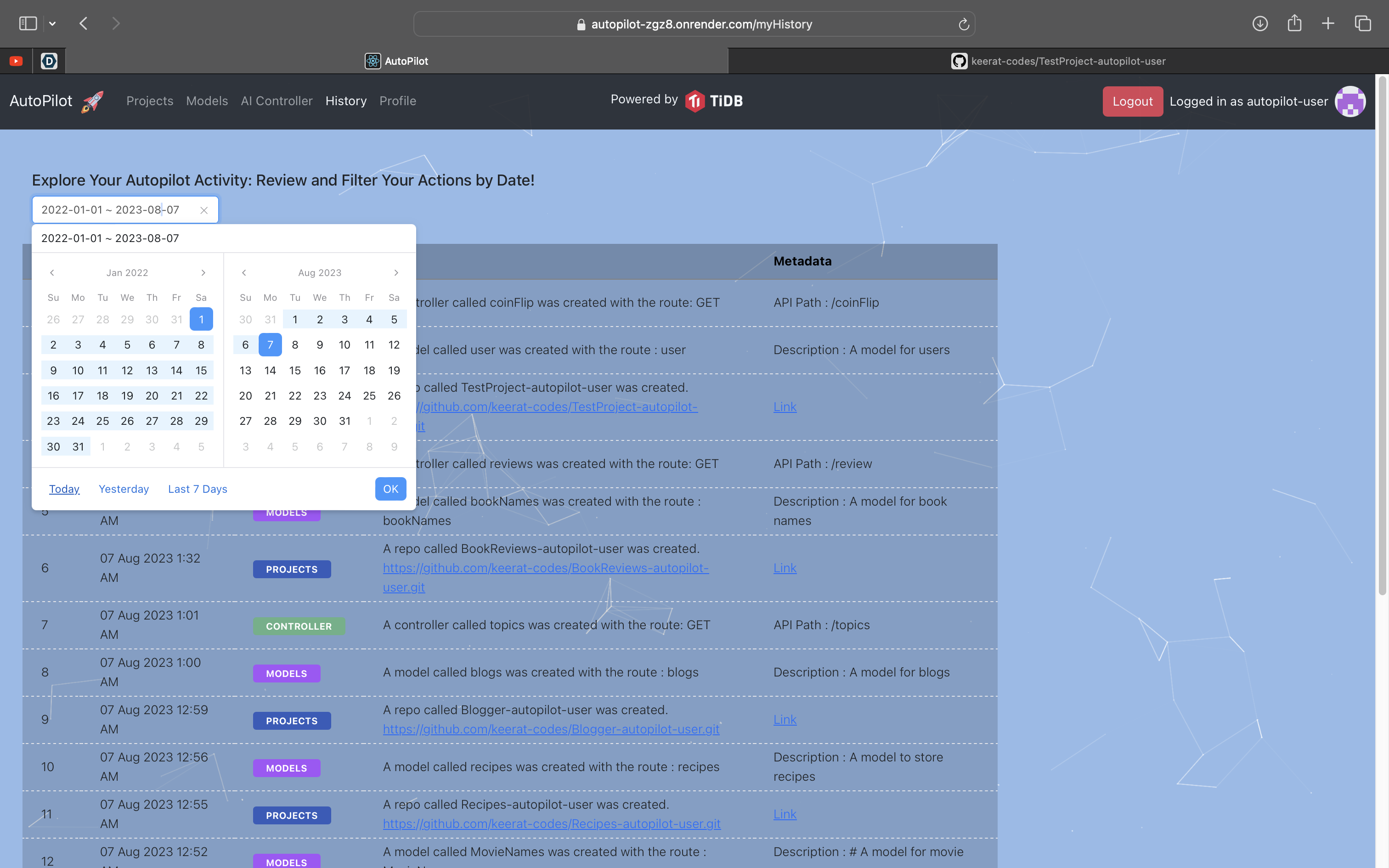
Using calendar to filter data
-
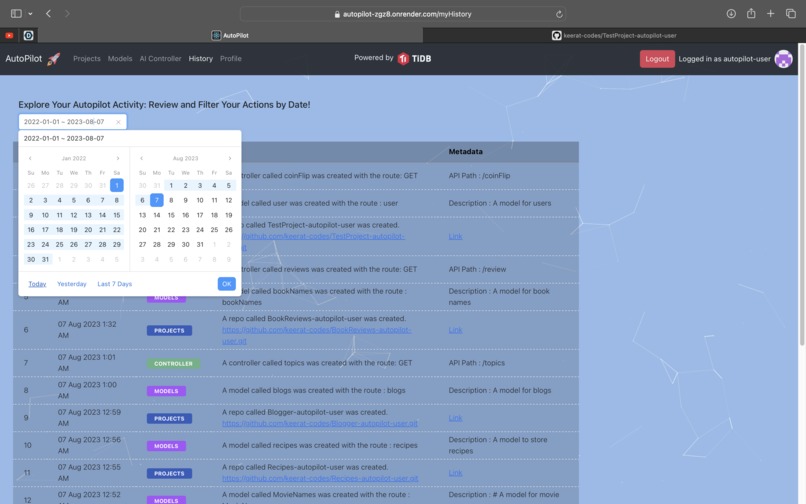
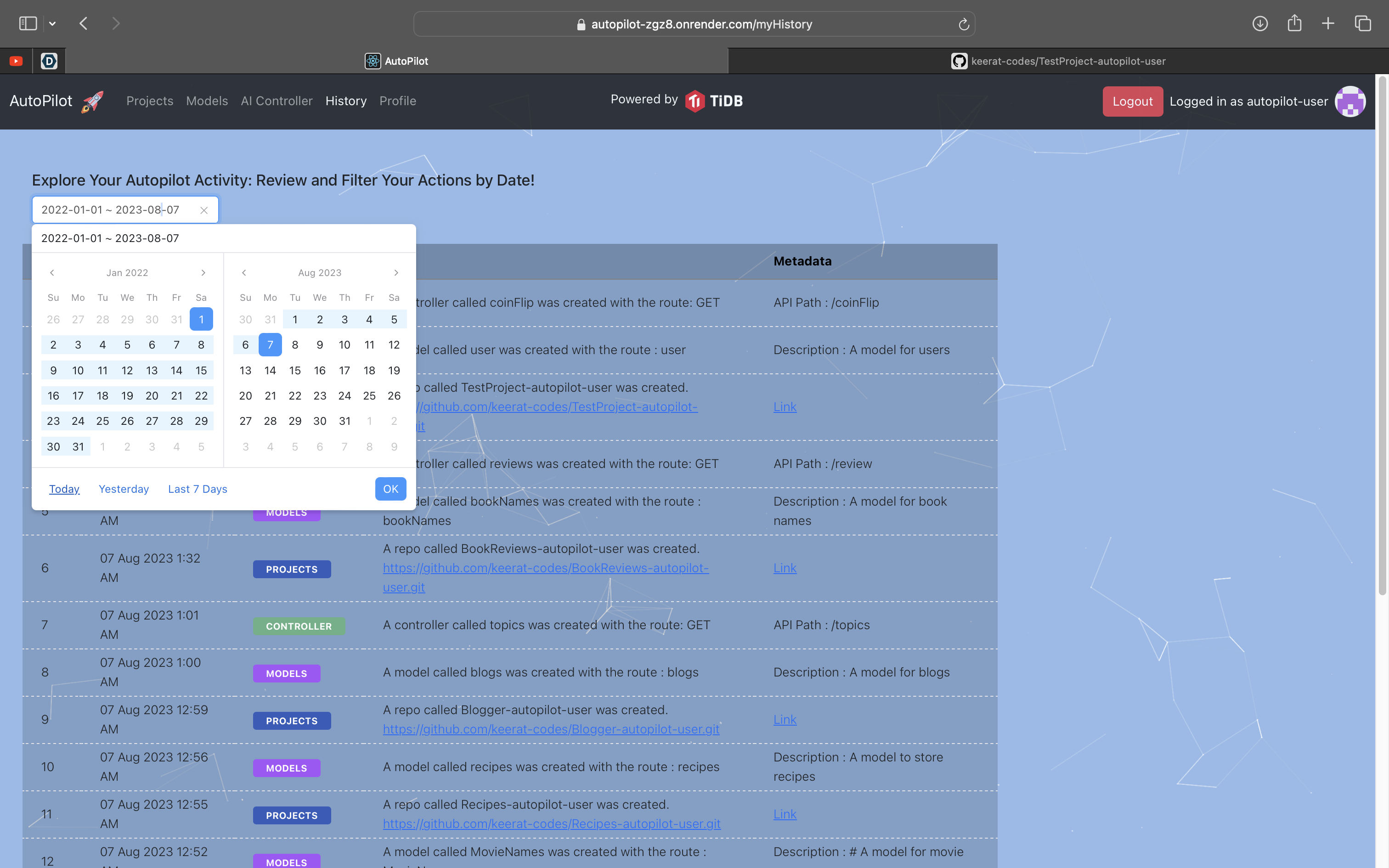
Using calendar to filter data part 2
-
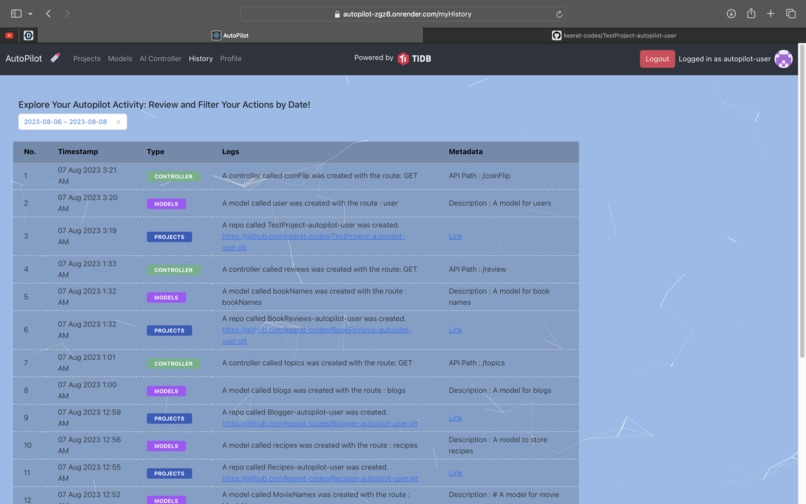
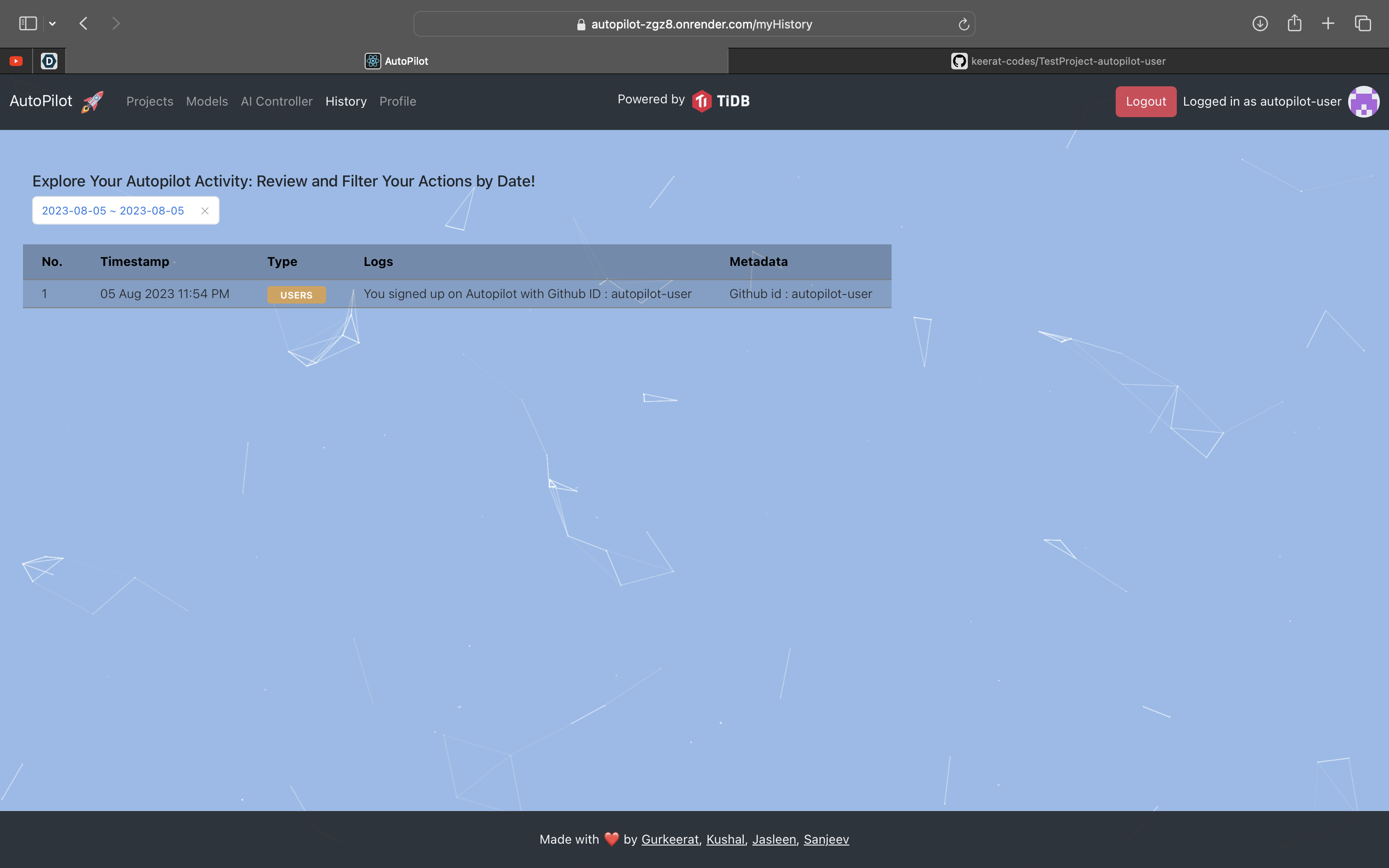
Filtered data example
-
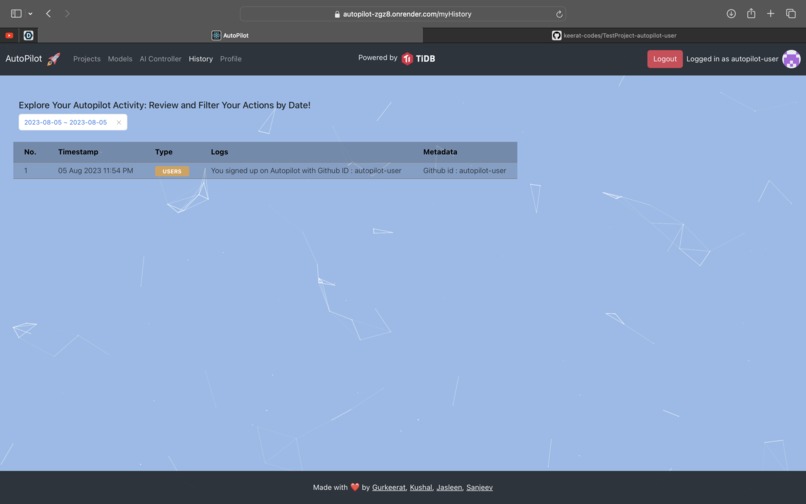
Filtered data example
-
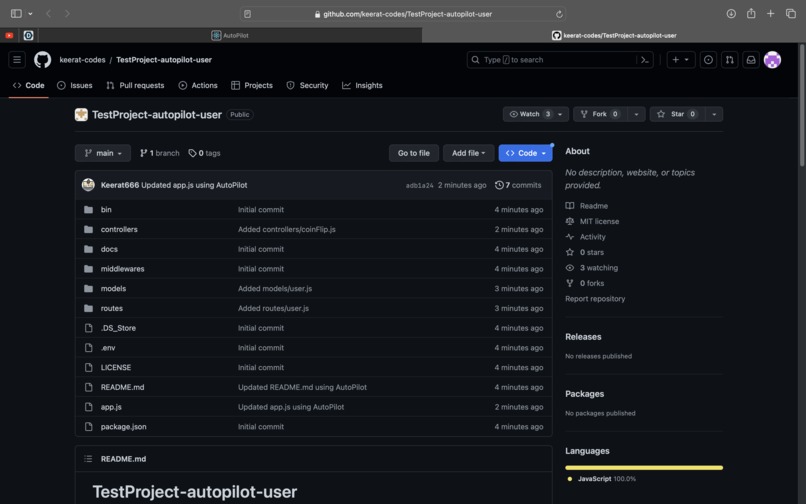
Github Repo that was generated and pushed by Autopilot
-
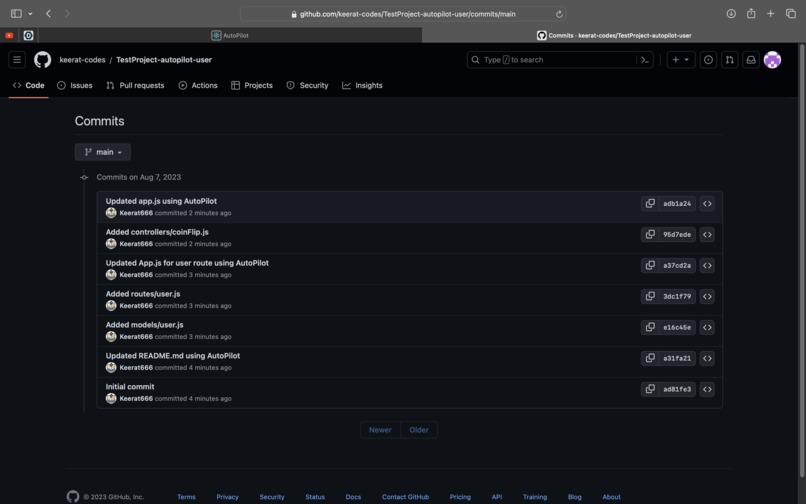
Commit history of that generated repo
Inspiration
It was the time of Covid when I was stuck at home and was saving a lot of time which I usually spent commuting to the office. WFH had completely changed my life and I suddenly had more time at my hands than I previously had. It was then that I started freelancing quite a lot. I liked to code for fun and if I could be paid money while enjoying development, then why not?
I did one project after the other . Be it a mobile app or a website, even though the frontend technology kept changing, I stuck to NodeJS for the backend. It was partially also because I had lots and lots of API's and snippets that I could re-use and thus offer a faster turnaround time to my freelancing projects. It is then it dawned upon me that even though I have already developed a lot of functionalities, I do spend a lot of my time to set up the project according to a folder structure of my preference and in creating the CRUD API.
Fast forward to 2022, I participated in the HacktoberFest as a maintainer and I open-sourced a folder structure template that can be used by everyone.
I did manage to get that done in 2022 and also get a tee. But with the advent of AI this year, I really could imagine the use case, where I won't even have to write the simple custom API. An AI itself would be able to write it pretty fast and accurately.
It was when, I stumbled upon the hackathon and got introduced to this fascinating world of TiDb. TiDb along with the no code platform that I was going to build would be game changing and also serve a purpose to the TiDB community to get the base repo ready with their models and the CRUD repo's in no time at all compared to the manual task of setup.
*So, I thus introduce you to AutoPilot. *
A product that not only utilises the full power of TiDB but also enables developers to try out the magic of using TiDB in their node backend project in a matter of minutes.
Developers can seamlessly integrate, scale, and leverage TiDB's magic for unprecedented performance and scalability in matter of minutes.
The name itself derives from the time when a pilot hands over the flight control of a plane to the computer. Just in that manner, the user would be just giving some inputs and supervising while AutoPilot helps you bring your logical thoughts to life.
I have timed myself and you can create your first repo on AutoPilot in less than 3 minutes with a repo that has out of the box TiDB support along with a custom model having all the CRUD API's ready.
What it does
Initially we spent a good amount of time to figure out the intuitive flow of the application. We also showed some potential UI flows to our developer friends and then got their opinion and feedback on what kind of a flow would they like.
In the end, we finalised the UI flow to be exactly like how we create a backend project in real life. That made the user journey more fluid and interactive. We also decided the keep the UI simple and intuitive with minimal confusing stuff.
To summarise, it has 3 steps.
Just like we set up a new project in real life, we start with creating a project. In the backend a repo is made in a common organisation in which the base NodeJS repo is set up along with the connectivity to TiDB. Next, you can create a model. By model, I mean that you can group a bunch of attributes together and AutoPilot would create the CRUD API's for that model automatically and push the code in that same repo. These models are then converted to a TiDb table. By just calling the createTable API, a table is automatically created in TiDB allowing the user to save that data in the table. And to top it all off for cases where CRUD APIs are just not enough, you can use a prompt and send it to your AI which would generate the whole controller file on its own. If needed, you can manually intervene and even make the code better and then eventually add it to the project that it was destined for!
The AI Controller feature is similar to the AI SQL writing capability that TiDB provides.
There are 2 more pages that we created to make use of TiFlash. There is a page which indexes the activities of all the users and ranks them on basis of it. We consider each project, model and a controller creation as a successful event and on basis of that we try to generate a leaderboard of the people who are using AutPilot the most.
The second page is the one called History which a person see's after logging in. That page basically functions like an audit/change log which keeps track of the things that the user has been doing on AutoPilot since signing up. And that data can be filtered by date as well. We are not using any sort of separate table for keeping track of these logs but because of the real time response capability of TiDB, we are able to query it on the fly without actually saving this data anywhere else.
How we built it
We are a team of 4 people. 2 of us are full stack. While one of us is a pro at backend. The last and most important person is a Data Scientist who helped us with the task on how to handle the AI aspect.
- Backend - NodeJS with Express
- Frontend - React
- Deployment - The backend and frontend are in the same repo and both are deployed on Render using a pipeline on the main branch.
- AI is powered by the API's using OpenAI
Challenges we ran into
We had a roadblock when we were not able to bulk upload a whole folder to a github repo. We really wanted speed and thus recursively uploading so many files would have slowed us down.
Also the fact that we were also stuck on the API on how to dynamically initialise a table using a mongoose object. Because TiDb needed queries, and we wanted to keep mongoose objects as models for more granular control. So in order to achieve that, we created a wrapper of our own that converts Mongoose Objects to SQL. Thus helping us in the future to onboard people with a mongo database and help them convert their database from MongoDB to TiDB.
All of these data is stored in TiDB in 4 tables namely : usersv3,project2,modelv3 and controllersv3
Accomplishments that we're proud of
- The Mongoose model to SQL conversion wrapper
- The AI controller
- Executing complex operations through a sleek UI design.
- Enabling the AI to push the code directly to a GitHub repo
- Dynamic tracking of the user activities like an audit log without actually having a separate table for it
- Converting our vision to reality in 50 days
What we learned
- How HTAP Databases function
- How can we remotely push data to a github repo
- How we can smoothly do the OpenAI integration with a webapp
- Also checked out ossinsights and were impressed enough to have github city in our app as well!
What's next for AutoPilot
We have a lot planned for AutoPilot in the future. We made sure to architect it in a way that the whole code base is flexible which would easily allow us to keep on adding more features.
We are highly positive about the great things that we can do for AutoPilot and make life easier for all the developers by automating the manual stuff!!
Some of our goals for the future are as follows :
- AI Test cases creation
- To enable users to generate a controller based on a specific model using AI
- Multiple Language support like SpringBoot + TiDB integration
- Multiple Database support + Database Migration services
- Analysing and identifying the most used Models and Controllers and serving them as pre made templates (This is where the OLAP aspect of TiDB would be again helpful)
- Detailed Analytics of users and projects (Another potential OLAP use case)
- Swagger/Postman like interface to test APIs from AutoPilot itself
Built With
- ai
- bootstrap
- express.js
- node.js
- openai
- react
- tidb


Log in or sign up for Devpost to join the conversation.