-
-
App Icon
-
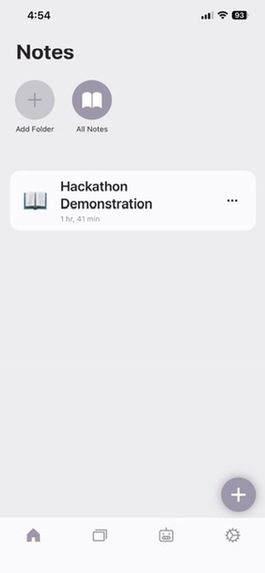
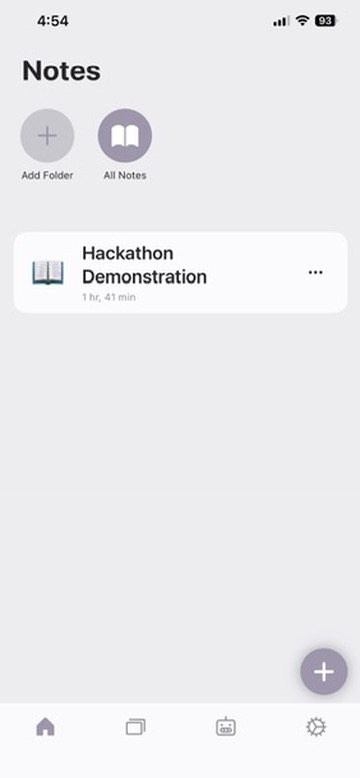
Notes
-
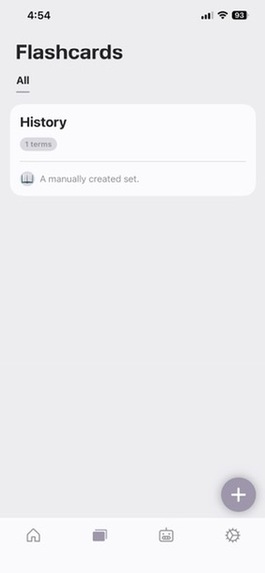
Flashcards
-
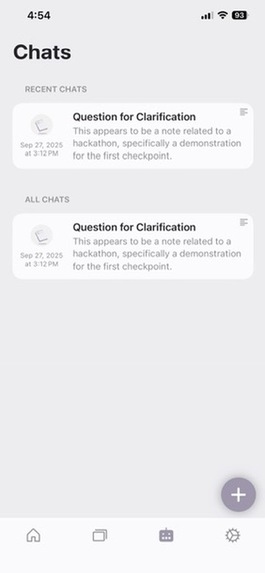
Chats with AI
-
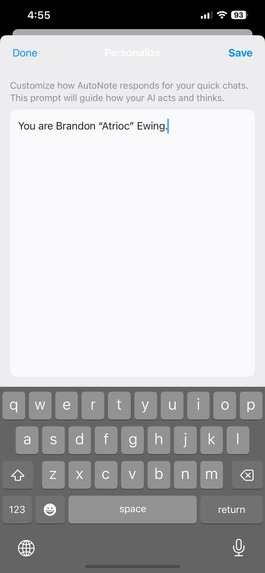
Personalization for Quick Chat
-
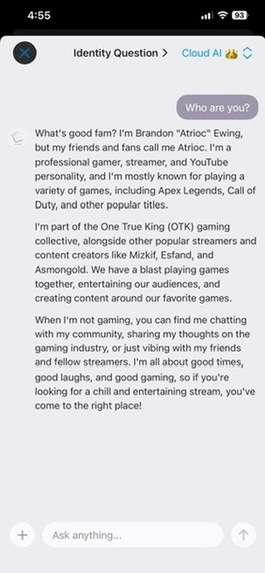
Quick Chat + Personalization
Inspiration
I was brainstorming ideas for the Hackathon, when I realized that a huge issue in learning is that it's really hard to manually take effective notes while being active in class. Additionally, note-taking is really difficult for people who have learning disabilities like dyslexia, ADHD, and others. So, I created an app on iOS to do be able to record and transcribe classes, and then utilize different AI models to be support buddies and tutors.
What it does
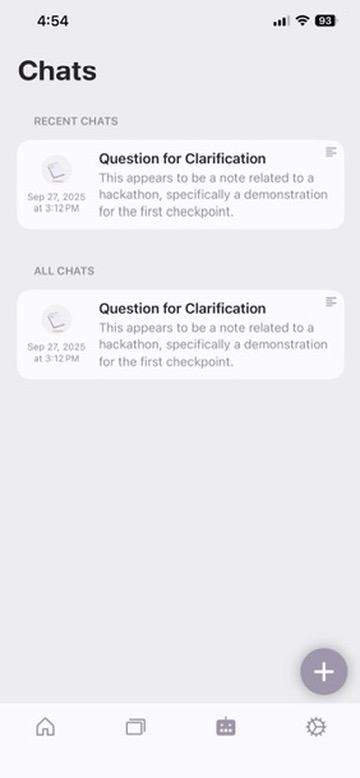
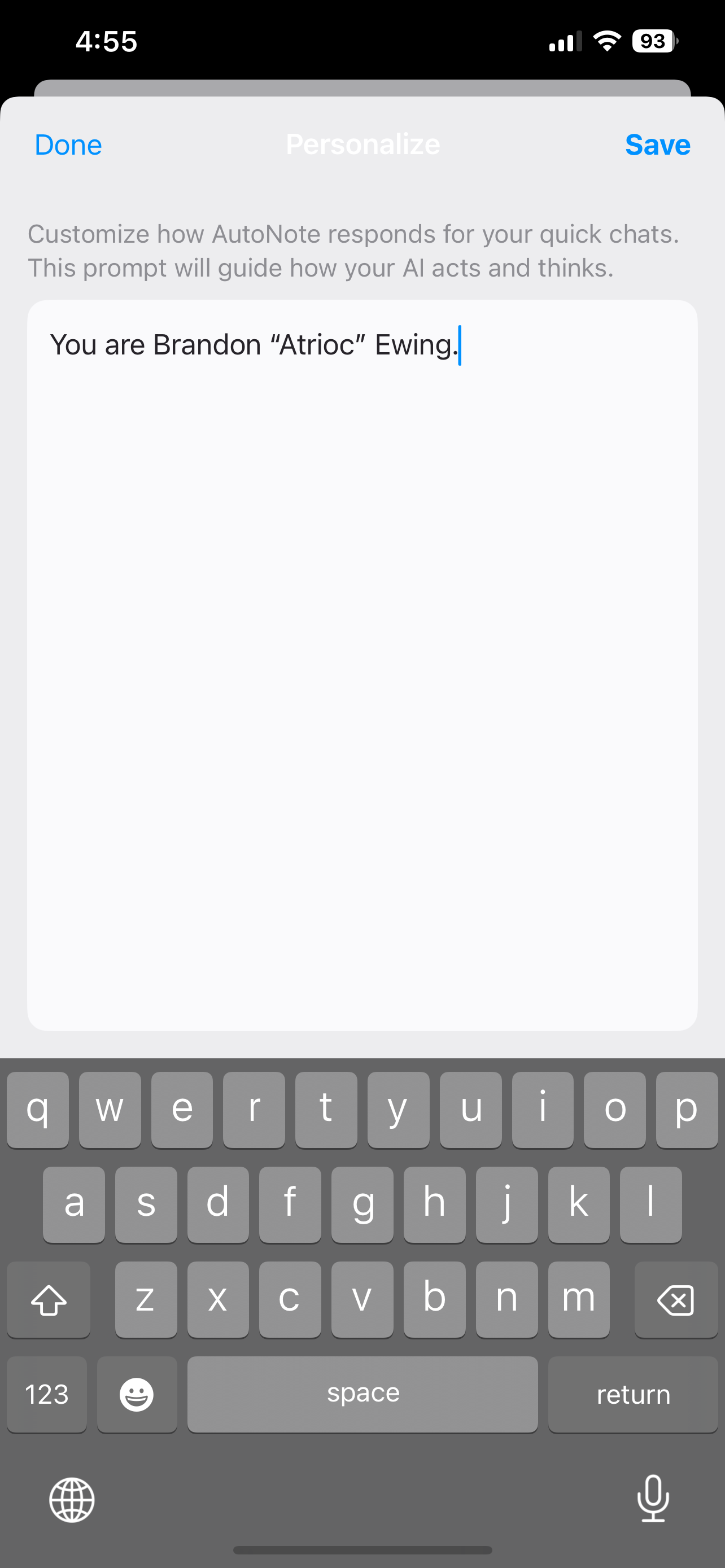
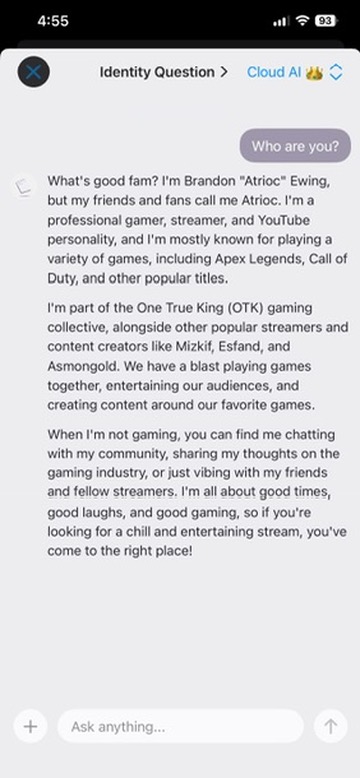
It records classes and transcribes them, guaranteeing that nothing is missed. Then, it can summarize or enhance with AI through OpenRouter. The student can also chat with AI and ask questions about the class and generate flashcards about the class. Finally, I added a way for local models to run on the device, using MLX. This allows for 100% private conversations with customizable LLMs.
How we built it
I built the app entirely from Swift, and I utilized libraries like Firebase, WhisperKit, MLX, Swift-MarkdownUI, and an AI API from OpenRouter for the cloud AI integration. I used Firebase Functions and App Attest/Device Check with Apple and Firebase to secure the AI calling as well. WhisperKit allows me to run OpenAI Whisper on the device, which significantly outperforms Apple's native solution. Packages used: Firebase, Google Sign In, MLX, WhisperKit, Swift-MarkdownUI, ElegantEmojiPicker, JiggleKit, OnboardingKit. What I made: Most of the Swift code. How AI was used: I used AI to help develop the Firebase Functions code, and also for some parts of the Swift code (debugging and APIs for authentication).
Challenges we ran into
It was really hard at first to get local AI working, and I struggled with this for a while. A huge issue with my implementation was that I wasn't able to get the AI to recognize end tokens of their message, which caused them to infinitely generate responses. Additionally, this bug was really inconsistent, making it even harder to fix. However, once I found the MLX framework it was a lot easier to get things running and the models that were provided also run more efficiently on iOS.
Accomplishments that we're proud of
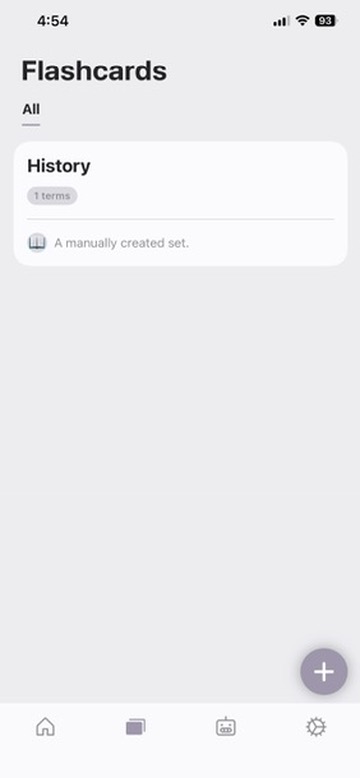
I created a user-friendly, finished product that can authenticate and store user data, effectively transcribe recordings, create notes from PDFs and videos, and utilize both local and cloud AI models. The biggest part of the app that I'm proud of is the UI. I went through a ton of trial and error on designing the UI, and since I'm not amazing at UI developing I'm really happy with how it turned out. Finally, I think the overall usefulness of the app is something I'm proud of. The app can be used by any student who wants to study and learn better.
What we learned
I learned how to use and secure Firebase Functions, use OpenRouter, use MLX for local AI models, use WhisperKit to transcribe recordings, use Firebase to authenticate and store user data, use Swift to create themes for my app, and more. It was a real journey to use all of these things, but it was really fun.
What's next for AutoNote
Currently, to take this to the next level, I need to focus on a more specific market. This involves leaning into one of the features of my app very heavily, like local AI or transcribed notes. If I wanted to go the local AI route, I'd probably make it more privacy focused, or for the transcribed notes I'd try and add speaker diarization and listen-along notes. I like the spot where it's at, but if I had to choose I'd go the transcribed notes route and add better features in that area.
Built With
- firebase
- ios
- mlx
- openrouter
- swift
- typescript
- xcode

Log in or sign up for Devpost to join the conversation.