-
-
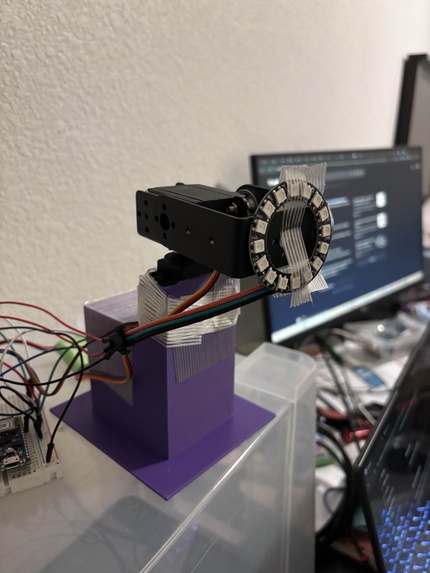
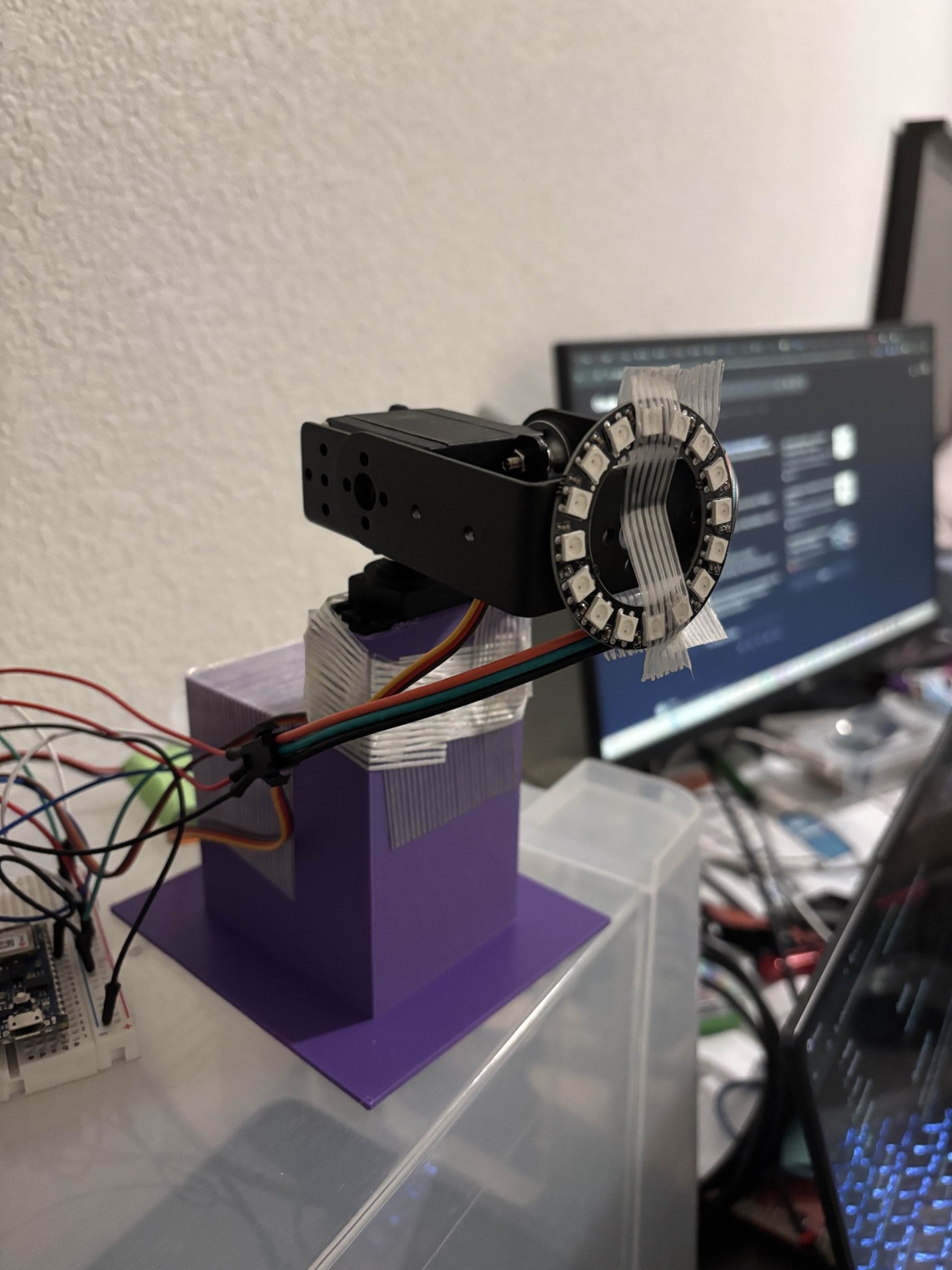
side view of the surgical light
-
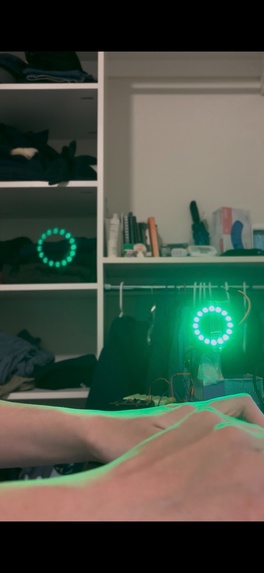
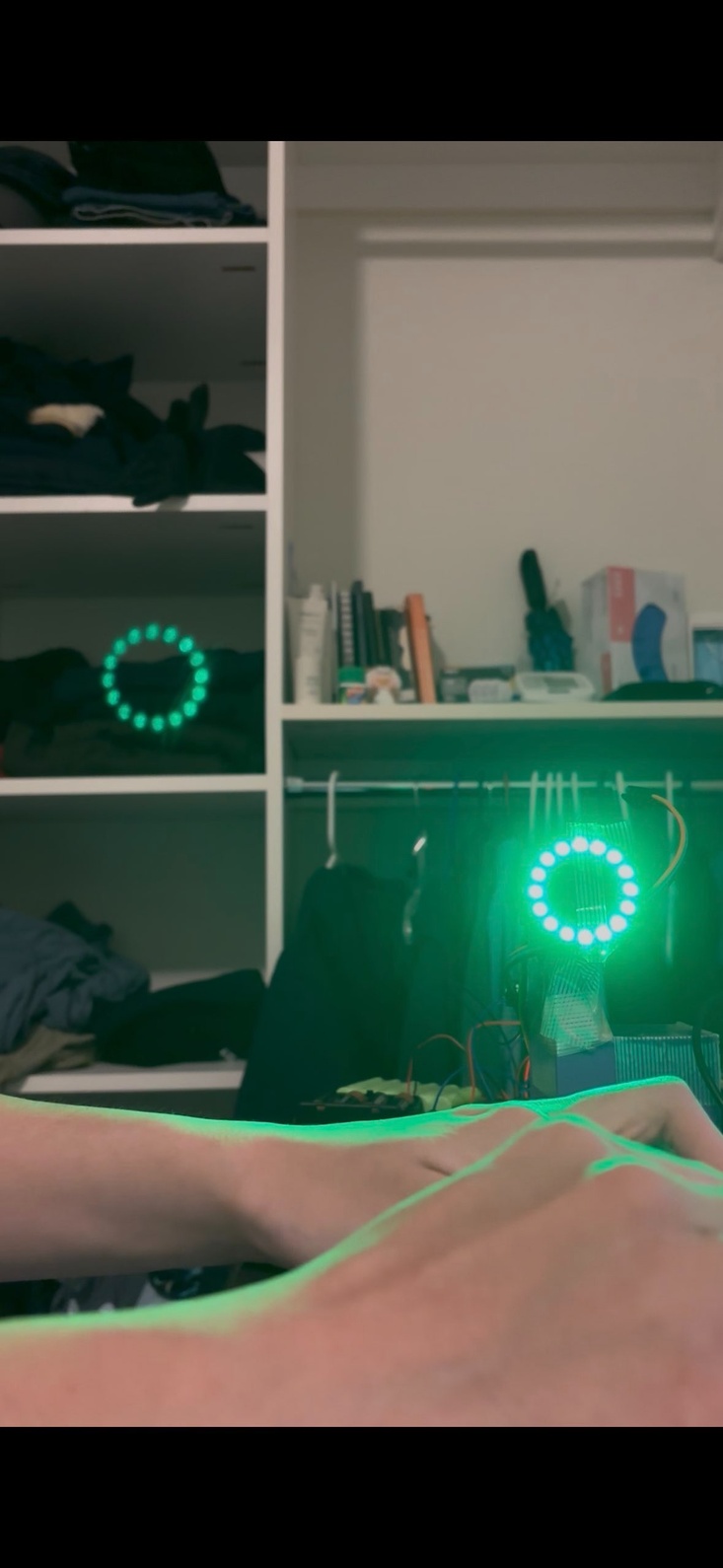
first time the light was able to be controlled through the laptop
-
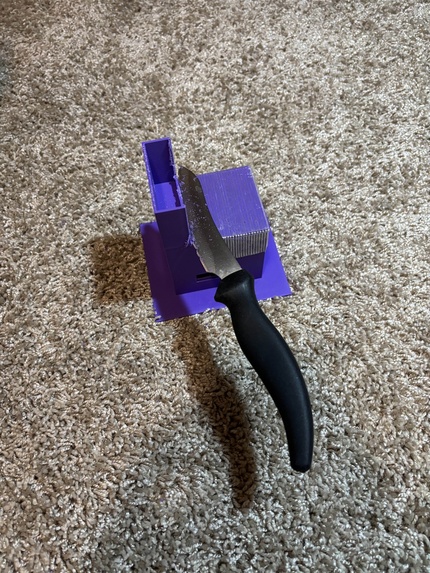
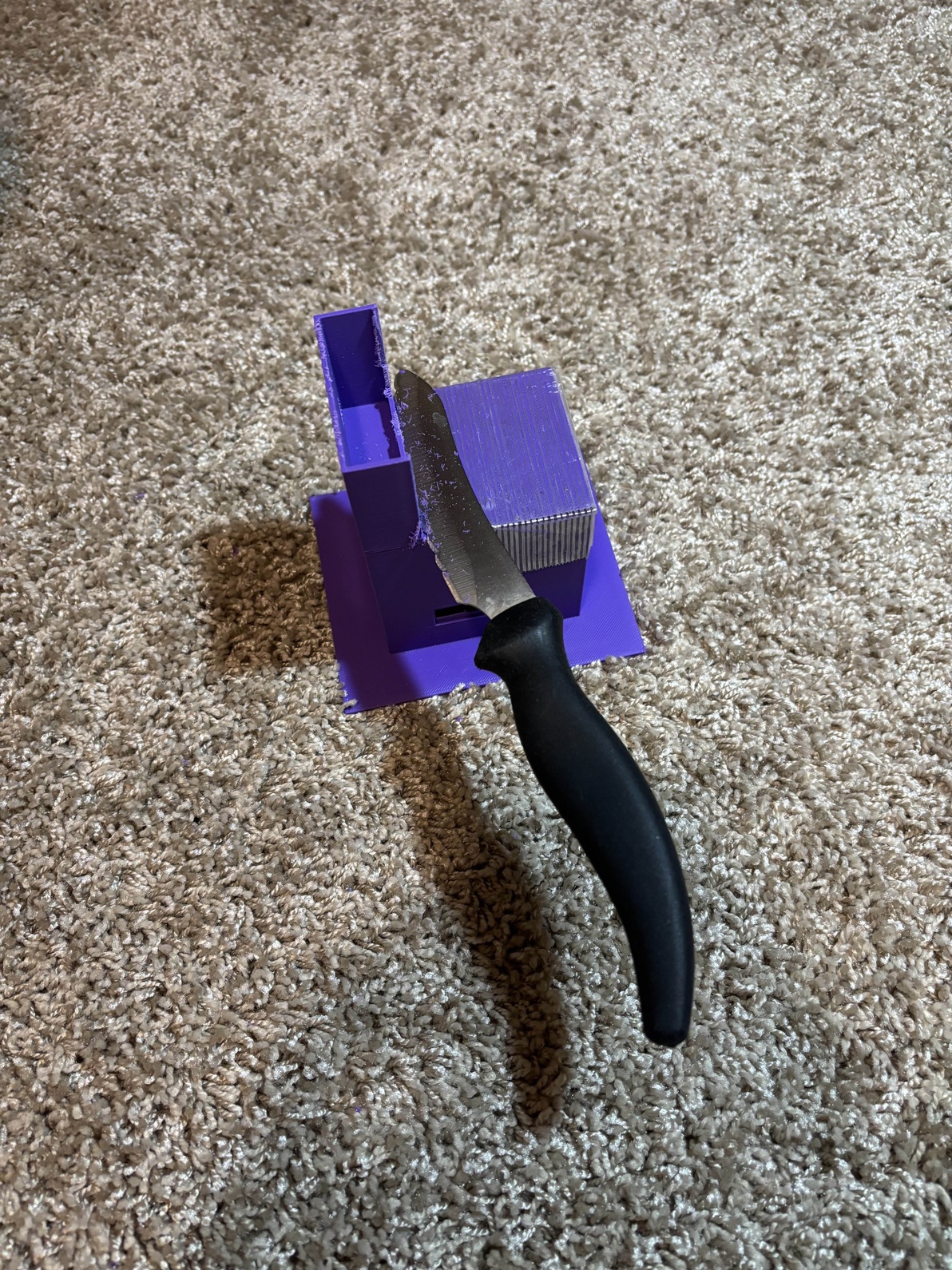
using a knife to do some manual adjustments to our 3D-printed base
-
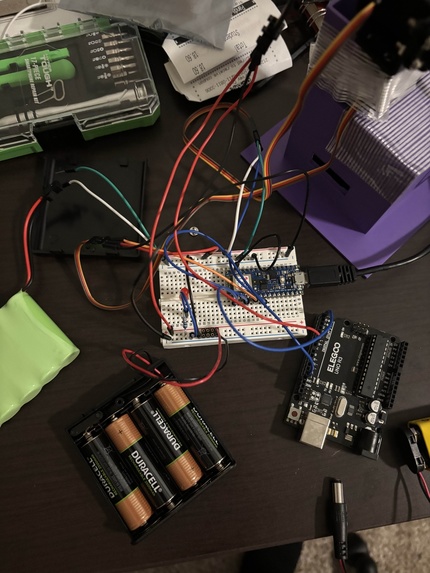
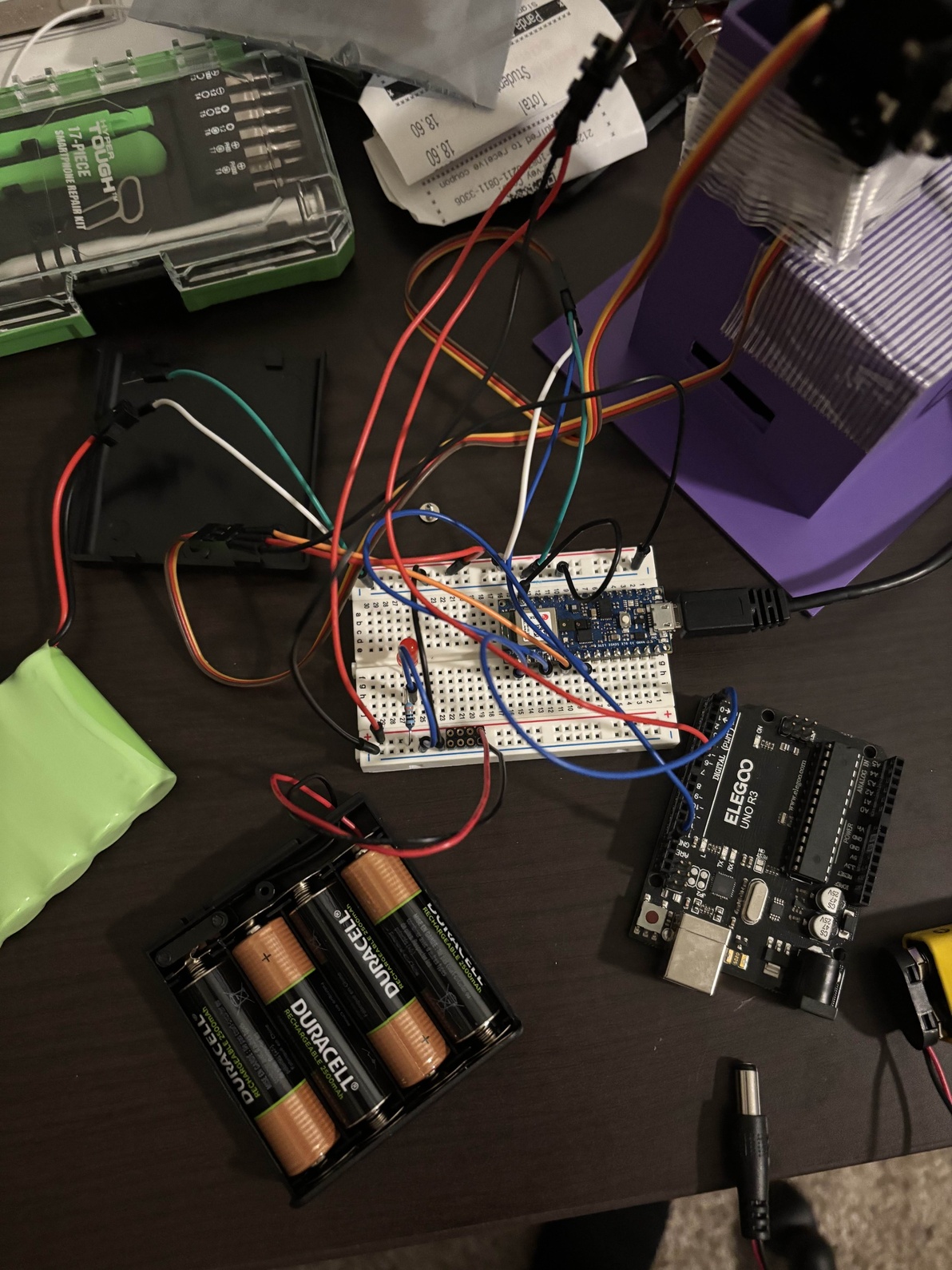
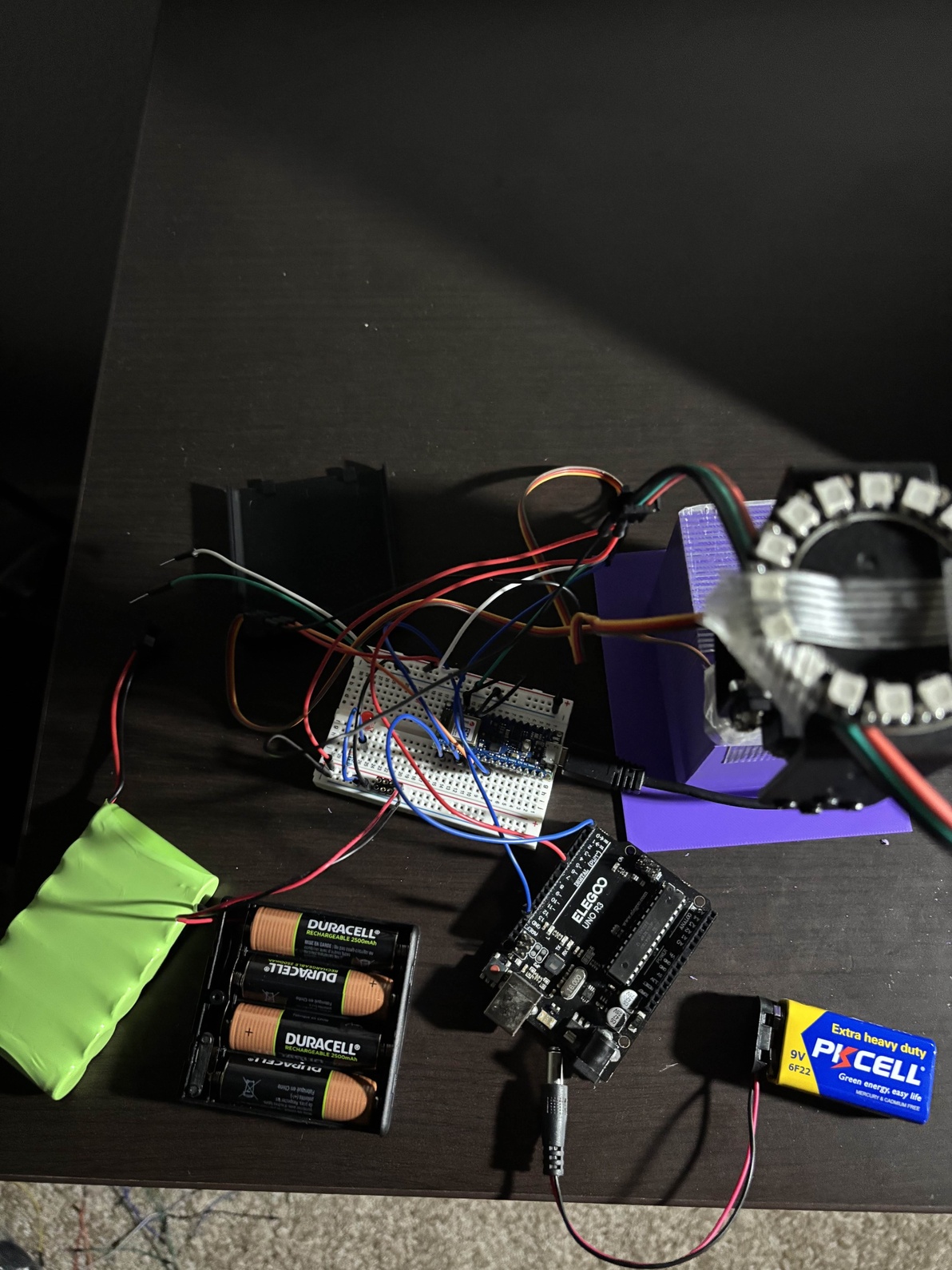
picture of the wiring
-
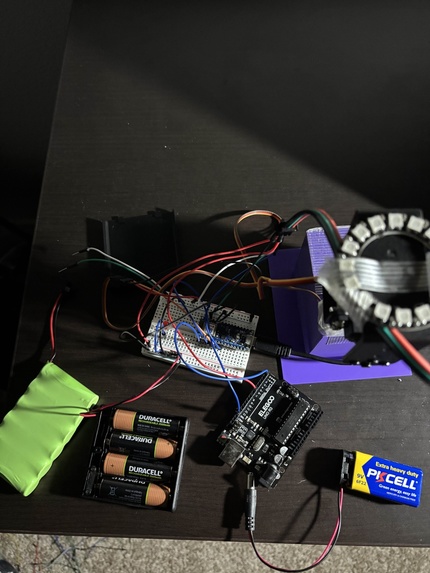
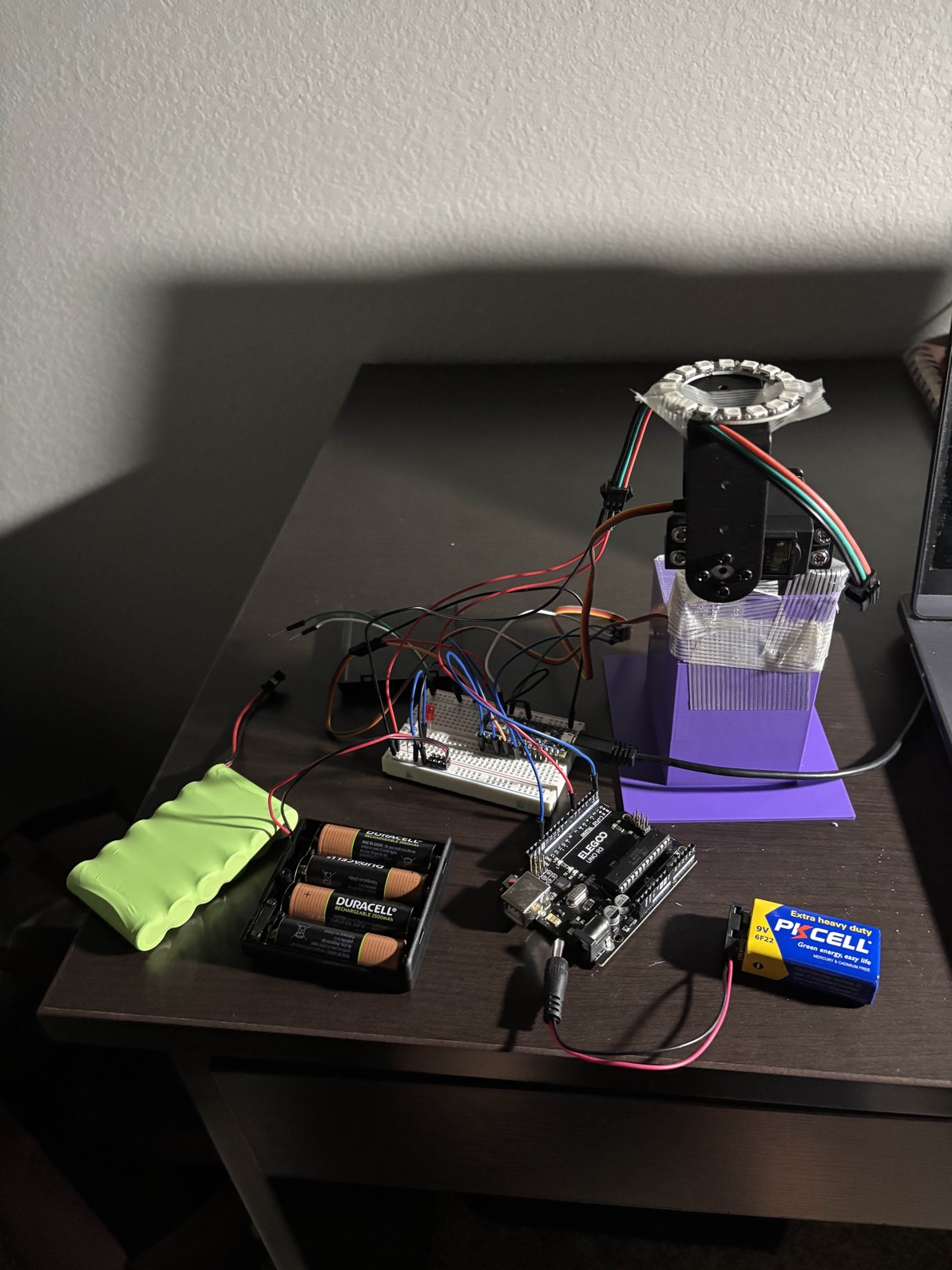
picture of all the hardware
-
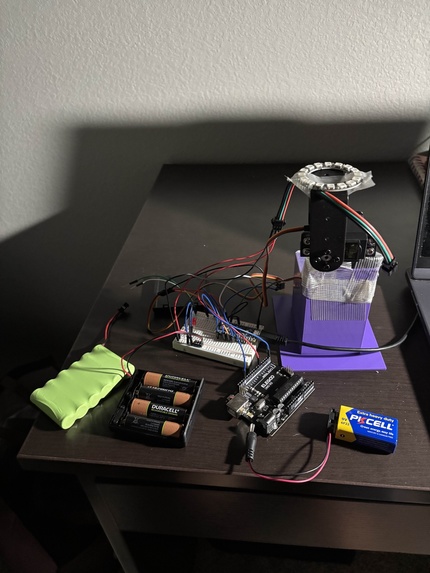
wider view of all the hardware
-
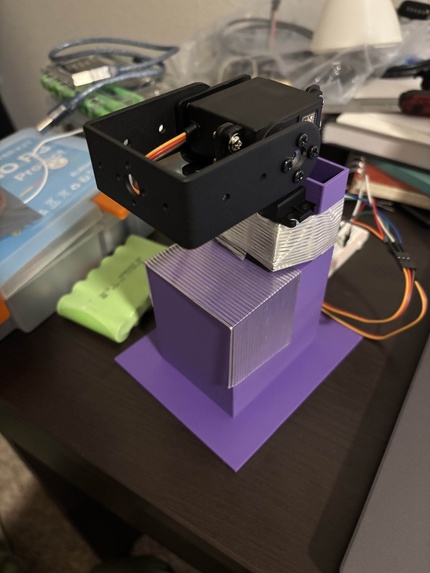
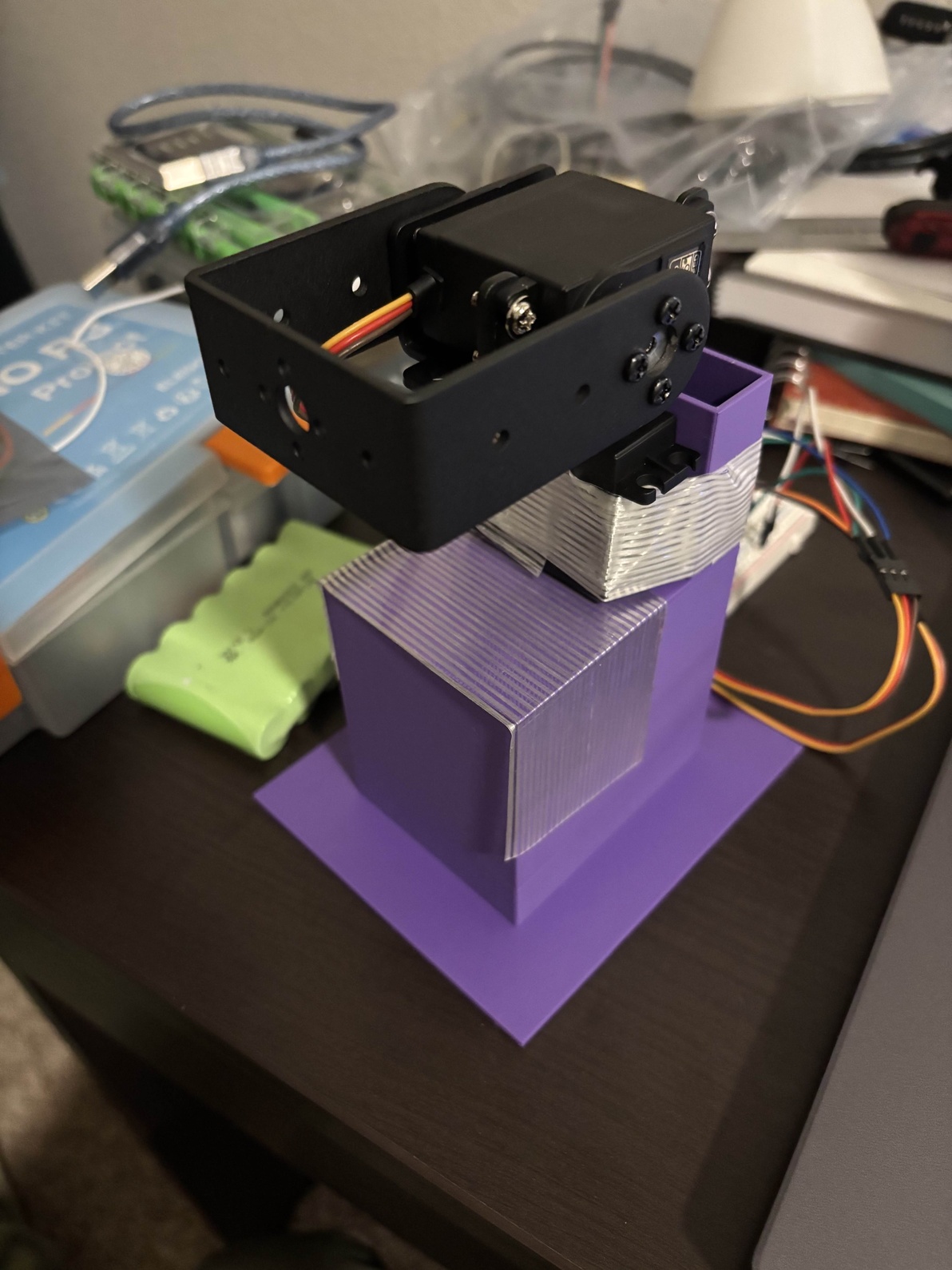
picture of the pan and tilt mechanism without the light attached
-
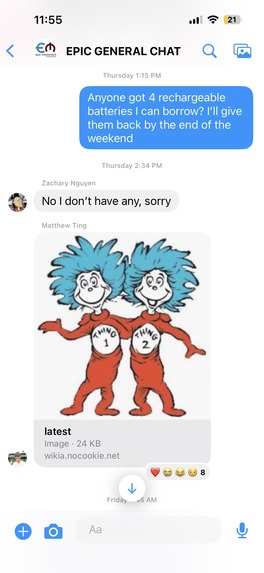
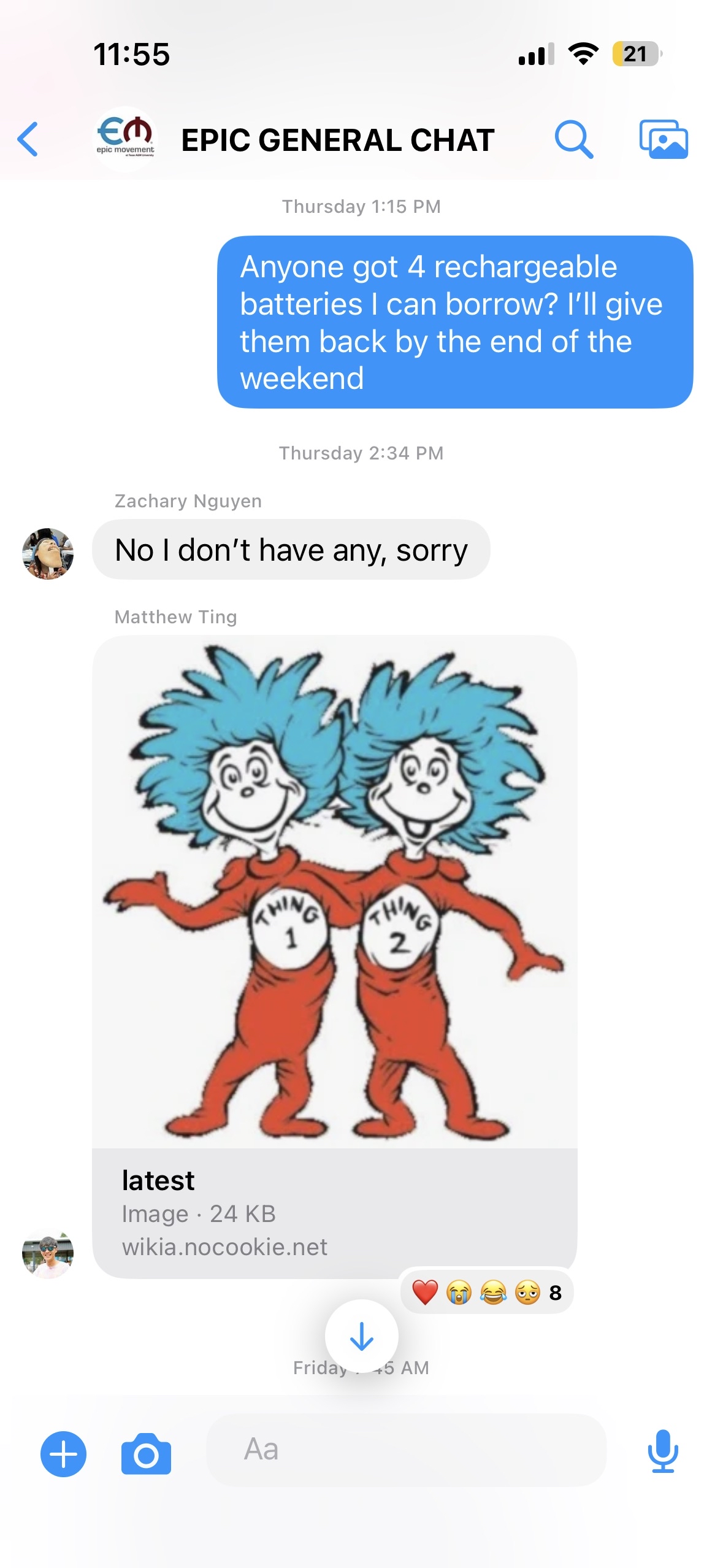
funny picture of us trying to obtain rechargeable batteries (rechargeable batteries are at a lower voltage than normal batteries)
Autonomous Surgical Light
Inspiration
Surgeons utilize their hands for critical tasks and cannot break sterility to adjust environmental factors like lighting. Currently, adjusting a surgical light requires physically grabbing a handle or asking a nurse to do it, which breaks flow and adds inefficiencies. On average, a manual adjustment is made every 7 and a half minutes. Additionally 25-50% of surgeons complain about eye strain due to poor or inefficient lighting, and headlamps are a sterility risk since they are considered non-sterile and have long wires. We were inspired to build a "third hand" for surgeons, an autonomous lighting system that acts as an extension of their own vision, allowing them to control illumination using only natural head movements.
What it does
Our project is an intelligent, autonomous surgical light that real-time tracks the user's head pose. By calculating the user's "gaze vector" (exactly where they are looking) using computer vision, it physically relies and tilts a spotlight to illuminate that specific focal point. Key features include:
- Hands-Free Tracking: You look at a spot, and the light follows. No buttons, no handles.
- Dual-Mode Control: A "Stability Mode" (USB) for ultra-low latency and a "Wireless Mode" (Bluetooth Low Energy) for freedom of movement.
- Smart Stabilization: The system filters out jitter and micro-movements, so the light glides smoothly rather than shaking with every small head twitch.
- Web Dashboard: A React-based command center to visualize the 3D tracking data, calibrate the system, and manually override controls if needed.
How I built it
We built a full stack IoT solution integrating computer vision, web technologies, and embedded systems.
- The Hardware: We 3D printed a custom base for our MG995 high-torque servos. The brain is an Arduino Nano 33 BLE (acting as the master controller for kinematics) connected to an Arduino Uno (handling the NeoPixel LED ring) via a master/slave serial protocol.
- The Vision (Backend): We used Python with Flask. The core logic uses MediaPipe Face Landmarker to extract 3D facial landmarks. We then apply the PnP (Perspective-n-Point) algorithm and vector math to calculate the user's precise 3D gaze vector relative to the camera.
- The Interface (Frontend): Built with React 18. It's not just a UI; it acts as the bridge. It receives tracking data from Python via WebSockets and sends motor commands to the Arduino using the Web Serial API (USB) and Web Bluetooth API (BLE). This architecture shifts the heavy lifting to the browser, making the system responsive and versatile.
Challenges I ran into
- Voltage: Our Arduino Nano operates on 3.3V logic, but our Servos and LEDs required 5V and high current. We solved this by designing a Master/Slave architecture with isolated power rails, one for logic, one for motors (7.2V), and one for LEDs (5V). Adding to the complexity, we had to use a 9V battery to power the Arduino UNO (the slave). There was a whole ordeal where we tried to run the LED from a 4 AA battery pack holding 4 normal batteries, but normal batteries are 1.5 V, meaning that the battery pack had a total of 6 V, leading to the LED overheating, so we had to use NiMH batteries (AKA rechargeable batteries) because they are 1.2 V, meaning that the battery pack would have a total of 4.8 V (see the final picture for an attempt to obtain rechargeable batteries).
- The Jitter Problem: Raw face tracking data is noisy. Directly mapping it to servos made the light shake frantically. We had to engineer a "Smart Stability" pipeline involving exponential smoothing filters (
alpha=0.2), adaptive deadbands (ignoring <3° movements), and dynamic throttling to ensure the light moves only when you intentionally want it to. - Data Overload: Sending too much info to through BLE led to the system crashing, so we had to optimize what info we want to be sent.
- Materials Procurement: We were constantly realizing that we needed different materials (7.2 V battery pack, Arduino UNO, etc.), and it was quite difficult to obtain the appropriate hardware, and every time we didn't have something that we needed, we would have to stop the development of our project until we obtained it because we couldn't work on any of the software without the correct hardware.
Accomplishments that I'm proud of
- Real-time Movements: It took us about a whole day to finally get the backend connected with the hardware.
- The "Dual-Stack": Successfully implementing a system that talks to Python (for AI) and Arduino (for Hardware) simultaneously through a web browser seamlessly.
- Reliability: The light used to always crash, but we found the perfect balance between speed and stability.
- Math: It was hard to find the right math for the light to point at where we were looking (it used to tilt upwards whenever it saw the head tilting up, but that logic was incorrect and we had to fix it).
What I learned
- Hardware is hard to debug: Unlike software, in which you can just copy and paste the code into an AI in order to find the bug, hardware requires an actual understanding of the different components involved in order to actually get your project to work.
- Power Management: This is kind of embarrassing, but we initially thought that we could power everything from the pins on the Arduino. We learned a lot about the voltage requirements for different pieces of hardware, how to supply power to hardware, and voltage logic.
- Computer Vision and Math: We learned about the different variables needed in order to complete complex calculations using computer vision (distance from the person to the camera, the position of the light, the angle of the camera, the angle of the face, etc.)
What's next for Untitled
- Voice Control integration: We plan to add voice commands (like "Light Off" or "Increase Brightness") to give surgeons even more sterile control options (we need to find a way to transfer the data efficiently because when we tried, it would lead to crashes).
- Real Camera: We are just using a webcam right now, but we want to use an actual camera in the future so that it is more realistic to what would actually take place in a surgery room (many surgery rooms already implement cameras).
- More lights: If we had more lights, we could more efficiently eliminate shadows, and if all of those lights were autonomous, it would greatly improve surgical room lighting.


