-
-
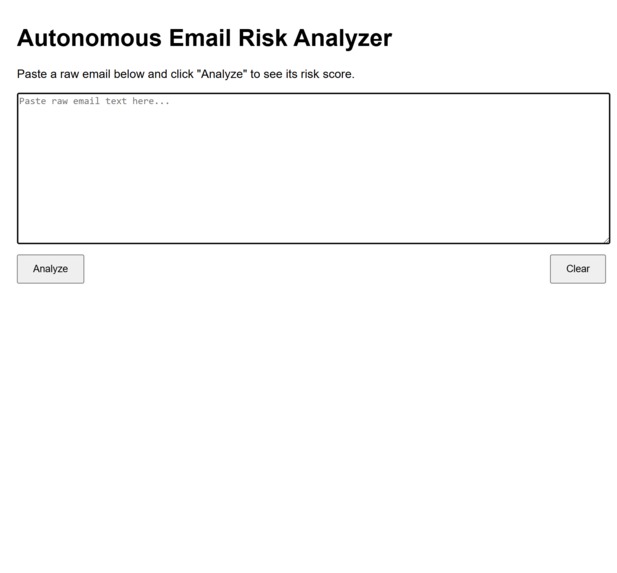
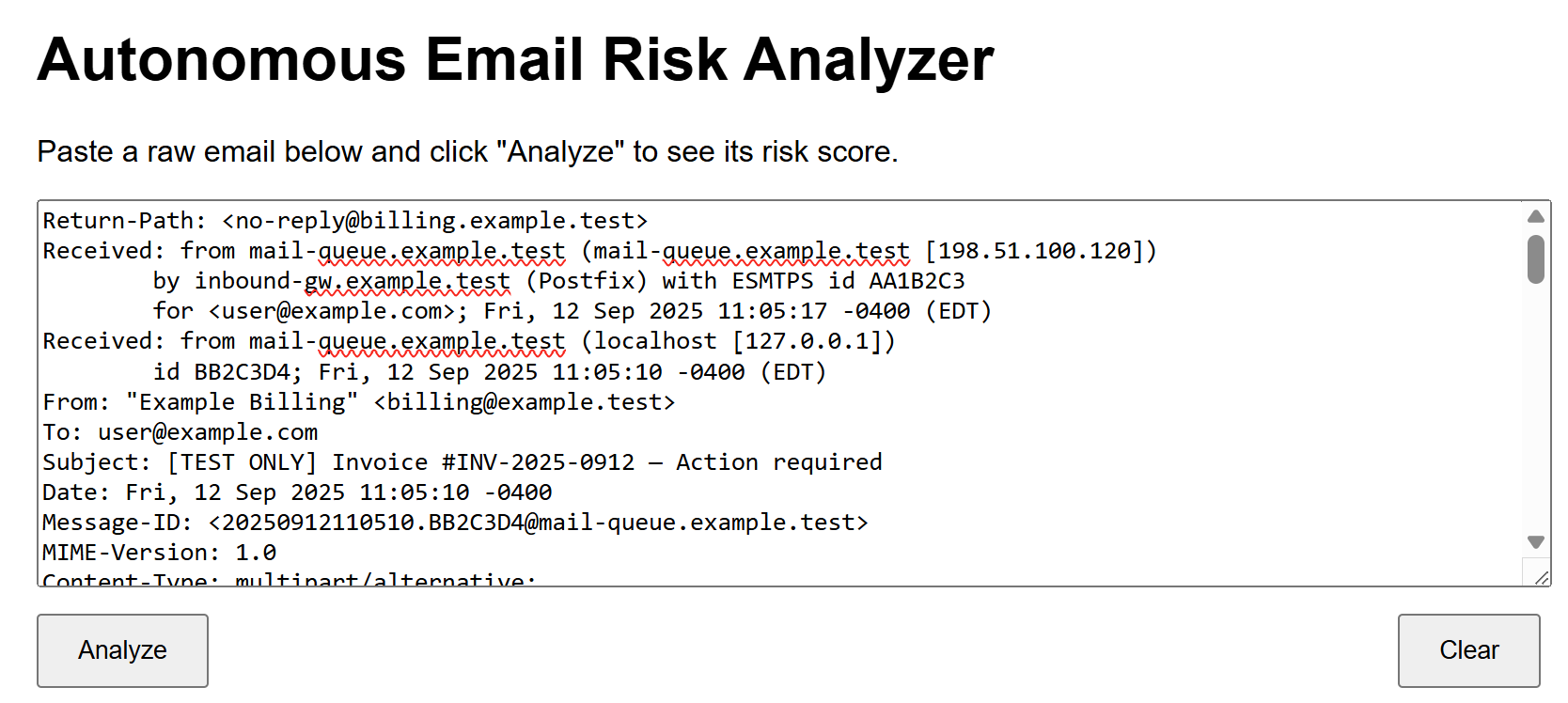
First look of the web page.
-
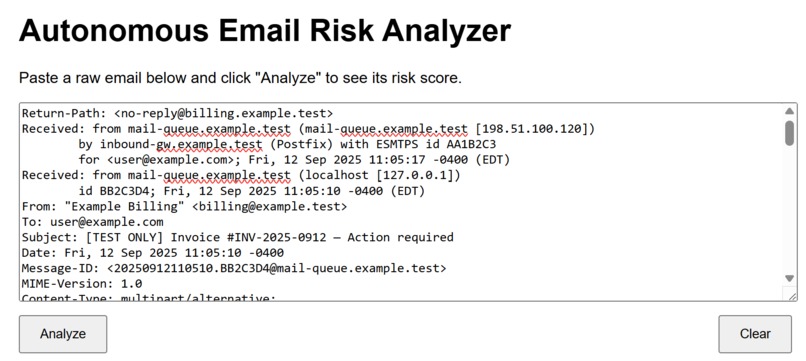
Emai; entry
-
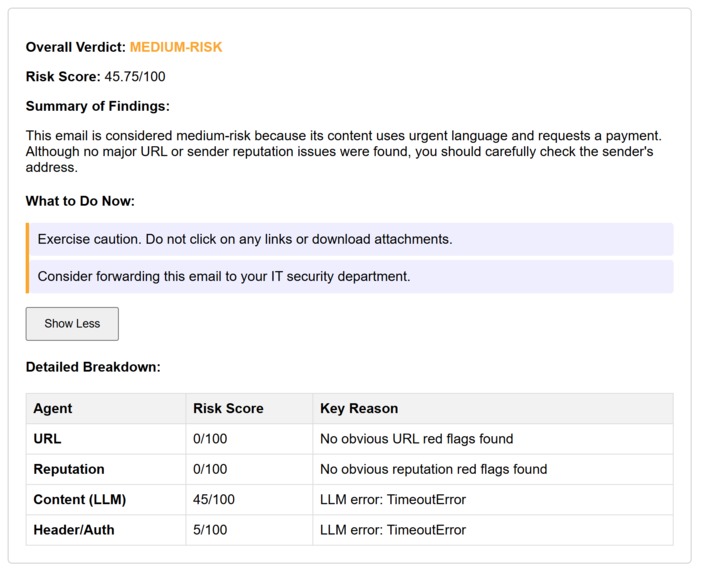
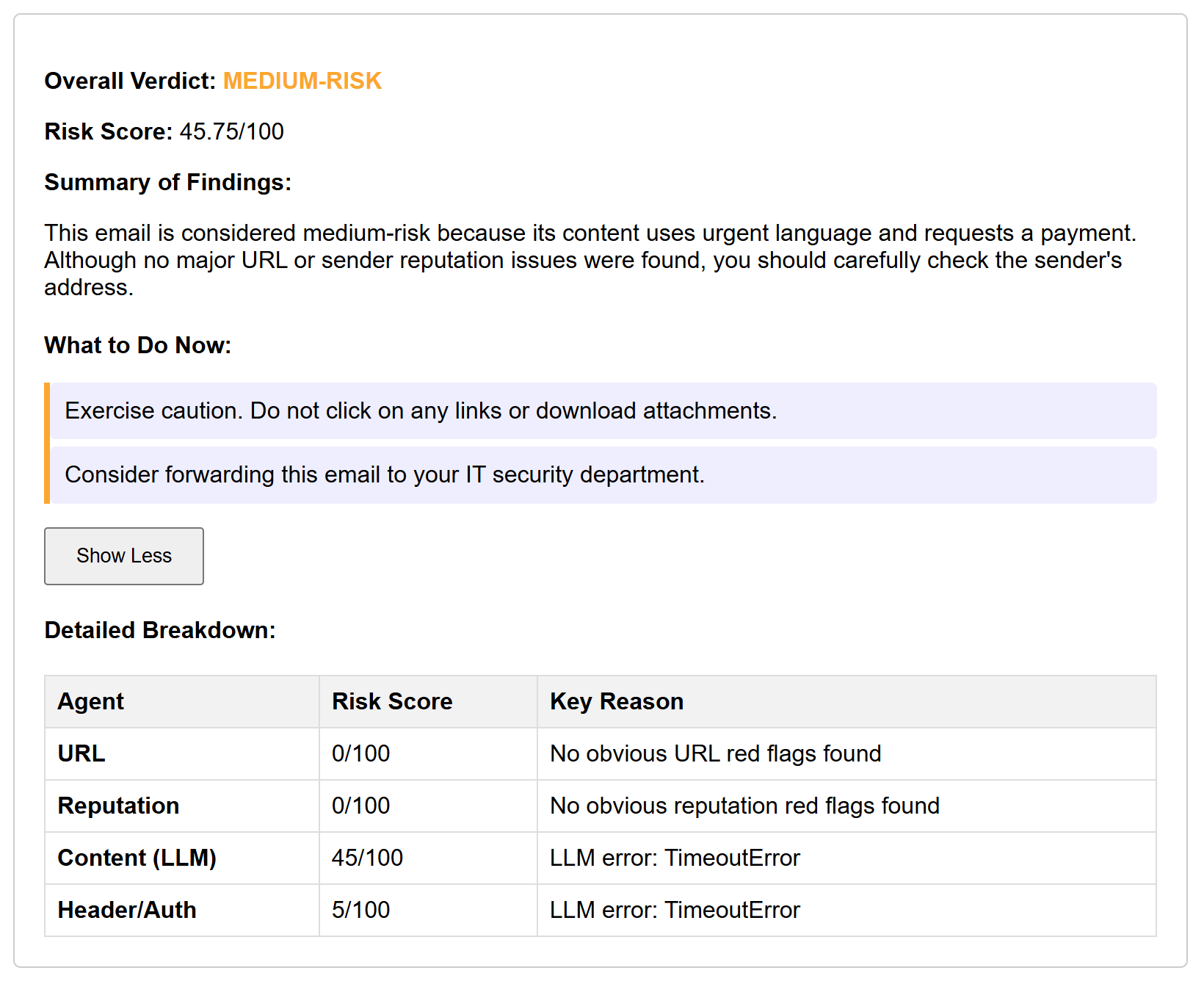
Results
Autonomous Email Risk Analyzer
Inspiration
We’ve all seen phishing emails that look “almost real.” Even though companies have big filters in place, people still get fooled every day. We wanted to build something that anyone could use, not just IT teams, that doesn’t just block suspicious emails but actually explains why they’re dangerous and what steps to take next. That way, users are learning as they protect themselves.
What It Does
The app takes raw email text (copied straight from Gmail, Outlook, etc.) and runs it through several different checks. Here’s how it works in practice:
- A user pastes in the email and hits Analyze.
- Our main orchestrator script (agent.py) spins up four specialized sub-agents: Reputation Agent – checks sender domains and linked hosts URL Agent – looks for risky links like direct IPs, HTTP instead of HTTPS, or URL shorteners Content Agent – uses Gemini to spot phishing cues (urgency, threats, requests for credentials) Header/Auth Agent – inspects technical headers, SPF/DKIM/DMARC alignment, and oddities Reporter Agent – Gathers results from sub-agents and produces a summary that an average user would understand. Each agent returns its own score and reasoning. The orchestrator combines those into a final risk score (out of 100) and a verdict (low, medium, high). The Reporter Agent then summarizes everything into a short, human-friendly explanation and clear next steps. The web app shows the result with color-coded badges, a “What To Do Now” box, and a detailed breakdown you can expand.
How We Built It
We built the backend in Python with one root agent and four sub-agents. To speed things up, we used Python’s ThreadPoolExecutor to run them in parallel so analysis feels close to instant. Gemini is at the heart of two of the agents: the Content Agent (for catching social engineering tactics) and the Reporter Agent (which rewrites the technical output into something normal users can read). The frontend is a lightweight Flask app with HTML, CSS, and JavaScript. We put extra time into the UI because we wanted it to look like a real tool: verdict badges in green/orange/red, an action panel that changes color depending on the risk, a bouncing-dot loading animation, and a “show more” toggle for the technical details.
Challenges We Ran Into
- Getting the ADK agents to run in parallel without tripping over each other was tricky.
- At first our AI summaries were way too long—more like essays than quick security notes—so we spent time tuning the prompts. We started with just dumping JSON to the page, and it looked awful. Figuring out how to present the results in a clean, trustworthy way took a lot of iteration.
- We had some false positives, like internal test IPs being flagged. We fixed that by teaching the Reputation agent to ignore reserved ranges (127.0.0.1, 192.0.2.x, etc.).
Accomplishments We’re Proud Of
We finished a fully working pipeline in hackathon time, from raw email to multi-agent analysis to clean UI. Our scoring is both fast and explainable, mixing heuristics and AI in a way that makes sense. As first-time hackers, we learned a lot about coordinating different pieces of a project under time pressure.
What We Learned
- How to wire together multi-agent systems and keep them in sync.
- That explainability is just as important as accuracy in security tools.
- How much a good UI (color, spacing, animations) can boost user trust.
- Why it’s good to have fallback heuristics when LLMs fail or timeout.


Log in or sign up for Devpost to join the conversation.