-
-
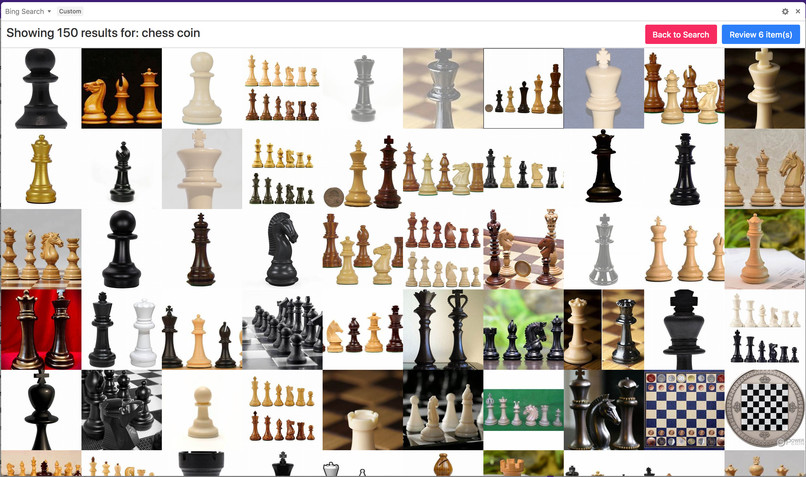
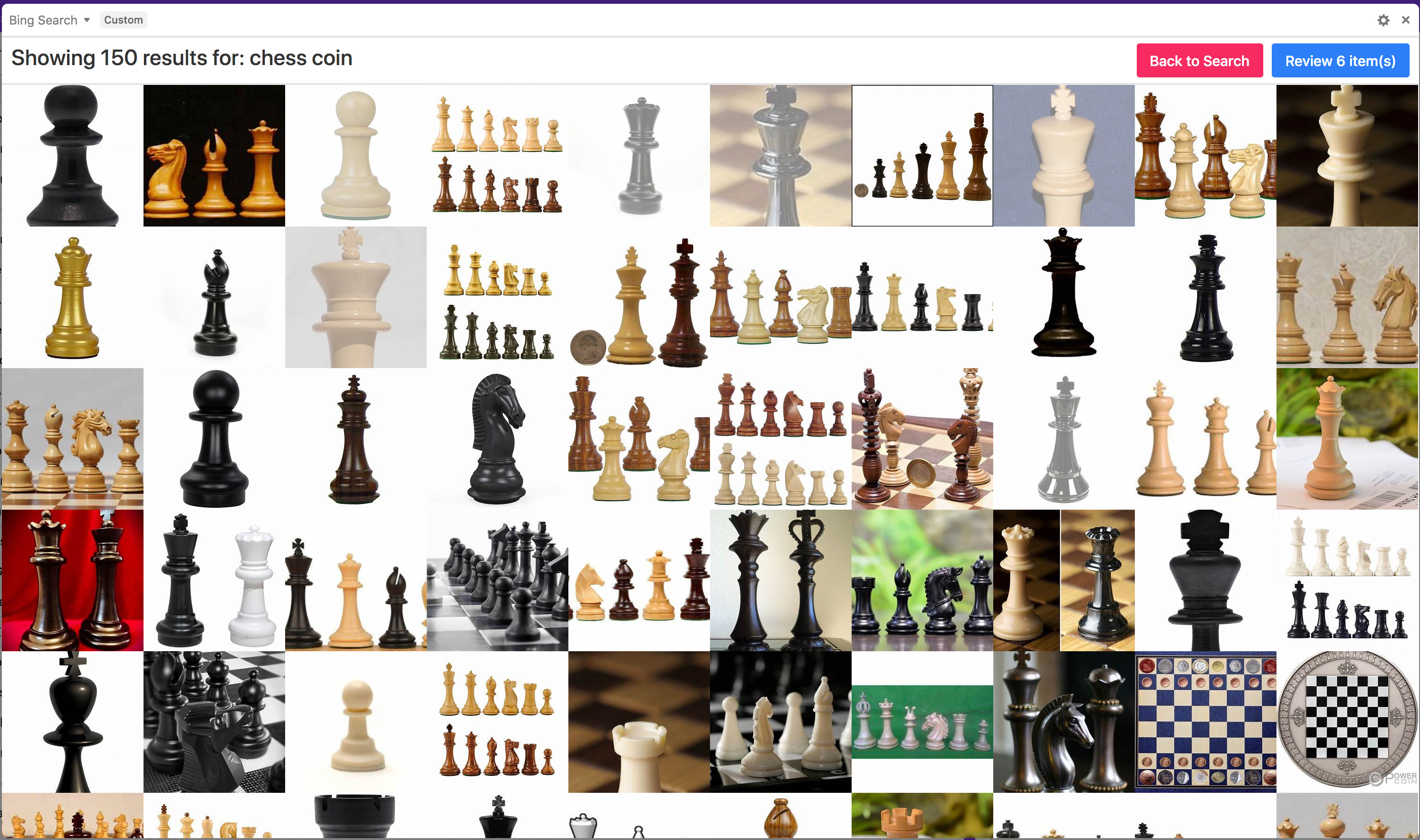
Bing Search Block - Search Results
-
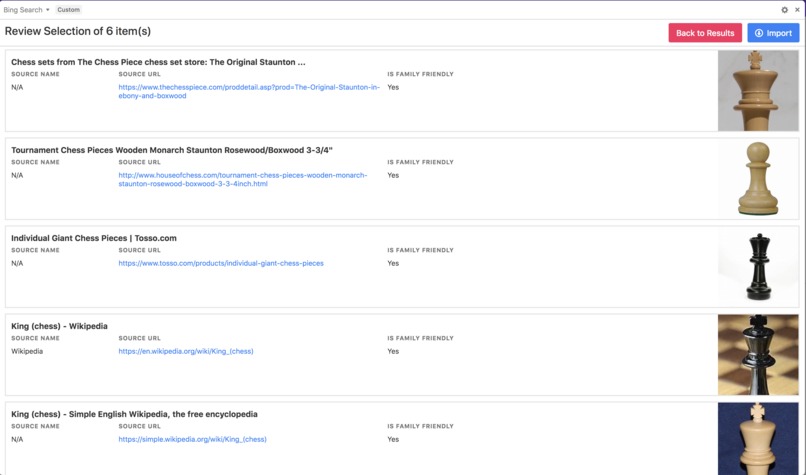
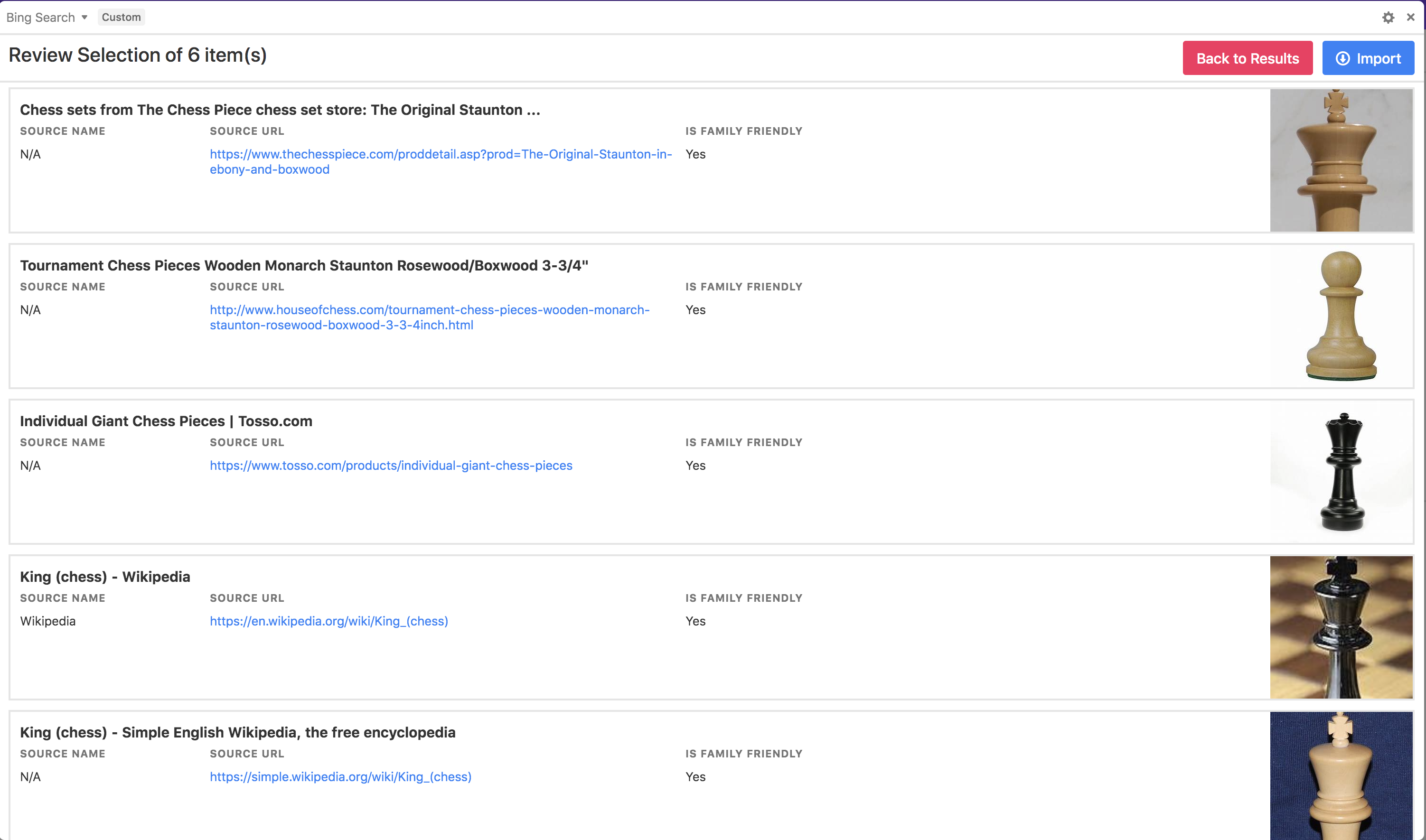
Bing Search Block - Review Selection
-
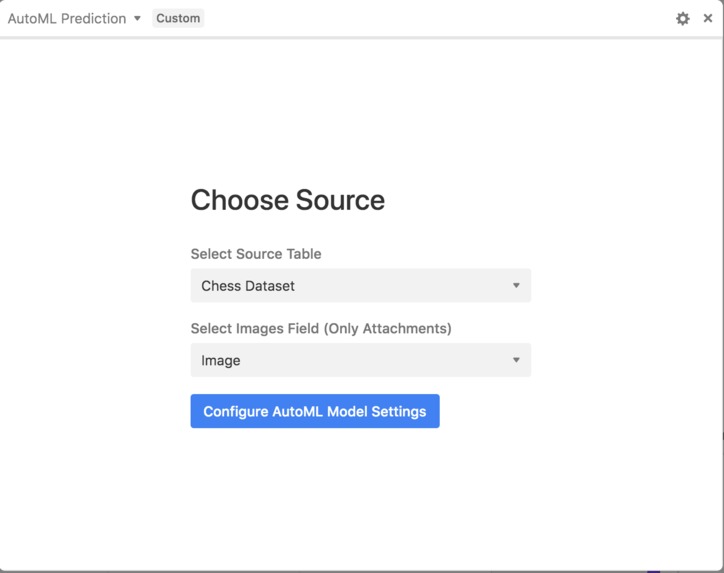
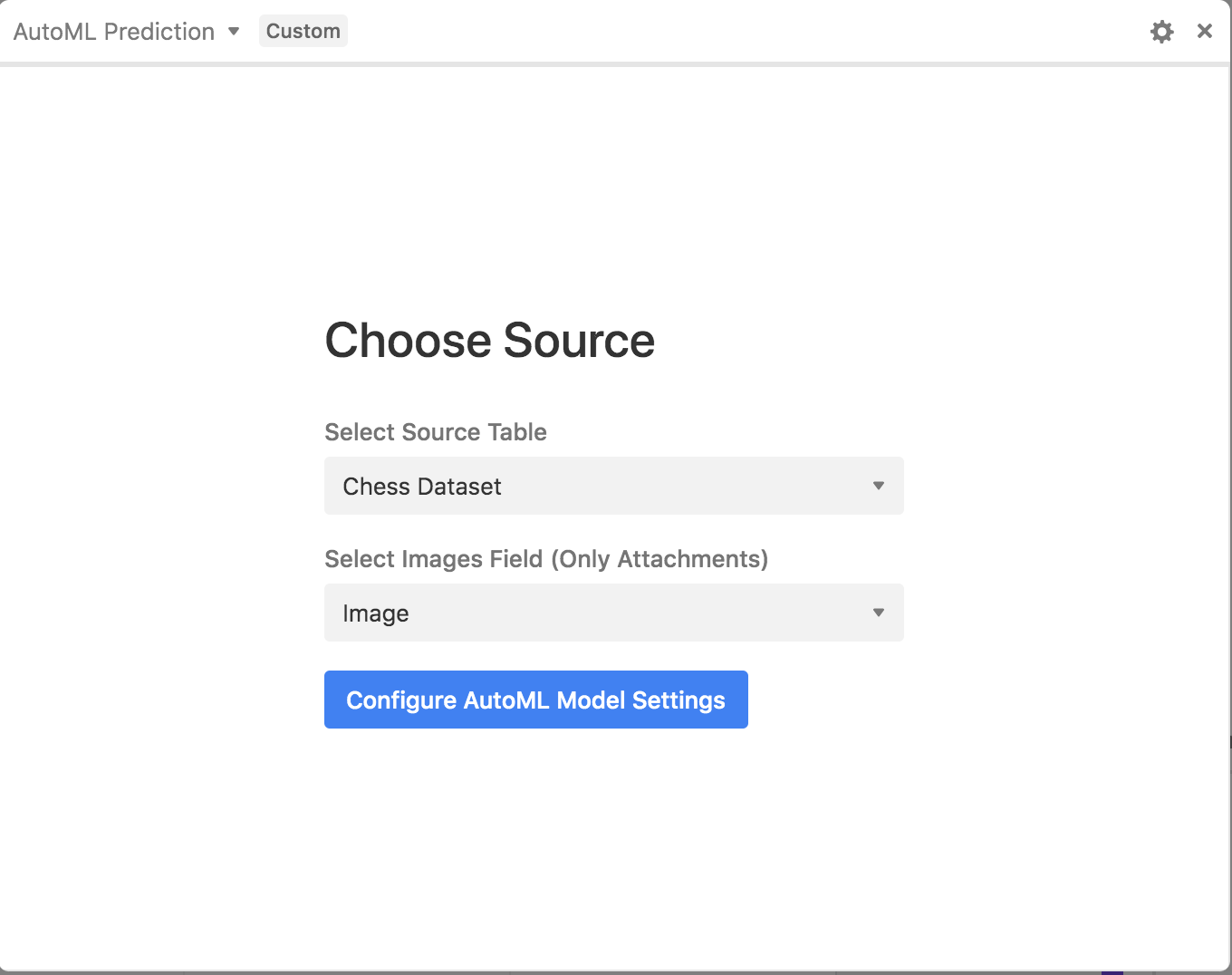
AutoML Prediction Block - Choose Source
-
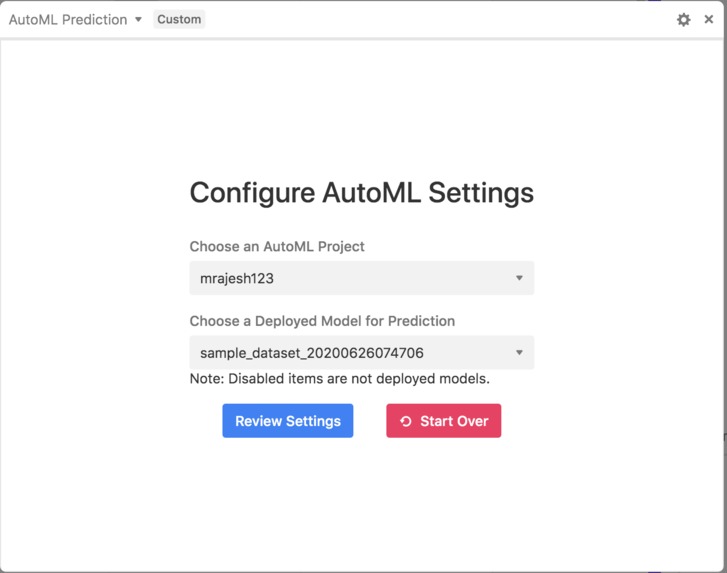
AutoML Prediction Block - Configure AutoML
-
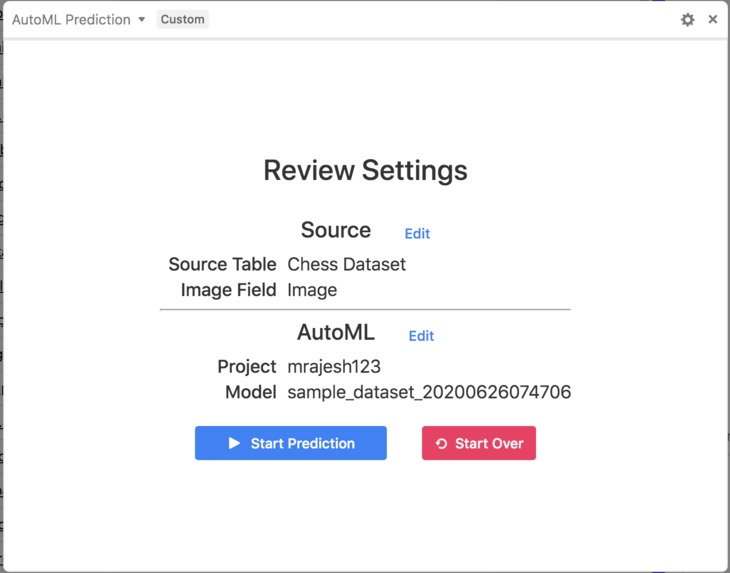
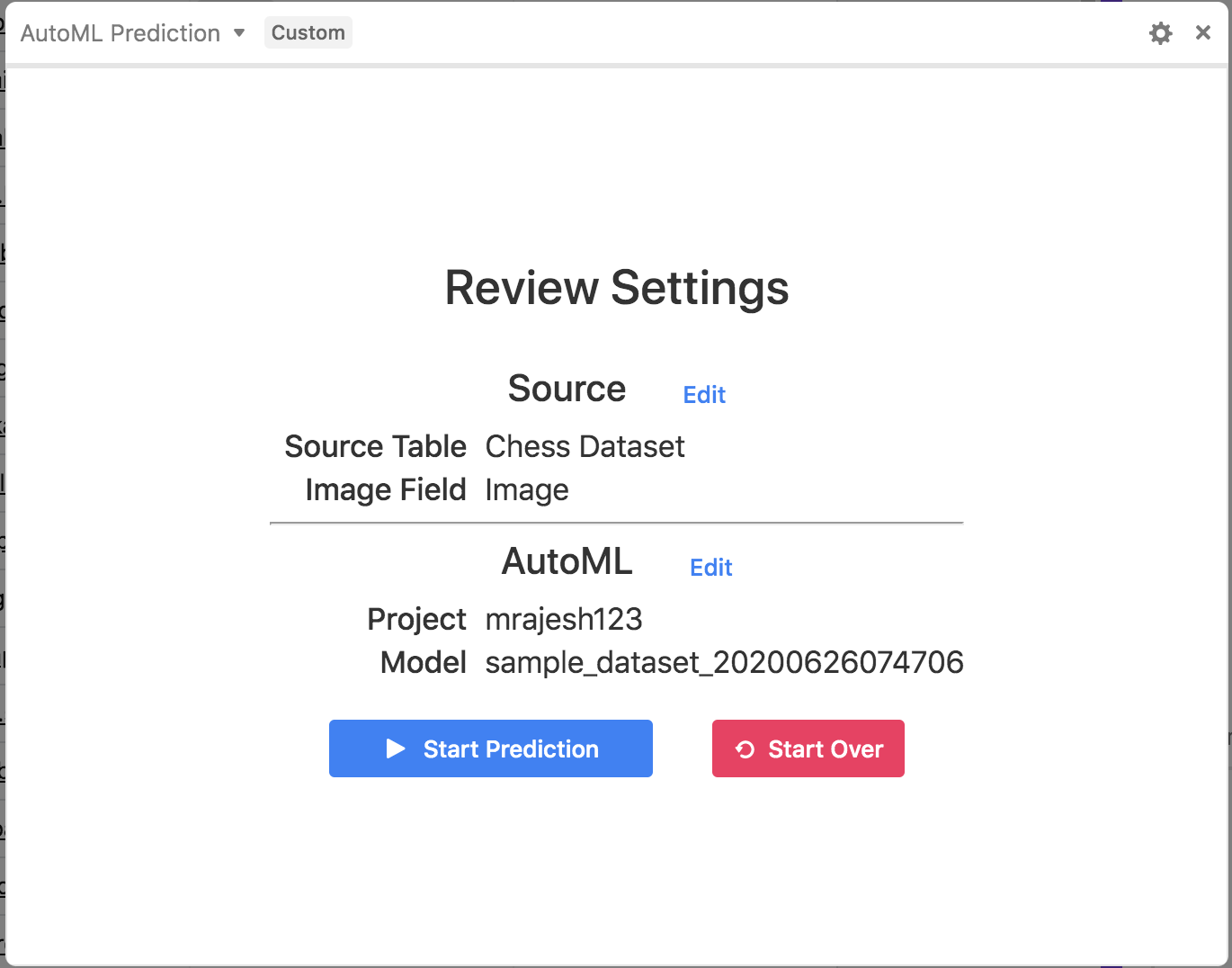
AutoML Prediction Block - Review Settings
-
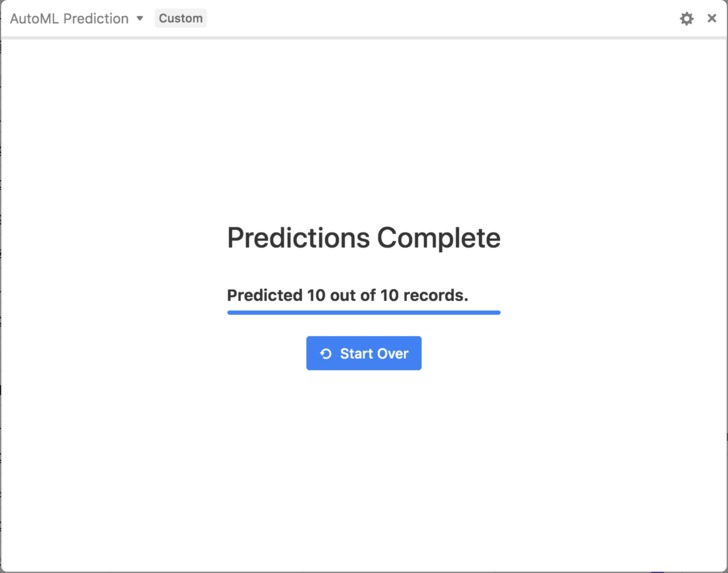
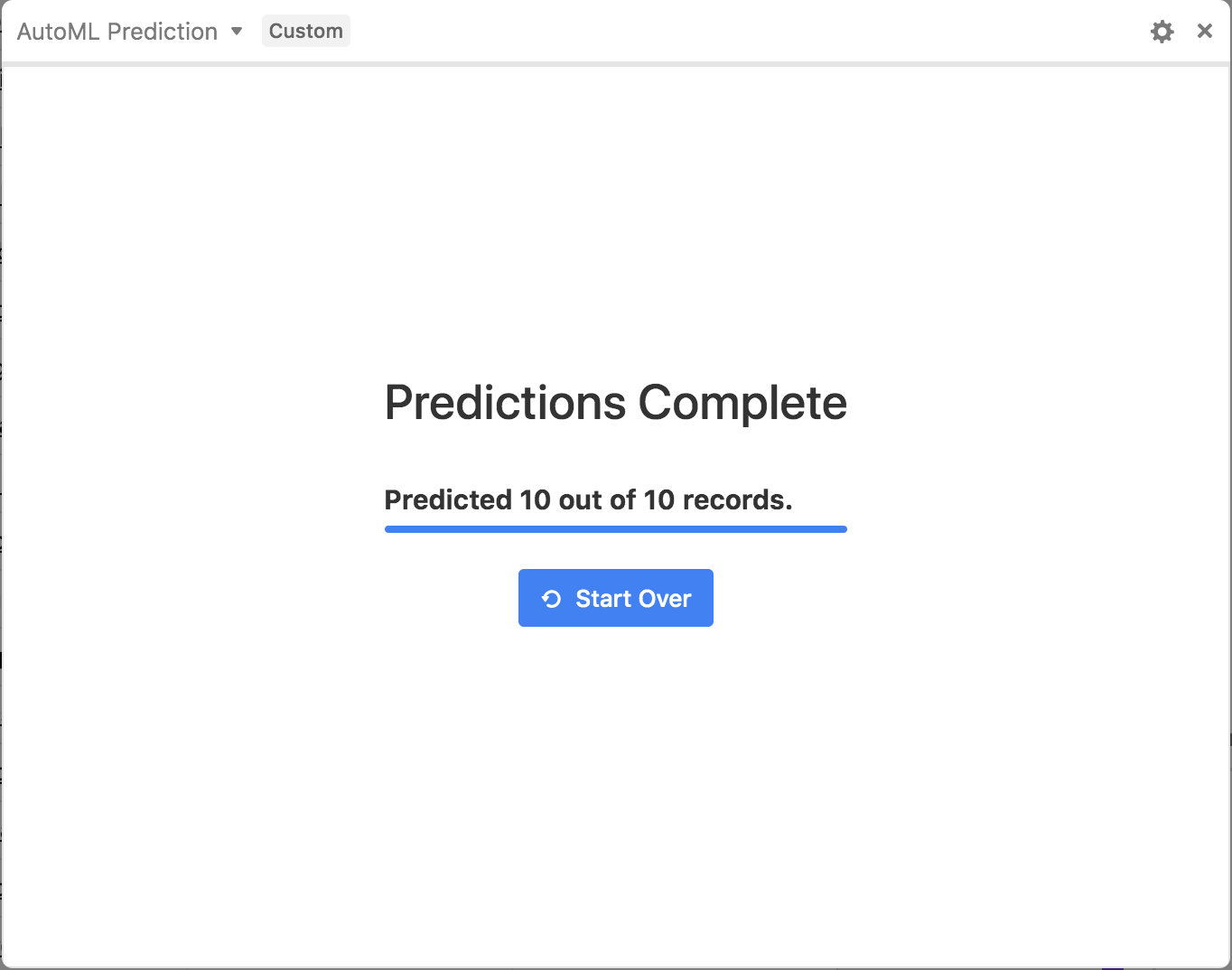
AutoML Prediction Block - Predictions
-
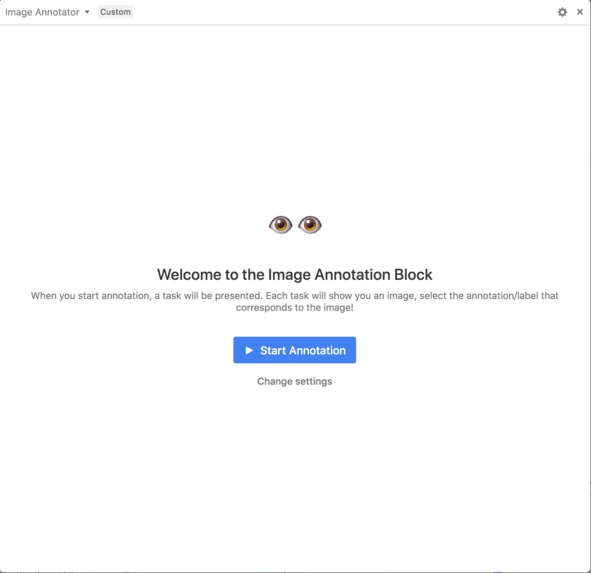
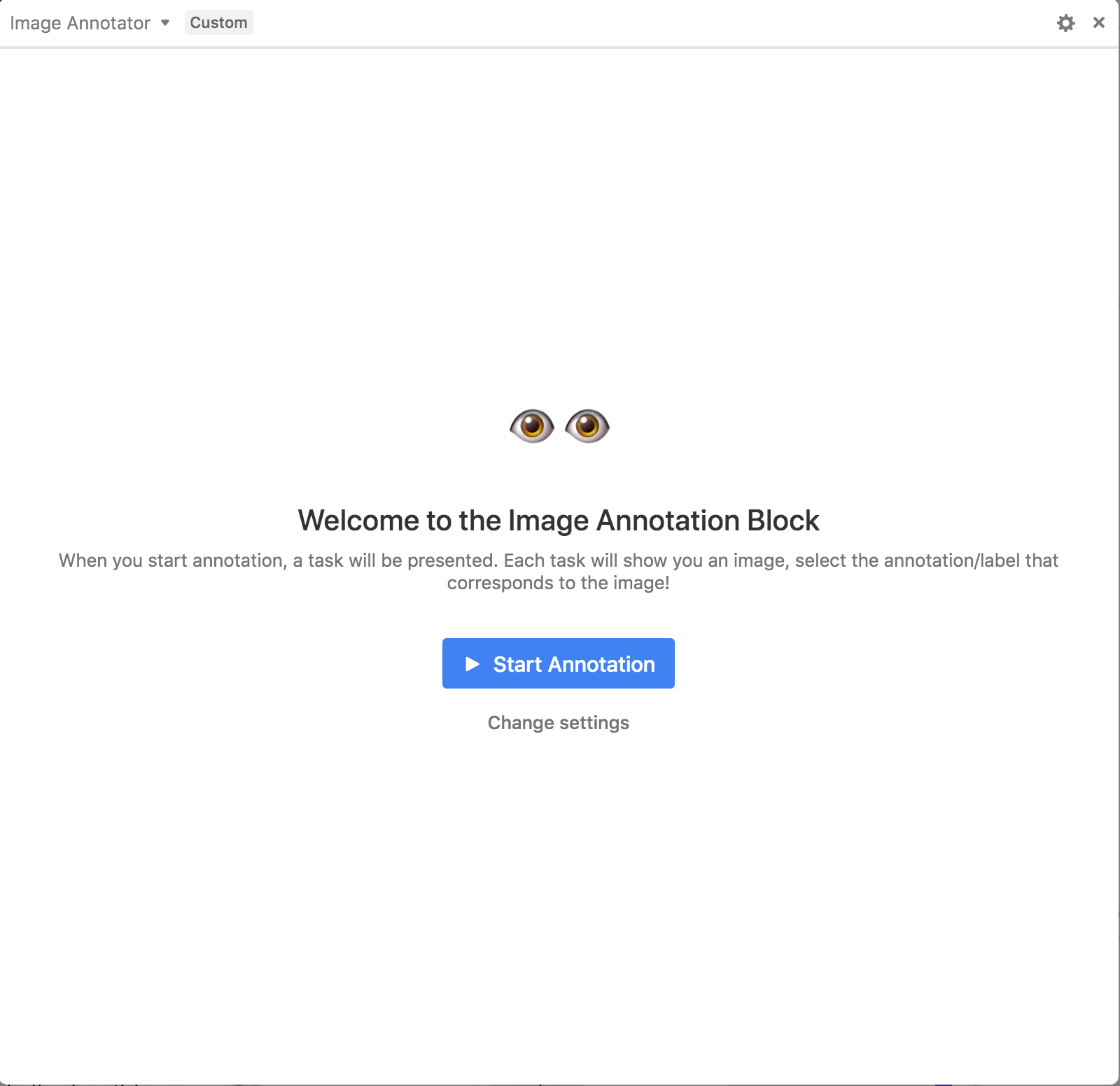
Image Annotator Block - Welcome
-
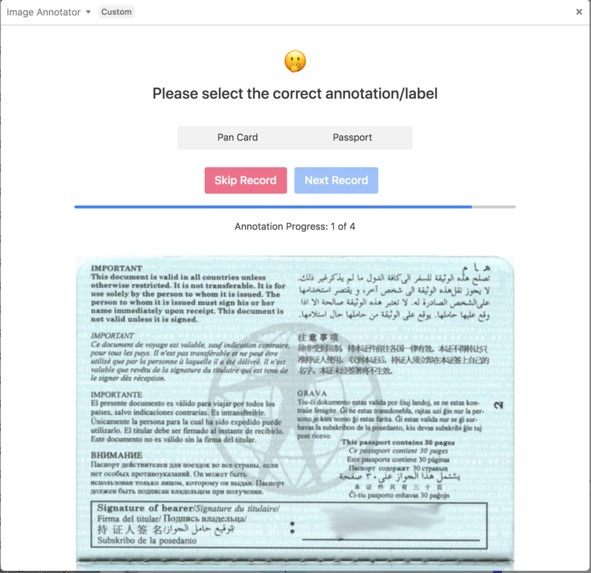
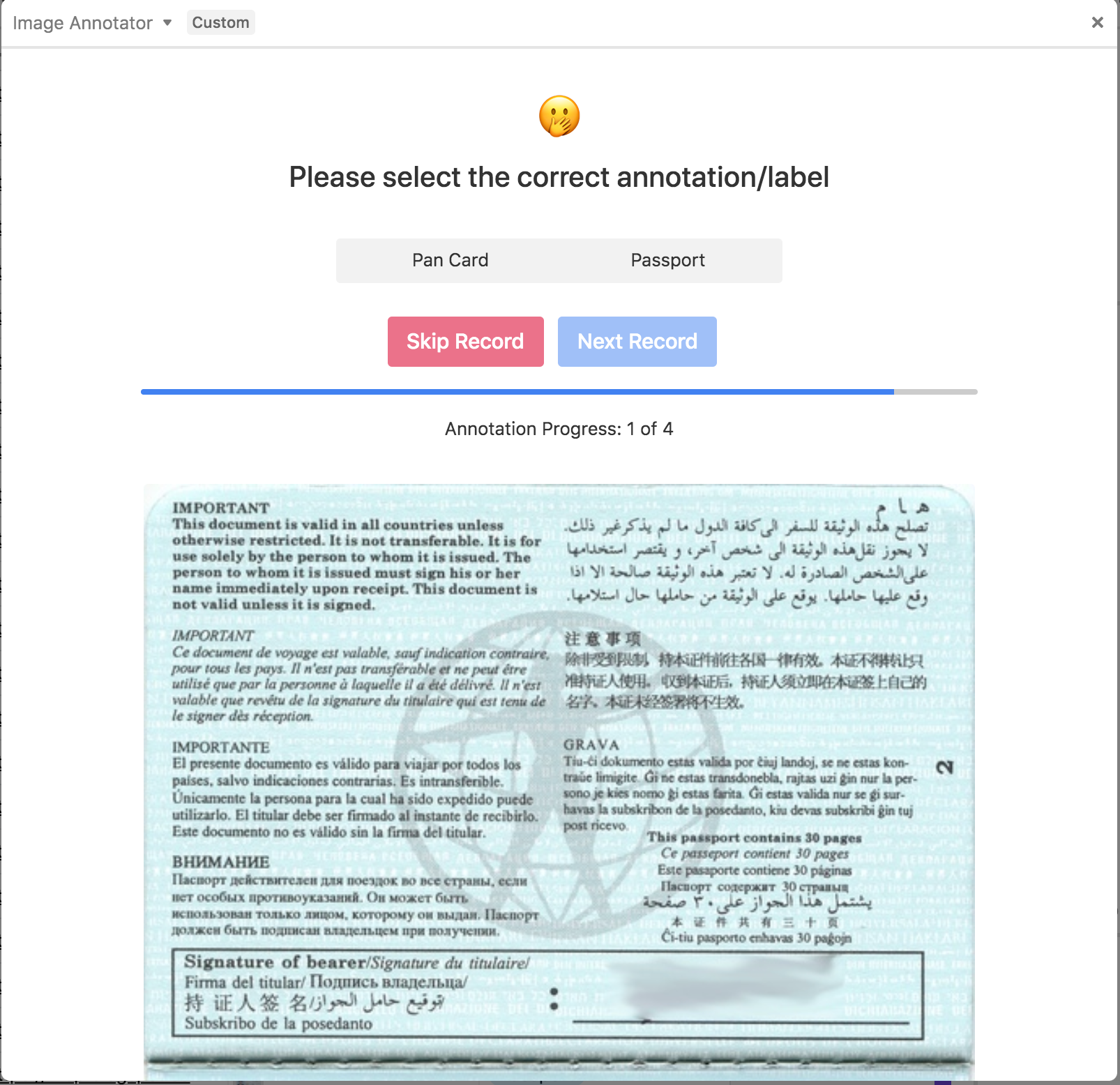
Image Annotator Block - Annotation Sample
-
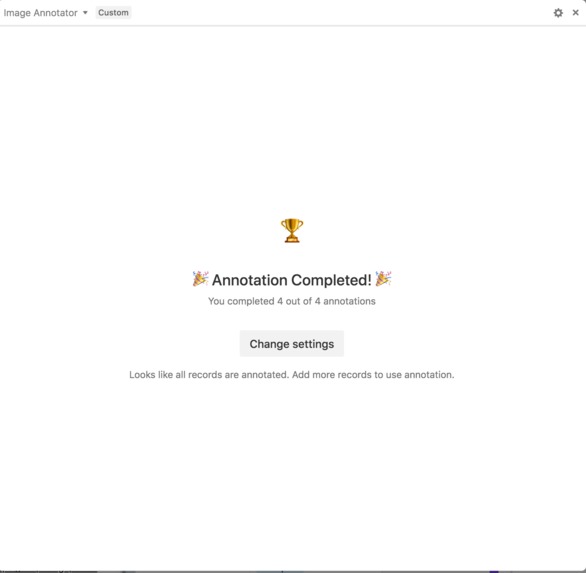
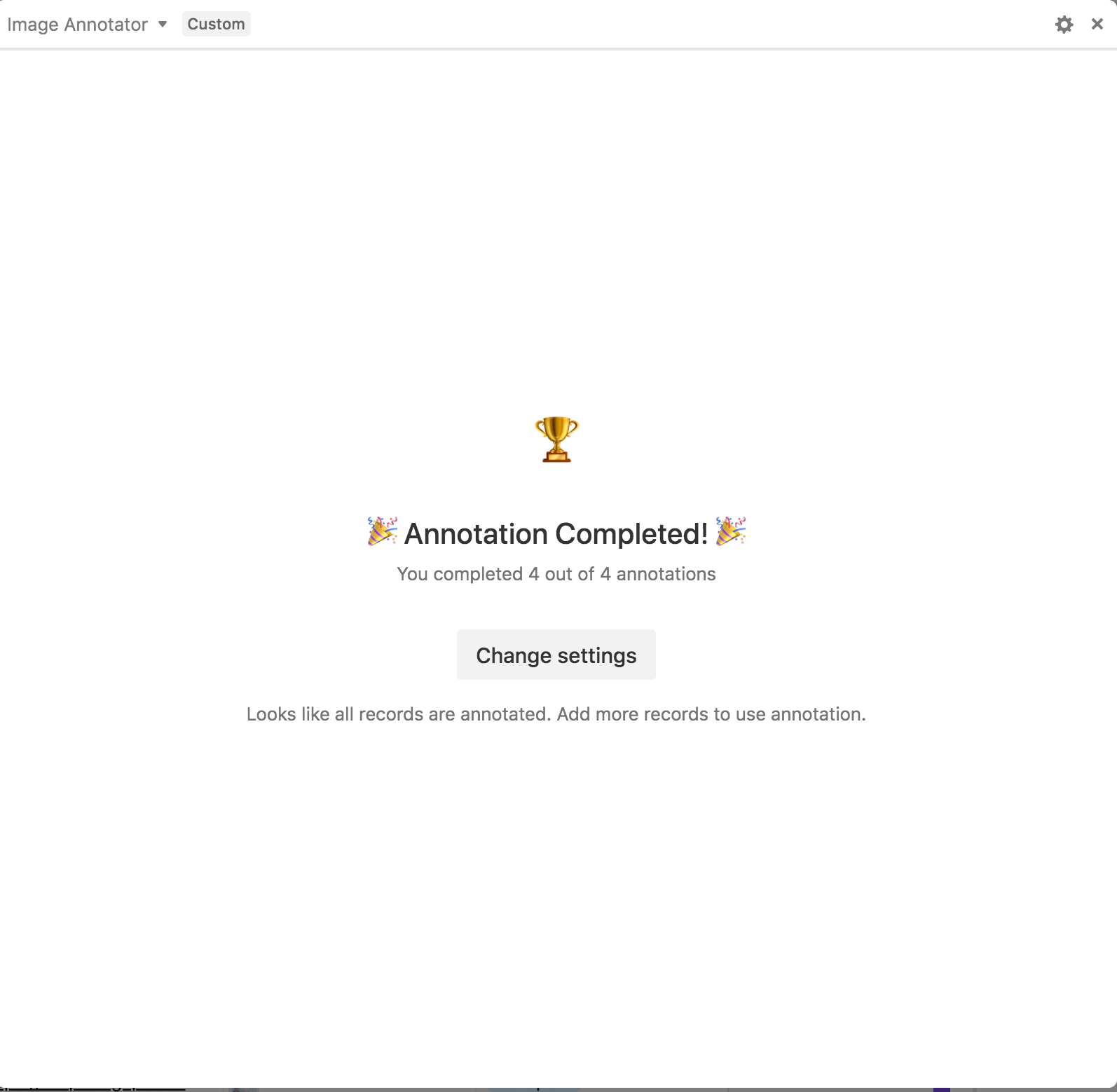
Image Annotator Block - Annotation Complete
-
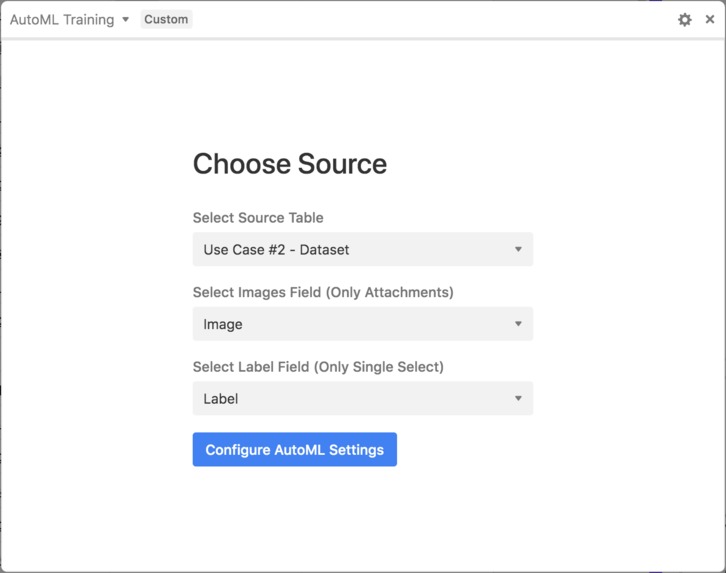
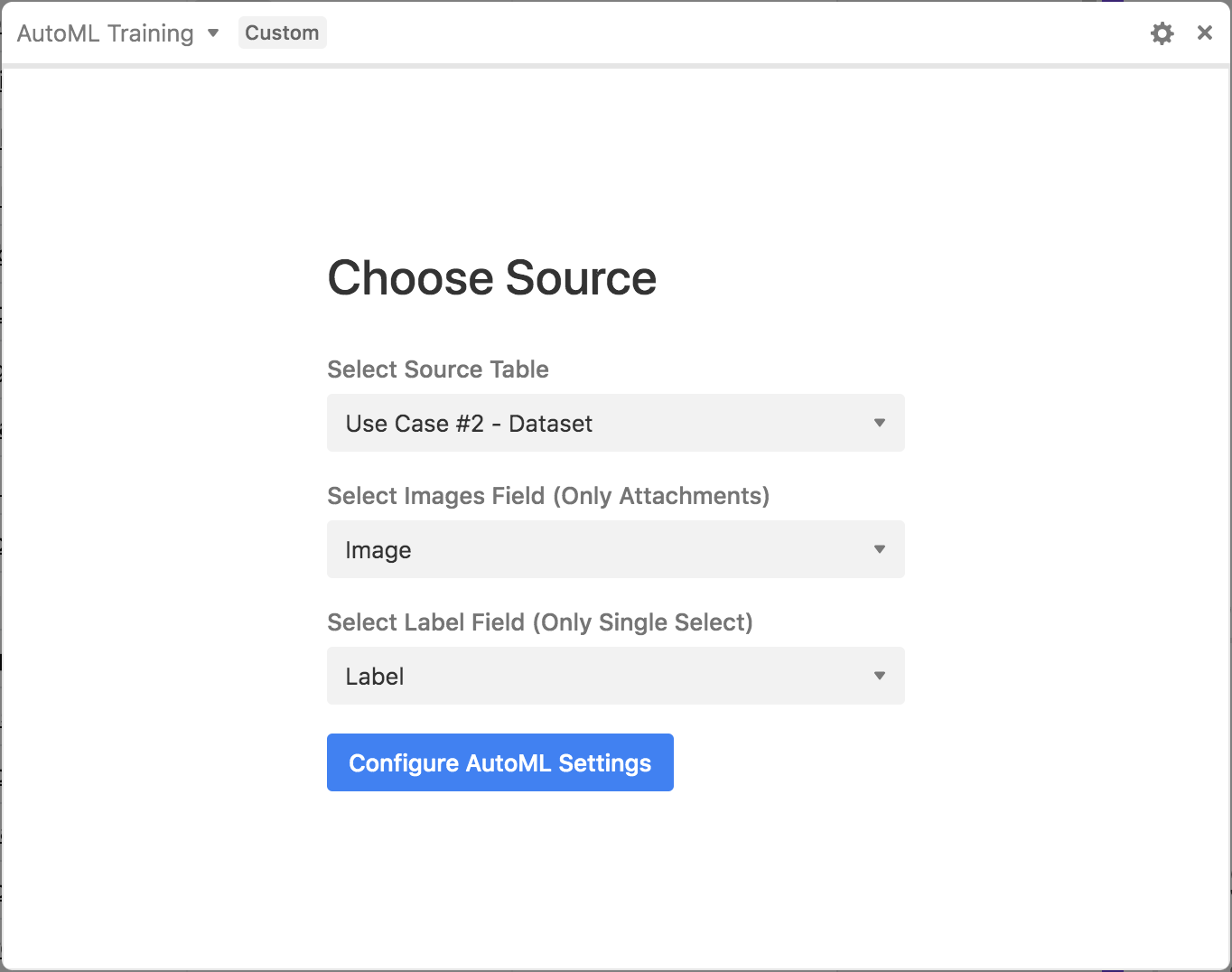
AutoML Training Block - Choose Source
-
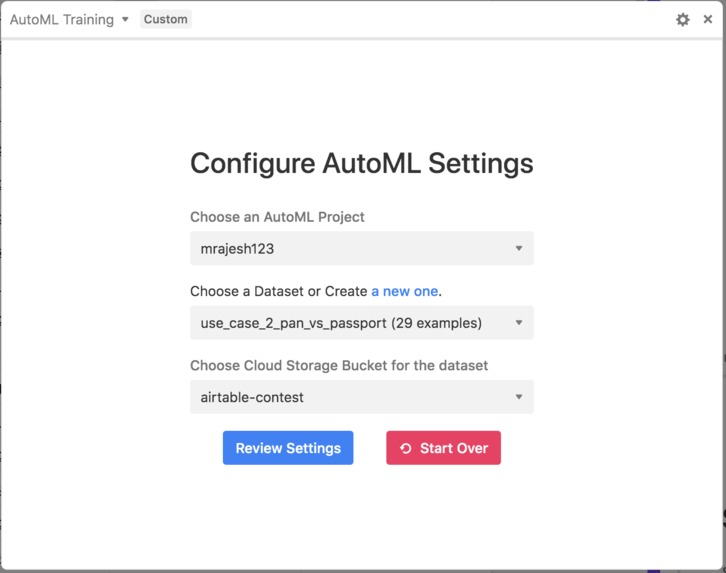
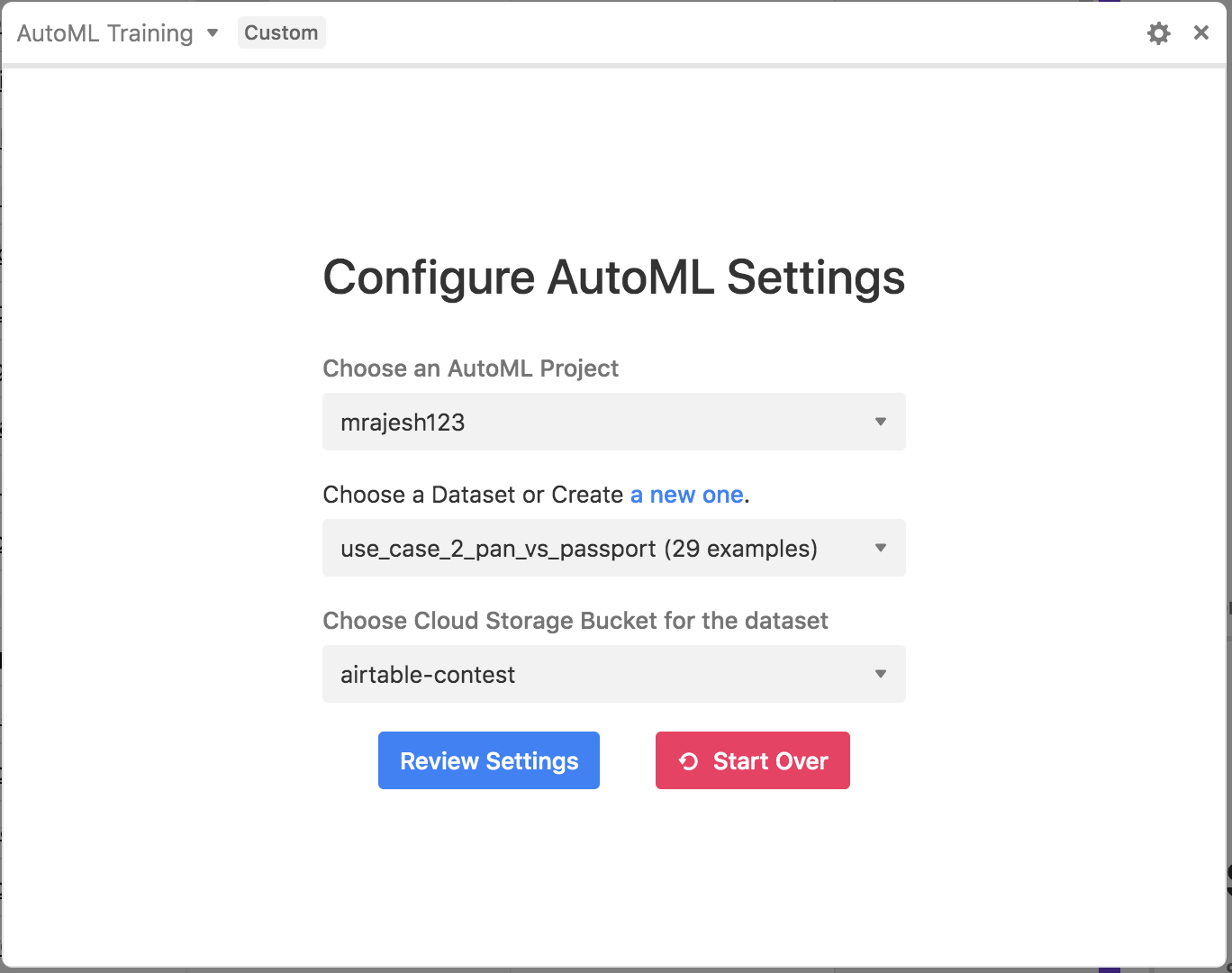
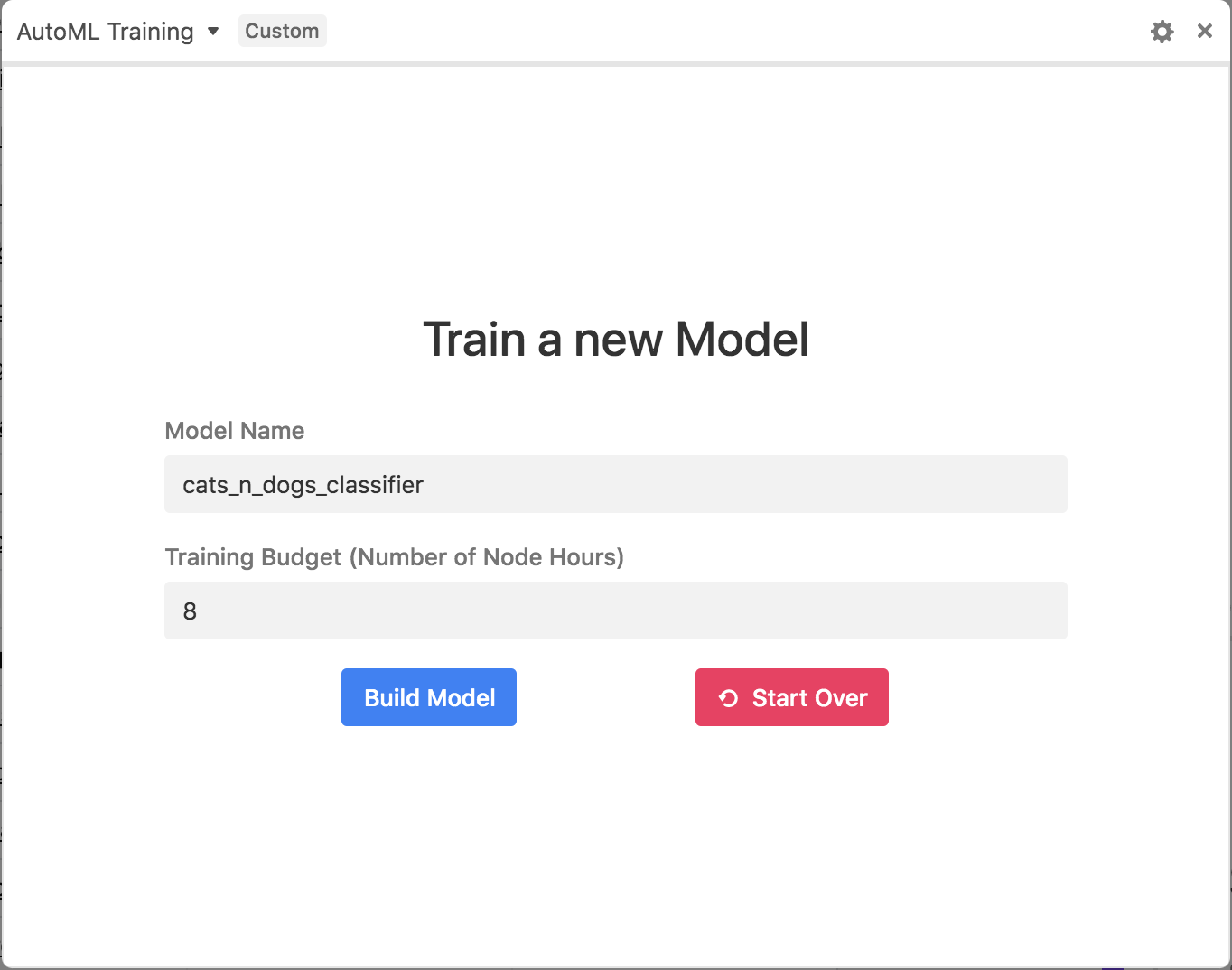
AutoML Training Block - Configure AutoML
-
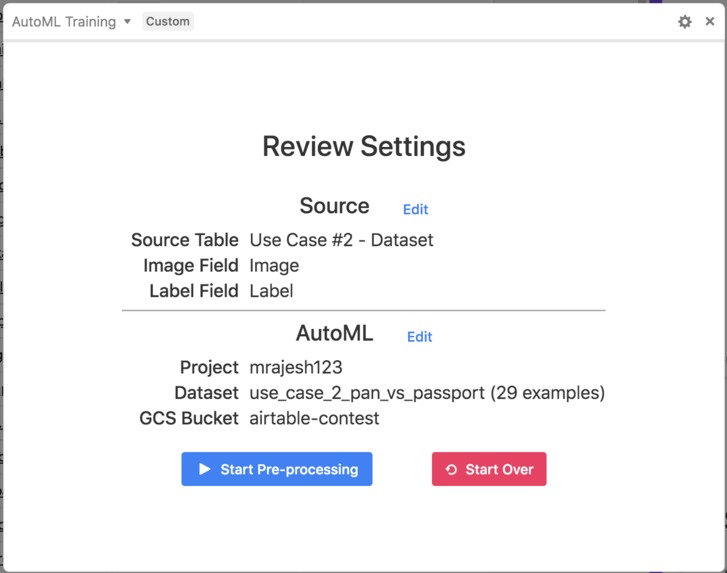
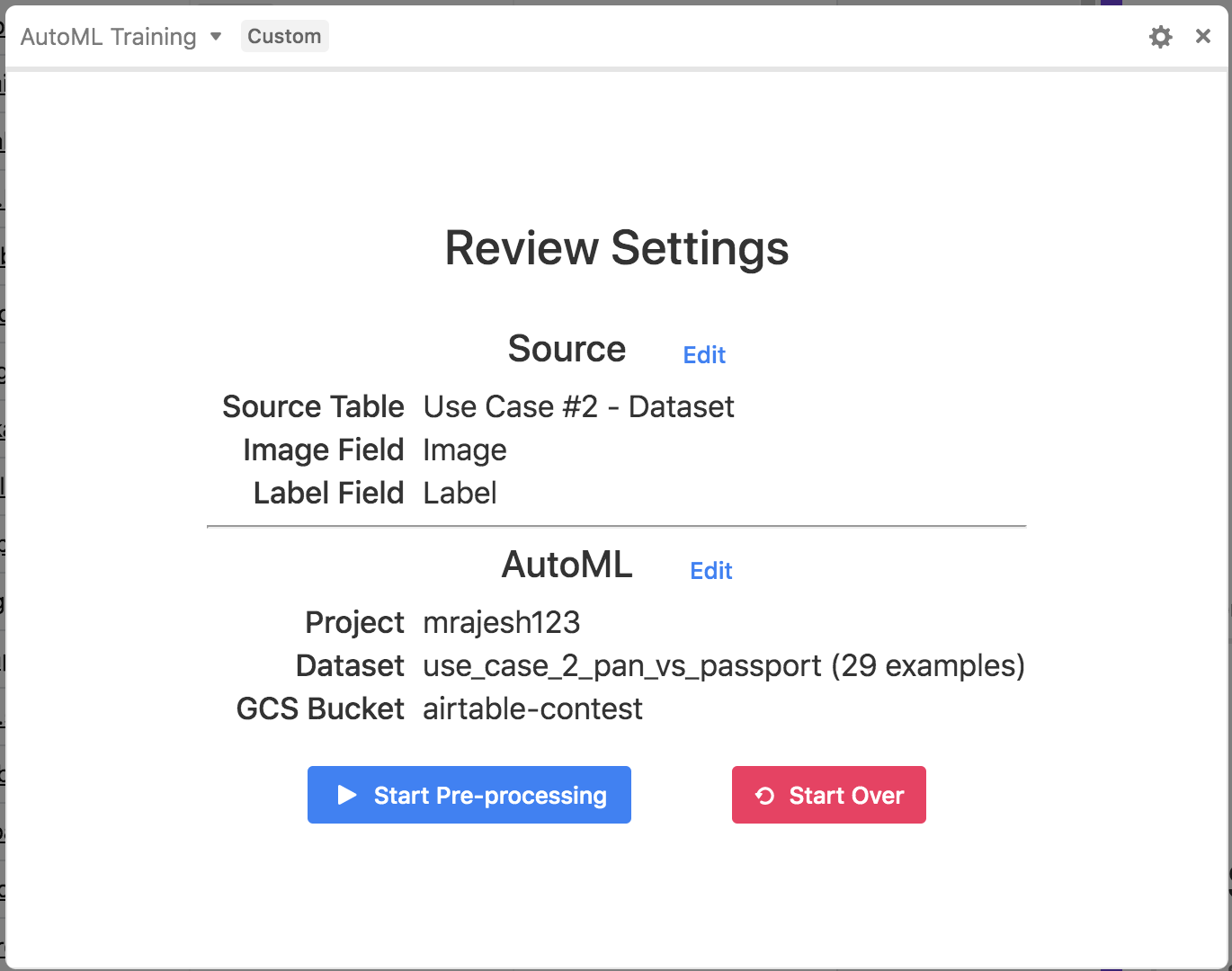
AutoML Training Block - Review Settings
-
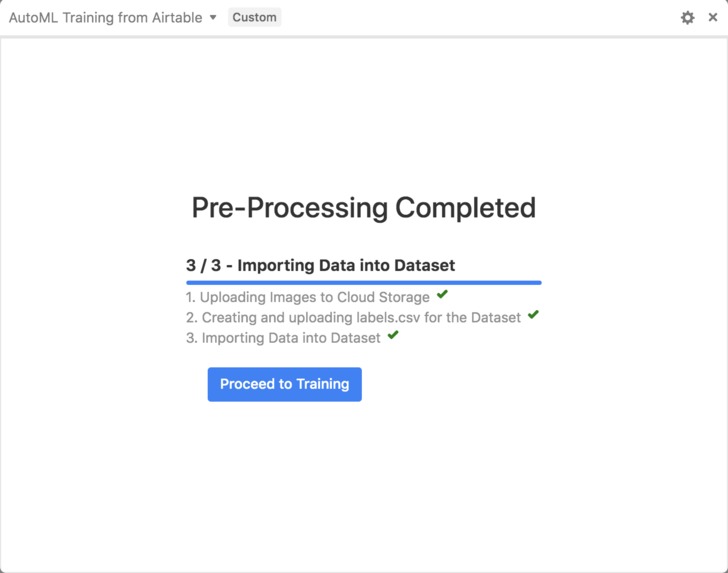
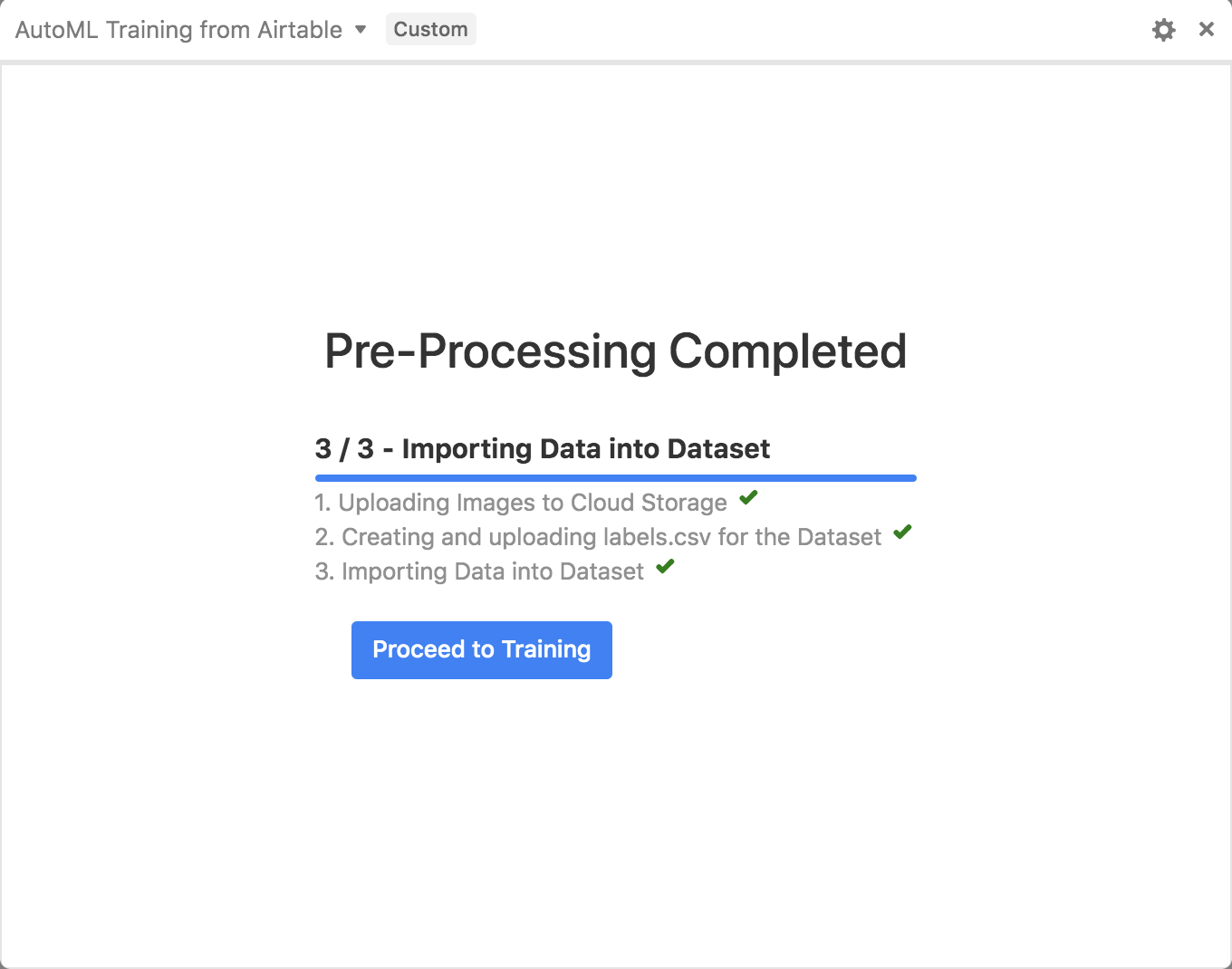
AutoML Training Block - Pre-Processing
-
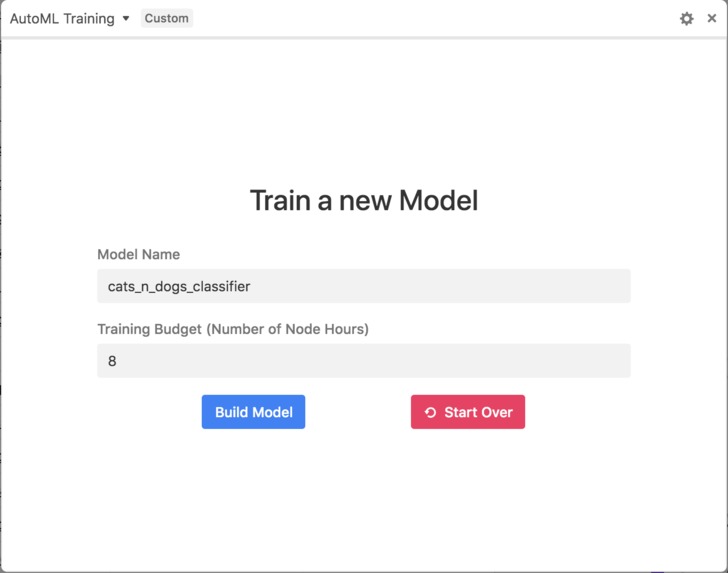
AutoML Training Block - Model Building
-
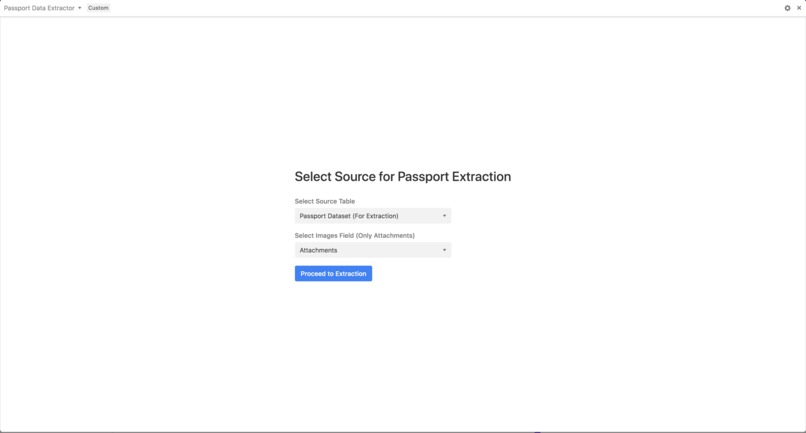
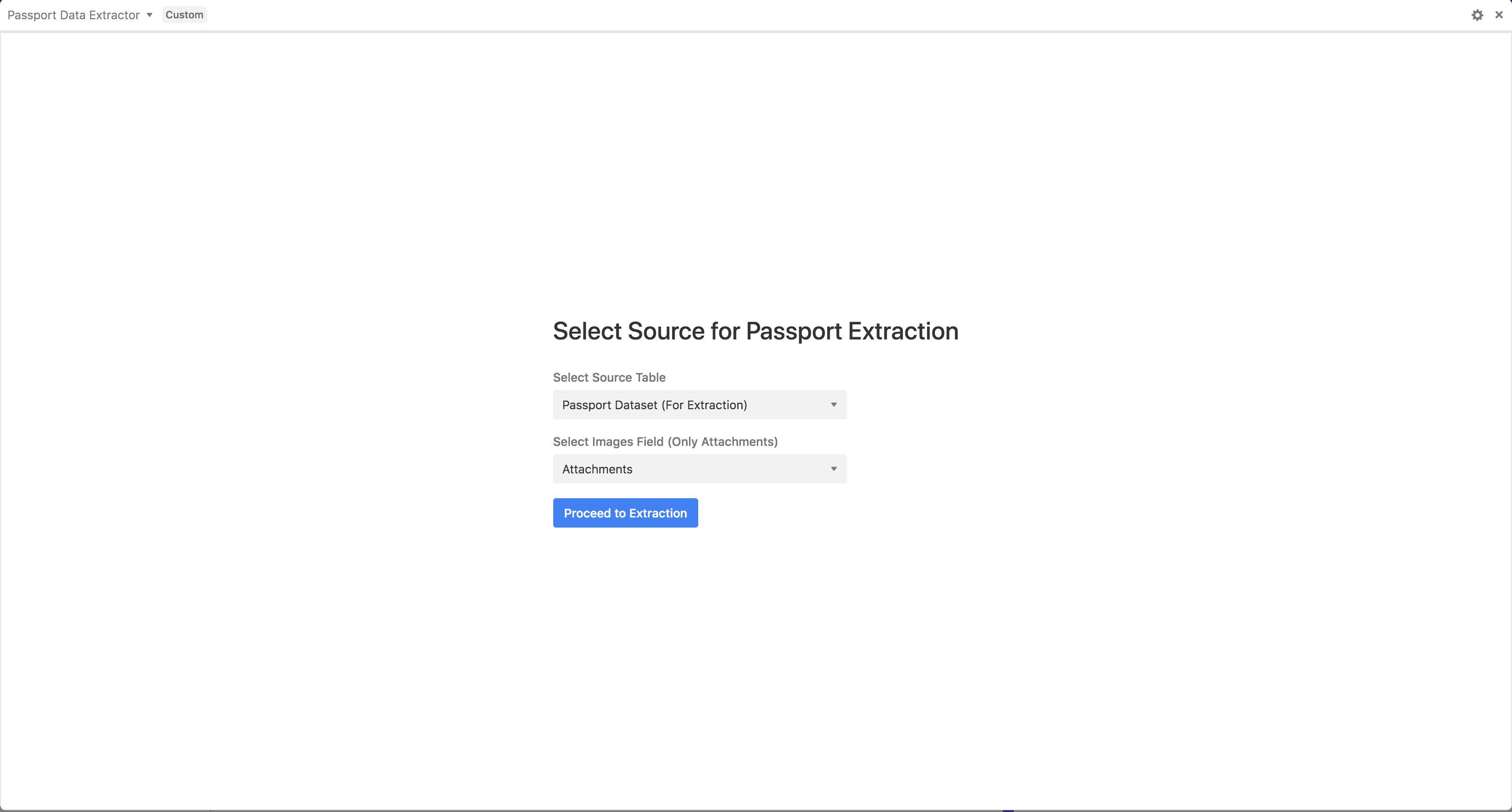
PDF Data Extraction - Select Source
-
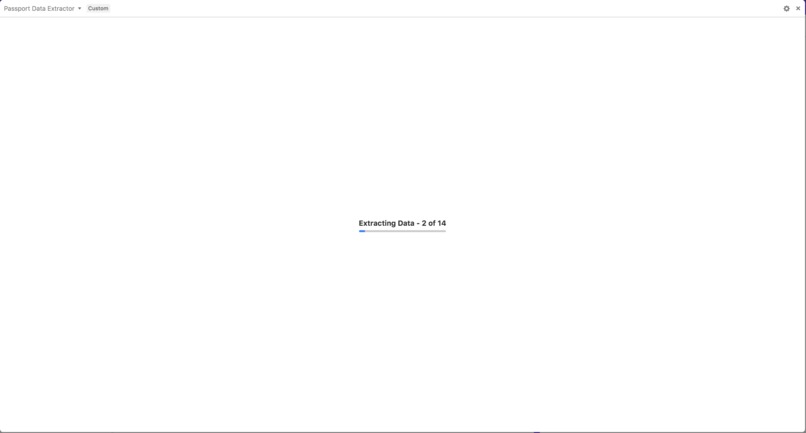
PDF Data Extraction - Extraction
-
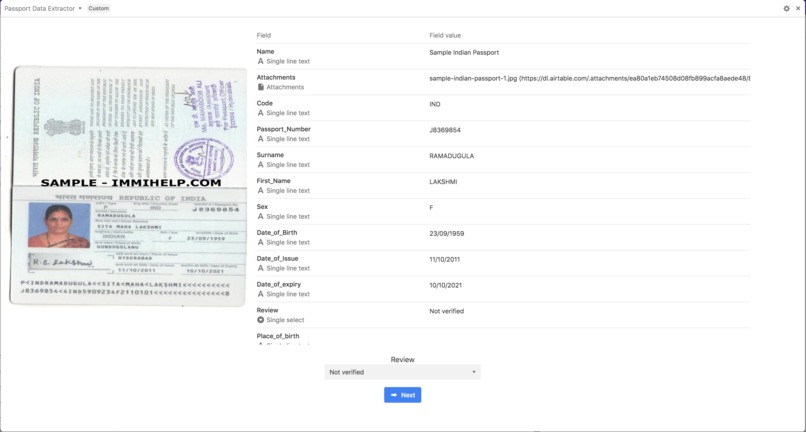
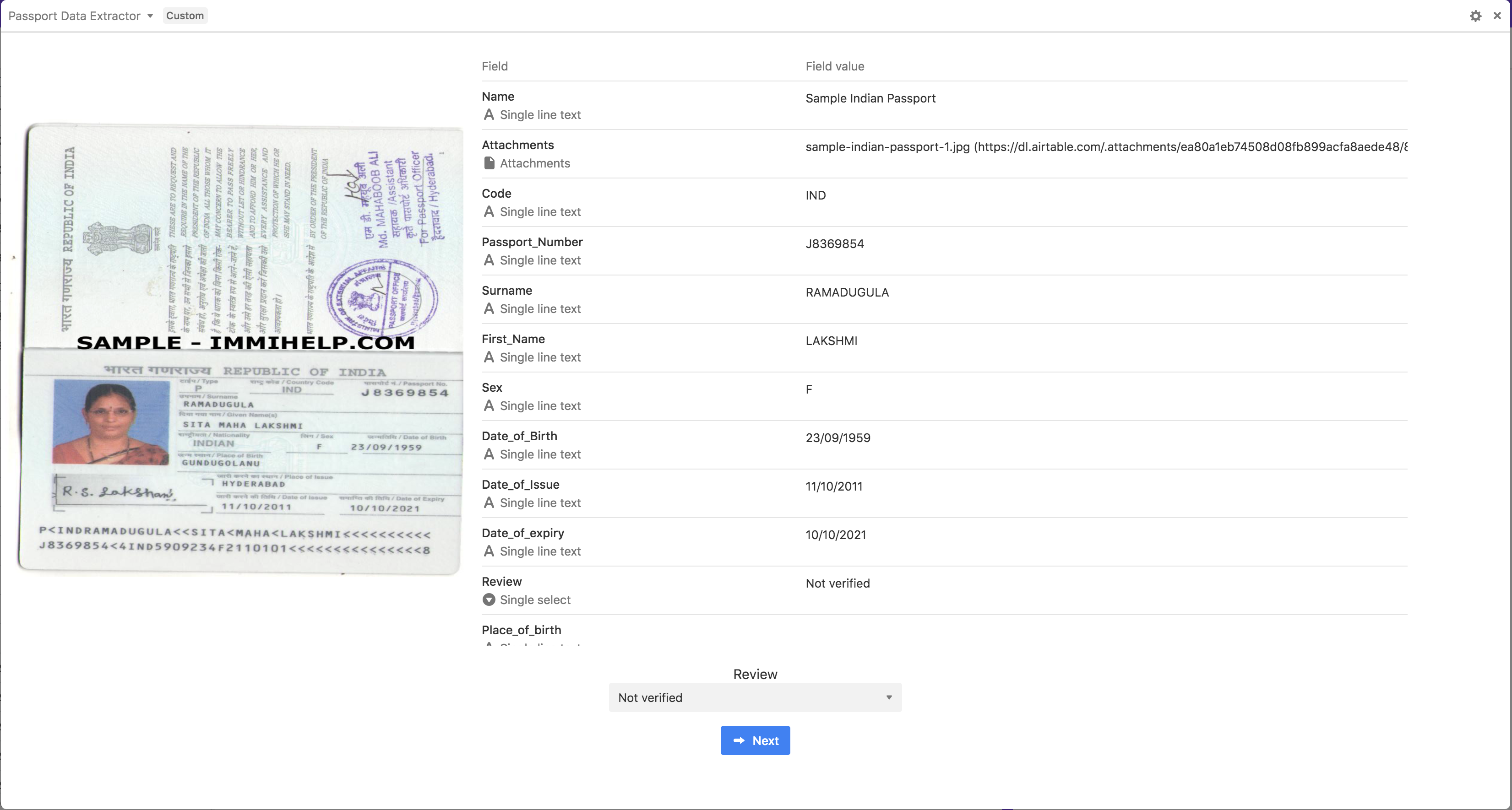
PDF Data Extraction - Review Extraction
-
PDF Data Extraction - Complete

Above is the introduction video. Here's the youtube playlist that contains the full demo.
Inspiration
Recent advancements in Deep Learning in the areas of Computer Vision and Natural Language Processing have meant that machines can do lot of cognitive tasks that humans can do. Businesses have seen efficiency improvements due to automation using these advancements. However, these advancements are not fully democtratized yet due to various skill sets and tools required for the end to end process of building deep learning systems. The typical workflow involves gathering training data for the domain you are trying to solve the problem in, labeling the dataset, building a model, evaluating and iterating on it and finally productionizing it to make it available for predictions. Airtable is a great platform to provide self serve for users who are interested in using the latest advancements in deep learning into their automation projects without the traditional complexity involved.
What it does
We have built a set of custom blocks using well known APIs to help anyone using Airtable to use the power of deep learning in their workflows.
How we built it
We have built custom blocks for different parts of the workflow
- Data Gathering - We have built a custom Bing and Flick search block that allows users to gather data from public sources using simple keywords
- Data Labeling - We built an image annotation/labeling block that can be used to label image datasets once they have been gathered via the data gathering blocks.
- End to end model training and prediction - We use AutoML vision platform from Google Cloud for our model training and prediction blocks
- Data Extraction - We use Nanonets API to extract information (OCR) from image documents for our Data Extraction block.
Challenges we ran into
Most of the challenges we encountered during the development was integrating with Google Cloud. The issues we encountered are as follows:
- Cloud SDK doesn't work in Browsers. None of the Javascript client libraries from Google Cloud SDK suite works within the browser. We had two options, one was to setup a server side proxy that acts as a gateway for talking to GCloud. This would mean that we would have basically expose each of the service libraries we were using as another REST API that we can talk from Browser. The other approach was to talk to REST API directly from the browser managing the OAuth flow ourselves. We took the later route because we wanted to have less friction in using the Blocks even thought it might be harder behind the scenes for us.
- None of Google Cloud Service REST API have CORS enabled. The Vision block was able to circumvent this by passing the API Key as a query param, but for OAuth flow we had to pass Authorization header which was not possible unless the Server had *.airtableblocks.com in the allowed origin and also allowed credentials to be sent. At this point, it was evident that we need some kind of Server side proxy for accessing the cloud services that would also give out CORS Headers to integrate with the Block. We ended up setting up a simple nginx server with LetsEncrypt based HTTPS Certificate to allow us to make secured proxy requests from the browser to the respective Google Cloud Service. We've put it out on the Public Domain at https://github.com/ashwanthkumar/gcloud-proxy-cors.
Accomplishments that we are proud of
The suite of blocks we've built could enable anyone to build an end to end image classification deep learning model right from Airtable. While anyone could use the Predict Blocks as part of their daily workflows, the data scientists could create, evaluate, deploy and predict models from within their Airtable base. Airtable Bases are the new Jupyter Notebooks!
What we learned
- With Blocks we could automate lot of workflows right within the Base.
- Bases and the Blocks Platform also enables anyone to quickly prototype and demonstrate features to end users with ease.
What's next for Automator
- Investigate running the workflows as part of an end to end workflow which runs on triggering a button (assuming everything is configured by the user) or on a schedule. We could use Zapier or a open source workflow tool like Cadence.
- Work on integration of other types of AutoML services like AutoML Natural Language and AutoML Translation by building specific bots for them
- Improve the documentation of the existing blocks

Log in or sign up for Devpost to join the conversation.