-
-
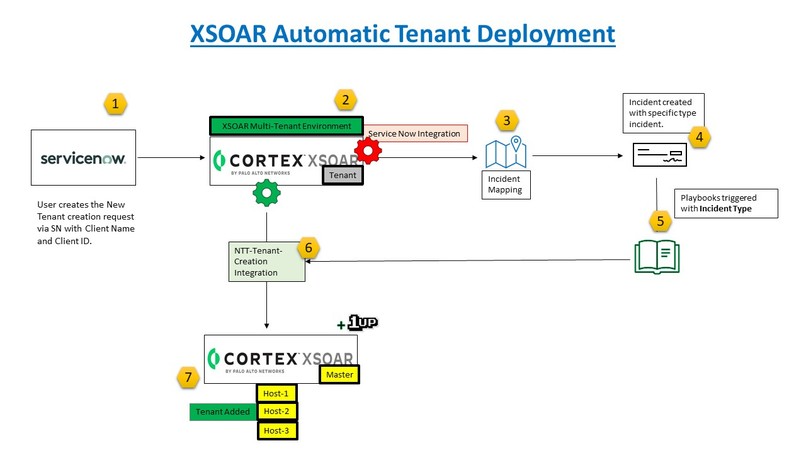
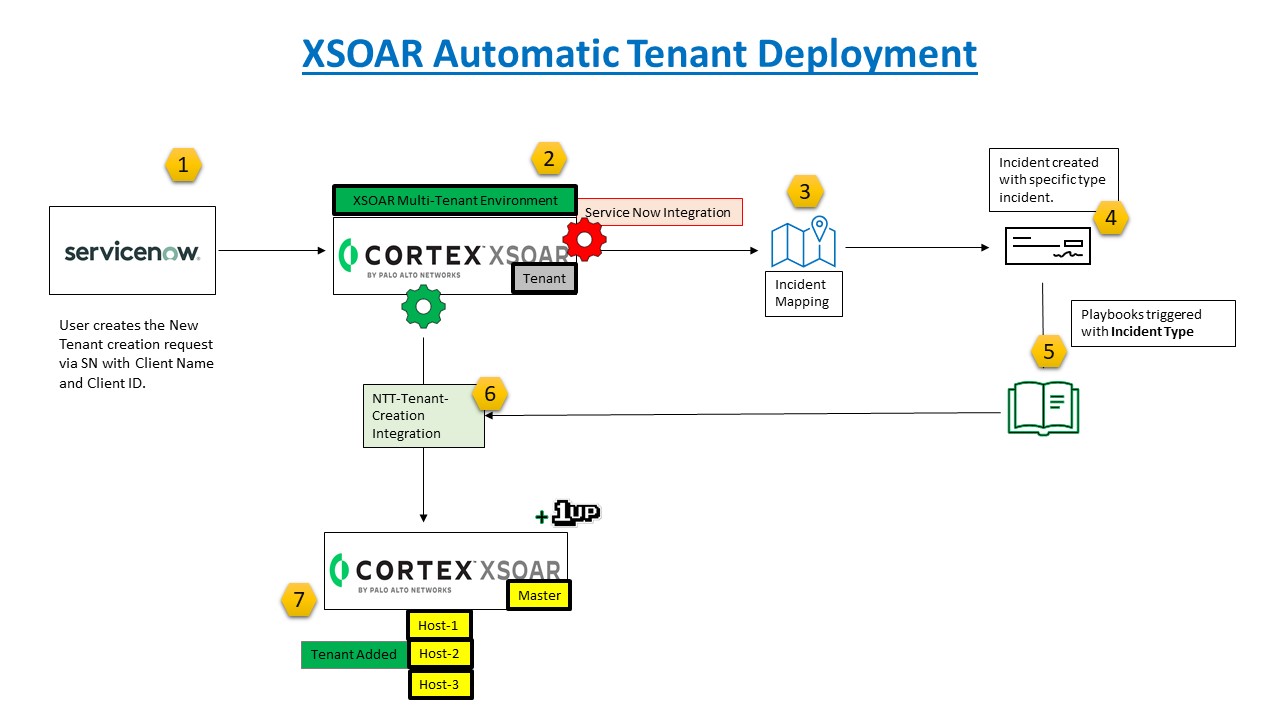
Automation architecture
Inspiration
We were getting multiple XSOAR Tenant creation requests for which we had to spend dedicated time on each individual request. To simplify this, we have automated the end-to-end process of Tenant deployment.
What it does
We have created the XSOAR-Tenant-Creation Integration with "Automatic Tenant Creation" Playbook. It works with the integration command, !NTT-Tenant-Creation with 3 mandatory arguments for creating XSOAR tenant, i.e. Customer_Name, Customer_id (both are used in naming convention) and XSOAR_Host.
You can define the arguments accordingly in your playbook.
How we built it
We gathered the requirements from various teams and created a standardized process for Tenant creation that includes the Tenant naming convention. Then, we created the Integration and matched the Service Now inputs in Playbook as per the required use case.
Challenges we ran into
Developing integration was challenging as we were not able to identify the correct parameter to be used, but we kept trying with different options and were finally able to achieve the result.
Accomplishments that we're proud of
We were able to create and deploy end-to-end automation of XSOAR Tenant deployment.
What we learned
We learned that Tenant name should not have blanks or spaces and using XSOAR API effectively.
What's next for Automatic XSOAR Tenant Creation
We are currently working on XSOAR Automatic Host deployment and are planning to add several reporting features in XSOAR that will get the number of Tenants under each host as well as provide the Tenant utilization.


Log in or sign up for Devpost to join the conversation.