-
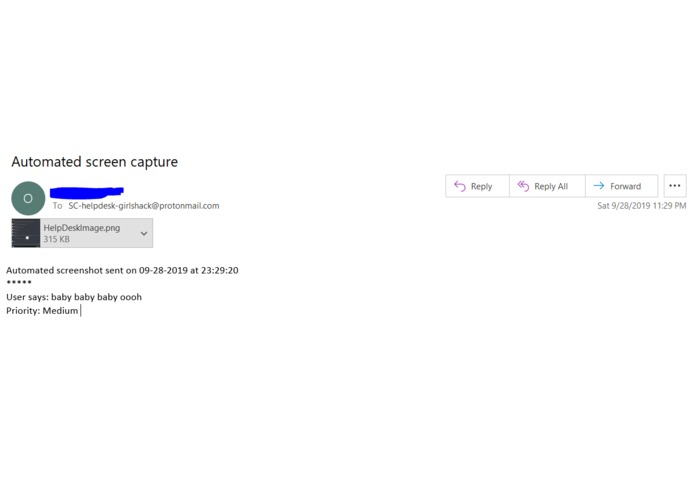
Automated email
Inspiration
We were tired of going through a thousand steps to send a screenshot via email. Our inspiration was the iPhone's screenshot feature where you can take a screenshot and quickly send it via email.
What it does
1) User navigates to anywhere on their computer and press (ctrl + enter) to trigger the event handler 2) User is notified that the screenshot will be sent to help desk, which is a dummy email address created for this project (SC-helpdesk-girlshack@protonmail.com) 3) Handler will check if the path "C:\HelpDeskScreenshot" exists on the user's computer. If it doesn't, it'll create it. If it exists, it skips to the next step 4) User will be asked to set a priority for the email (low, medium, high) 5) Handler will launch the Outlook client and send the email to help desk 6) Handler will delete screenshot to save space on the client's computer
How we built it
We used UiPath Studio
Challenges we ran into
Creating variables to later assign to other activities was kind of tricky.
Accomplishments that we're proud of
It was the first time we used this app and are proud that we were able to build something like this in less than 24 hrs.
What we learned
We learned to navigate the UiPath interface, and that even though we're already creating an automated process, UiPath is automating that for us too. We didn't have to enter any "from" address to send the email as the program searched for that automatically.
What's next for Automated screenshot for help desk
- Change the email priority according to user's radio input
Built With
- uipath


Log in or sign up for Devpost to join the conversation.