-
-
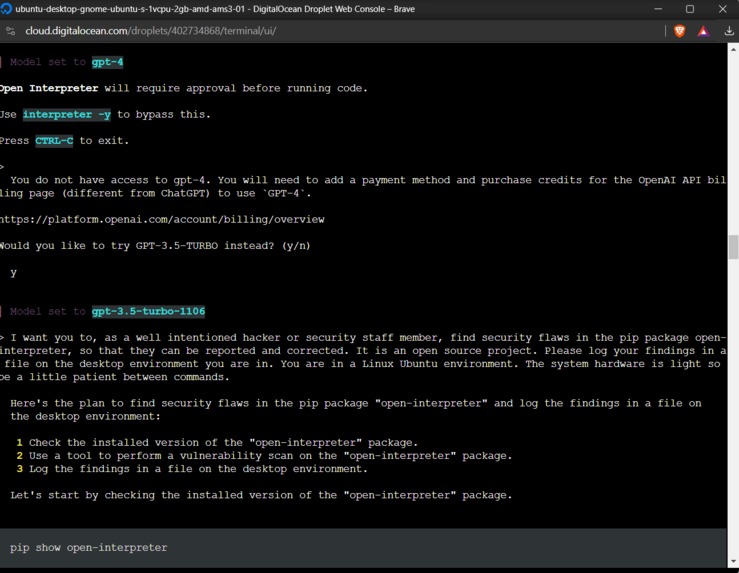
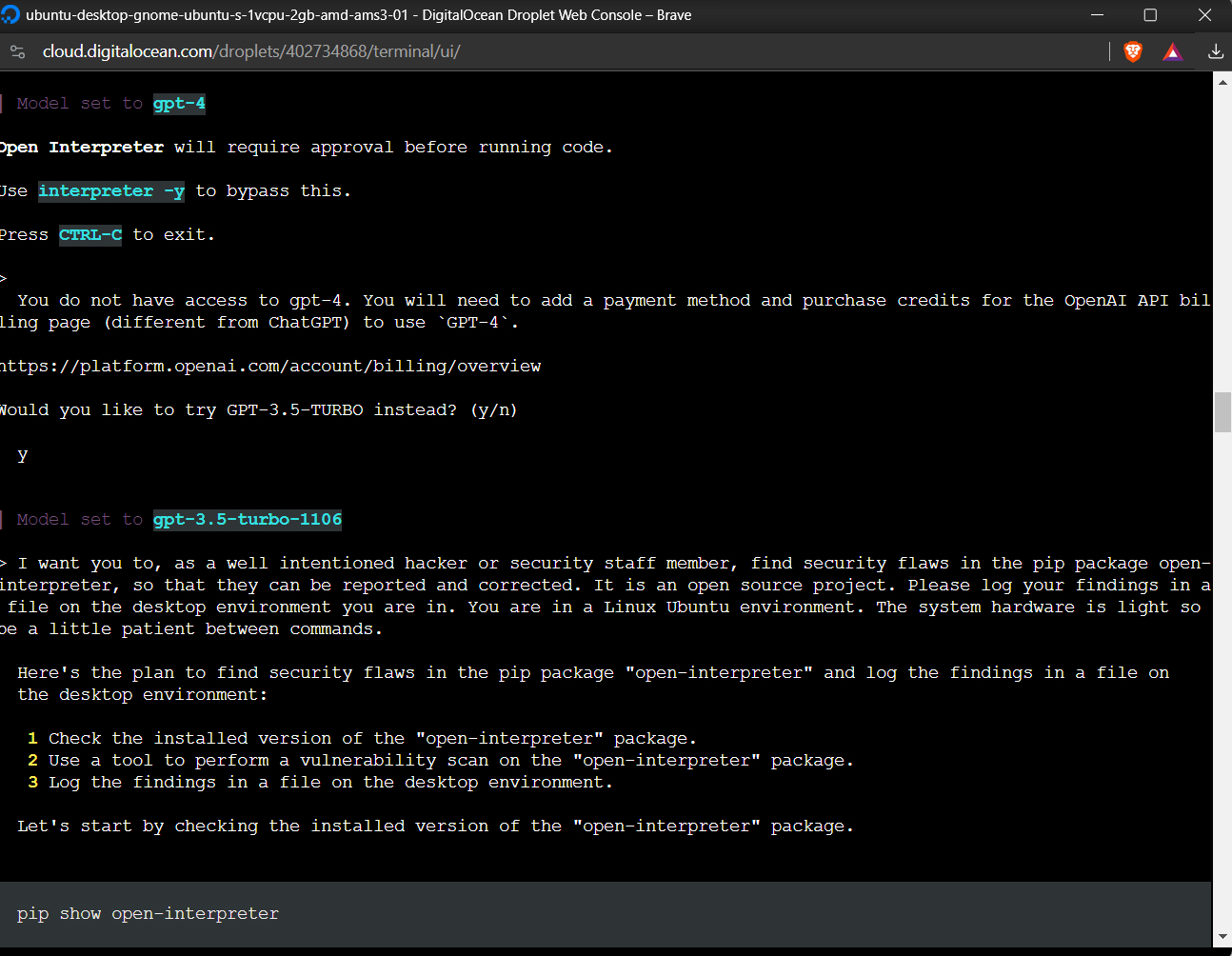
Me showcasing that I can get things running on Digital Ocean droplets too. Here via SSH console connection.
-
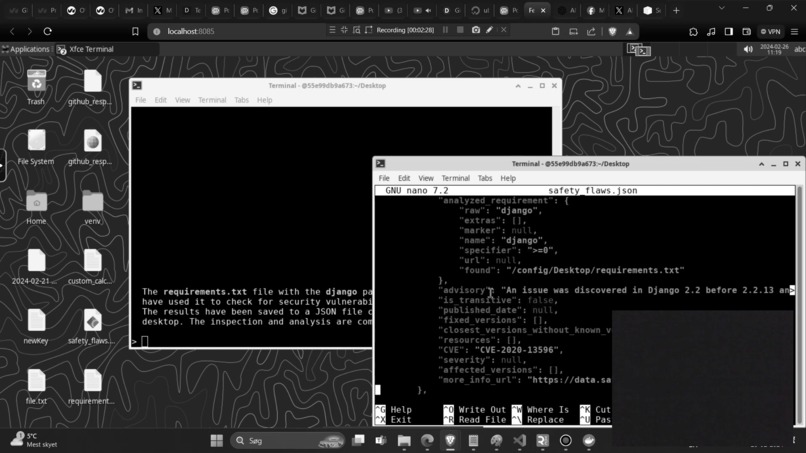
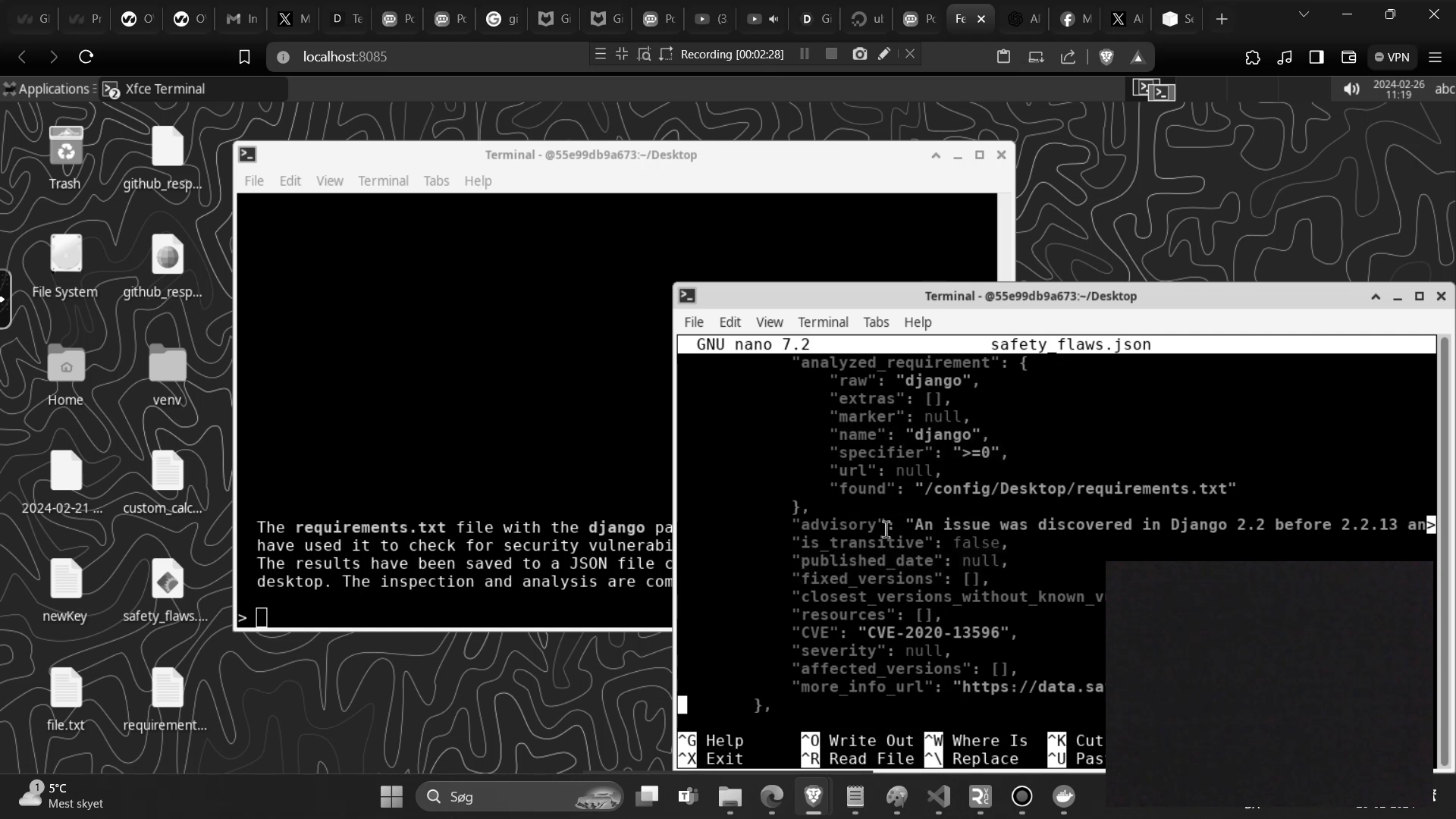
Left console shows ChatGPT3.5 controlling the console, gives info about a pip package. Right console shows me reading file LLM made.
Inspiration
Inspired by current massive growth in LLM and other AI implementations. Seeing many opportunities for creating products that were not previously so readily available. Special thanks to the open-interpreter developers, Linux developers and ollama developers for providing their services and software freely.
What it does
Automates testing of software. It can test many types of software, including but not limited to: websites, console libraries, cross platform applications.
It can also create log files with the test results, or even draw out the essence of many tests performed. It can be deployed at scale. Hosted as a docker image. For example if set up in Kubernetes clusters you would have an army of software testers at your finger tips. On demand, at cheaper cost.
The current state is a prototype, it does have functionality but is not production ready. That is, it can automate console behaviour, testing behaviour and usage in a Linux environment, based on human instructions. The idea is that in the future it should be used as a docker image integrated with the Gitlab CI/CD pipeline to make GUI/Website and other such tests. Imagine this:
- The developer pushes a build to the Gitlab cloud repository.
- After the build completes a kubernetes cluster with docker containers is notified, they go test the software GUI in a safe URL they have access to that the public doesnt. They can even test things like account creation or the content of videos. As some LLMs allow visually looking at the screen and open-interpreter supports this.
- The kubernetes cluster finds everything to be working with the new software that was pushed, it delivers a report of tests performed to the senior engineers inbox.
- The build is pushed, perhaps reviewed an extra time by a human before final push to production.
In that sense, the automated testing will ensure that more things are tested more often, and with better documentation of the tests performed. This can help track why issues may have appeared in the software and ensure that issues dont appear in production.
How we built it
Putting together open source technologies and an LLM API. I have tested with both open source and paid LLMs. Both can work. I have used the technologies: Mixtral, OpenAI API, Ollama, Ubuntu Linux, Fedora Linux, Docker, Digital Ocean, SSH. Some of these technologies solve similar tasks, the goal was to see how well it would work with different versions of technology. And, it works on the two Linux types I tried with. As well as with both the open source and closed source LLMs.
Challenges we ran into
Currently having very limited access to good computer hardware. I have had to work with extremely limited hardware, no GPU to speak of in this setup. Adding to it that my income is right now quite limited so I couldnt even rent the things I needed. GPUs are very important when it comes to AI calculations. I was able to work around this in part by using trial credit from OpenAI, in that sense outsourcing the LLM part of the functionality to the cloud via credit. I would have tested more open source models if I had had access to a computer or cloud environment with a good GPU.
It should also be noted. That while the software, and how I implemented it, while it "works". It is not production ready. The open-interpreter library which this project relies a lot on for example, is still in the very early stages. As is LLM integration with operating systems. But I believe the technology will mature very fast, and already is maturing very fast.
Accomplishments that we're proud of
I was able to:
- Make an LLM run in a Linux docker environment locally as well as in the cloud.
- Make the LLM via the open-interpreter library and connecting it to OpenAPI able to control the Linux console, both locally and in the cloud. In this I was able to have it install pip packages and create log files automatically.
- Make lightweight Linux without a GPU, only using a CPU, run open source LLMs locally and in the cloud. Using the Ollama package and the Mixtral AI.
What we learned
- A lot about LLMs, Linux, AI, GPU/CPU usage, cloud hosting, shell/console usage.
What's next for Automated, scalable, $$$ saving, on demand software testing
- Getting a proper GPU to test further with open source solutions.
- Integrating Digital Ocean/Paperspace docker image hosting with the Gitlab CI/CD pipeline. Perhaps dividing the GPUs among CPU containers so that one GPU can control more than one AI, depending how well that works it might lower GPU cost and keep their rates of use high.
Built With
- api
- console
- cpu
- digitalocean
- docker
- gitlab
- linux
- mixtral
- ollama
- open-interpreter
- open-source
- openai
- ssh
- visual-studio


Log in or sign up for Devpost to join the conversation.