-
-
HOME
About This Project Inspiration I built AutoManual.ai from a very real pain I kept running into as a full-stack delivery engineer. In fast-moving product teams, shipping the product is only half of the work. The other half is explaining the product clearly enough for users, operators, customers, and reviewers to actually use it. In my own delivery work, I often had to deploy systems, fix bugs, prepare demos, write operation manuals, document workflows, and hand over materials under tight deadlines. The frustrating part was that the product could change quickly, but the manual always lagged behind. Every new page, button, module, or workflow meant more screenshots, more step-by-step writing, more formatting, and more risk that the documentation would become outdated the next day. That felt like the perfect problem for the “Everyone Ships Now” theme. If AI and modern tools help us ship software faster, then documentation should ship faster too.
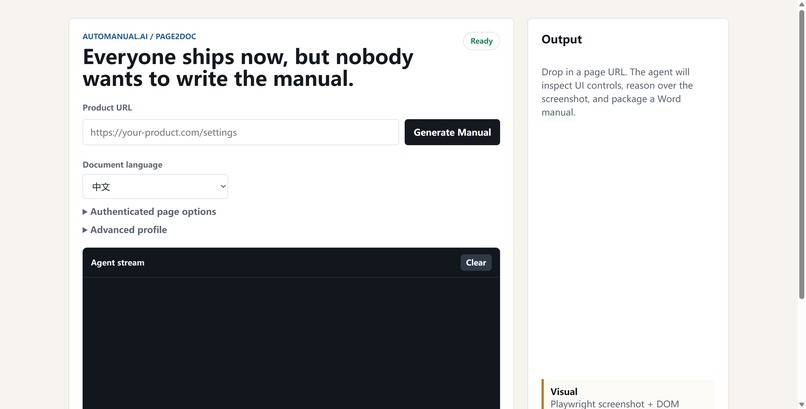
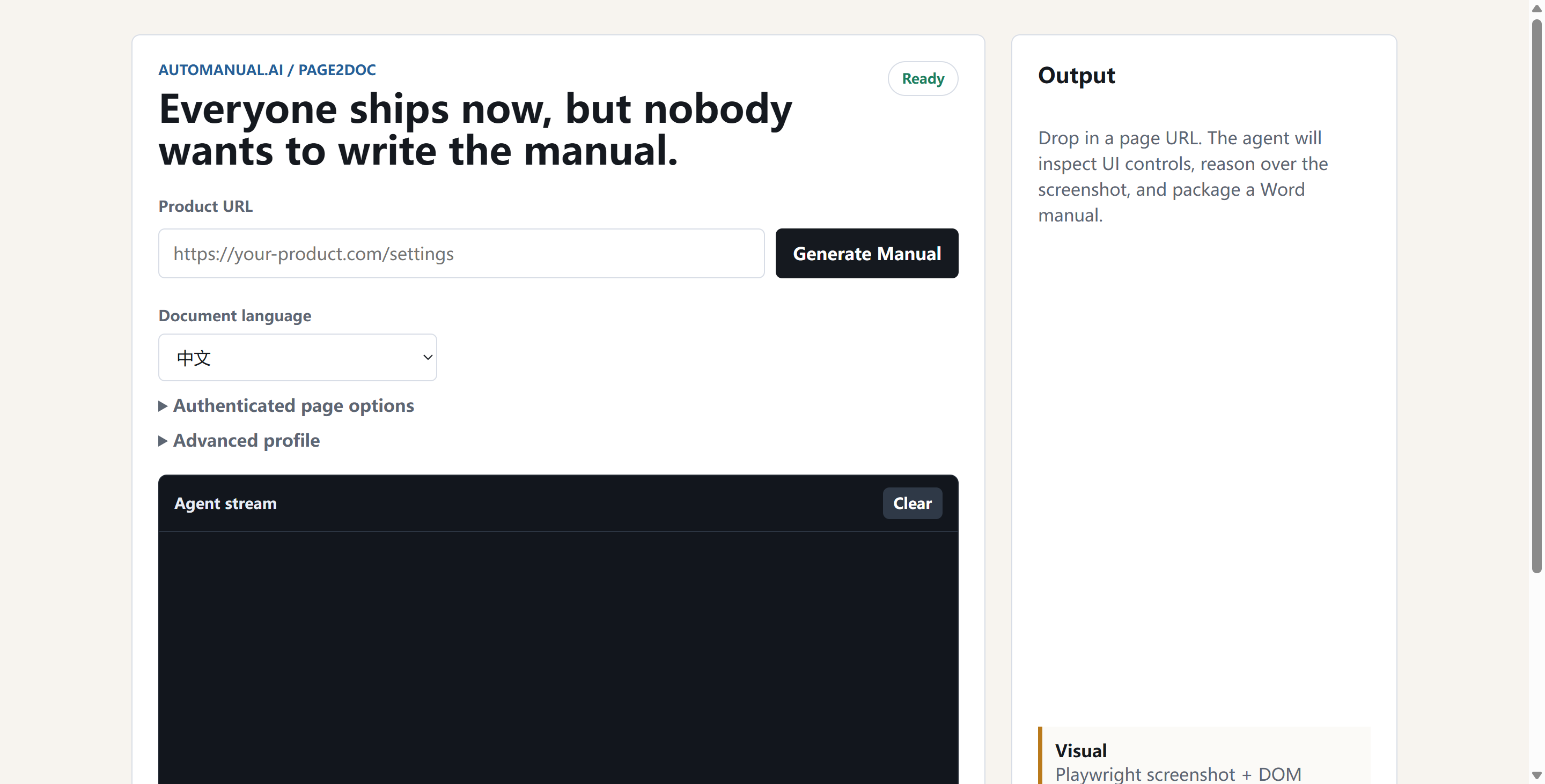
What It Does AutoManual.ai turns a live product URL into a structured user manual. A user enters a product URL, chooses an exploration profile, and starts generation. Behind the scenes, AutoManual.ai launches a browser agent that explores the product, detects pages and controls, captures screenshots, and builds a user-facing manual from real interface evidence. The final output includes: An interactive HTML manual for review A downloadable Markdown manual for documentation systems A downloadable Word document for enterprise delivery and handoff A live Agent Stream that shows what the browser agent is doing Support for authenticated products through cookies, headers, local storage, or Playwright storage state Exploration profiles for faster demos or deeper product crawling The goal is not to generate generic AI text. The goal is to generate a manual that is grounded in the actual product interface.
How I Built It The project is built as a lightweight full-stack application. The backend uses Node.js and Express to manage manual generation jobs, stream progress events, and serve generated artifacts. Playwright powers the browser agent, which visits pages, discovers controls, captures screenshots, and records evidence. The frontend provides a simple single-input workflow, authenticated page options, advanced exploration profiles, and a real-time Agent Stream. For AI generation, I integrated SenseNova-compatible chat completion APIs to transform exploration evidence into user-oriented manual content. The system also includes fallback logic so the demo can still produce a manual even if the AI provider is temporarily unavailable. The generated manual can be rendered as HTML, Markdown, or DOCX. The project is deployed on Alibaba Cloud with PM2 managing the Node.js service. I also integrated Novus/Pendo tracking events so the project can report product usage signals such as manual generation started, manual generation completed, and manual downloads.
Challenges The hardest part was making the output feel like a real user manual instead of a technical debug report. Early versions produced pages that looked correct structurally, but the writing was too generic. The manual would say things like “click this button” without explaining why the user should do it, what the page was for, or what success looked like. To improve this, I redesigned the manual model around user tasks instead of raw pages. The system now tries to infer roles, goals, task flows, expected results, page references, and troubleshooting notes. Another challenge was exploration depth. Many products are not simple static websites. They have cards, tabs, modals, admin consoles, nested pages, and SPA-like state changes. I improved the crawler to explore deeper paths, record skipped candidates, preserve screenshot evidence, and avoid duplicate or meaningless tasks. I also had to keep the system practical for a hackathon demo. The product needed to work on a small cloud server, run reliably enough for public testing, and still generate useful artifacts within a reasonable time.
What I Learned This project reminded me that documentation is not just text generation. Good documentation requires product understanding. A useful manual needs to answer: Who is this for? What can this user do? Where should they start? What steps should they follow? What should they see when the task is complete? What can go wrong? I also learned that AI agents become much more useful when their reasoning is connected to observable evidence. Screenshots, page titles, controls, URLs, and exploration logs make the manual more trustworthy than pure prompt output.
What’s Next Next, I want to improve AutoManual.ai in four directions: Better authenticated product support for real enterprise systems Stronger visual understanding of complex UI states, modals, tables, and forms Manual quality scoring with automatic self-revision Team workflows for versioned manuals, change detection, and documentation updates after every release My long-term vision is simple: when a product ships, its manual should ship with it.
Built With
- alibaba-cloud
- css
- docx-generation
- express.js
- html
- javascript
- markdown
- node.js
- pendo/novus
- playwright
- pm2
- sensenova-api
- server-sent-events

Log in or sign up for Devpost to join the conversation.