-
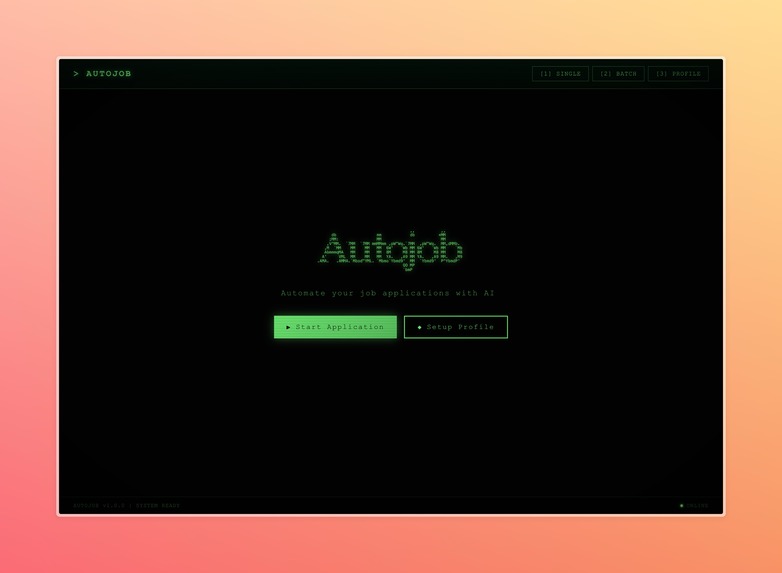
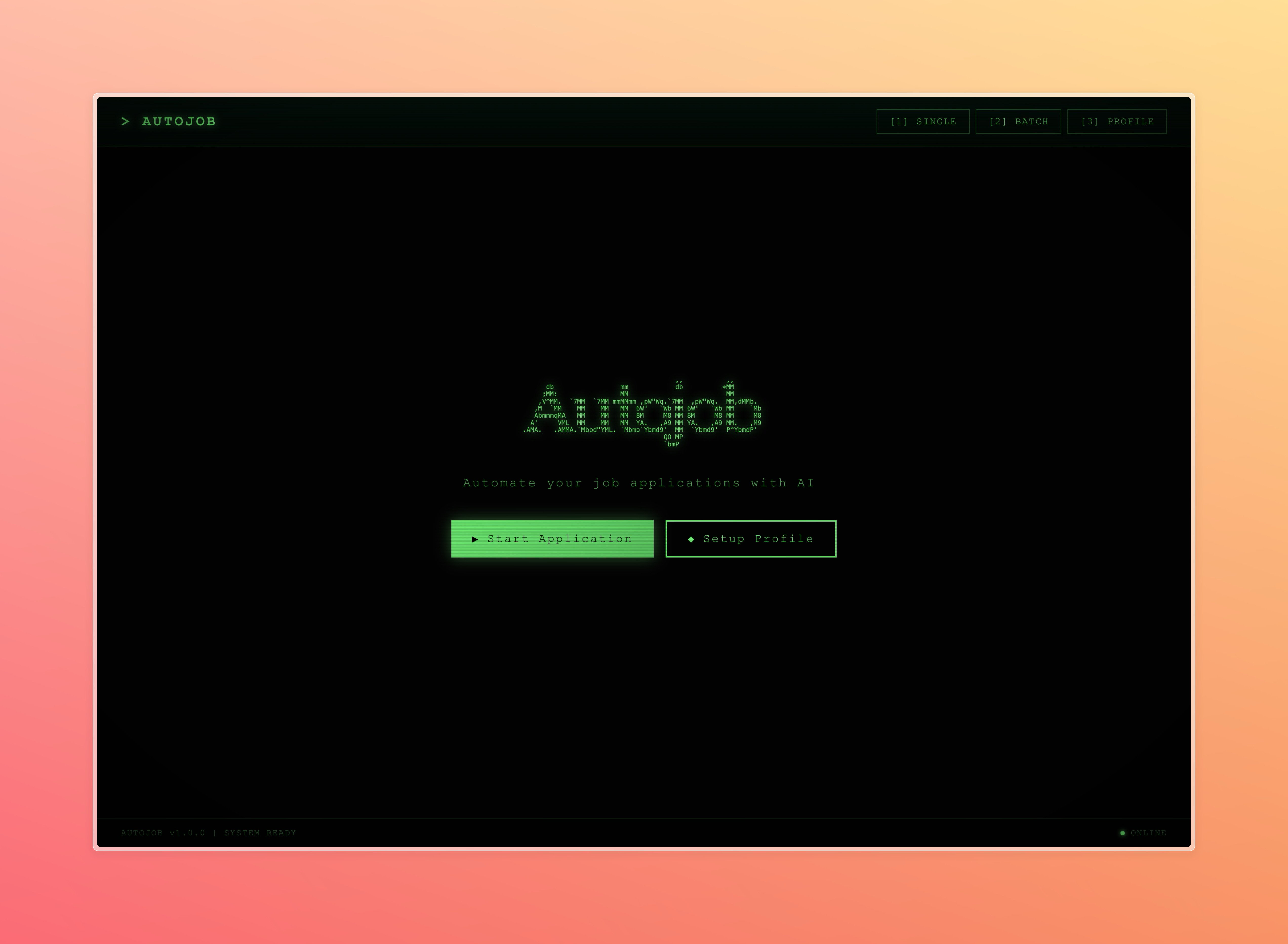
Home page
-
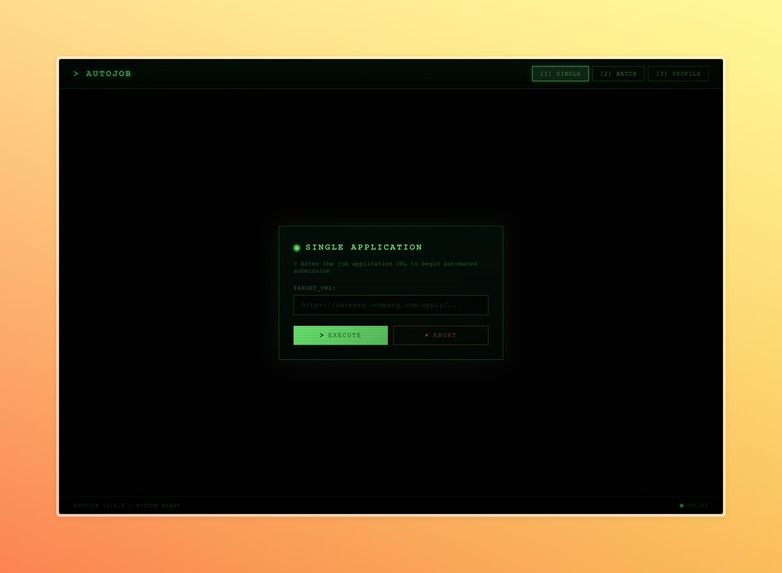
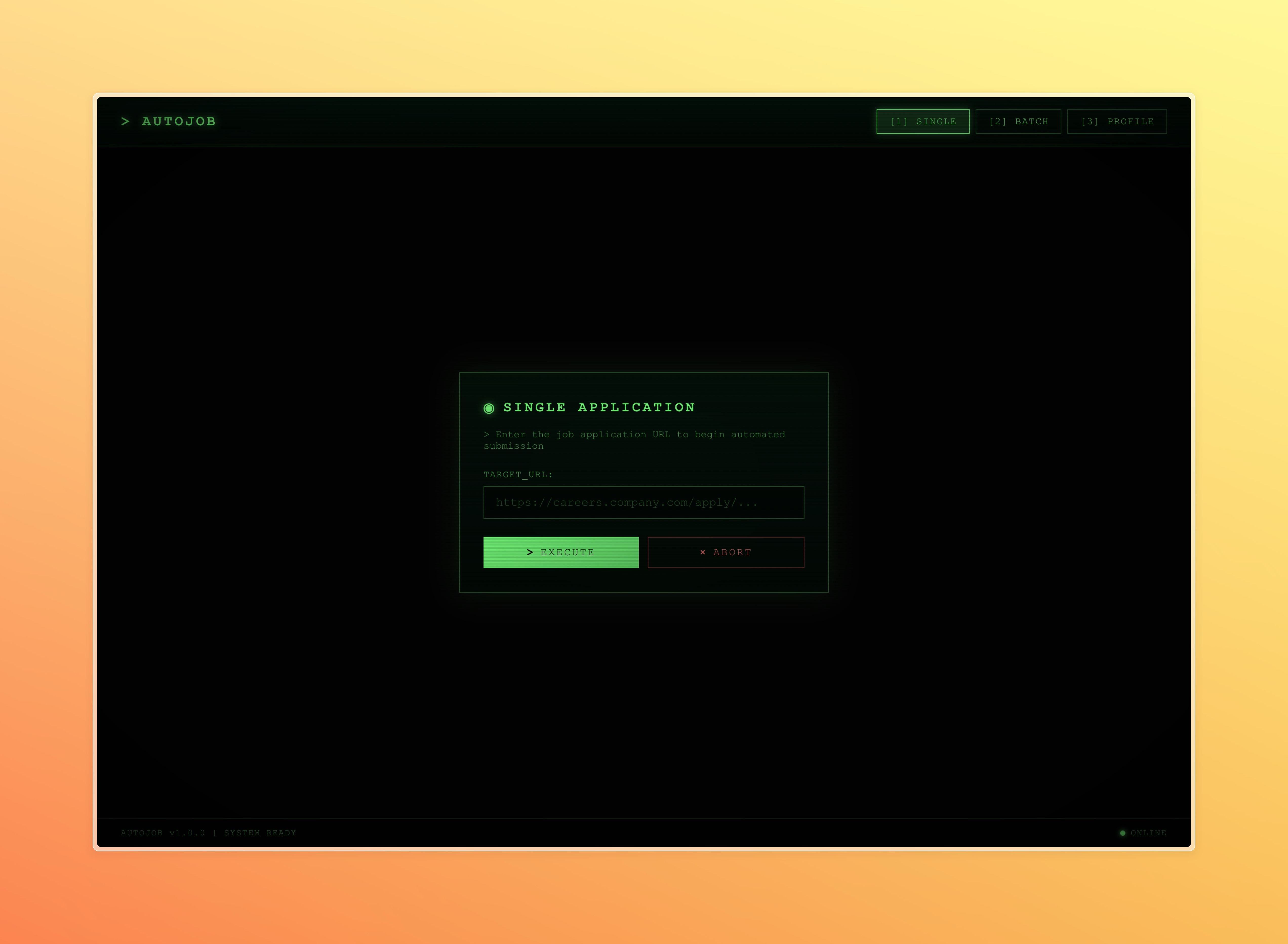
Start applying to a single job
-
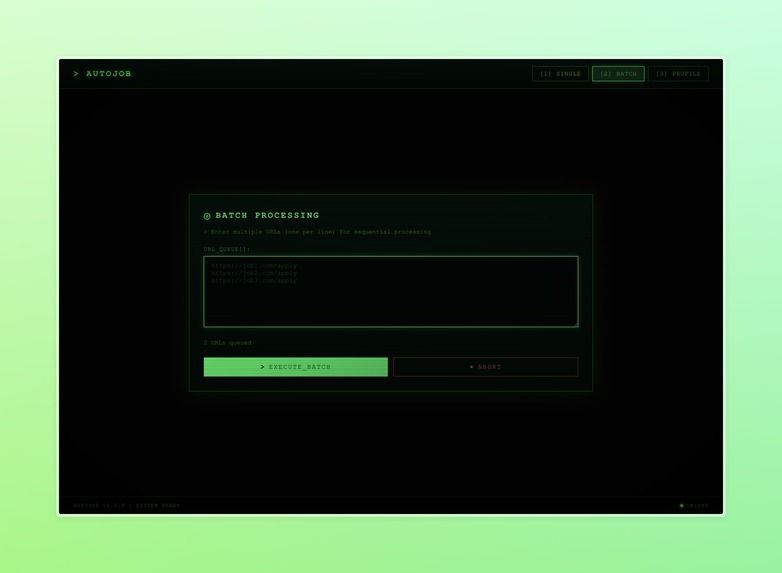
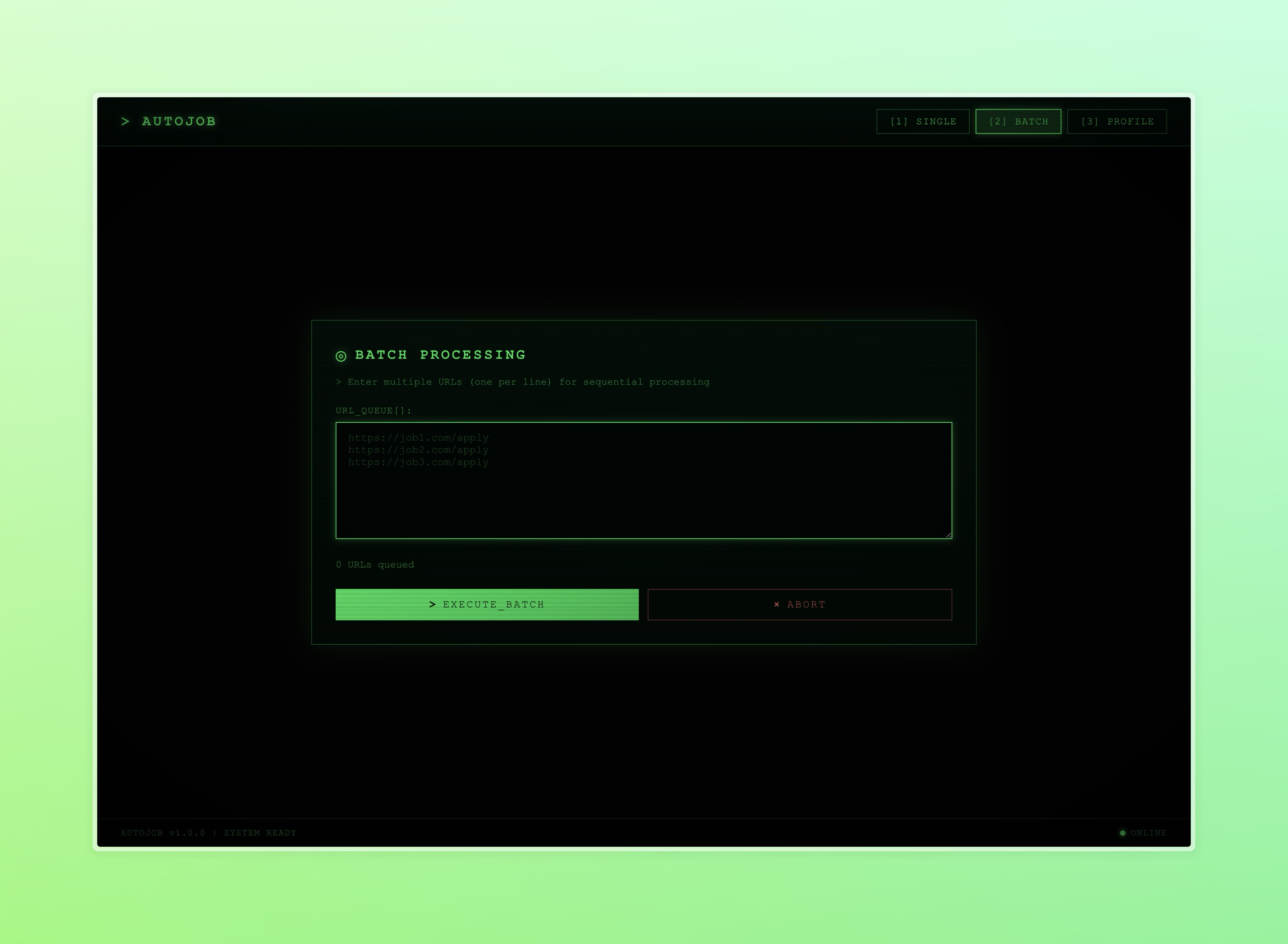
Apply to a batch of jobs (WIP)
-
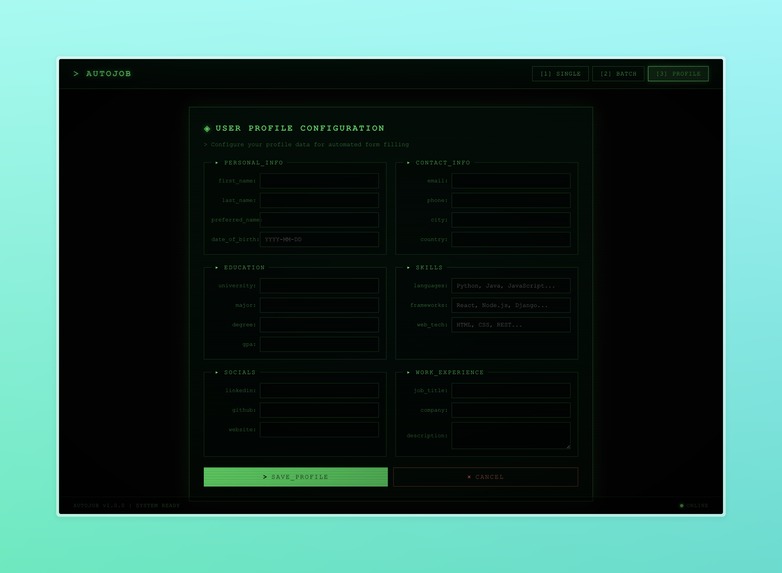
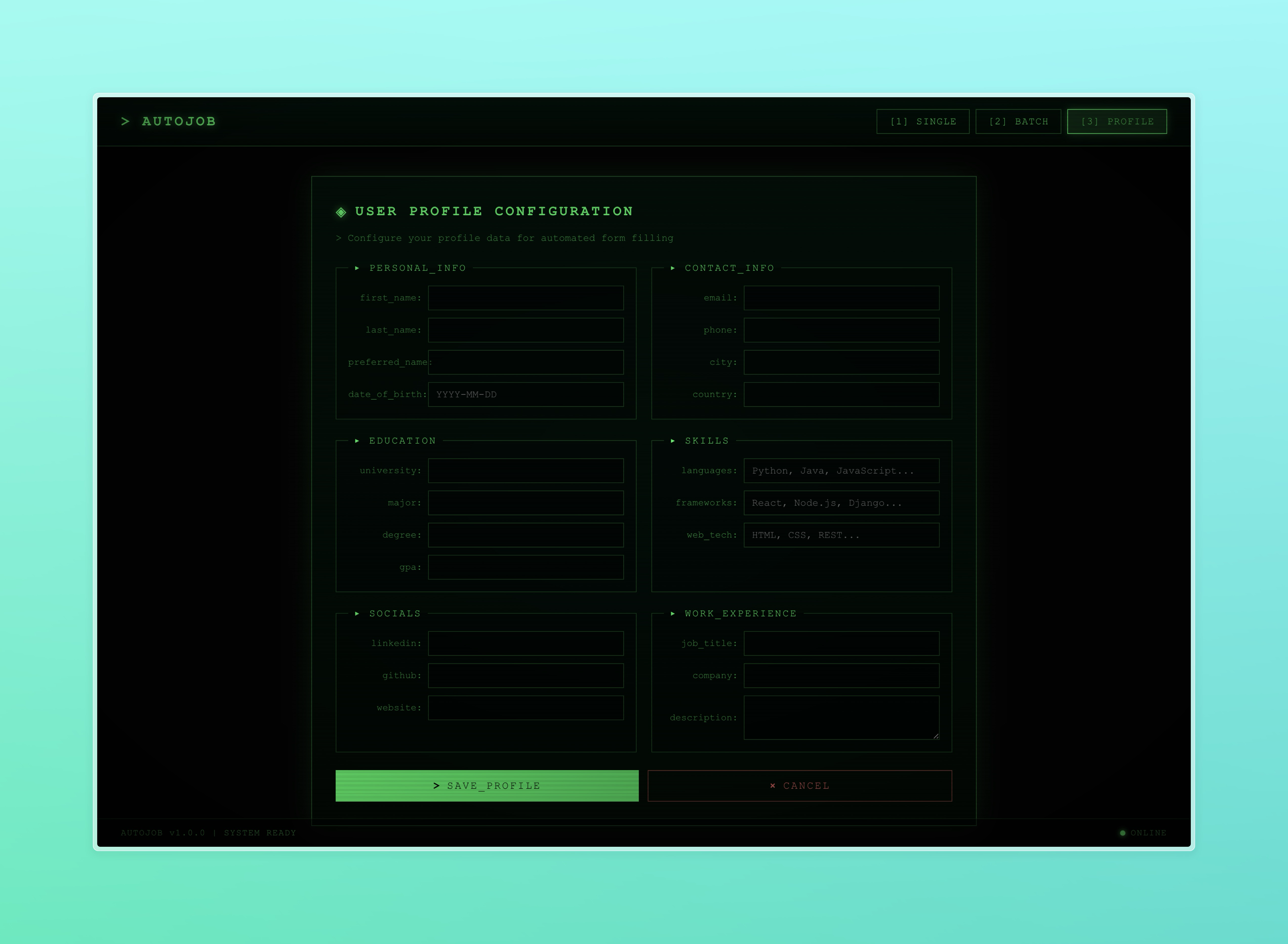
Input profile information
-
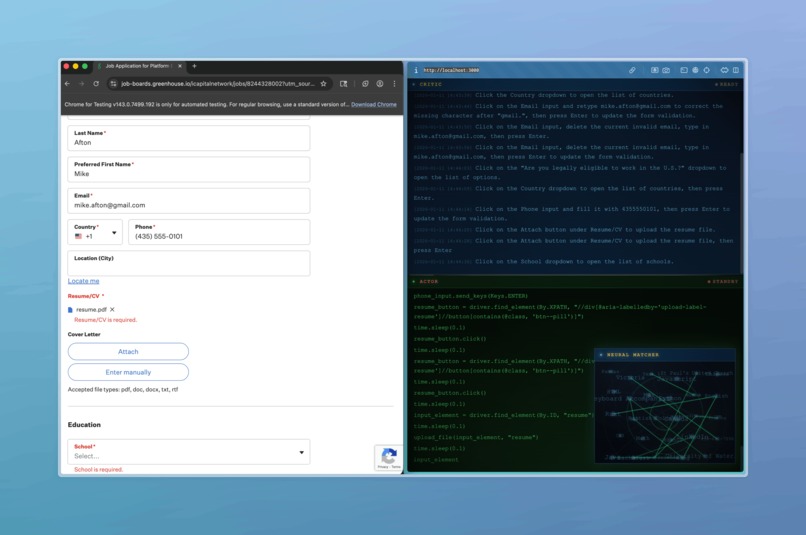
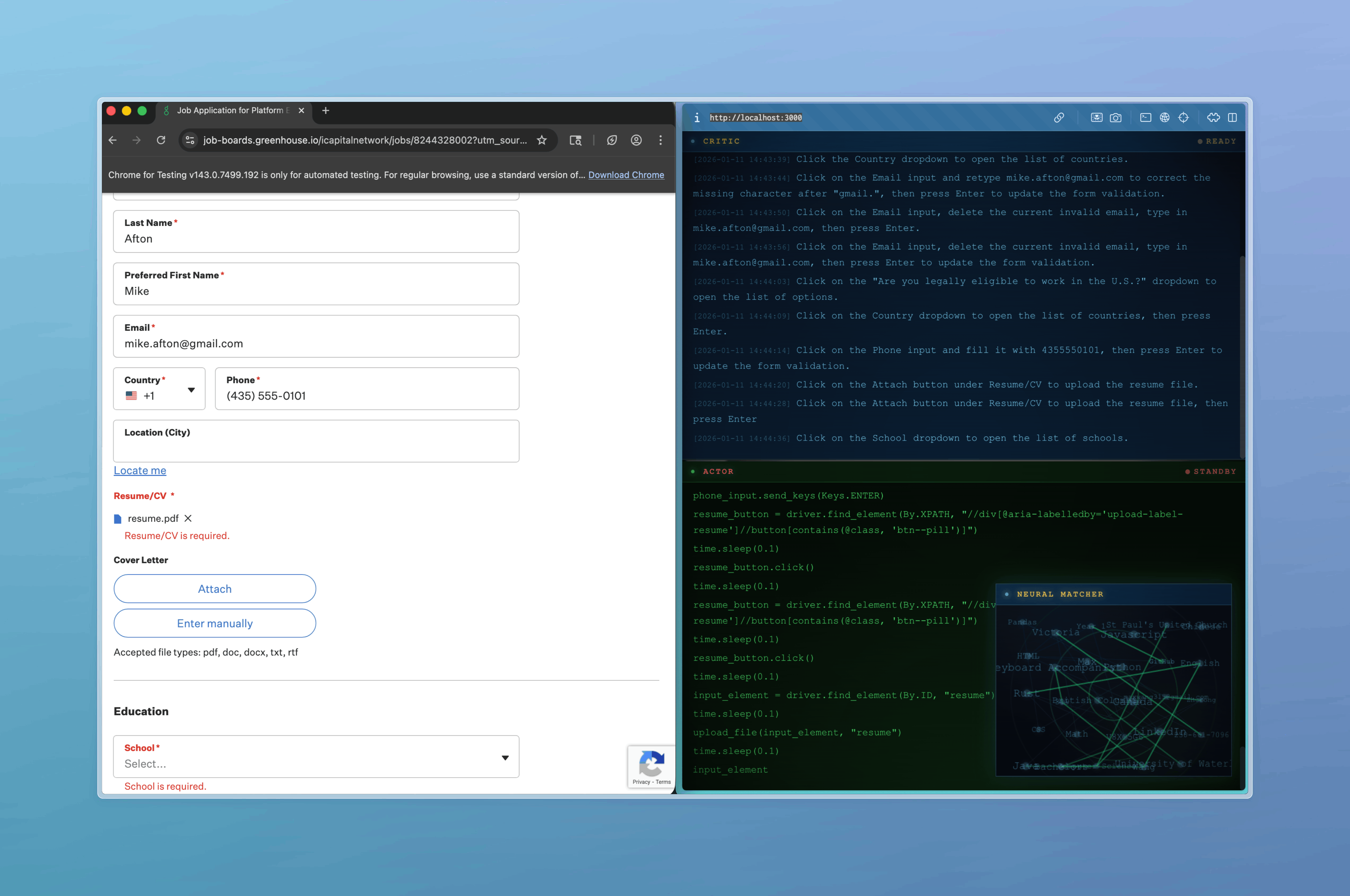
Autojob in action: Filling in applications on the left, with a visual representation of its work on the right.
Inspiration
75% of our team are students in their 1B term at Waterloo CS, and 100% of our team agrees that applying to jobs is really, really, really, boring. It's filling out the same mindless questions every time, attaching the same resume, writing the same cover letter... the most exciting thing is when you get to solve a Captcha.
What it does
Every job website is slightly different, but our automata follows a simple algorithm to navigate through any site and fill out everything you need. You just need to fill out all the basic information once and upload at least one resume and cover letter (if there are multiple, we use LLMs to pick the most suitable).
How we built it
To understand how an AI should navigate through a website, let's first consider how a human would. We'd look at the current screen, notice any important features, then interact with them. These two lobes are essentially how our actor-critic model operates (or as we call them, the "wanter" and "executor"). We iterate the following steps:
- Look at the current viewport, and have the wanter pick one action he'd like to accomplish. The wanter describes the action with one sentence, then picks a keyword that he can see that he is "curious" about. For example, if a website had a drop-down menu called "Select Graduation Date", the wanter may say "Click on the drop-down menu to select a graduation date, and wait" - his keyword might be "Graduation". This curiosity is important, since we can't know how an element will behave until we click it.
- The executor will first prune the HTML tree, considering only elements that contain the wanter's keyword or their ancestors. This is because entire HTML documents can be around 300,000 characters, and we certainly don't need all of it for each action. Now we're left with a skeleton of the HTML - sufficient to reconstruct enough context to accomplish the action using Selenium commands. Here, we used a combination of Moorcheh and OpenAI's APIs to produce a list of Selenium commands (written in Python), which we execute using
exec(cmds). We run code to write code to run code!
This back-and-forth continues until we deem that the application is complete.
Challenges we ran into
At first, we thought that passing in pure HTML would be enough for an LLM to understand how the website functions. But with the variety of frameworks that modern frontend work in, it turns out it wasn't sufficient to simply extract all <button> and <form> elements since some sites use <div> to take inputs, while not all drop-down menus look like a <select>. Eventually, we figured that we'd need a more dynamic and flexible algorithm capable of interacting with any website.
Accomplishments that we're proud of
After we finished our project, we realized that while what we built could technically be used for applying to jobs, it could also easily be generalized to really interact with any websites. In other words, we've basically laid the foundations to a general-purpose AI agent with web capabilities.
What we learned
AGI is probably not that far away.
What's next for Autojob
We can repurpose this for anything - online grocery shopping, trip planning, playing Rainbet... the possibilities are endless.
Also, instead of just applying to one job, why not batch apply to 100? We're working on a feature to take in a list of job application links and apply to each one automatically without you needing to lift a finger.
If you'd like to use this code for yourself (I know you do), you can check out the installation instructions on our https://github.com/JojoTheWarrior/autojob.

Log in or sign up for Devpost to join the conversation.