
AutoDoctor





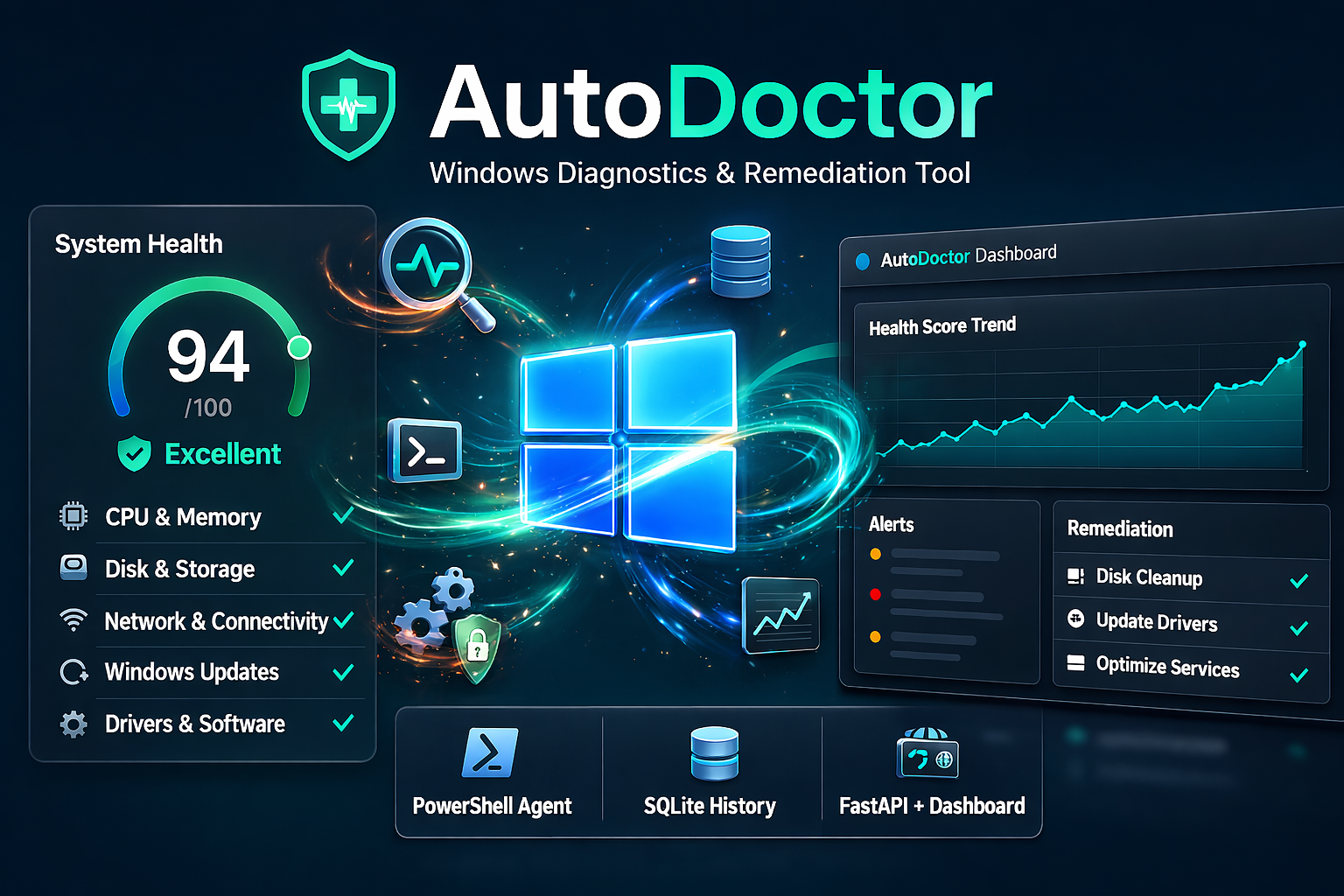
AutoDoctor is a Windows diagnostics and remediation tool that combines:
- a PowerShell agent for diagnostics/remediation
- SQLite persistence for local history
- a FastAPI service for structured data access
- a browser dashboard for real-time visualization
Documentation: projectindexly.com/autodoctor Project Indexly (main repo): github.com/kimsgent/project-indexly
Table of Contents
What AutoDoctor Does
- Runs host diagnostics (CPU, memory, disk, network, events, updates, drivers, software)
- Computes root-cause summary and health score
- Executes remediation tasks in the full workflow
- Persists diagnostics, alerts, telemetry, and system snapshots to SQLite
- Serves data to dashboard and automation via API
Architecture
agent/            PowerShell execution engine + modules + DB writers
server/api/       FastAPI app + query layer + Windows service wrapper
server/dashboard/ Static dashboard (Chart.js) with API polling
db/               SQLite database (autodoctor.db)
installer/        Build script + Inno Setup packaging
Requirements
Minimum runtime:
- Windows x64
- Administrator privileges for installer and agent execution
- PowerShell 5.1+
- Optional: Google Chrome or Chromium for automatic PDF report generation
For system_python service mode:
- Python 3.12.x
- Packages:
pywin32,fastapi,uvicorn
For local build/packaging:
- Python 3.12
- PyInstaller
- Inno Setup 6 (
ISCC.exe)
Installation Paths
A) Installer deployment (recommended for endpoints)
Run the generated installer as Administrator:
- default root:
C:\ProgramData\AutoDoctor - choose service mode:
bundledruntime (default)system_pythonruntime (advanced)
B) Source/development deployment (.venv)
Run from cloned repo. Without overrides, runtime artifacts stay in repo tree:
cd .\server\api
python -m venv .venv
.\.venv\Scripts\Activate.ps1
python -m pip install --upgrade pip
python -m pip install pyinstaller fastapi uvicorn pywin32
Runtime Configuration
Important environment variables:
| Variable | Purpose |
|---|---|
AUTO_DOCTOR_HOME |
Runtime root override |
AUTO_DOCTOR_DB_PATH |
Explicit DB file path |
AUTO_DOCTOR_CONFIG_INI |
Explicit INI path |
AUTO_DOCTOR_API_HOST / AUTO_DOCTOR_API_PORT |
API host/port fallback |
AUTO_DOCTOR_API_KEY |
Optional API key enforcement |
AUTO_DOCTOR_CORS_ORIGINS |
CORS allow-list override |
AUTO_DOCTOR_SYSTEM_PYTHON |
Installer: explicit interpreter path for system mode |
AUTO_DOCTOR_CHROMIUM_PATH |
Optional explicit Chrome/Chromium executable path for PDF reports |
Host/port precedence:
- Registry (
HKLM\Software\AutoDoctor) - INI (
config\autodoctor.ini) - Environment variables
- Defaults (
127.0.0.1:8000)
Run and Verify
Run bootstrap (safe initial schema/data):
powershell -NoLogo -NoProfile -ExecutionPolicy Bypass -File .\agent\Initialize-AutoDoctor.ps1
Run full diagnostics + remediation:
powershell -NoLogo -NoProfile -ExecutionPolicy Bypass -File .\agent\AutoDoctor.ps1
Verify API and dashboard:
Invoke-RestMethod http://127.0.0.1:8000/health
Invoke-RestMethod http://127.0.0.1:8000/api/system/latest
Dashboard:
http://127.0.0.1:8000/dashboard/
Build and Packaging
One-click build (PyInstaller + Inno Setup):
powershell -NoLogo -NoProfile -ExecutionPolicy Bypass -File .\installer\Build-AutoDoctor.ps1
Version is sourced from:
VERSION
Build guide:
Installer script:
API Endpoints
GET /healthGET /api/system/latestGET /api/system/historyGET /api/alertsGET /api/healthGET /api/modulesGET /api/dashboard/meta
Documentation
- Docs home: projectindexly.com/autodoctor
- Local docs source:
docs/content/autodoctor
Suggested reading order:
- Getting Started
- Technical Guide
- Troubleshooting
- Reference
- Developer Guide
Disclaimer and Rights
AutoDoctor is provided for diagnostics and operational support workflows. Remediation actions can modify system state and should be run by authorized administrators in controlled contexts.
Dashboard and generated reports include product-specific disclaimer text; keep these notices intact in redistributed builds. Third-party platform names and trademarks remain the property of their respective owners.
Built With
- html
- inno-setup
- javascript
- powershell
- python

Log in or sign up for Devpost to join the conversation.