Inspiration
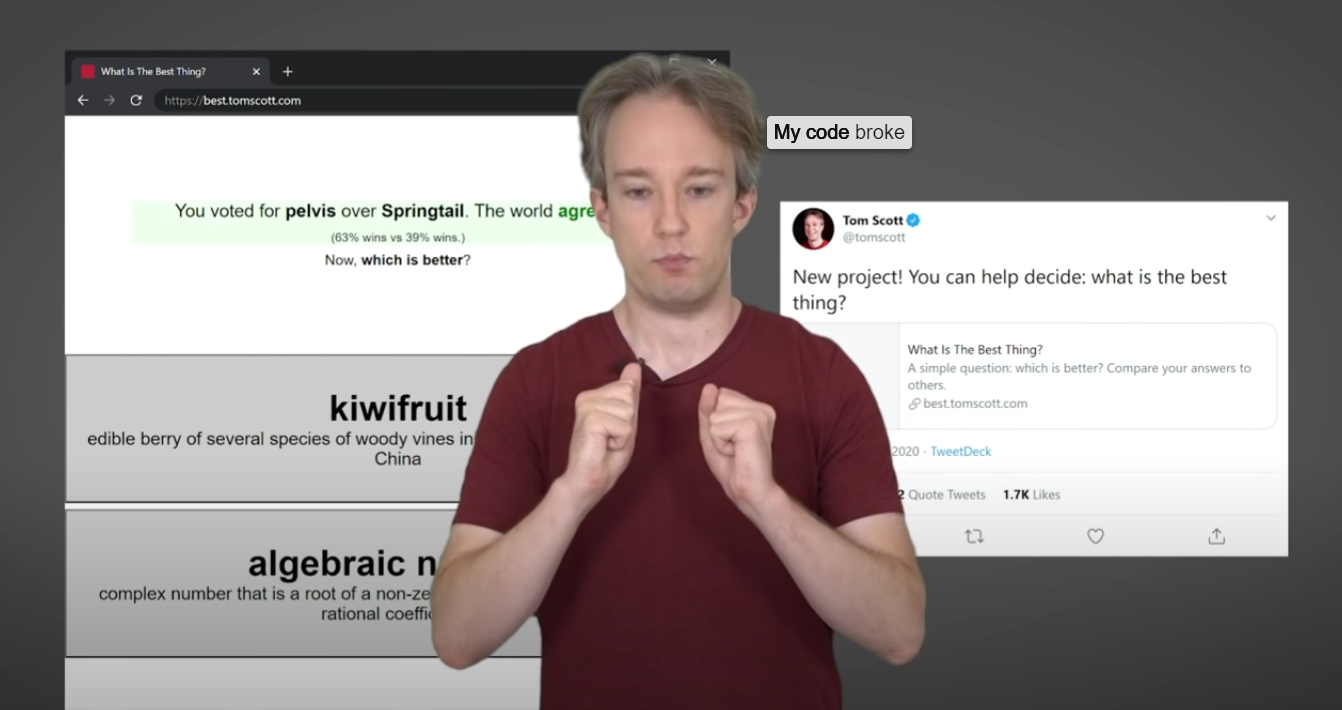
When viewing a video with audio, as much of the communication is through the speaker's facial expressions and body language, as it is in what they are actually saying. With captions in a fixed position, you lose that depth of expression - when your eyes are darting around the screen, you lose the subtleties in the speaker's communication. For those who require audio captioning, we aim to gain the best of both worlds:
What it does
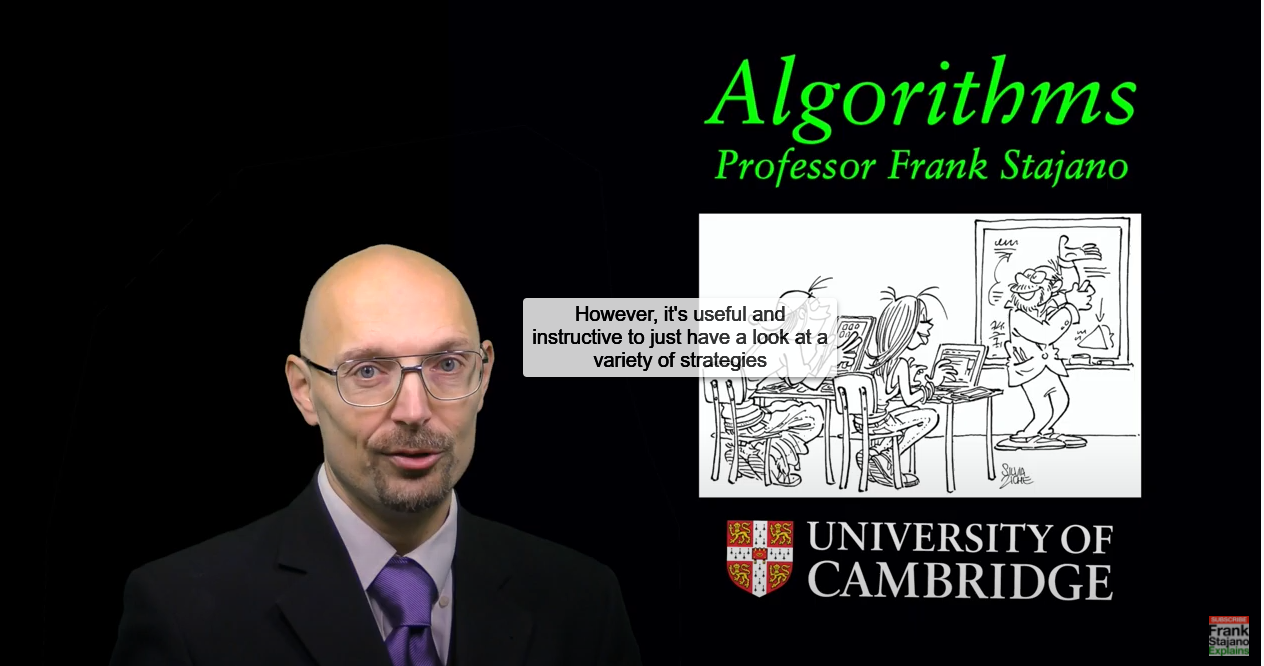
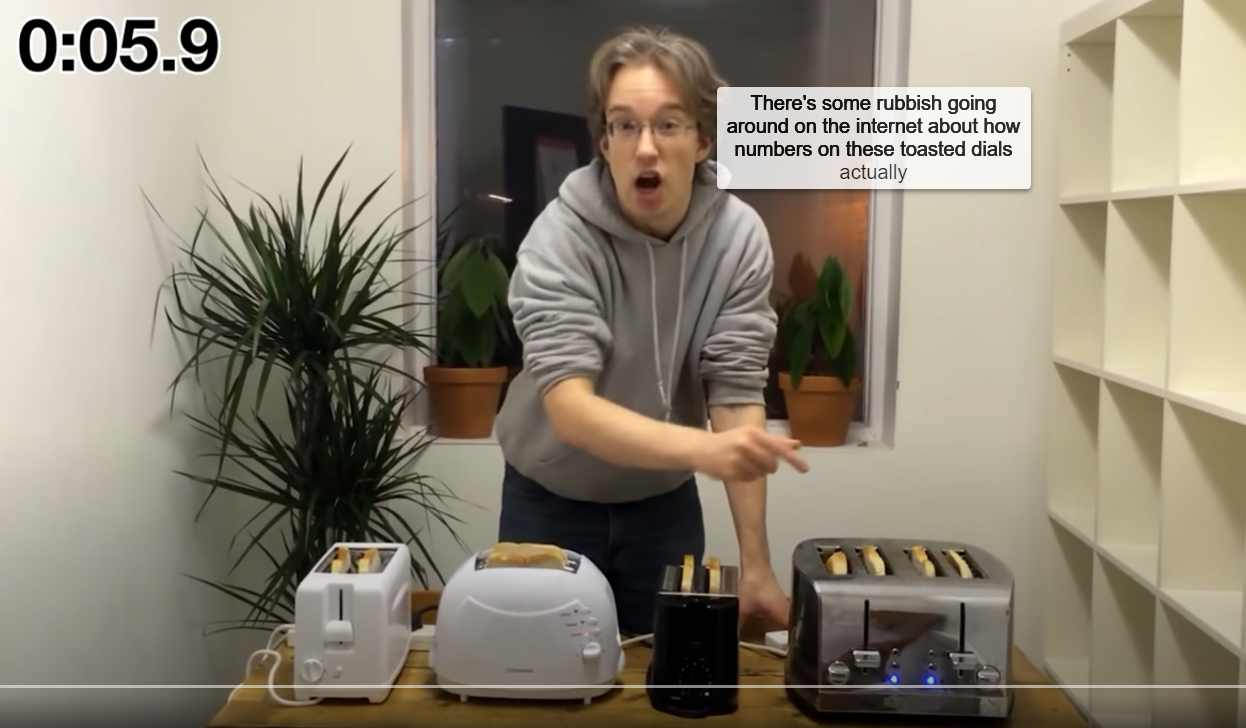
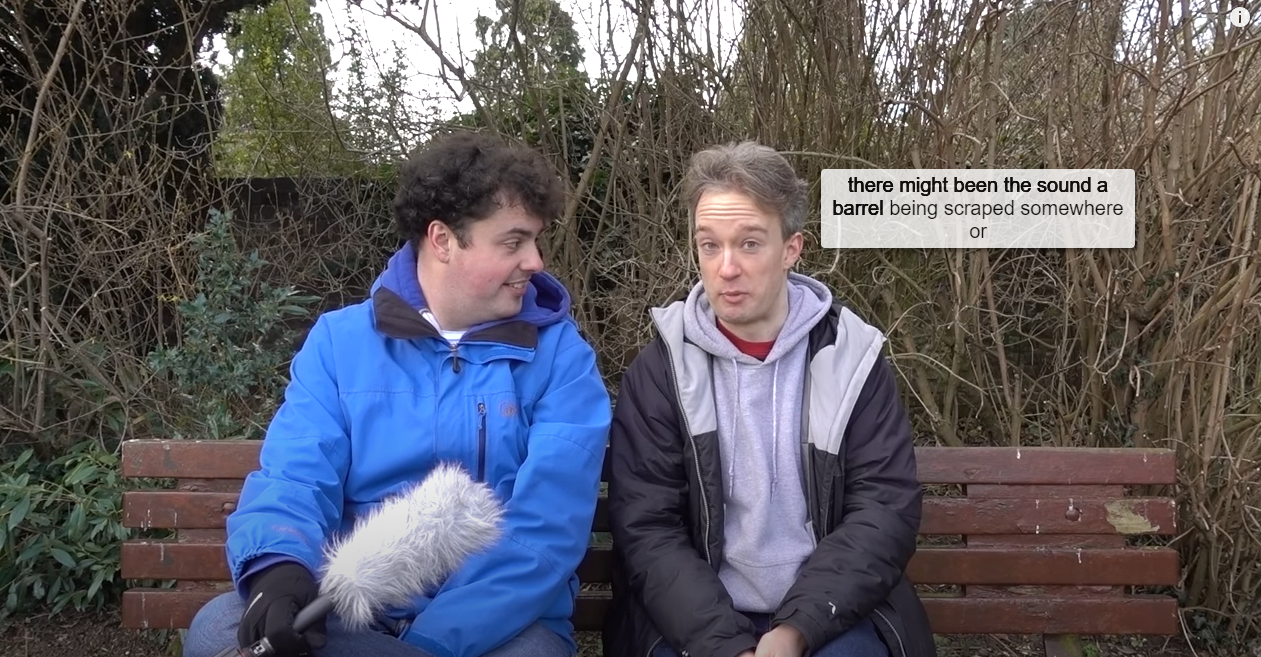
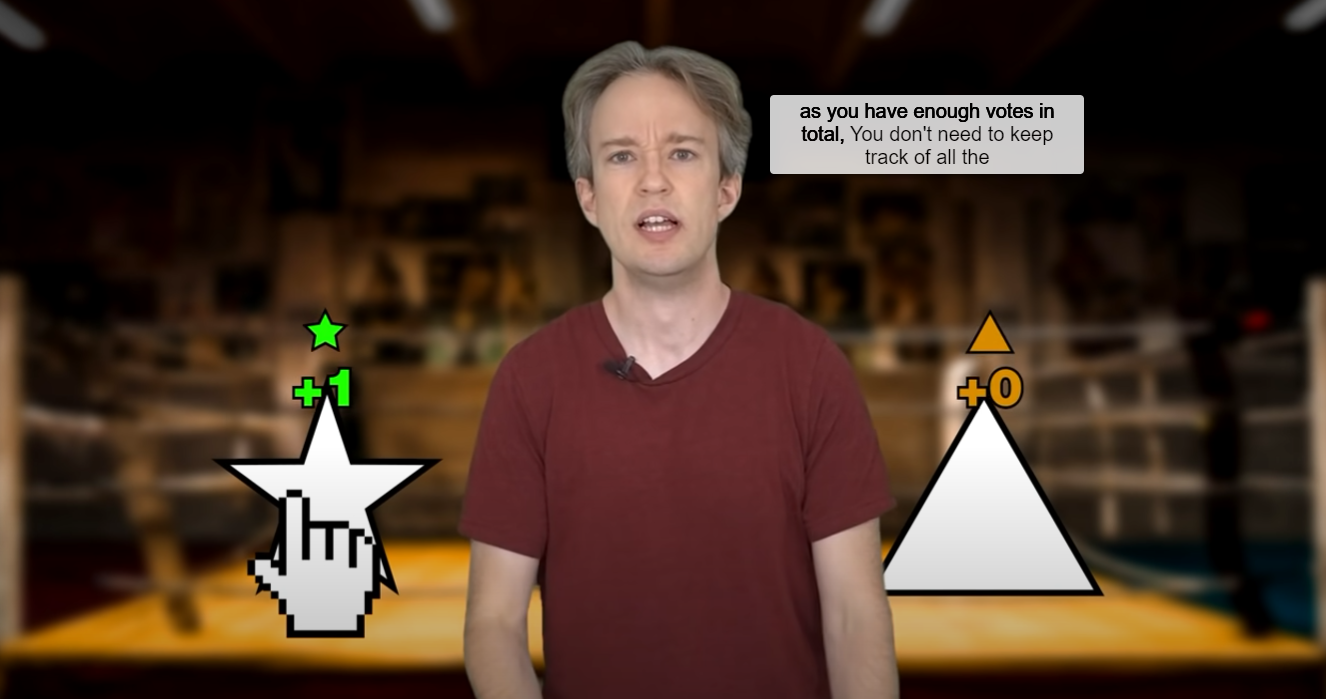
Using facial recognition technology in conjunction with speech recognition, this Chrome extension generates live captions for spoken text of an online video, places them close to the speaker's face - allowing those who require subtitles to better understand both the text and tone of what the speaker is trying to communicate.
How we built it
To generate the text from the spoken words of the video, use the Deepgram API to convert the video to timestamped words and phrases which transcribe the video. The faces-api.js library was utilised to detect the position of the speaker in the video, and place the generated subtitles close to them. Node.js was used to power the backend - processing the video in such a way for the Deepgram API to take advantage of.
Challenges we ran into
The setup for faces-api.js was a challenge - not only ensuring that only the necessary information was being processed, but additionally confirming that all of the models/weightings of the data was loaded before the application attempts to process any faces. Fetching the video in a format that Deepgram could make use of was also a challenge - whilst faces-api could use any element, Deepgram required the audio in a different format., and also setting up the interface to allow the extension to connect to our Deepgram server proved difficult.
Accomplishments that we're proud of
The captions are positioned and updated seamlessly and unobtrusively; a lot of care was put into the styling of these captions, particularly how the words are highlighted in bold as they are being spoken. A lot of balancing took place in the finer details of the captions themselves - making sure they weren't too long to be distracting, whilst also not too short that they disappear too quickly.
What we learned
For some of us, backend development was an entirely new experience. Node.js and asynchronous calls took a while to get to grips with, but was especially needed for some of the essential API calls. For others of us, frontend development was equally unfamiliar - especially the fine-tuning of CSS and the user-experience.
What's next for AutoBubble
We hope to extend this beyond browser-based videos. An ideal use-case for this would be in online meetings, such as Zoom, which is especially prevalent in recent times. Extending this to an application which can be used in any program on the desktop would be the end goal.
Built With
- css
- deepgram
- express.js
- faces-api.js
- html
- javascript
- node.js


Log in or sign up for Devpost to join the conversation.