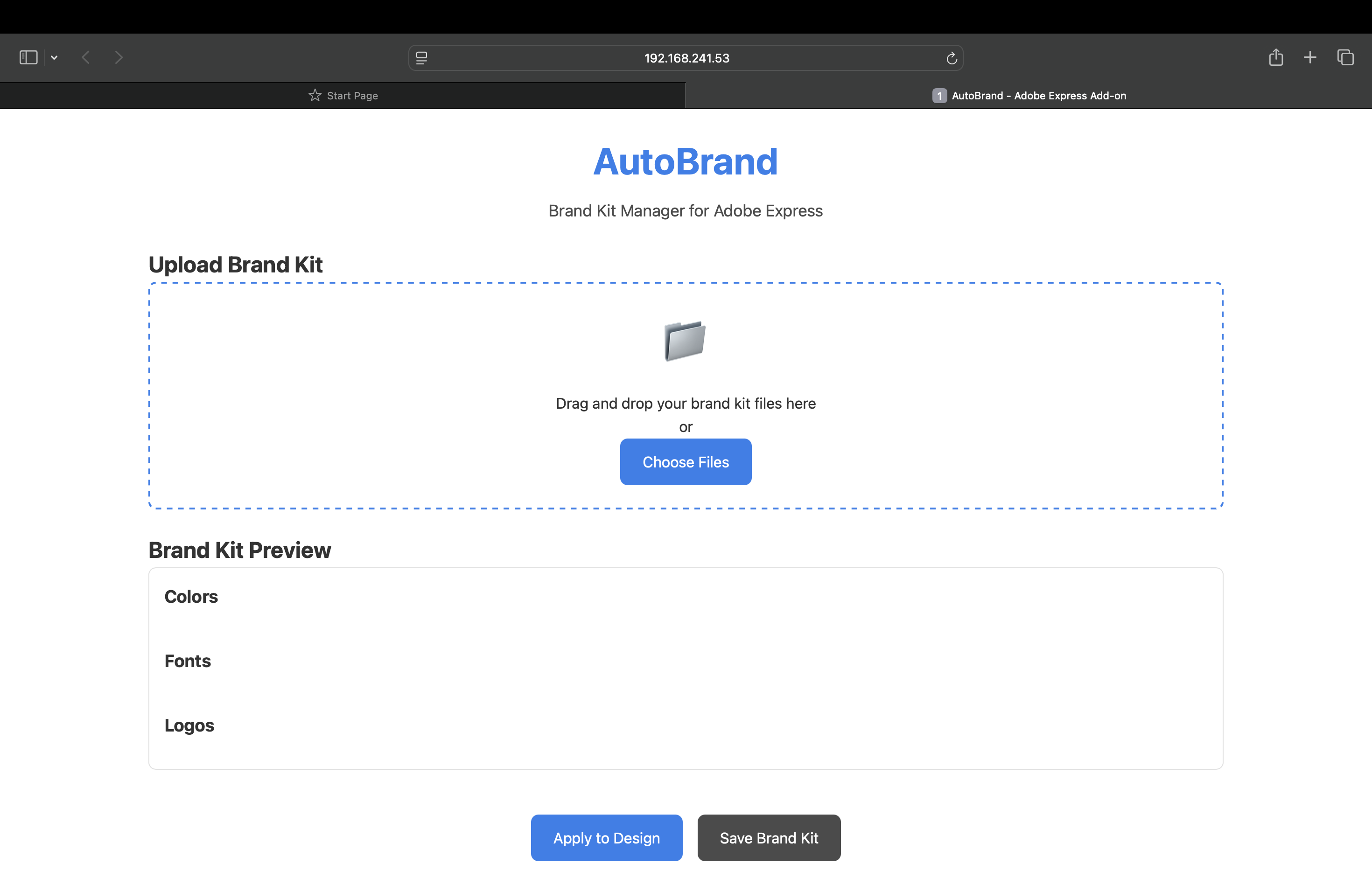
Inspiration Creating content is time-consuming—especially when you’re trying to stay consistent with your brand identity. We noticed that small businesses, creators, and marketers spend hours reapplying logos, fonts, and colors across projects. We wanted to build something that automates that process inside Adobe Express—so creators can focus on creativity, not repetition.
What it does Upload or sync a brand kit (logo, colors, fonts). Instantly apply the brand kit to any Adobe Express project. Maintain visual consistency with just one click.
How we built it Adobe Express UI SDK for building the add-on interface.
Challenges we ran into Understanding and integrating the Adobe UI SDK for the first time.
Designing a clean and intuitive UI that fits seamlessly into Express. Managing file uploads and ensuring the JSON format was user-friendly. Handling font compatibility between user kits and Adobe Express templates.
Accomplishments that we're proud of Built a fully functional branding tool inside Adobe Express. Made branding accessible to non-designers.
What we learned How to build and deploy an add-on using Adobe’s developer tools.
Best practices in design system consistency. Working with brand colors, fonts, and image assets dynamically. Importance of UX simplicity—especially in creative tools.
What's next for AutoBrand Add AI suggestions for font and palette matching.
Enable brand kit syncing from Notion, Google Drive, and Dropbox Build a template recommendation system based on branding style. Publish the add-on on Adobe Express Marketplace and collect user feedback.
Built With
- css3
- html5
- interaction
- javascript
- logic
- sdk
- structure


Log in or sign up for Devpost to join the conversation.