-
-
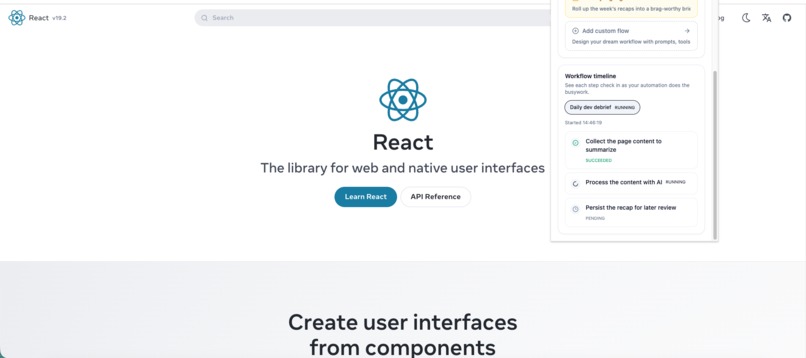
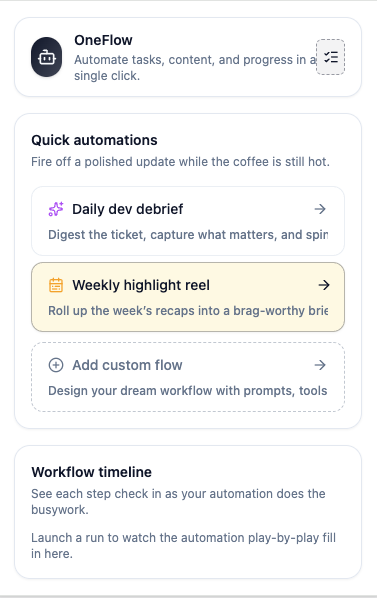
the clear status you could track
-
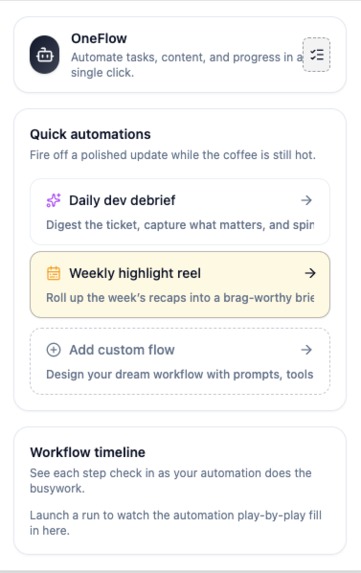
extention pop up page
-
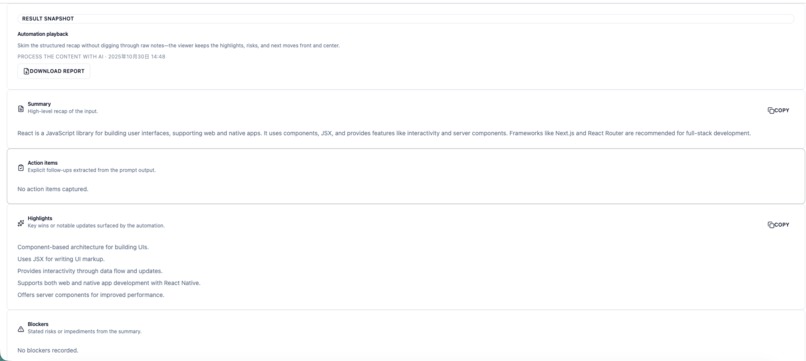
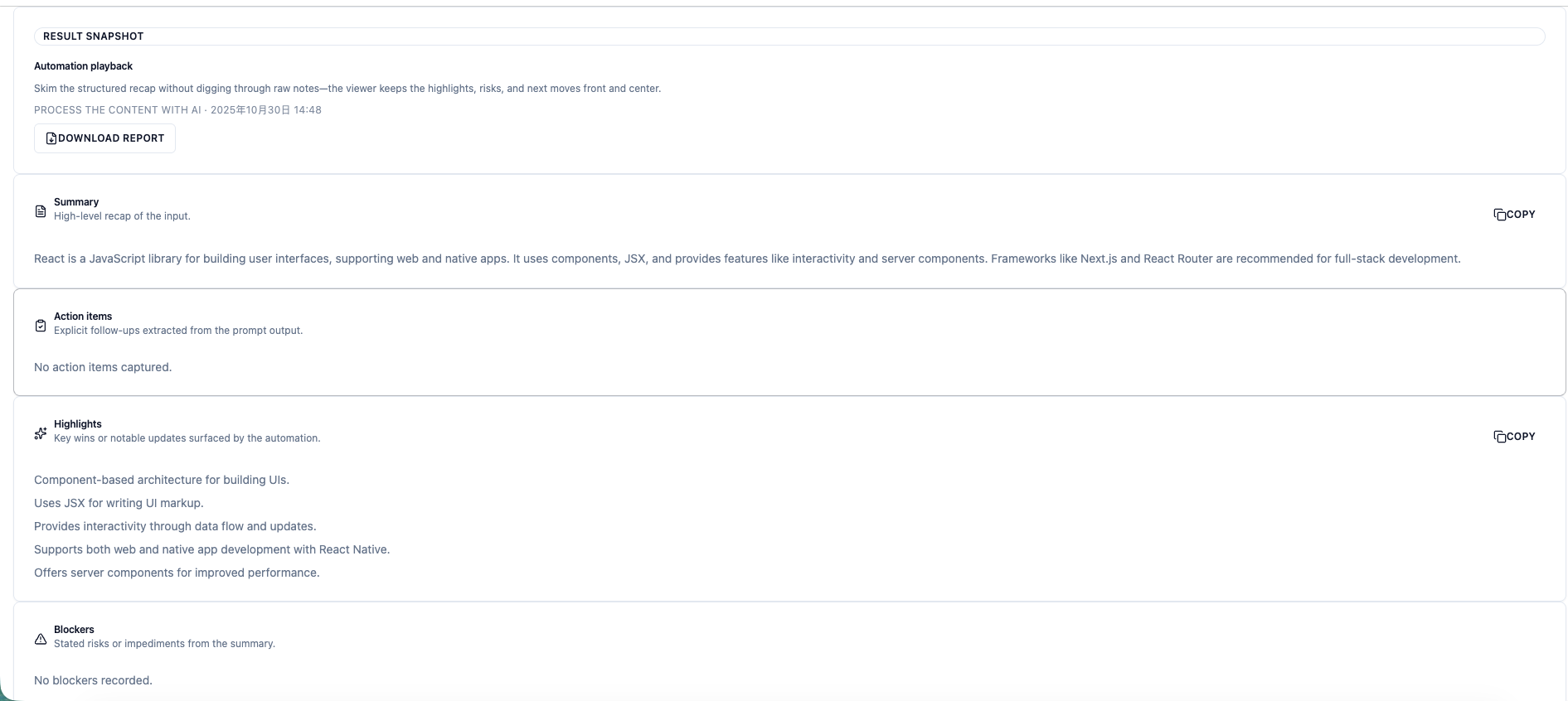
the clear results that helps you understand
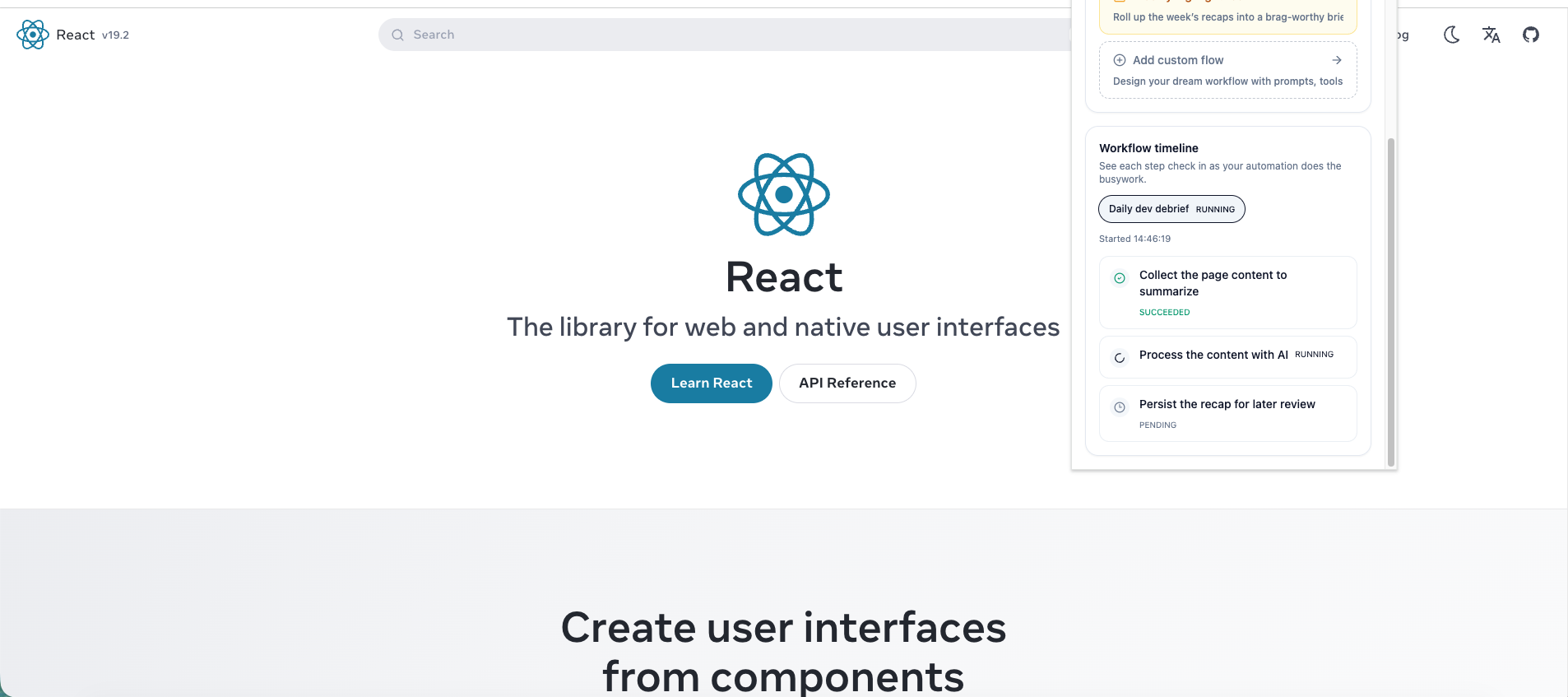
Project Story: OneFlow
About the Project
OneFlow is a Chrome extension designed to automate developer workflows by analyzing tickets, summarizing key content, and generating actionable insights — all processed locally to ensure privacy.
Inspiration
The project was inspired by the repetitive and time-consuming tasks developers face when managing tickets, writing PR descriptions, and summarizing weekly progress. I wanted a tool that could turn scattered information into actionable insights with one click, while keeping all data private and local. The idea extends to other daily work flow like blog content drafting and even a visual layer that let the user build their own customized workflow
What I Learned
During development, I learned how to:
- Integrate local AI models into a Chrome extension without relying on cloud services.
- Use activeTab, tabs, storage, and host permissions effectively to interact with dynamic web pages.
- Optimize workflow automation for real-time content extraction and summarization.
I also gained deeper insights into user privacy considerations and efficient client-side computation.
How I Built It
- Reading the Page Content: OneFlow uses
activeTabandtabspermissions to access ticket or work-related pages. - Local AI Processing: All analysis, from ticket clarification to PR draft generation, is performed locally. This ensures sensitive data never leaves the user’s device.
- Summarization & Workflow Automation: Using the AI model, the extension extracts highlights, action items, and key insights. Weekly reports are then generated automatically.
- User Storage: All settings, summaries, and workflow presets are stored locally using the
storageAPI for a smooth user experience.
Challenges Faced
- Local AI Inference: Running AI models in the browser without cloud support required careful optimization to avoid performance issues.
- Dynamic Page Structures: Tickets and content pages often have inconsistent DOM structures, requiring flexible parsing strategies.
- Smooth User Experience :– Ensuring that one-click automation remains safe, accurate, and responsive is a key challenge for new Chrome extension developers.
Built With
- chrome
- gemini
- indexdb
- plasmo
- promptapi
- typescript

Log in or sign up for Devpost to join the conversation.