-
-
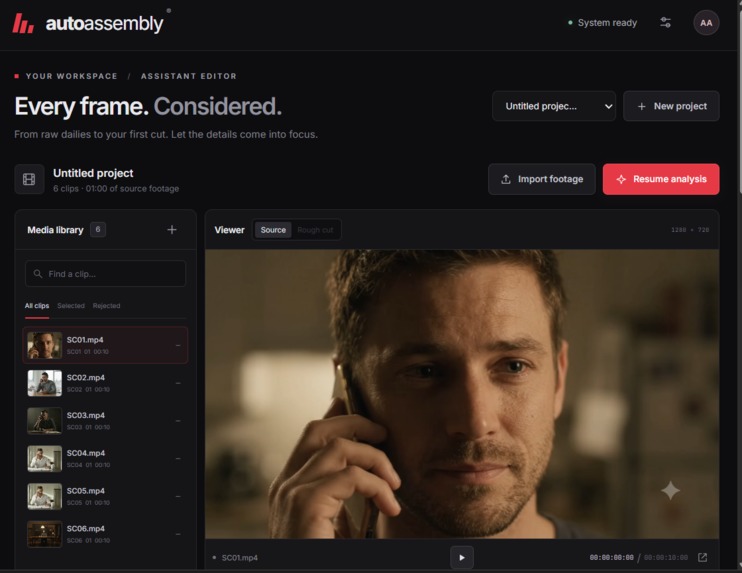
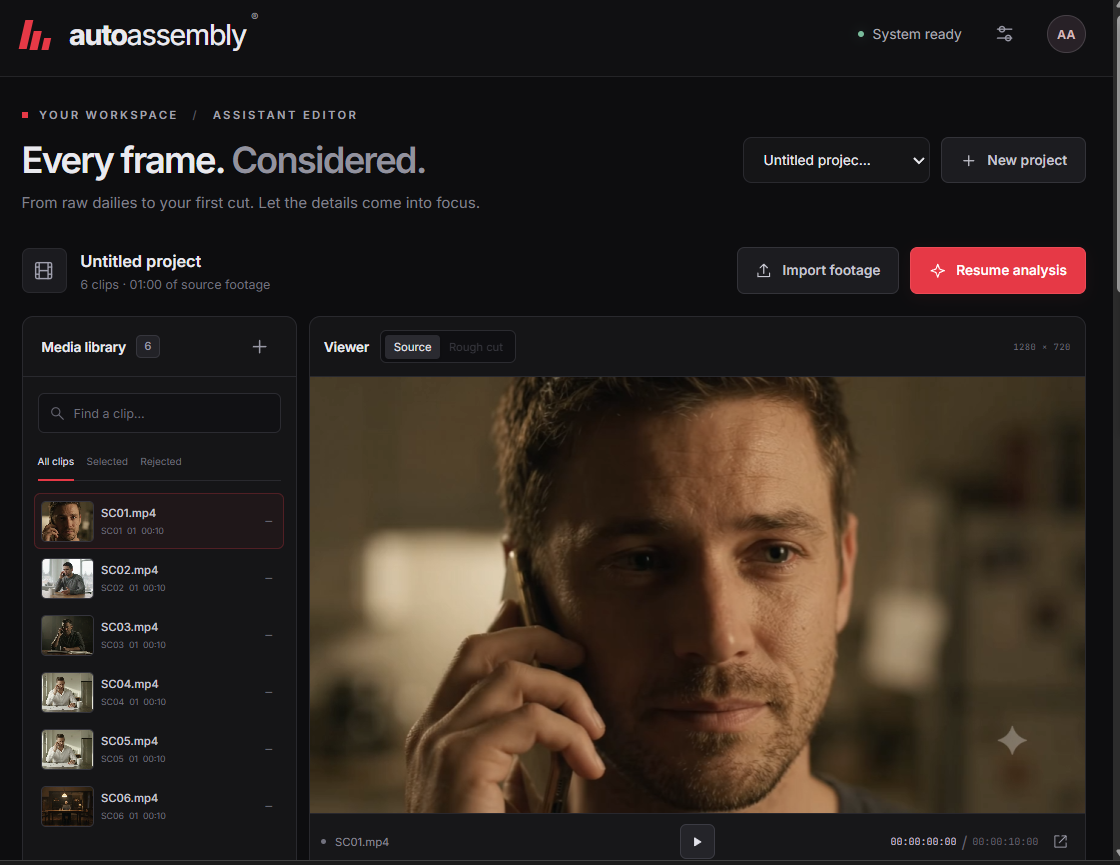
main dashboard
-
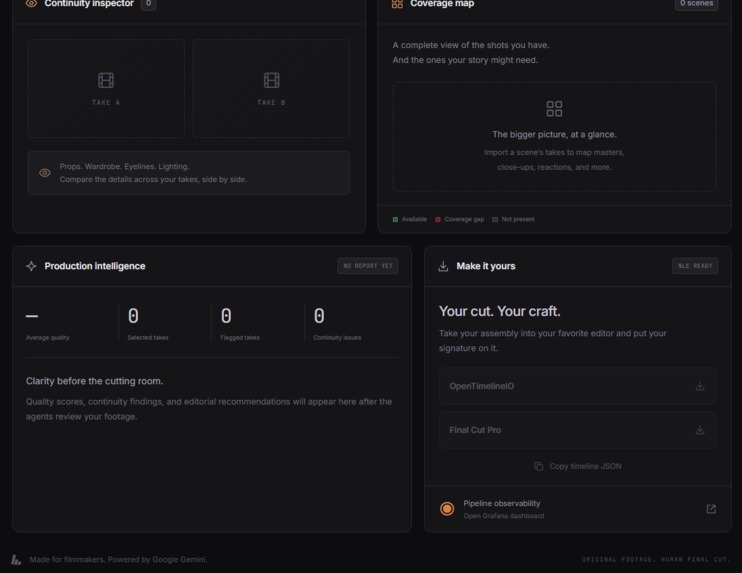
main editor
-
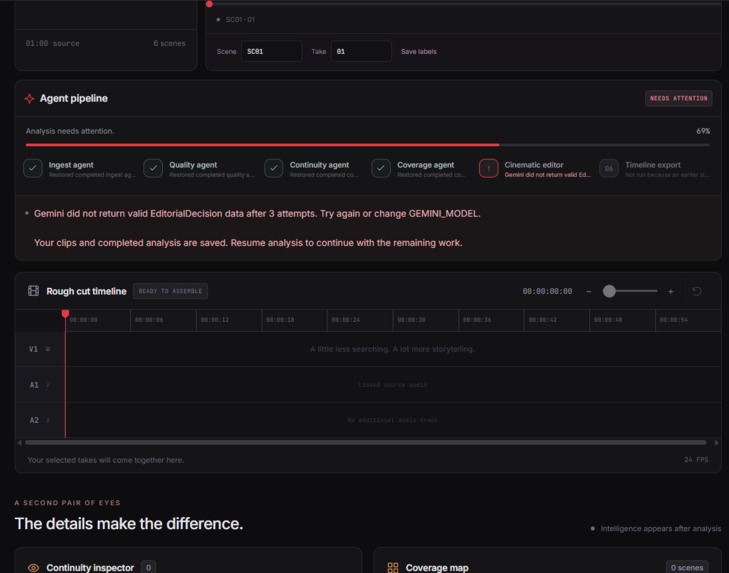
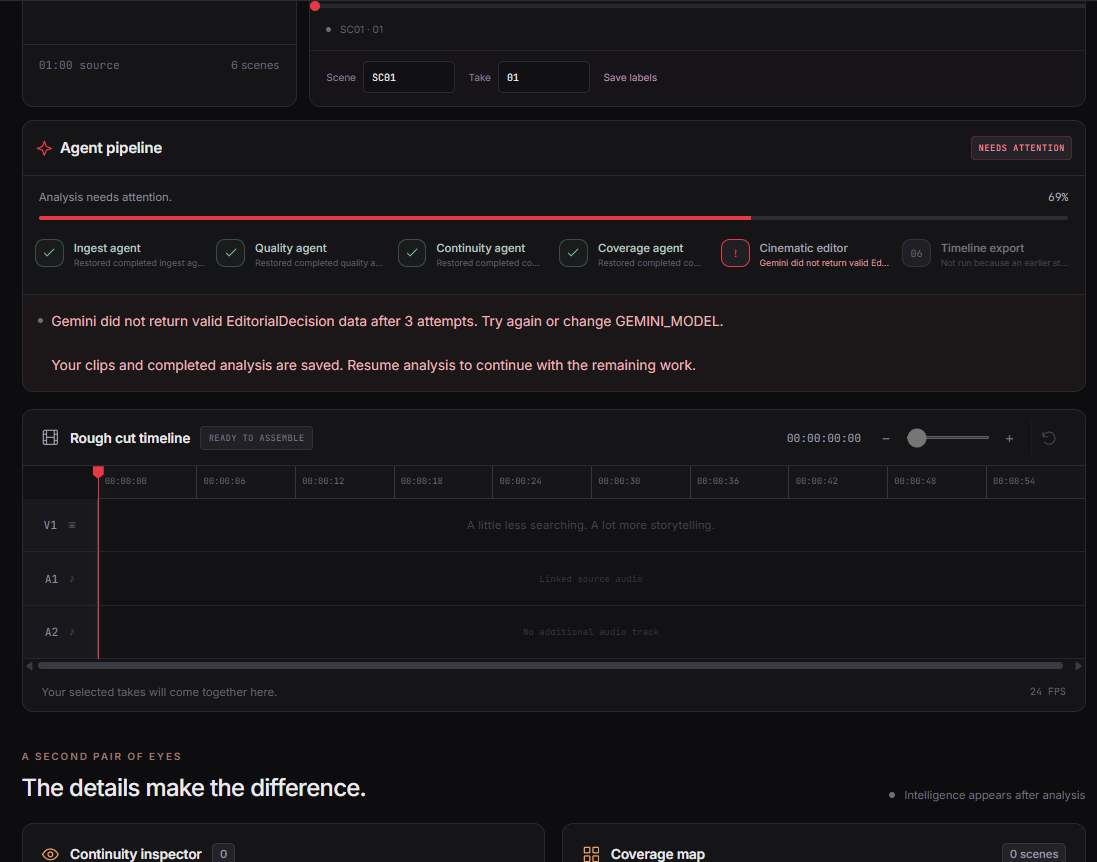
agents
-
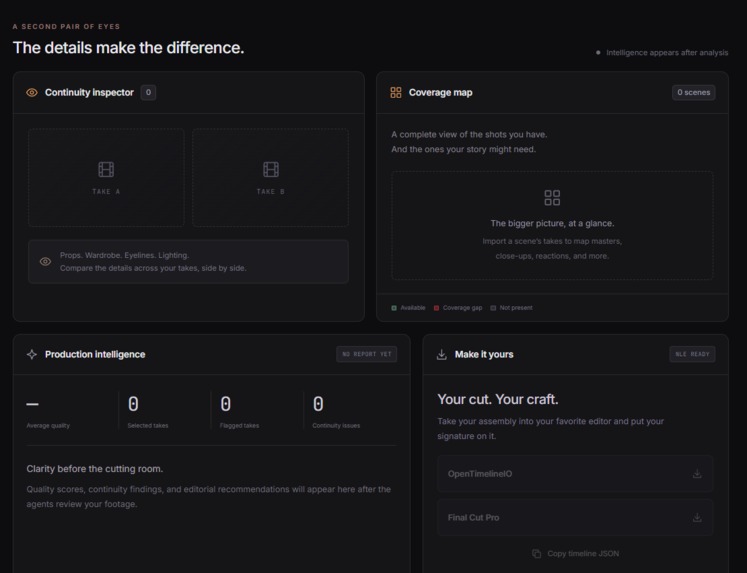
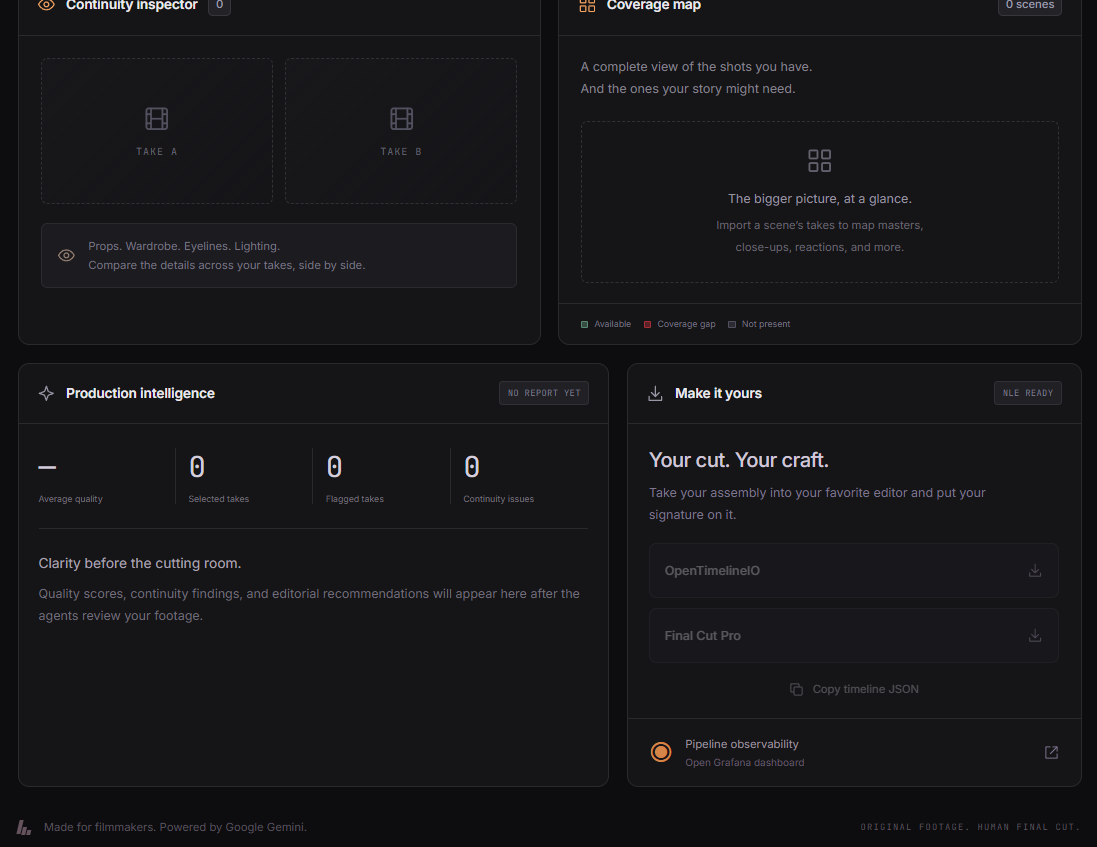
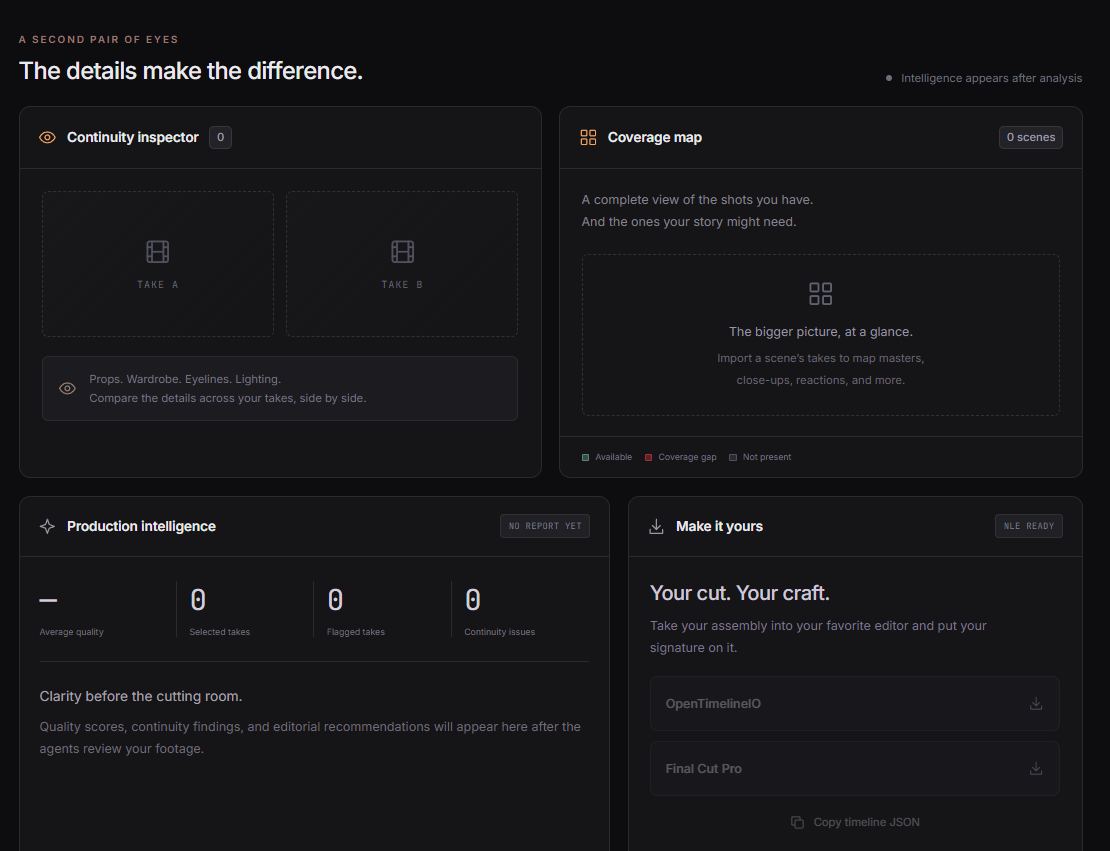
main final output
Inspiration
Editing a scene starts long before the first cut. Filmmakers must review footage, compare takes, check continuity, and identify missing shots. For small teams, that preparation takes time away from creative decisions.
AutoAssembly grew from a simple idea: an AI assistant editor that helps filmmakers understand their footage and prepare an editable first assembly while keeping creative control in human hands.
What it does
AutoAssembly brings footage review and editorial planning into one workspace. Users upload clips, organize related takes by scene, and describe their intended story or pacing in plain language.
The application includes a six-stage pipeline:
- Ingest: Extract clip metadata and sample frames.
- Quality: Assess technical issues such as blur, exposure, camera motion, and audio problems.
- Continuity: Compare eligible takes for potential differences in props, wardrobe, and appearance.
- Coverage: Classify shot types and suggest coverage gaps.
- Cinematic editor: Propose source selections and a sequence based on editorial intent.
- Timeline export: Generate editable OTIO, FCPXML, and JSON timelines.
The interface brings together source previews, analysis findings, a coverage map, and a rough-cut timeline for review.
How I built it
I built the backend with Python and FastAPI, and the frontend with HTML, CSS, and JavaScript.
FFmpeg and FFprobe handle media preparation and metadata extraction. OpenCV supports local visual measurements. Google Gemini analyzes sampled frames and returns structured responses for the analysis and editing stages.
The application connects to the official Grafana MCP server at runtime to query available health information and record dashboard annotations. Successful model responses are cached, and completed stages are checkpointed so retries can reuse saved work.
OpenTimelineIO and the export implementation provide the timeline interchange formats.
Challenges I faced
Free-tier API limits interrupted footage analysis. I added request pacing, bounded retry waits, daily-quota handling, and saved-progress recovery to reduce unnecessary repeat requests.
Model output also needs careful validation. A response must contain usable editing decisions and valid source ranges before the application can build a timeline. The latest footage run exposed an invalid editorial response, which remains an area to improve.
Another lesson was the importance of scene labels. Continuity comparisons need related takes grouped together. Treating every clip as a separate scene prevents meaningful comparisons.
Accomplishments I'm proud of
The local prototype supports footage upload and playback, and six uploaded clips have completed quality scoring and shot classification. Saved stages have also resumed successfully from checkpoints.
Gemini connectivity and actual Grafana MCP queries and annotations have been verified. The automated test suite passed 85 tests covering application behavior, agent orchestration, recovery, and timeline serialization.
The complete rough-cut export and import into an editing application still need end-to-end verification.
What I learned
Reliable AI workflows require more than a good prompt. Media preparation, structured validation, clear errors, and recovery all affect whether the application is useful.
I also learned to distinguish a completed pipeline stage from a meaningful result. A continuity stage that performs no comparisons cannot establish that the footage is consistent.
What's next for AutoAssembly
The immediate priority is reliable editorial output and a completed footage-to-timeline run, followed by export and source-relinking checks in an editing application.
Next, I want to validate continuity findings against human review, complete Grafana telemetry ingestion, and prepare secure hosting with durable background jobs.
The longer-term goal is to measure whether AutoAssembly reduces preparation time and helps editors make better-informed shot selections.

Log in or sign up for Devpost to join the conversation.